Mineuniverse
Resource Packs
Light Levels

Light Levels

RESOURCE PACK
Visualize significant light levels
by Luracasmus
Download Claim this project
30,733 downloads
0 likes
Updated Oct 14, 2026
0 hypes
16x Miscellaneous
Advertisement Remove ads with Premium →

Light Levels for Polytone / OptiFine

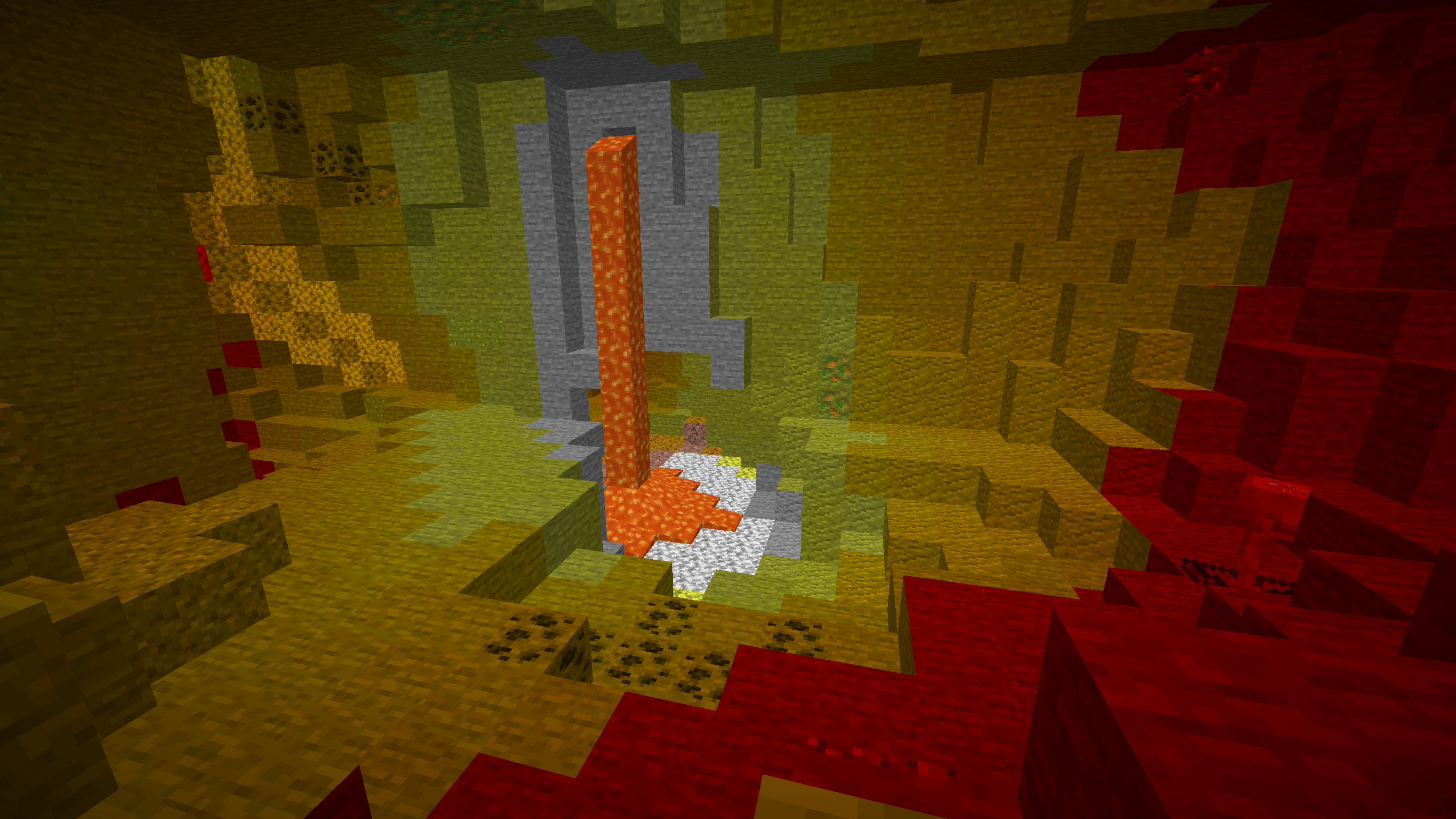
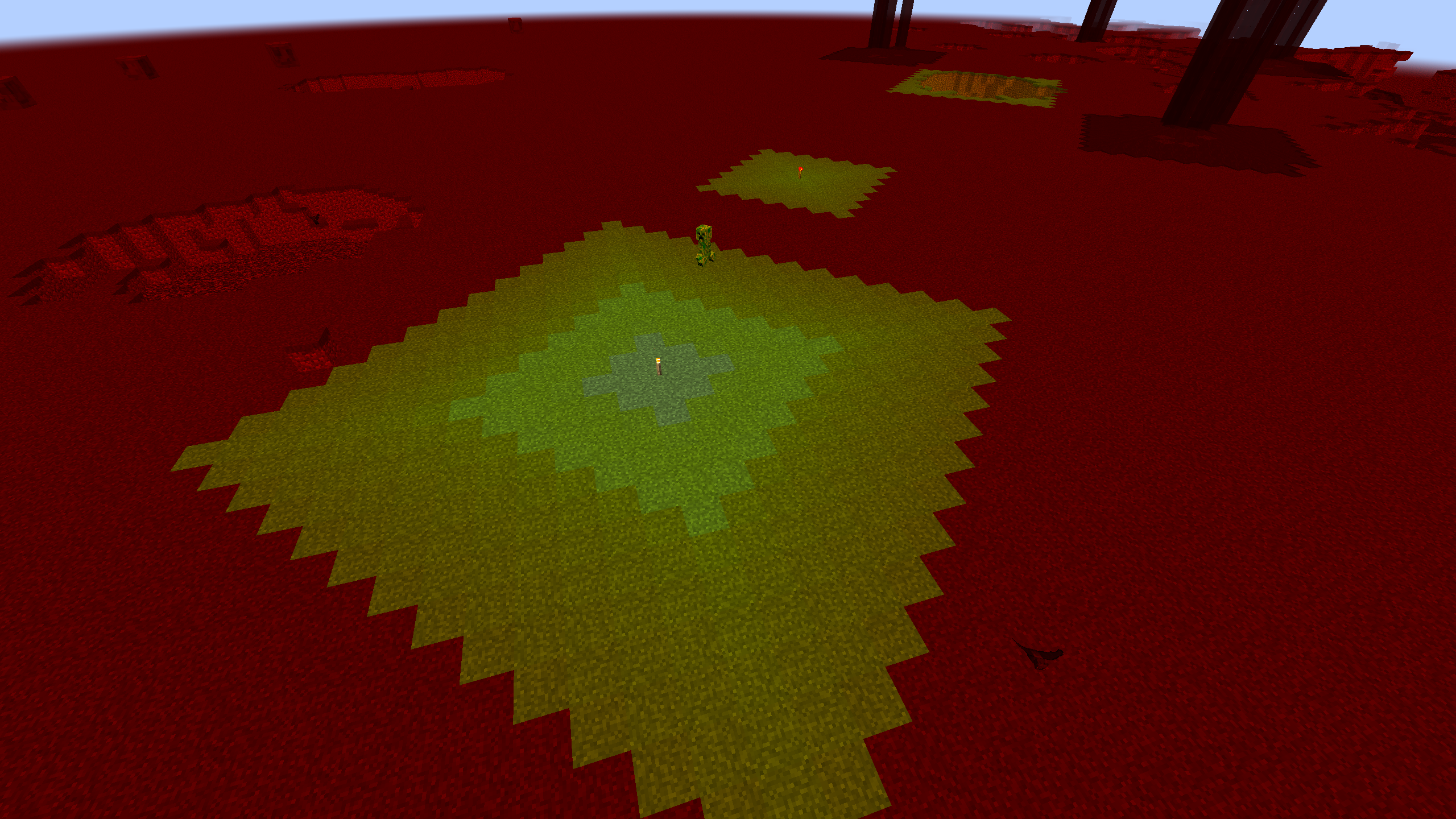
Colors different light levels (0, 7, 11) so you know where to put light sources to prevent mob spawning. Implemented using custom lightmaps.

Custom lightmap support is currently not available in Polytone for the most recent Minecraft versions, so you may only be able to use the resource pack with OptiFine.

When using OptiFine, requires: Custom Colors: ON, Smooth Lighting: OFF, Dynamic Lights: OFF

Remember to check server rules before using resource packs like this in multiplayer.

v2.0.1+42.0-97.1
MC 1.21.6-snapshot, 1.21.8, 1.21.5, 1.21.4, 1.21.5-Snapshot, 1.21.6, 1.21.3, 1.21.7, 1.21.4-Snapshot, 1.21.2, 1.21.9-snapshot, 1.21.9, 1.21.10, 1.21.11-snapshot, 1.21.11, 26.1, 26.1.1
Release 2026-10-11 Get

Requirements & install

How to use this resource pack in Minecraft
Resolution
16x
Minecraft
1.21.8 – 26.1.1
Install folder
.minecraft/resourcepacks

How to install resource packs

  1. Download the resource pack .zip file (do not extract it).
  2. In Minecraft open Options → Resource Packs → Open Pack Folder.
  3. Drop the .zip into the resourcepacks folder (.minecraft/resourcepacks).
  4. Move the pack to the Selected column and click Done.
Browse more: 16x resource packs 32x resource packs 64x resource packs 128x resource packs 256x resource packs 512x+ resource packs Resource Packs for 26.1.1 All resource packs

More from Luracasmus

Advertisement Remove ads with Premium →

You Might Also Like