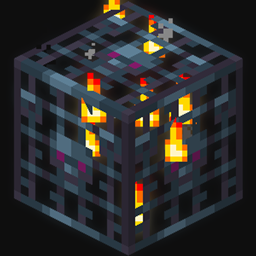
Simple utility resourcepack that adds glowing animation to a mob spawner block. This pack is useful for playing in Complete the Monument (CTM) style maps or exploring modded dungeons with a lot of mob spawners that need to be lit or destroyed.
This resourcepack makes it easier to spot spawners in the dark or partially hidden by blocks.
If you are using Optifine, spawner will have emissive texture and be even more visible in darkness.
There is also custom model ("[CustomModel]") version that adds a protruding border to the mob spawner model, allowing it to be visible in hidden places.
This image displays default minecraft spawner texture. There are 6 spawners on this image.

Its quite hard to spot them all, even while standing still and not fighting off the enemies.
Spawners are only identifiable by fire particles, which don't spawn after a short distance (16 blocks away from player). Spawners further than particle distance are completely invisible.
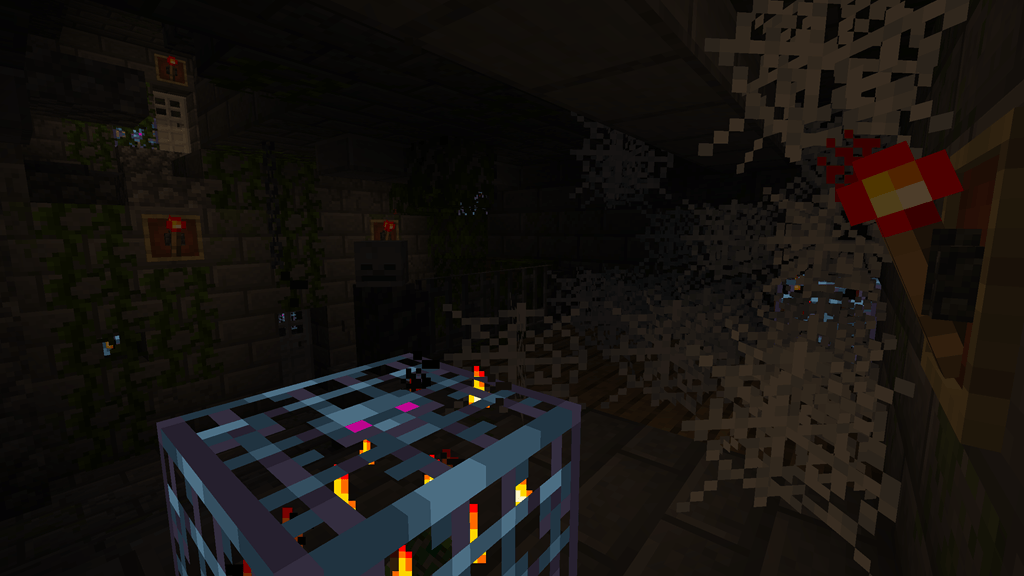
The image below displays "LetMeSeeThatSpawner" resourcepack and Optifine enabled.
The resourcepack adds distinct emissive color and a blink animation to mob spawners.

Custom model
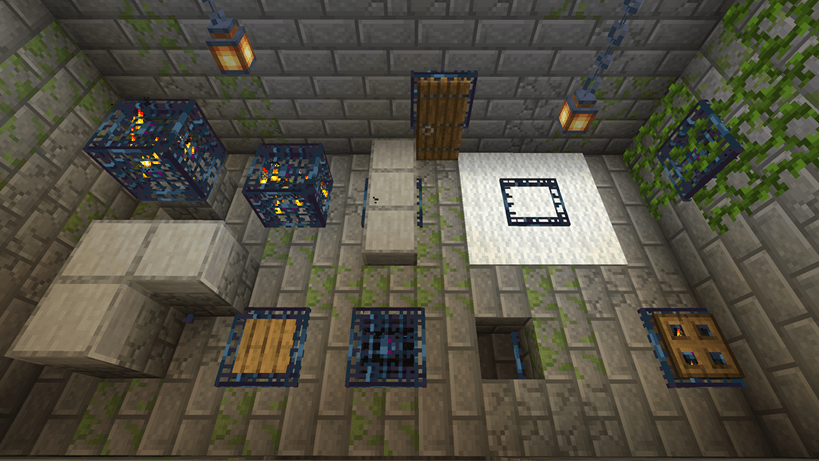
"[CustomModel]" version of the pack adds a border that protrudes along spawner edges and slightly extends beyond the block boundary.
The border allows the spawner to be visible under pressure plates, slabs, carpets, trapdoors, behind doors, under walls, in corners, etc.
Images below demonstrate the difference of using the model and some placement variants.
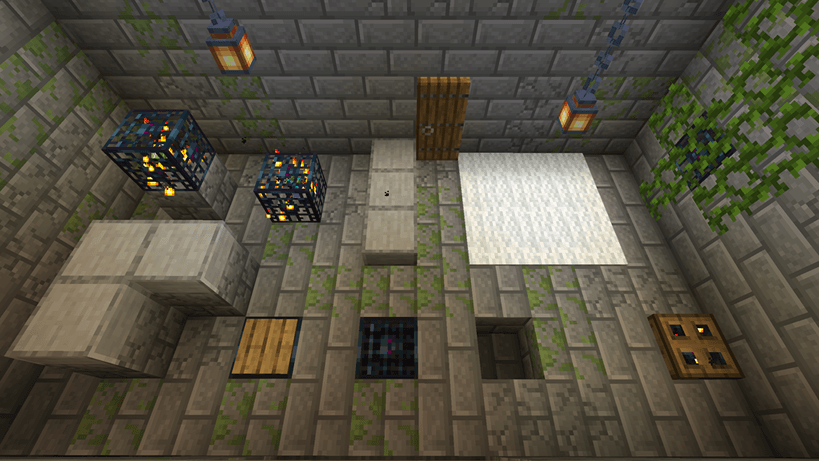
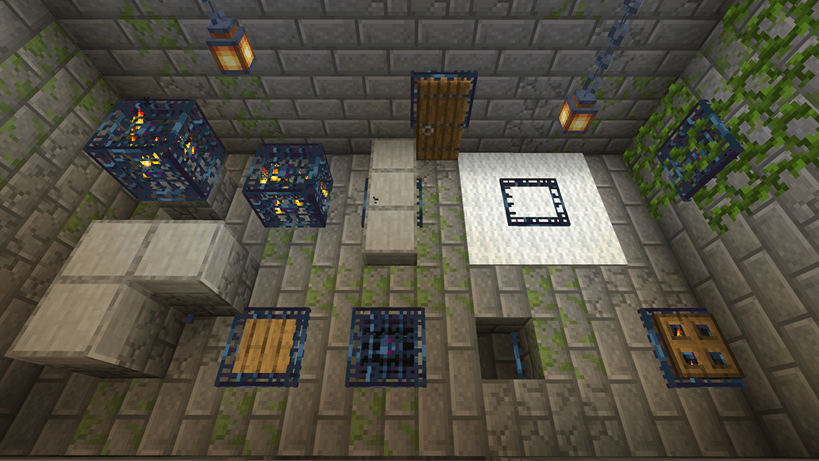
This pack uses default minecraft mob spawner texture, but you can easily replace it using texture from other resourcepack that you are using as a base. Spawner texture is located in "assets\minecraft\textures\block\spawner.png" and contains 8 frames of animation. You can replace the frames with a spawner texture from your base resourcepack and add brightness of your choice using any image editor.
If you want me to add a support for specific version of minecraft, ask in the comment section.