Mineuniverse
Resource Packs
Legacy Red

Legacy Red

RESOURCE PACK
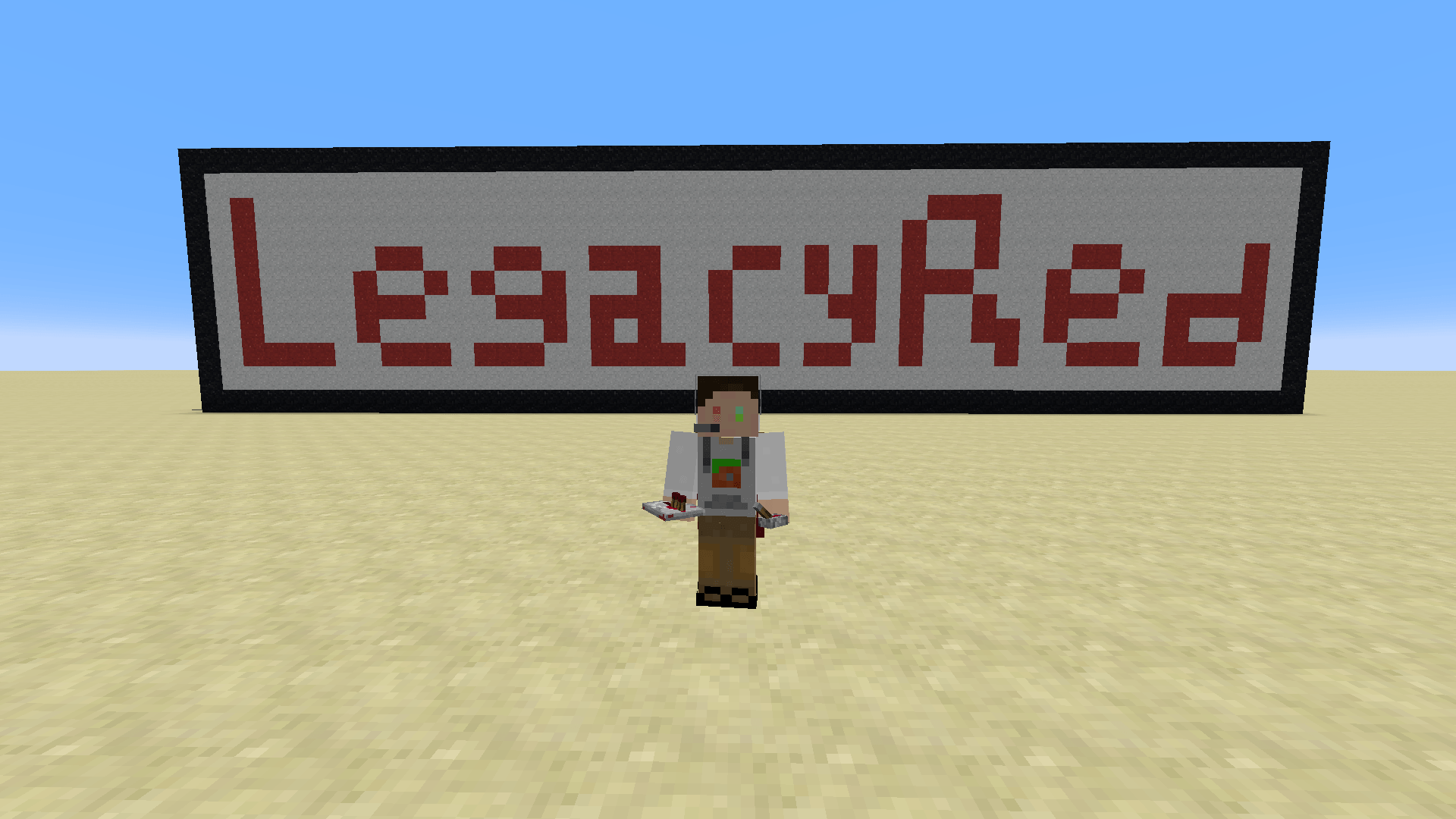
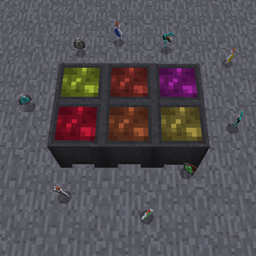
This is a simple texture in Programmer Art style that adds multiple highlighting/utility features to improve players' survival/redstone experience.
by redColmula55
Download Claim this project
244 downloads
0 likes
0 followers
Updated Oct 14, 2026
0 hypes
Follow0
16x Miscellaneous Mod Support Traditional
Advertisement Remove ads with Premium →

LegacyRed is a texture which focused on people who wants redstone display features but prefer the old Minecraft texture(aka Programmer Art).

It implements multiple highlight/utility features and supplies more Programmer Art style icons which didn't come with the original pack.

Features

Note: features listed below may not represent all features included in this pack and is for reference only.

Redstone

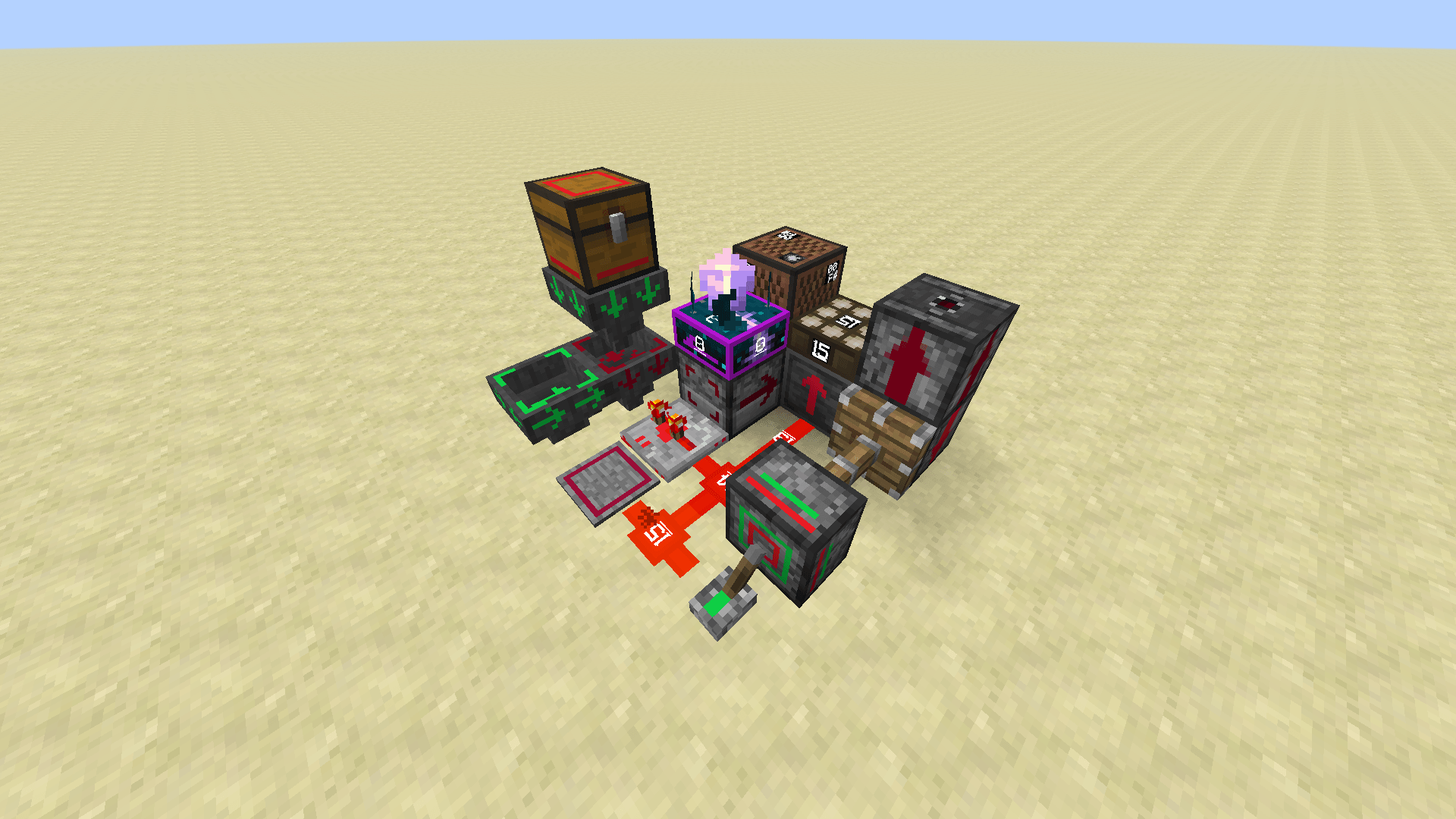
  • Redstone signal strength display
  • Direction indicators for piston, dispenser, dropper, hopper, etc.
  • Status indicator for button, lever, pressure plate, etc.
  • Tripwire status display
  • Noteblock instrument & tone display
  • Daylight detector mode/signal strength display
  • Sculk sensor direction & signal strength display

Highlights

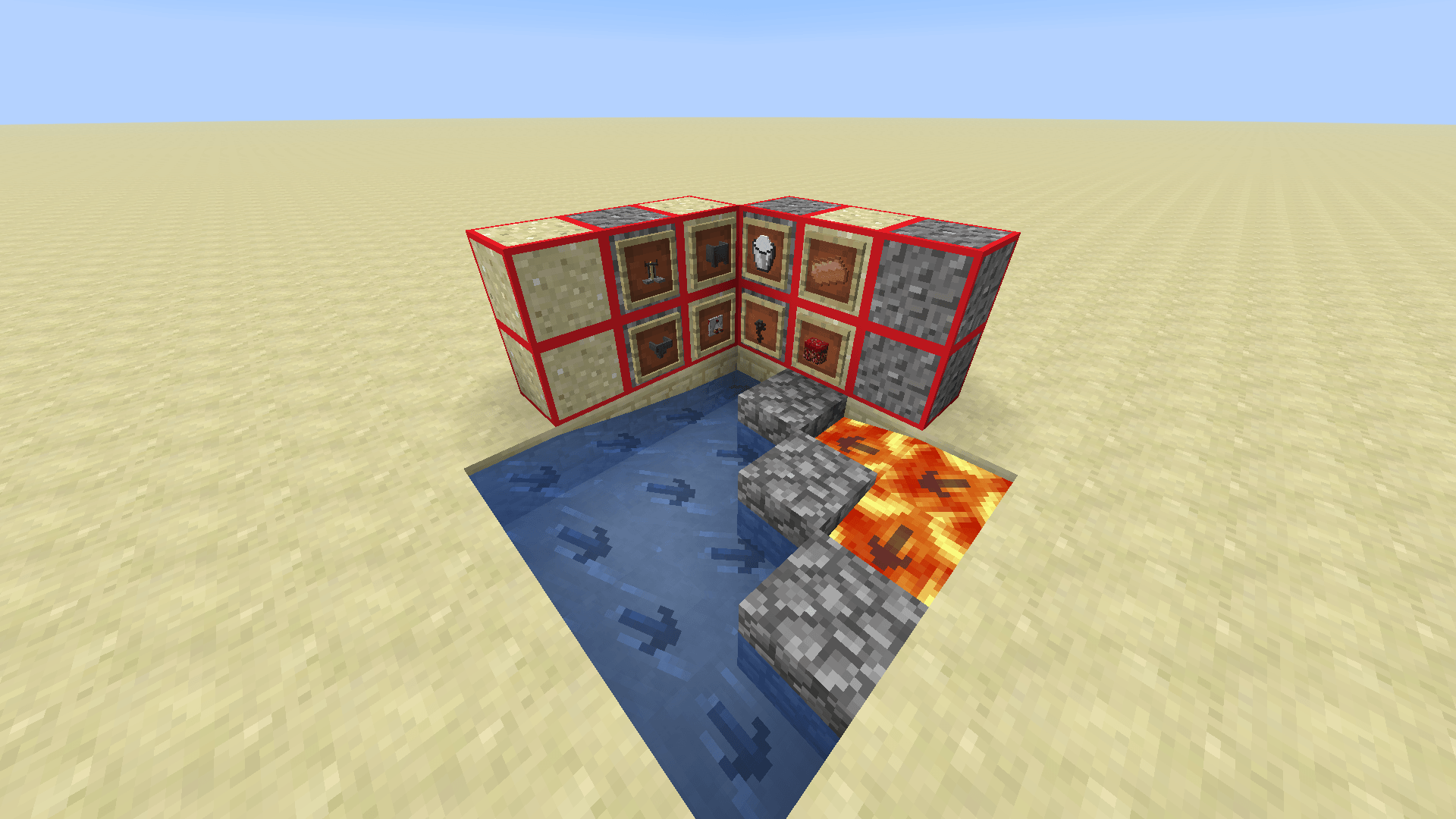
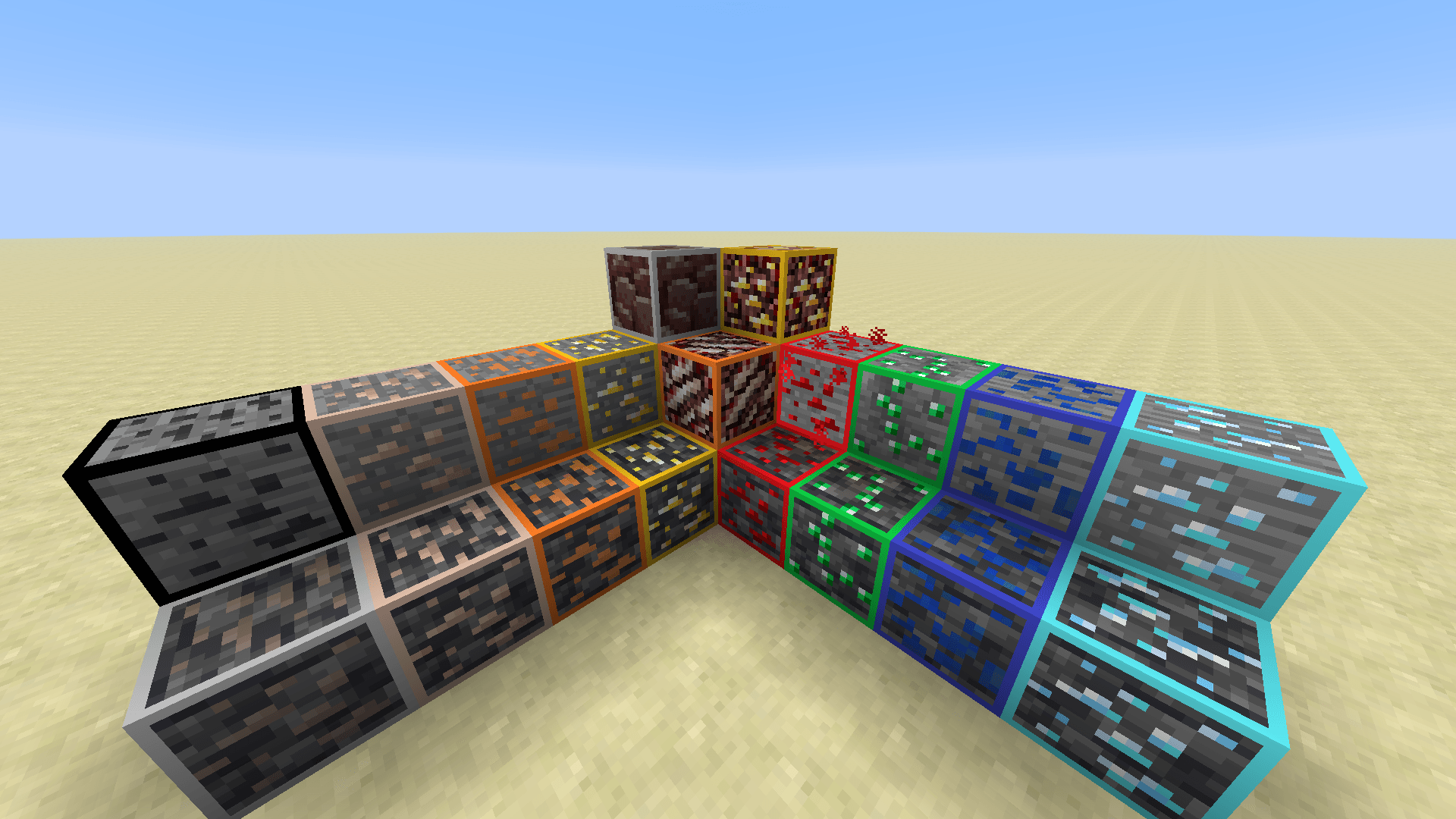
  • Ores
  • Powder snow
  • Budding amethyst
  • Sculk shriker/catalyst
  • Trapped chests
  • Suspicious sand/gravel
  • Wet sponge

Utilities

  • Fluids flow direction indicate
  • Enchanting table text translations
  • Pumpkin head overlay removal
  • Lower fire
  • Bow charge progress display
  • Hotbar number 0-9
  • Better HP bar under wither effect

Mod features

Other

  • 3d-ify some items
  • More Programmer Art style items(e.g. Spears, Copper, etc.)
  • And some Easter eggs...

Versions

This texture pack is made for Minecraft 1.14+. Older versions will not be supported.

License

This project is licensed under CC-BY-NC-ND 4.0 license.
© 2026 redColmula55
Not an official Minecraft product. Not approved by or associated with Mojang.

LegacyRed_1.1-mc1.14-1.16
MC 1.16.3, 1.16-Snapshot, 1.15-Snapshot, 1.16.1, 1.14.3, 1.15, 1.16, 1.16.5, 1.14.4, 1.14.1, 1.15.2, 1.14, 1.16.2, 1.14-Snapshot, 1.15.1, 1.16.4, 1.14.2
Release 2026-07-02 Get
LegacyRed_1.1-mc1.17-1.19
MC 1.17.1, 1.18.1, 1.19-Snapshot, 1.19.3, 1.19.4, 1.17, 1.19.4-Snapshot, 1.17-Snapshot, 1.18, 1.19.1, 1.18.2, 1.19.2, 1.18-Snapshot, 1.19, 1.19.3-Snapshot
Release 2026-07-02 Get
LegacyRed_1.1-mc1.20+
MC 1.21.2-Snapshot, 1.21, 1.21.6-snapshot, 1.20.2-Snapshot, 1.20.5-Snapshot, 1.21.1-Snapshot, 1.20.2, 1.21.8, 1.20.5, 1.21.5, 1.21.4, 1.21.5-Snapshot, 1.20.1, 1.20, 1.20.6
Release 2026-07-02 Get

Requirements & install

How to use this resource pack in Minecraft
Resolution
16x
Minecraft
1.21 – 1.21.8
Install folder
.minecraft/resourcepacks

How to install resource packs

  1. Download the resource pack .zip file (do not extract it).
  2. In Minecraft open Options → Resource Packs → Open Pack Folder.
  3. Drop the .zip into the resourcepacks folder (.minecraft/resourcepacks).
  4. Move the pack to the Selected column and click Done.
Browse more: 16x resource packs 32x resource packs 64x resource packs 128x resource packs 256x resource packs 512x+ resource packs Resource Packs for 1.21.8 All resource packs

More from redColmula55

Advertisement Remove ads with Premium →

You Might Also Like