Mineuniverse
Resource Packs
Legacy Default

Legacy Default

RESOURCE PACK
A nostalgic resource pack that aims to replicate the classic Minecraft Beta
by ModdingLegacy
Download Claim this project
Add a badge to your pageLink to Legacy Default from a README, website or forum post.
Preview: Badge

Badges update automatically and link to the resource pack page on MineUniverse.

32,003 downloads
0 likes
0 followers
Updated Oct 14, 2026
0 hypes
Follow0
16x Miscellaneous Mod Support
Advertisement Remove ads with Premium →

Modding Legacy Discord Server Follow us! Modding Legacy Twitter

A nostalgic resource pack that aims to replicate the classic Minecraft Beta.

This was meant to be used in combination with the Programmer Art resource pack and with the Nostalgia Pack Modpacks, or if you just simply prefer to play with the old textures.

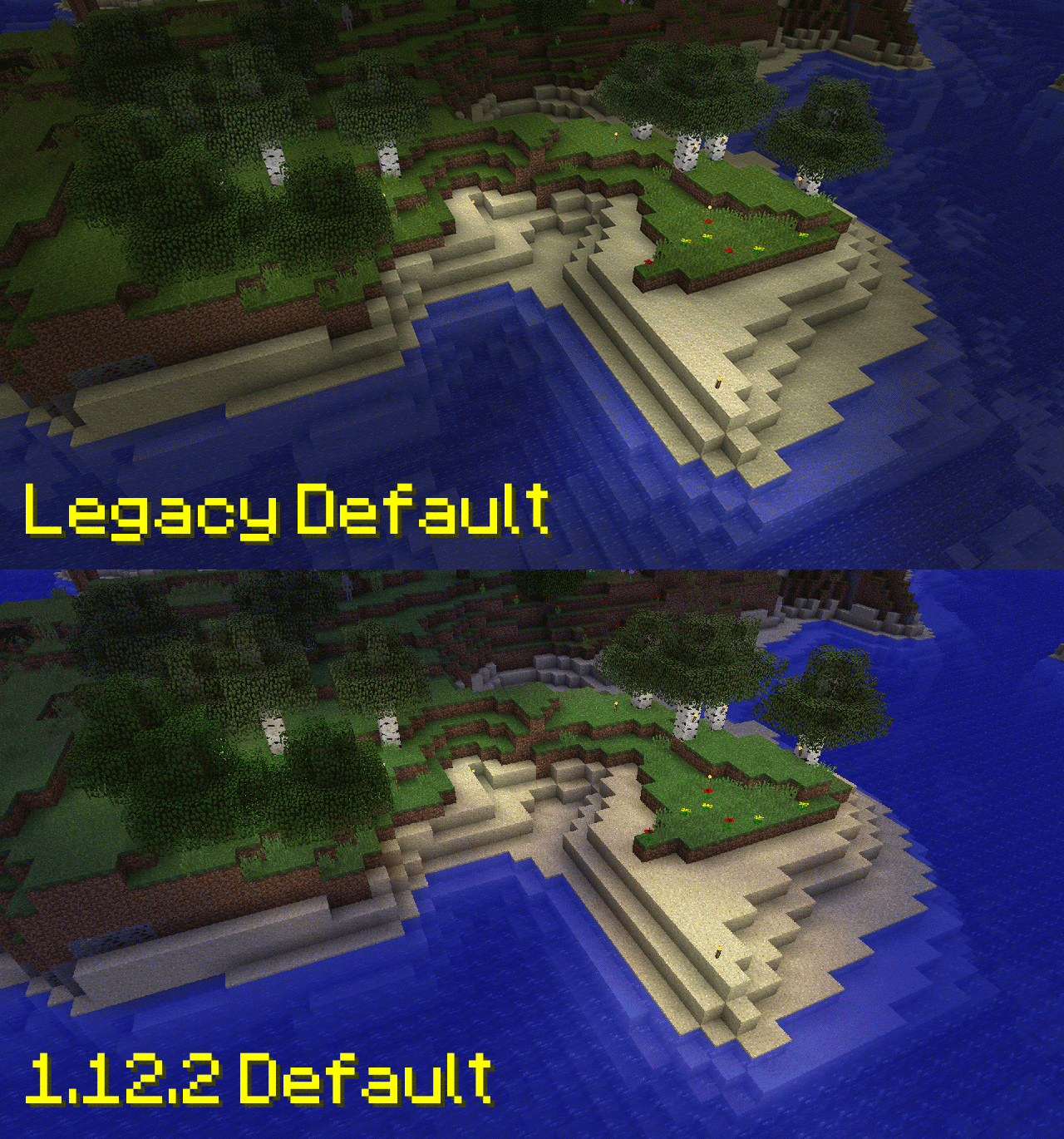
You may want to use Optifine or MAGE as this resource pack does change the lighting.

🖌️ What does this resource pack do?

It adds the following:

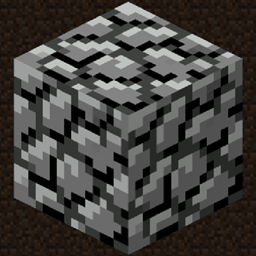
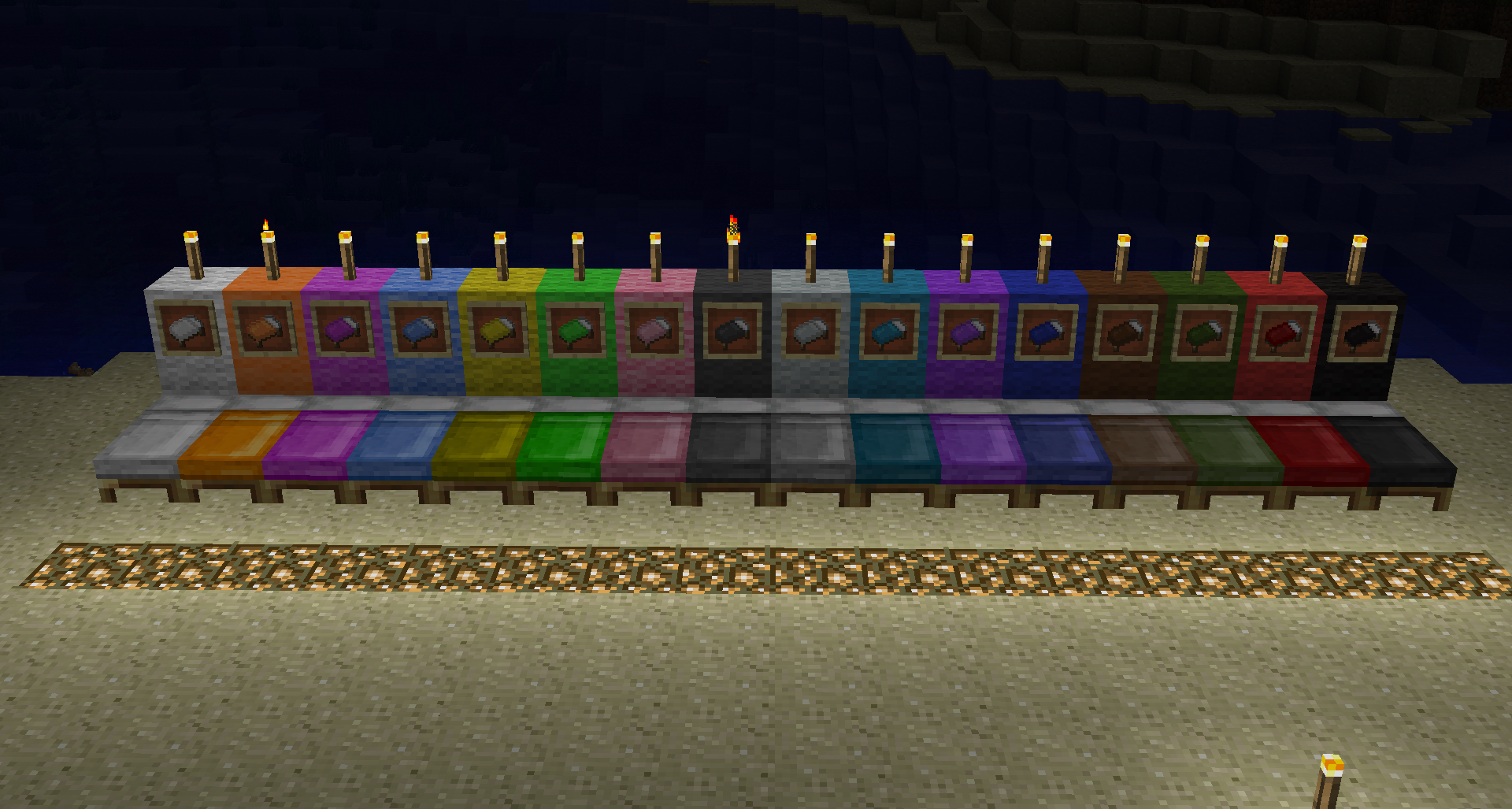
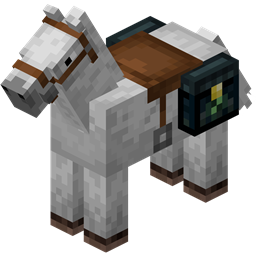
  • Minecraft Beta Textures
  • Stops rotating textures
  • Beta Sounds
  • Tweaks some models (Boats)
  • Mod Support with Nethercraft, Pagamos, and Aether Legacy

compare compare2

Modding Legacy Discord Server

Legacy Default 1.16.2-v1.0.1
MC 1.16.3, 1.16.1, 1.16, 1.16.5, 1.16.4, 1.16.2
Release 2020-09-09 Get
Legacy Default 1.16.1-v1.0.0
MC 1.16.1
Release 2020-06-26 Get
Legacy Default 1.14.x-v1.0.1
MC 1.14.4, 1.14.1, 1.14.3, 1.14, 1.14.2
Release 2020-02-25 Get
Legacy Default 1.15.x-v1.0.1
MC 1.15, 1.15.2, 1.15.1
Release 2020-02-25 Get
Legacy Default 1.16.x-v0.0.1
MC 1.16-Snapshot
Beta 2020-02-25 Get
Legacy Default 1.15.x-0.0.1
MC 1.15-Snapshot
Beta 2019-11-28 Get
Legacy Default 1.14.4-1.0.0
MC 1.14.4
Release 2019-10-06 Get
Legacy Default 1.12.2-1.0.2
MC 1.12.2
Release 2019-10-04 Get

Requirements & install

How to use this resource pack in Minecraft
Resolution
16x
Minecraft
1.15.2 – 1.16.5
Install folder
.minecraft/resourcepacks

How to install resource packs

  1. Download the resource pack .zip file (do not extract it).
  2. In Minecraft open Options → Resource Packs → Open Pack Folder.
  3. Drop the .zip into the resourcepacks folder (.minecraft/resourcepacks).
  4. Move the pack to the Selected column and click Done.
Browse more: 16x resource packs 32x resource packs 64x resource packs 128x resource packs 256x resource packs 512x+ resource packs Resource Packs for 1.16.5 All resource packs

More from ModdingLegacy

Advertisement Remove ads with Premium →

You Might Also Like