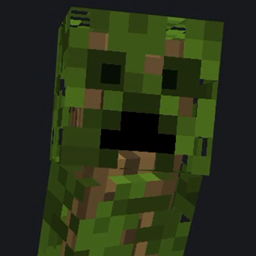
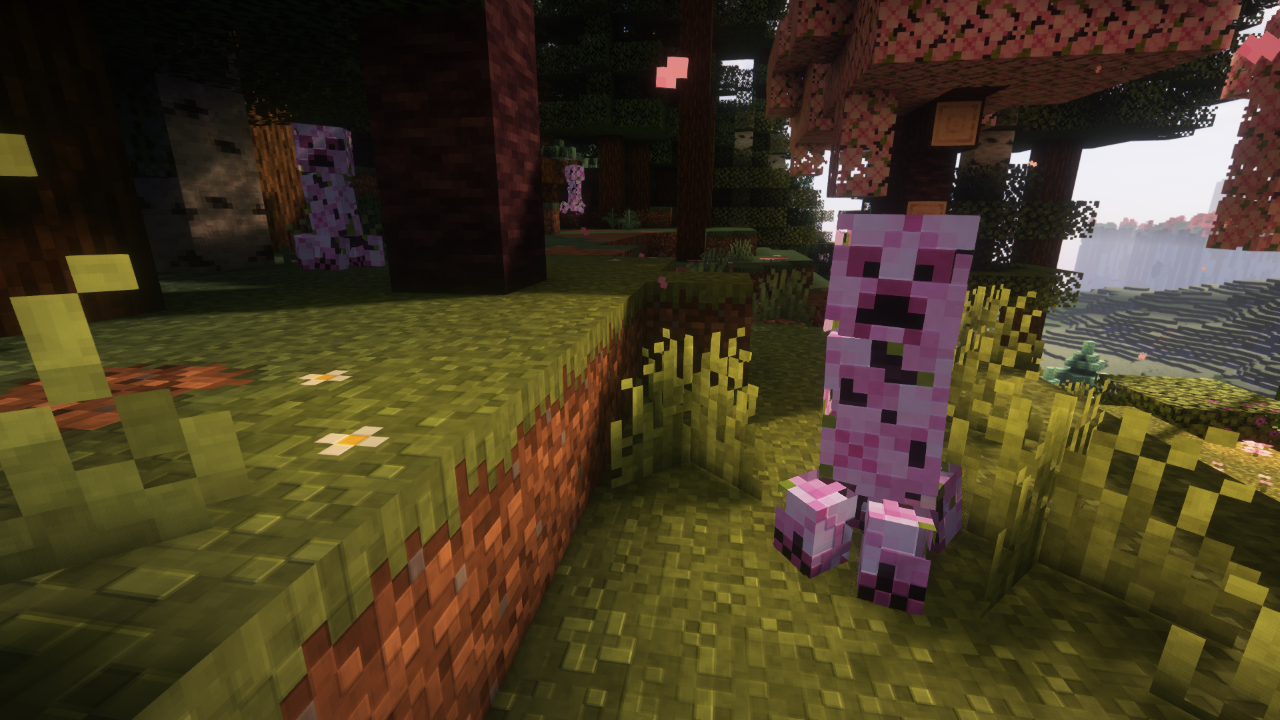
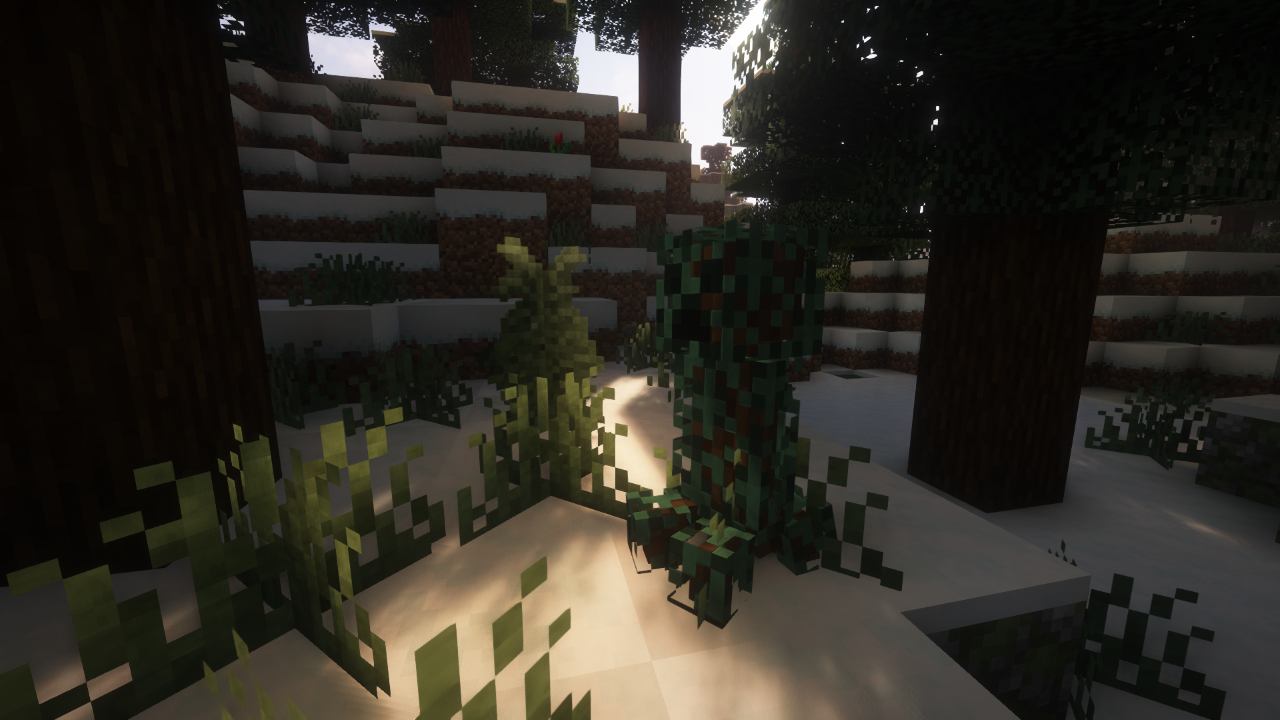
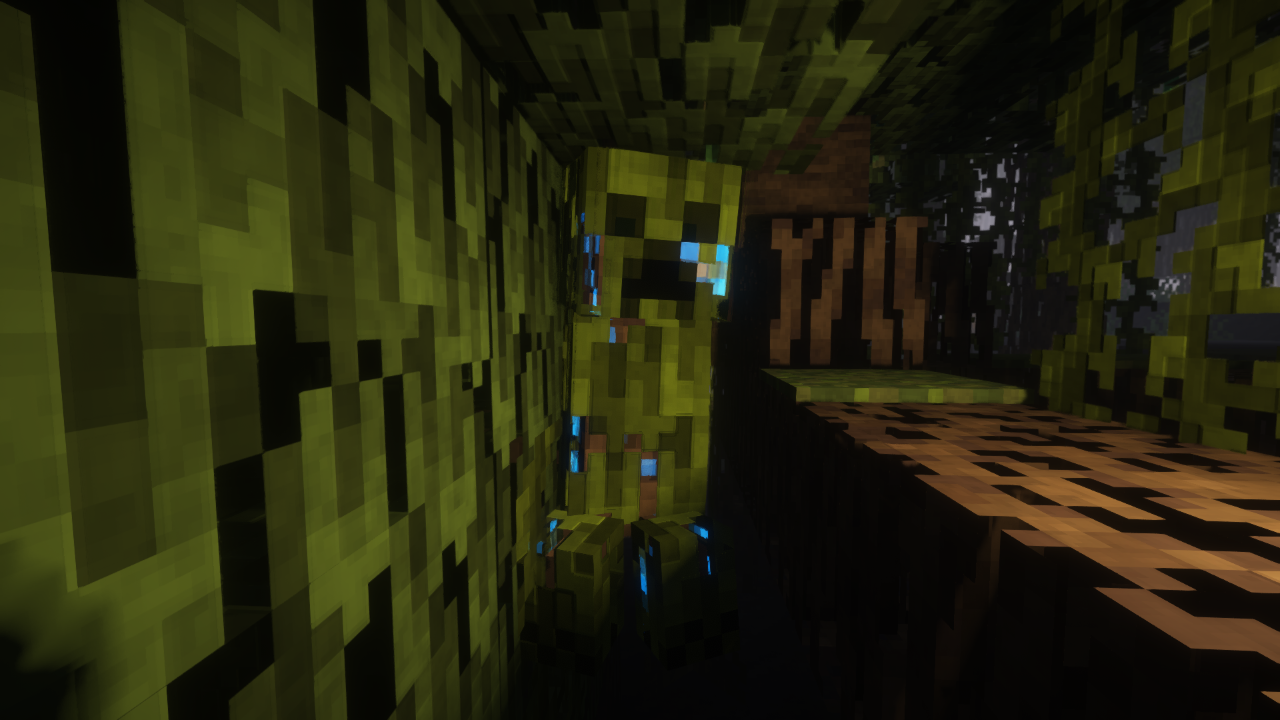
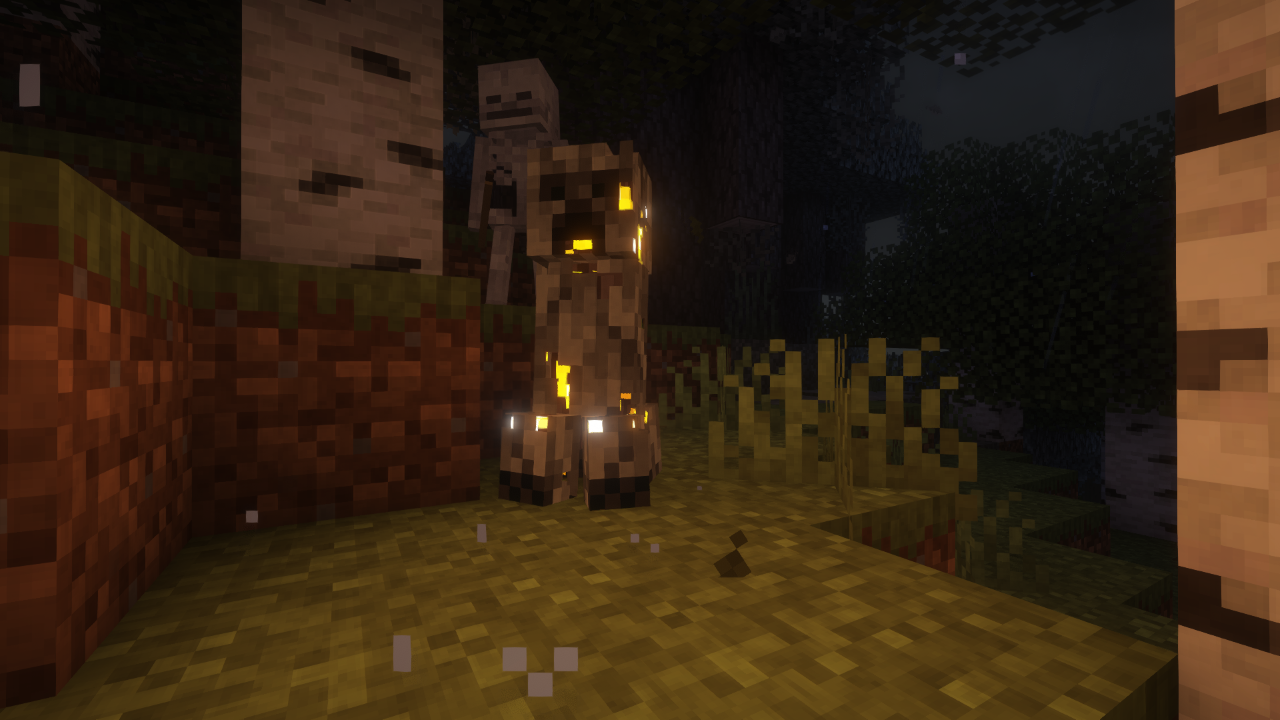
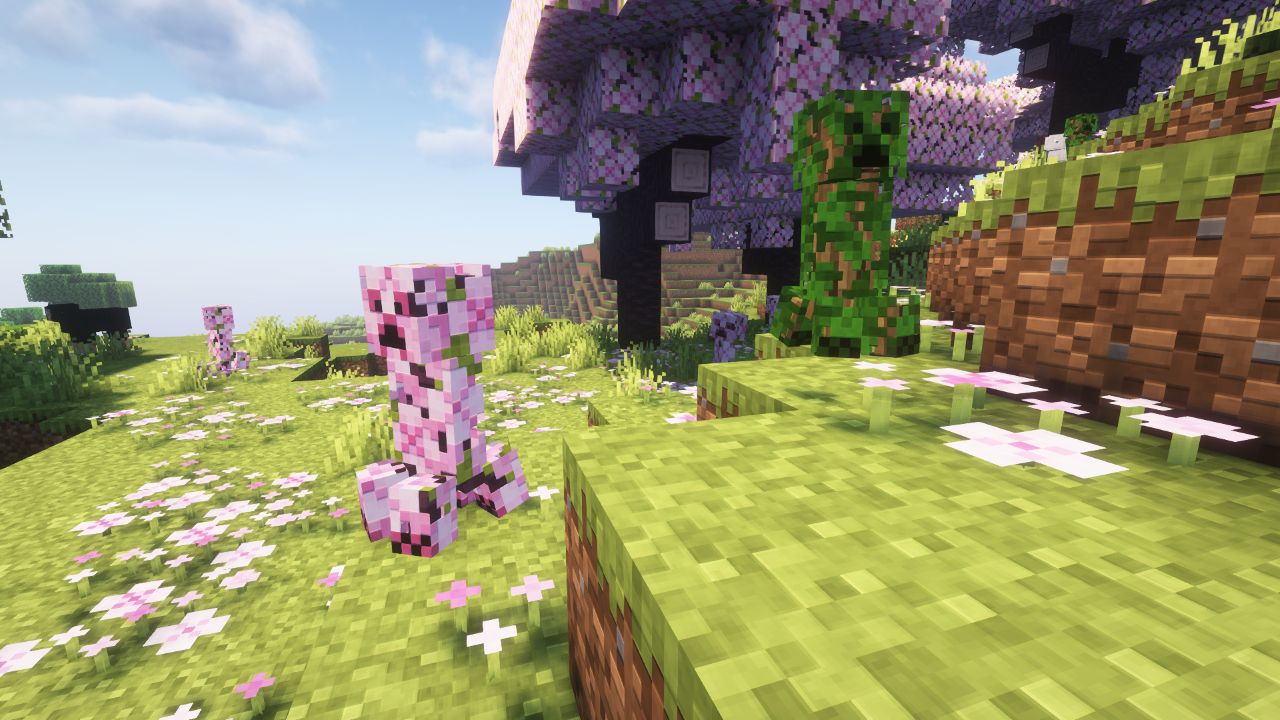
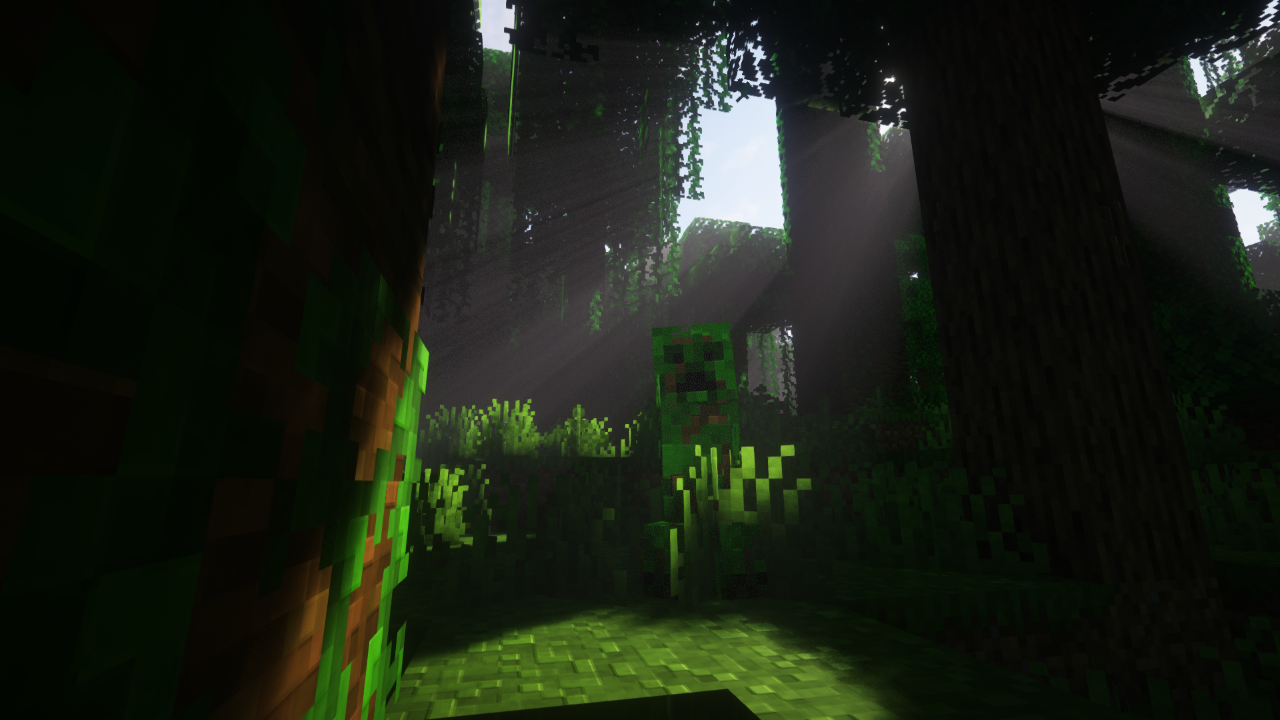
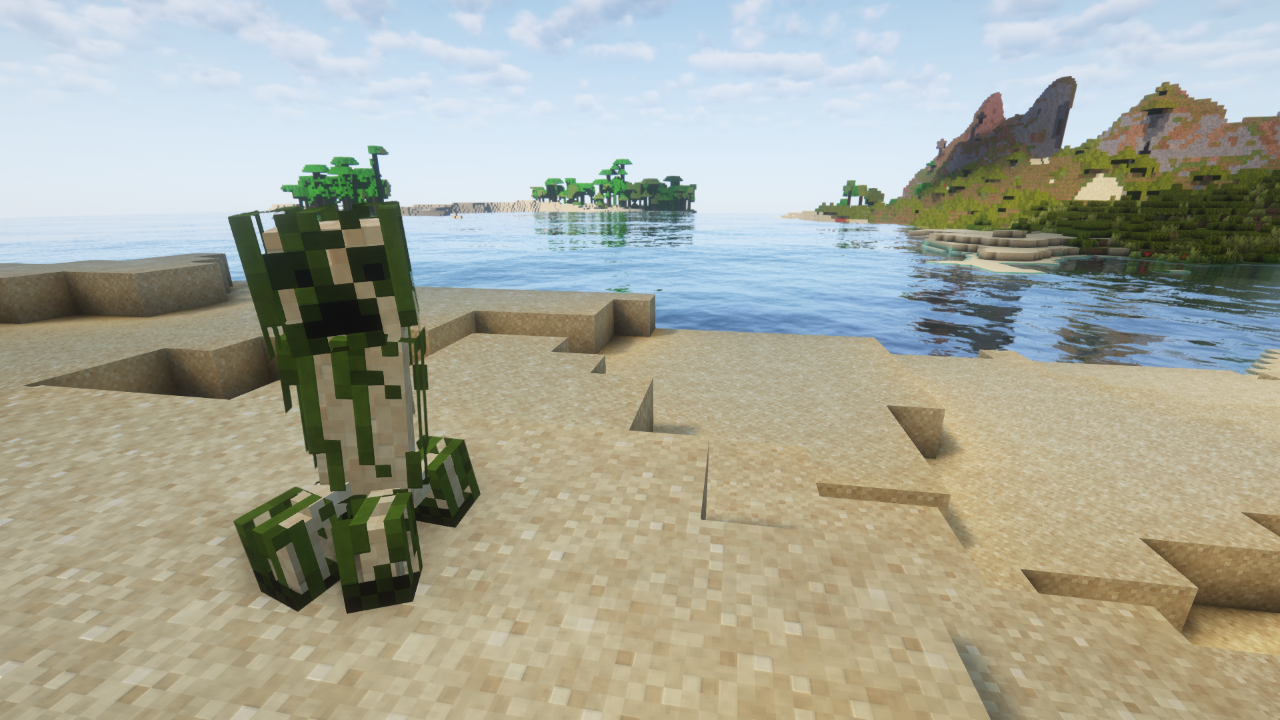
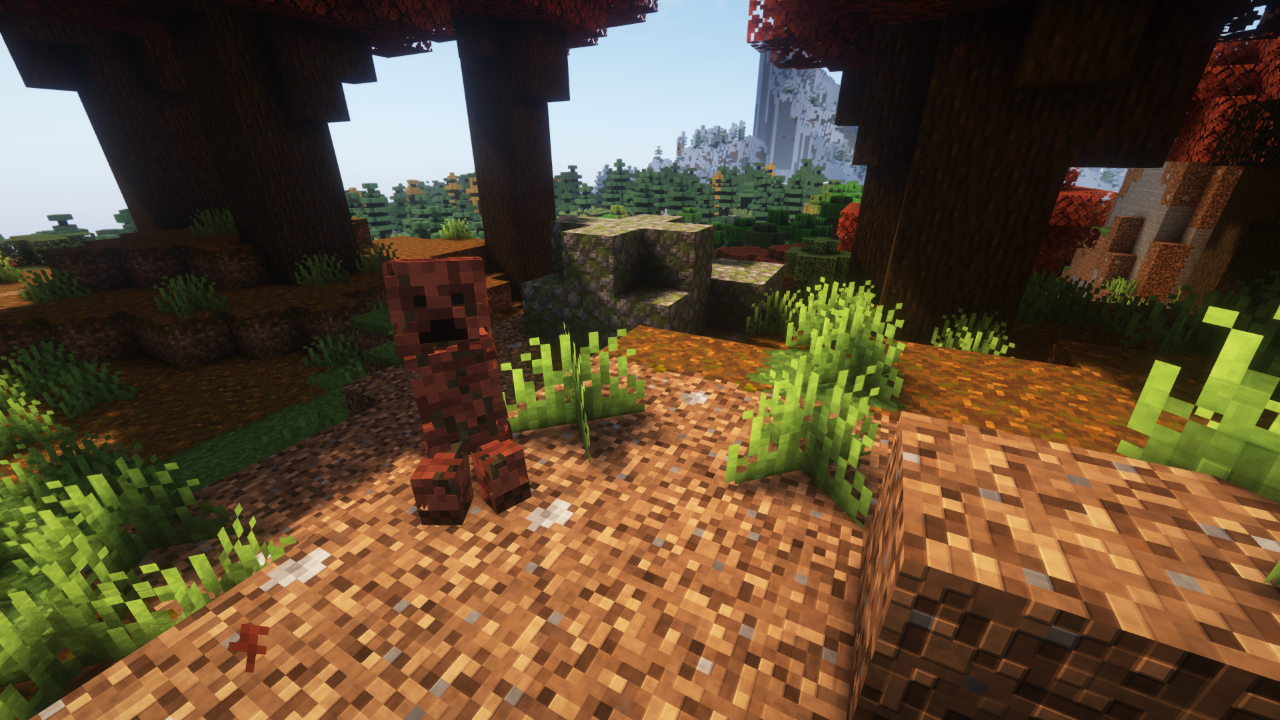
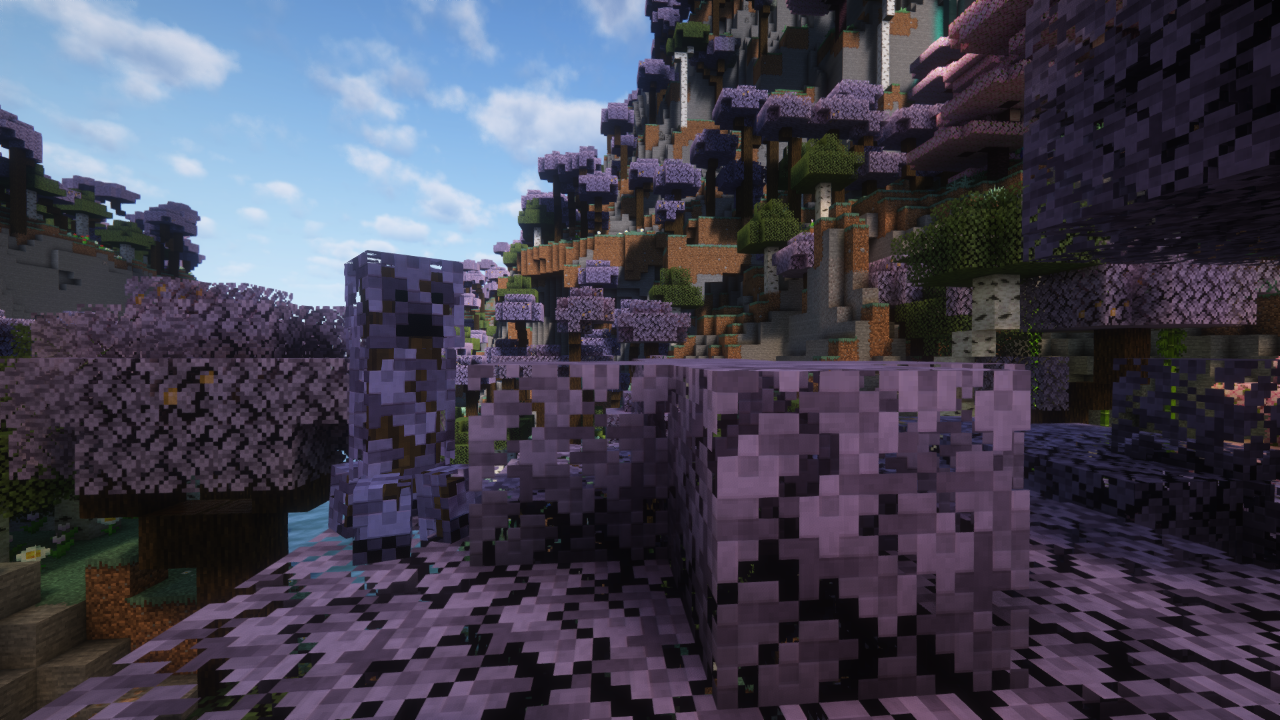
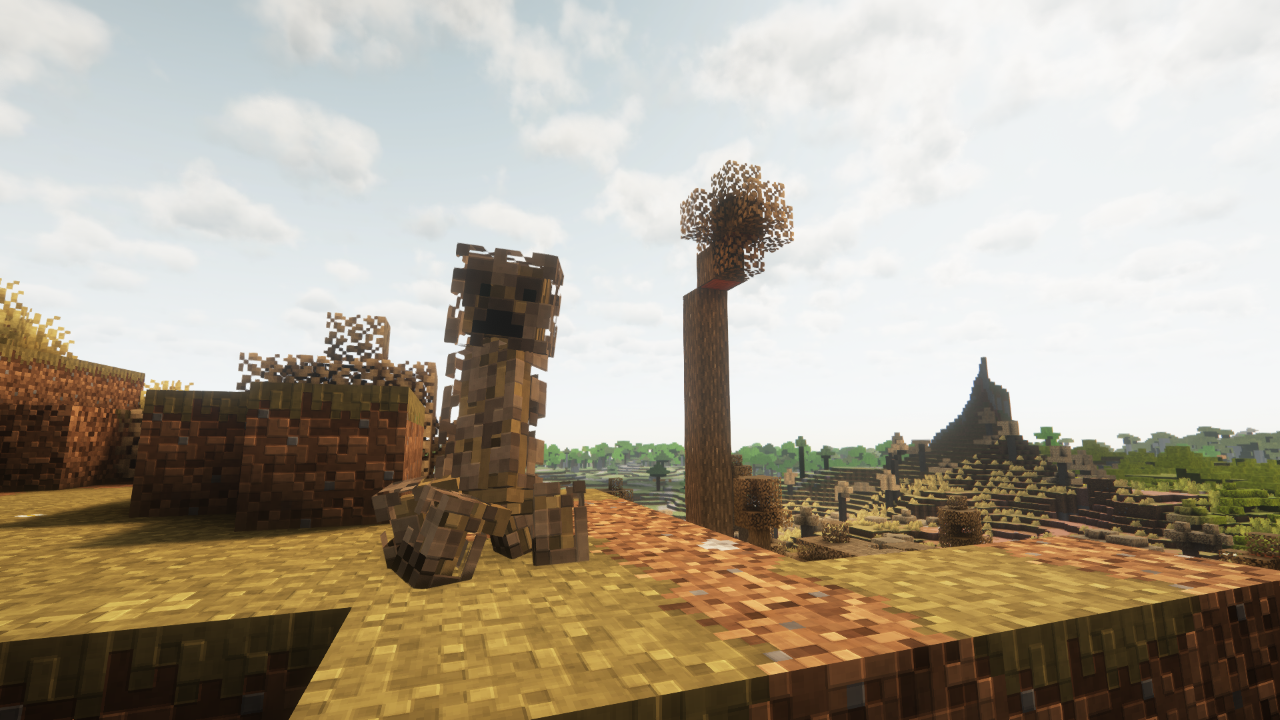
This Resource Pack aims to modernize the Creeper in a way that hasn't yet been thouroughly explored, by updating its' textures to match modern leaf textures, and reinforcing their fantasy.
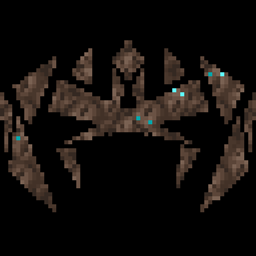
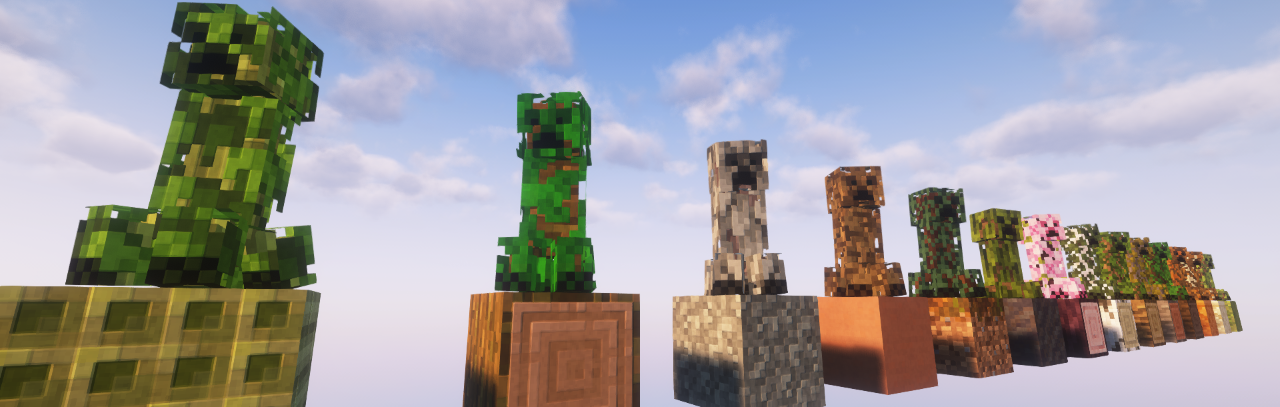
Creepers will now have two layers, a Leaf layer and a Trunk layer, giving the Creeper more depth and interest. This pack also adds many texture variations of the Creeper for different biomes and environments
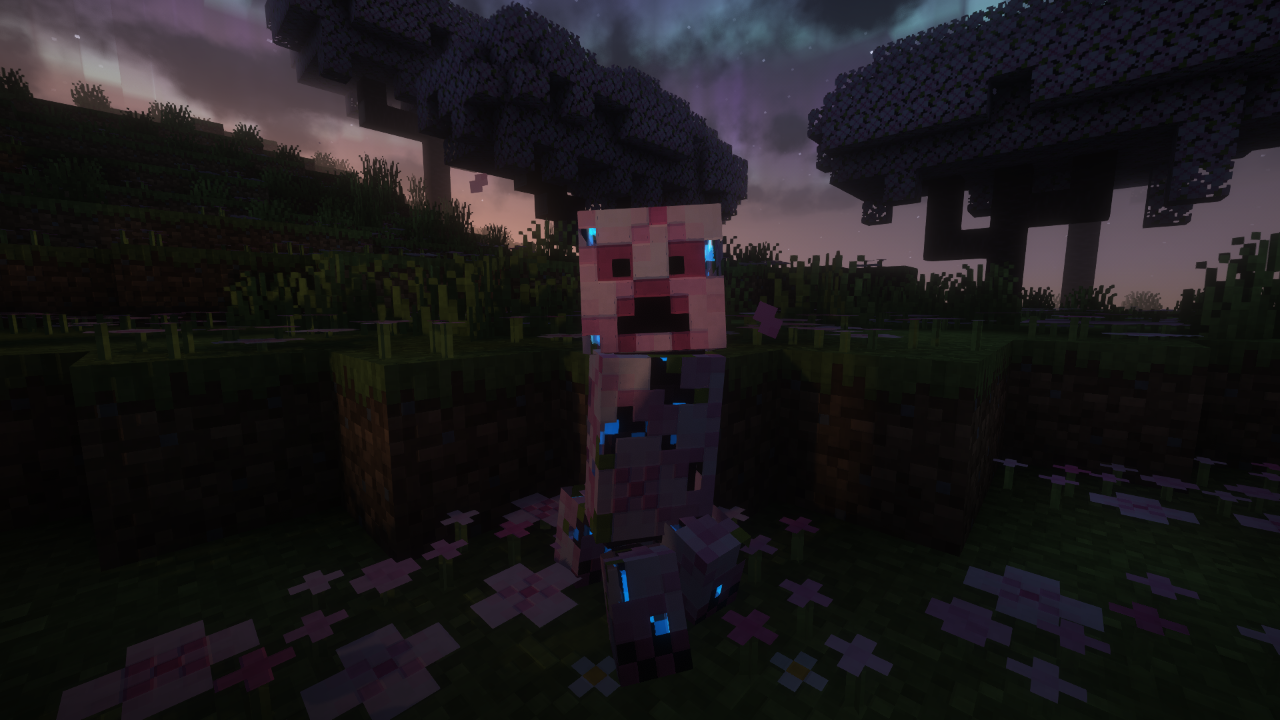
The adjusted creeper design also takes advantage of it's new depth by placing the "Charged" aura underneath the Leaf layer
To make the most of this pack, also add the pack to your world's Datapack folder, this will prevent texture variations from changing, perfect for if you want to collect every variant!
(Requires ETF, Optifine not compatible)
Leafy Creepers supports several biome mods
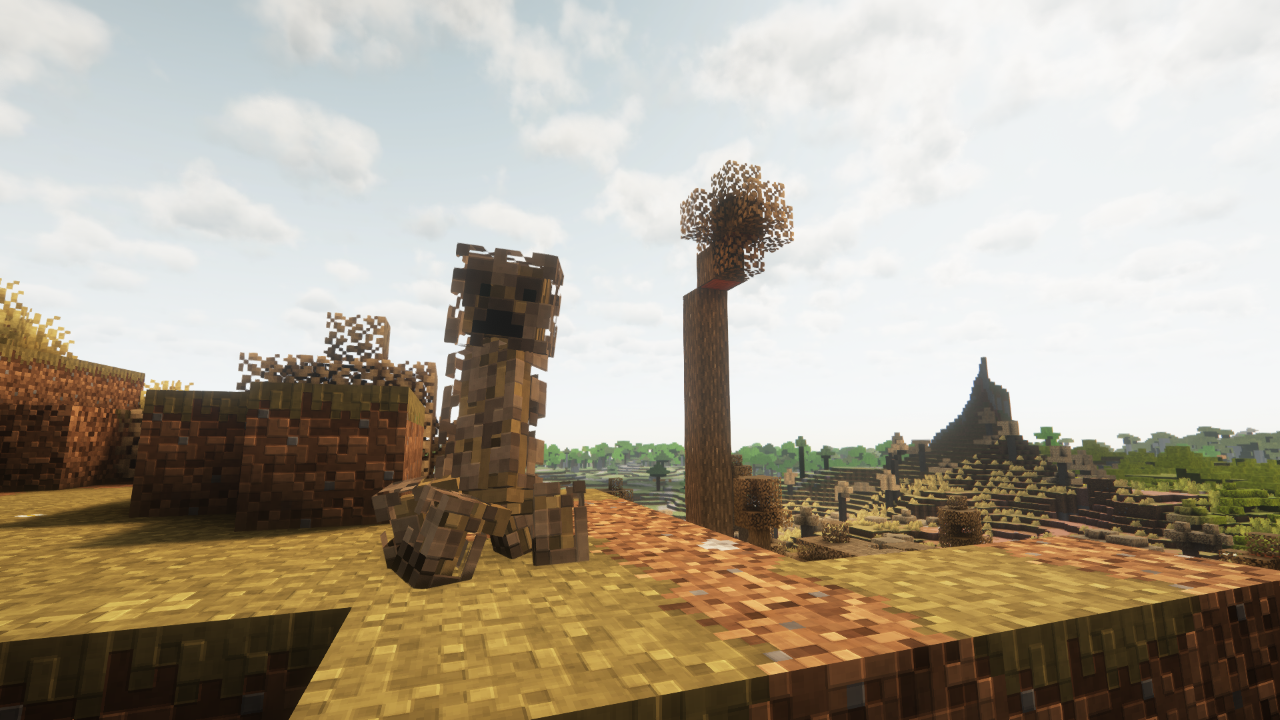
All Compatible Biome Mods
Terralith
Biomes O' Plenty
Regions Unexplored
Terrestria
Nature's Spirit
Oh The Biomes We've Gone
Cliff Under A tree
Blooming Biosphere
The FA version of this pack is fully compatible with FreshLX's Fresh Animations
If using shaders it is recommended that labPBR emissives are enabled as some effects may not function correctly otherwise
This Pack requires Entity Texture Features and Entity Model Features


Optifine can be used as an alternative
(All Images Taken while using Fresh Animations and Rethinking Voxels)