Mineuniverse
Resource Packs
LB Photo Realism Reload! Xmas Edition!

LB Photo Realism Reload! Xmas Edition!

RESOURCE PACK
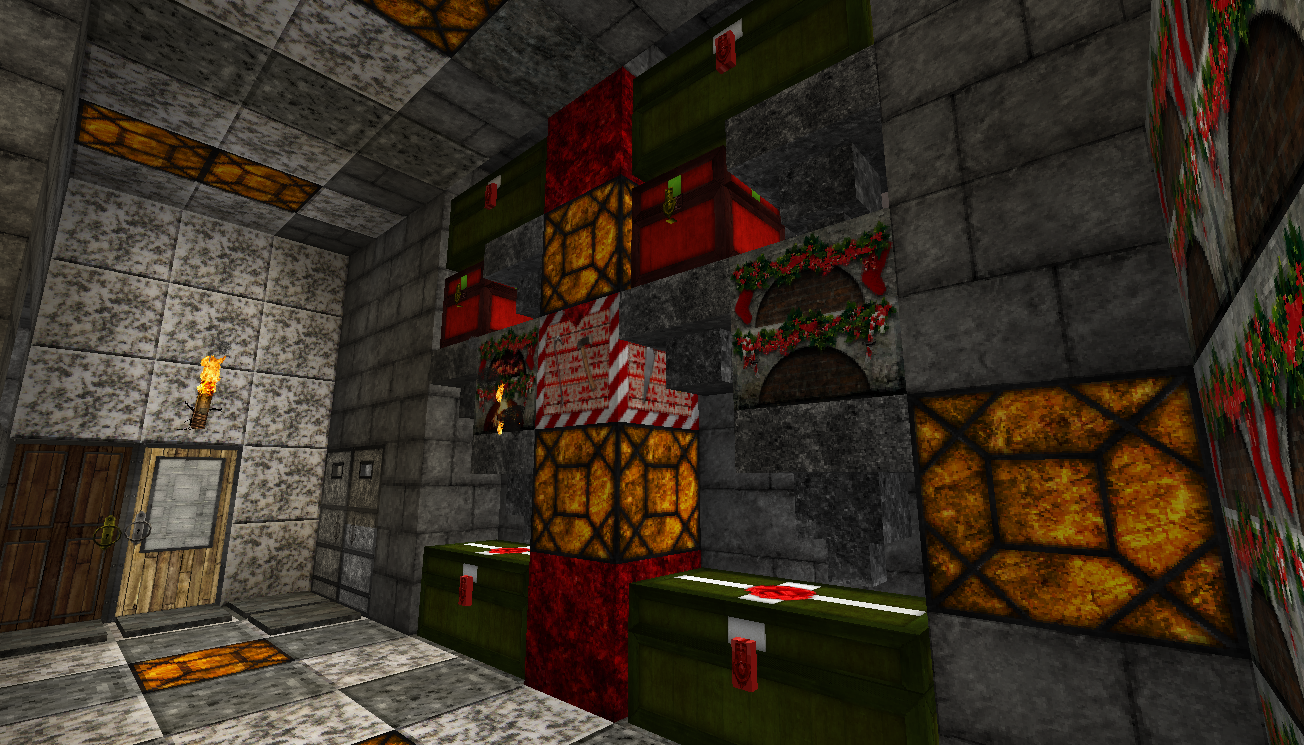
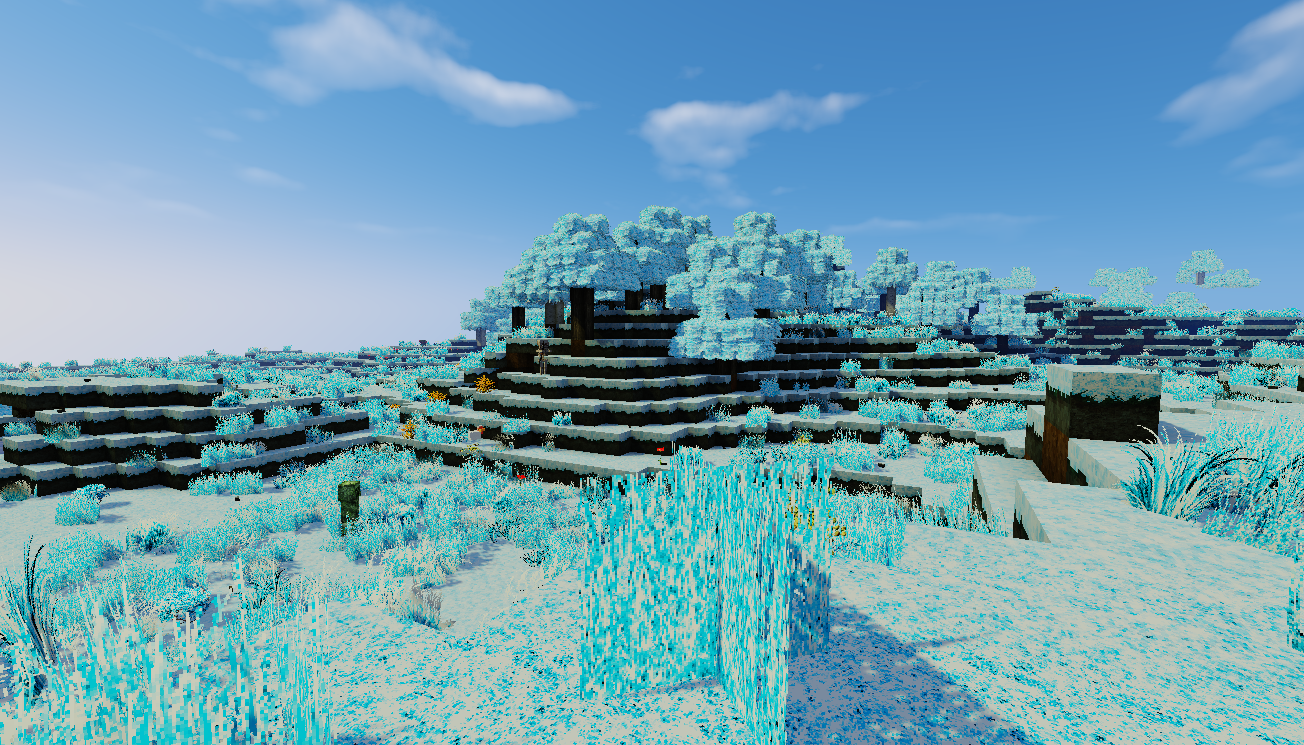
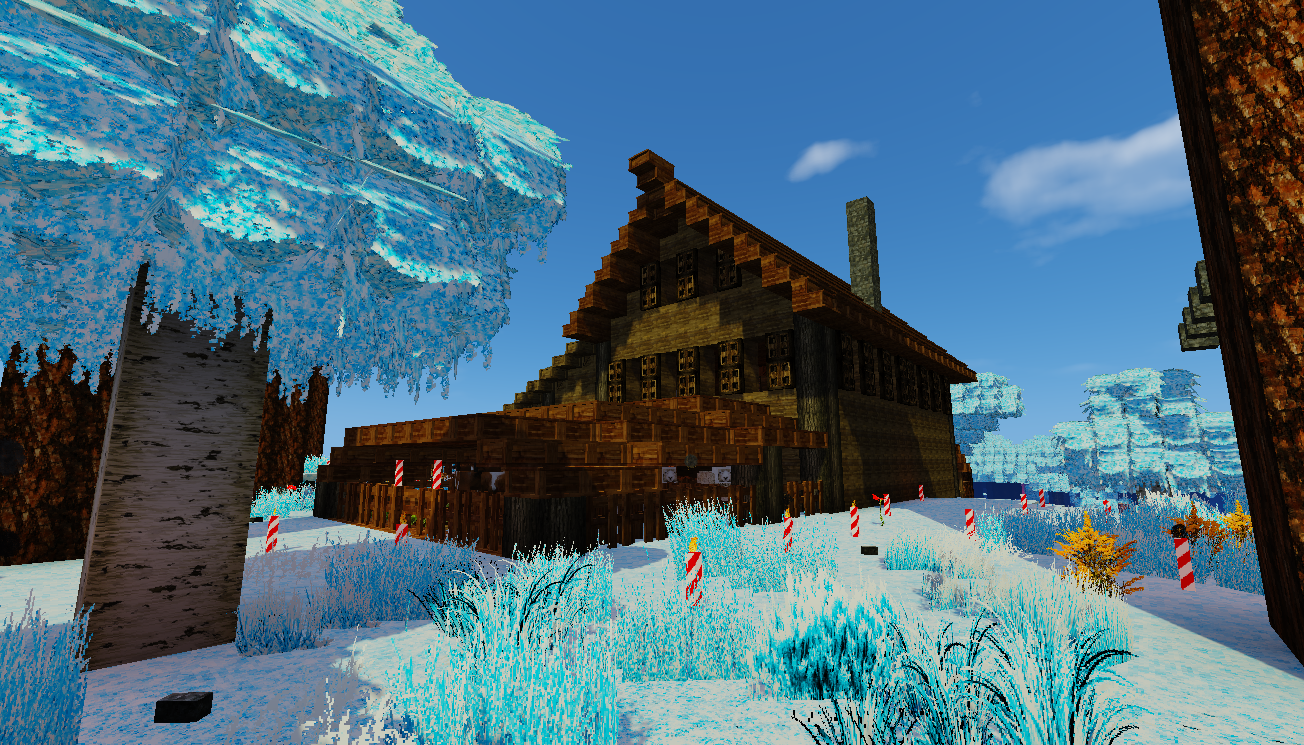
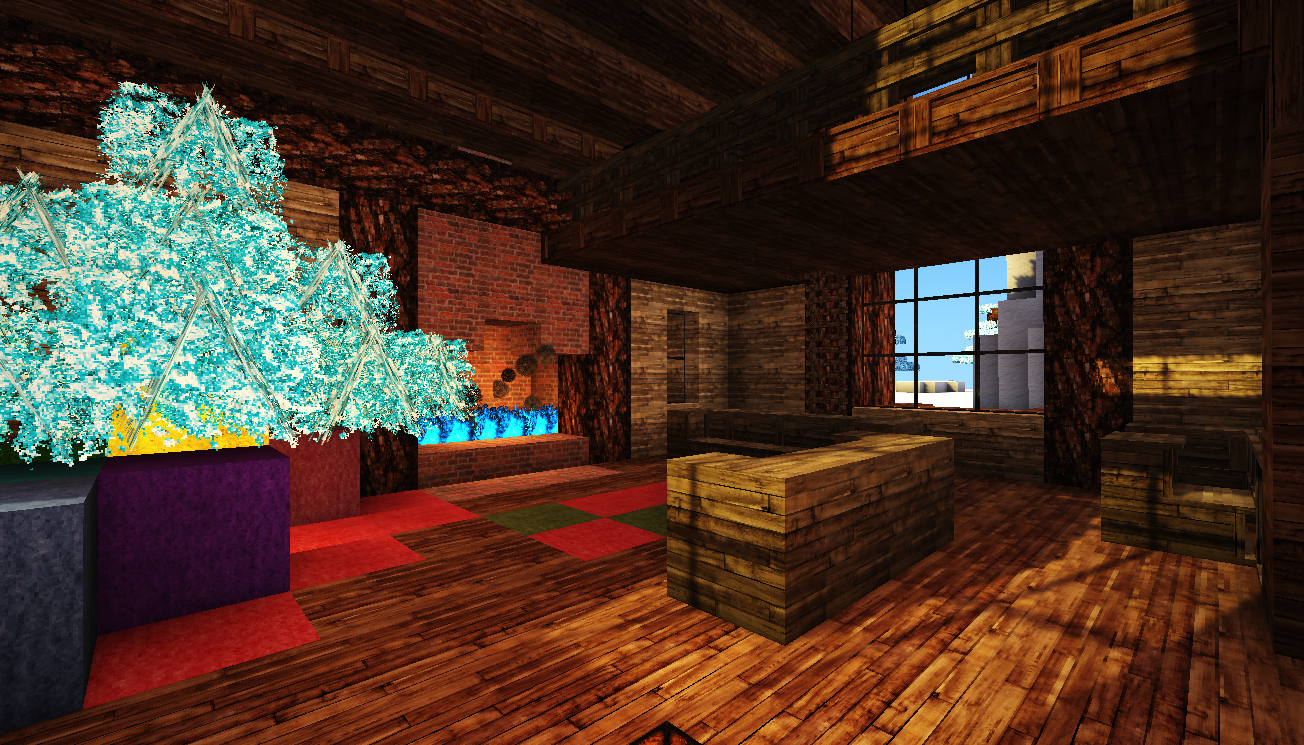
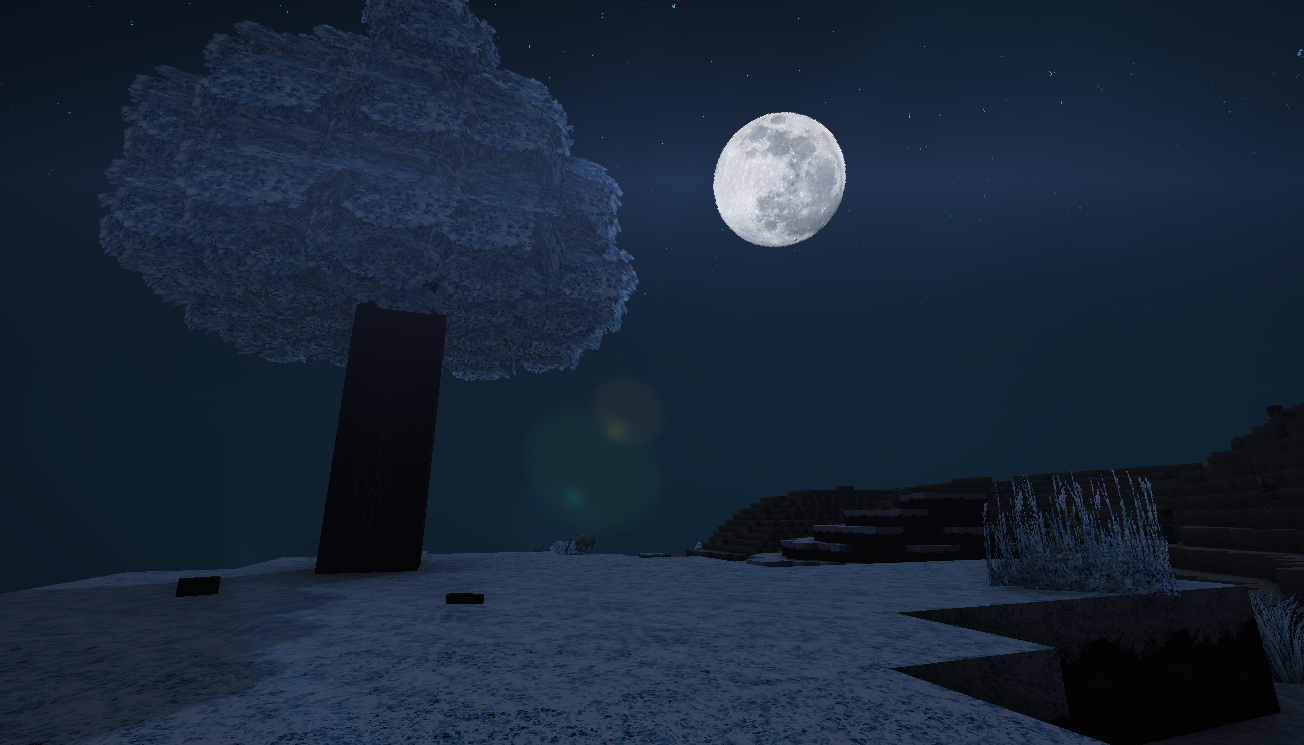
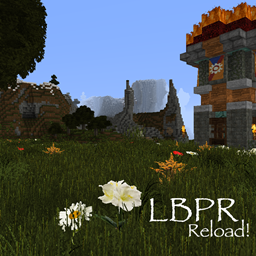
Well-known photorealistic pack in colors of Christmas!
by 1LotS
Download Claim this project
Add a badge to your pageLink to LB Photo Realism Reload! Xmas Edition! from a README, website or forum post.
Preview: Badge

Badges update automatically and link to the resource pack page on MineUniverse.

4,561 downloads
0 likes
0 followers
Updated Oct 14, 2026
0 hypes
Follow0
128x Animated Medieval Miscellaneous Photo Realistic
Advertisement Remove ads with Premium →

 [Don't forget that this is an add-on. That means you NEED to install the original pack to make this add-on  work properly]

Ho-ho-ho, everyone!

Today I present to you my Christmas Present - Xmas Edition for LBPR Reload!

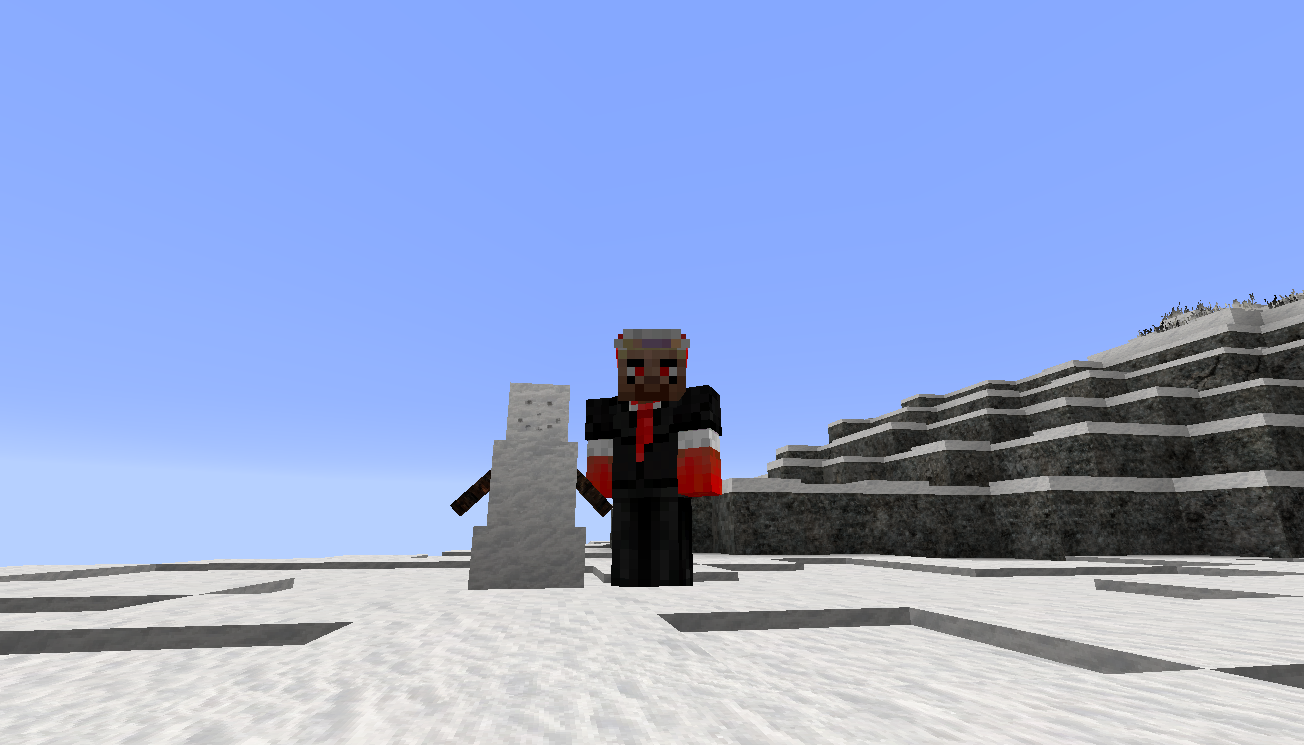
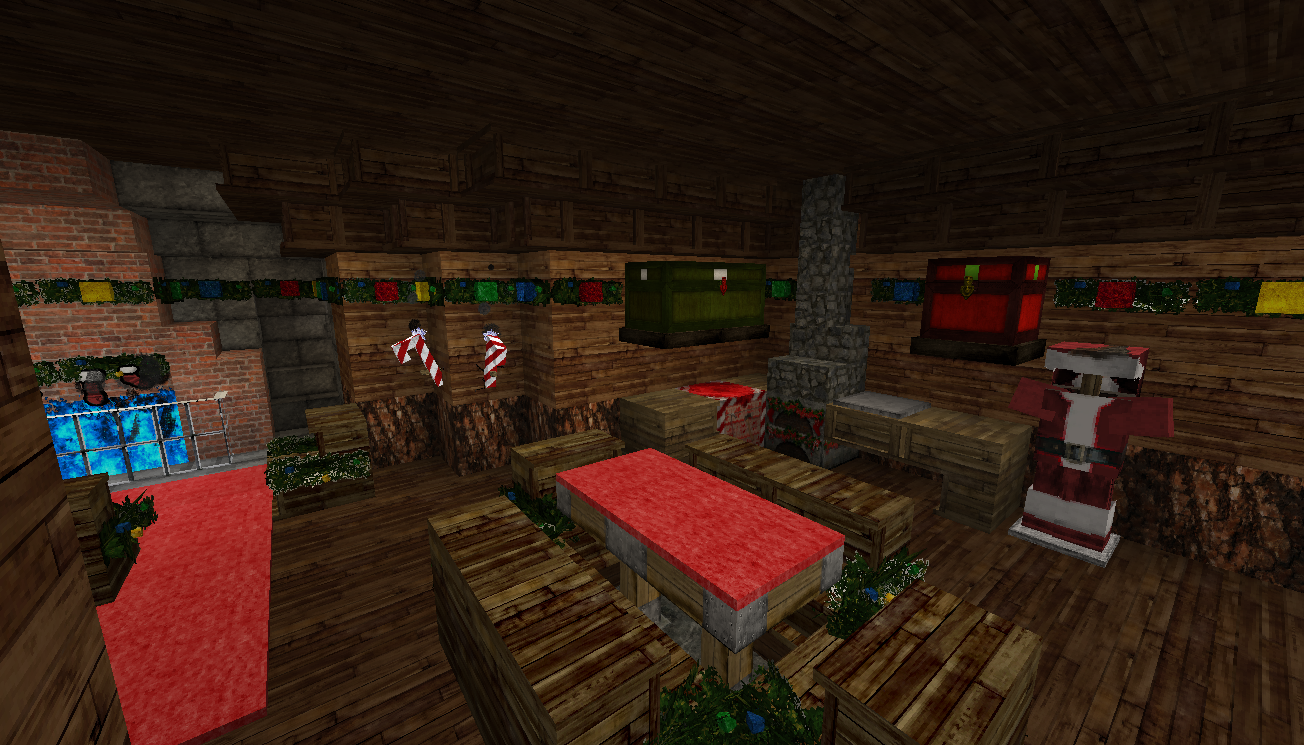
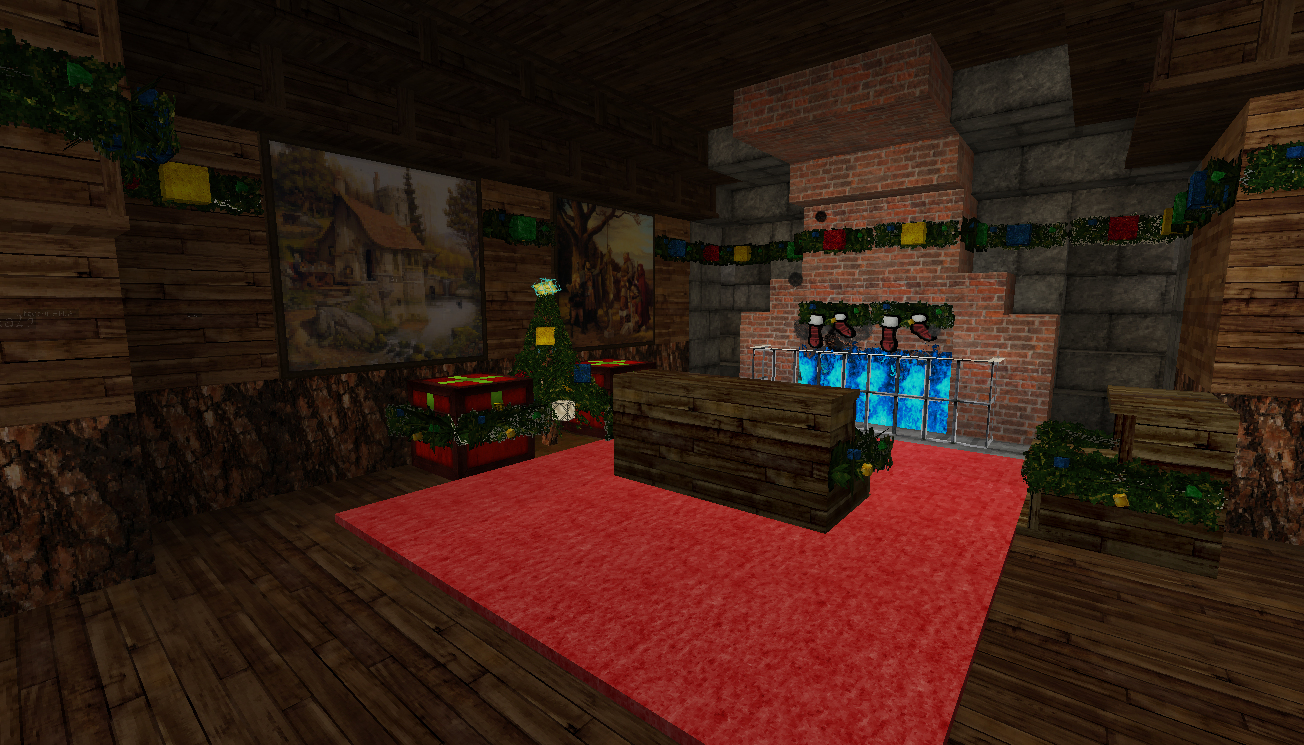
The Lands of Minecraft got snowed and frozen! Take your Santa Costume! Build a nice little cosy hut in the woods! Decorate it with garlands! Build a snowman in front of your house! And don't forget to put presents under the Christmas Tree!

Merry Christmas everyone!

- 1LotS


Installation:

1. Install the LBPR Reload! pack.

2. Download the Xmas pack.

3. Go to %appdata%\.minecraft\resourcepacks

4. Drag and drop the LBPR-1.X-Xmas.zip archive to the opened folder.

5. Launch Minecraft

6. Select both packs so, that the Xmas pack stays above the LBPR.

7. Done!

LBPR Reload! 1.10 Xmas addon
MC 1.10-Snapshot, 1.10.2, 1.10, 1.10.1
Release 2016-12-25 Get
LBPR Reload! 1.11 Xmas addon
MC 1.11, 1.11.1, 1.11.2, 1.11-Snapshot
Release 2016-12-25 Get
LBPR-1.8-Xmas.zip
MC 1.8.7, 1.8.4, 1.8.8, 1.8-Snapshot, 1.8.3, 1.8.6, 1.8, 1.8.2, 1.8.5, 1.8.9, 1.8.1
Release 2015-12-25 Get

Requirements & install

How to use this resource pack in Minecraft
Resolution
128x
Minecraft
1.10-Snapshot – 1.11.2
Install folder
.minecraft/resourcepacks

How to install resource packs

  1. Download the resource pack .zip file (do not extract it).
  2. In Minecraft open Options → Resource Packs → Open Pack Folder.
  3. Drop the .zip into the resourcepacks folder (.minecraft/resourcepacks).
  4. Move the pack to the Selected column and click Done.

Packs from 128x upwards need more video memory: install a performance mod such as Sodium for smooth frame rates.

Browse more: 16x resource packs 32x resource packs 64x resource packs 128x resource packs 256x resource packs 512x+ resource packs Resource Packs for 1.11.2 All resource packs

More from 1LotS

Advertisement Remove ads with Premium →

You Might Also Like