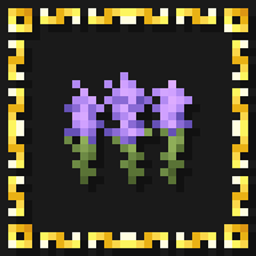
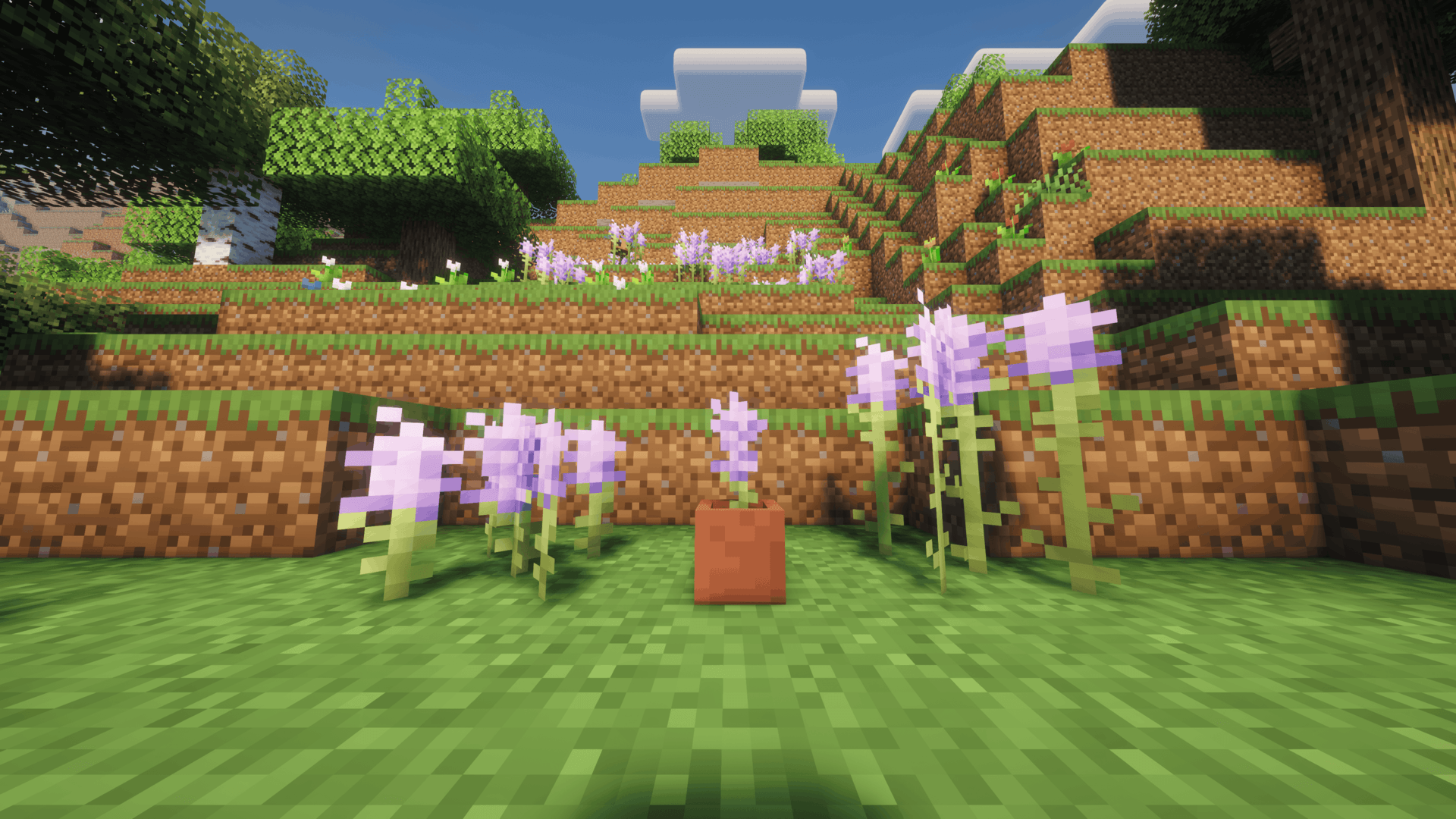
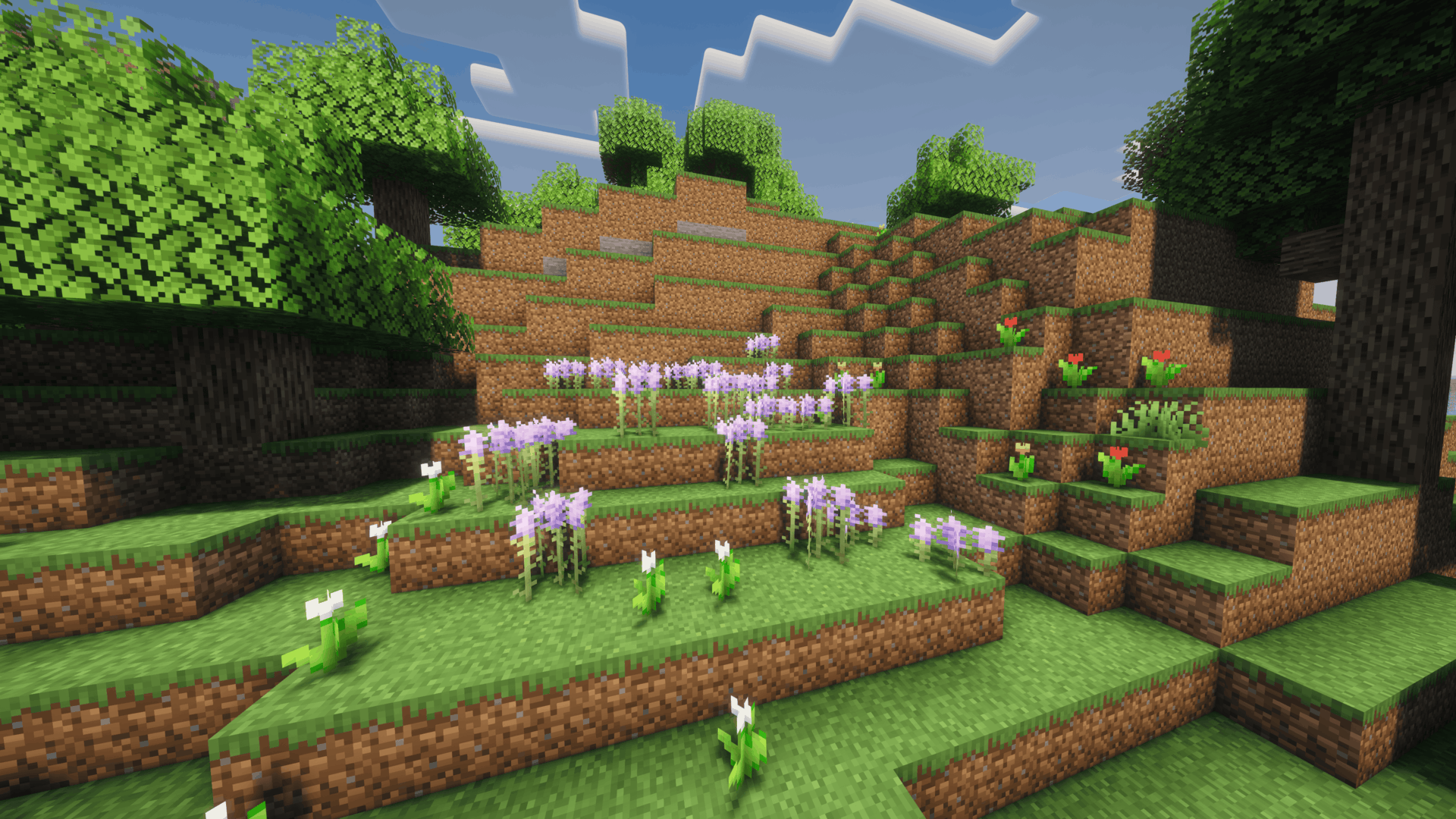
Vanilla Lavender transforms vanilla Alliums and Lilacs into matching small and tall lavender plants.
Alliums become smaller lavender flowers, while Lilacs become taller lavender plants, allowing both variants to naturally appear together throughout the world.
The pack keeps the change simple and close to Minecraft's original style, adding lavender to the world without introducing any new blocks or gameplay mechanics.




| 💜 Small Lavender | Replaces vanilla Alliums with small lavender plants. |
| 🌿 Tall Lavender | Replaces vanilla Lilacs with matching tall lavender plants. |
| 🪴 Potted Lavender | Potted Alliums are also replaced with matching potted lavender. |
| ✨ Vanilla-Friendly | Designed to blend naturally with Minecraft's existing environments and art style. |
| 📦 Lightweight | Only changes the relevant flowers, models, and names. |
Recommended — CurseForge
The easiest way to install Vanilla Lavender is directly through CurseForge.
If you use the CurseForge App, simply add Vanilla Lavender to your Minecraft profile and CurseForge will handle the installation for you.
When browsing on the CurseForge website, use the available install option to open the project directly in the CurseForge App.
This is the recommended installation method, as it makes selecting and managing the correct resource pack version much easier.
Manual Installation
1. Download the appropriate Vanilla Lavender version.
2. Place the downloaded .zip file inside your Minecraft resourcepacks folder.
3. Open Options → Resource Packs in Minecraft.
4. Move Vanilla Lavender to the active resource packs.
5. Enjoy!
Which flowers does Vanilla Lavender replace?
Alliums are replaced with small lavender plants, while Lilacs are replaced with matching tall lavender plants.
Does the pack add new blocks?
No. Vanilla Lavender only changes existing vanilla flowers, so no mods or additional content are required.
Do the flowers still generate naturally?
Yes. Because the pack replaces existing vanilla flowers, lavender naturally appears anywhere Alliums and Lilacs normally generate.
Can I use it together with other resource packs?
Yes. If another resource pack also changes Alliums, Lilacs, or their models, whichever pack has the higher priority may override the conflicting assets.
Can I use Vanilla Lavender in a modpack?
Yes. Vanilla Lavender may be included in public and private modpacks. Please link back to the original project rather than redistributing the pack as your own work.

Have feedback, found a problem, or want to follow future projects?
Join the Intelligence Modding community for project updates, previews, support, and general Minecraft modding discussion.




Vanilla Lavender is created by DoomedArtemis as part of Intelligence Modding.
Lavender textures are adapted from The Lavender Update by KineticStudio and used under the MIT License.