Mineuniverse
Resource Packs
Launcher UI

Launcher UI

RESOURCE PACK
Dark themed GUI that resembles the Minecraft Launcher
by Ecorn
Download Claim this project
665 downloads
0 likes
0 followers
Updated Oct 14, 2026
0 hypes
Follow0
16x Font Packs Miscellaneous Traditional
Advertisement Remove ads with Premium →

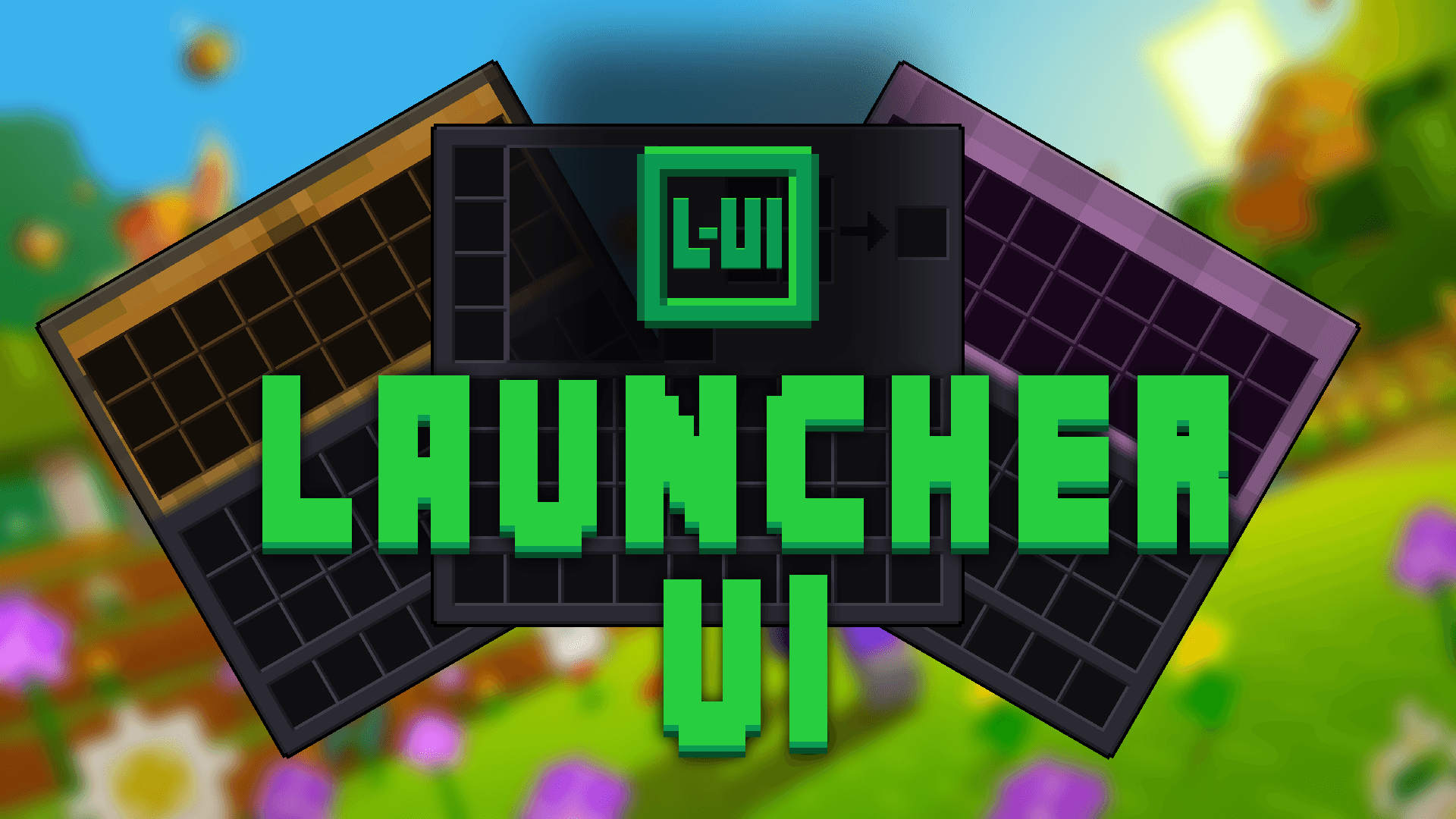
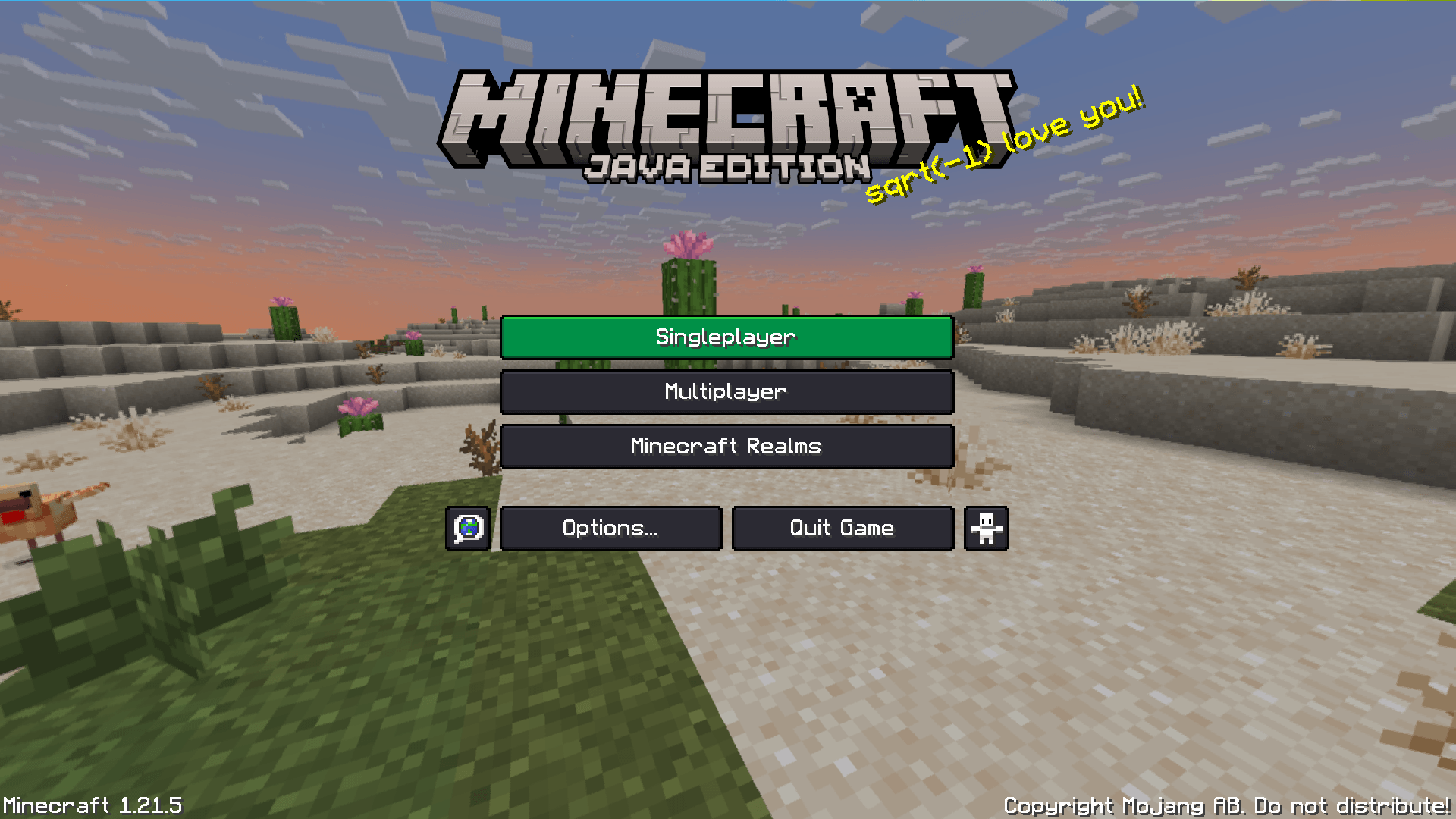
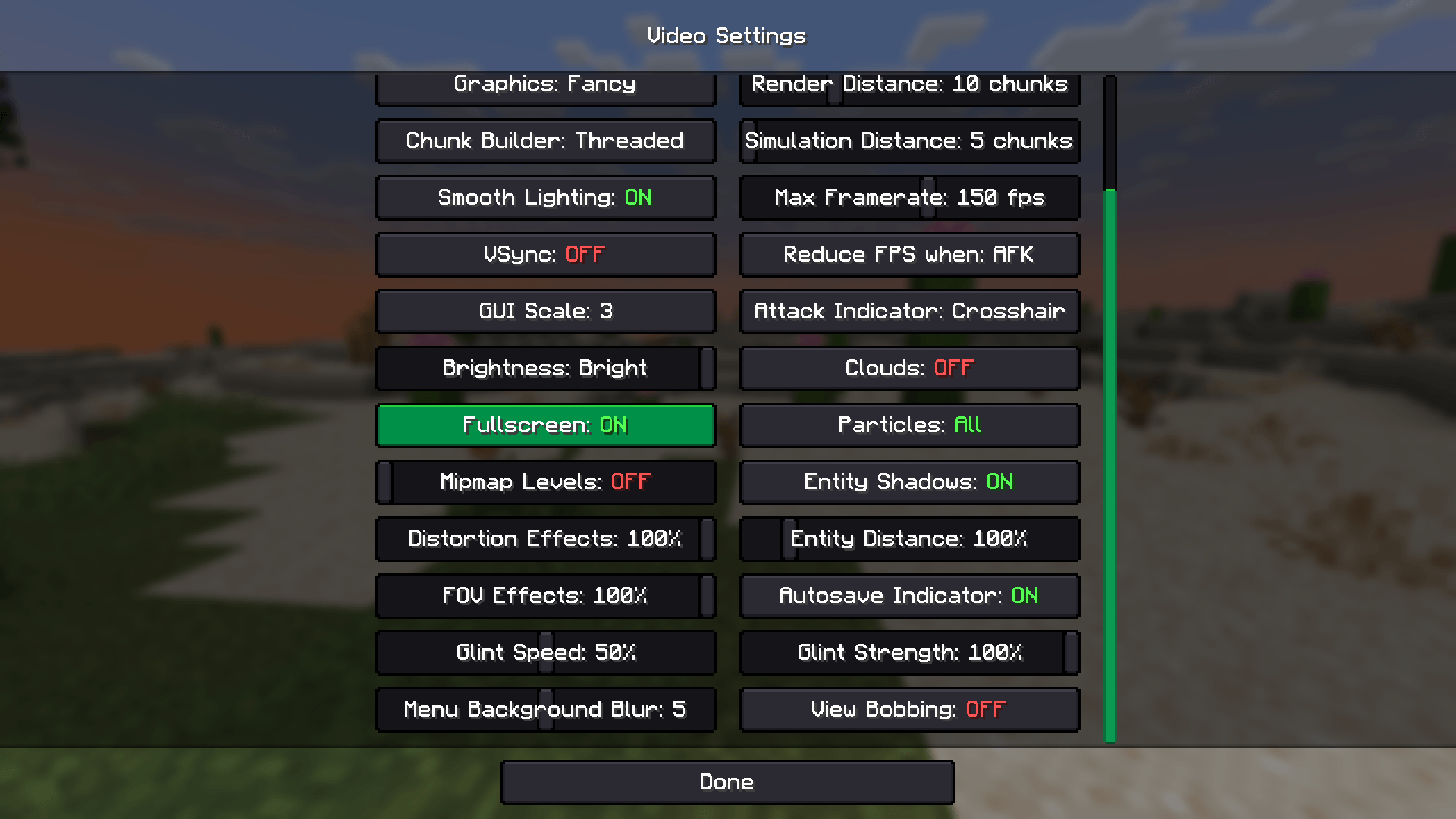
This is a Minecraft Resource Pack that strives to re-create the style of the Minecraft Launcher to the GUI inside the game. The colours are mainly dark-gray with the iconic green from the launcher. Just look at the preview images and check it out if you like the way it looks, cheers 🫶

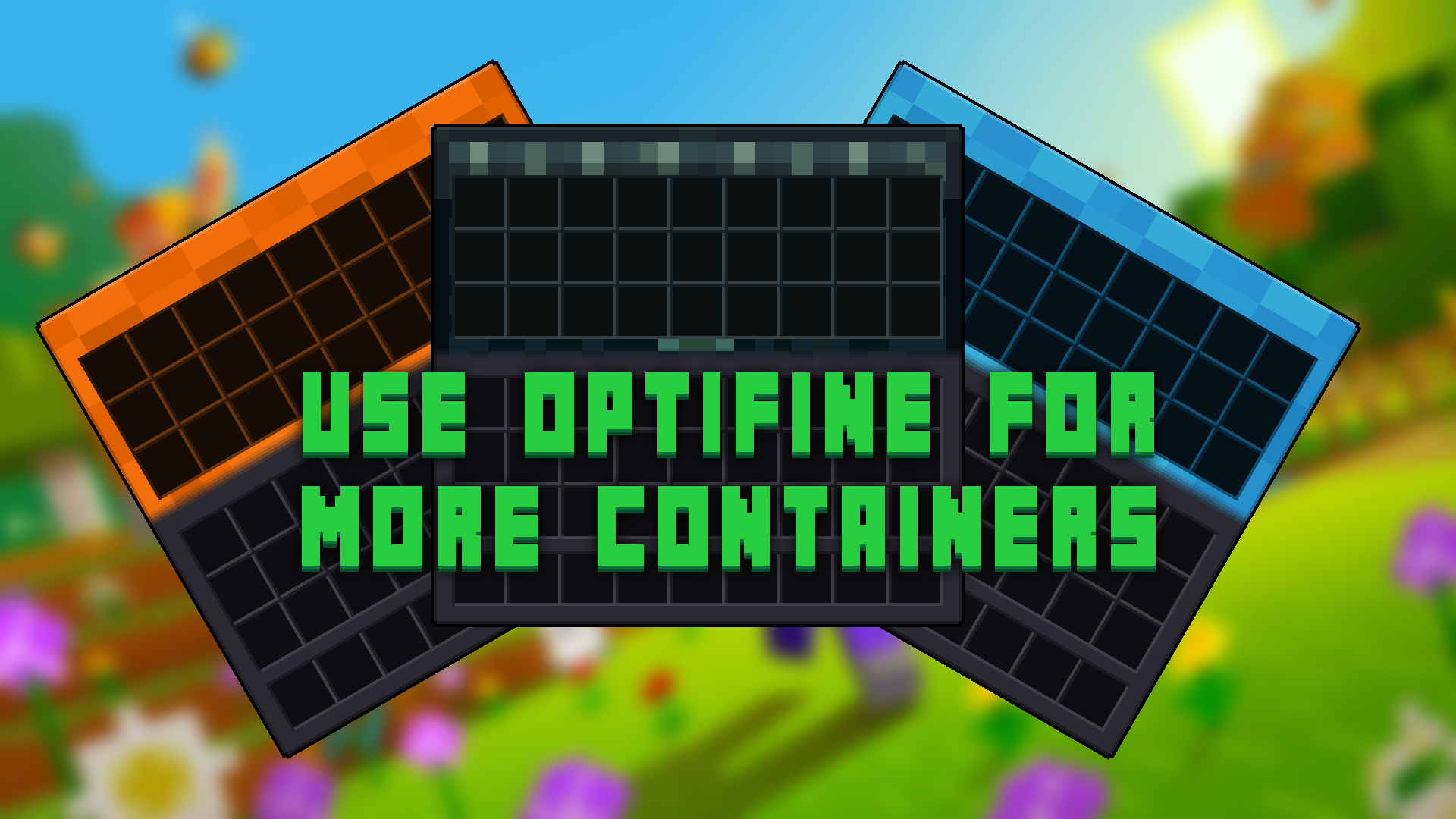
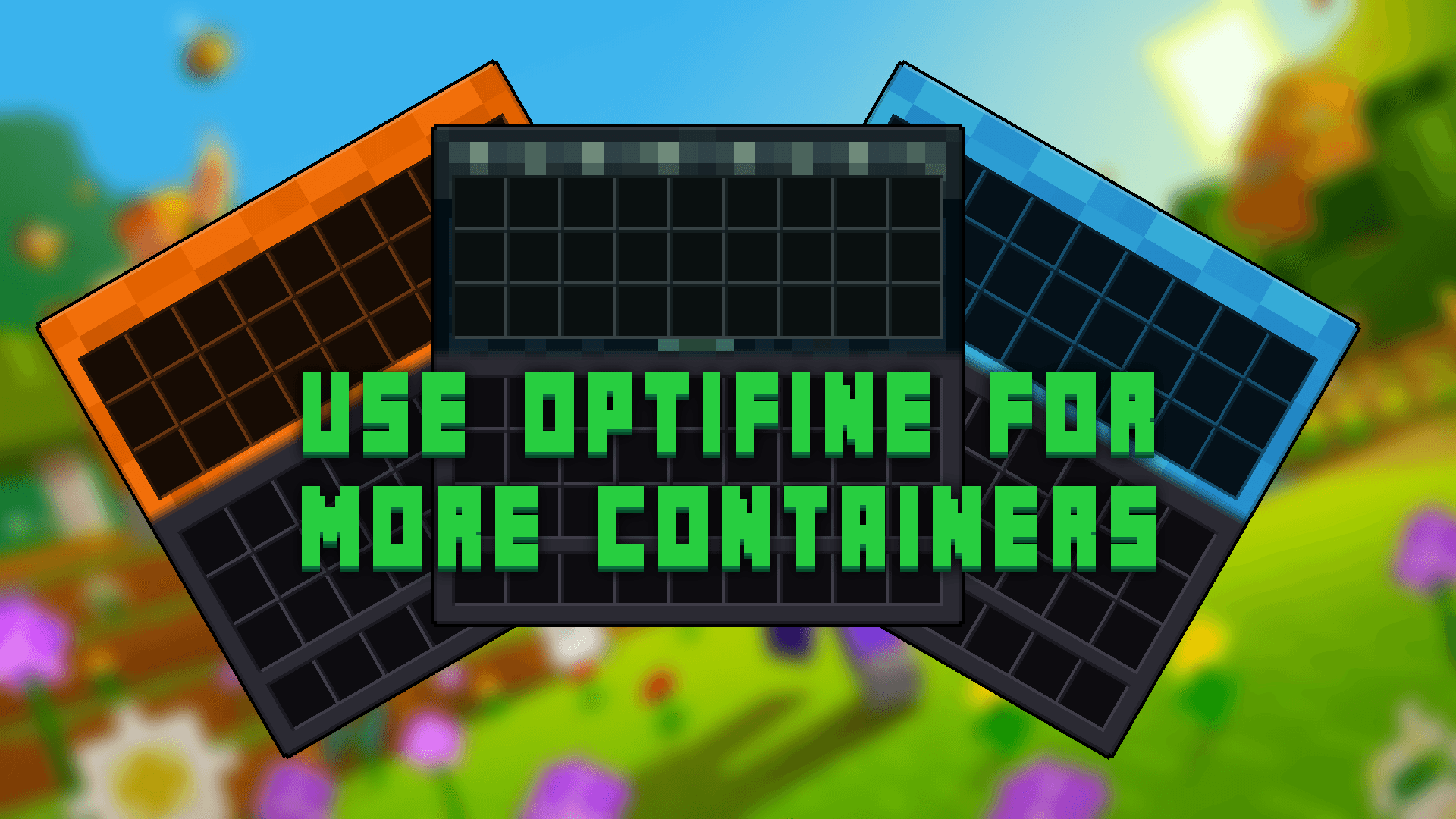
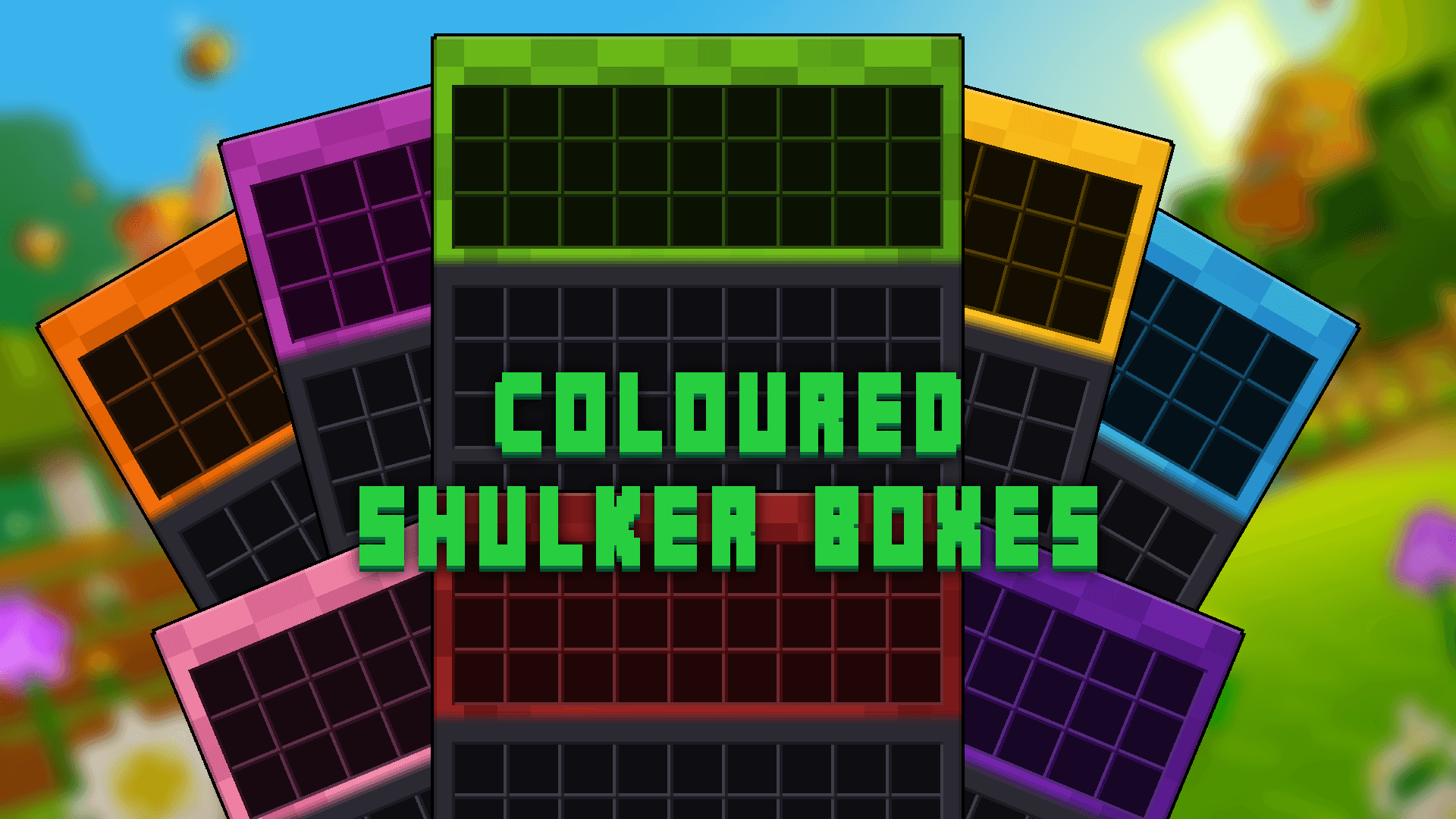
The pack needs either Optifine or OptiGUI for special containers GUI to work.

Special Containers

OptiGUI also works for Fabric installations

Ender_chest


I've created other Resource Packs for Minecraft which you can check out on Modrinth👽 or right here on CurseForge🔥


I also have a Discord server, which is the best place to provide feedback or ask questions!

Discord

Launcher UI 1.1
MC 1.20.2, 1.21.2-Snapshot, 1.21, 1.20.5, 1.21.5, 1.20.2-Snapshot, 1.20.5-Snapshot, 1.21.1-Snapshot, 1.21.4, 1.21.5-Snapshot, 1.20.3-Snapshot, 1.20.3, 1.20.6, 1.20.4, 1.21-Snapshot
Release 2025-04-03 Get

Requirements & install

How to use this resource pack in Minecraft
Resolution
16x
Minecraft
1.20.6 – 1.21.5
Install folder
.minecraft/resourcepacks

How to install resource packs

  1. Download the resource pack .zip file (do not extract it).
  2. In Minecraft open Options → Resource Packs → Open Pack Folder.
  3. Drop the .zip into the resourcepacks folder (.minecraft/resourcepacks).
  4. Move the pack to the Selected column and click Done.
Browse more: 16x resource packs 32x resource packs 64x resource packs 128x resource packs 256x resource packs 512x+ resource packs Resource Packs for 1.21.5 All resource packs

More from Ecorn

Advertisement Remove ads with Premium →

You Might Also Like