Mineuniverse
Resource Packs
Lanostry's monsters

Lanostry's monsters

RESOURCE PACK
Monsters are now cooler and more diverse!
by Lanostry
Download Claim this project
Add a badge to your pageLink to Lanostry's monsters from a README, website or forum post.
Preview: Badge

Badges update automatically and link to the resource pack page on MineUniverse.

3,548 downloads
0 likes
0 followers
Updated Oct 14, 2026
0 hypes
Follow0
16x Miscellaneous Traditional
Advertisement Remove ads with Premium →

 📜 Description

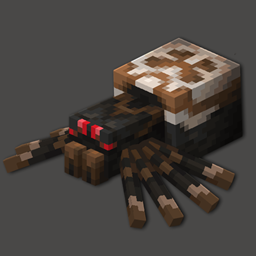
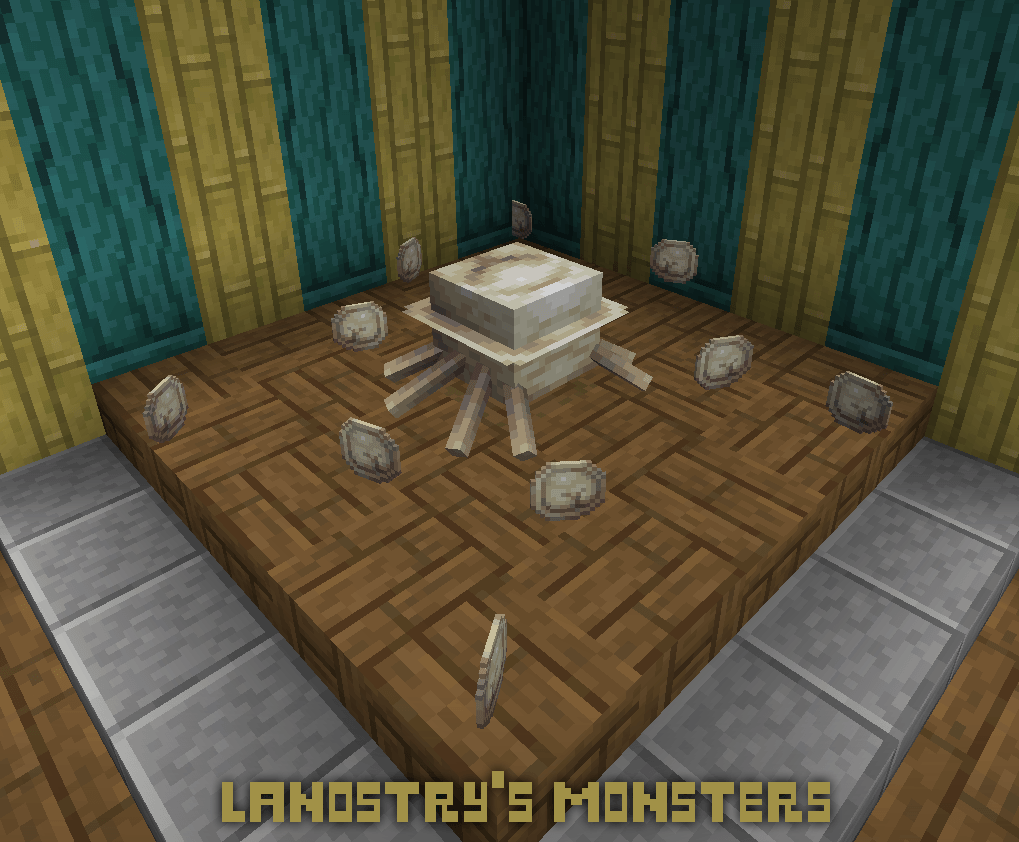
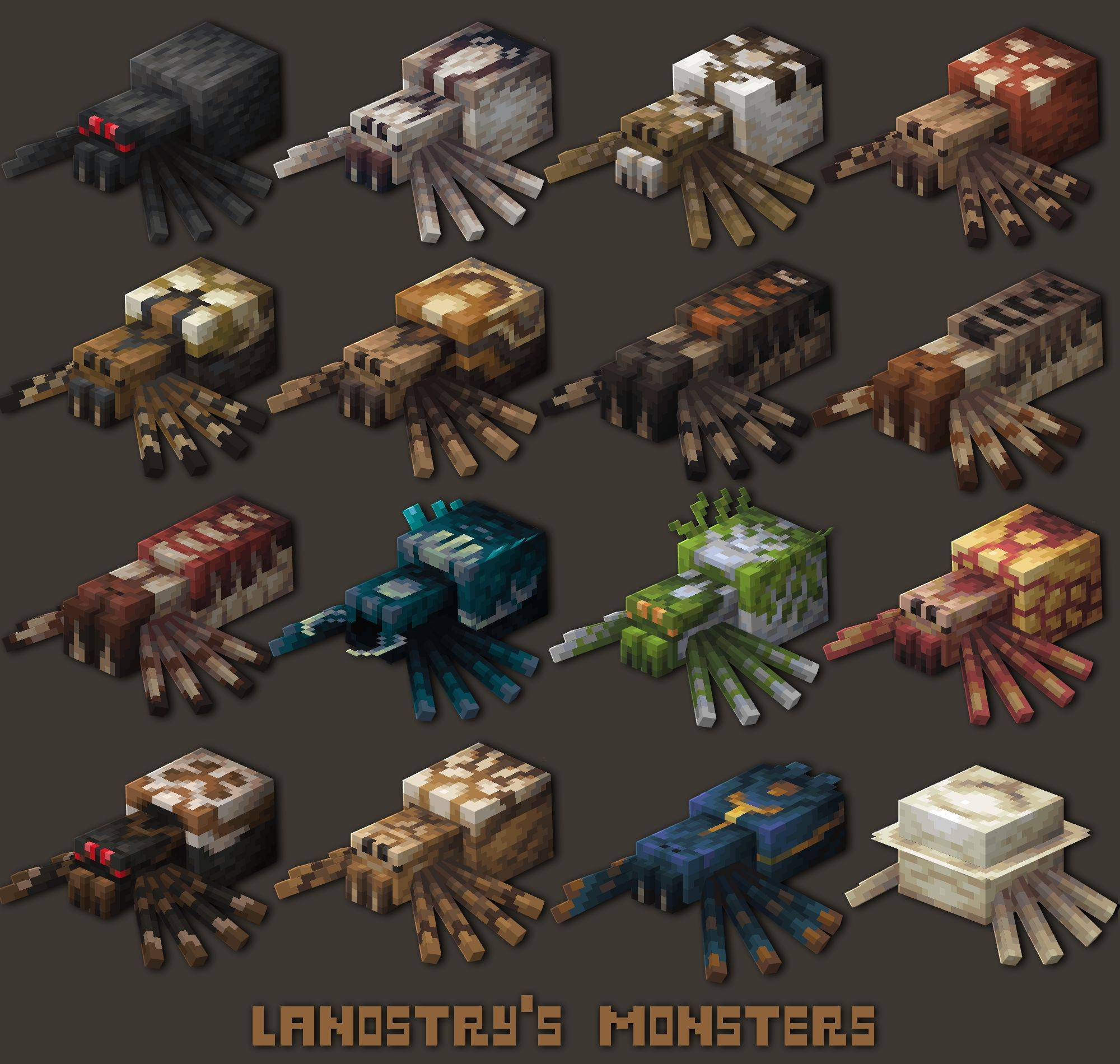
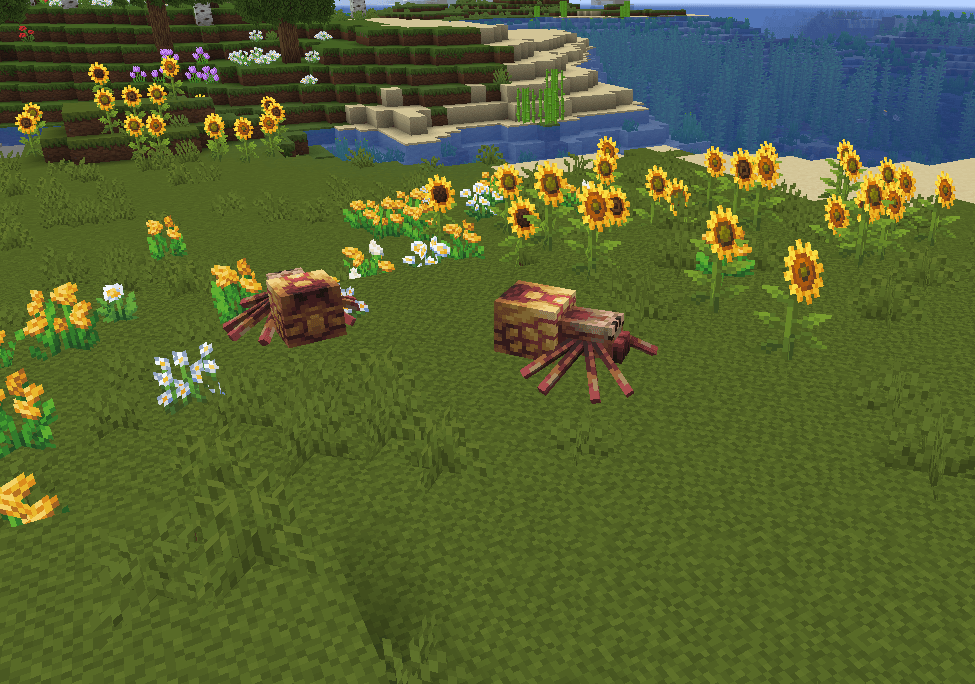
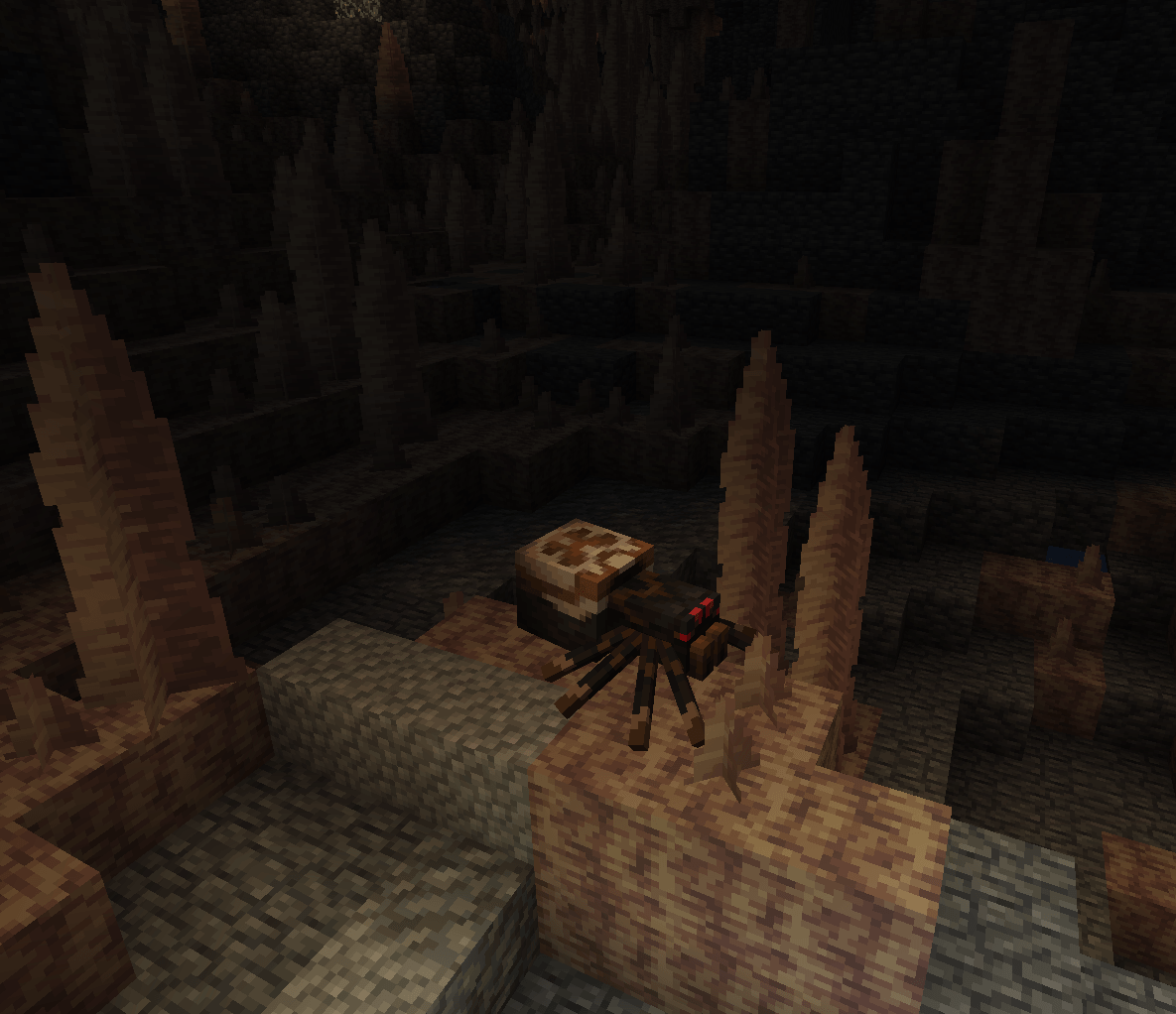
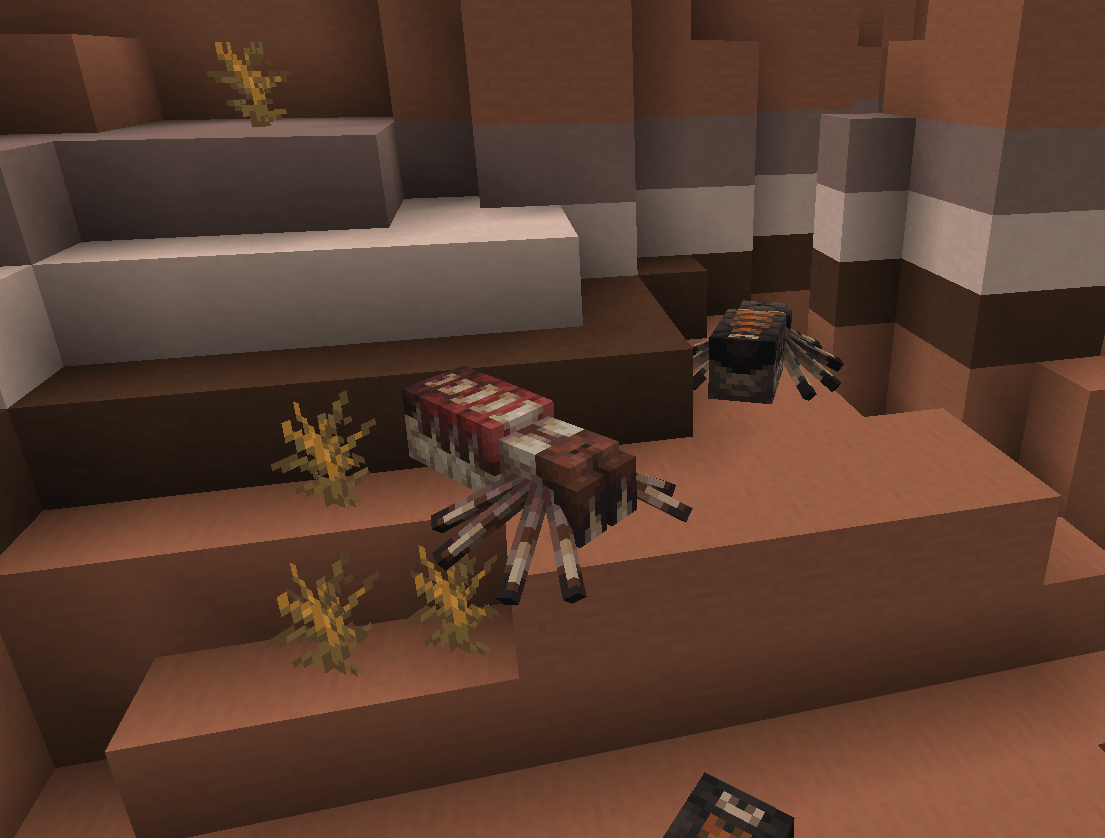
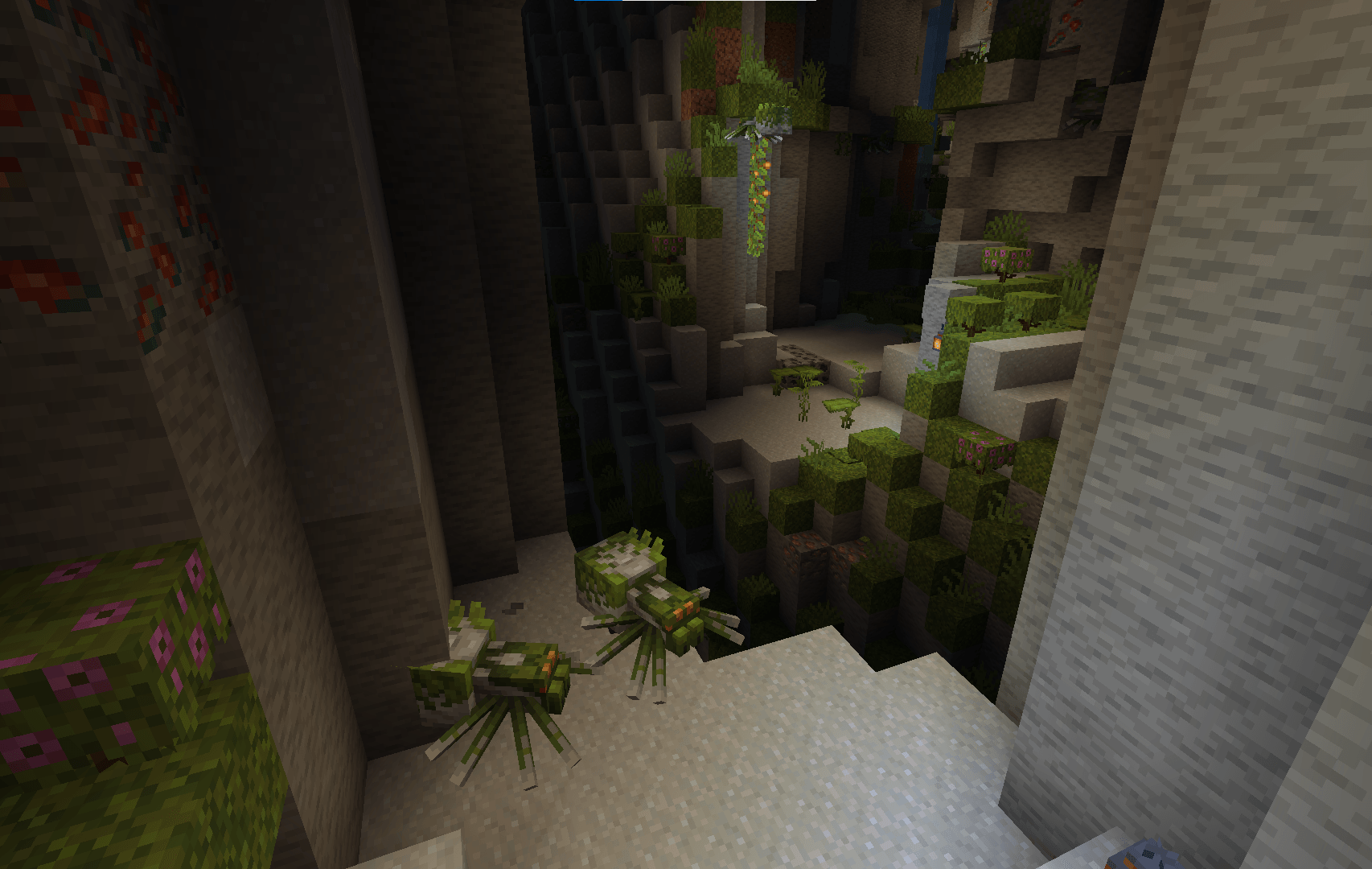
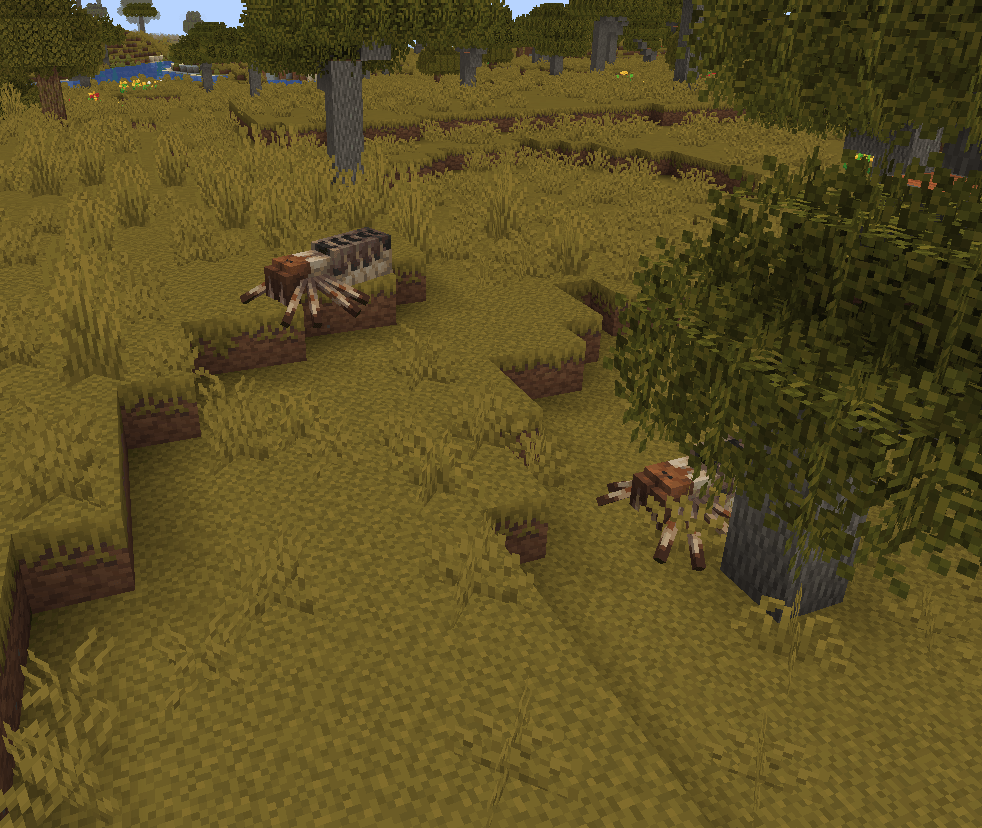
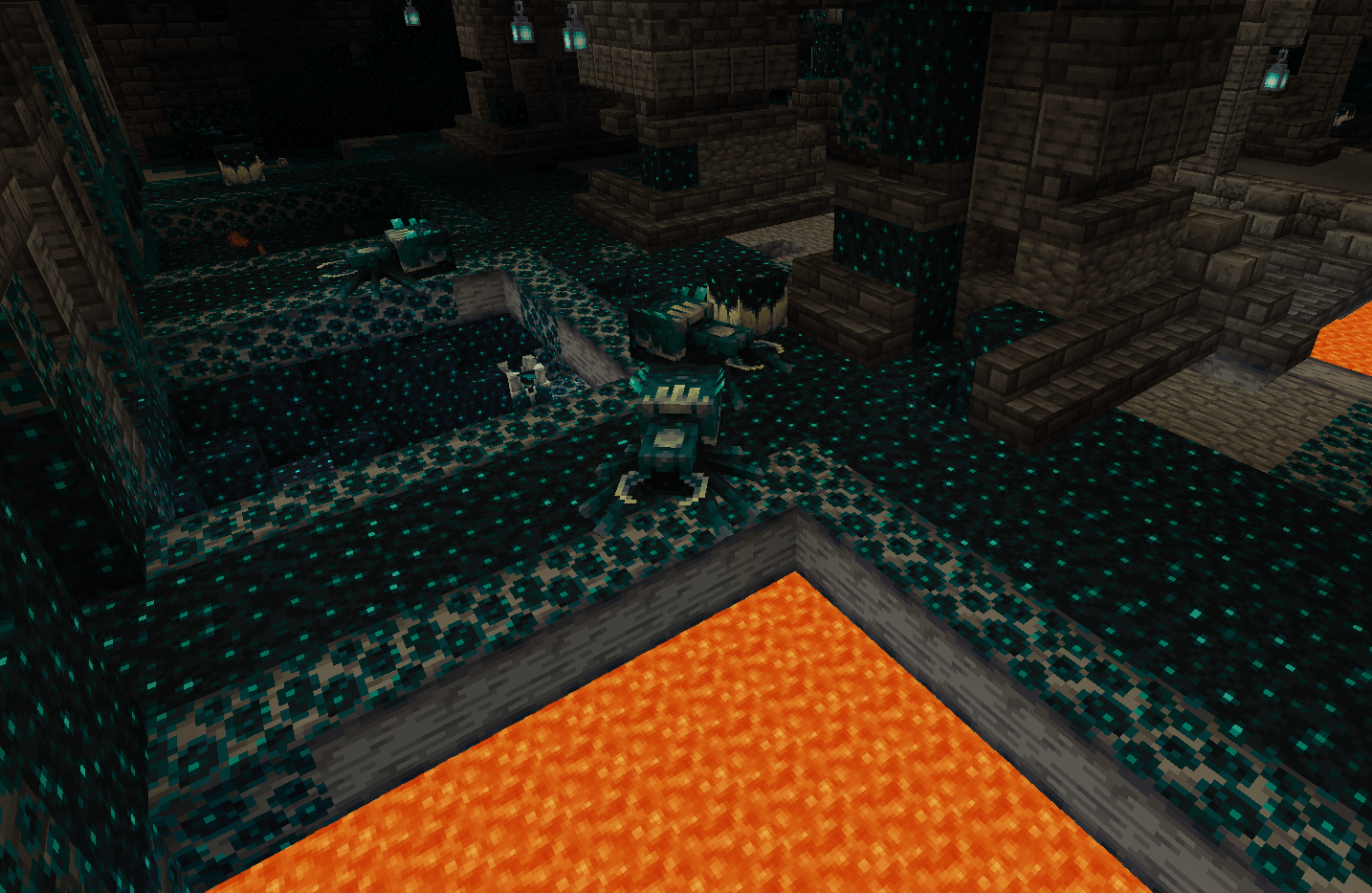
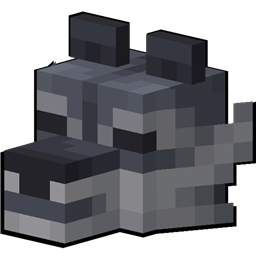
This resource pack adds visual improvements for vanilla monsters, including new textures adapted to certain biomes
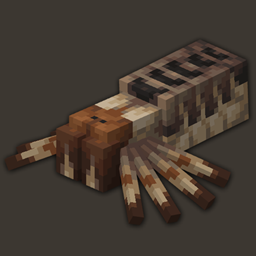
Currently, there are 16 textures available for spiders that you can encounter in the world or obtain using a nametag

🌻 Recommendation

Use optifine or EMF, ETF and CEM to run the resourcepack

You can also give your spider any name you want (and in any language), but to change the skin you need to put the skin number next to the name (example and list of names inside the resourcepack)

👺 Terms of use

I forbid you to use my resourcepacks/mods for commercial purposes, to use them in third-party projects, paid modpacks, on public servers with paid pass or donation, as well as to distribute them on other sites
It is also forbidden to use textures from my projects for training neural networks
If you want to use my projects in your modpacks, you must credit me as the author and share a portion of the revenue from downloads
For other uses (videos, articles, etc.), please provide a link to the download (modrinth or curseforge)
All of this works with the full or modified package, as well as if you use only part of the content

🦉 Community

Discord

https://discord.gg/mThvczzpuV

Donation

https://app.lava.top/lanostry?donate=open

LANOSTRYs MONSTERS.zip
MC 1.21, 1.21.5, 1.21.8, 1.21.9, 1.21.10, 1.21.4, 1.21.3, 1.21.7, 1.21.1, 1.21.6, 1.21.2
Release 2025-10-20 Get

Requirements & install

How to use this resource pack in Minecraft
Resolution
16x
Minecraft
1.21.3 – 1.21.10
Install folder
.minecraft/resourcepacks

How to install resource packs

  1. Download the resource pack .zip file (do not extract it).
  2. In Minecraft open Options → Resource Packs → Open Pack Folder.
  3. Drop the .zip into the resourcepacks folder (.minecraft/resourcepacks).
  4. Move the pack to the Selected column and click Done.
Browse more: 16x resource packs 32x resource packs 64x resource packs 128x resource packs 256x resource packs 512x+ resource packs Resource Packs for 1.21.10 All resource packs

More from Lanostry

Advertisement Remove ads with Premium →

You Might Also Like