Mineuniverse
Resource Packs
Languages for Roguelike Dungeons -- Fnar's Edition

Languages for Roguelike Dungeons -- Fnar's Edition

RESOURCE PACK
See all those unique items in your language! - PR's welcome
by KameiB
Download Claim this project
Add a badge to your pageLink to Languages for Roguelike Dungeons -- Fnar's Edition from a README, website or forum post.
Preview: Badge

Badges update automatically and link to the resource pack page on MineUniverse.
279 downloads
0 likes
0 followers
Updated Oct 14, 2026
0 hypes
Follow0
Font Packs Miscellaneous Mod Support
Advertisement Remove ads with Premium →

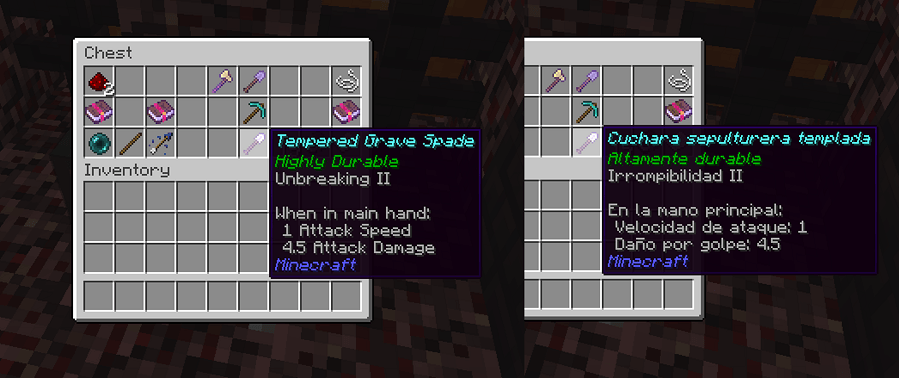
Roguelike Dungeons -- Fnar's Edition adds language support for its custom items since version 2.4.5.

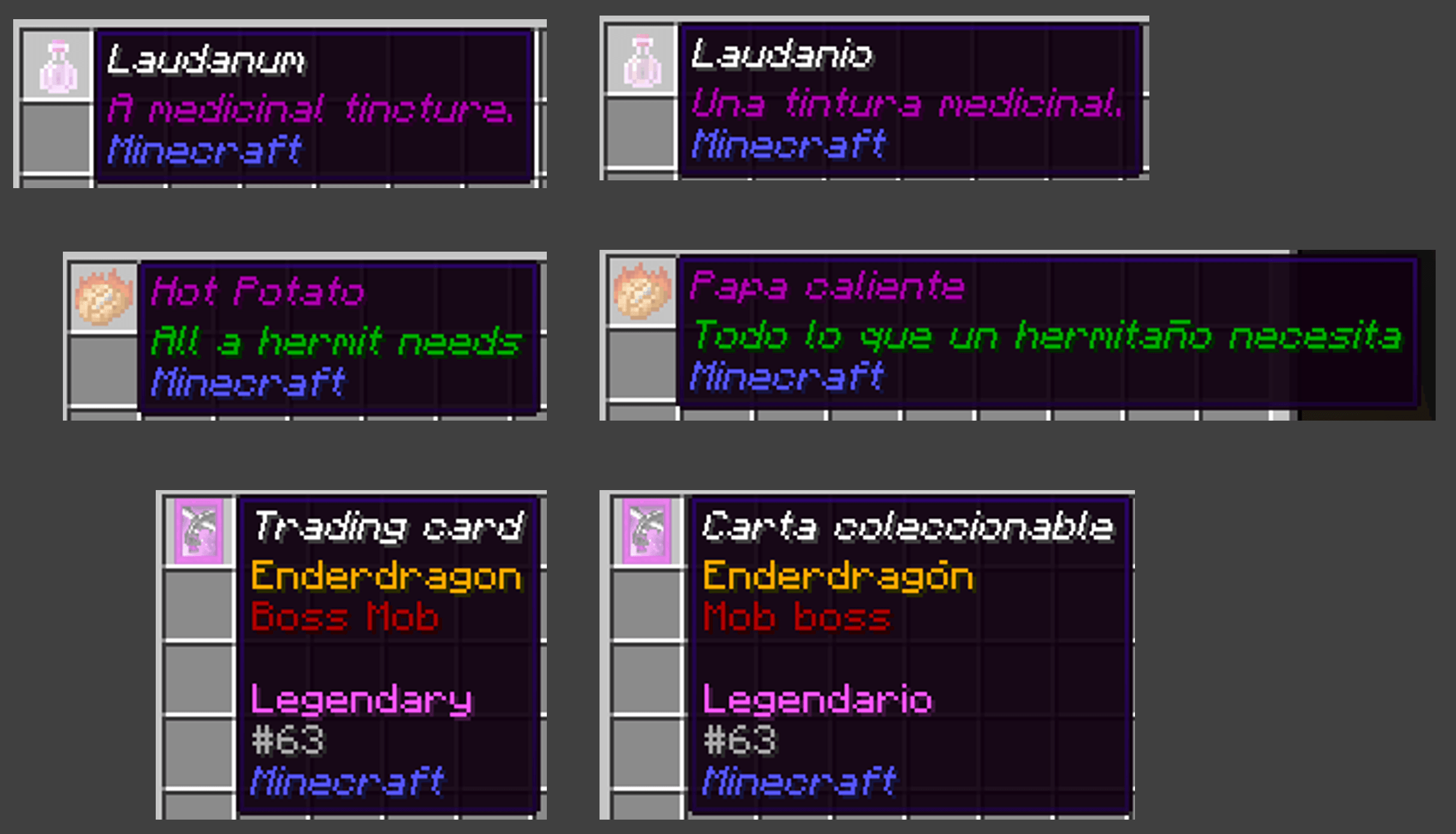
The initial idea of this Resource Pack was to support Vanilla clients who join servers that have this (or later) versions of Roguelike Dungeons -- Fnar's Edition mod, so they can see its custom items' Name in their language.
(Item Lore will remain in English, because of Vanilla Minecraft limitations).

But this project can increase the supported languages to as many as possible!
When Fnar finishes RLD for newer Minecraft versions, I'll try to upload its corresponding Resource Pack.

Modded Minecraft 1.12.2 users:

If you have Roguelike Dungeons -- Fnar's Edition in your Minecraft instance, its custom items' Lore (AKA flavor text) will also be translated!
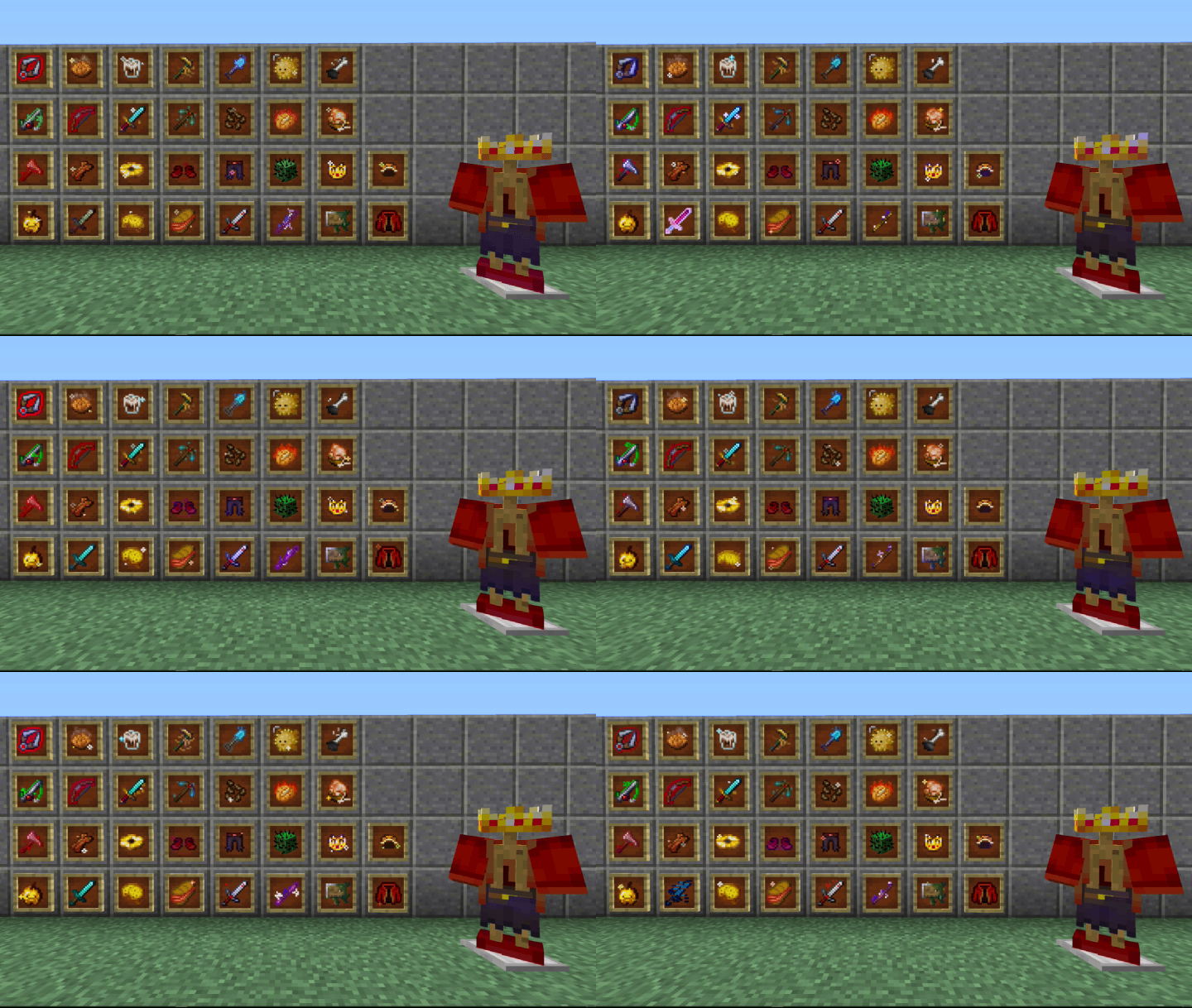


For Novelty items with custom textures, download CIT for Roguelike Dungeons! (Requires Optifine).
 

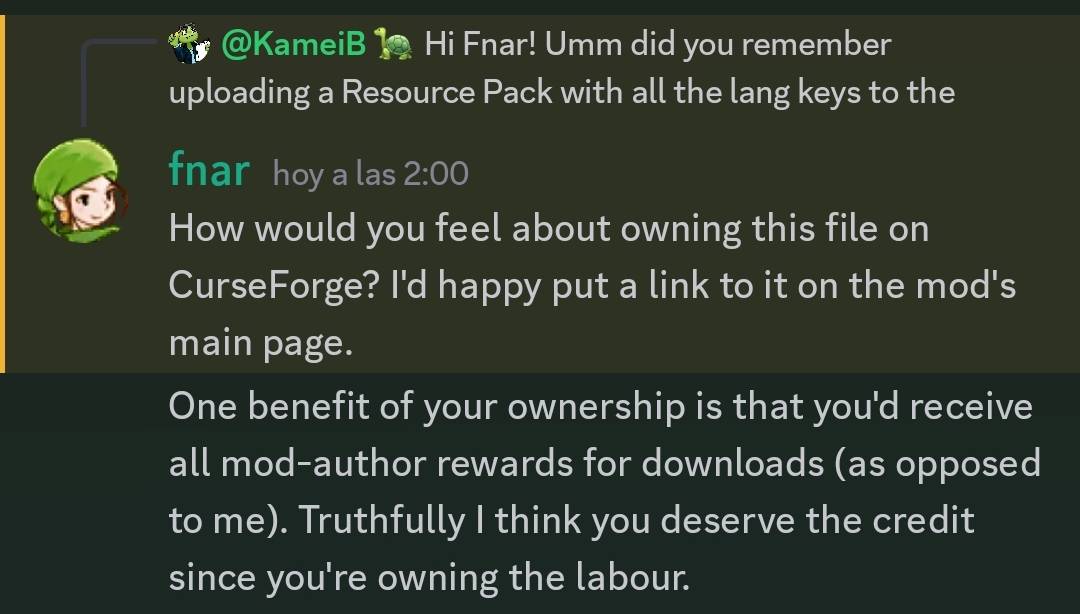
Fnar granted me permission to publish this Resource Pack, to expand language support for RLD <3
 

If you want to contribute adding your language to this project, feel free to make a PR!

v1.0.1 - New Novelty item!
MC 1.12.2
Release 2024-08-30 Get
v1.0.0 - English and Spanish
MC 1.12.2
Release 2024-07-17 Get

Requirements & install

How to use this resource pack in Minecraft
Resolution
Not specified
Minecraft
1.12.2
Install folder
.minecraft/resourcepacks

How to install resource packs

  1. Download the resource pack .zip file (do not extract it).
  2. In Minecraft open Options → Resource Packs → Open Pack Folder.
  3. Drop the .zip into the resourcepacks folder (.minecraft/resourcepacks).
  4. Move the pack to the Selected column and click Done.
Browse more: 16x resource packs 32x resource packs 64x resource packs 128x resource packs 256x resource packs 512x+ resource packs Resource Packs for 1.12.2 All resource packs

More from KameiB

Advertisement Remove ads with Premium →

You Might Also Like