Badges update automatically and link to the resource pack page on MineUniverse.
Attention!: Lands of Brazil and it's beautiful town showcase is being hosted and updated by it's original author elsewhere on it's original site here: my Minecraft page!
Once there, just click on the Minecraft Icon... Otherwise continue on to the old downloads below:
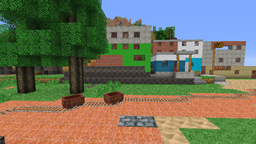
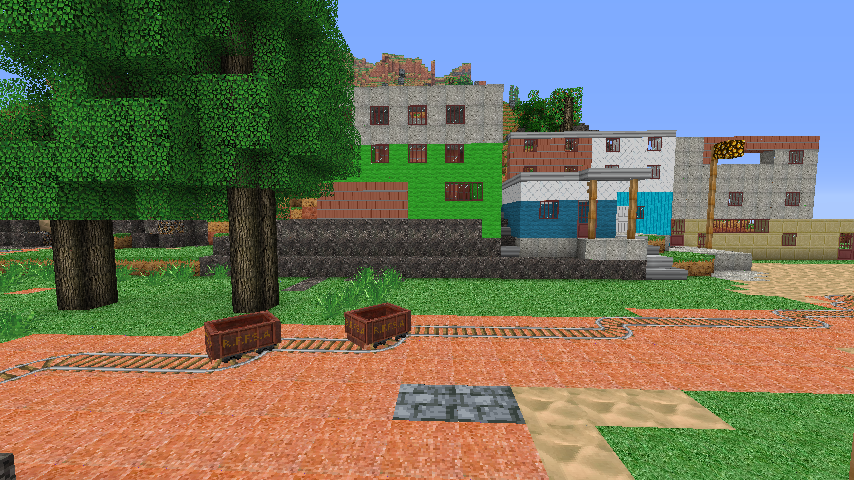
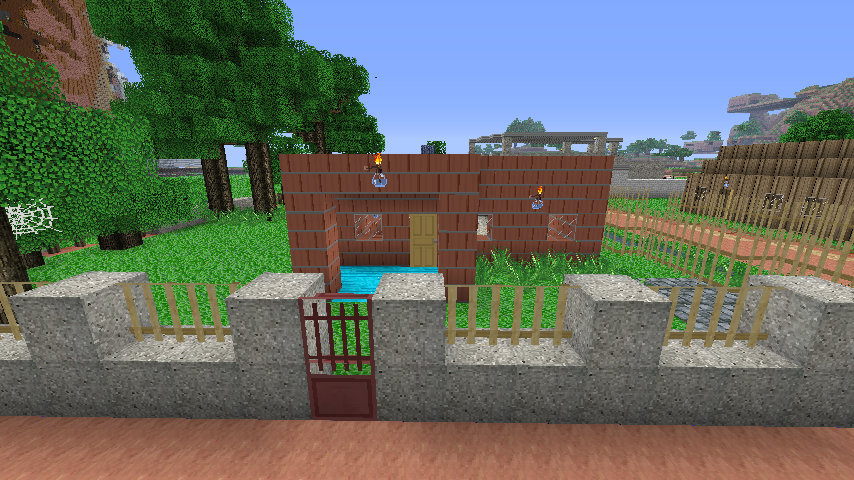
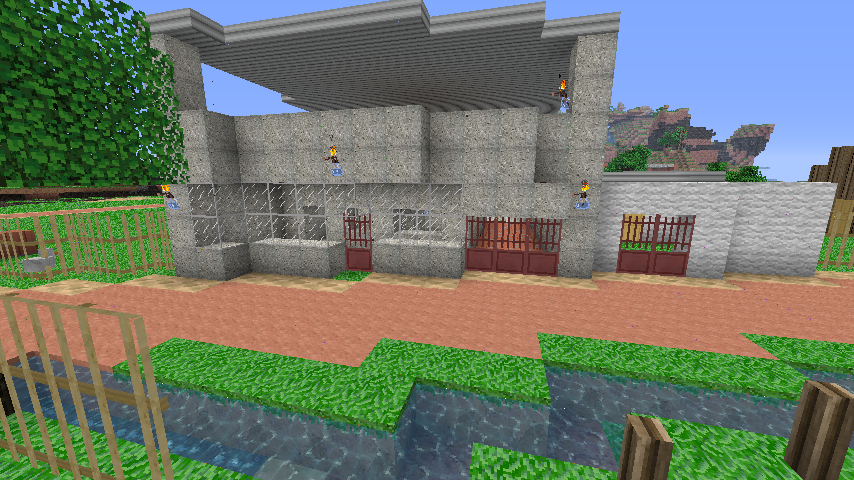
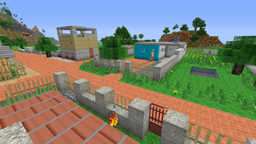
Best to download my save (which showcases the pack - see pictures) here on curse: http://www.curse.com/worlds/minecraft/sao-torquato
Beautiful eye pleasing colors with a good mix of HD textures!
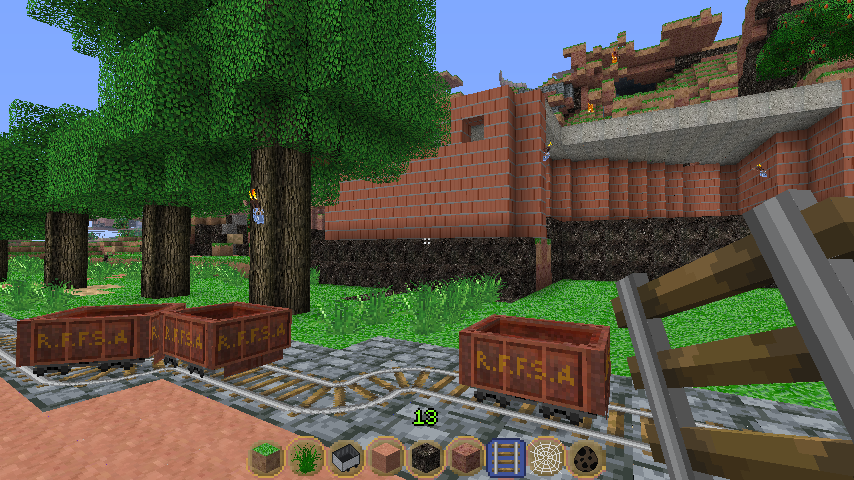
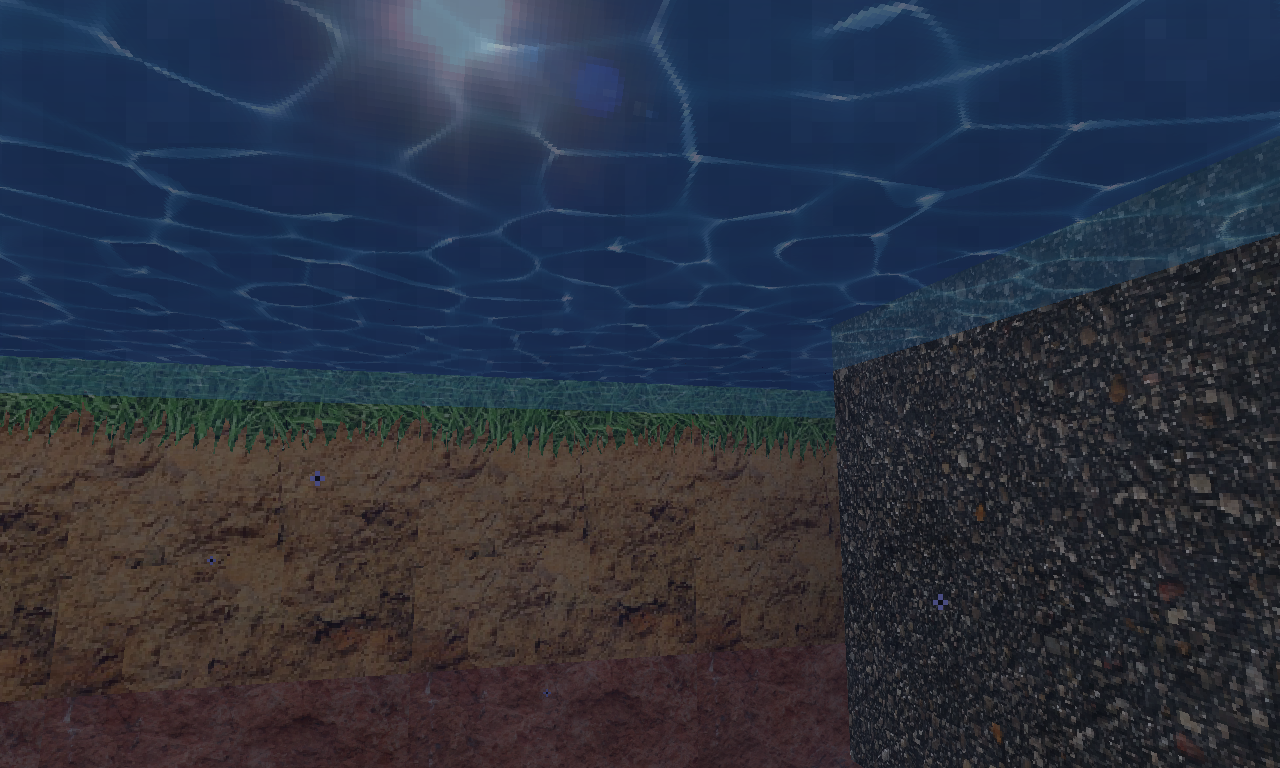
2 types of soil (a first in Minecraft) soil and subsoil of orange and pinkish color, typical from the Eastern part of Brazil
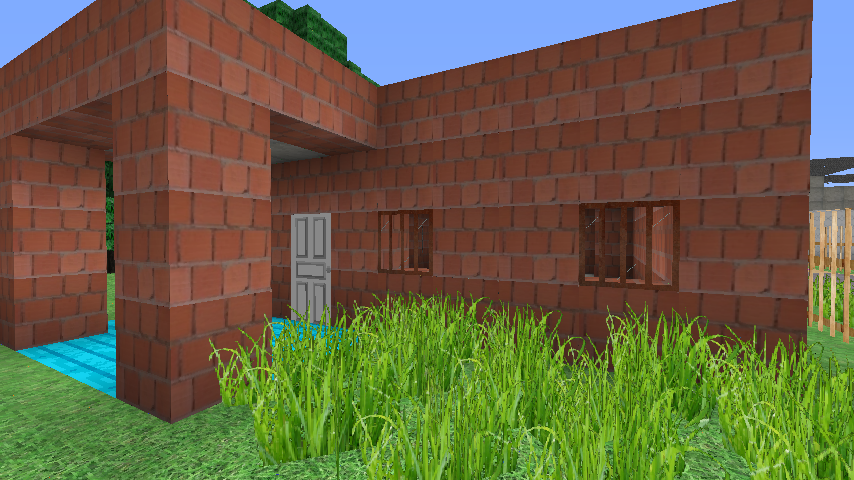
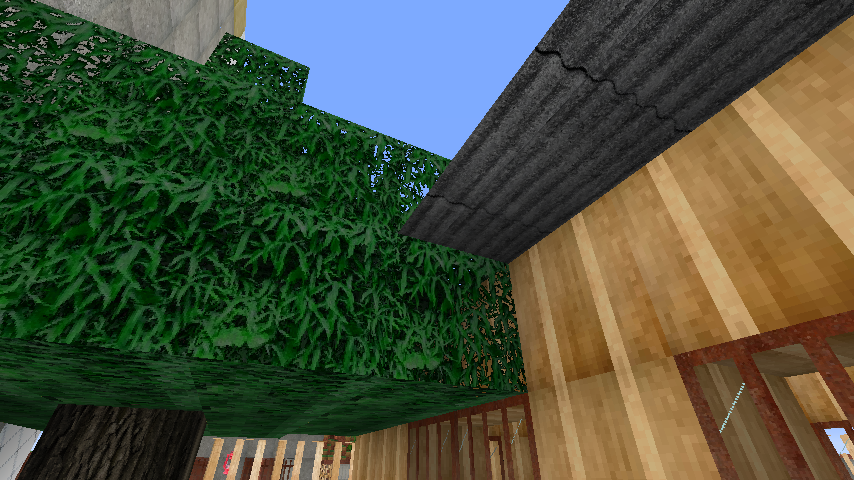
Create your house out of typical Brazilian bricks.
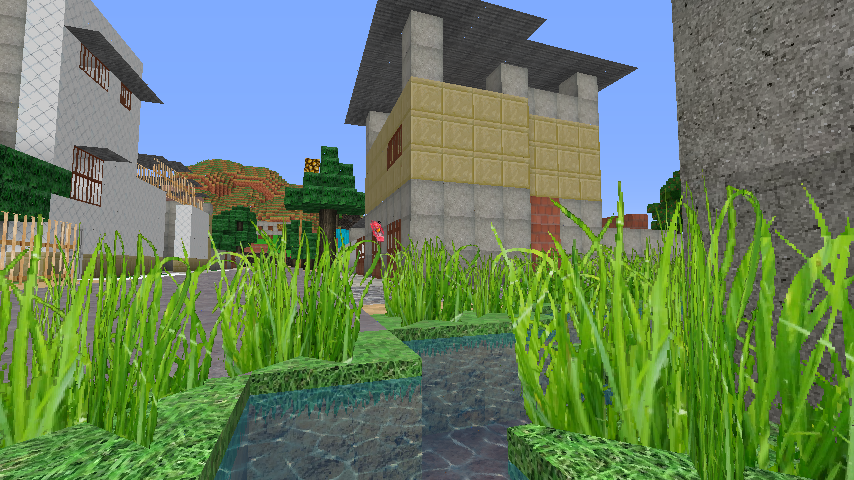
Beautiful custom water animation (thanks to LB photo realism pack)
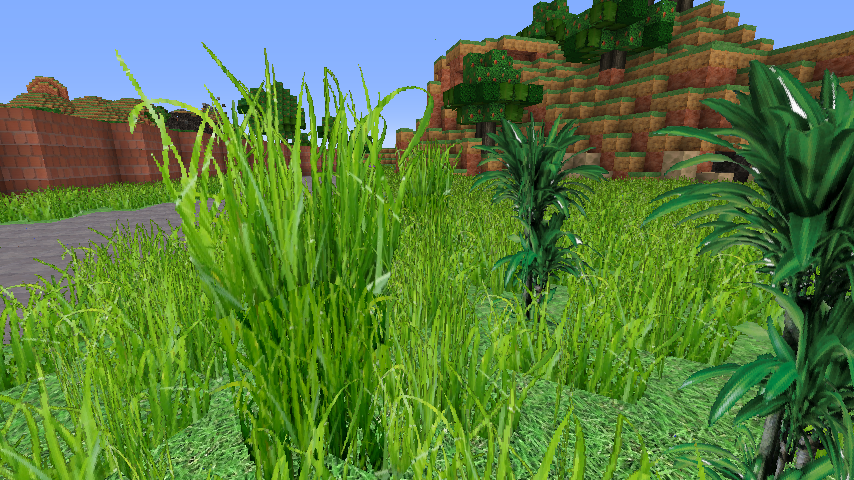
Most beautiful grass texture I have ever seen (realistic)
Includes 4 tropical trees and leaves: mango, palm, (banana and coconut - a first in Minecraft)
Caves in HD eastern Brazilian black granite stone
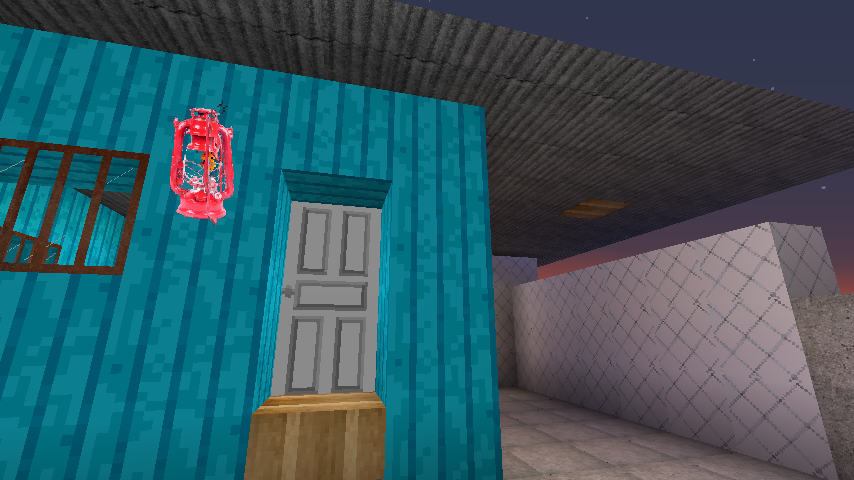
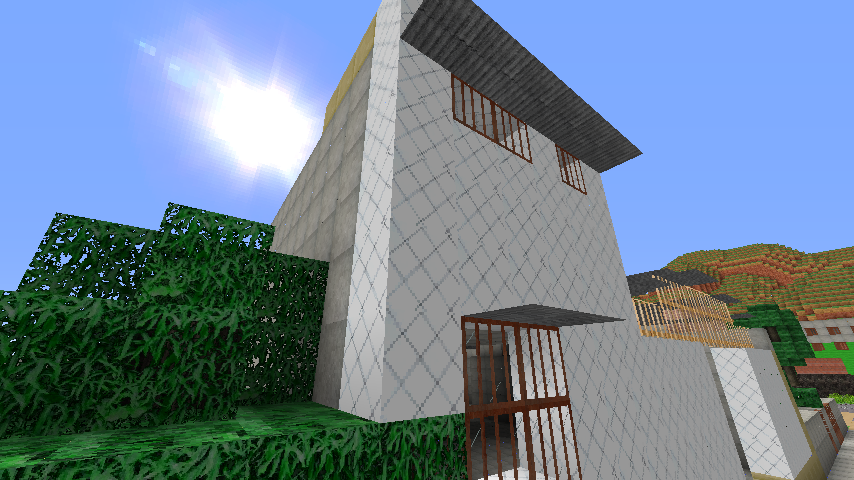
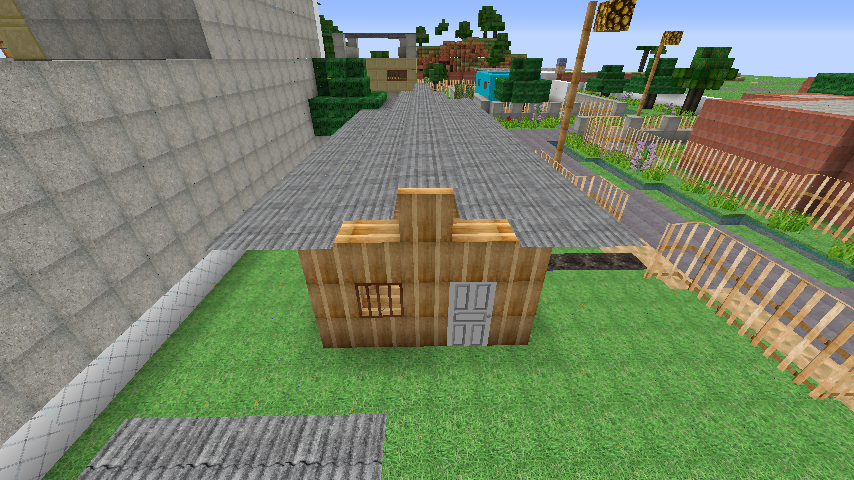
Brazilian style home wall bricks and amazing roof types! (see it in the downloadable save!)
Brazilian Lamparina (old fashioned HD red querosene lamp)!
Also a beautiful sun, gorgeous moon and new clouds.
New beautifully detailed train wagon rusty red iron gondola minecart! even in 16 x 16,
I haven't seen a more beautiful minecart out there!