Mineuniverse
Resource Packs
Laika's Terraria Flavored

Laika's Terraria Flavored

RESOURCE PACK
CIT Resource Pack that aims to add the "combined accesories" from Terraria into Raspberry Flavoured
by laikapuppydog
Download Claim this project
Add a badge to your pageLink to Laika's Terraria Flavored from a README, website or forum post.
Preview: Badge

Badges update automatically and link to the resource pack page on MineUniverse.

36 downloads
0 likes
0 followers
Updated Oct 14, 2026
0 hypes
Follow0
32x Miscellaneous Mod Support
Advertisement Remove ads with Premium →

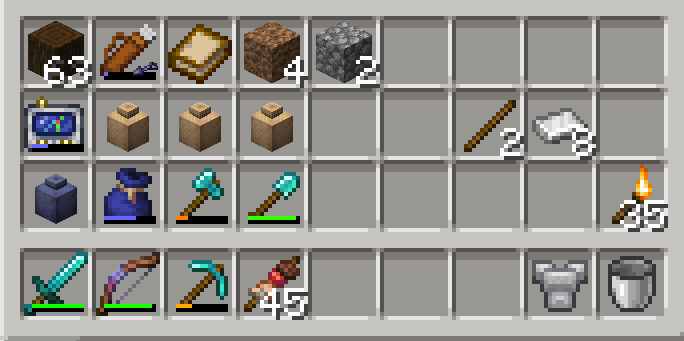
Do you like the information items in Raspberry Flavoured but would like to be able to combine them into a singular item like the Cell Phone from Terraria? We'll this CIT Resource Pack kinda lets you do it!!

(!) This is a CIT (Custom Item Textures) Resource Pack, to access all the content you will need to add a mod that supports CITs, such as CIT Reforged

This Resource Pack aims to add the combined accessories from Terraria (like the GPS, PDA or Cell Phone) into Raspberry Flovoured in the most vanilla way possible, along with some other re-textures that you might also enjoy!


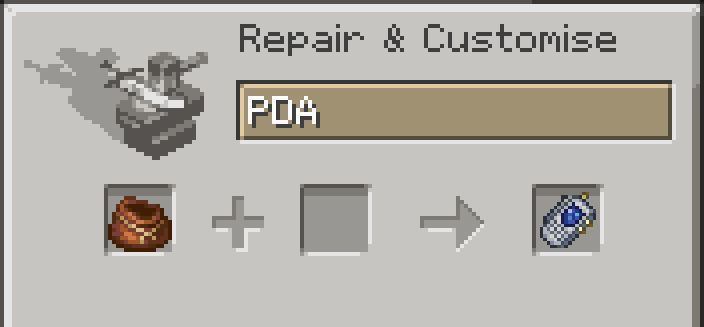
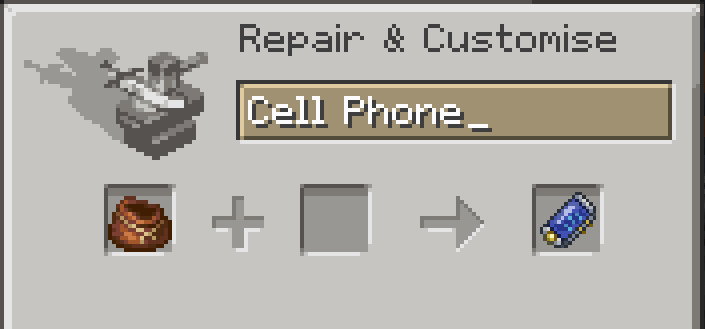
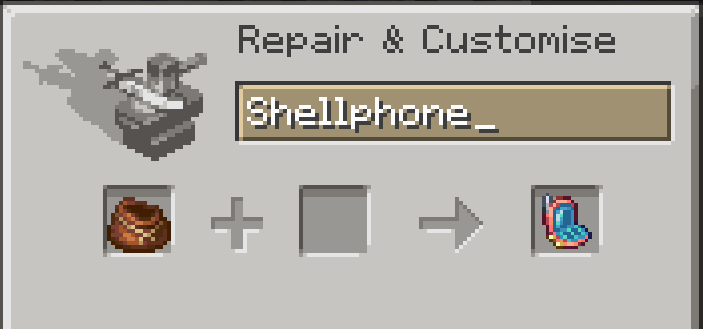
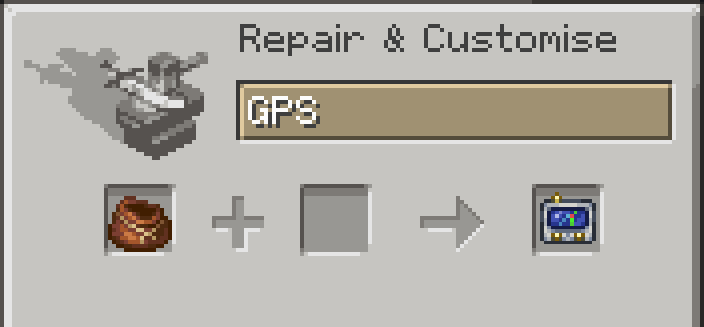
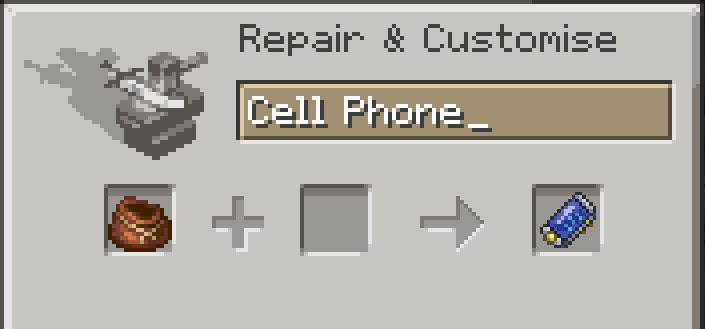
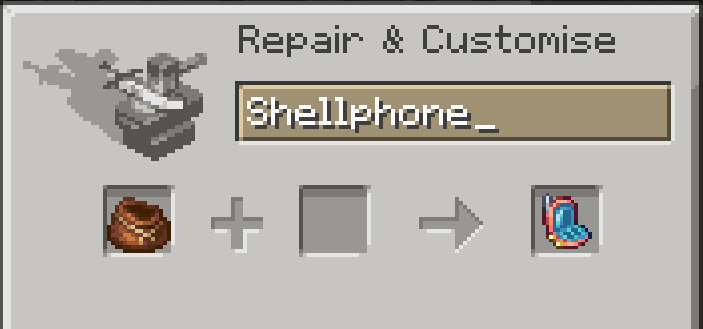
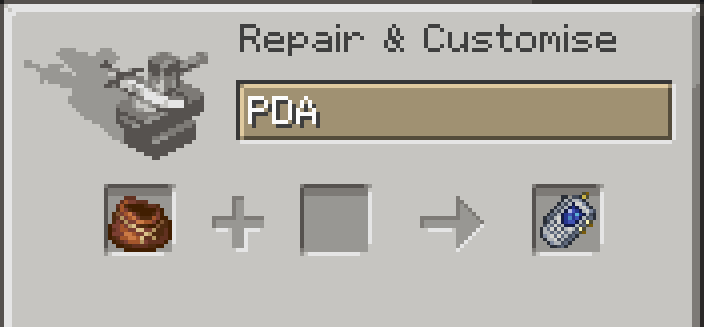
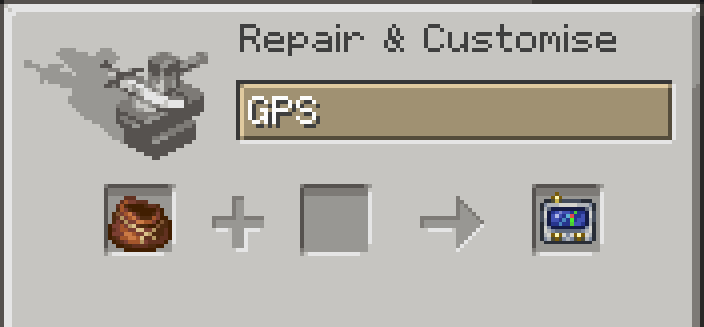
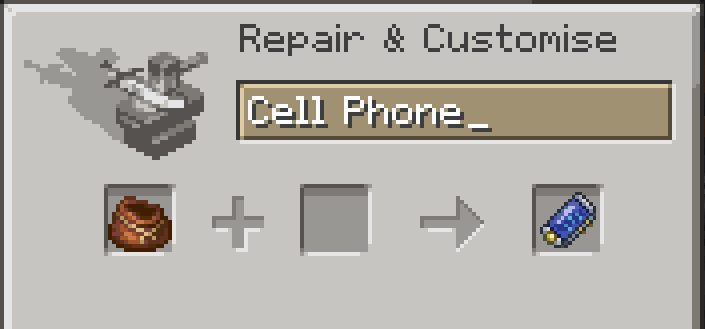
To get these new "accesories" you have to rename a bundle in an anvil. Renaming a Bundle to "GPS" changes it's texture! Renaming a Bundle to "PDA" changes it's texture! Renaming a Bundle to "Cell Phone" changes it's texture! Renaming a Bundle to "Shellphone" changes it's texture!
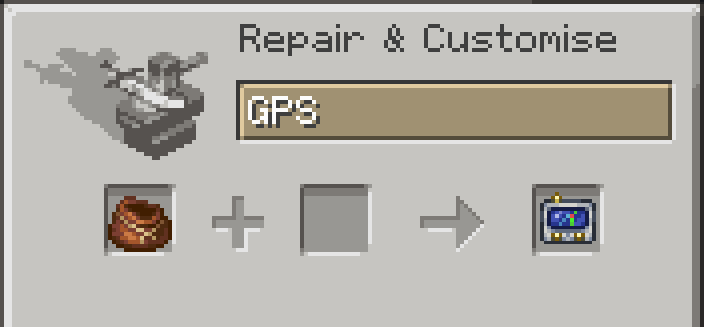
 

I also decided to add some other Terraria re-textures 'cause I thought they'd be fun! Renaming a Compass to "Ancient Compass" changes it's texture! (this will remove its ability to point towards your spawn or a lodestone) 
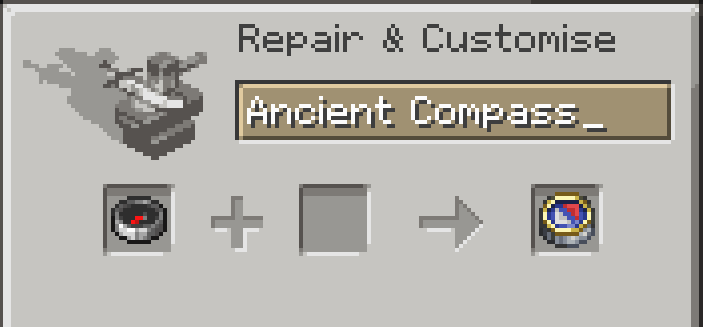
(this will remove the Compass ability to point towards your spawn or a lodestone)
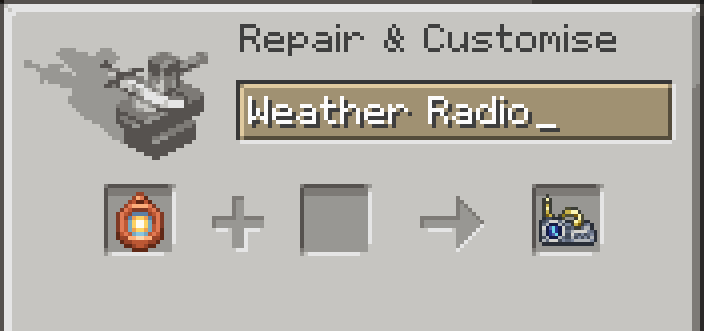
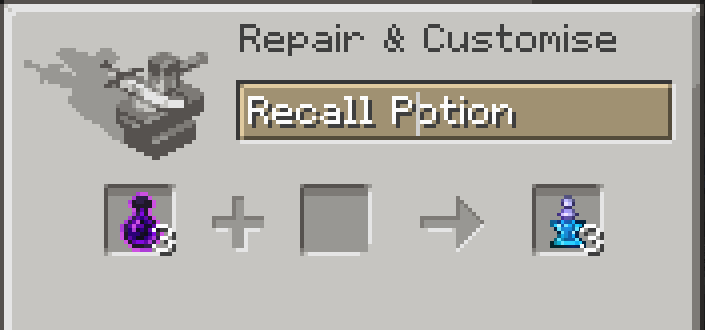
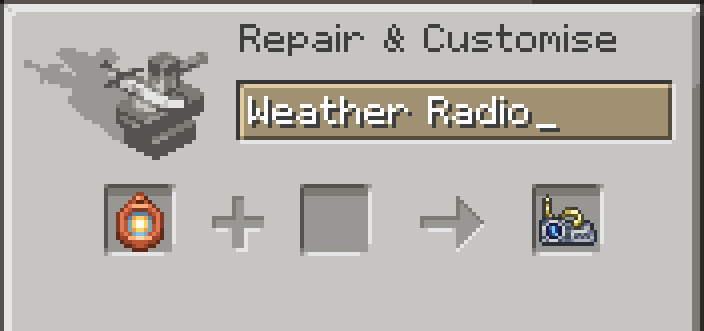
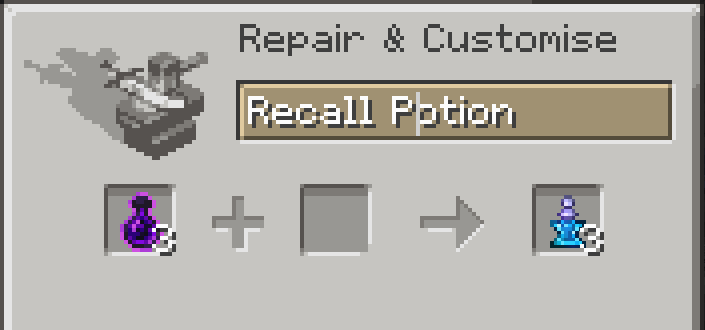
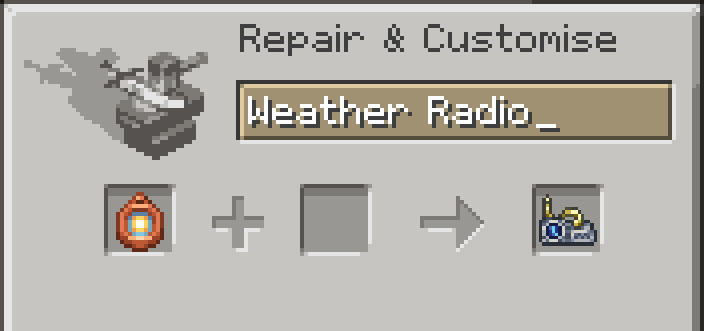
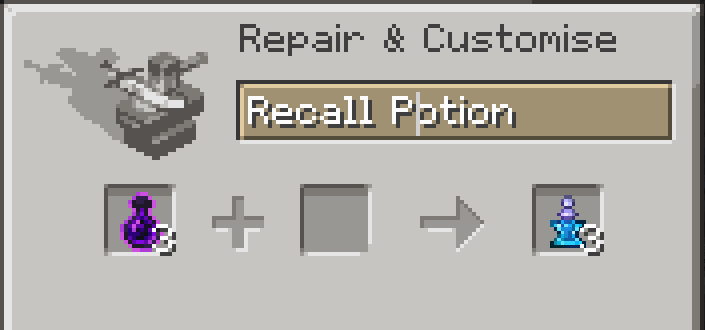
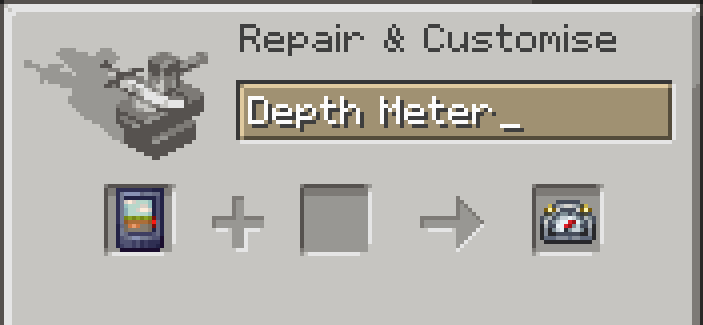
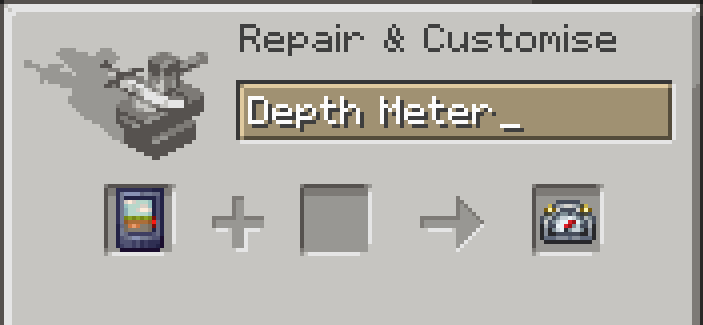
Renaming a Depth Gauge to "Depth Meter" changes it's texture! Renaming a Barometer to "Weather Radio" changes it's texture! Renaming Dimensional Tears to "Recall Potion" changes it's texture!

I plan on adding more retextures in the future, but those are the ones I added so far

(This project started as a silly personal project of mine but people on the RF Discord told me to share it, so here it is! hope u guys like it ^w^)

Laikapack-1.1
MC 1.19.2
Release 2025-11-30 Get

Requirements & install

How to use this resource pack in Minecraft
Resolution
32x
Minecraft
1.19.2
Install folder
.minecraft/resourcepacks

How to install resource packs

  1. Download the resource pack .zip file (do not extract it).
  2. In Minecraft open Options → Resource Packs → Open Pack Folder.
  3. Drop the .zip into the resourcepacks folder (.minecraft/resourcepacks).
  4. Move the pack to the Selected column and click Done.
Browse more: 16x resource packs 32x resource packs 64x resource packs 128x resource packs 256x resource packs 512x+ resource packs Resource Packs for 1.19.2 All resource packs
Advertisement Remove ads with Premium →

You Might Also Like