Mineuniverse
Resource Packs
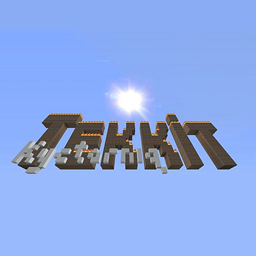
Kyctarniq's Tekkit Legends Texture Pack

Kyctarniq's Tekkit Legends Texture Pack

RESOURCE PACK
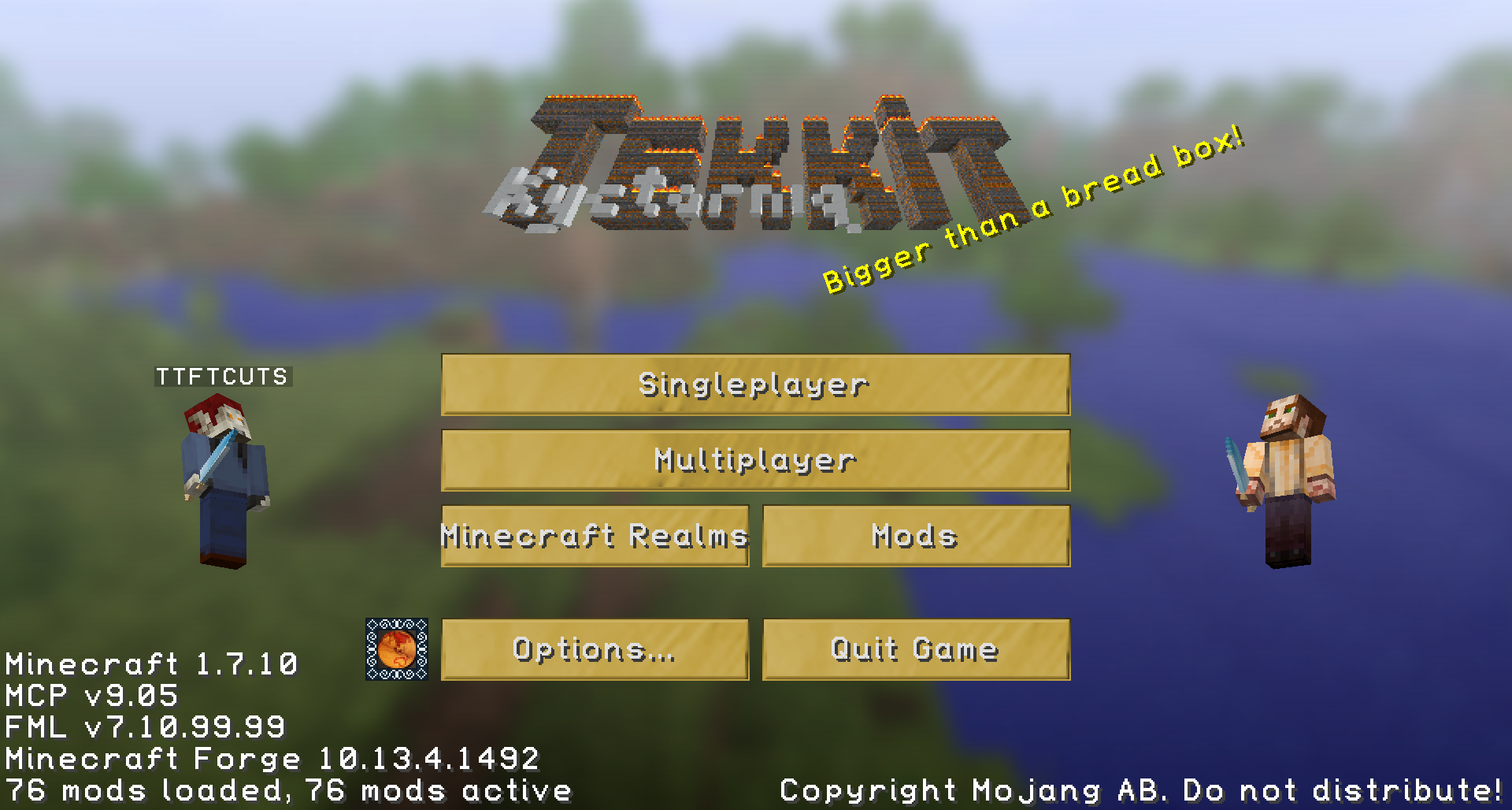
Kyctiness brought to the latest Tekkit
by kyctarniq
Download Claim this project
18,084 downloads
0 likes
0 followers
Updated Oct 14, 2026
0 hypes
Follow0
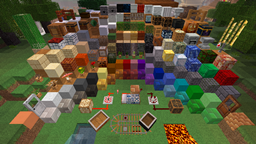
32x Modern Photo Realistic
Advertisement Remove ads with Premium →

Hi Guys,

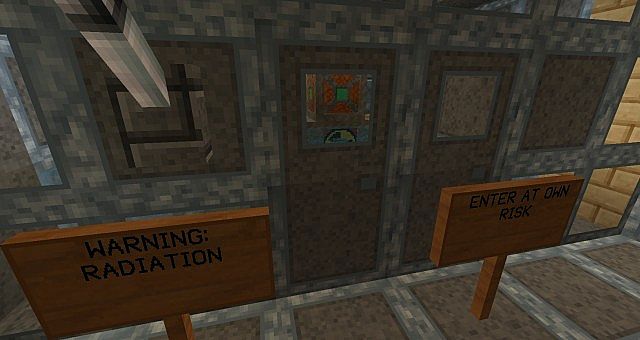
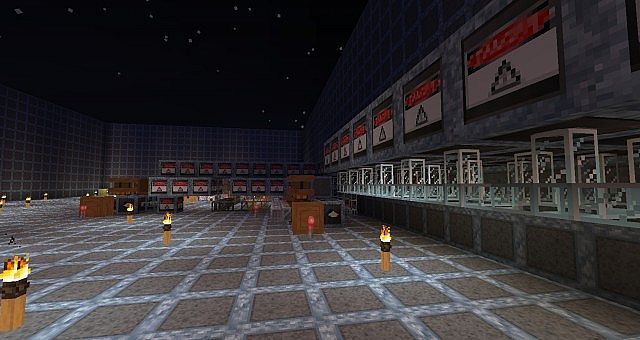
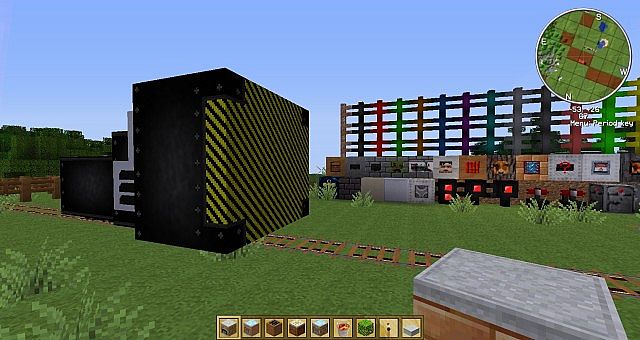
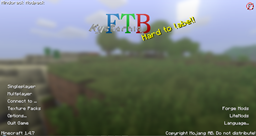
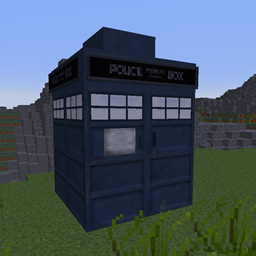
I love Tekkit! That says it all really. My Tekkit Lite texture pack is based on Kyctarniq's Texture Pack (of course :) ). This is a photo-based texture pack so all the images are based on something real.

I am so happy to see a fresh Tekkit Mod Pack. The mods in this pack are well chosen. I have enjoyed the play testing of the textures.

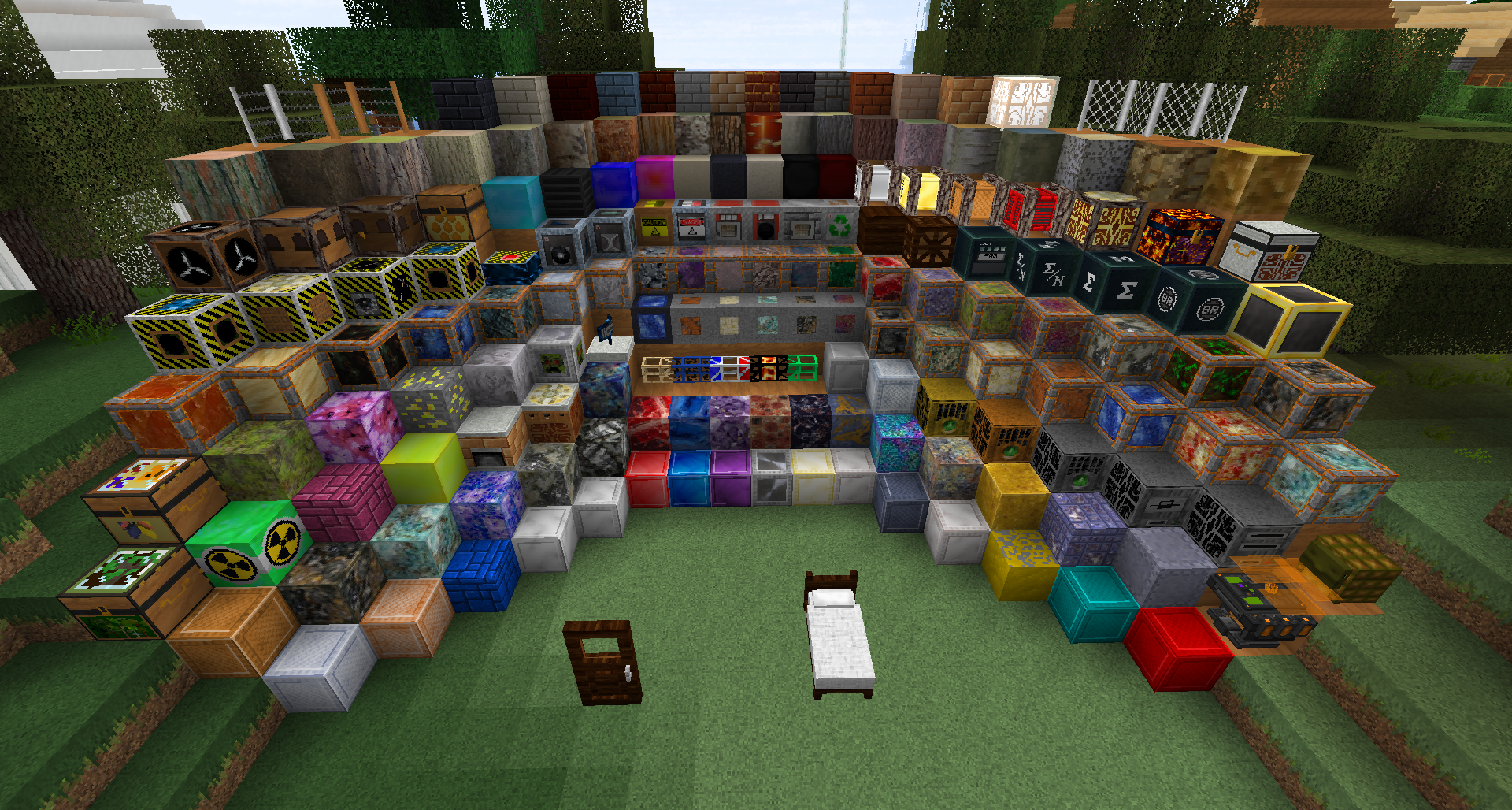
This pack is not finished it needs a few more textures. I have moved all of my existing textures for the returning mods. For the new mods and new textures, I will complete them over the next releases.

Please let me know what you think, remember this is not complete yet but of what I have done let me know what needs more work.
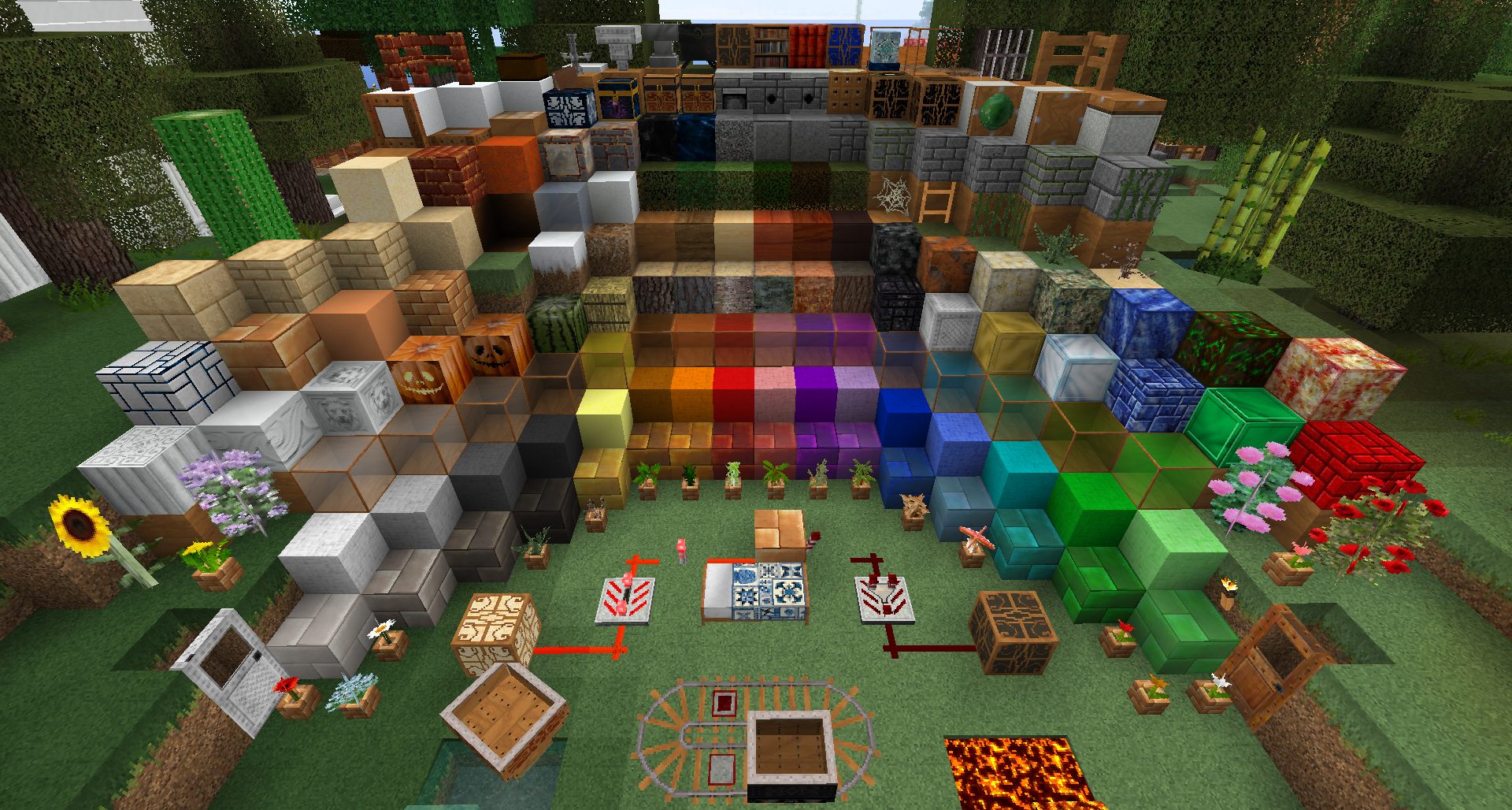


Courtesy of Kab's Resource Pack Showcase


Licence / Permissions (legalistic crap):

  • Please get permission to reuse content from this pack in other packs.
  • Please get permission to re-distribute this content.
  • Please give credit and link to this thread to write reviews with screenshots.
  • Please give credit and link to this thread to make videos using this content.

I've used content from the following with permission:
  • Fragoon's Better Lava


These are all my texture packs, I bet there is something you like:  

K32 Tekkit Legends 1.1.1 v2
MC 1.7.10
Release 2016-05-11 Get
K32 Tekkit Legends 1.1.1 v1
MC 1.7.10
Release 2016-01-27 Get

Requirements & install

How to use this resource pack in Minecraft
Resolution
32x
Minecraft
1.7.10
Install folder
.minecraft/resourcepacks

How to install resource packs

  1. Download the resource pack .zip file (do not extract it).
  2. In Minecraft open Options → Resource Packs → Open Pack Folder.
  3. Drop the .zip into the resourcepacks folder (.minecraft/resourcepacks).
  4. Move the pack to the Selected column and click Done.
Browse more: 16x resource packs 32x resource packs 64x resource packs 128x resource packs 256x resource packs 512x+ resource packs Resource Packs for 1.7.10 All resource packs

More from kyctarniq

Advertisement Remove ads with Premium →

You Might Also Like