Mineuniverse
Resource Packs
KrisKringle's Lush GUI

KrisKringle's Lush GUI

RESOURCE PACK
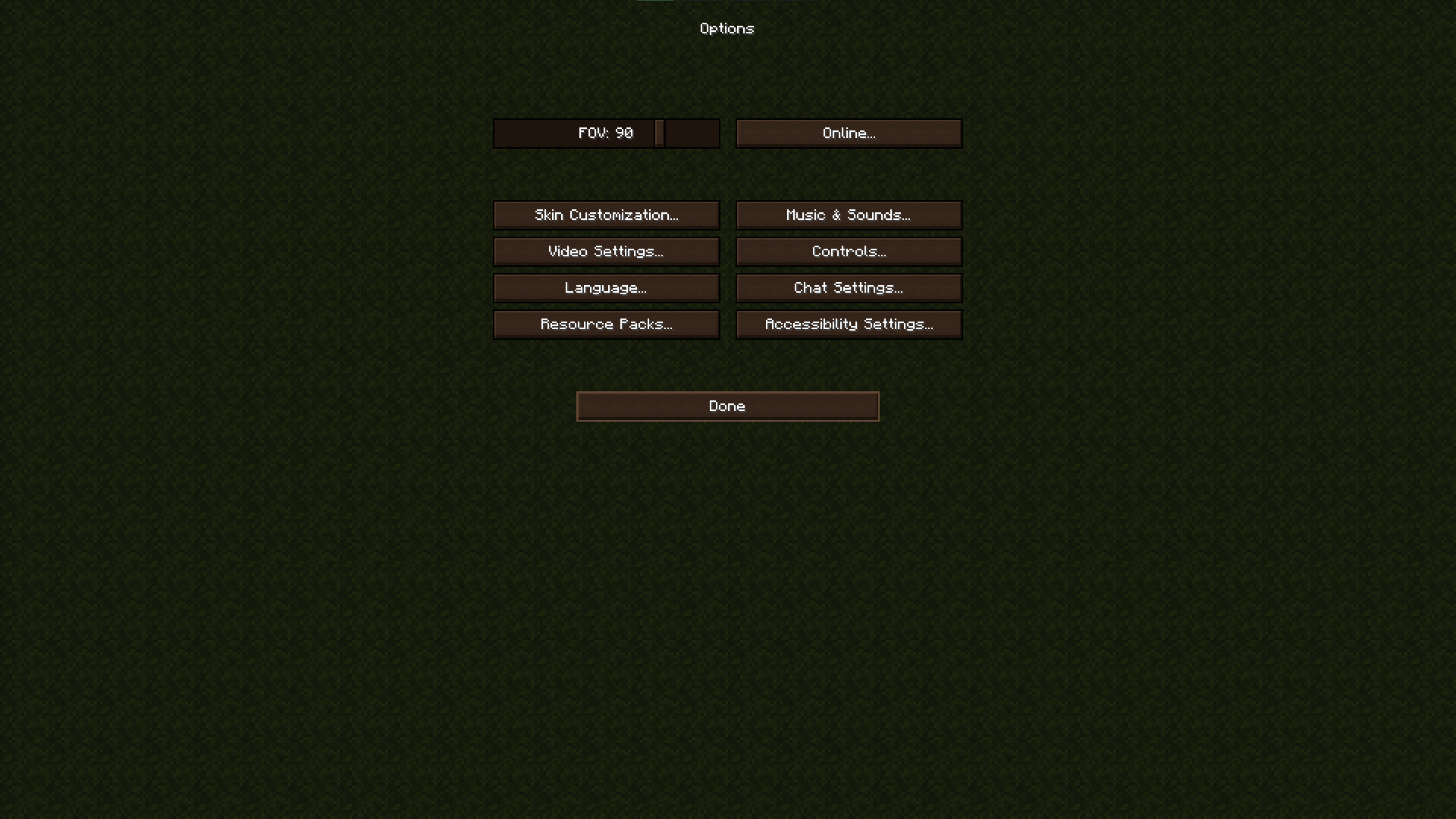
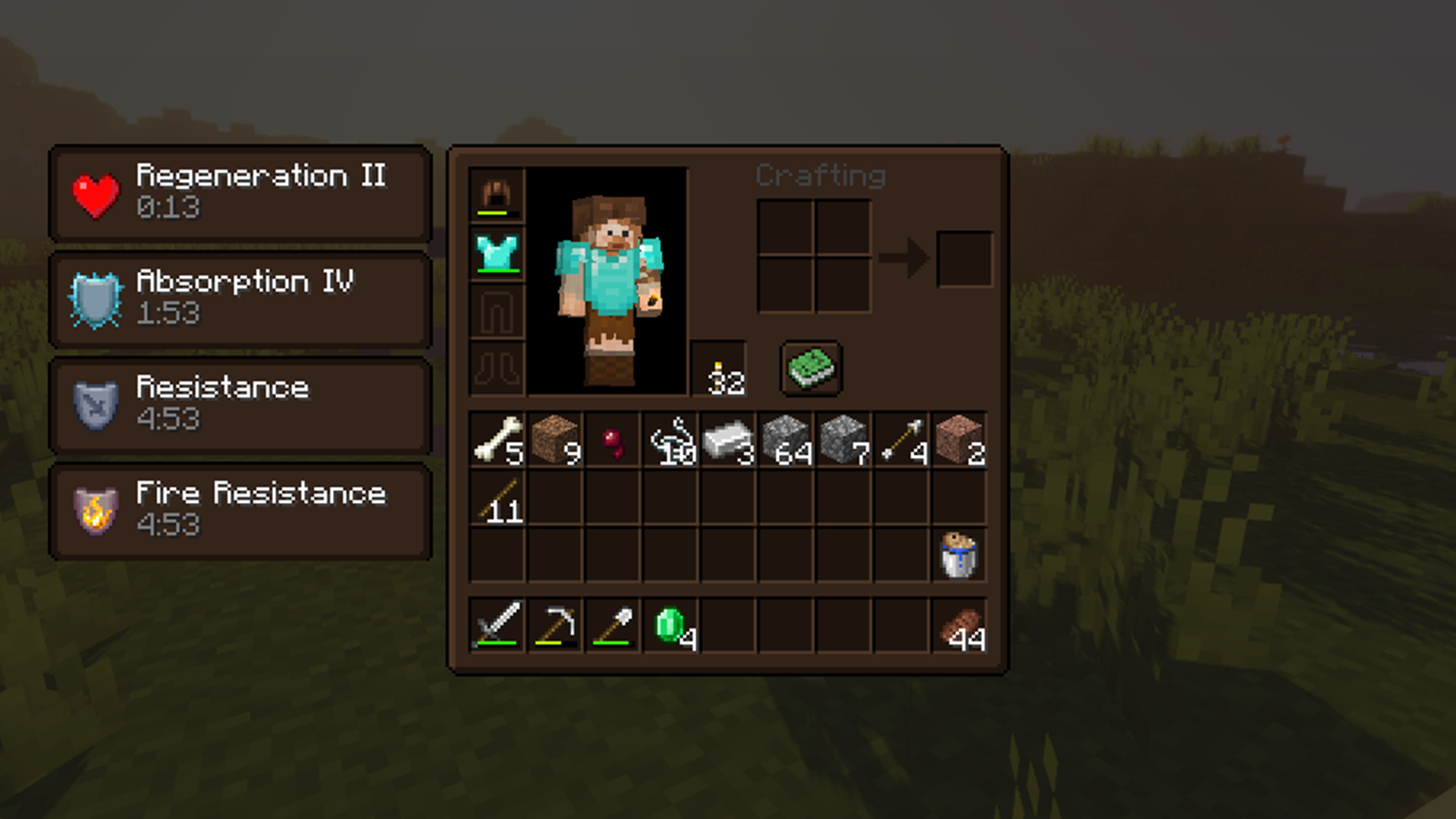
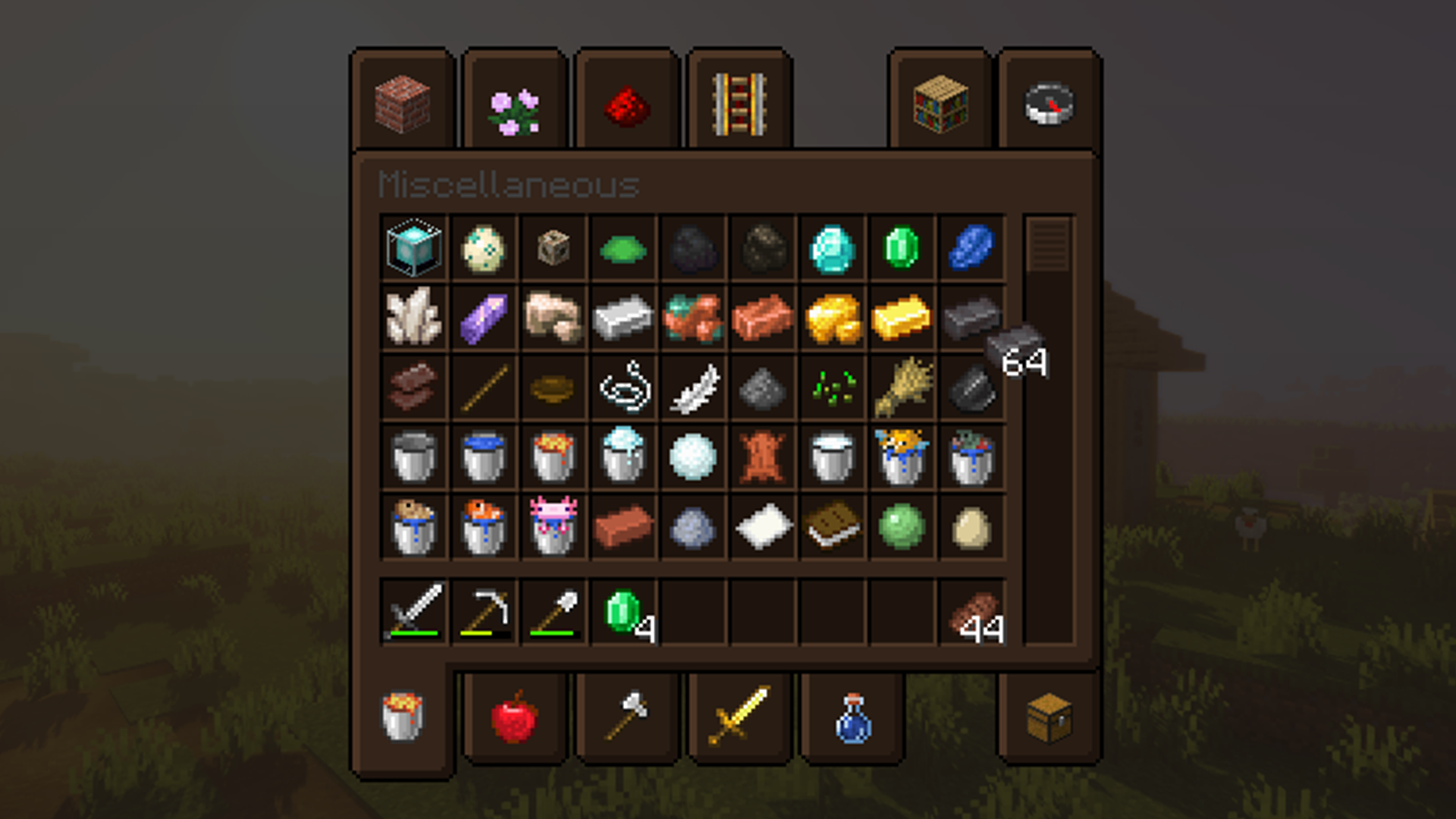
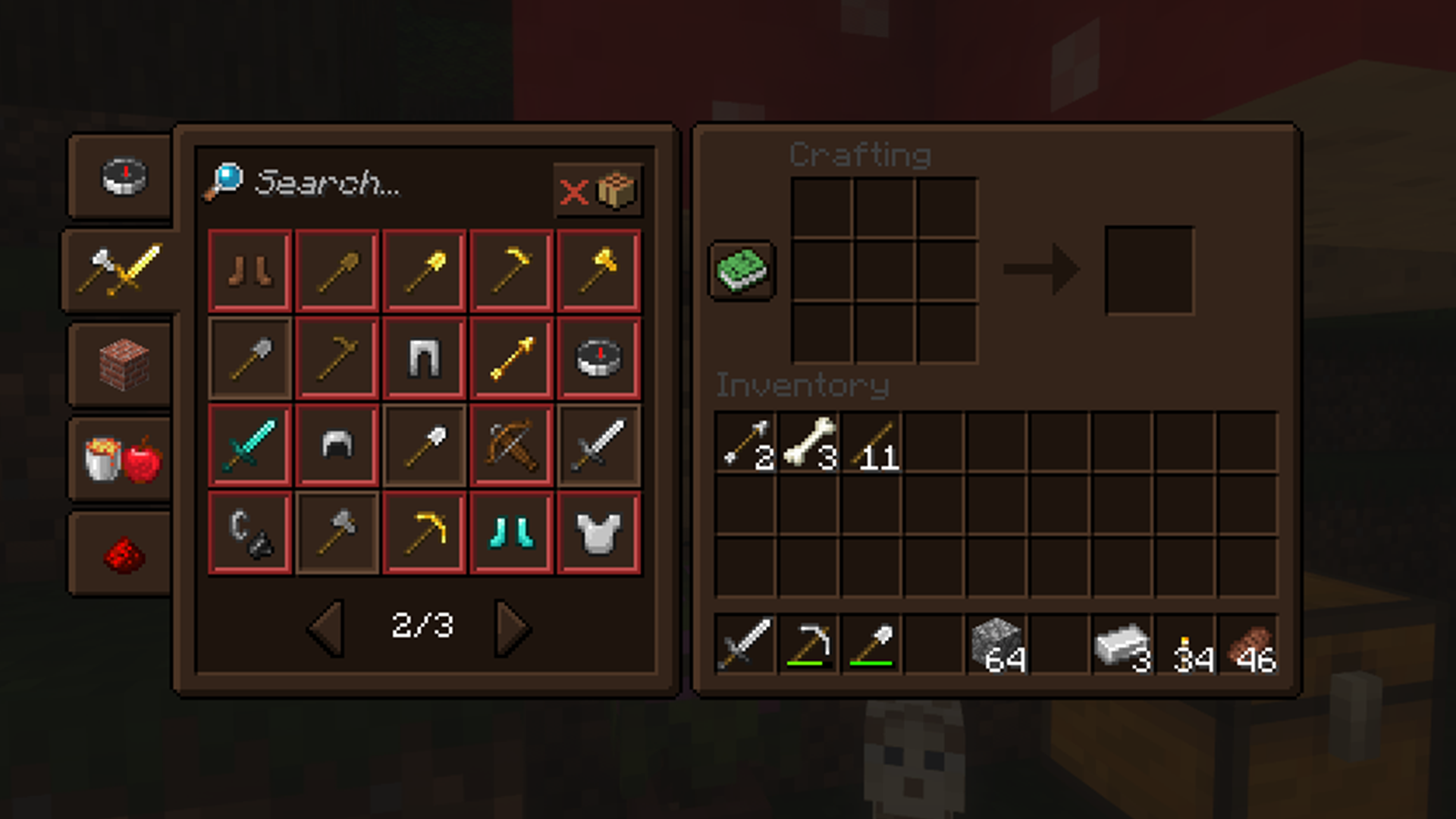
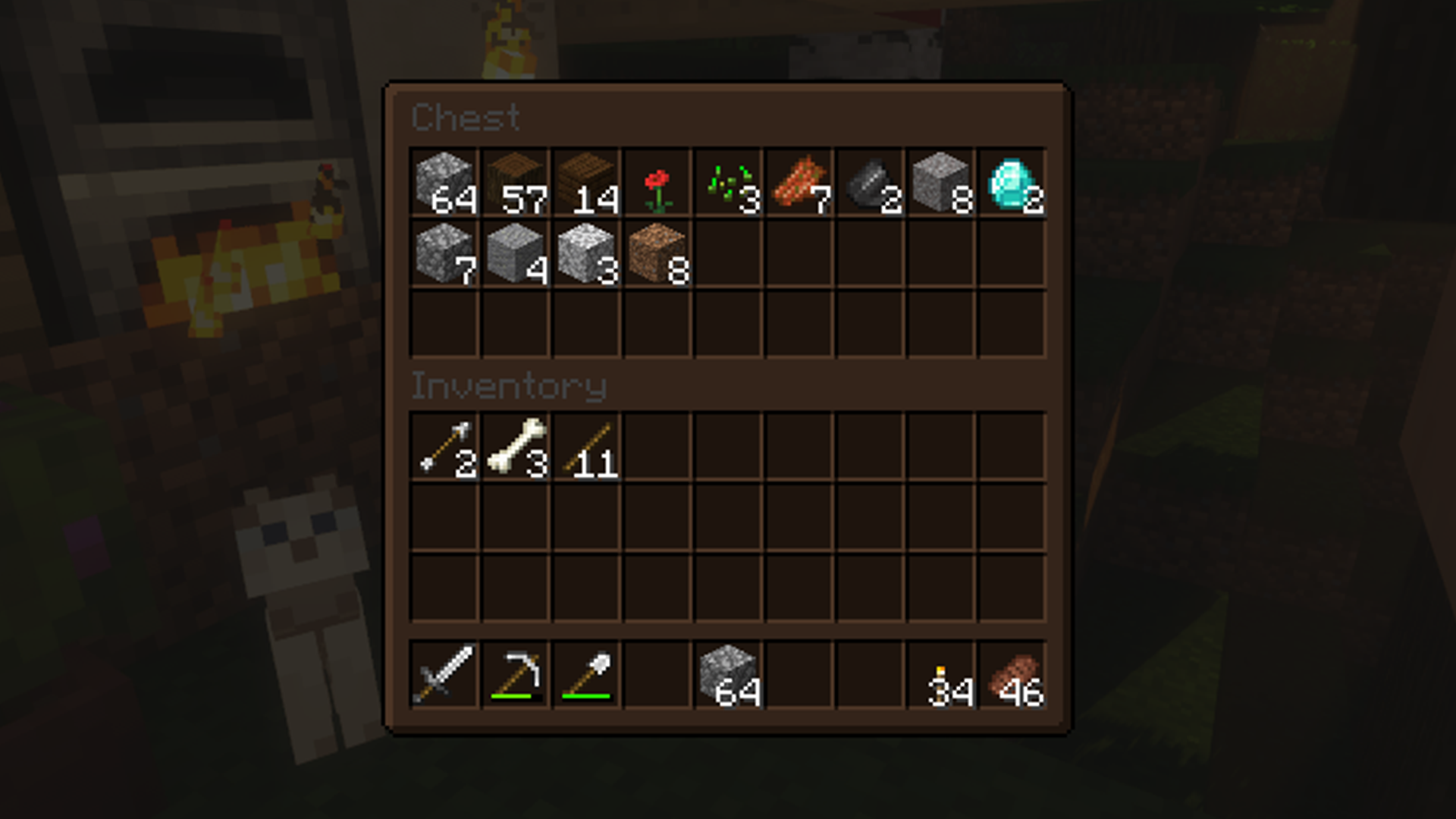
Plant-themed GUI with cozy dark brown containers
by KrisKringle
Download Claim this project
31,660 downloads
0 likes
0 followers
Updated Oct 14, 2026
0 hypes
Follow0
16x Miscellaneous Traditional
Advertisement Remove ads with Premium →

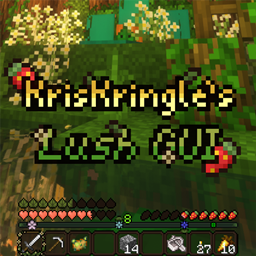
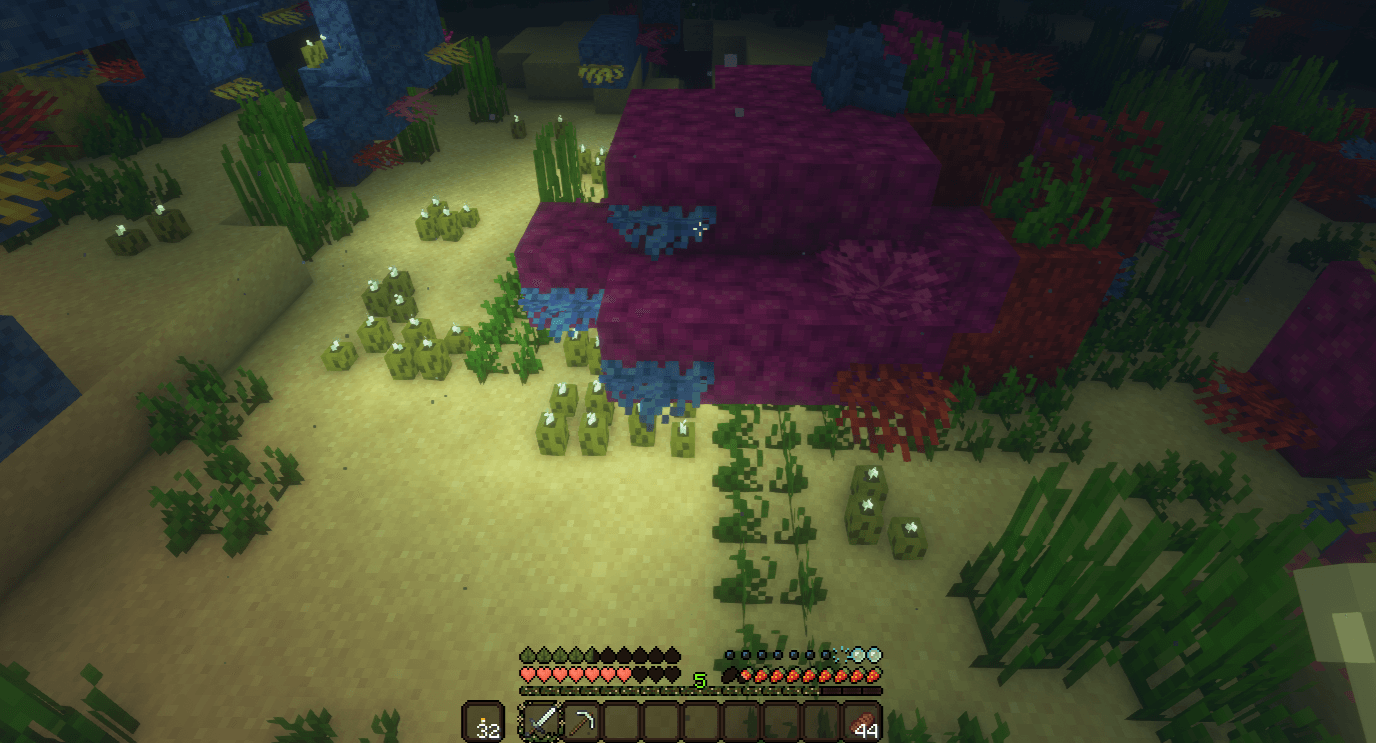
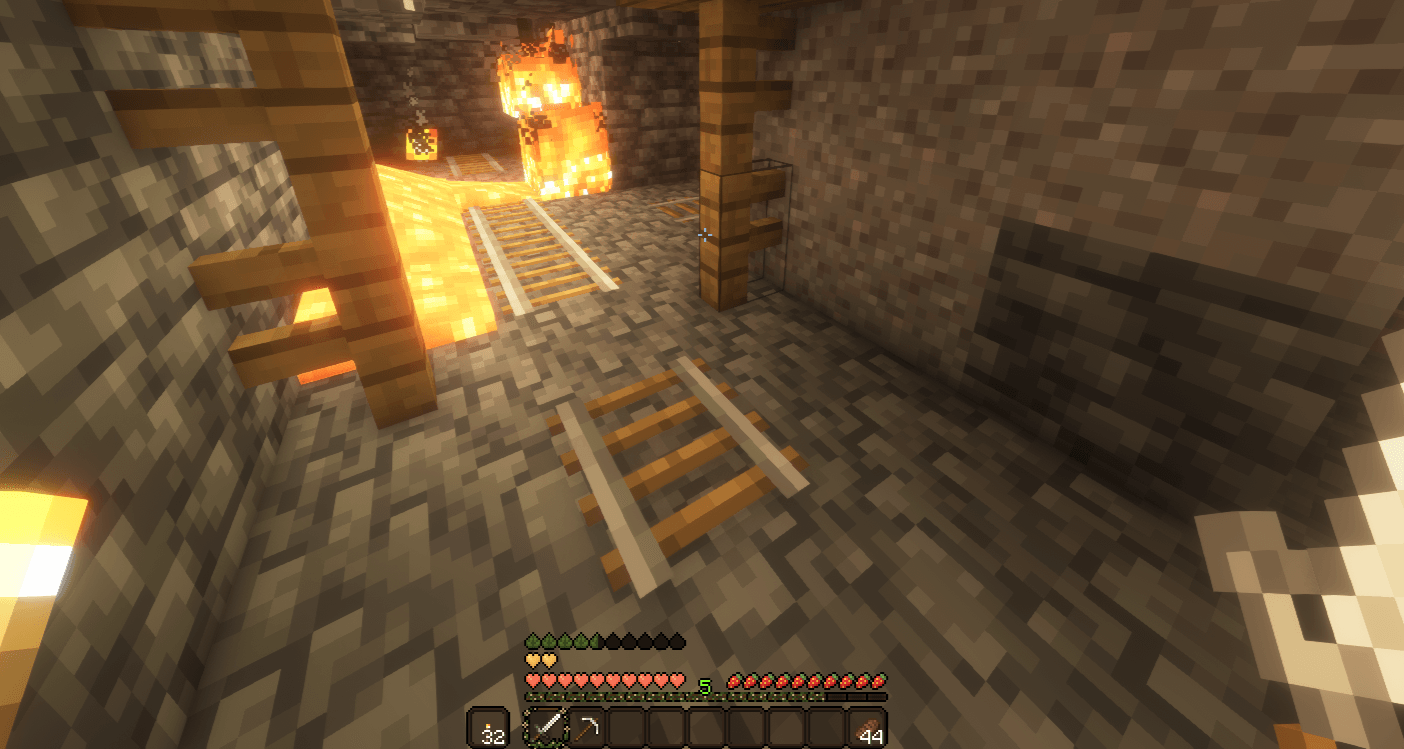
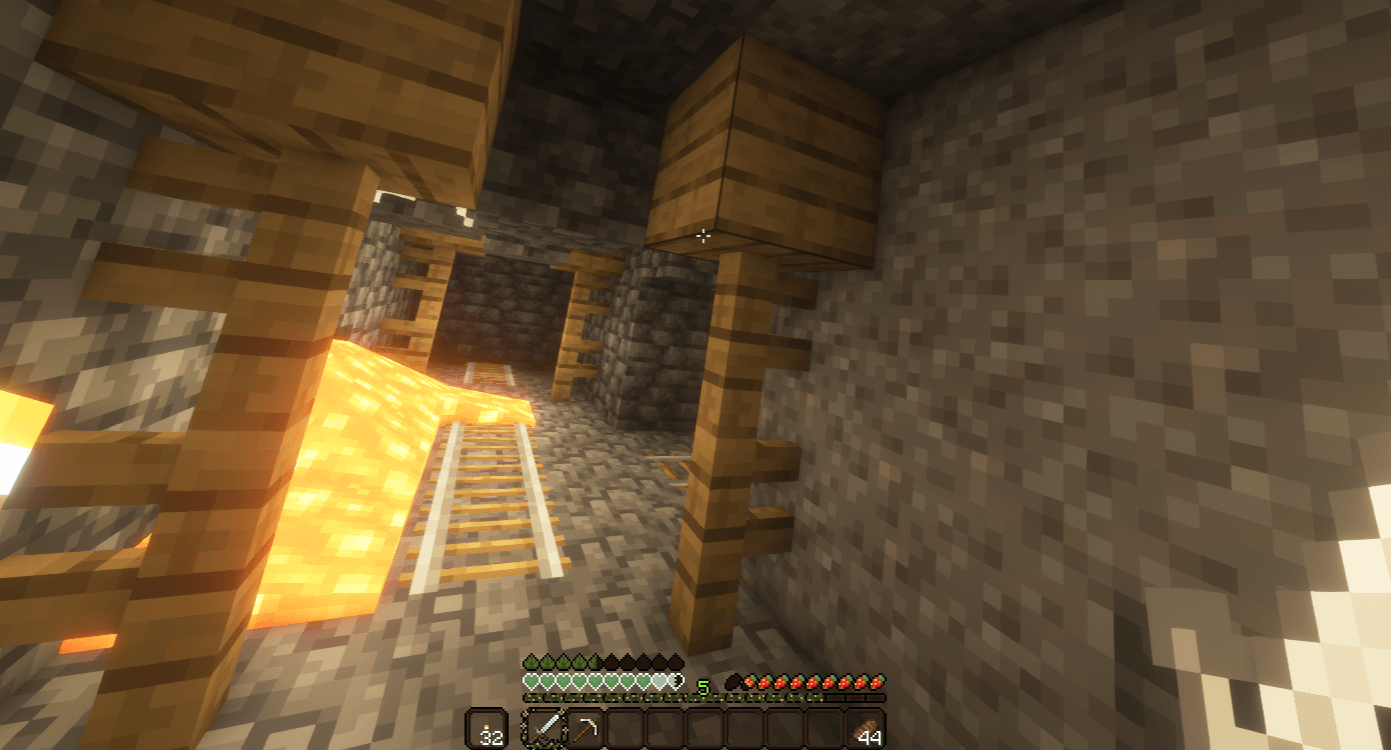
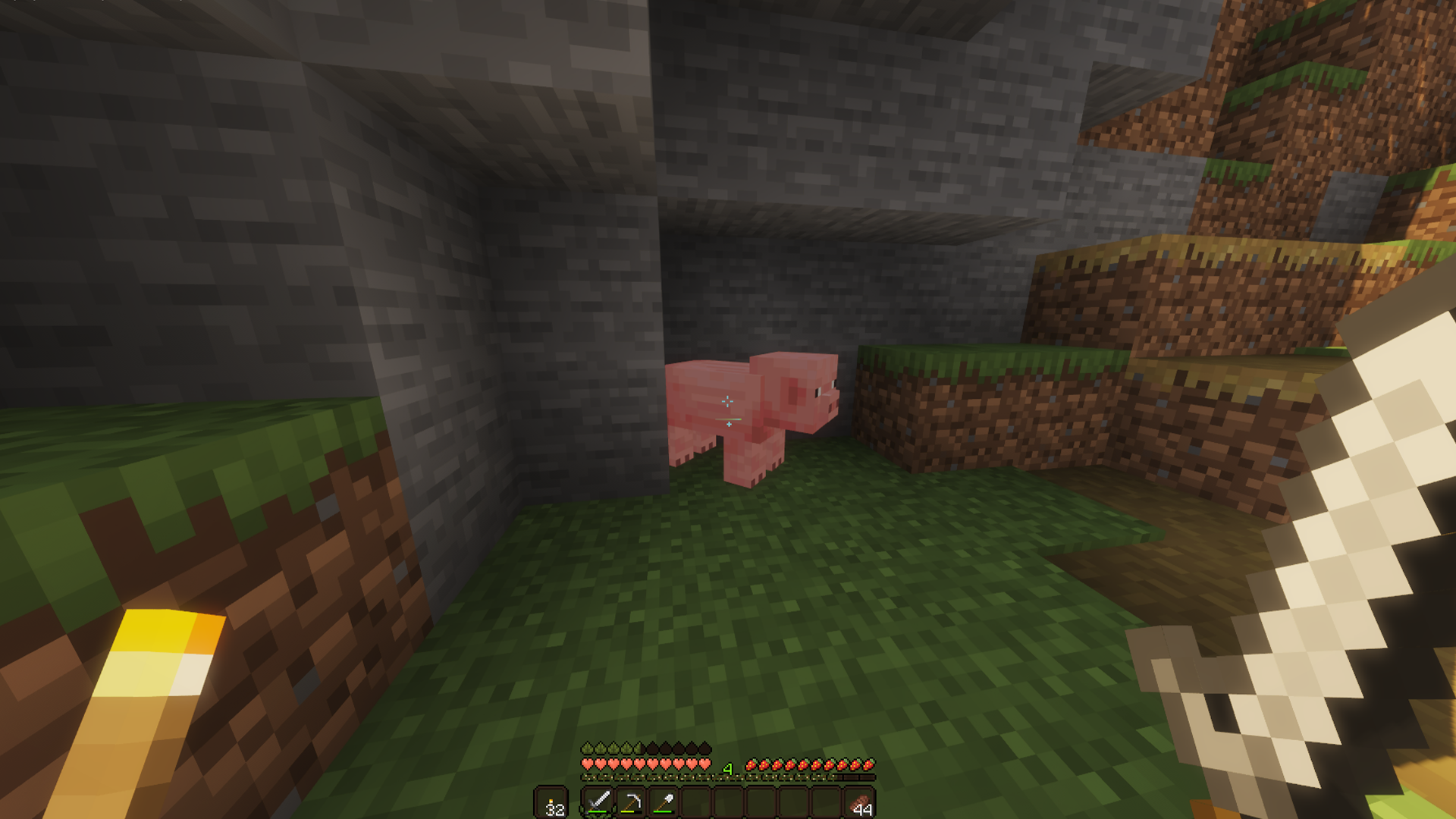
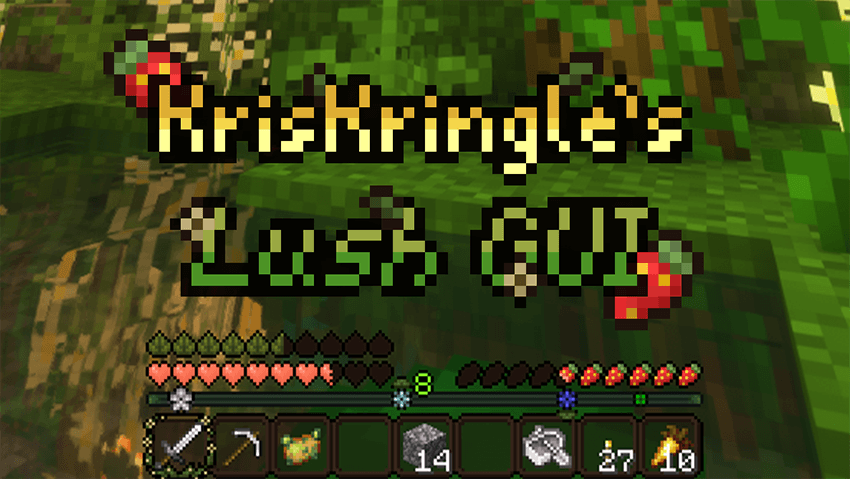
Want to preserve the classic feel of the default Minecraft GUI while preserving your eyesight during 2am mining sessions? Look no further! This pack changes buttons, containers, and other GUI elements to a cozy and warm dark brown color and gives the hotbar a refresh with plant-themed elements while staying true to the original Minecraft style.

Feel free to tweak this pack to suit your needs, but do not redistribute it or claim it as your own work. If you're interested in including this resource pack in a modpack, please contact me.

Feel free to message me on Discord @kr.ngle if you run into any issues or have any questions, because I often forget to check PMC/CurseForge messages.

The only official releases of this resource pack are on PlanetMinecraft and CurseForge under the username KrisKringle.

Note: Optifine is required for the dark loading screen.

LushGUI 1.20.2-1.21.10
MC 1.20.2, 1.21.2-Snapshot, 1.21, 1.21.6-snapshot, 1.20.5, 1.21.5, 1.20.5-Snapshot, 1.21.8, 1.21.1-Snapshot, 1.21.9, 1.21.10, 1.21.4, 1.21.5-Snapshot, 1.20.3-Snapshot, 1.20.3, 1.20.6
Release 2025-10-22 Get
LushGUI 1.20-1.20.1
MC 1.20.1, 1.20, 1.20-Snapshot
Release 2025-02-24 Get
LushGUI 1.20.2-1.21.4
MC 1.20.2, 1.21.2-Snapshot, 1.21, 1.20.5, 1.20.2-Snapshot, 1.20.5-Snapshot, 1.21.1-Snapshot, 1.21.4, 1.20.3-Snapshot, 1.20.3, 1.20.6, 1.20.4, 1.21-Snapshot, 1.21.3, 1.21.1
Release 2025-02-24 Get
LushGUI 1.19-1.19.2
MC 1.19-Snapshot, 1.19.2, 1.19.1, 1.19
Release 2025-02-23 Get
LushGUI 1.19.3-1.19.4
MC 1.19.3, 1.19.4-Snapshot, 1.19.4, 1.19.3-Snapshot
Release 2025-02-23 Get
LushGUI 1.17
MC 1.17.1, 1.17, 1.17-Snapshot
Release 2022-10-17 Get
LushGUI 1.18
MC 1.18.1, 1.18.2, 1.18, 1.18-Snapshot
Release 2022-10-17 Get

Requirements & install

How to use this resource pack in Minecraft
Resolution
16x
Minecraft
1.21.3 – 1.21.10
Install folder
.minecraft/resourcepacks

How to install resource packs

  1. Download the resource pack .zip file (do not extract it).
  2. In Minecraft open Options → Resource Packs → Open Pack Folder.
  3. Drop the .zip into the resourcepacks folder (.minecraft/resourcepacks).
  4. Move the pack to the Selected column and click Done.
Browse more: 16x resource packs 32x resource packs 64x resource packs 128x resource packs 256x resource packs 512x+ resource packs Resource Packs for 1.21.10 All resource packs
Advertisement Remove ads with Premium →

You Might Also Like