Mineuniverse
Resource Packs
Klauzera's 3D Weapons

Klauzera's 3D Weapons

RESOURCE PACK
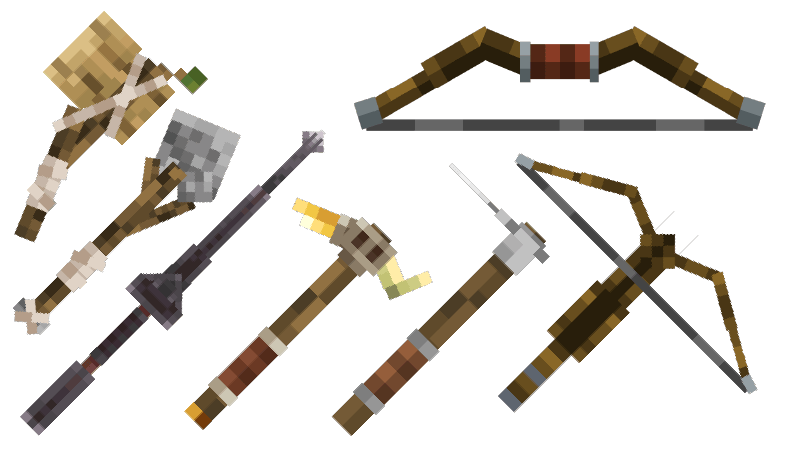
A resource pack designed to reimagine vanilla tools and weapons, turning their classic 2D look into dynamic 3D models
by Klauzera
Download Claim this project
16,891 downloads
0 likes
0 followers
Updated Oct 14, 2026
0 hypes
Follow0
16x Medieval Traditional
Advertisement Remove ads with Premium →


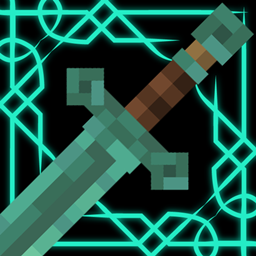
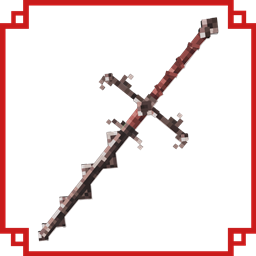
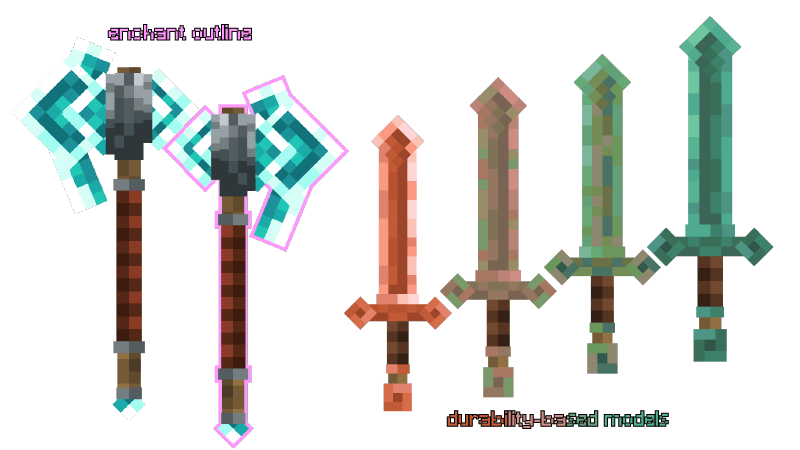
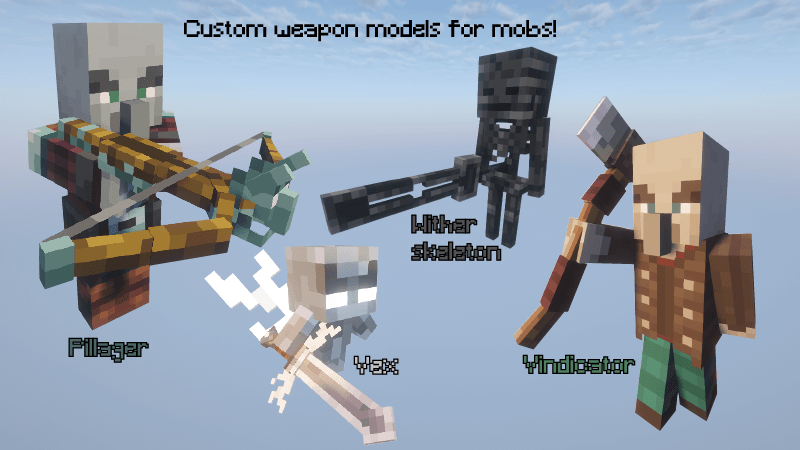
This pack transforms vanilla tools and weapons from simple 2D into detailed 3D models.

Each material has its own unique design, allowing you to feel the progression as you advance through the tiers. Wooden tools are rough and rustic, while each upgrade becomes more refined and complex, showcasing a clear evolution. 

Future updates will also rework bows, crossbows, and armor, further expanding the experience.
 

2D to 3D weapons.zip
MC 1.21.8, 1.21.5, 1.21.4, 1.21.6, 1.21.7, 1.21.9, 1.21.10, 1.21.11, 26.1, 26.1.1, 26.1.2, 26.2
Release 2026-09-05 Get
2D to 3D Vanilla.zip
MC 1.21.8, 1.21.5, 1.21.4, 1.21.6, 1.21.7, 1.21.9, 1.21.10, 1.21.11, 26.1, 26.1.1, 26.1.2, 26.2
Release 2026-09-04 Get
3D weapons.zip
MC 1.21.8, 1.21.5, 1.21.4, 1.21.6, 1.21.7, 1.21.9, 1.21.10, 1.21.11, 26.1, 26.1.1, 26.1.2, 26.2
Release 2026-09-02 Get
Vanilla tweaks 3D.zip
MC 1.21, 1.20.2, 1.21.8, 1.20.5, 1.21.5, 1.21.4, 1.20.1, 1.20, 1.20.6, 1.21.1, 1.21.6, 1.21.3, 1.21.7, 1.20.4, 1.20.3, 1.21.2, 1.21.9, 1.21.10, 1.21.11, 26.1, 26.1.1, 26.1.2
Release 2026-07-30 Get
2D to 3D Vanilla.zip
MC 1.21, 1.20.2, 1.21.8, 1.20.5, 1.21.5, 1.21.4, 1.20.1, 1.20, 1.20.6, 1.21.1, 1.21.6, 1.21.3, 1.21.7, 1.20.4, 1.20.3, 1.21.2, 1.21.9, 1.21.10, 1.21.11
Release 2025-12-22 Get
2D to 3D vanilla.zip
MC 1.21, 1.20.2, 1.21.8, 1.20.5, 1.21.5, 1.21.4, 1.20.1, 1.20, 1.20.6, 1.21.1, 1.21.6, 1.21.3, 1.21.7, 1.20.4, 1.20.3, 1.21.2
Release 2025-09-26 Get

Requirements & install

How to use this resource pack in Minecraft
Resolution
16x
Minecraft
1.21.8 – 26.2
Install folder
.minecraft/resourcepacks

How to install resource packs

  1. Download the resource pack .zip file (do not extract it).
  2. In Minecraft open Options → Resource Packs → Open Pack Folder.
  3. Drop the .zip into the resourcepacks folder (.minecraft/resourcepacks).
  4. Move the pack to the Selected column and click Done.
Browse more: 16x resource packs 32x resource packs 64x resource packs 128x resource packs 256x resource packs 512x+ resource packs Resource Packs for 26.2 All resource packs

More from Klauzera

Advertisement Remove ads with Premium →

You Might Also Like