Mineuniverse
Resource Packs
KirbyFault [PVP Version]

KirbyFault [PVP Version]

RESOURCE PACK
A simple default based pack with a pink theme made for PVP
by KirbyTownYT
Download Claim this project
1,524 downloads
0 likes
0 followers
Updated Oct 14, 2026
0 hypes
Follow0
16x
Advertisement Remove ads with Premium →

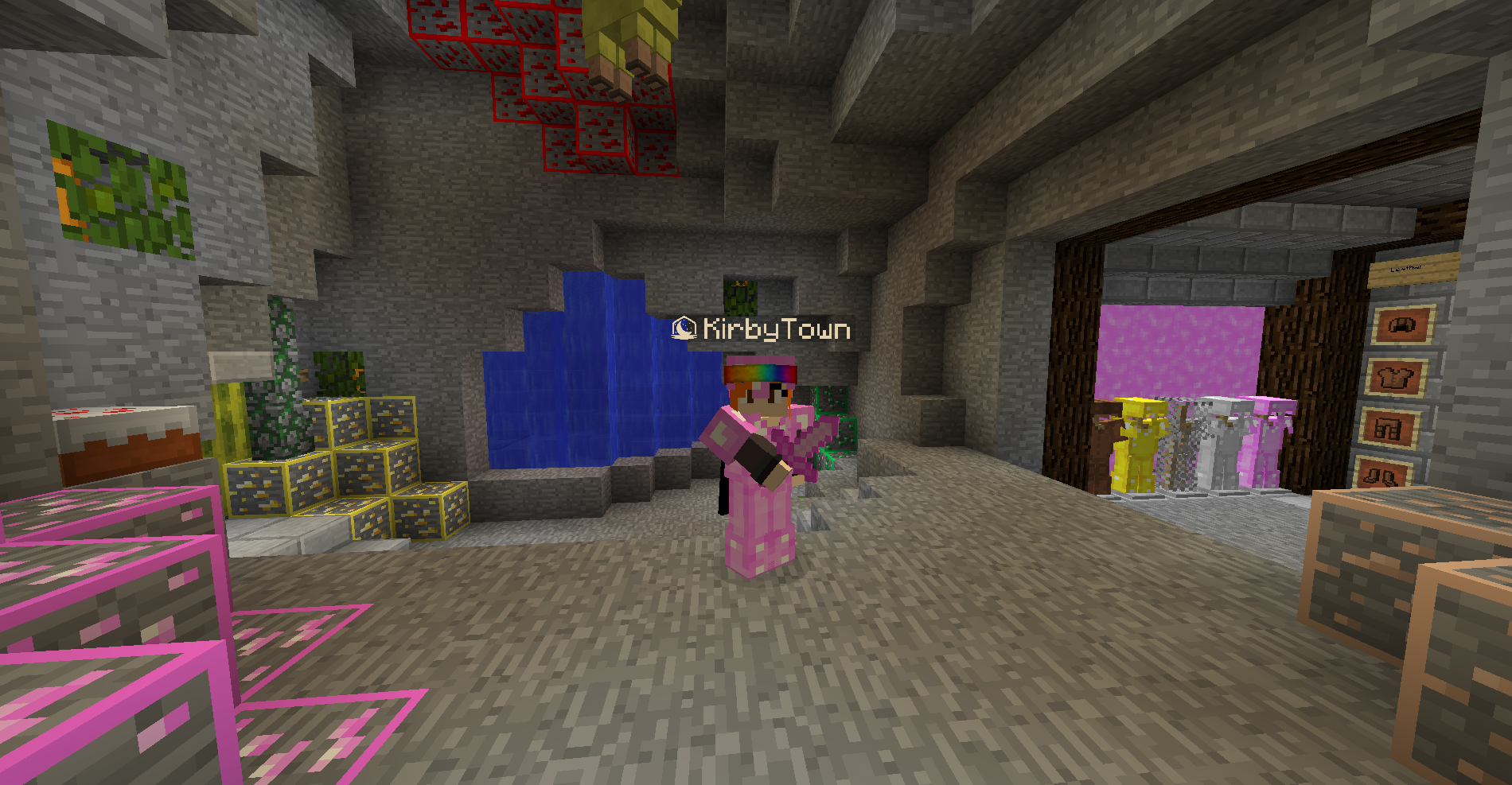
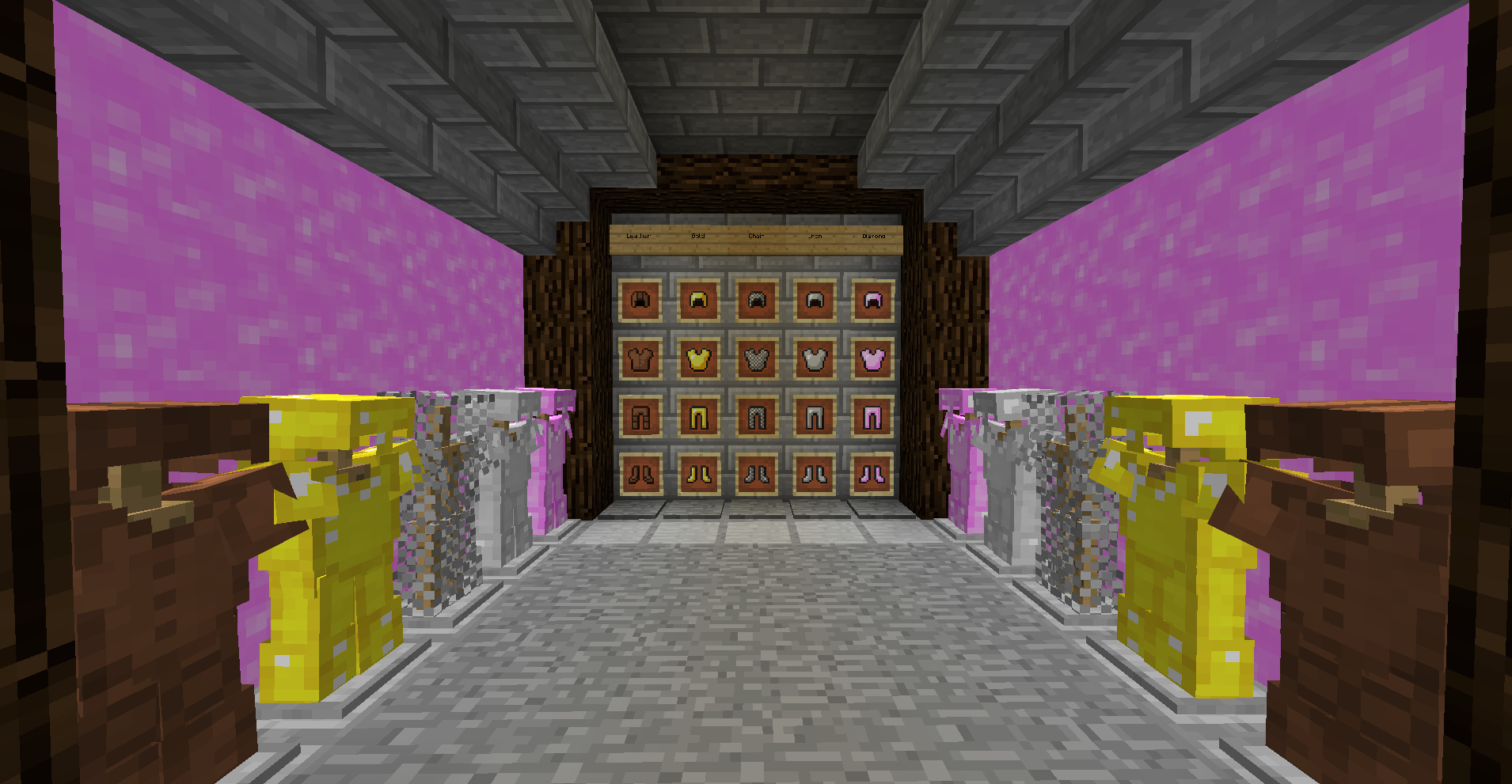
A 1.8.9 pink themed default pack where all of the textures are modified and recolored versions of the default textures.


Features:

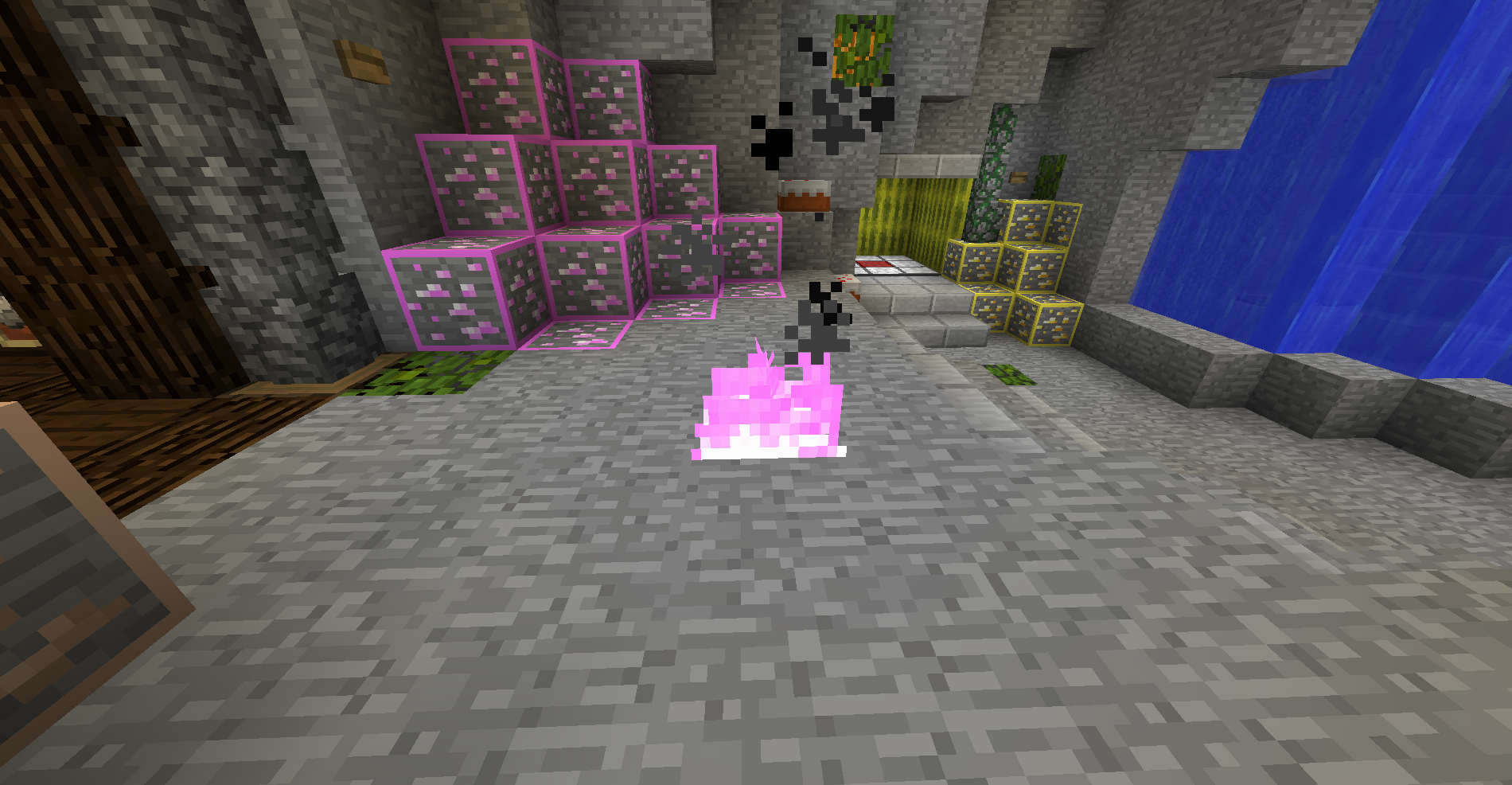
-Pink Diamond Gear (Sword, Tools, Armor, Ore, Block, Item)

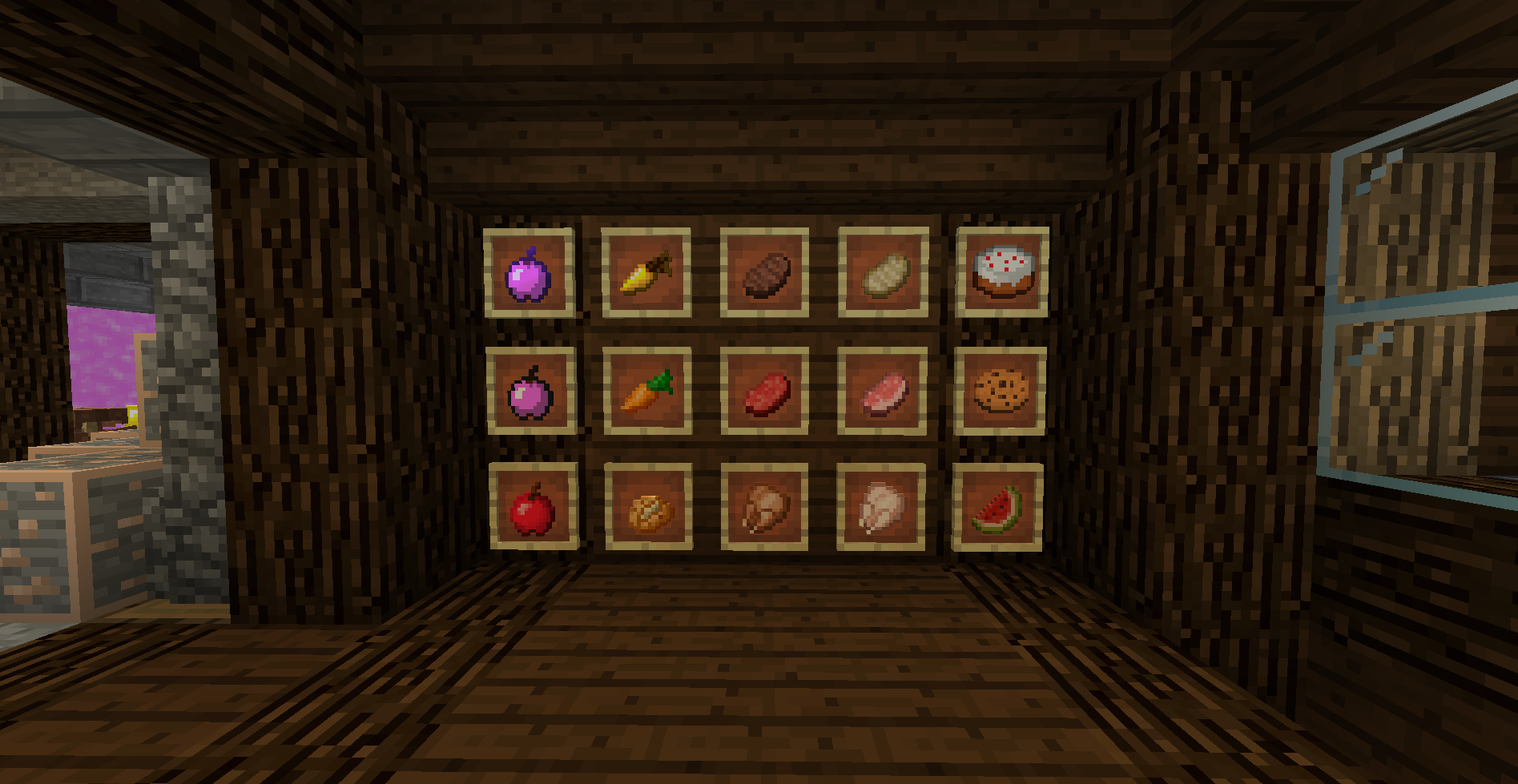
-Pink Bow, Enderpearl, Golden Apple, FireCharge, Compass, and Fishing Rod

-Less Obstructive Pumpkin UI

-Pink Lava

-Pink Low Fire

-Short Swords

-Pink Breaking Texture

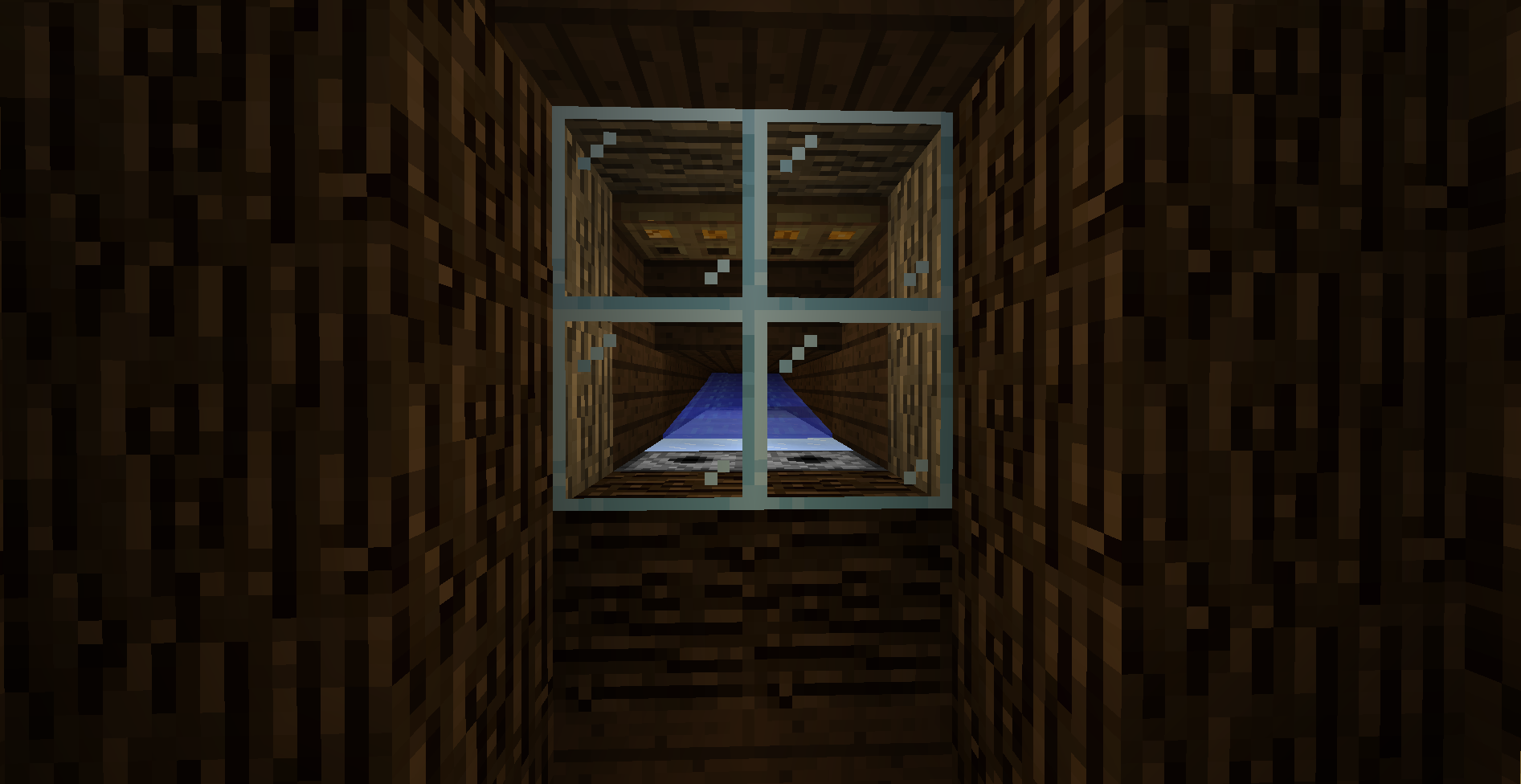
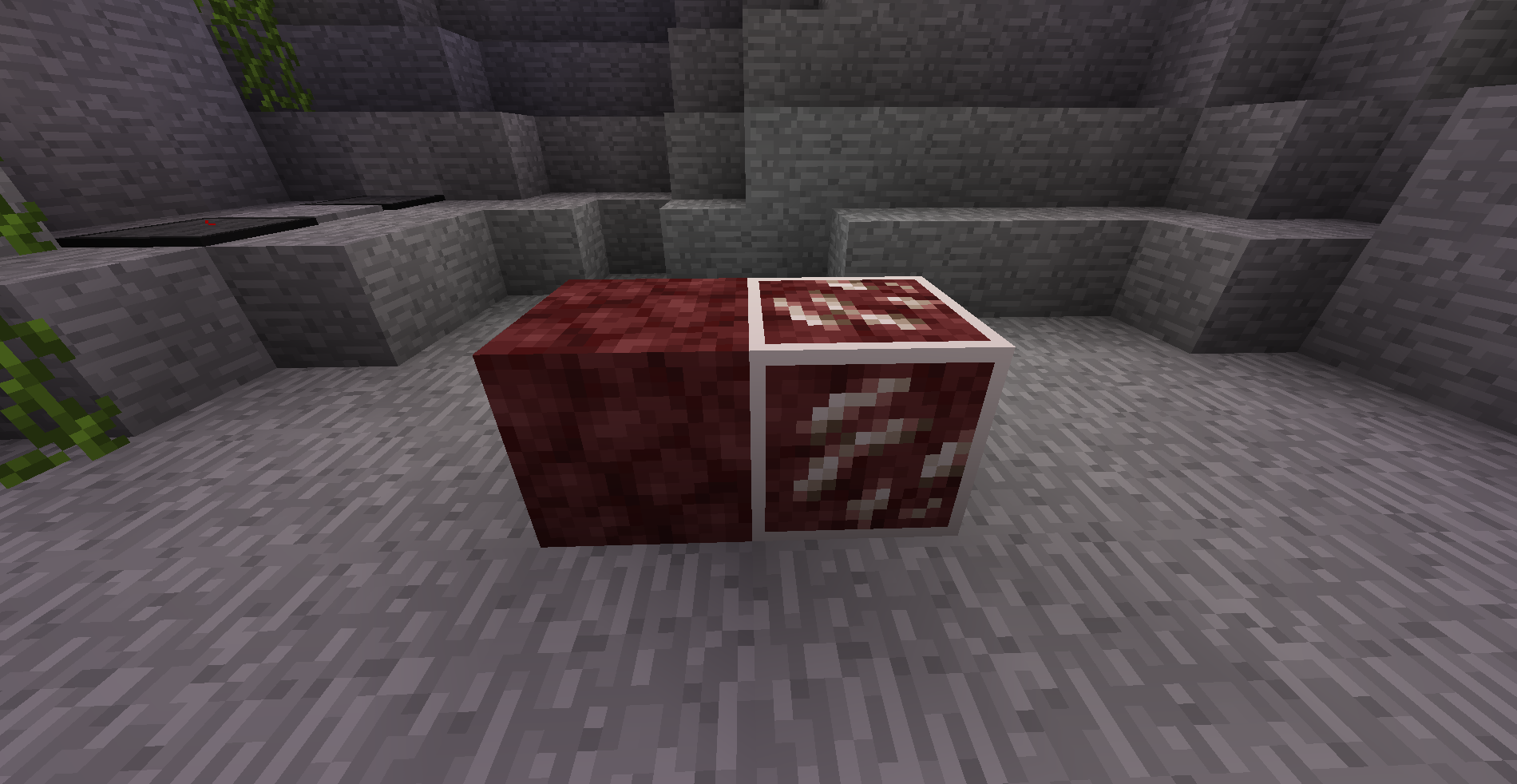
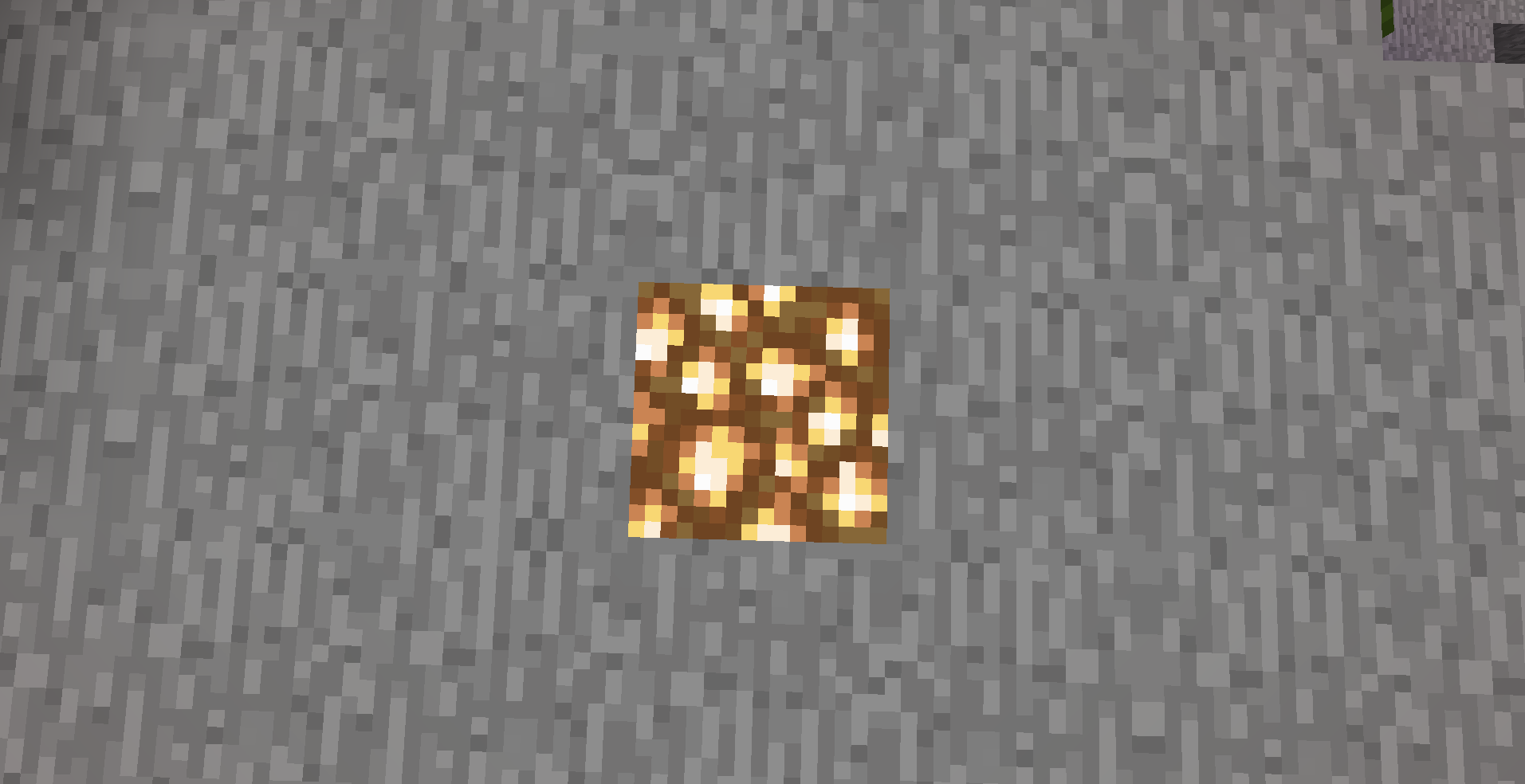
-1.14 Textures used for Glass, Glowstone, and Netherrack

-UHC Ores

-Wool Borders

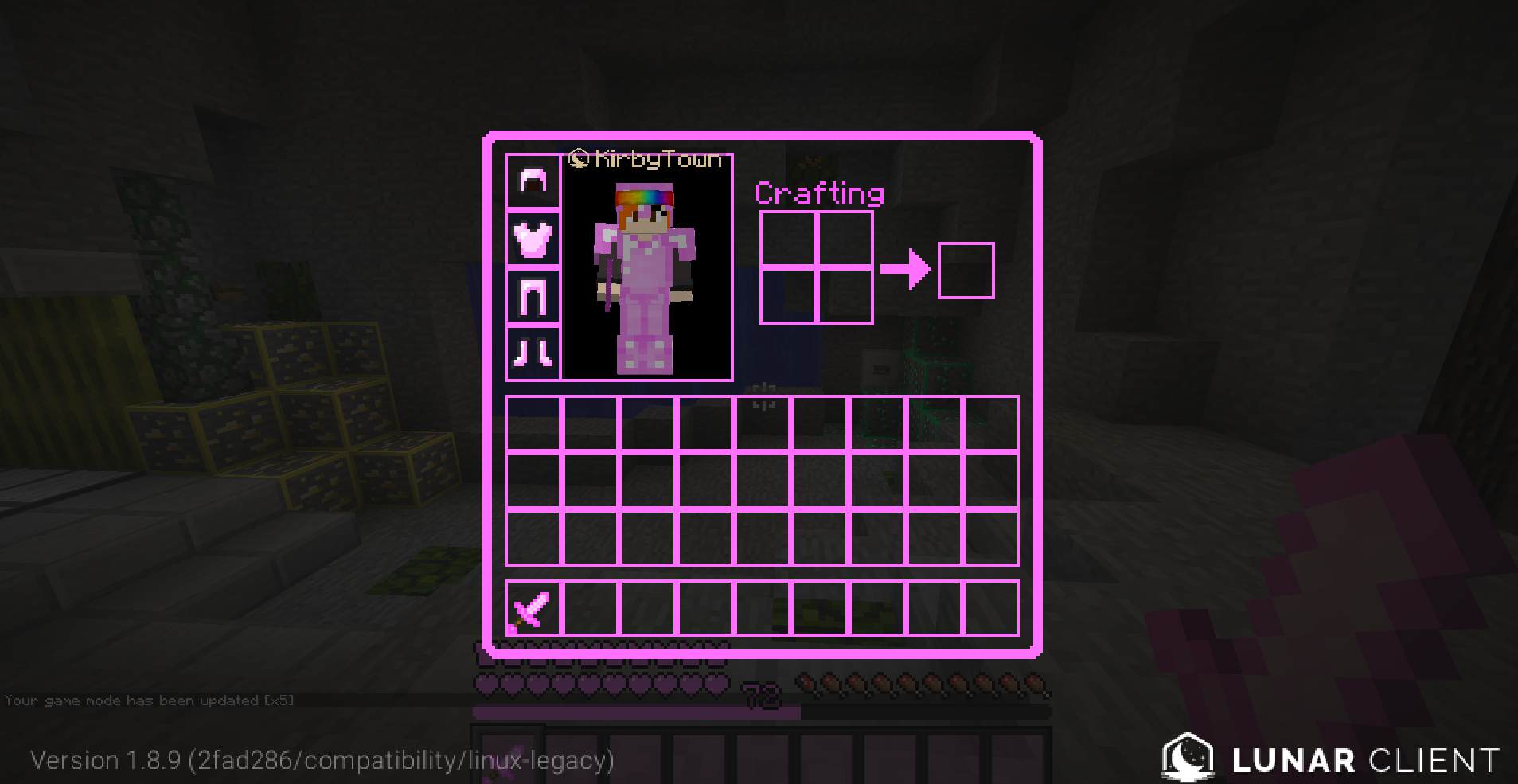
-Transparent Pink GUI with Pink Text

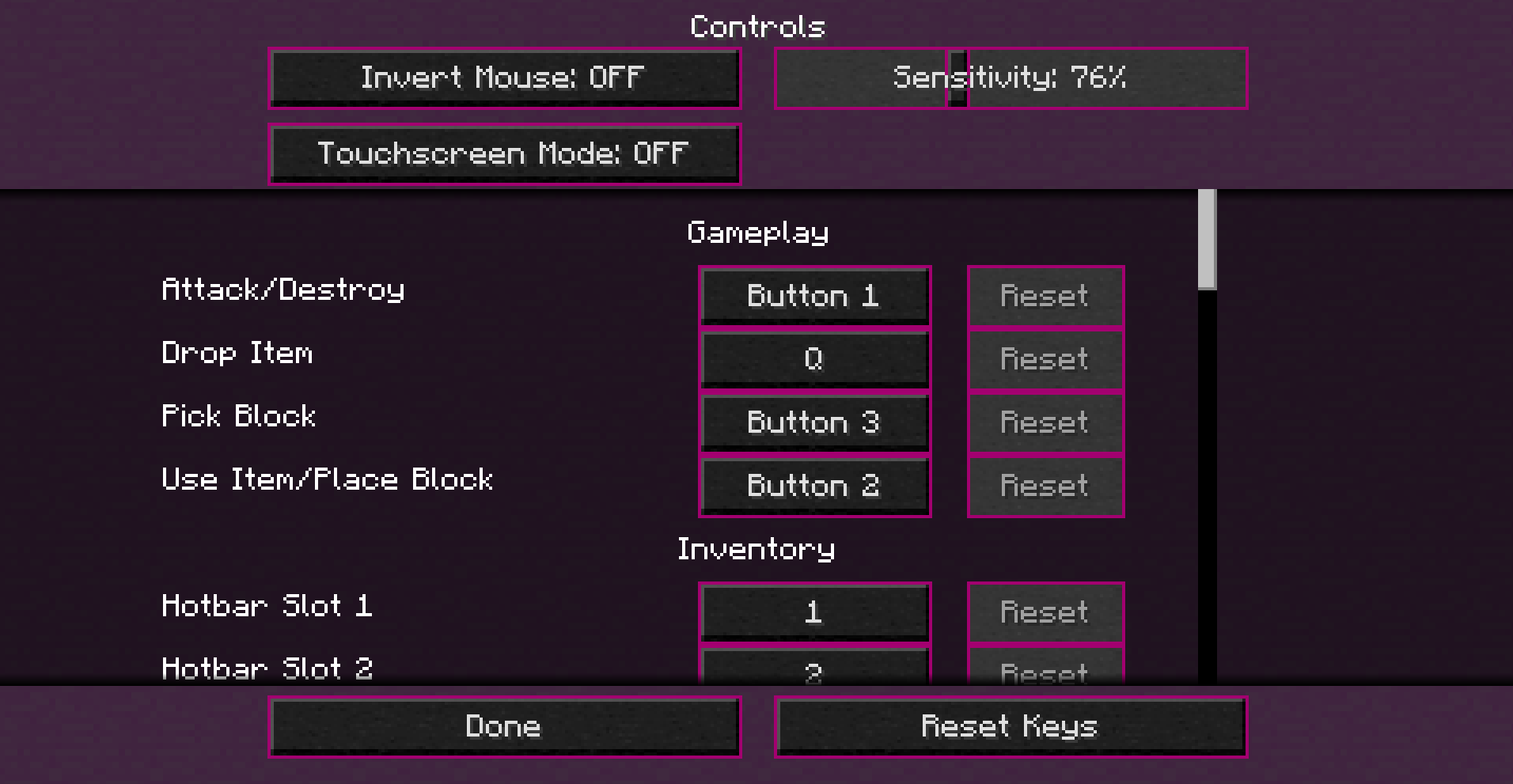
-Pink and Black Hotbar and Settings Menu

-Simple New Crosshair

-Pink Stone Block for Settings Background

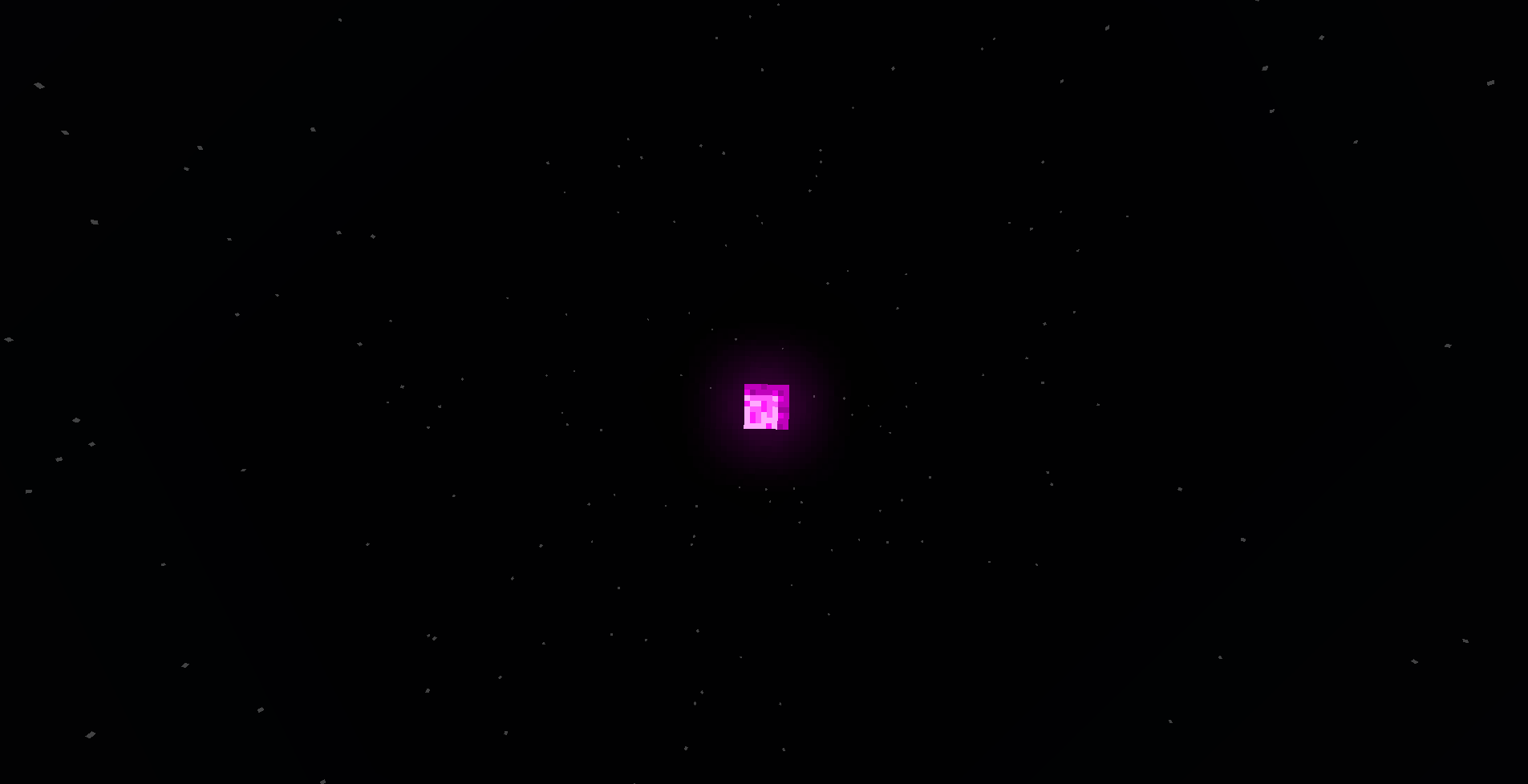
-Pink Sun and Moon

-Removed Cave Sounds


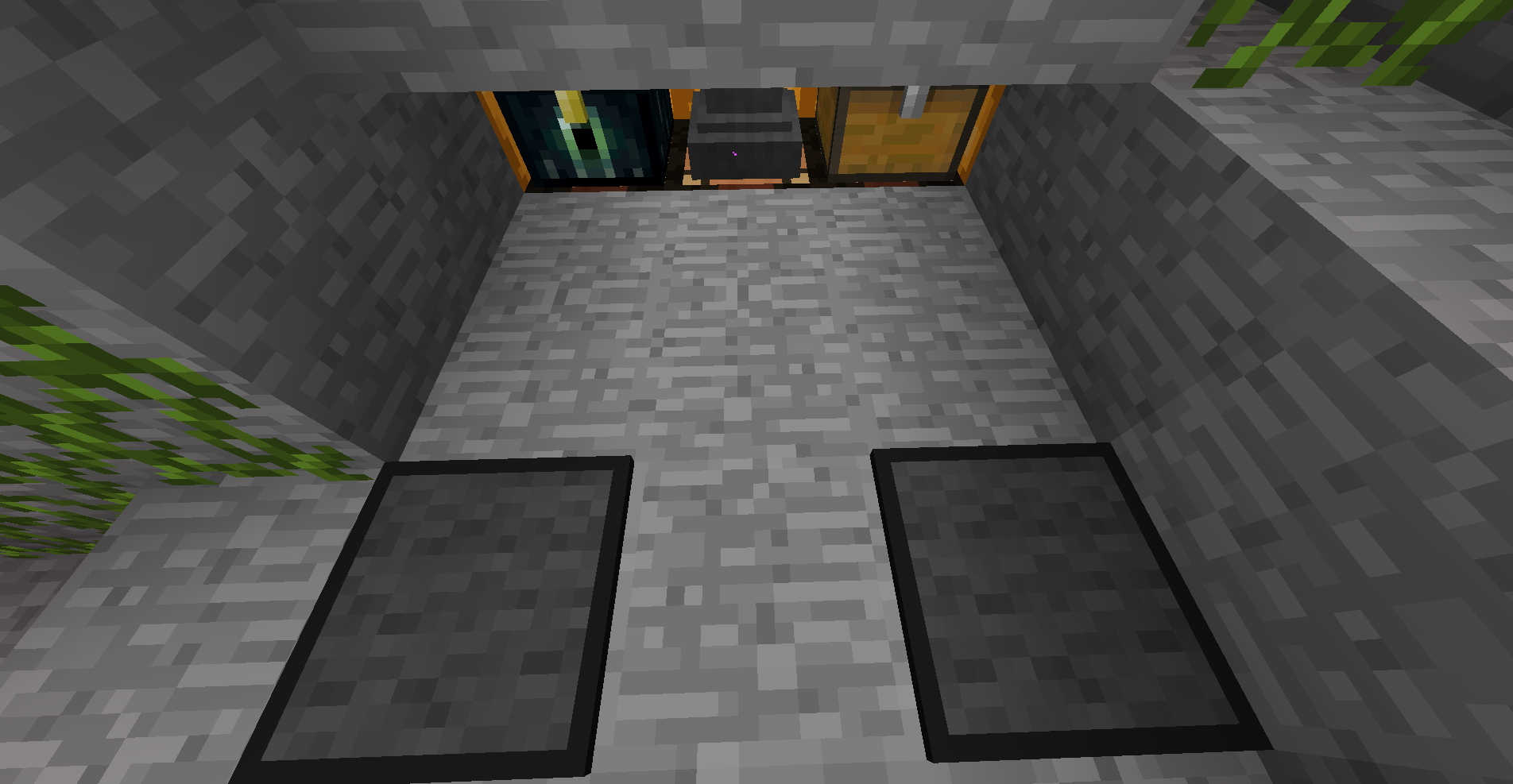
Known Issues: Pink Text used in Containers doesn't apply to Named Containers (Named Chests, Furnaces, Etc). Please leave a comment if you know how to fix this.


IMPORTANT: USE OPTIFINE FOR THE BEST EXPERIENCE

KirbyFault V1.5
MC 1.8.7, 1.8.4, 1.8.8, 1.8.3, 1.8.6, 1.8, 1.8.2, 1.8.5, 1.8.9, 1.8.1
Release 2023-07-31 Get
KirbyFault V1.4
MC 1.8.9
Release 2023-03-12 Get
KirbyFault V1.3
MC 1.8.9
Release 2023-03-08 Get
KirbyFault V1.2
MC 1.8.7, 1.8.4, 1.8.8, 1.8.3, 1.8.6, 1.8, 1.8.2, 1.8.5, 1.8.9, 1.8.1
Release 2023-01-29 Get
KirbyFault V1.1
MC 1.8.7, 1.8.4, 1.8.8, 1.8.3, 1.8.6, 1.8, 1.8.2, 1.8.5, 1.8.9, 1.8.1
Release 2022-10-17 Get
KirbyFault V1.0
MC 1.8.7, 1.8.4, 1.8.8, 1.8.3, 1.8.6, 1.8, 1.8.2, 1.8.5, 1.8.9, 1.8.1
Release 2022-10-15 Get

Requirements & install

How to use this resource pack in Minecraft
Resolution
16x
Minecraft
1.8.2 – 1.8.9
Install folder
.minecraft/resourcepacks

How to install resource packs

  1. Download the resource pack .zip file (do not extract it).
  2. In Minecraft open Options → Resource Packs → Open Pack Folder.
  3. Drop the .zip into the resourcepacks folder (.minecraft/resourcepacks).
  4. Move the pack to the Selected column and click Done.
Browse more: 16x resource packs 32x resource packs 64x resource packs 128x resource packs 256x resource packs 512x+ resource packs Resource Packs for 1.8.9 All resource packs
Advertisement Remove ads with Premium →

You Might Also Like