Mineuniverse
Resource Packs
Khuz's Smithing Table Iron

Khuz's Smithing Table Iron

RESOURCE PACK
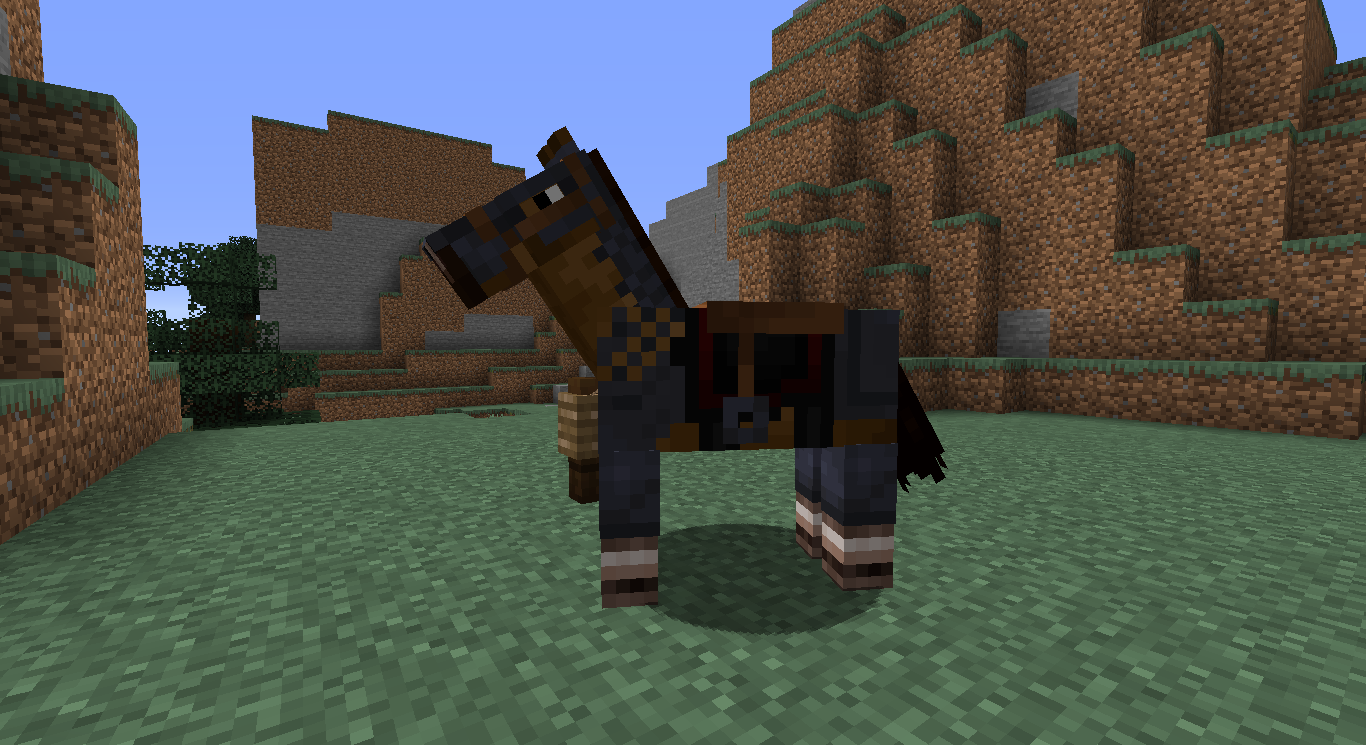
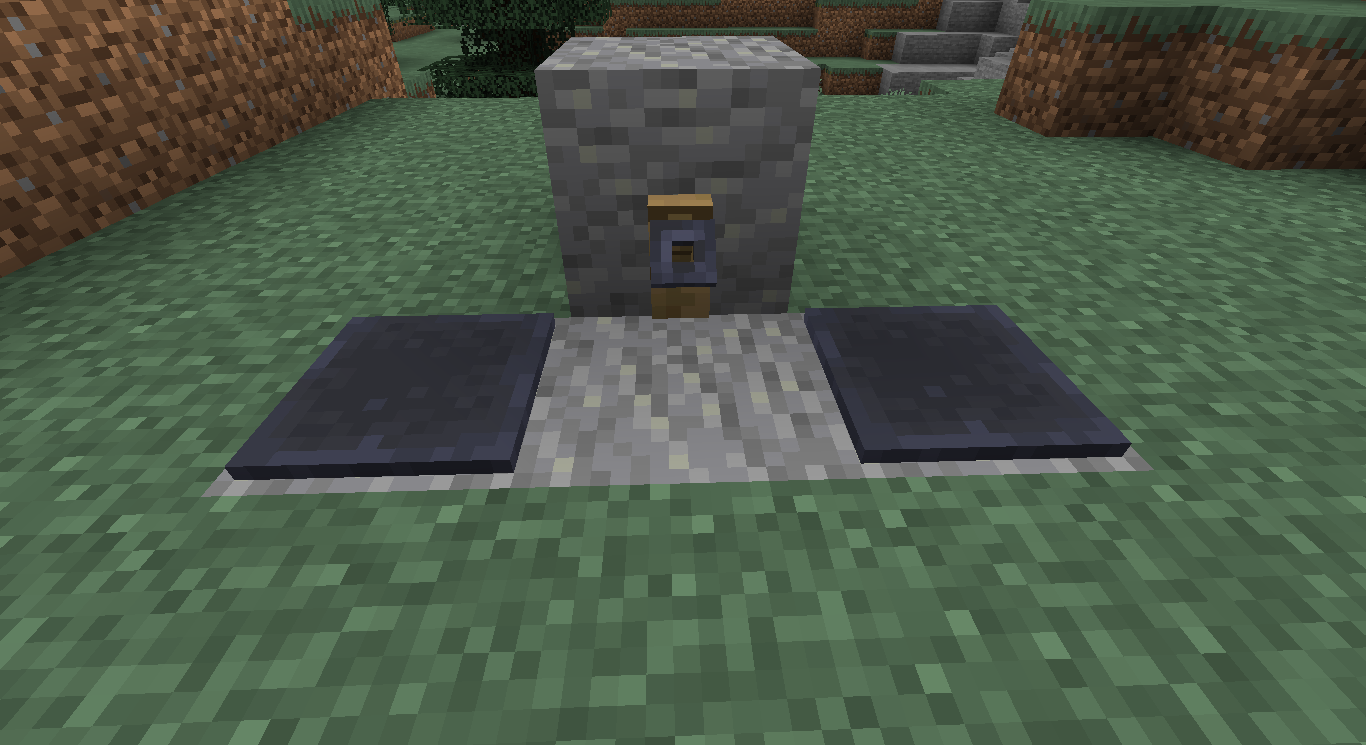
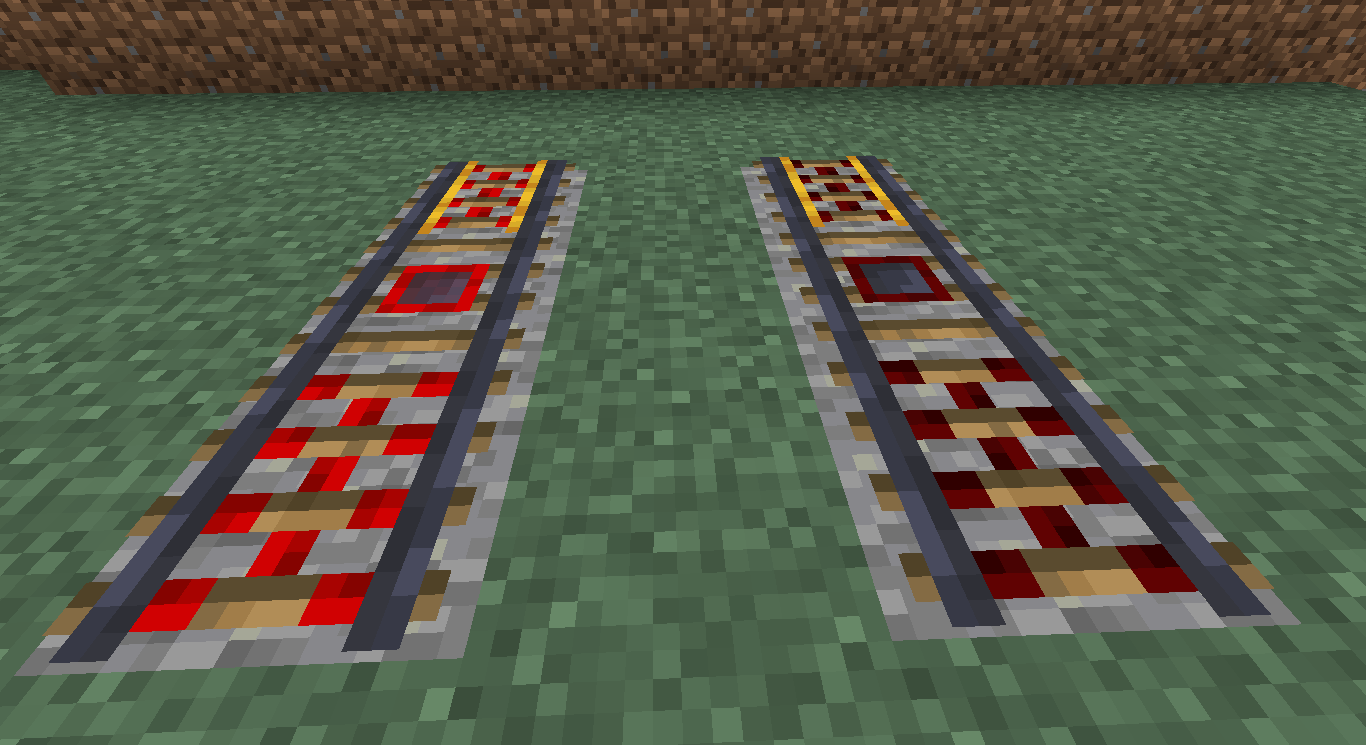
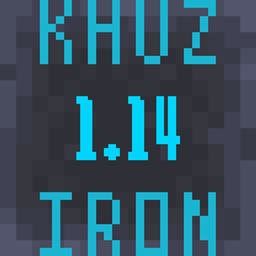
Changes all Iron textures to use the color palette of the 1.14 Smithing Table.
by The_Khuzdul1
Download Claim this project
479 downloads
0 likes
0 followers
Updated Oct 14, 2026
0 hypes
Follow0
16x Traditional
Advertisement Remove ads with Premium →

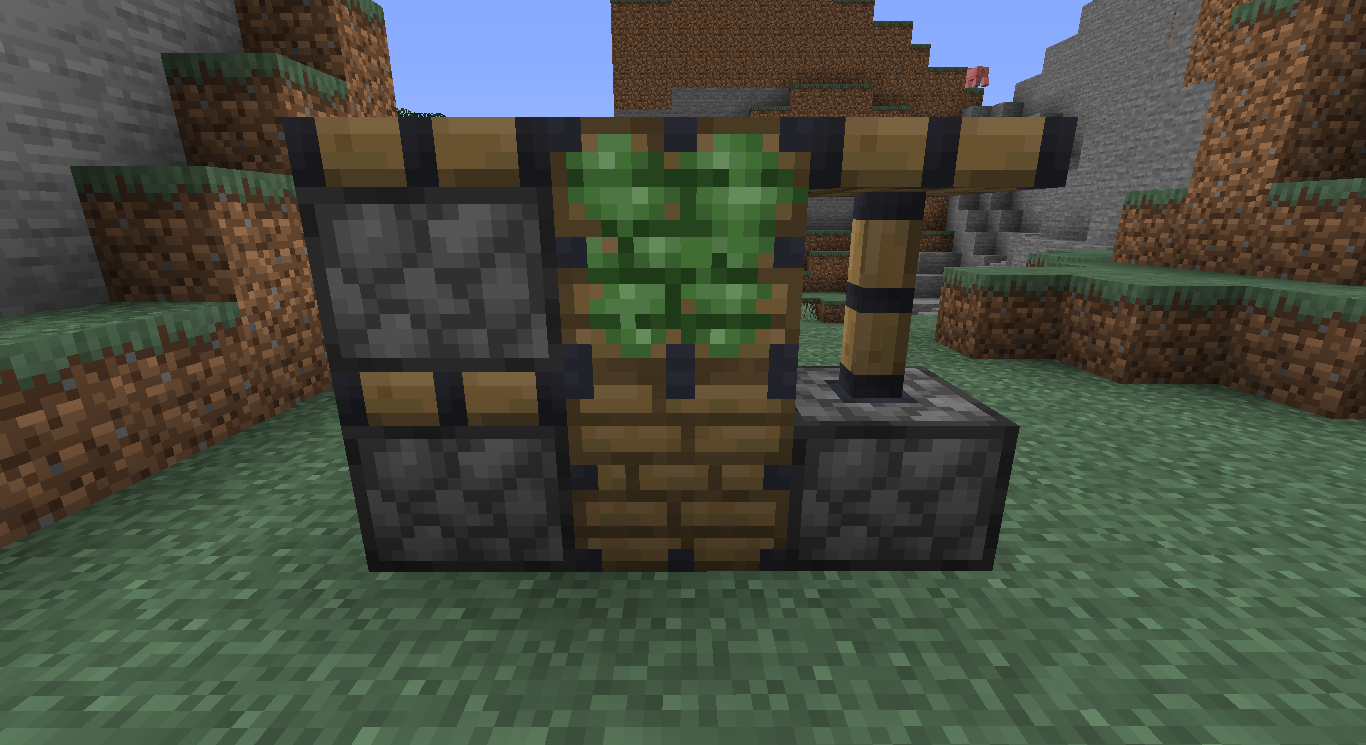
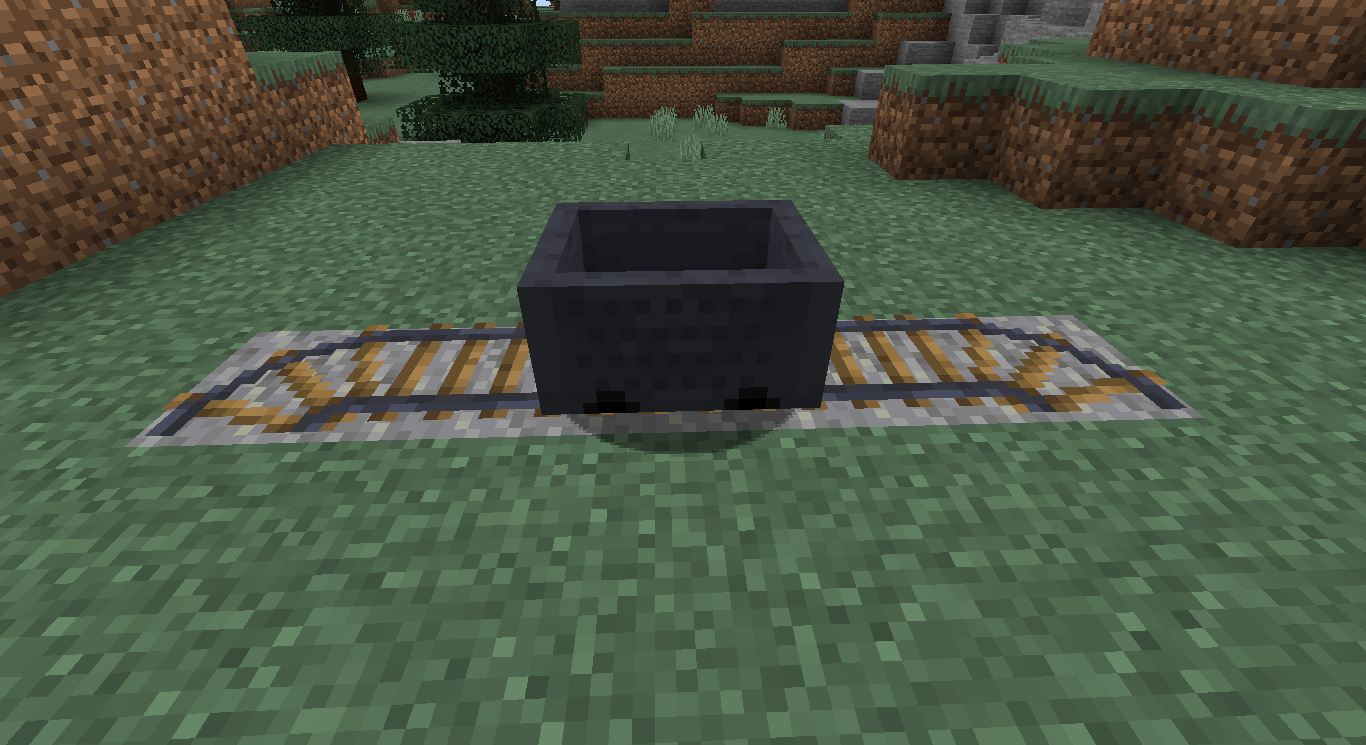
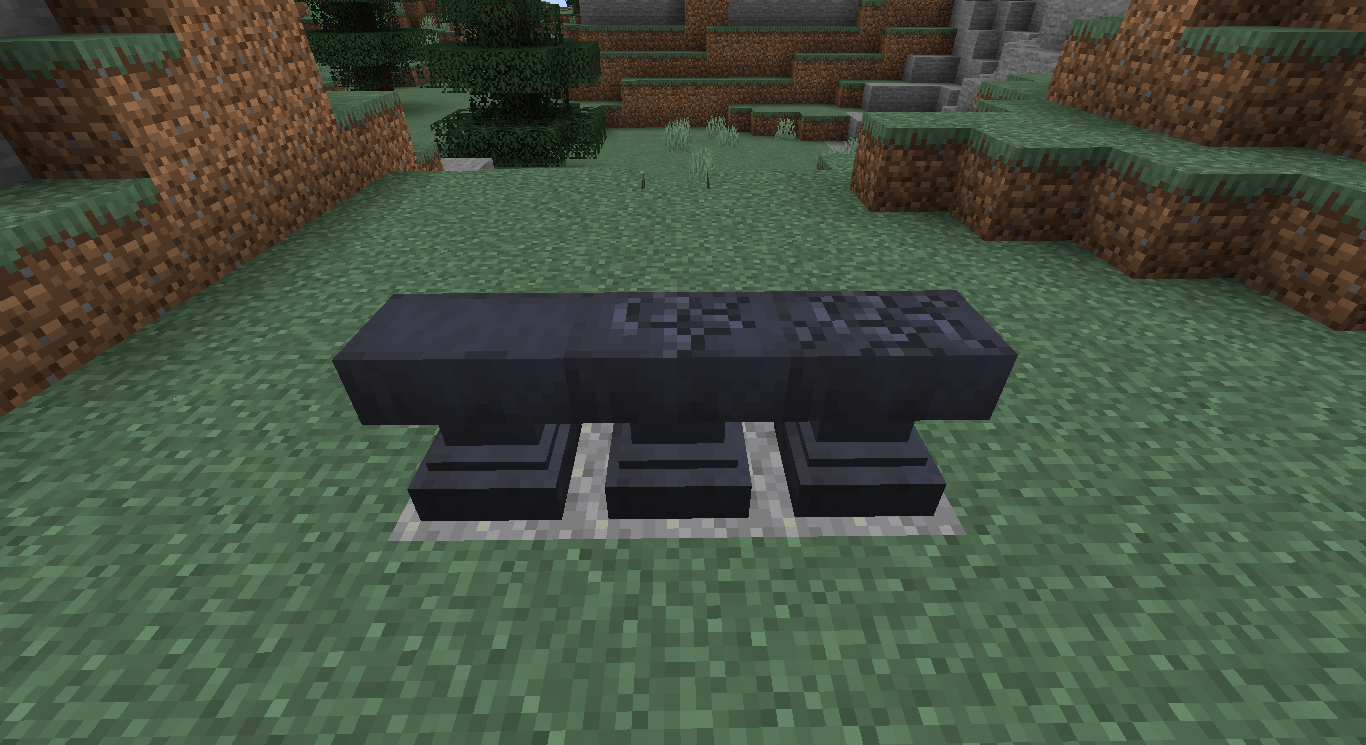
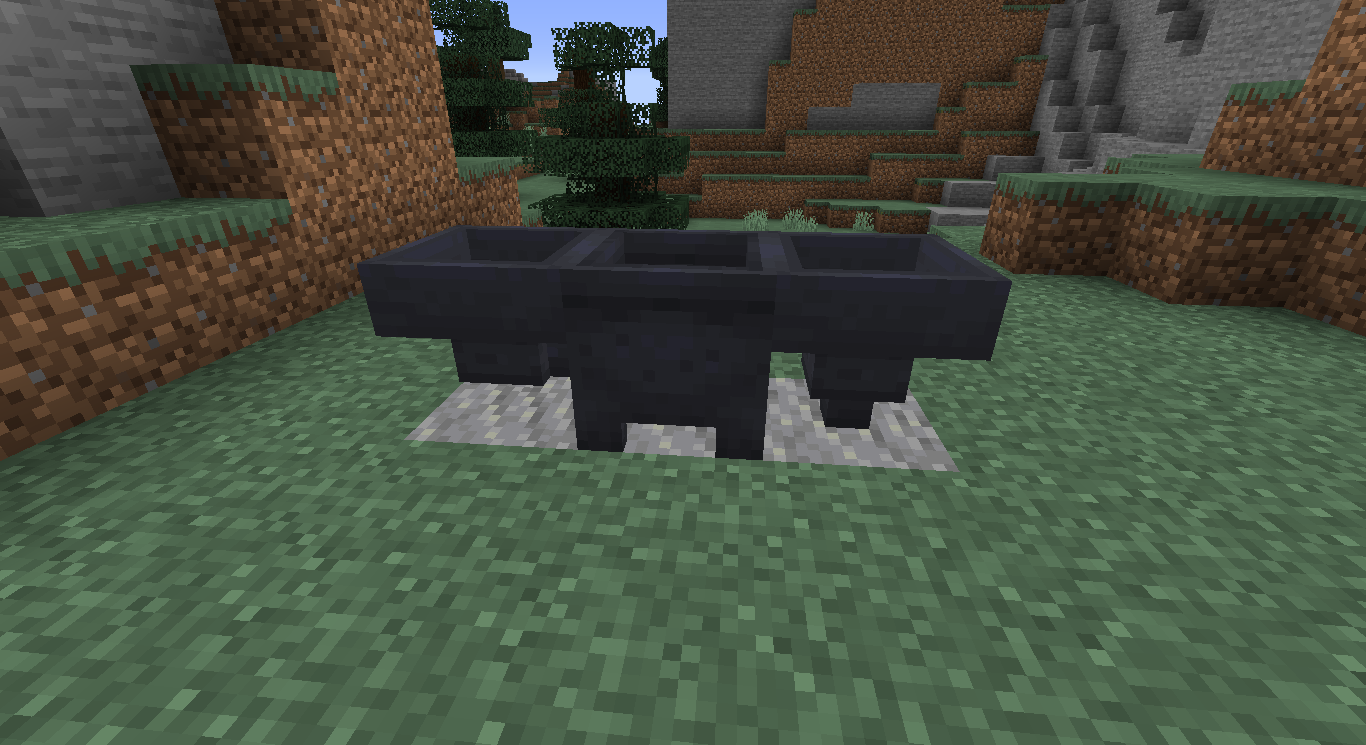
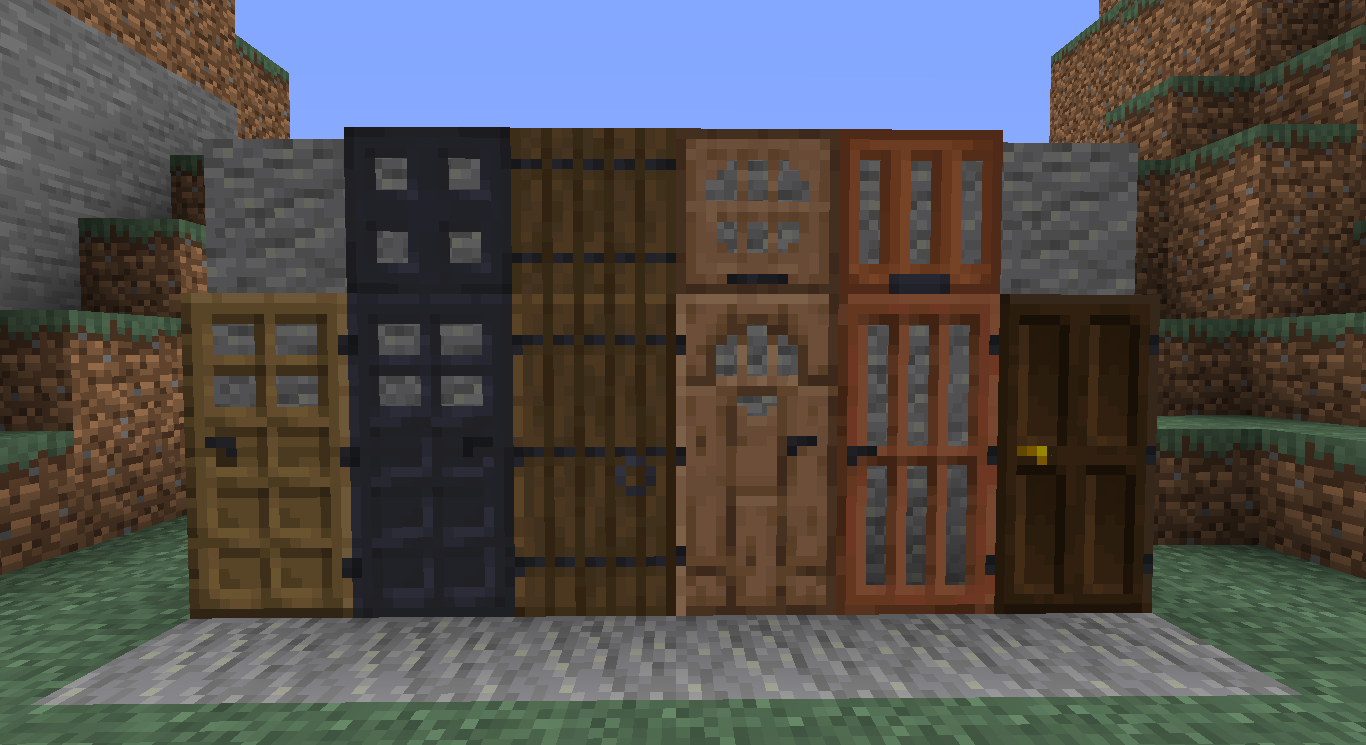
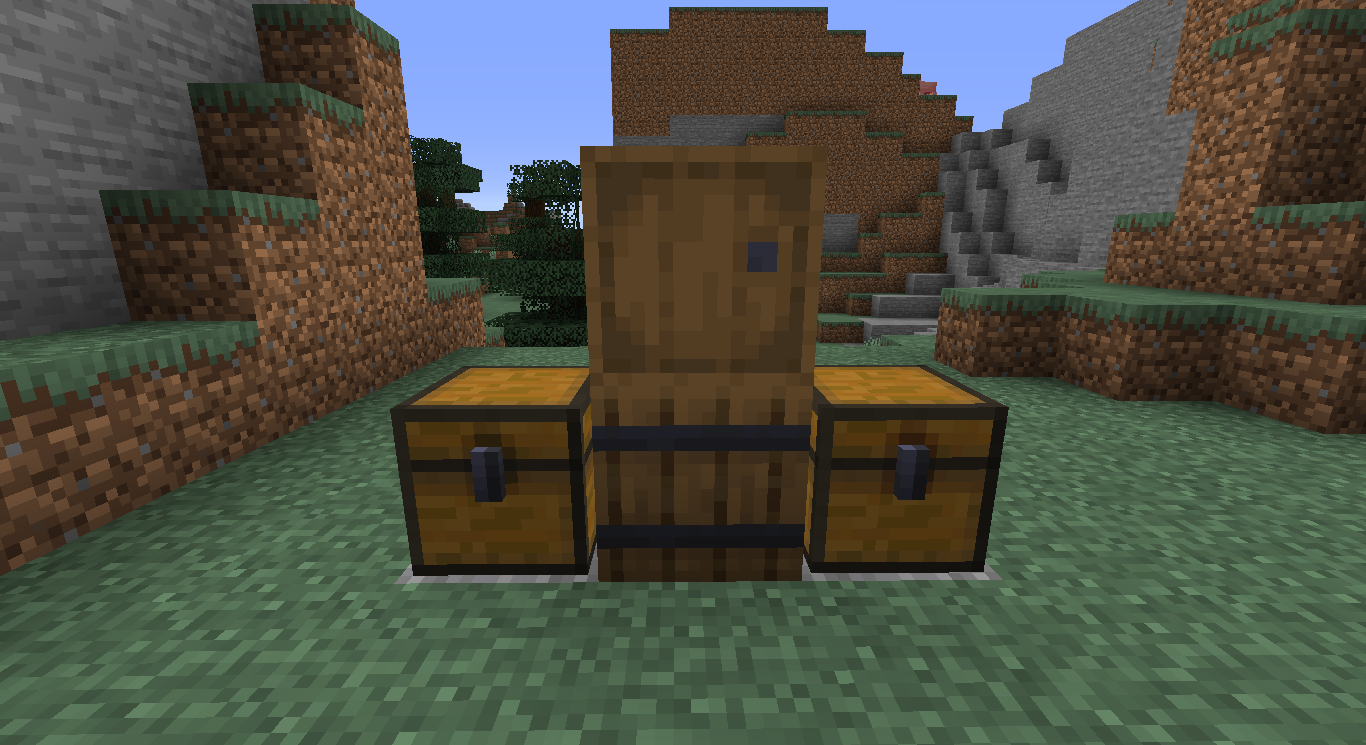
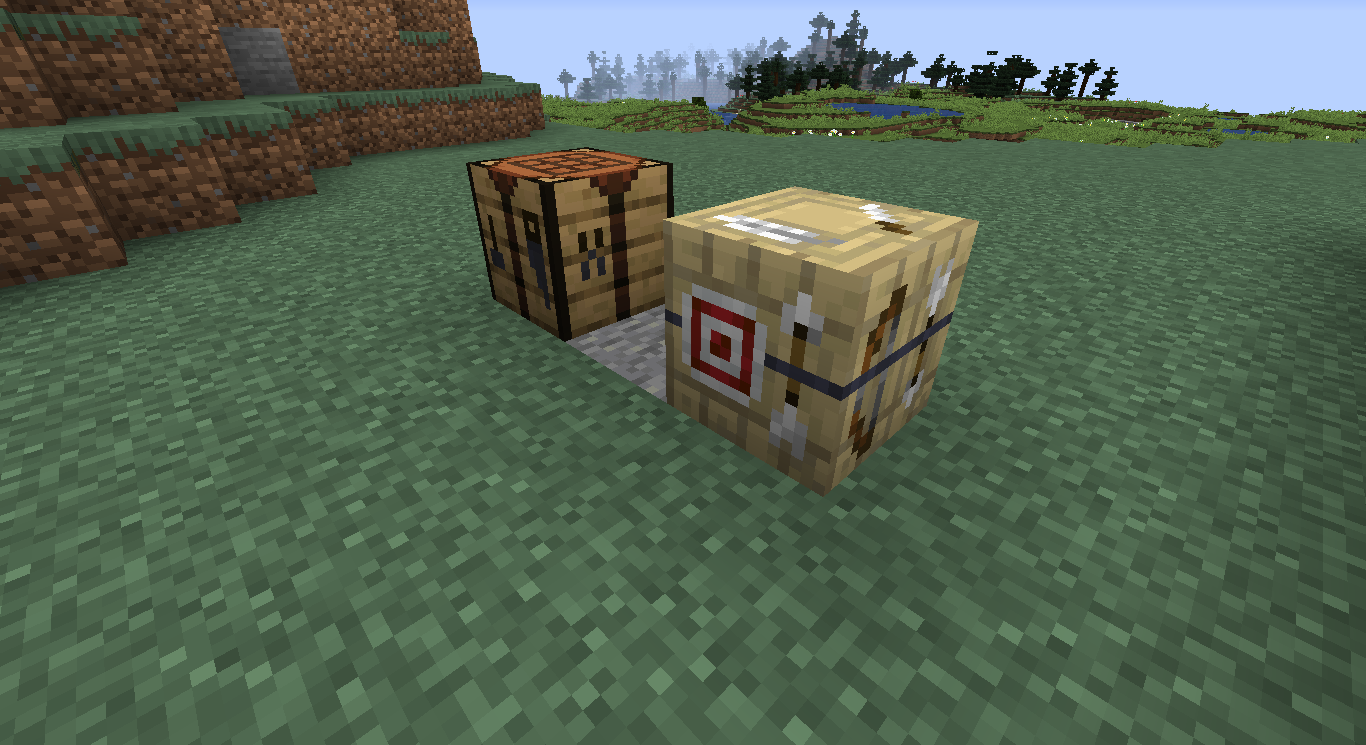
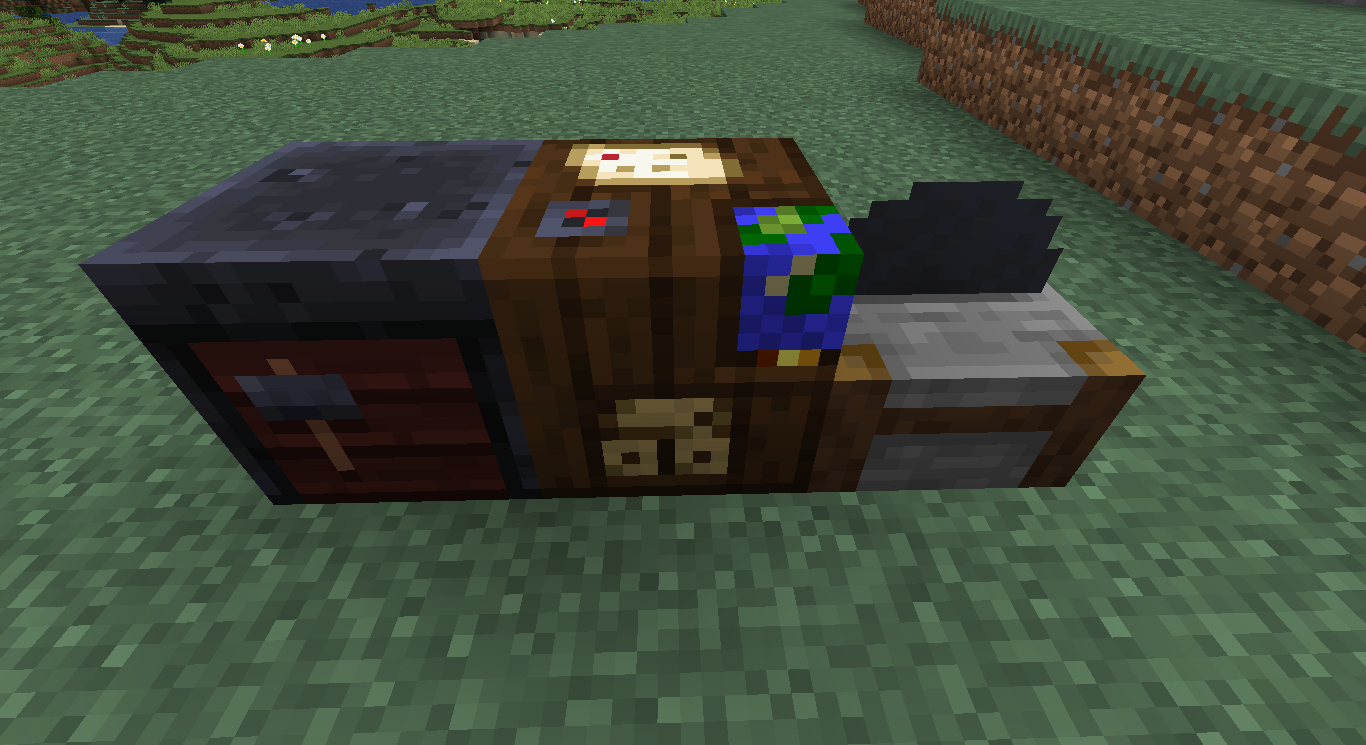
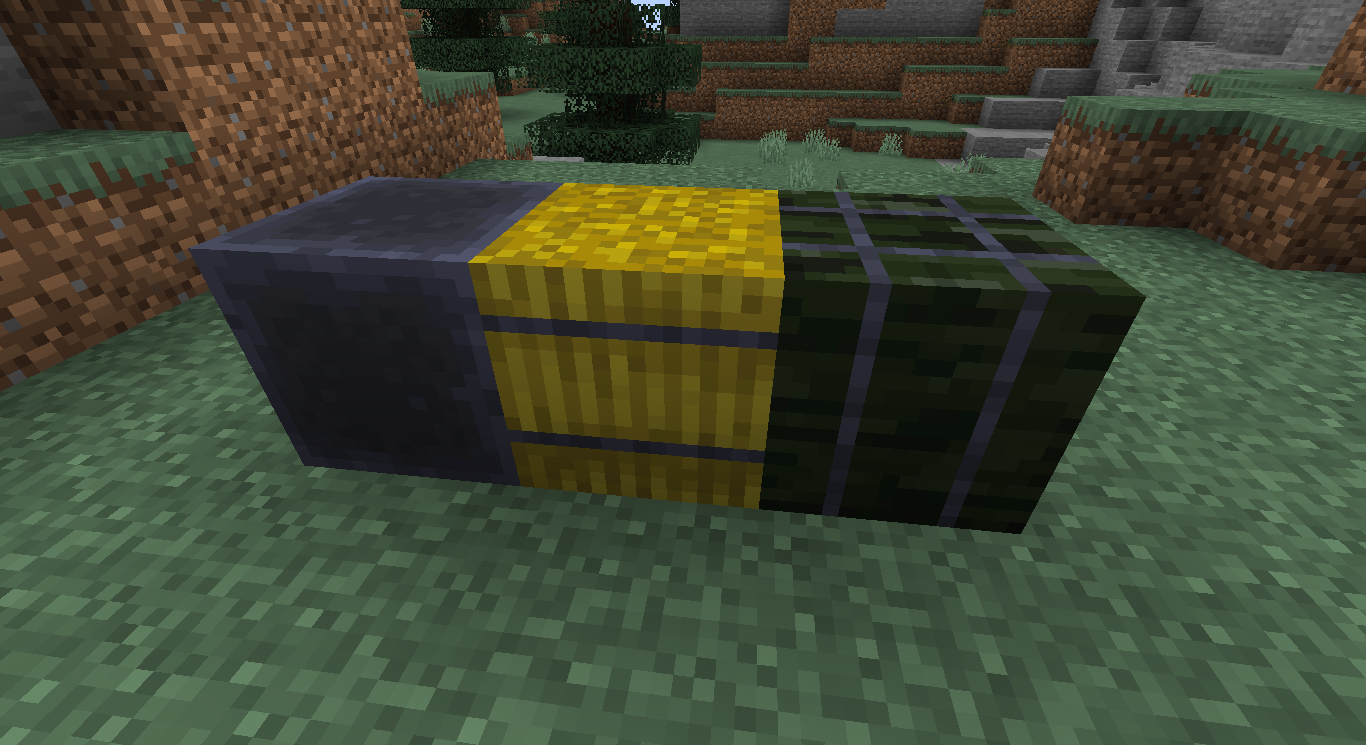
This texture pack changes all Iron textures, or textures containing Iron (plus a few more) to use the colour palette of the Smithing Table, introduced into the 1.14 update.

Personally, I love the blue/black iron texture introduced in 1.14 with the Smithing Table and Lantern blocks. Eventually, I decided to change all of the iron textures to use this colour palette for my personal use. After sharing some screenshots of the textures with some friends, they all asked if I were making a pack with these textures and if I was going to be releasing it publicly. 
Sooo... Here it is! 


UPDATE VERSION 1.2 (Minor fixes only)
Crafting Table Sides, Spruce Trapdoor, Stonecutter Saw & Iron Ingot


This pack is free to use in videos or streams, but please paste the following into the description:
Texture Pack: "Khuz's Smithing Table Iron" by The_Khuzdûl1
Download: https://minecraft.curseforge.com/projects/khuz-smithing-table-iron-texture-pack 

I, The_Khuzdûl1, give permission for these textures to be used in other packs and for them to be edited for said packs as long as credit is given and the above download link is provided.


If you find that I've missed a texture containing Iron or run into any other issues with the pack, please notify me in the comments.

Khuz's Smithing Table Iron V1.2.zip
MC 1.14.1, 1.14, 1.14.2, 1.14-Snapshot
Release 2019-06-15 Get
Khuz's Smithing Table Iron V1.1.zip
MC 1.14.1, 1.14, 1.14.2, 1.14-Snapshot
Release 2019-06-06 Get
Smithing Table Iron.zip
MC 1.14.1, 1.14, 1.14.2, 1.14-Snapshot
Release 2019-06-03 Get

Requirements & install

How to use this resource pack in Minecraft
Resolution
16x
Minecraft
1.14-Snapshot – 1.14.2
Install folder
.minecraft/resourcepacks

How to install resource packs

  1. Download the resource pack .zip file (do not extract it).
  2. In Minecraft open Options → Resource Packs → Open Pack Folder.
  3. Drop the .zip into the resourcepacks folder (.minecraft/resourcepacks).
  4. Move the pack to the Selected column and click Done.
Browse more: 16x resource packs 32x resource packs 64x resource packs 128x resource packs 256x resource packs 512x+ resource packs Resource Packs for 1.14.2 All resource packs

More from The_Khuzdul1

Advertisement Remove ads with Premium →

You Might Also Like