Mineuniverse
Resource Packs
Khan Bhai Textures (32x32)

Khan Bhai Textures (32x32)

RESOURCE PACK
The Best Textures. Author: Khan Bhai
by Khan_Bhai_Lions
Download Claim this project
Add a badge to your pageLink to Khan Bhai Textures (32x32) from a README, website or forum post.
Preview: Badge

Badges update automatically and link to the resource pack page on MineUniverse.

3,137 downloads
0 likes
0 followers
Updated Oct 14, 2026
0 hypes
Follow0
32x
Advertisement Remove ads with Premium →

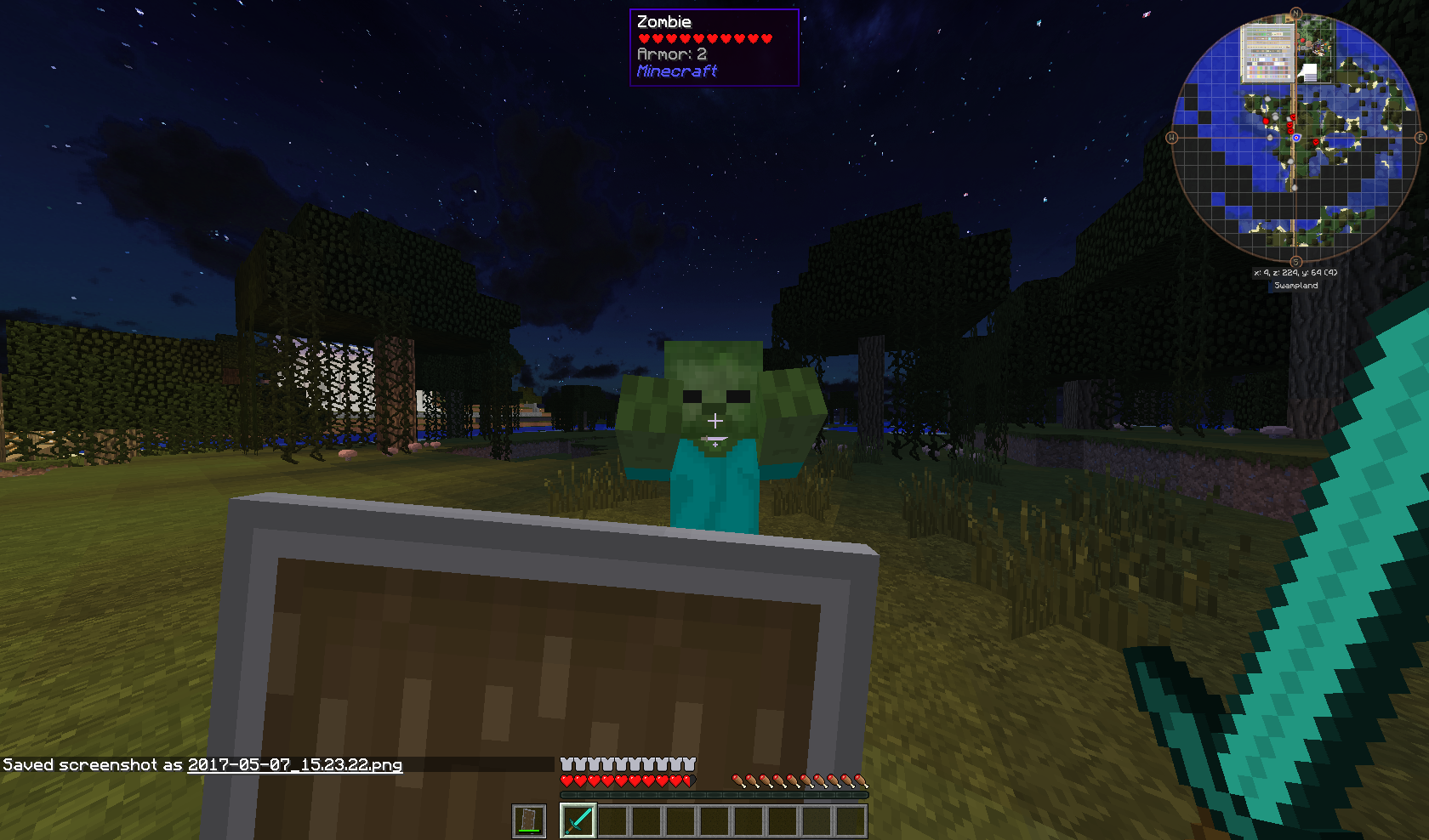
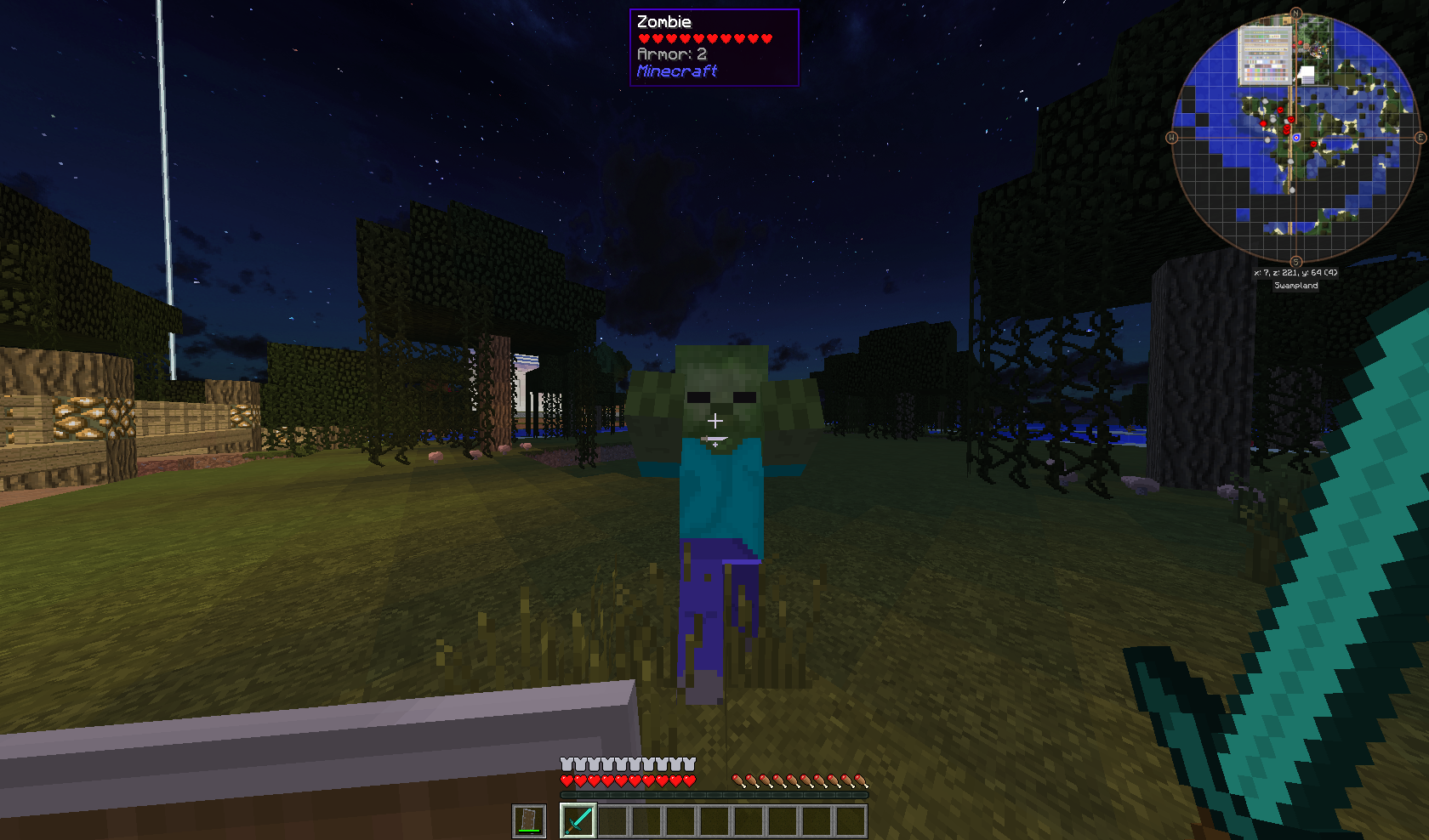
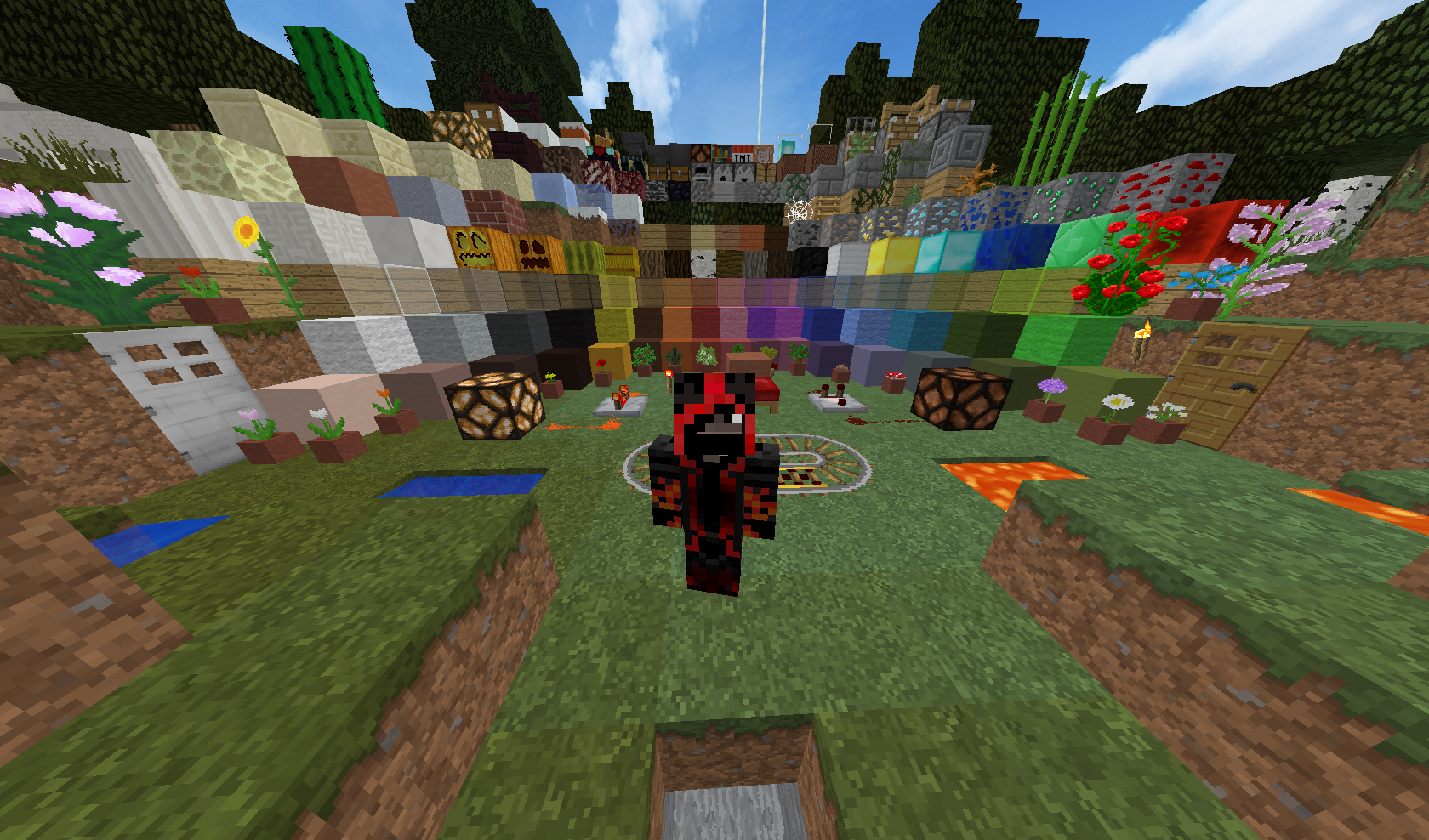
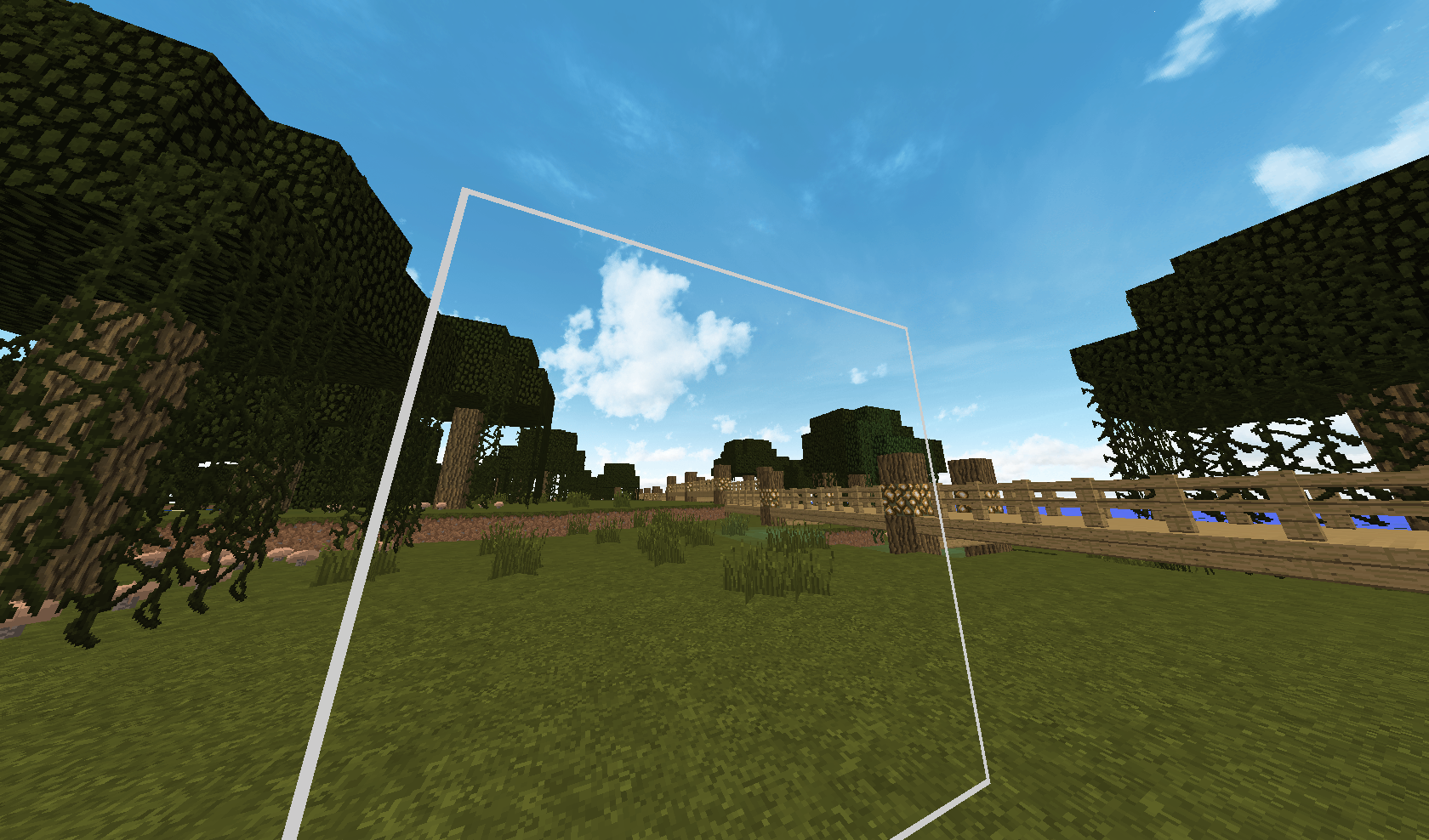
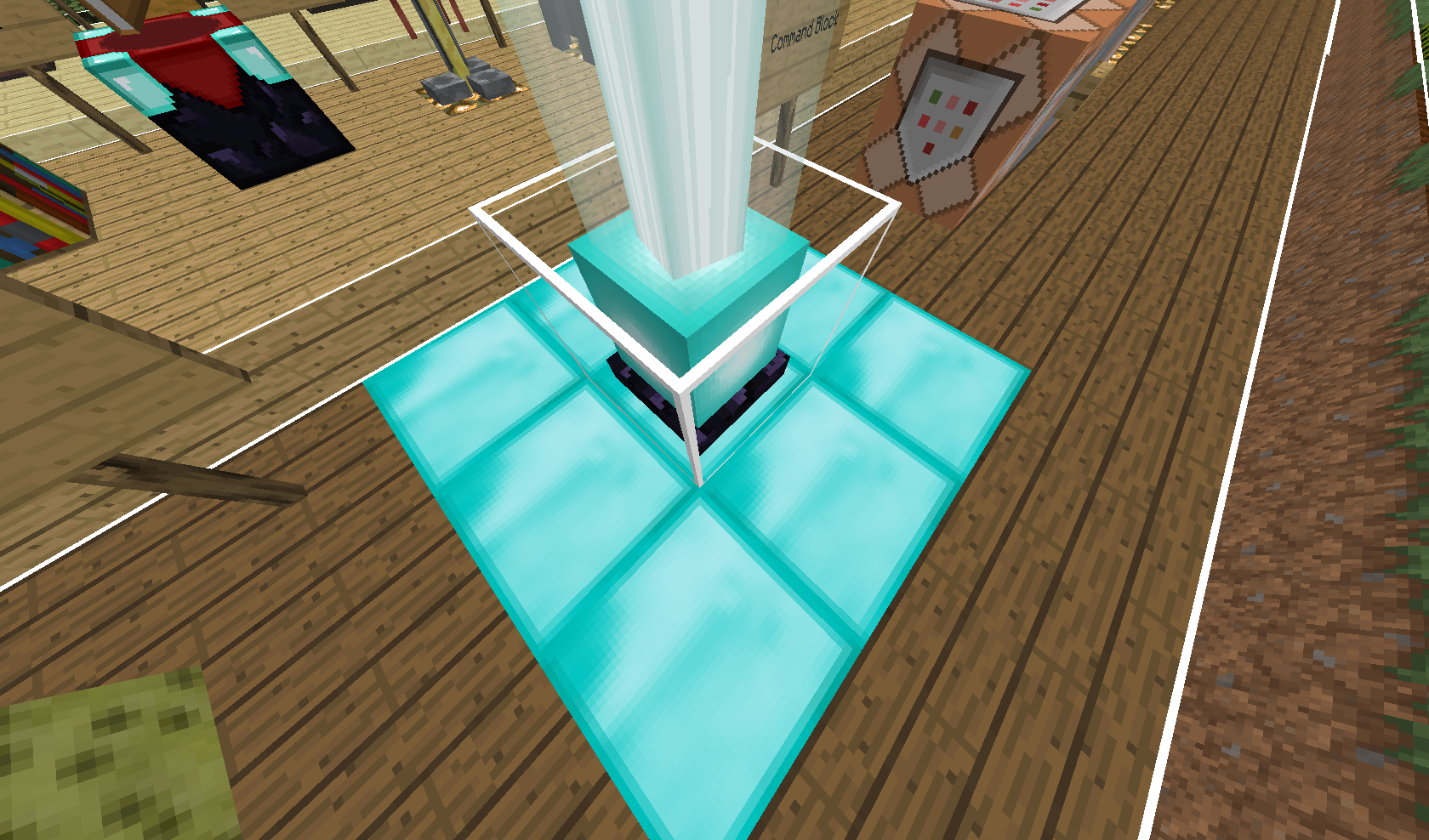
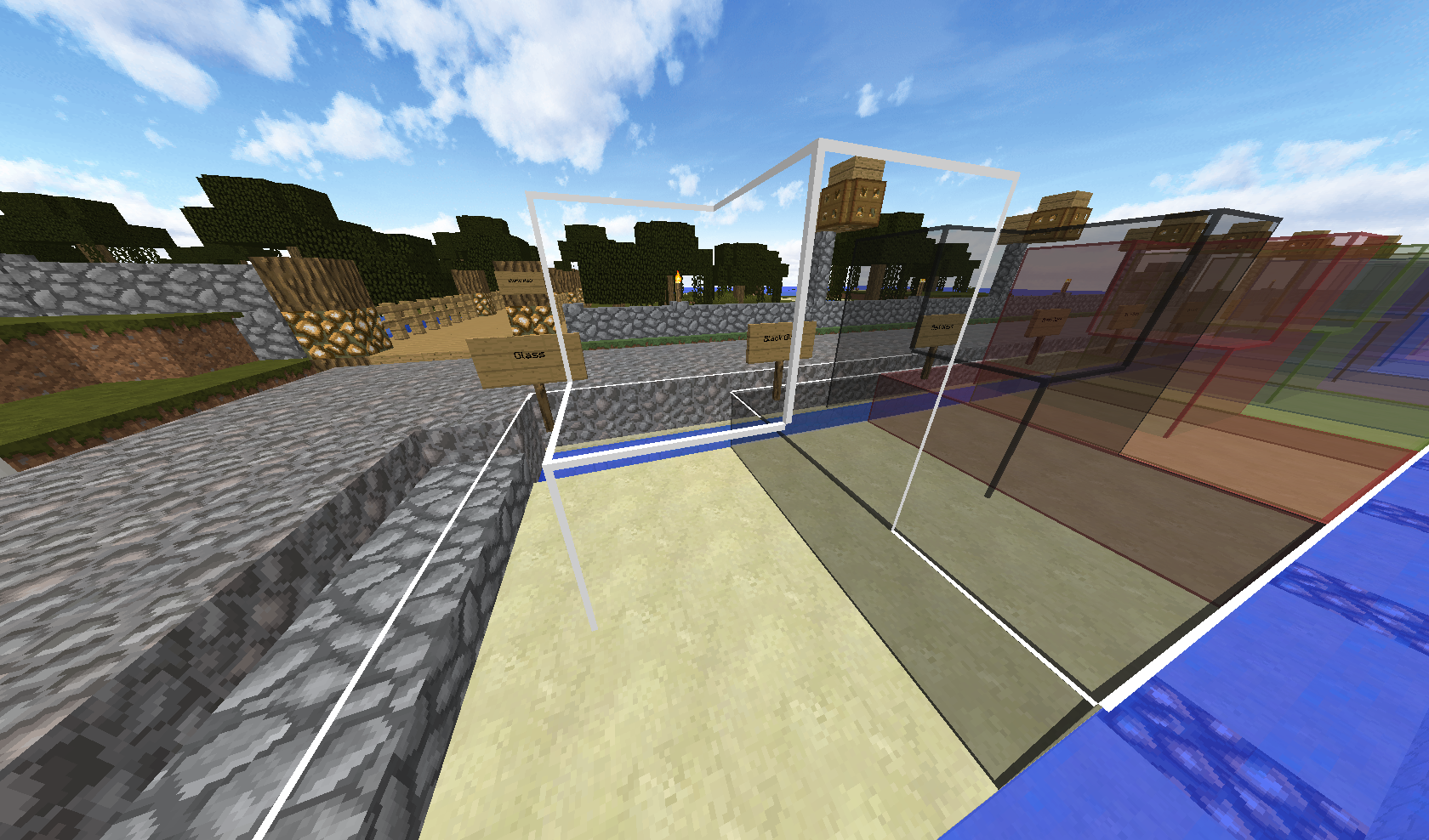
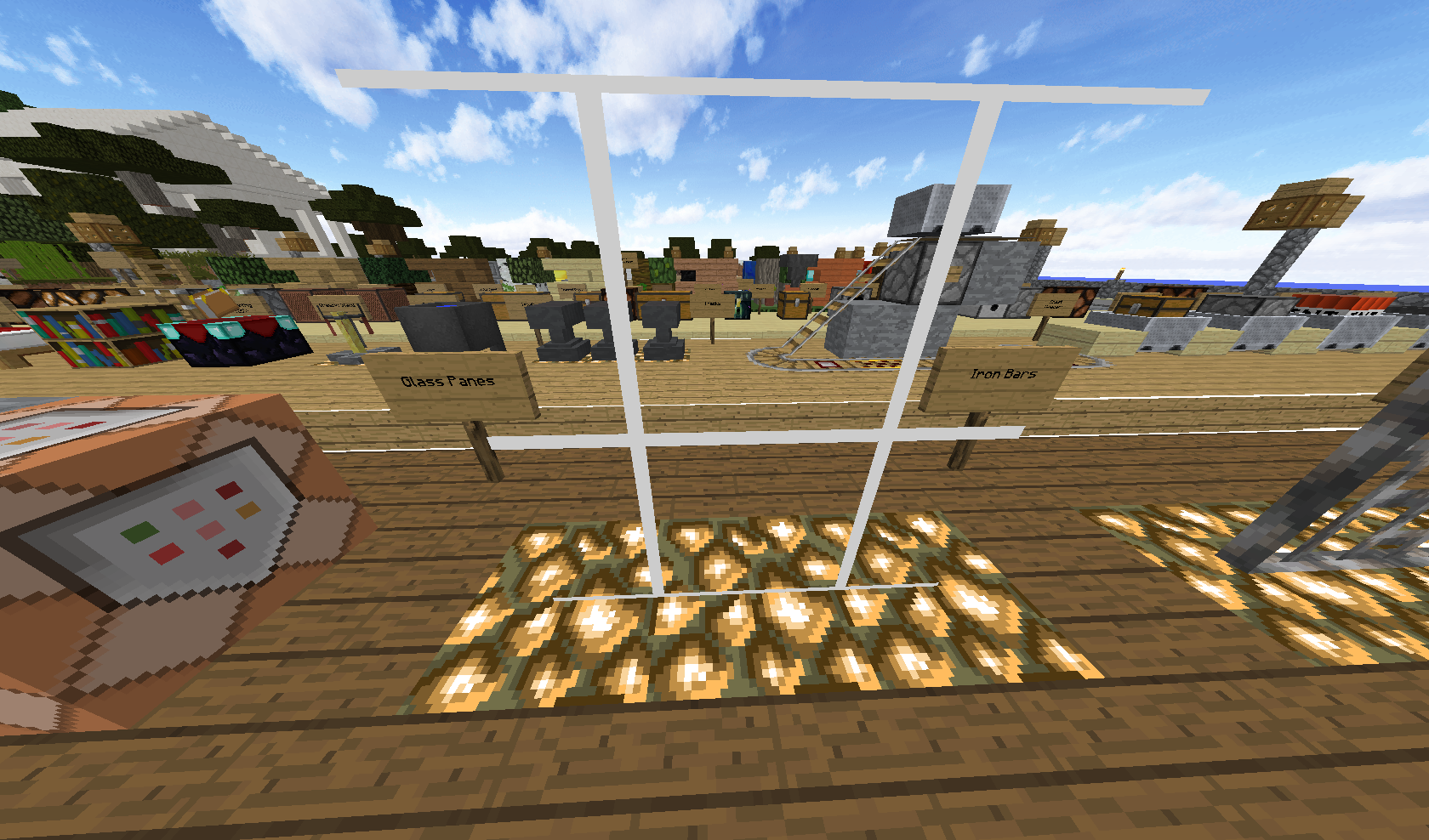
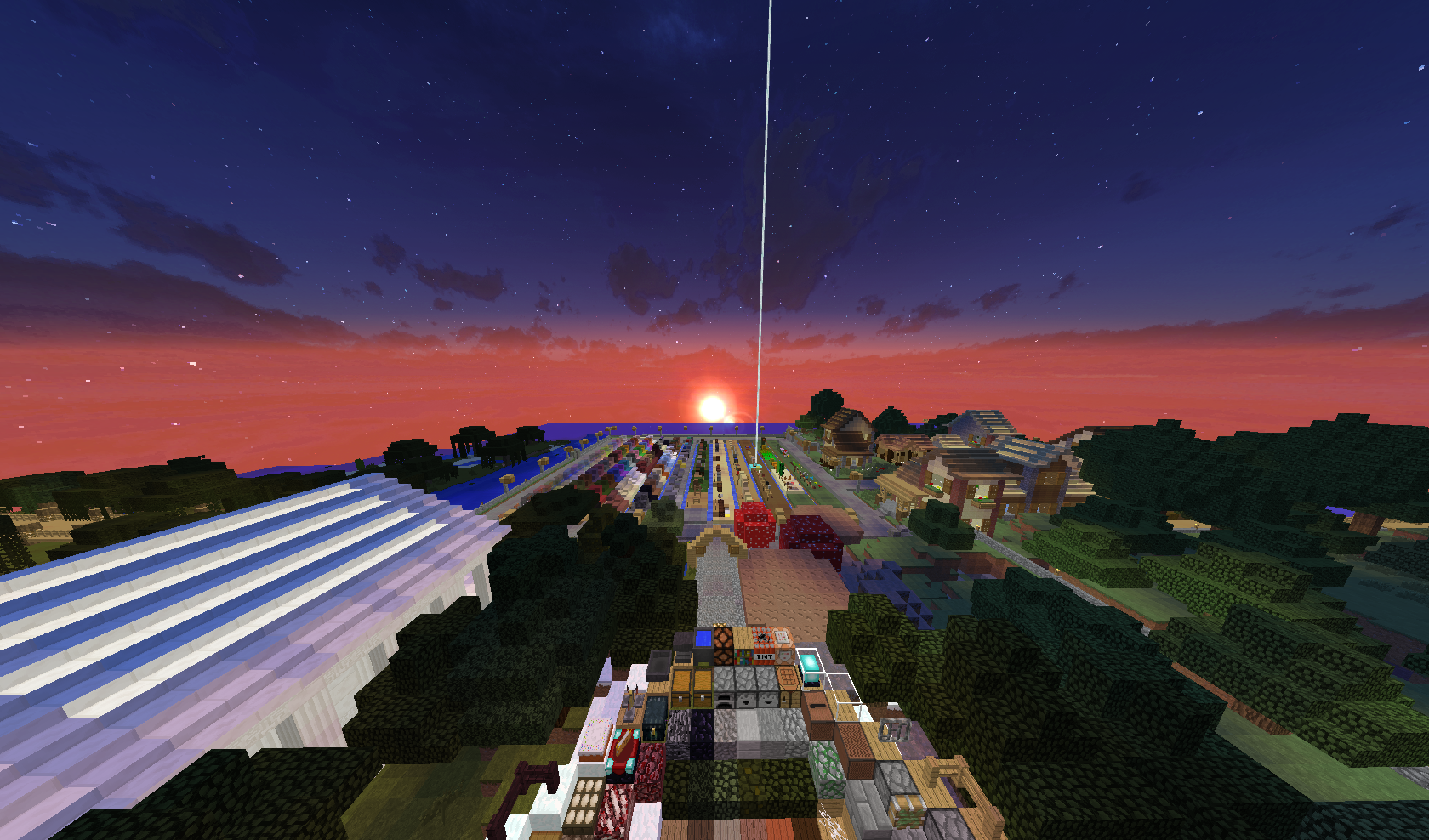
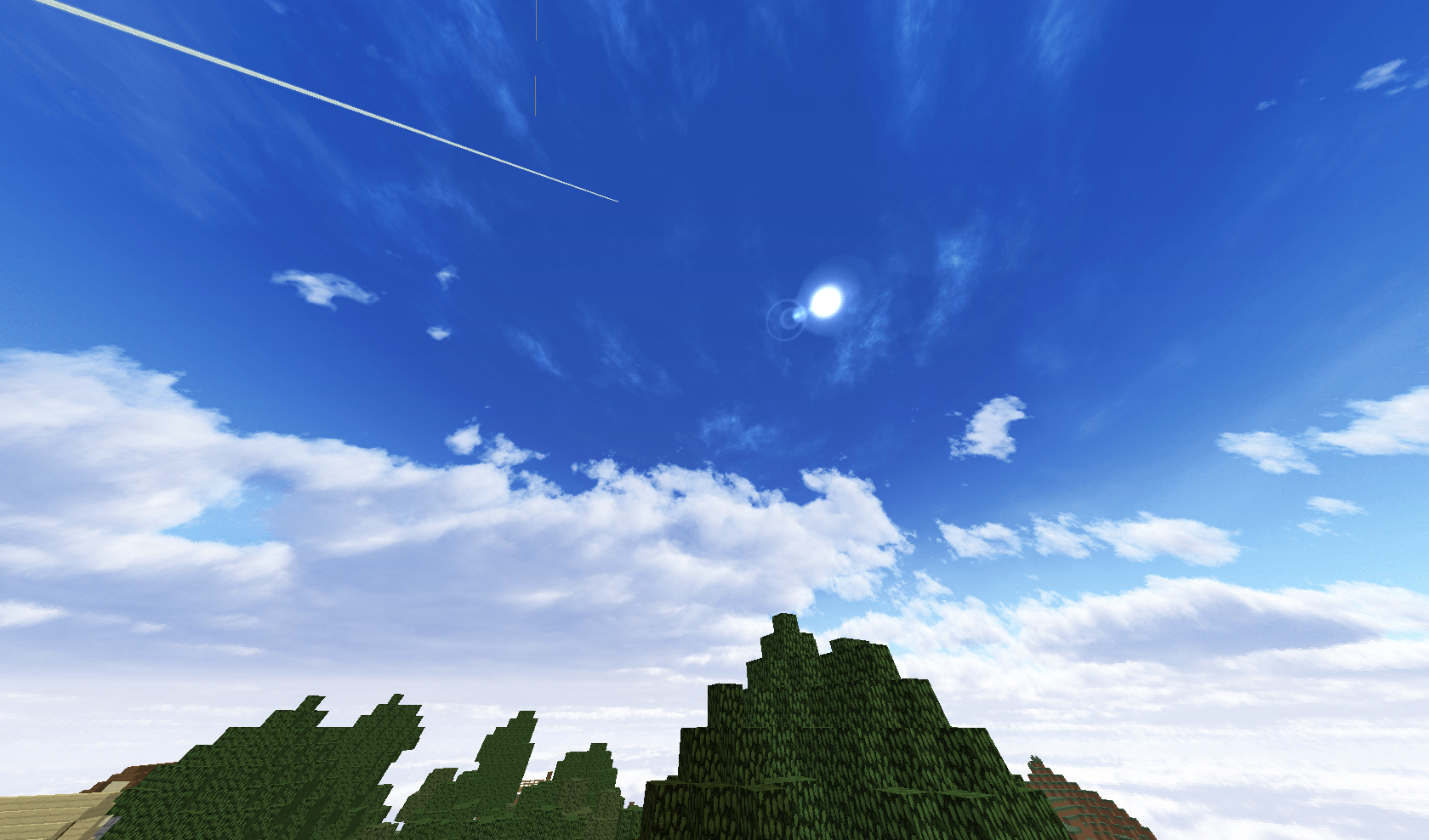
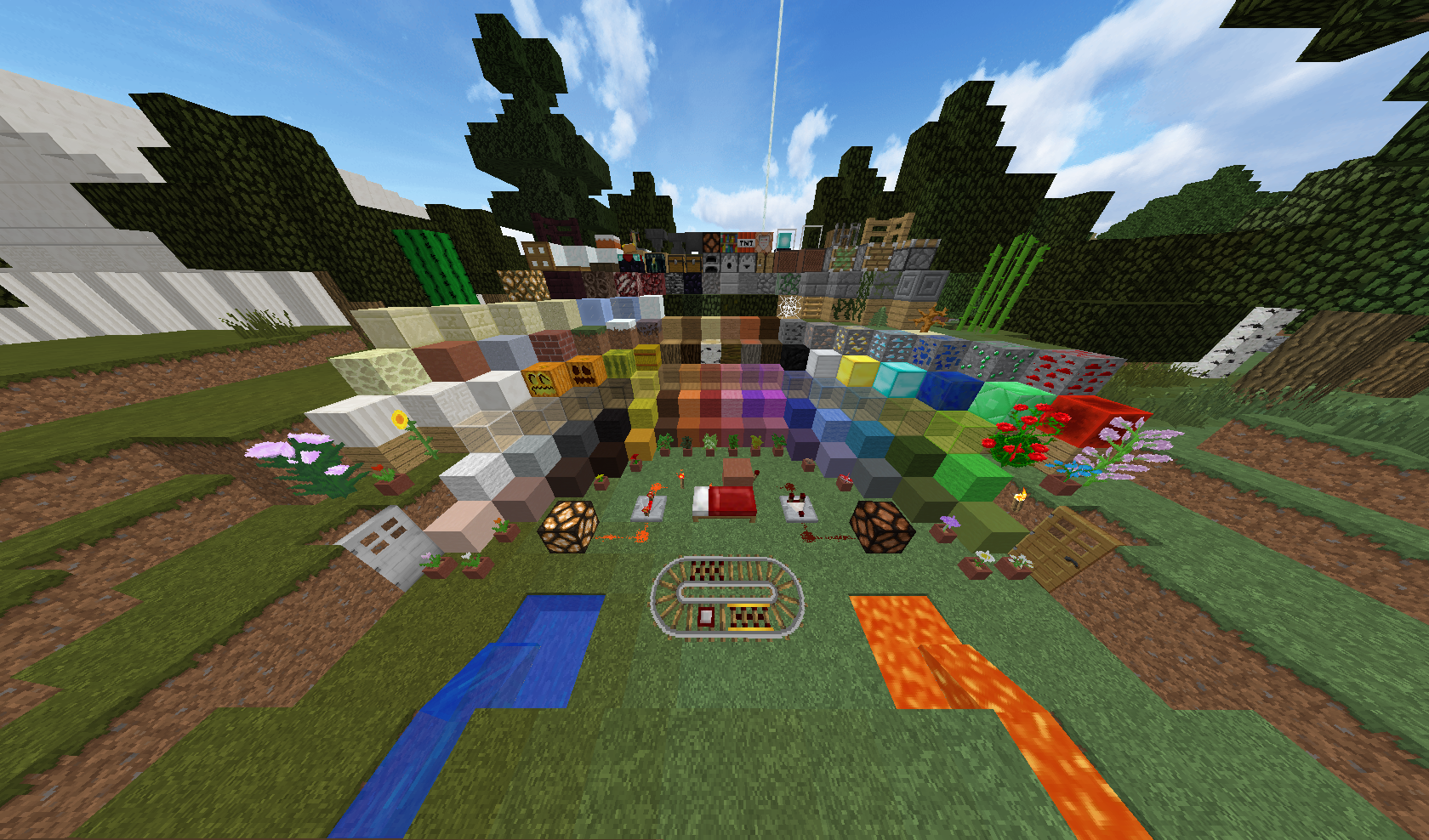
This texture pack is focused on improving Vanilla Minecraft. As you may or may not know but Vanilla Minecraft has 16x16 textures so I have changed them to 32x32 keeping the pixel theme with Faithful, a great texture pack for Vanilla Minecraft texture lovers. I have also added and improved some other things (SPOILER ALERT!) beautiful and realistic custom skies, clean connected glass textures. If you want to use the connected glass textures then you will need to download Optifine (another great mod created by sp614x) for it to work. Also Please give me feedback about my texture pack down in the comment section bellow. Plus tell me what I should change, remove, edit in my texture pack.


Links:

Faithfull (32x32) :https://mods.curse.com/texture-packs/minecraft/236821-faithful-vanilla

Optifine:https://optifine.net/downloads


TNX For Downloading!!!

KhanBhai Textures V4
MC 1.7.6, 1.9.1, 1.9.3, 1.8.7, 1.7.4, 1.7.7, 1.7.5, 1.4.6, 1.6.1, 1.10-Snapshot, 1.9.4, 1.9.2, 1.8.4, 1.7.9, 1.12, 1.2.4, 1.8.8, 1.7.2, 1.4.4, 1.0.0, 1.10.2, 1.8-Snapshot, 1.8.3
Release 2017-06-26 Get
KhanBhai Textures V3
MC 1.7.6, 1.9.1, 1.9.3, 1.8.7, 1.7.4, 1.7.7, 1.7.5, 1.4.6, 1.6.1, 1.10-Snapshot, 1.9.4, 1.9.2, 1.8.4, 1.7.9, 1.12, 1.2.4, 1.8.8, 1.7.2, 1.4.4, 1.0.0, 1.10.2, 1.8-Snapshot, 1.8.3
Release 2017-06-11 Get
KhanBhai Textures V2
MC 1.11, 1.11.1, 1.11.2
Release 2017-05-24 Get
KhanBhai Textures.zip
MC 1.11, 1.11.1, 1.11.2, 1.11-Snapshot
Release 2017-05-07 Get

Requirements & install

How to use this resource pack in Minecraft
Resolution
32x
Minecraft
1.9.4 – 1.12
Install folder
.minecraft/resourcepacks

How to install resource packs

  1. Download the resource pack .zip file (do not extract it).
  2. In Minecraft open Options → Resource Packs → Open Pack Folder.
  3. Drop the .zip into the resourcepacks folder (.minecraft/resourcepacks).
  4. Move the pack to the Selected column and click Done.
Browse more: 16x resource packs 32x resource packs 64x resource packs 128x resource packs 256x resource packs 512x+ resource packs Resource Packs for 1.12 All resource packs
Advertisement Remove ads with Premium →

You Might Also Like