Mineuniverse
Resource Packs
Kai Fixes Amethyst

Kai Fixes Amethyst

RESOURCE PACK
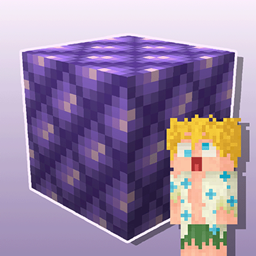
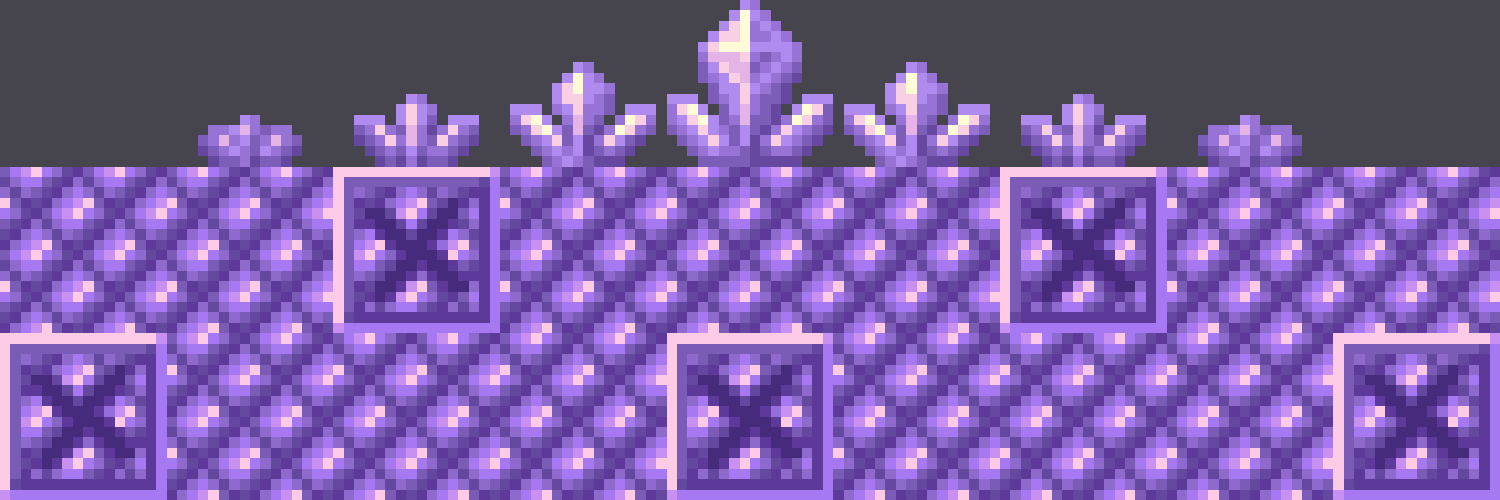
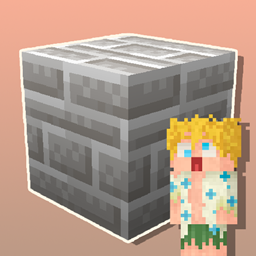
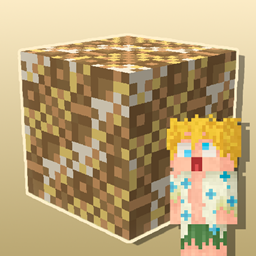
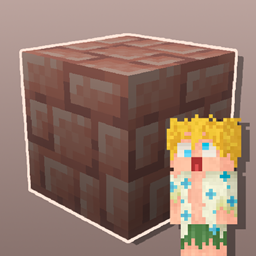
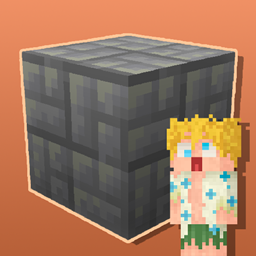
Makes amethyst more usable as building blocks and helps with mining it as well.
by CaptainKai
Download Claim this project
361 downloads
0 likes
Updated Oct 14, 2026
0 hypes
16x
Advertisement Remove ads with Premium →

As the name suggests, Kai Fixes Amethyst improves the texture of amethyst and related blocks in Minecraft to make them more usable as building blocks as well as helping with mining it.


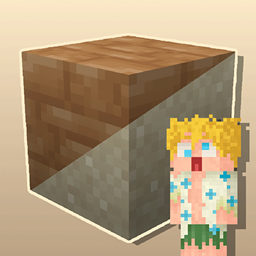
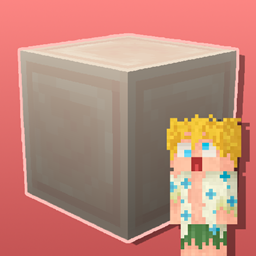
This resource pack is a small part of a much larger resource pack being worked on called Kai Fixes Minecraft.

The concept behind what Kai Fixes Minecraft is bringing to the table is:

  • Significantly reduce redundancies within the block textures
  • Greatly increase the building opportunities from blocks that often get overlooked
  • Reduce the unintentional texture repetition effect without heavy reliance on noise or random block variants by focusing on patterns that seamlessly splice together and proper shading
  • Identify colors missing from the game and the best texture to go with that color while maintaining balance with what feels appropriate for the block in accordance with its fit in the game
  • Maintain the highest quality of block textures in the Minecraft ecosystem

Terms of Use

  • Captain Kai is the creator and owner of this resource pack
  • If you use assets from this resource pack in your own, credit is required. Preferably including its name and a link to an official CurseForge, Modrinth, or Planet Minecraft page
  • You may not port this resource pack or its assets to work on Minecraft Bedrock Edition
  • You may not include assets from this resource pack in a paid product or paid access to a product
Kai Fixes Amethyst - 1.21.zip
MC 1.21.2-Snapshot, 1.21, 1.21.6-snapshot, 1.21.5, 1.21.1-Snapshot, 1.21.4, 1.21.5-Snapshot, 1.21-Snapshot, 1.21.3, 1.21.1, 1.21.4-Snapshot, 1.21.2
Release 2025-04-14 Get
Kai Fixes Amethyst - 1.20.1.zip
MC 1.20.2, 1.20.5, 1.20.2-Snapshot, 1.20.5-Snapshot, 1.20.3-Snapshot, 1.20.3, 1.20.1, 1.20, 1.20.6, 1.20.4, 1.20-Snapshot
Release 2025-04-14 Get

Requirements & install

How to use this resource pack in Minecraft
Resolution
16x
Minecraft
1.21.2-Snapshot – 1.21.6-snapshot
Install folder
.minecraft/resourcepacks

How to install resource packs

  1. Download the resource pack .zip file (do not extract it).
  2. In Minecraft open Options → Resource Packs → Open Pack Folder.
  3. Drop the .zip into the resourcepacks folder (.minecraft/resourcepacks).
  4. Move the pack to the Selected column and click Done.
Browse more: 16x resource packs 32x resource packs 64x resource packs 128x resource packs 256x resource packs 512x+ resource packs Resource Packs for 1.21.6-snapshot All resource packs

More from CaptainKai

Advertisement Remove ads with Premium →

You Might Also Like