Mineuniverse
Resource Packs
JustTimm's Vanilla Additions (Discontinued)

JustTimm's Vanilla Additions (Discontinued)

RESOURCE PACK
A vanilla style pack that improves the game but still keeps the vanilla feel. Requires OptiFine!
by justtimmnl
Download Claim this project
Add a badge to your pageLink to JustTimm's Vanilla Additions (Discontinued) from a README, website or forum post.
Preview: Badge

Badges update automatically and link to the resource pack page on MineUniverse.

258,900 downloads
0 likes
0 followers
Updated Oct 14, 2026
0 hypes
Follow0
16x Miscellaneous Traditional
Advertisement Remove ads with Premium →

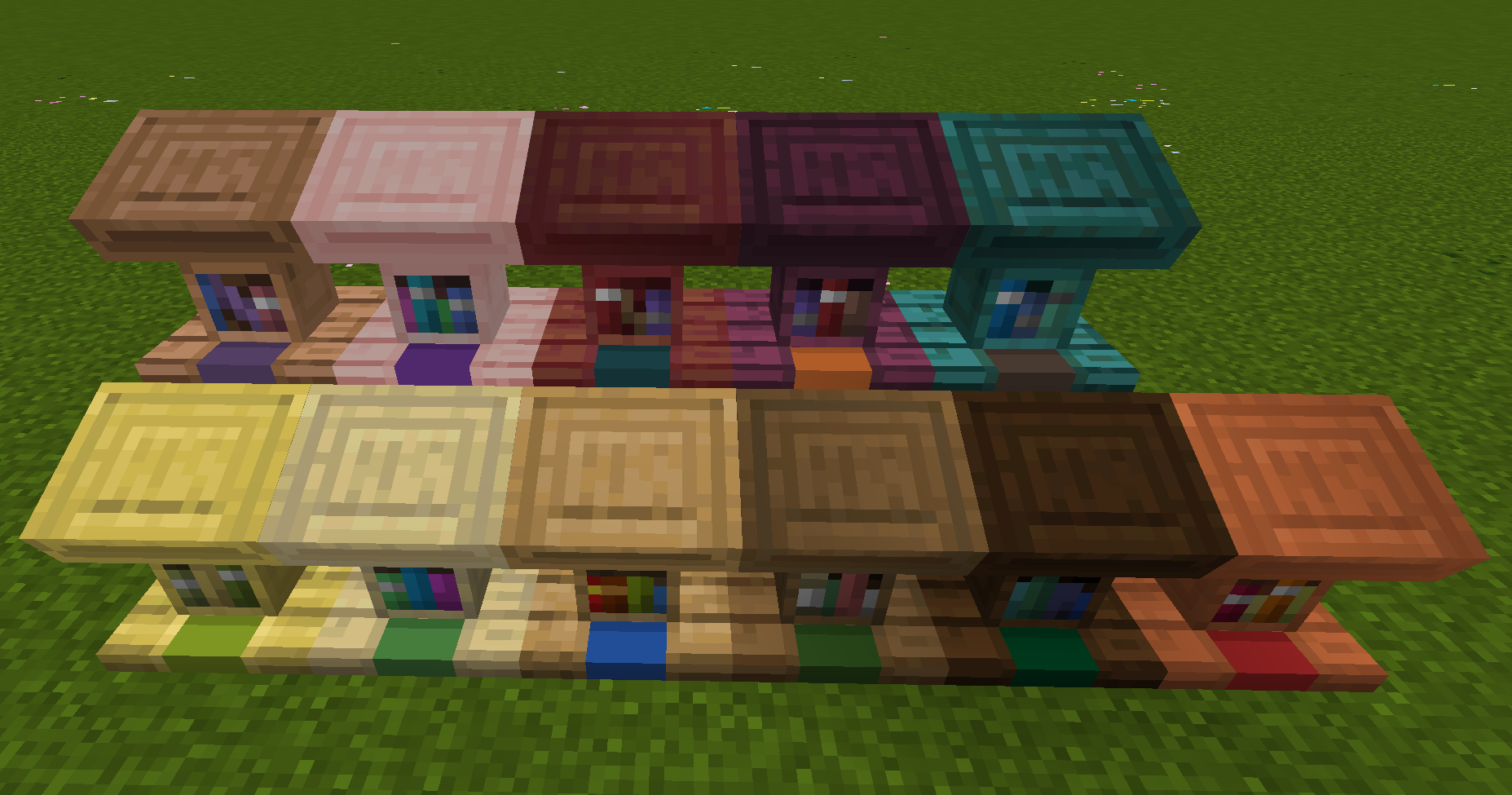
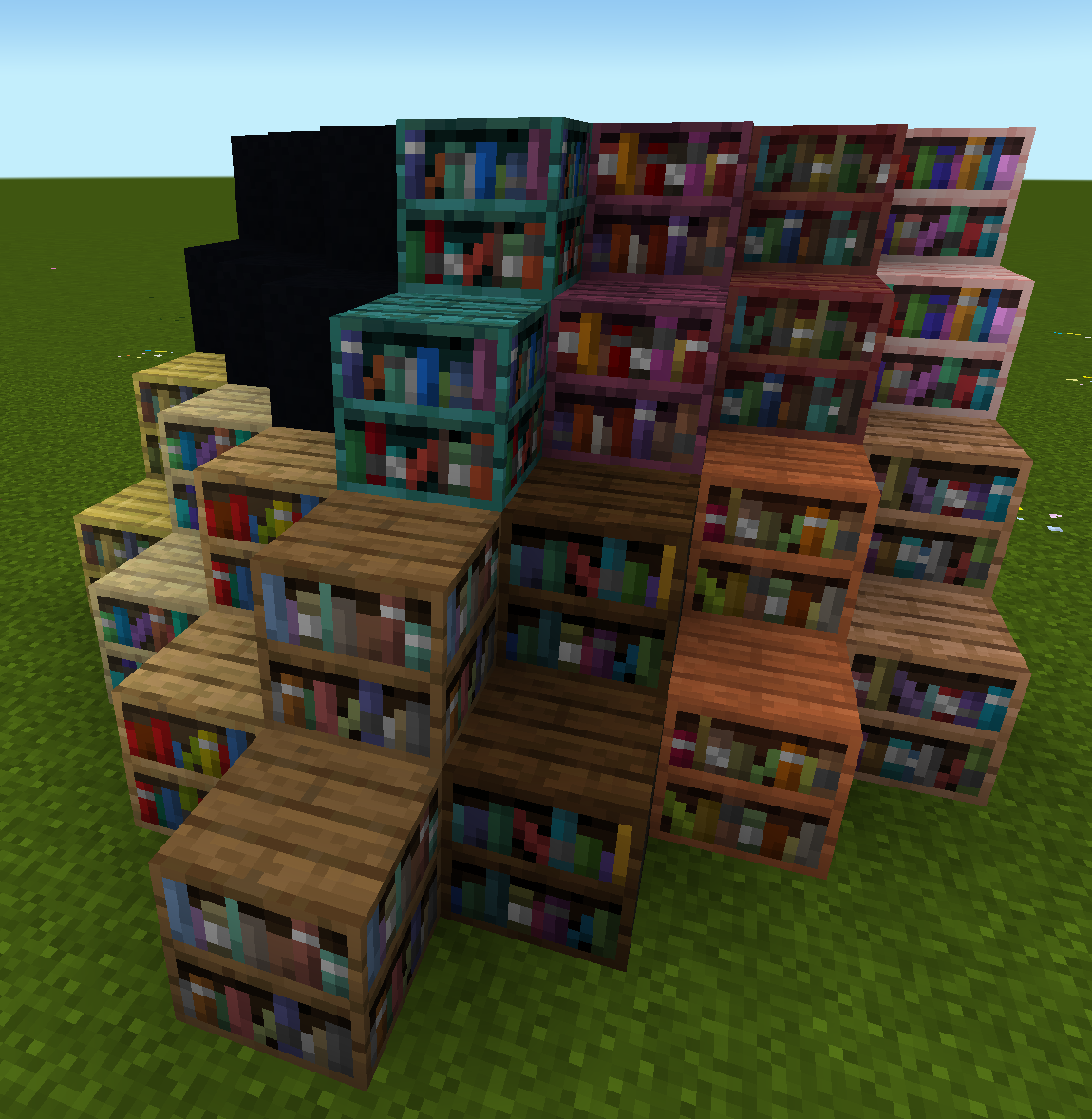
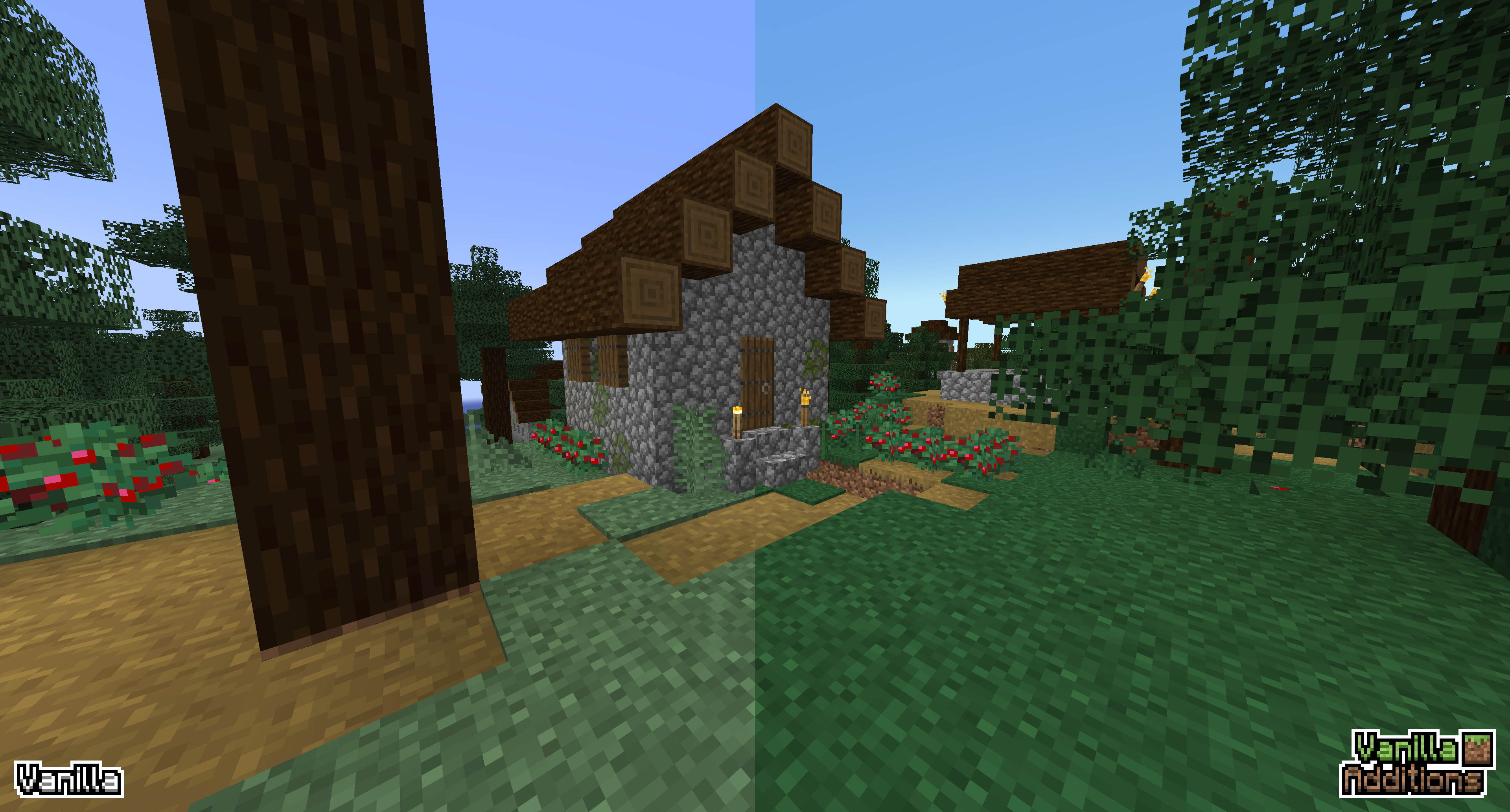
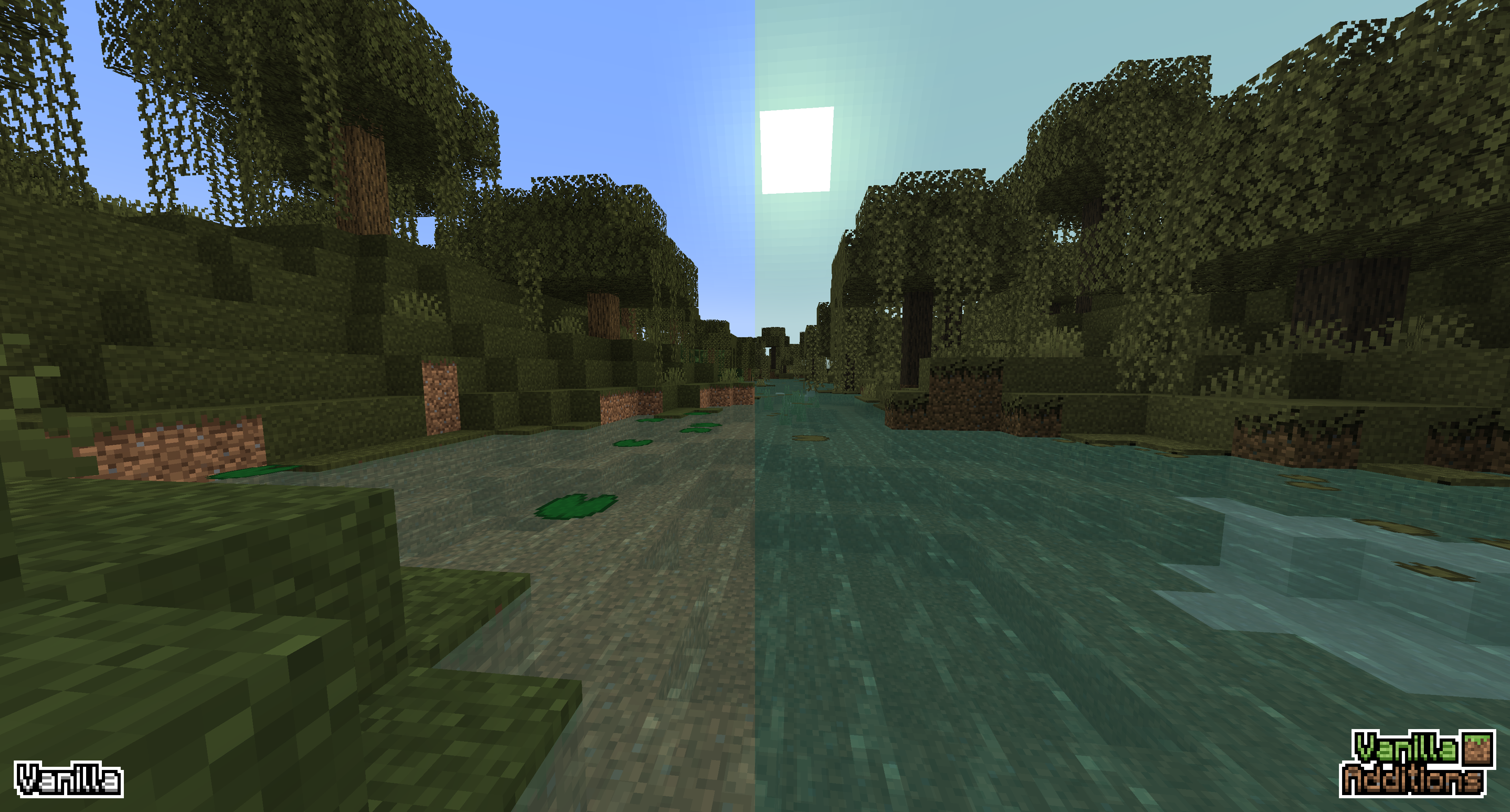
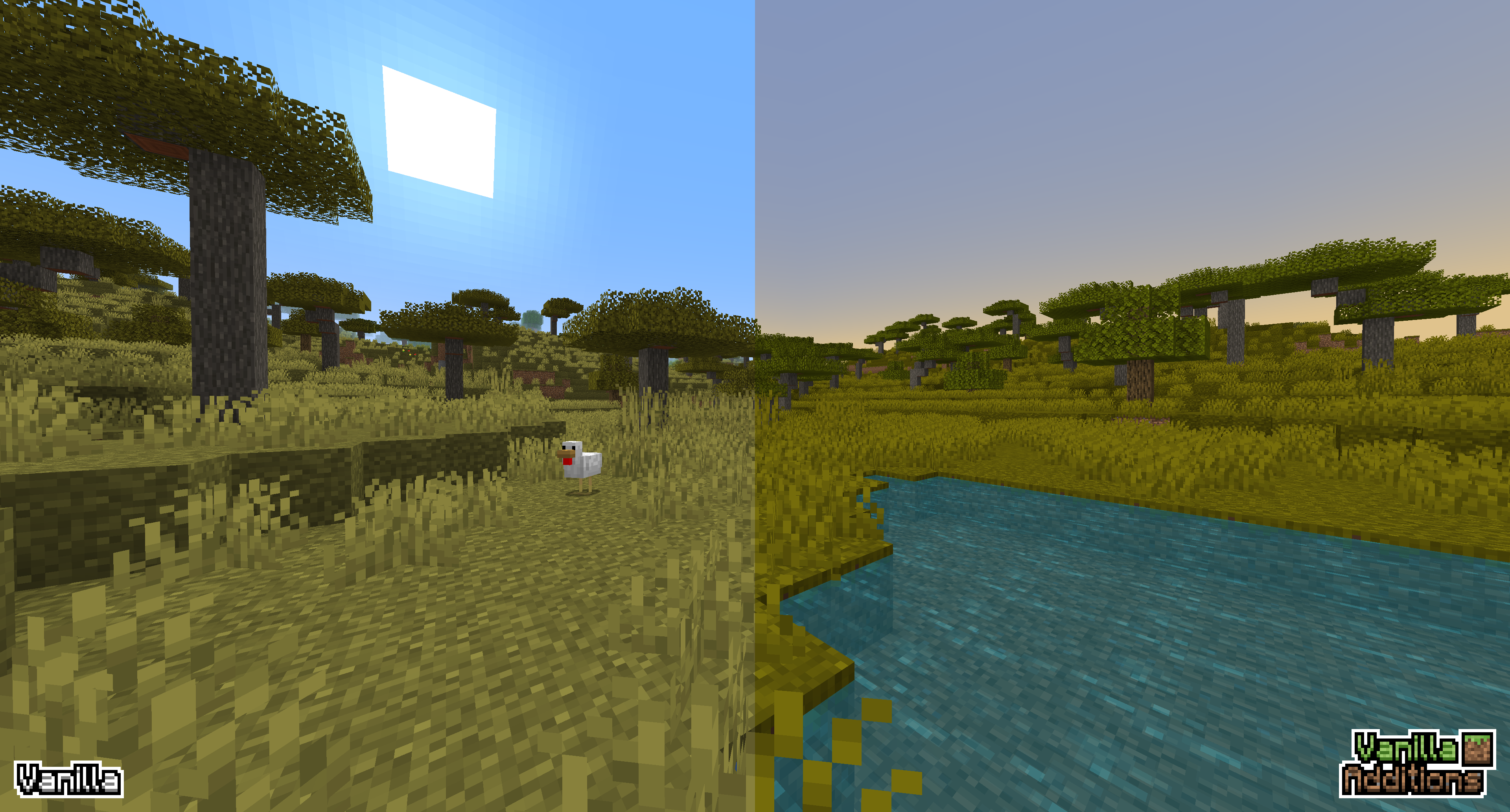
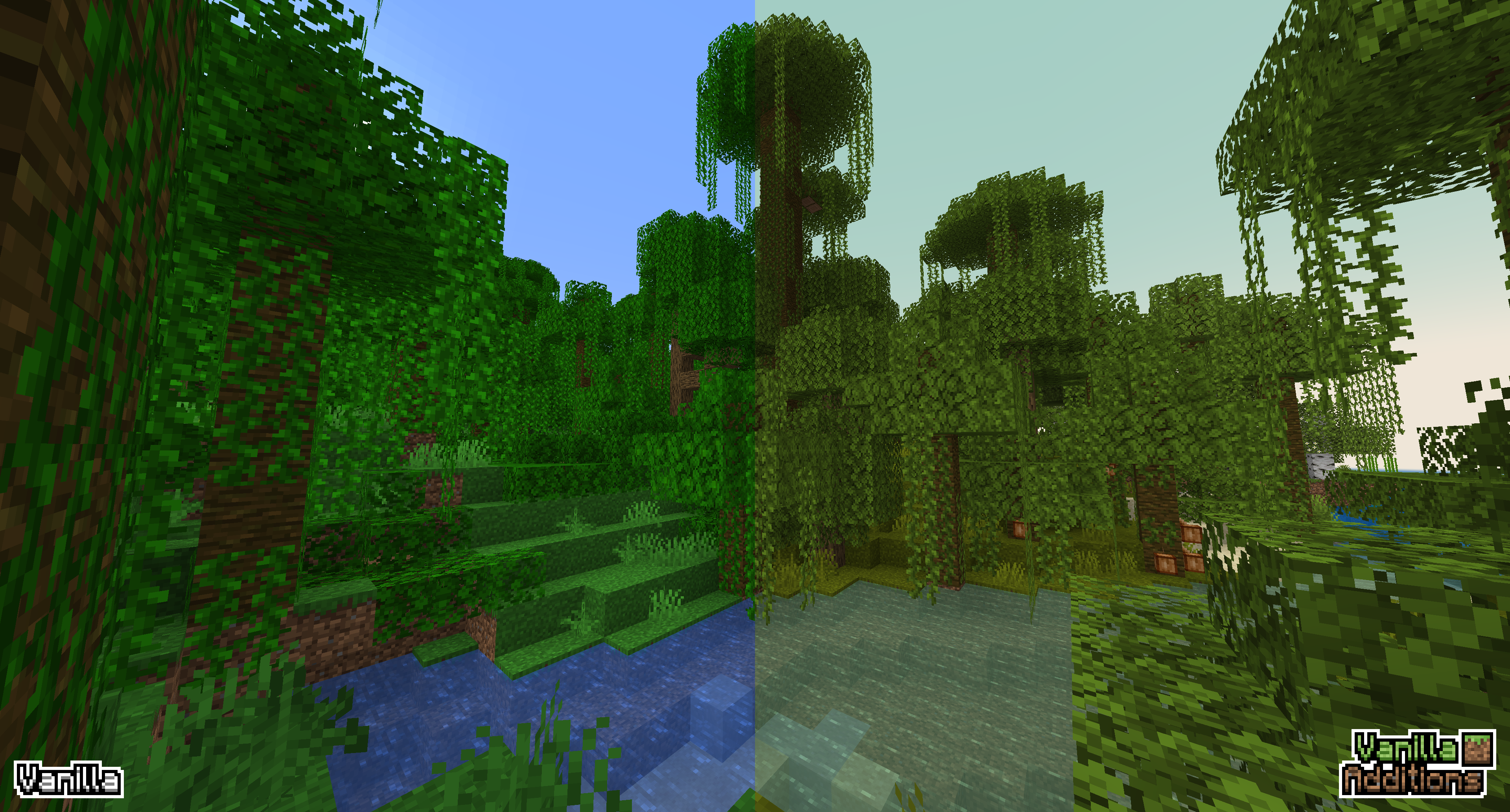
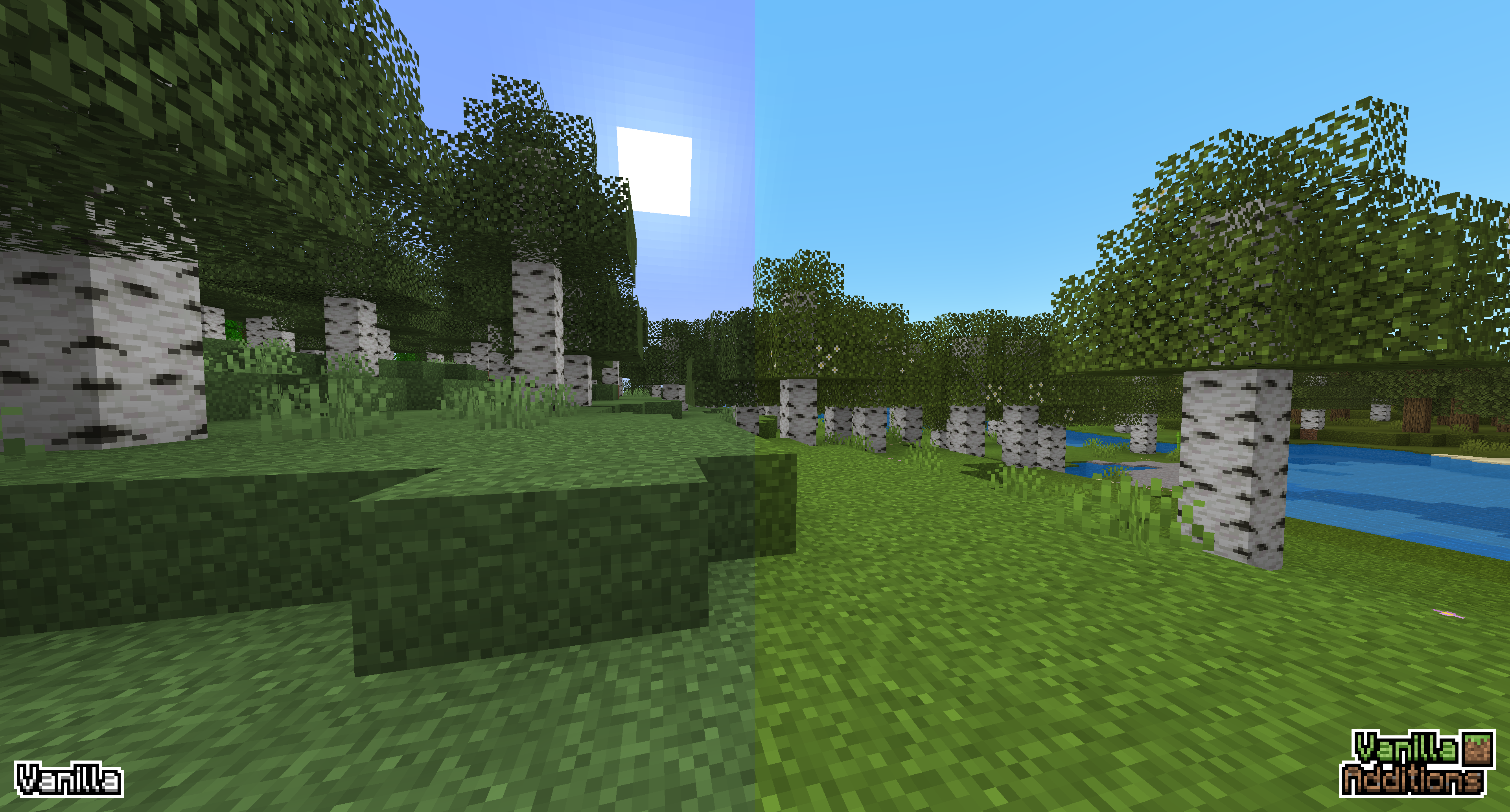
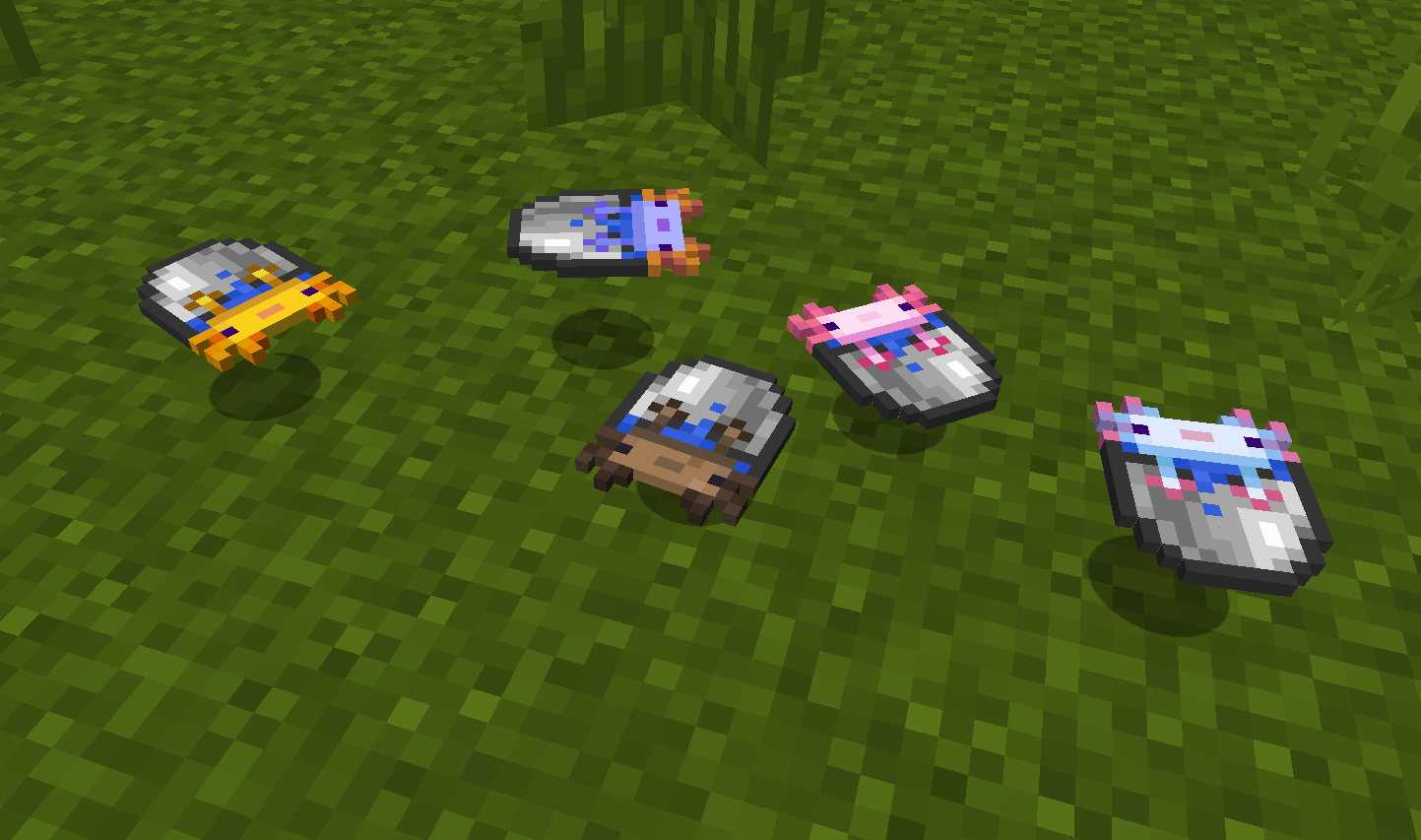
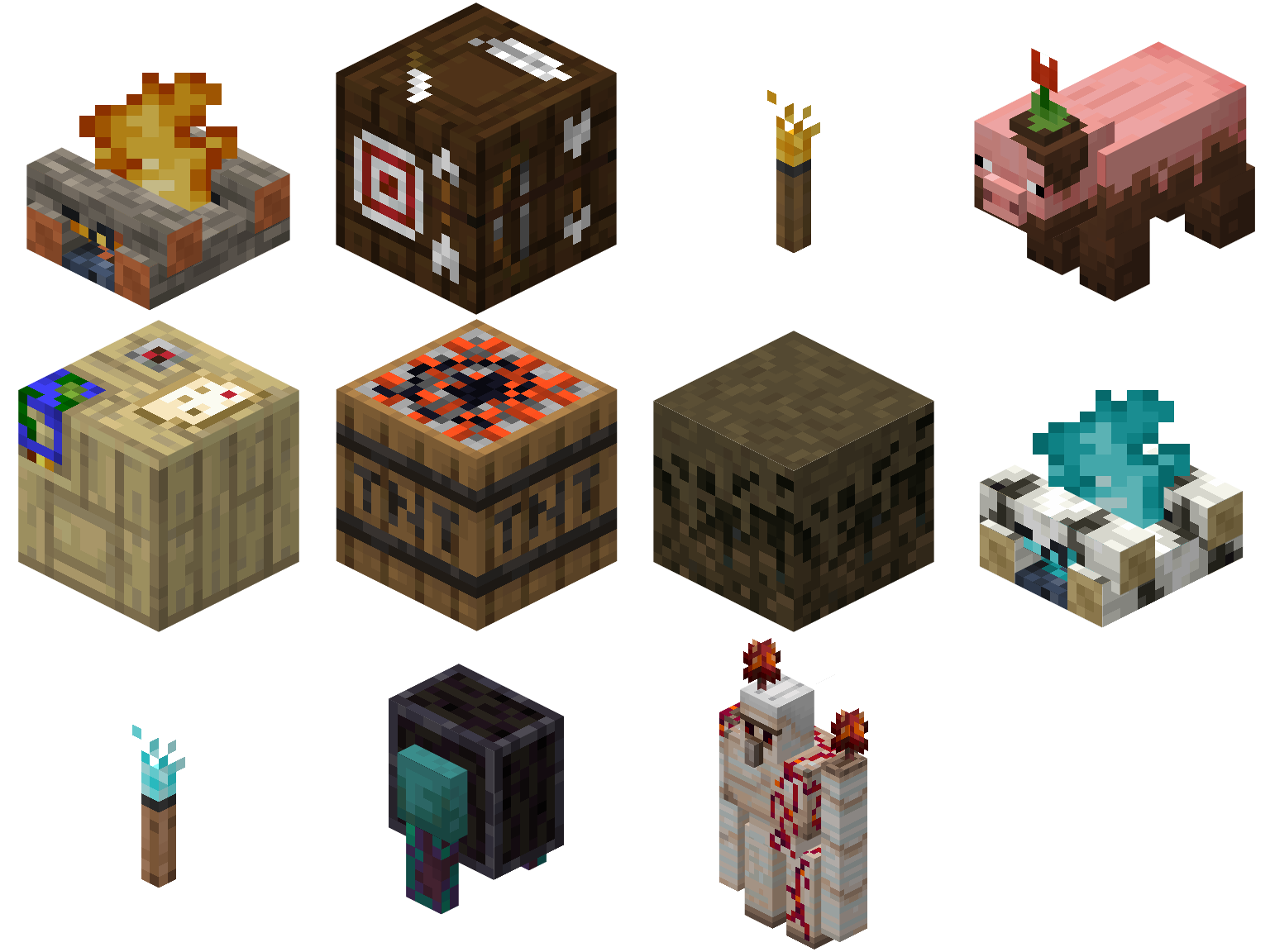
 Vanilla Additions is a Resource Pack that uses the vanilla and OptiFine features to make Minecraft more varied, adds custom GUI's, adds features from other Minecraft games and our main goal: Blend and changes biomes to be more unique.


You can find Vanilla Additions on CurseForge, Modrinth and PlanetMinecraft!


          - 📰 Twitter

          - 📸 Instagram

          - 💬 Discord

          - 📽️ Youtube


  - 🧊 Custom Block Textures
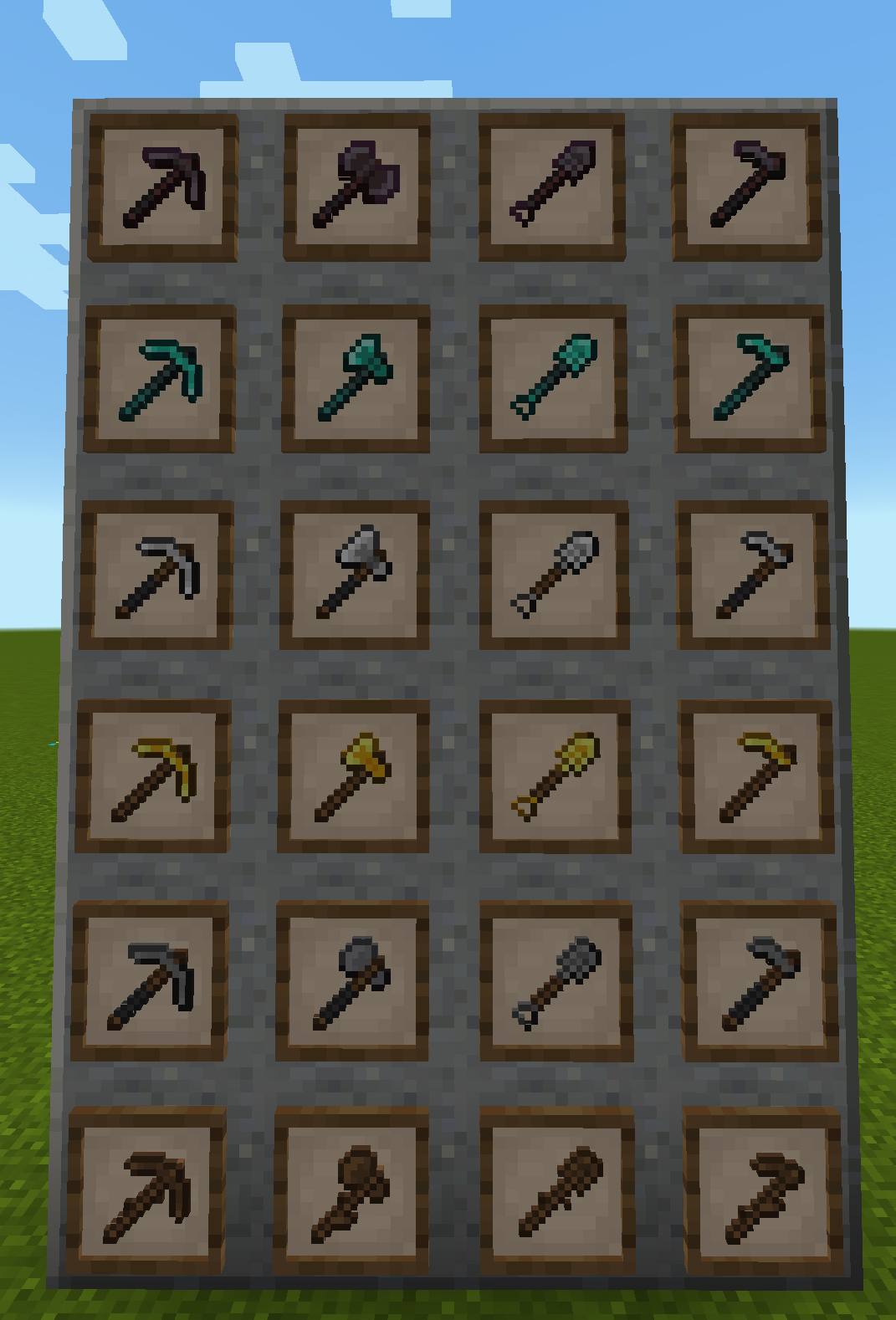
  - ✏️ Custom Item Textures
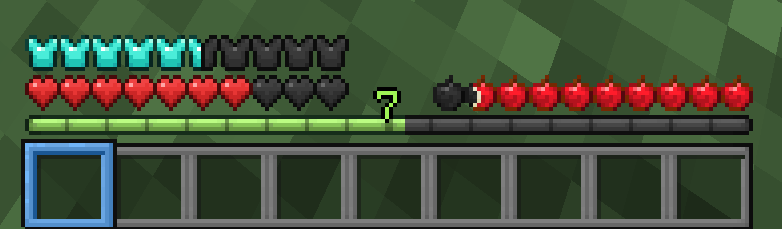
  - 🗑️ Custom GUI's
  - 📋 Highlighted (colored) texts
  - 🧱 Random Block Textures
  - 🐔 Random Mob Textures
  - 🏷️ CEM/CTM/CIT
  - 💡 Emissive Textures
  - 📦 Connected Textures

  Biome Based:
  - ⛰️ Blocks/Overlays
  - 🐷 Mobs
  - ⛅ Sky
  - 🌊 Water

       - 🌲 Grass/Foliage


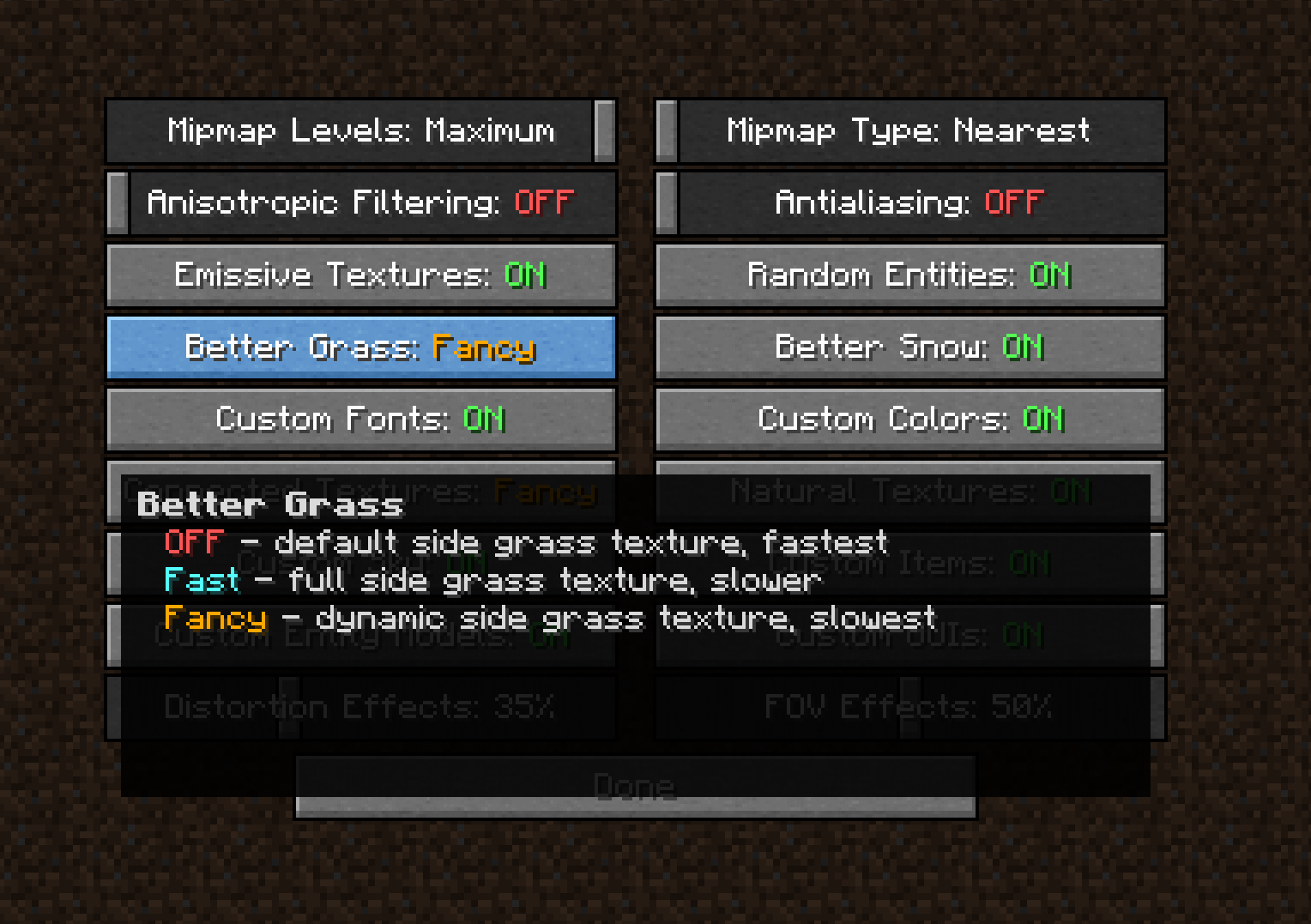
⚙️ Recommended settings:

Video Settings -> Details...
- Trees: Fancy/Default/Smart
- Swamp Colors: ON

Video Settings -> Quality...
- Emissive Textures: ON
- Connected Textures: Fancy/Fast
- Custom Sky: ON
- Custom Entity Models: ON
- Random Entities: ON
- Custom Items: ON
- Custom GUIs: ON

For people with shaders:
- Waving Grass: OFF
(This is because you can sometimes you see a grass texture on a place where it shouldn't be.)



You are free to:
          - Use this pack on your server.

          - Alter the pack for personal use.

          - Combine with other packs for personal use and play.

          - Use this pack in YouTube videos. (Credit is appreciated)


You are NOT allowed to:
          - Claim ownership over the textures/models in this pack.

          - Reupload the entire resource pack elsewhere.

          - Redistribute unedited individual assets from the pack without permission and credit.

          - Redistribute edited assets from the pack without permission and credit.


Thanks in advance.


Vanilla Additions 2.8.2
MC 1.20.2, 1.20.3, 1.20.4
Release 2023-12-24 Get
Vanilla Additions 2.8.1
MC 1.20.1, 1.20
Release 2023-07-25 Get
Vanilla Additions 2.8
MC 1.20.1, 1.20
Release 2023-07-15 Get
Vanilla Additions 2.7
MC 1.20
Release 2023-06-18 Get
Vanilla Additions 2.6.3
MC 1.20
Release 2023-06-10 Get
Vanilla Additions 2.6.2
MC 1.19.4
Release 2023-04-03 Get
Vanilla Additions 2.6.1
MC 1.19.4
Release 2023-03-26 Get
Vanilla Additions 2.6
MC 1.19.3, 1.19.2, 1.19.1, 1.19
Release 2023-01-15 Get
Vanilla Additions 2.5
MC 1.19.2, 1.19.1, 1.19
Release 2023-01-02 Get
Vanilla Additions 2.4.1
MC 1.19.2, 1.19.1, 1.19
Release 2022-08-29 Get
Vanilla Additions 2.4
MC 1.19.2, 1.19.1, 1.19
Release 2022-07-12 Get
Vanilla Additions 2.4 Pre2
MC 1.19.2, 1.19.1, 1.19
Beta 2022-07-06 Get
Vanilla Additions 2.4 Pre1
MC 1.19-Snapshot
Beta 2022-06-11 Get
Vanilla Additions 2.3
MC 1.18.1, 1.18
Release 2022-01-21 Get
Vanilla Additions 2.2.1
MC 1.18.1, 1.18
Release 2021-12-08 Get
Vanilla Additions 2.2
MC 1.18.1, 1.18
Release 2021-12-07 Get
Vanilla Additions 2.1
MC 1.17.1, 1.17
Release 2021-08-25 Get
Vanilla Additions 2.0.1
MC 1.17.1, 1.17
Release 2021-07-26 Get
Vanilla Additions 2.0
MC 1.17.1, 1.17
Release 2021-07-15 Get
Vanilla Additions 1.9.1
MC 1.17.1, 1.17
Release 2021-06-10 Get
Vanilla Additions 1.9
MC 1.17.1, 1.17
Release 2021-06-08 Get
Vanilla Additions 1.8.4
MC 1.16.3, 1.16.5, 1.16.4, 1.16.2
Release 2021-05-05 Get
Vanilla Additions 1.17 Pre2
MC 1.17, 1.17-Snapshot
Release 2021-04-16 Get
Vanilla Additions 1.8.3
MC 1.16.3, 1.16.5, 1.16.4, 1.16.2
Release 2021-04-08 Get
Vanilla Additions 1.8.2
MC 1.16.3, 1.16.5, 1.16.4, 1.16.2
Release 2021-03-28 Get
Vanilla Additions 1.8.1
MC 1.16.3, 1.16.5, 1.16.4, 1.16.2
Release 2021-03-02 Get
Vanilla Additions 1.8
MC 1.16.3, 1.16.5, 1.16.4, 1.16.2
Release 2021-02-28 Get
Vanilla Additions 1.17 Pre1
MC 1.17
Release 2021-02-13 Get
Vanilla Additions 1.7
MC 1.16.3, 1.16.5, 1.16.4, 1.16.2
Release 2021-02-10 Get
Vanilla Additions 1.6.2
MC 1.16.3, 1.16.5, 1.16.4, 1.16.2
Release 2021-01-29 Get
Vanilla Additions 1.6.1
MC 1.16.3, 1.16.4, 1.16.2
Release 2021-01-12 Get
Vanilla Additions 1.6
MC 1.16.3, 1.16.4, 1.16.2
Release 2020-12-31 Get
Vanilla Additions 1.5.1
MC 1.16.3, 1.16.5, 1.16.4, 1.16.2
Release 2020-11-15 Get
Vanilla Additions 1.5.2
MC 1.16.3, 1.16.4, 1.16.2
Release 2020-11-15 Get
Vanilla Additions 1.5
MC 1.16.3, 1.16.5, 1.16.4, 1.16.2
Release 2020-11-07 Get
Vanilla Additions 1.4.3
MC 1.16.3, 1.16.5, 1.16.4, 1.16.2
Release 2020-11-02 Get
Vanilla Additions 1.4.2
MC 1.16.3, 1.16.5, 1.16.4, 1.16.2
Release 2020-10-28 Get
Vanilla Additions 1.4.1
MC 1.16.3, 1.16.5, 1.16.4, 1.16.2
Release 2020-10-18 Get
Vanilla Additions 1.4
MC 1.16.3, 1.16.5, 1.16.4, 1.16.2
Release 2020-10-01 Get
Vanilla Additions 1.3.2
MC 1.16.3, 1.16.5, 1.16.4, 1.16.2
Release 2020-09-26 Get
Vanilla Additions 1.3.3
MC 1.16.3, 1.16.5, 1.16.4, 1.16.2
Release 2020-09-26 Get
Vanilla Additions 1.3.1
MC 1.16.3, 1.16.5, 1.16.4, 1.16.2
Release 2020-09-11 Get
Vanilla Additions 1.3
MC 1.16.2
Release 2020-09-10 Get
Vanilla Additions 1.2
MC 1.16.2
Release 2020-09-05 Get
Vanilla Additions 1.1
MC 1.16.2
Release 2020-08-24 Get
Vanilla Additions 1.0
MC 1.16.1
Release 2020-08-17 Get
Vanilla Additions Beta 1.3
MC 1.16.1
Beta 2020-07-30 Get
Vanilla Additions 1.16 Pre. 6
MC 1.16.1
Beta 2020-07-29 Get
Vanilla Additions 1.16 Pre. 5
MC 1.16.1
Beta 2020-07-12 Get
Vanilla Additions 1.16 Pre. 4
MC 1.16.1
Beta 2020-07-04 Get

Requirements & install

How to use this resource pack in Minecraft
Resolution
16x
Minecraft
1.19.2 – 1.20.4
Install folder
.minecraft/resourcepacks

How to install resource packs

  1. Download the resource pack .zip file (do not extract it).
  2. In Minecraft open Options → Resource Packs → Open Pack Folder.
  3. Drop the .zip into the resourcepacks folder (.minecraft/resourcepacks).
  4. Move the pack to the Selected column and click Done.
Browse more: 16x resource packs 32x resource packs 64x resource packs 128x resource packs 256x resource packs 512x+ resource packs Resource Packs for 1.20.4 All resource packs

More from justtimmnl

Advertisement Remove ads with Premium →

You Might Also Like