Mineuniverse
Resource Packs
Just Noise

Just Noise

RESOURCE PACK
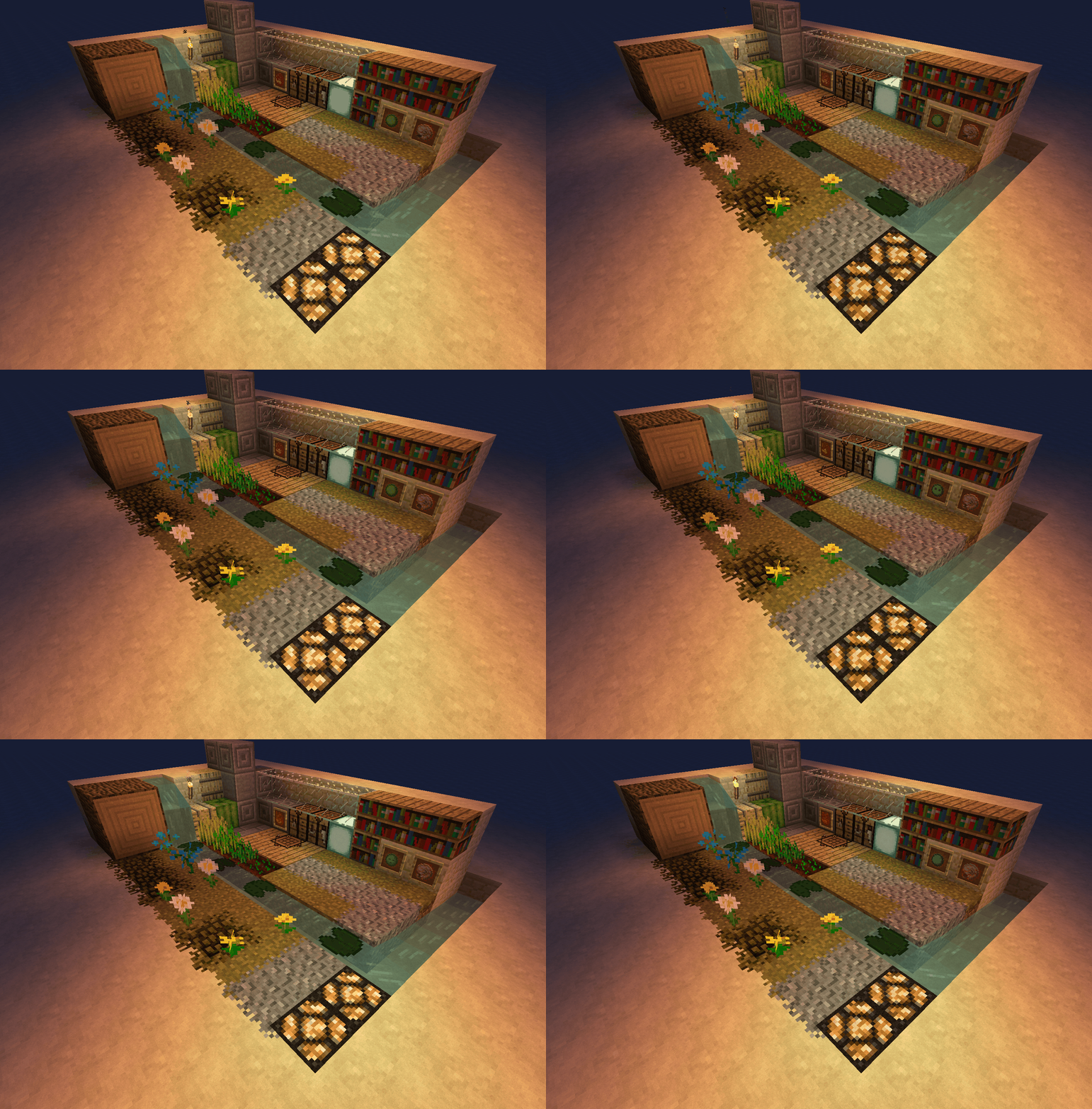
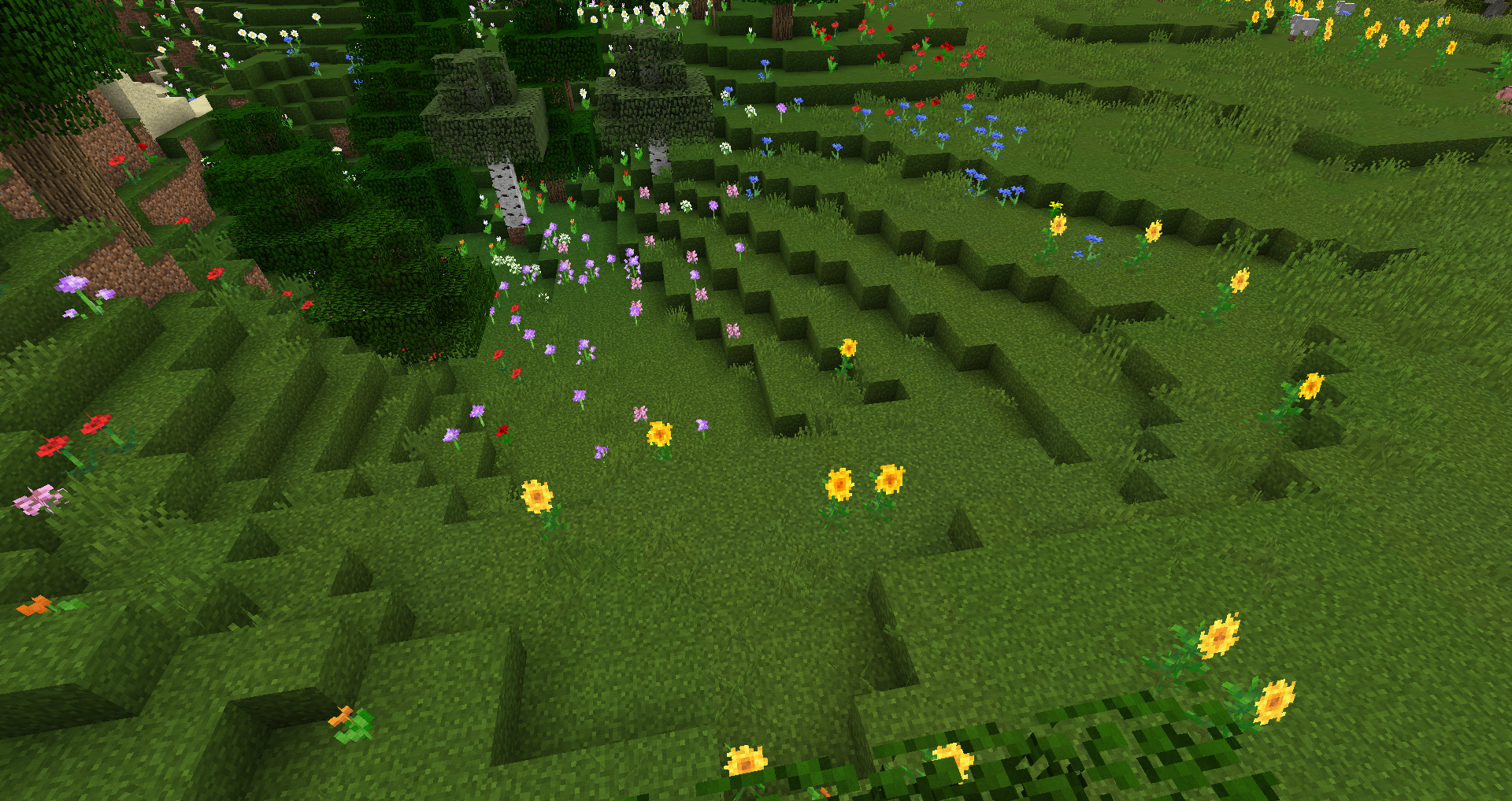
High end Vanilla textures with lots of variation.
by crazyhoneybee
Download Claim this project
56,382 downloads
0 likes
Updated Oct 14, 2026
0 hypes
128x Animated Miscellaneous Traditional
Advertisement Remove ads with Premium →

What this is: 

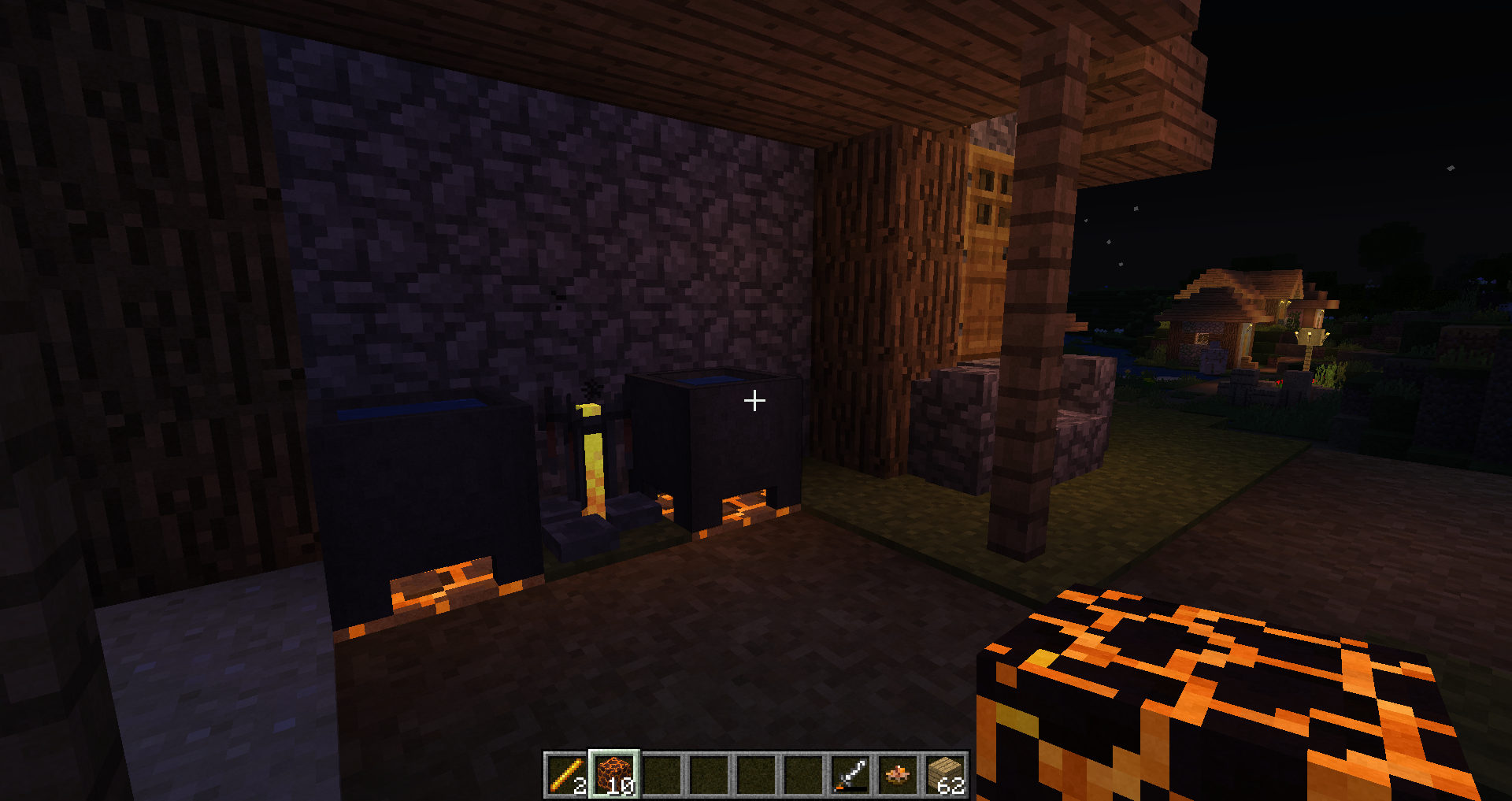
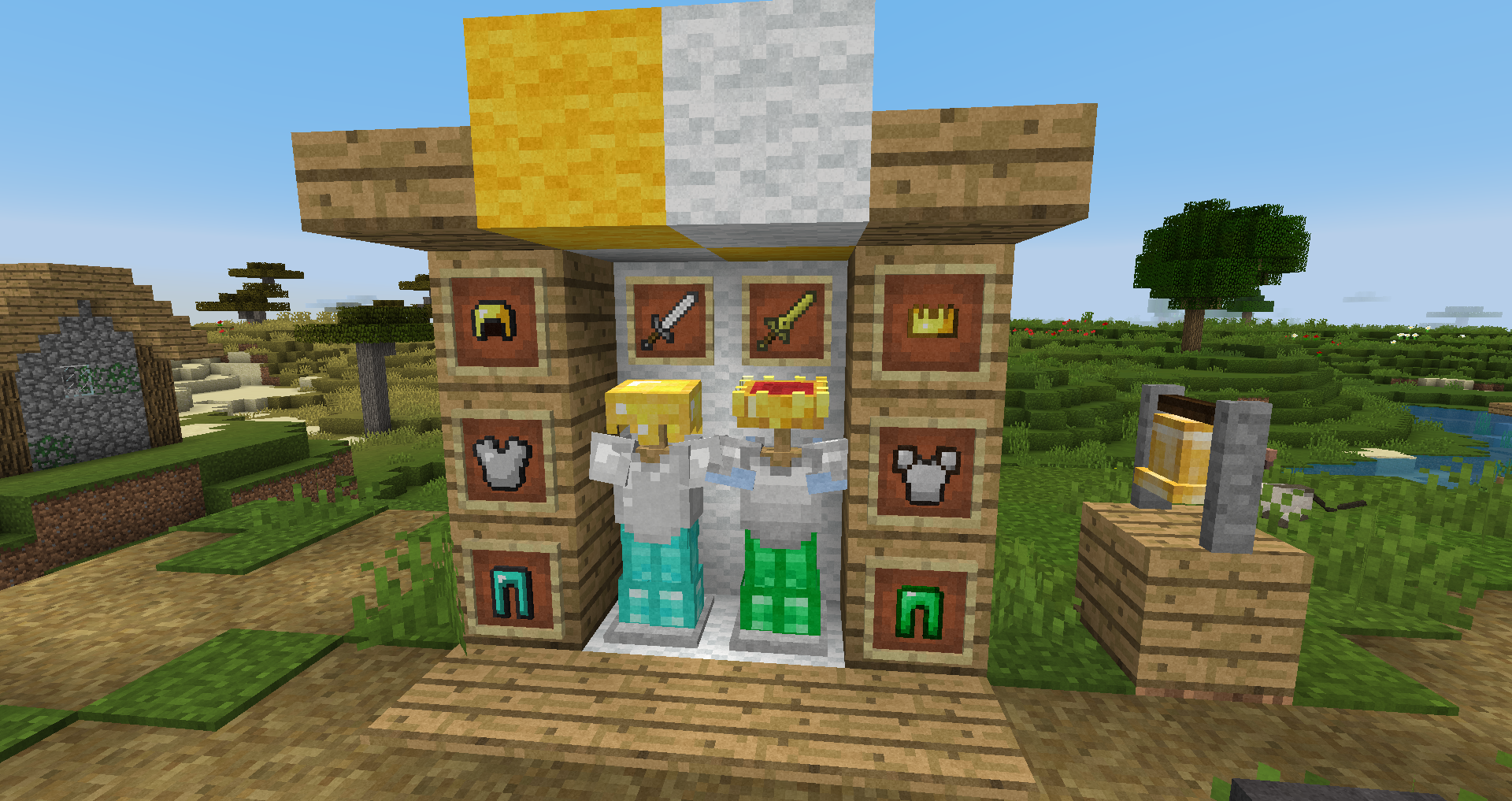
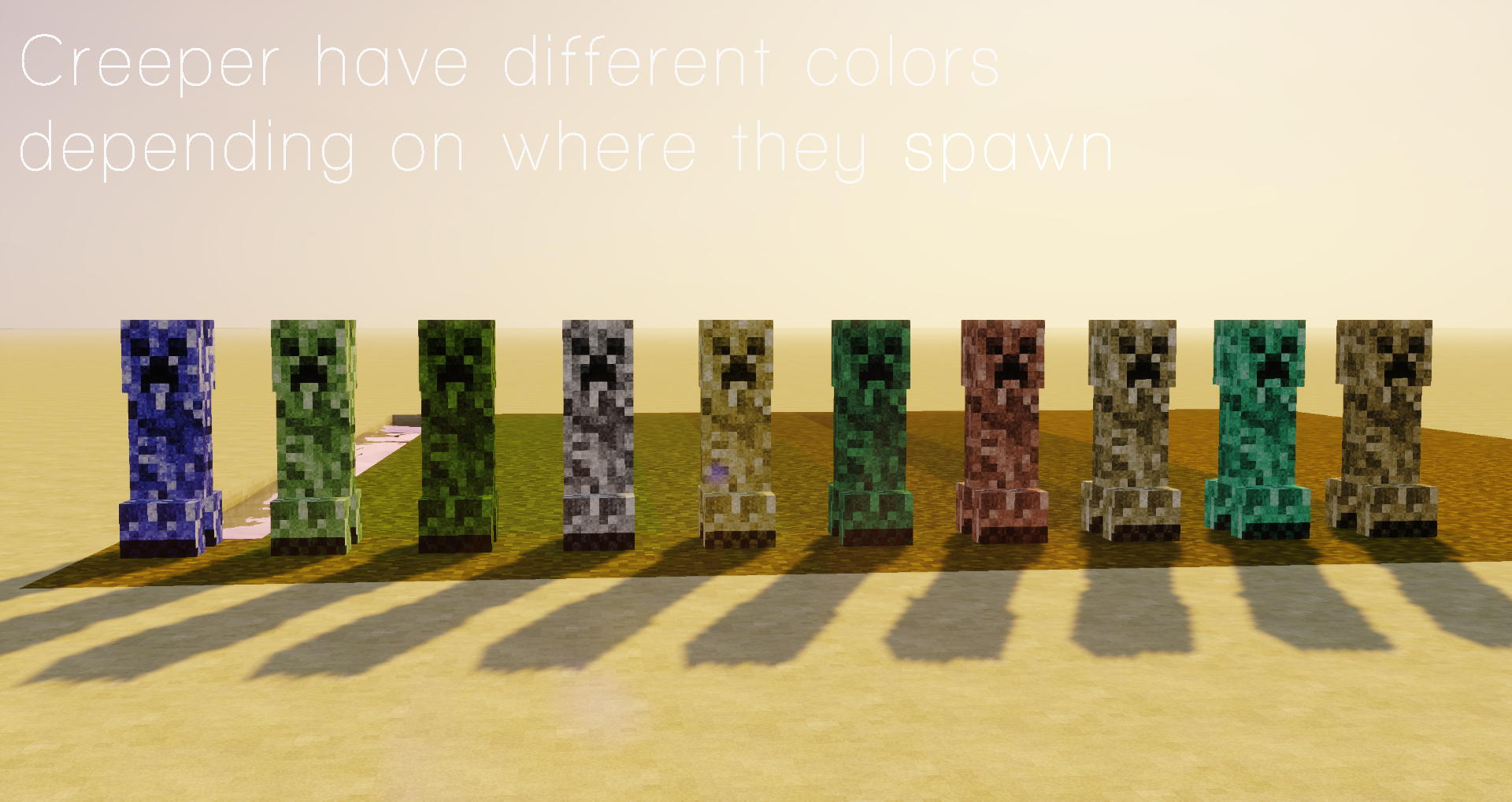
A texture pack with the goal of making the original Vanilla textures as high end as possible, by adding noise, changing hue and contrast, adding a lot of alternative textures, animations and mobs etc. I suggest running this with the most recent Optifine and a Shader of your choice. 
I am still working on it, and will be for a while, but it is - so far - completed, with all textures scaled up, the most important overlays added and a few 3D models implemented.

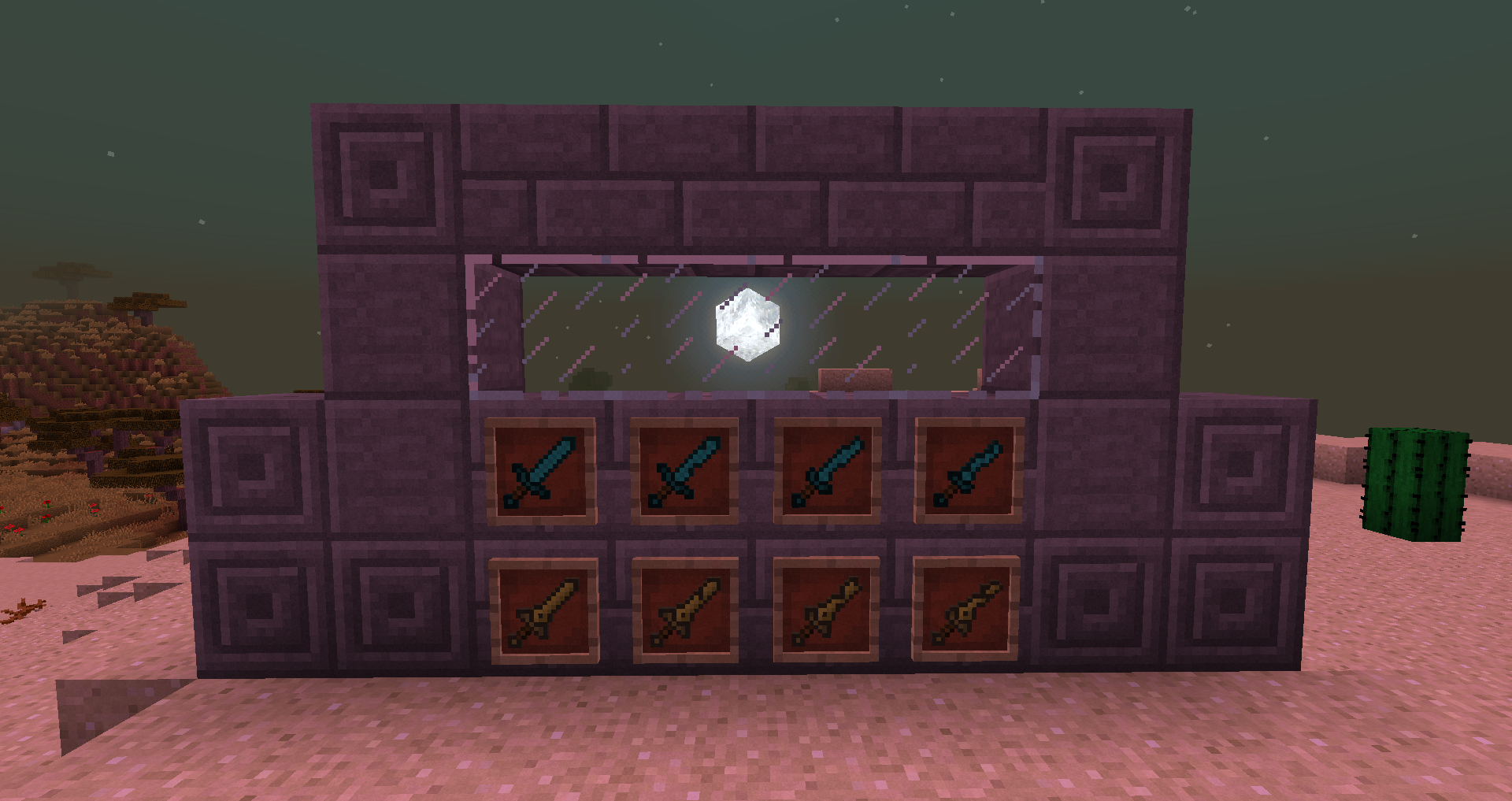
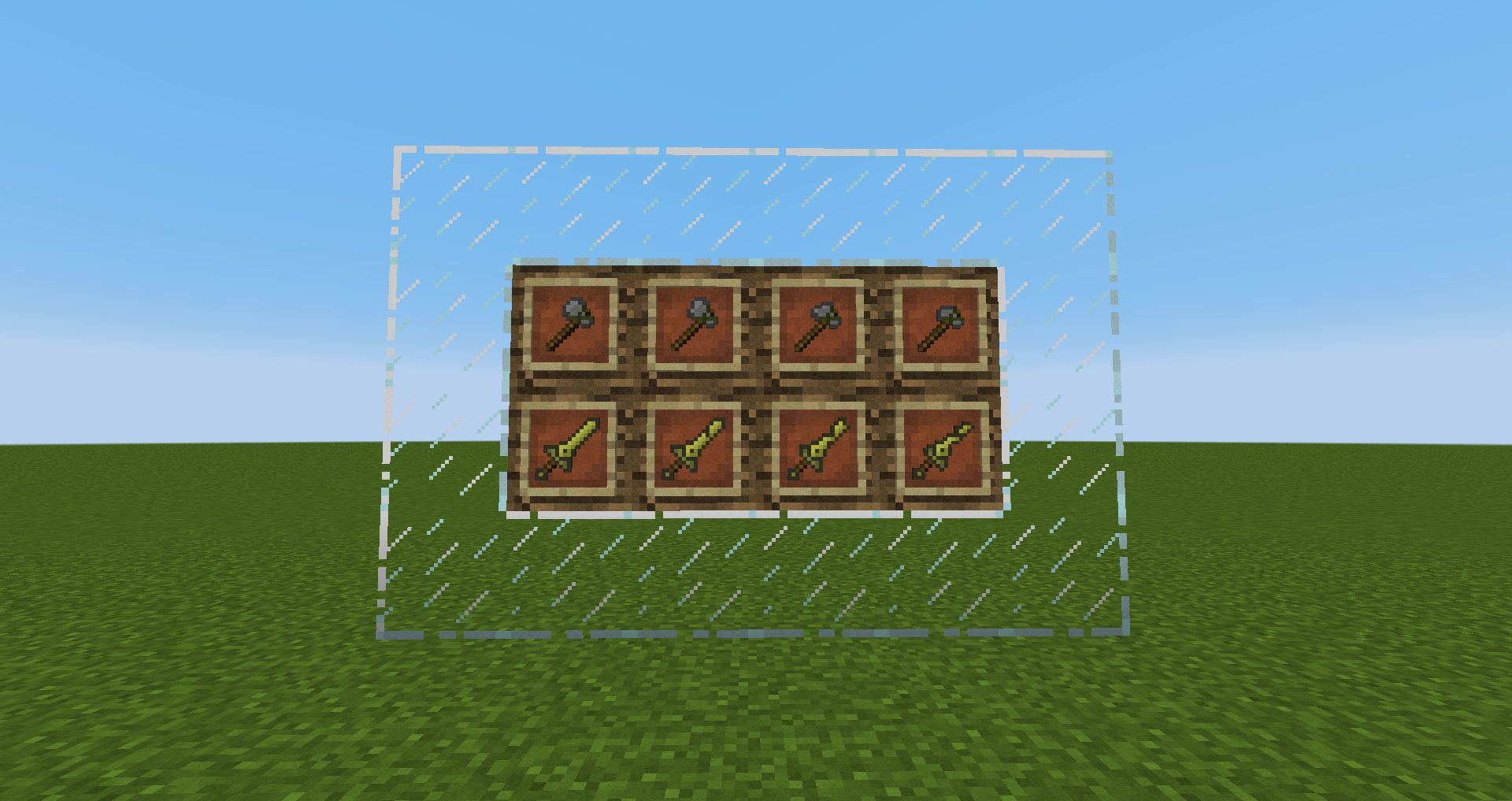
Now also with tools that change depending on their durability!


If you have suggestions, feel free to tell me! 
 

width=385

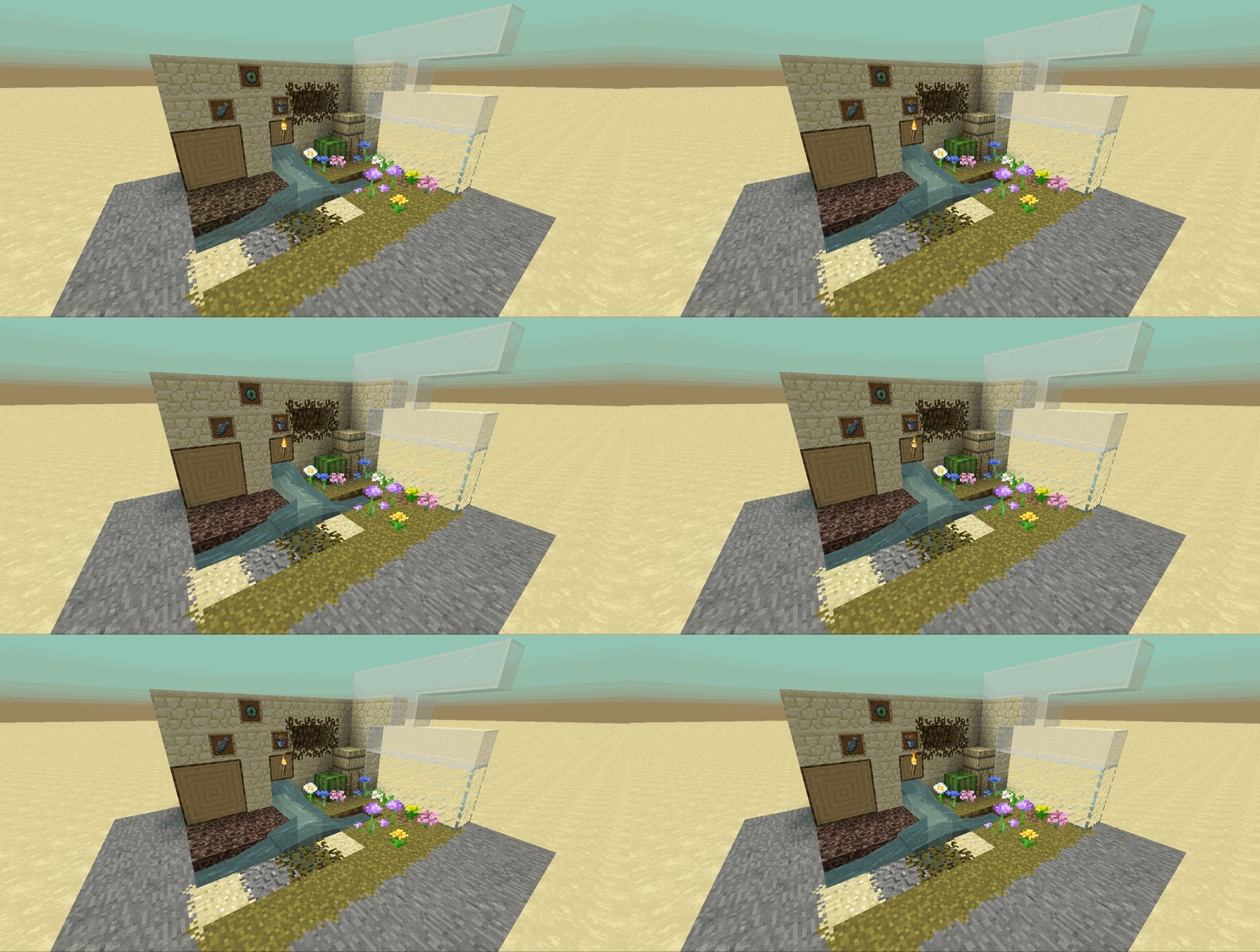
 Gif


Just Noise 1.20
MC 1.20.1, 1.20
Release 2023-07-25 Get
Just Noise 1.18
MC 1.17.1, 1.18.1, 1.16.5, 1.18.2
Release 2022-04-19 Get
Just Noise 1.17
MC 1.17.1, 1.17, 1.17-Snapshot
Release 2021-11-03 Get
Just Noise 1.16+
MC 1.14.4, 1.15.2, 1.16.4
Alpha 2020-11-12 Get
Just Noise
MC 1.16.1, 1.14.4, 1.14.1, 1.14.3, 1.15, 1.16, 1.15.2, 1.14, 1.14.2, 1.16.2, 1.15.1
Release 2020-08-22 Get
Just Noise 1.16.1
MC 1.16.1, 1.14.4, 1.14.1, 1.14.3, 1.15, 1.16, 1.15.2, 1.14, 1.14.2, 1.15.1
Release 2020-08-08 Get
Just Noise 1.16.1
MC 1.16.1, 1.14.4, 1.14.1, 1.14.3, 1.15, 1.16, 1.15.2, 1.14, 1.14.2, 1.15.1
Release 2020-08-08 Get
Just Noise 1.16
MC 1.16-Snapshot, 1.15-Snapshot, 1.15, 1.15.2, 1.15.1
Beta 2020-05-09 Get
Just Noise - Seasons Addon
MC 1.16-Snapshot, 1.15-Snapshot, 1.15, 1.15.2, 1.15.1
Alpha 2020-05-08 Get
Just Noise 1.16
MC 1.16-Snapshot
Alpha 2020-04-09 Get
Just Noise 1.15
MC 1.15-Snapshot, 1.15, 1.15.2, 1.15.1
Release 2020-03-19 Get
Just noise 1.16 Snapshot
MC 1.16-Snapshot
Alpha 2020-03-19 Get
Just Noise 1.14.4 [v0.5.2]
MC 1.14.4, 1.14.1, 1.14.3, 1.14, 1.14.2
Alpha 2019-11-20 Get
Just Noise 1.12
MC 1.12, 1.12.2, 1.13-Snapshot
Beta 2018-02-22 Get

Requirements & install

How to use this resource pack in Minecraft
Resolution
128x
Minecraft
1.16.5 – 1.20.1
Install folder
.minecraft/resourcepacks

How to install resource packs

  1. Download the resource pack .zip file (do not extract it).
  2. In Minecraft open Options → Resource Packs → Open Pack Folder.
  3. Drop the .zip into the resourcepacks folder (.minecraft/resourcepacks).
  4. Move the pack to the Selected column and click Done.

Packs from 128x upwards need more video memory: install a performance mod such as Sodium for smooth frame rates.

Browse more: 16x resource packs 32x resource packs 64x resource packs 128x resource packs 256x resource packs 512x+ resource packs Resource Packs for 1.20.1 All resource packs
Advertisement Remove ads with Premium →

You Might Also Like