Mineuniverse
Resource Packs
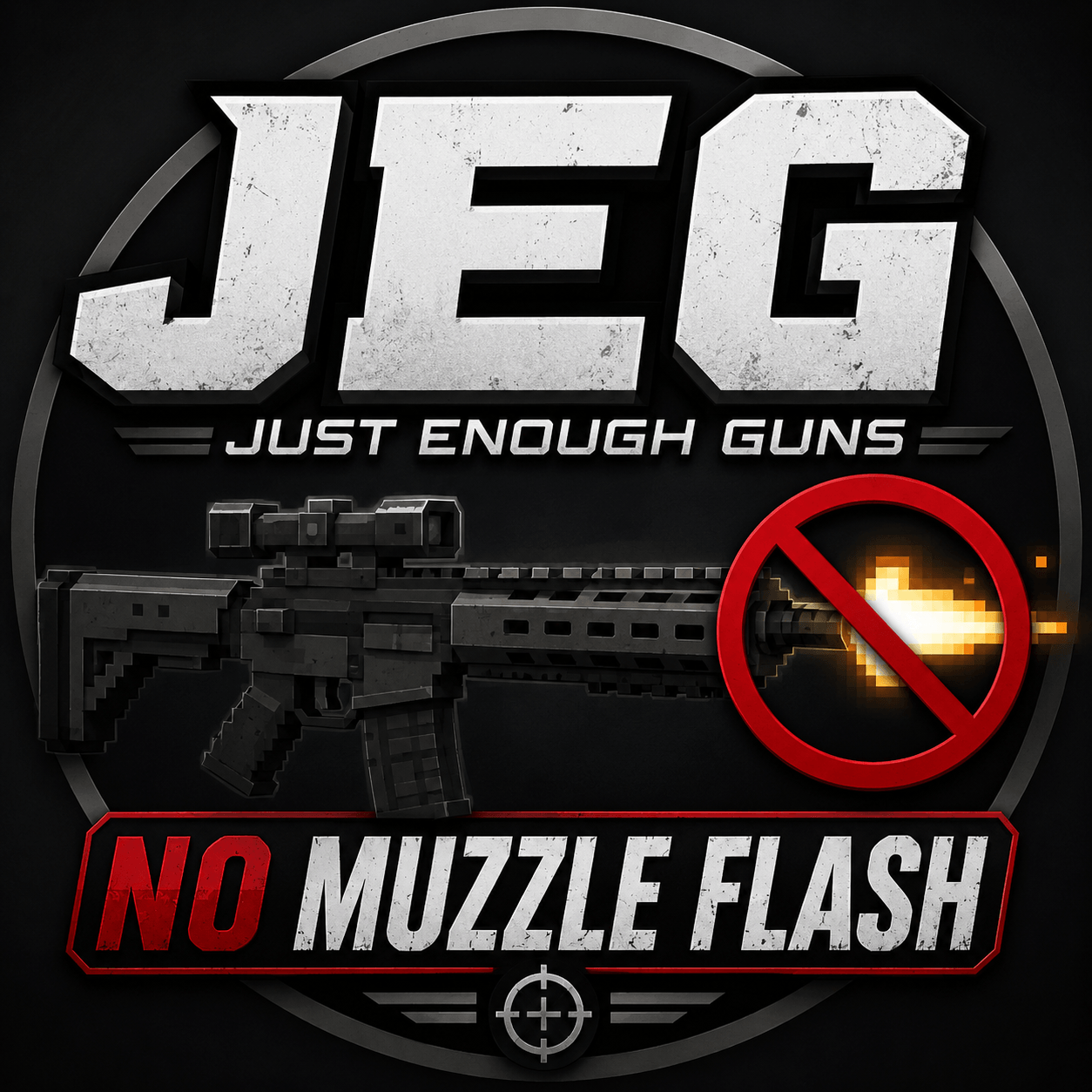
Just Enough Guns No Muzzle Flash

Just Enough Guns No Muzzle Flash

RESOURCE PACK
This Texture Pack Removes The Just Enough Guns Muzzle Flash from all guns no matter the version it is usiversal it will say its old its not it will work on any version of this mod
by CoreFalafel101
Download Claim this project
2,300 downloads
0 likes
Updated Oct 14, 2026
0 hypes
16x
Advertisement Remove ads with Premium →

🎮 Just Enough Guns No Muzzle Flash

♿ Epilepsy-Friendly Resource Pack | Minecraft 1.20.1

Just Enough Guns No Muzzle Flash is a Minecraft resource pack designed to remove or reduce muzzle-flash effects from the Just Enough Guns (JEG) mod, helping create a more comfortable gaming experience for players who are sensitive to flashing lights.

🎯 Features

  • 🚫 Removes or reduces muzzle-flash visuals where supported.

  • 💜 Designed with epilepsy-sensitive players in mind.

  • 🔫 Intended for use with the Just Enough Guns mod.

  • 🎮 Helps reduce exposure to sudden bright flashes during gameplay.

⚙️ Compatibility

  • Supported mod: Just Enough Guns (JEG).

  • Compatibility with other gun mods and resource packs is not guaranteed.

  • Requires the appropriate version of Just Enough Guns for your Minecraft installation.

⚠️ Important Safety Notice

This pack is epilepsy-friendly in its intended purpose, but it cannot guarantee complete safety for people with photosensitive epilepsy. Other weapons, animations, shaders, mods, and visual effects may still produce flashing lights. Please test carefully before playing.

💜 Play comfortably. Game your way.

Less muzzle flash. A more comfortable Minecraft experience.

JEG_No_Muzzle_Flash_1.4.0.zip
MC 1.16.3, 1.16-Snapshot, 1.17.1, 1.21.2-Snapshot, 1.21, 1.21.6-snapshot, 1.15-Snapshot, 1.16.1, 1.18.1, 1.20.2-Snapshot, 1.20.5-Snapshot, 1.14.3, 1.15, 1.16, 1.19-Snapshot
Release 2026-06-22 Get

Requirements & install

How to use this resource pack in Minecraft
Resolution
16x
Minecraft
1.17.1 – 1.21.6-snapshot
Install folder
.minecraft/resourcepacks

How to install resource packs

  1. Download the resource pack .zip file (do not extract it).
  2. In Minecraft open Options → Resource Packs → Open Pack Folder.
  3. Drop the .zip into the resourcepacks folder (.minecraft/resourcepacks).
  4. Move the pack to the Selected column and click Done.
Browse more: 16x resource packs 32x resource packs 64x resource packs 128x resource packs 256x resource packs 512x+ resource packs Resource Packs for 1.21.6-snapshot All resource packs
Advertisement Remove ads with Premium →

You Might Also Like