Mineuniverse
Resource Packs
Just Another Lower Fire overlay

Just Another Lower Fire overlay

RESOURCE PACK
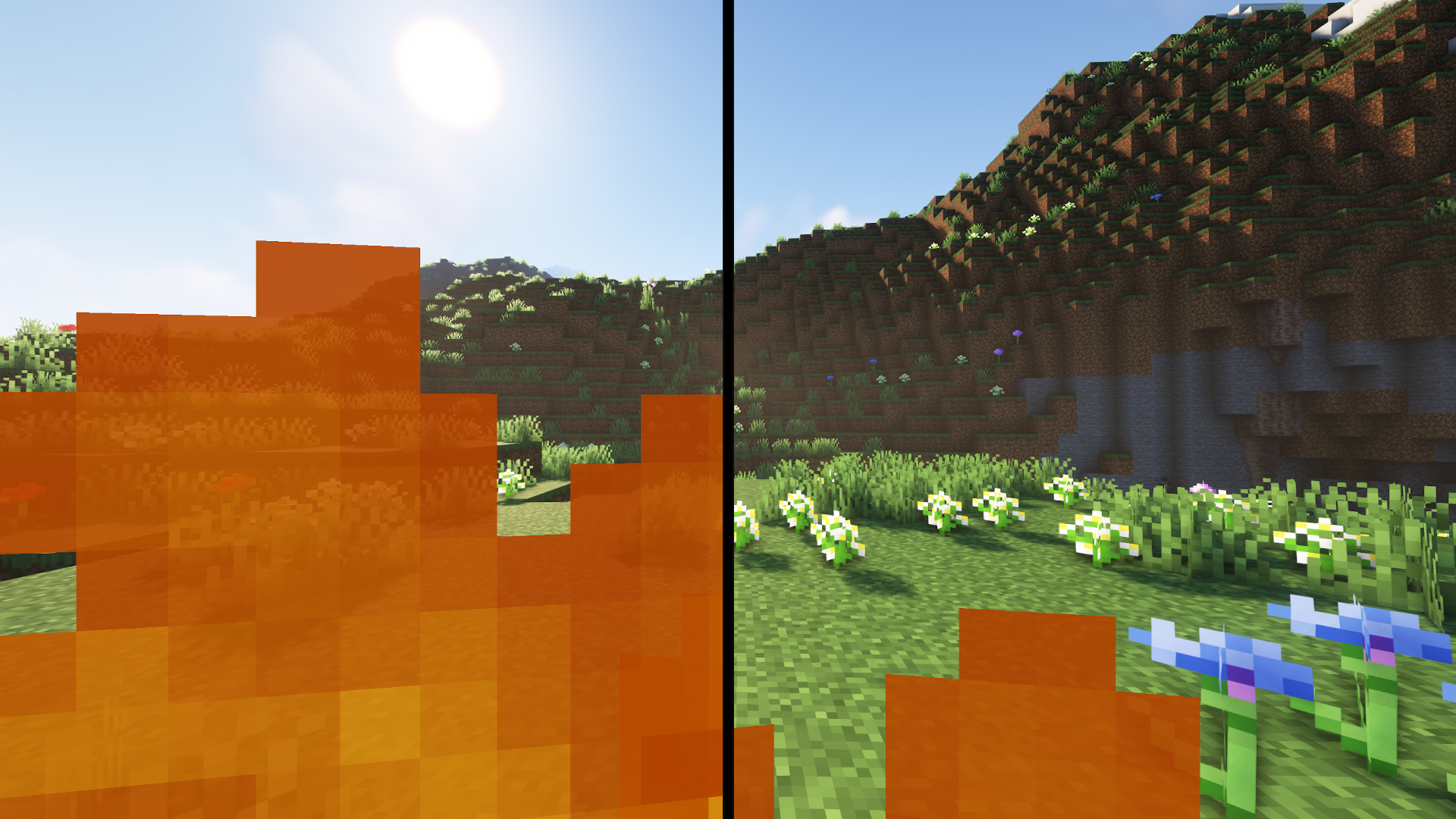
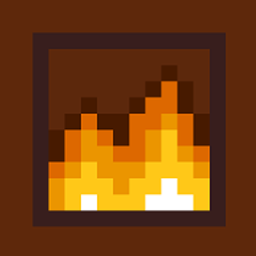
This Minecraft resource pack reduces the fire size in first-person view when burning, making it less intrusive and improving visibility while still retaining visual feedback. Perfect for players who want clearer sight without losing fire effects.
by TransFromus
Download Claim this project
Add a badge to your pageLink to Just Another Lower Fire overlay from a README, website or forum post.
Preview: Badge

Badges update automatically and link to the resource pack page on MineUniverse.

26,230 downloads
0 likes
0 followers
Updated Oct 14, 2026
0 hypes
Follow0
16x Traditional
Advertisement Remove ads with Premium →

This Minecraft resource pack is designed to reduce the size of the fire that appears when the player is burning in first-person view. By making the fire smaller, it significantly improves visibility, allowing players to continue exploring or fighting without the fire obstructing their view. The pack retains the visual feedback of being on fire, so players are still aware of their burning status, but without the overwhelming flames. This is particularly useful in intense situations, like battles or lava encounters, where maintaining a clear field of vision can make all the difference.

Just Another Lower Fire Ressource pack.zip
MC 1.20.2, 1.21, 1.20.5, 1.21.5, 1.21.8, 1.21.9, 1.21.10, 1.21.4, 1.20.3, 1.20.1, 1.20, 1.20.6, 1.20.4, 1.21.3, 1.21.7, 1.21.1, 1.21.6, 1.21.2
Release 2025-10-25 Get
Just Another Lower Fire Ressource pack V. 1.0.0.zip
MC 1.19.3, 1.20.2, 1.21, 1.20.5, 1.19.4, 1.19.2, 1.20.3, 1.20.1, 1.20, 1.20.6, 1.19.1, 1.20.4, 1.21.1, 1.19
Release 2024-10-14 Get

Requirements & install

How to use this resource pack in Minecraft
Resolution
16x
Minecraft
1.21.3 – 1.21.10
Install folder
.minecraft/resourcepacks

How to install resource packs

  1. Download the resource pack .zip file (do not extract it).
  2. In Minecraft open Options → Resource Packs → Open Pack Folder.
  3. Drop the .zip into the resourcepacks folder (.minecraft/resourcepacks).
  4. Move the pack to the Selected column and click Done.
Browse more: 16x resource packs 32x resource packs 64x resource packs 128x resource packs 256x resource packs 512x+ resource packs Resource Packs for 1.21.10 All resource packs

More from TransFromus

Advertisement Remove ads with Premium →

You Might Also Like