This 1.21 resource pack C418-ifies Minecraft's background music and features changes to music discs.
There are three downloads available containing one or both parts.
Any non-C418 background tracks are now replaced with C418 ones from various parts of the game. All added music can play in survival mode.
Added tracks include creative mode, underwater, end, menu and unused tracks, some of which are used in mash-up packs. These all come from Volume Alpha, Beta or the 1.13 soundtrack.
1.16 Nether biome music has also been switched to the regular nether music.
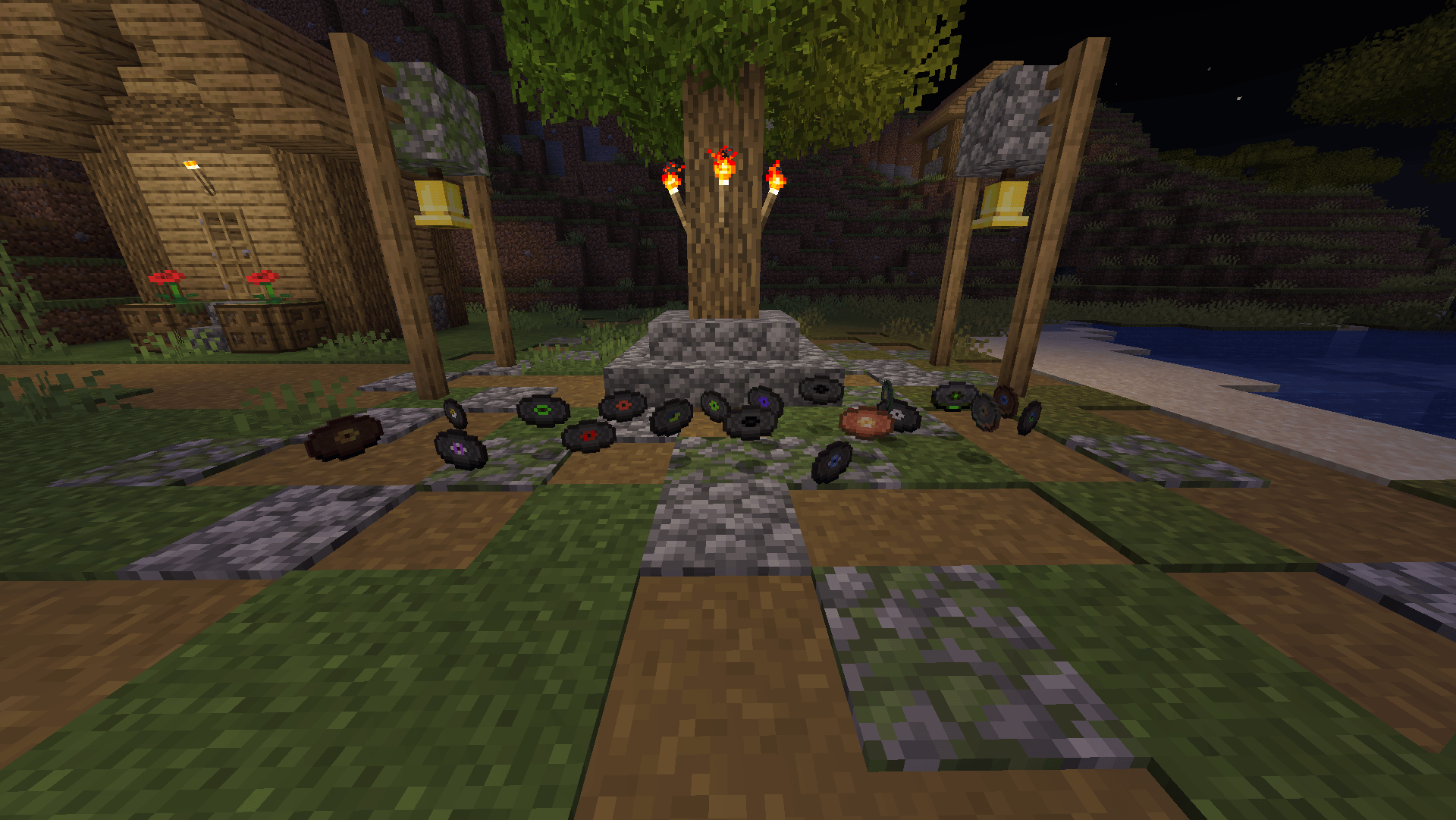
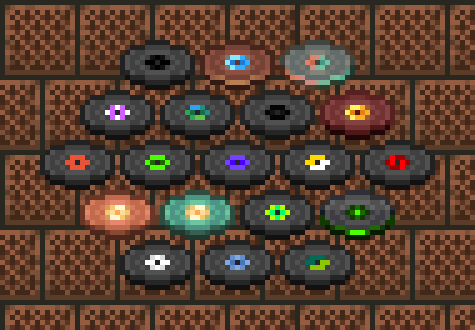
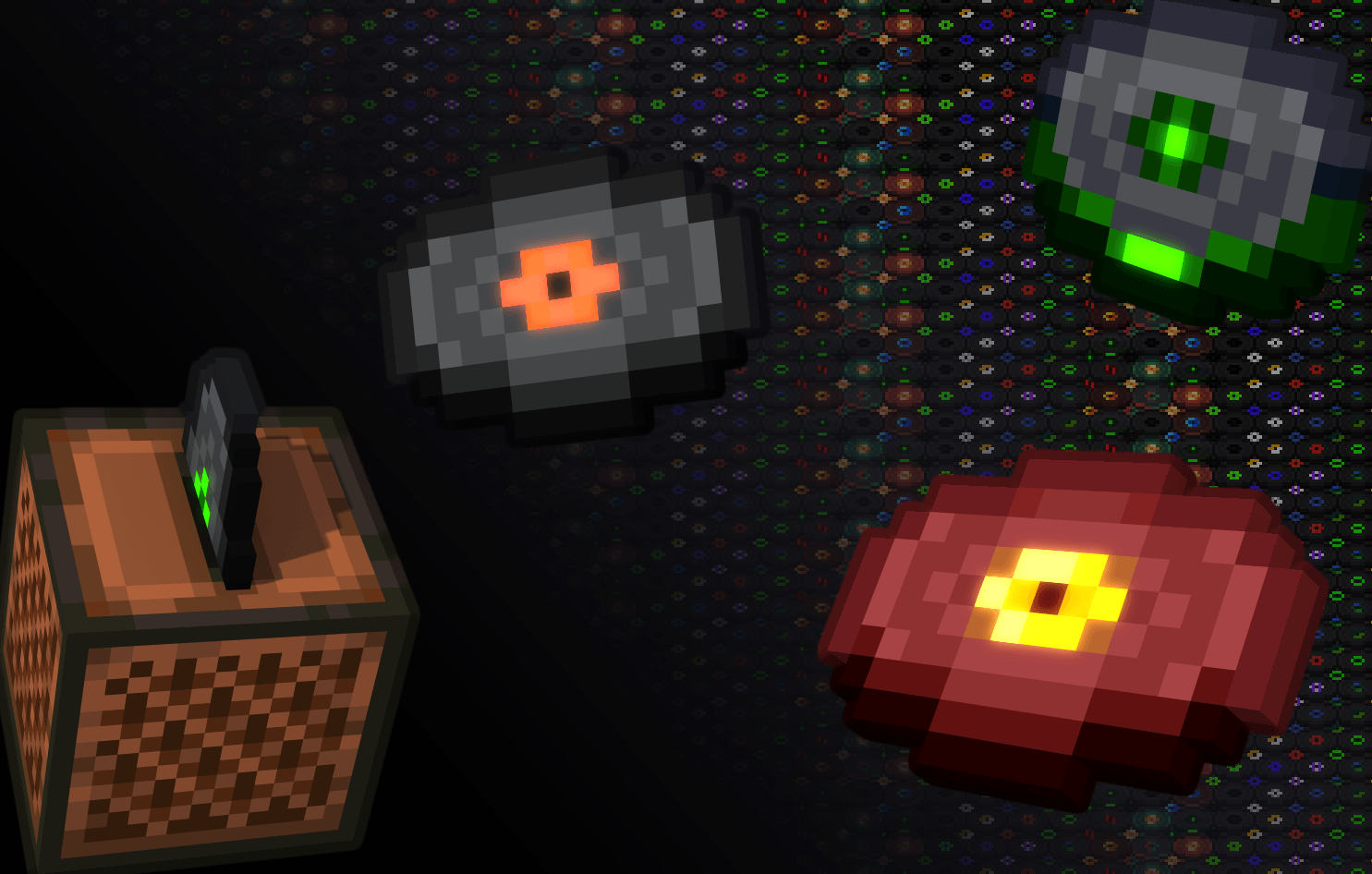
All music disc textures have been given a cleaner, nicer look. The updated textures are featured above.
The 11 and 5 discs have been replaced with the "Eleven" track from Volume Beta and the "Dog" track from Volume Alpha, which also plays at the end of the Cat disc in legacy console edition. Their textures and names have been changed accordingly.
The name changes are only present in any English language (except for easter egg languages).
It's unlikely I'll update this resource pack beyond 1.21, but it should work in future versions for a while anyways.
In later updates, new music is going to be added and unless I update this pack, it won't modify them for obvious reasons. The same goes for new discs.
C418 for all of the music
Aseprite for the texture changes and pack.png
aTube Catcher for music downloads
https://www.atube.me/ - Be careful as the installer prompts you to install unwanted apps.
Minecraft Sounds Extractor for providing original music files and file structure