Mineuniverse
Resource Packs
Juicy Crops

Juicy Crops

RESOURCE PACK
A new and fresh look for the vanilla crops!!
by CerealConJugo
Download Claim this project
259 downloads
0 likes
Updated Oct 14, 2026
0 hypes
16x Miscellaneous Mod Support Traditional
Advertisement Remove ads with Premium →

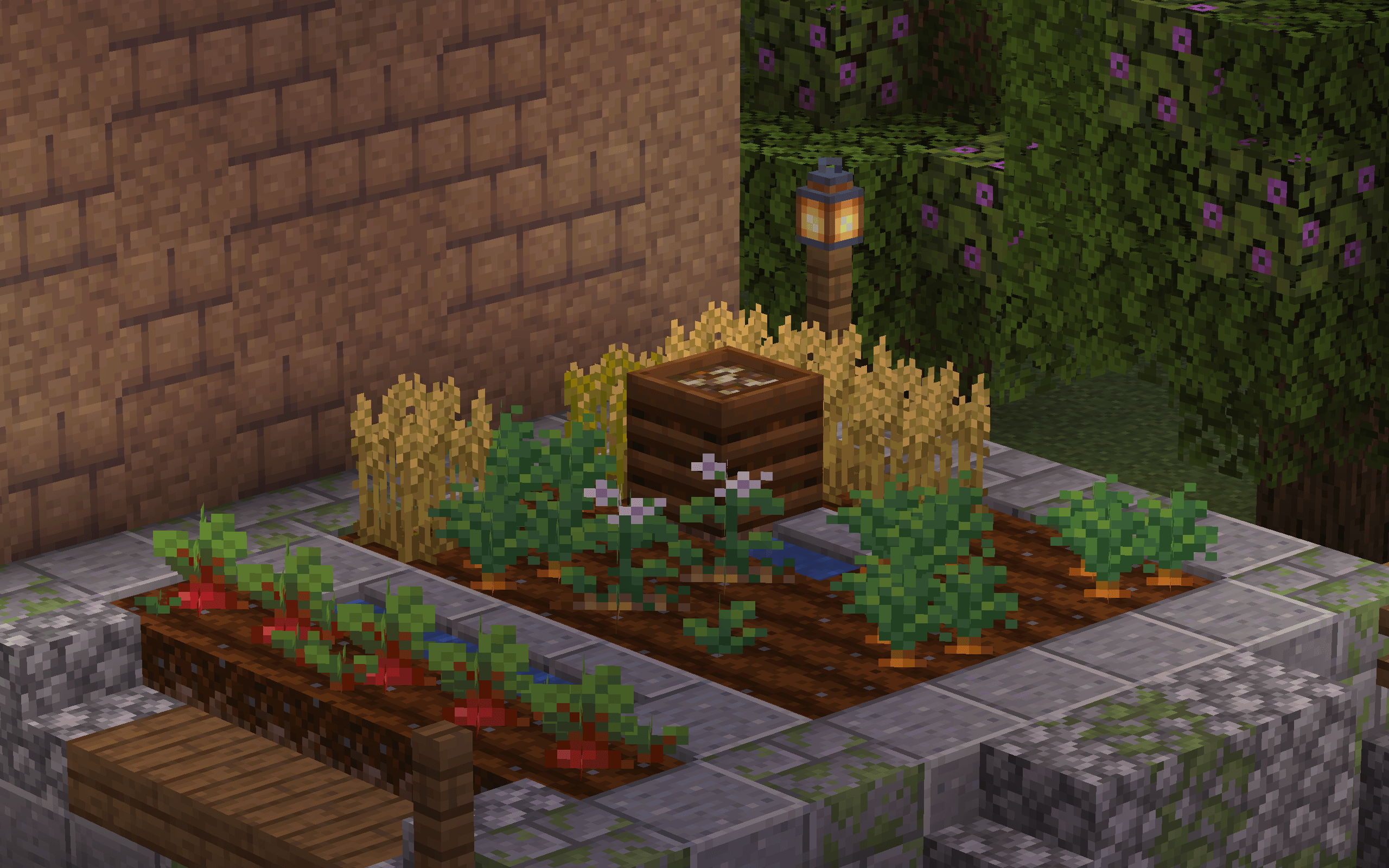
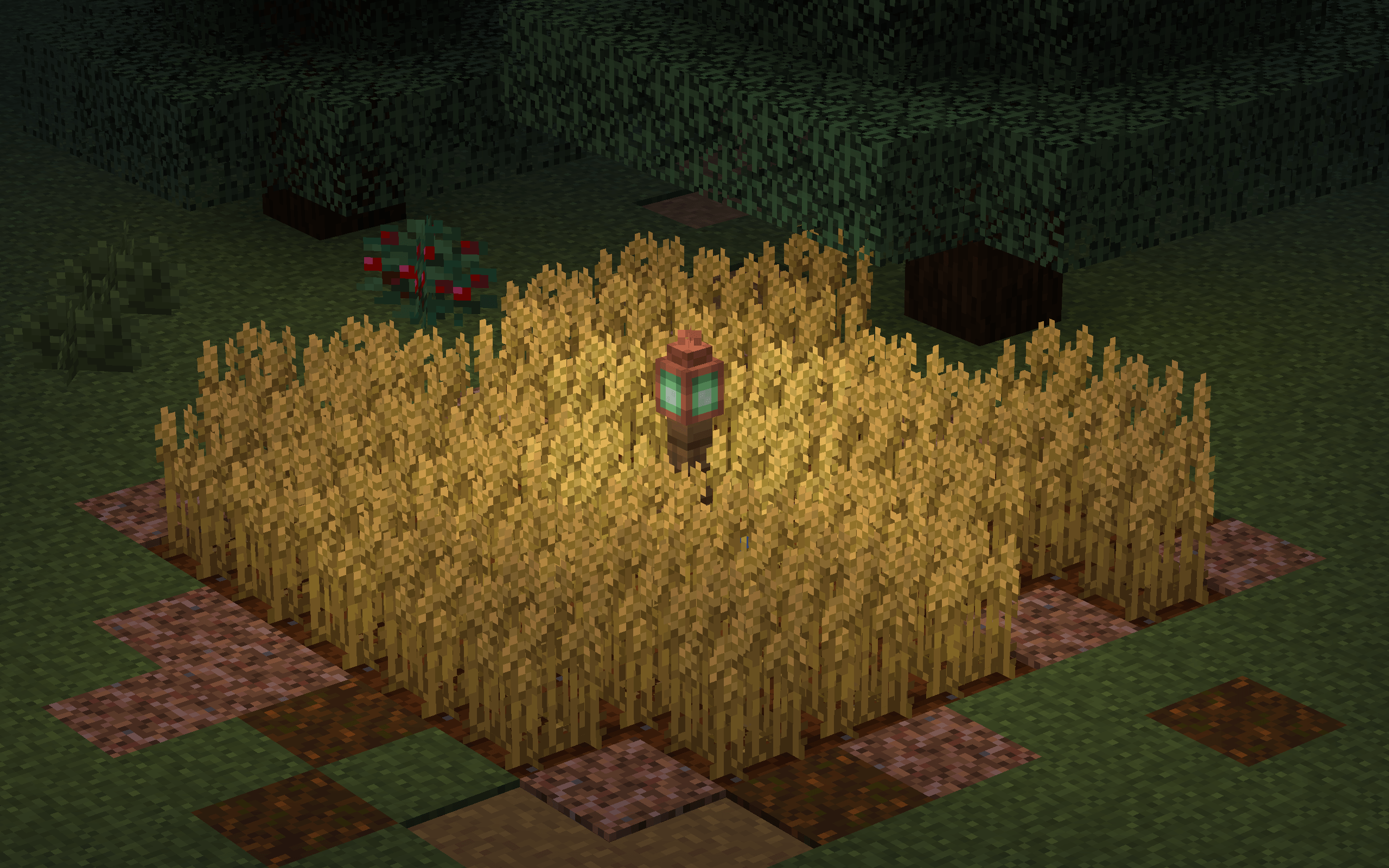
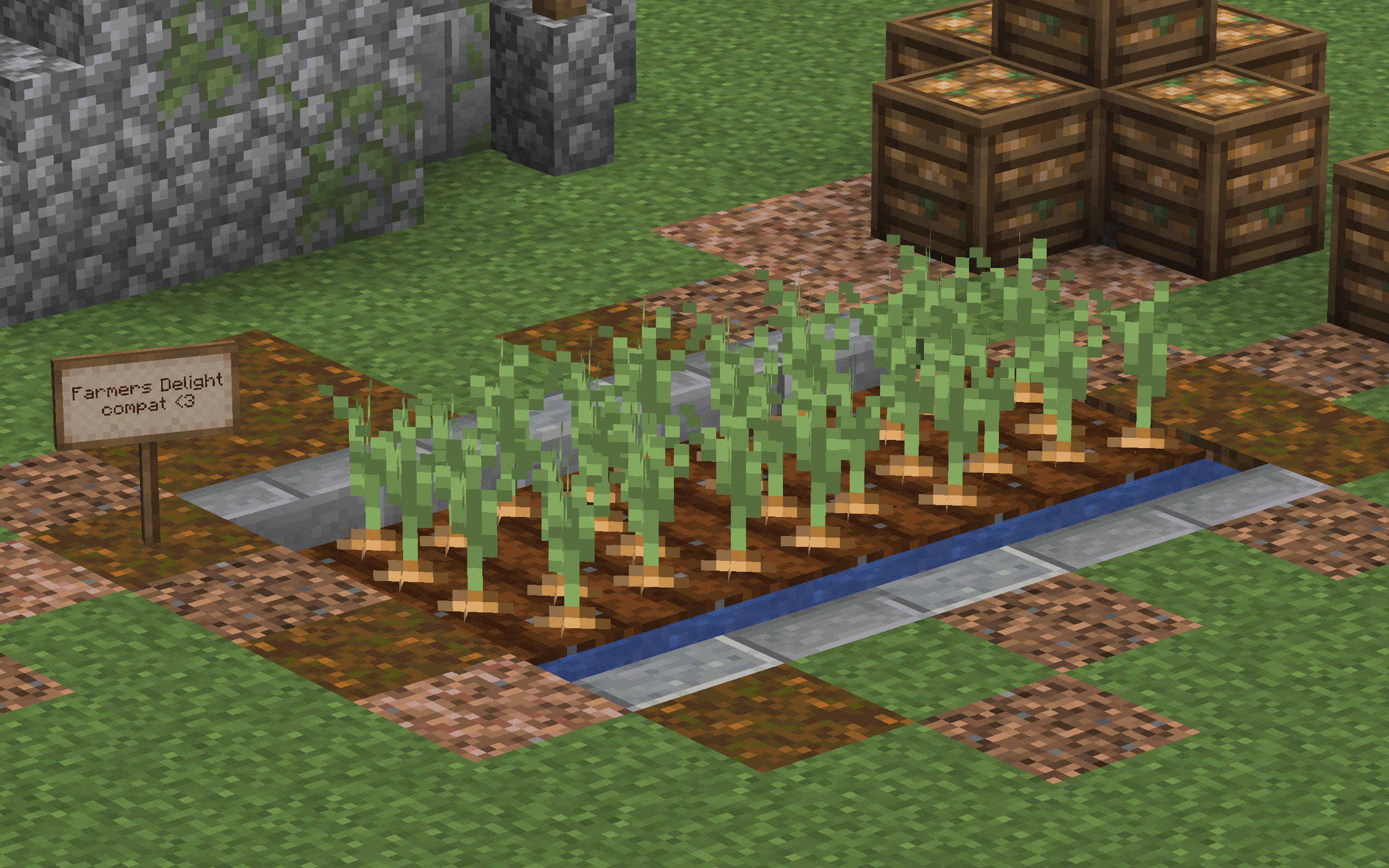
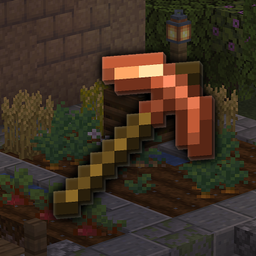
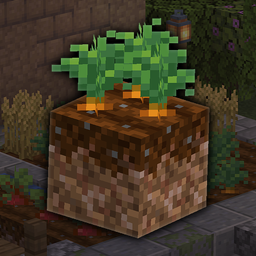
Juicy Crops is a small resource pack that redesigns Vanilla’s Crops. It’s part of Brush & Juice, but it’s made for players who only want the crops without the rest of the changes.

Support <3

Just using and enjoying the pack already helps a lot. But if you’ve been using it for a while and feel like supporting, you can do it by clicking the little coffee below:

Support me

Terms of Use

You’re allowed to do:

  • Include this resource pack in public or private modpacks
    (credit and a link to the official project page are highly appreciated but not required)
  • Create add-ons or compatibility packs, as long as they do not include or redistribute any of this project’s original assets or individual components, unless you have explicit permission
  • Use it on your server (including as a server resource pack)
  • Use it in videos, streams, and other content (including monetized content)

What’s not allowed:

  • Reupload or redistribute this resource pack, its files, or any of its assets or individual components on third-party websites or platforms
  • Port or convert this resource pack (or its assets) to Minecraft Bedrock Edition or to any other game or platform
  • Sell, sublicense, or claim ownership over this resource pack or any of its assets or components

If something isn’t listed above, it’s probably not allowed — feel free to ask me if you’re unsure. Thank you, and I hope you enjoy it <3

Juicy Crops 1.0.0
MC 1.20.2, 1.21.8, 1.20.5, 1.21.5, 1.21.4, 1.20.1, 1.20.6, 1.21.1, 1.21.6, 1.21.3, 1.21.7, 1.20.4, 1.20.3, 1.21.2, 1.21.9, 1.21.10, 1.21.11, 26.1, 26.1.1, 26.1.2, 26.2
Release 2026-09-14 Get

Requirements & install

How to use this resource pack in Minecraft
Resolution
16x
Minecraft
1.21.8 – 26.2
Install folder
.minecraft/resourcepacks

How to install resource packs

  1. Download the resource pack .zip file (do not extract it).
  2. In Minecraft open Options → Resource Packs → Open Pack Folder.
  3. Drop the .zip into the resourcepacks folder (.minecraft/resourcepacks).
  4. Move the pack to the Selected column and click Done.
Browse more: 16x resource packs 32x resource packs 64x resource packs 128x resource packs 256x resource packs 512x+ resource packs Resource Packs for 26.2 All resource packs

More from CerealConJugo

Advertisement Remove ads with Premium →

You Might Also Like