Mineuniverse
Resource Packs
Jpk's Apocalypse Shield

Jpk's Apocalypse Shield

RESOURCE PACK
This pack aims to replace the in-game shield with this more apocalypse themed one to bring fun and immersive gameplay to your apocalypse modpacks!
by Jpantherking131
Download Claim this project
Add a badge to your pageLink to Jpk's Apocalypse Shield from a README, website or forum post.
Preview: Badge

Badges update automatically and link to the resource pack page on MineUniverse.

4,745 downloads
0 likes
0 followers
Updated Oct 14, 2026
0 hypes
Follow0
16x Miscellaneous Mod Support Modern Traditional
Advertisement Remove ads with Premium →

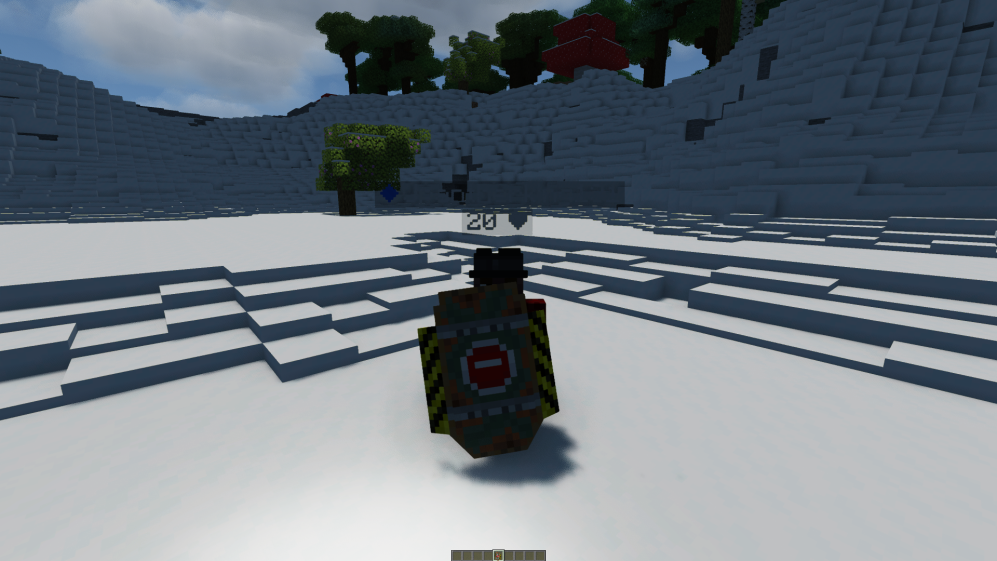
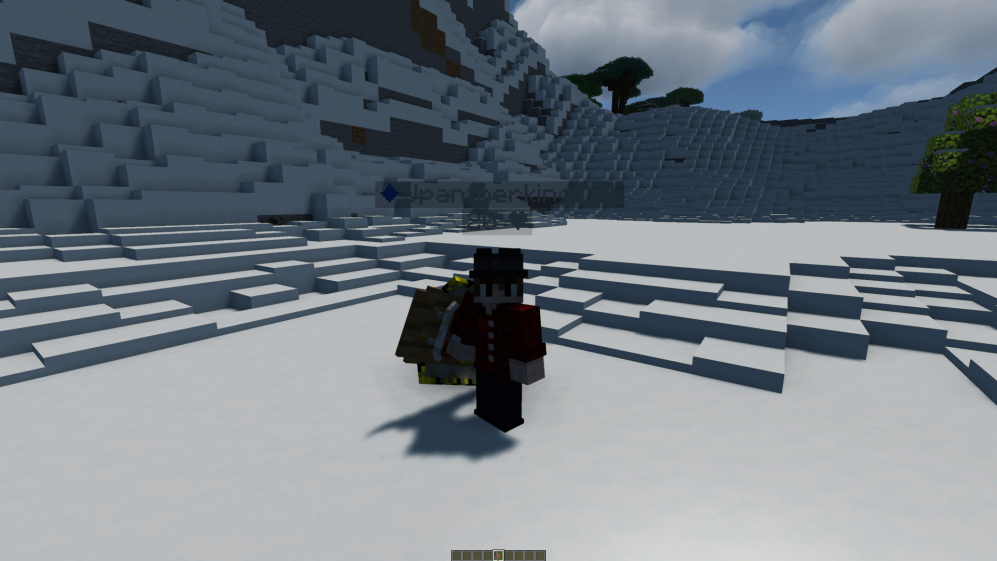
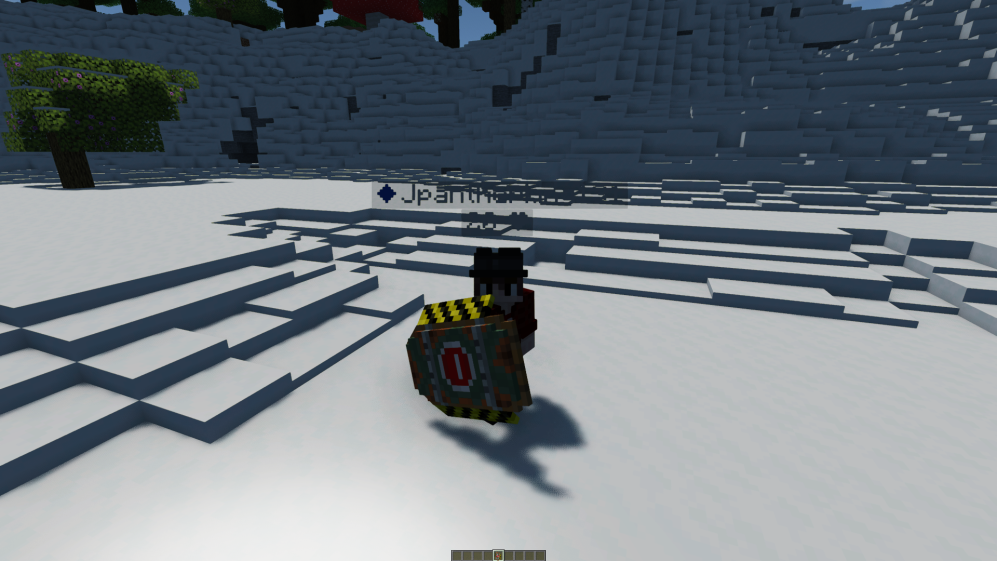
This pack was made to help make Apocalypse more immersed with a reenforced scrap shield that comes right out of the apocalypse ! 


(NOTE needs optifine or ETF)

(Shield in normal mode) 

(Shield in blocking mode)


(This texture pack was made for https://www.curseforge.com/minecraft/modpacks/apocalypse-remnants-of-earth ) Feel free to use with credit! and check out the modpack for the best time! :D 


I hope you enjoy my pack! 

Jpk's Apocalypse shield.zip
MC 1.21.2-Snapshot, 1.21, 1.21.6-snapshot, 1.20.2-Snapshot, 1.20.5-Snapshot, 1.21.1-Snapshot, 1.20.2, 1.19.4, 1.21.8, 1.19.4-Snapshot, 1.20.5, 1.21.5, 1.21.4, 1.21.5-Snapshot, 1.20.1
Release 2026-01-10 Get

Requirements & install

How to use this resource pack in Minecraft
Resolution
16x
Minecraft
1.21 – 1.21.8
Install folder
.minecraft/resourcepacks

How to install resource packs

  1. Download the resource pack .zip file (do not extract it).
  2. In Minecraft open Options → Resource Packs → Open Pack Folder.
  3. Drop the .zip into the resourcepacks folder (.minecraft/resourcepacks).
  4. Move the pack to the Selected column and click Done.
Browse more: 16x resource packs 32x resource packs 64x resource packs 128x resource packs 256x resource packs 512x+ resource packs Resource Packs for 1.21.8 All resource packs

More from Jpantherking131

Advertisement Remove ads with Premium →

You Might Also Like