Mineuniverse
Resource Packs
Jeff the Knocker

Jeff the Knocker

RESOURCE PACK
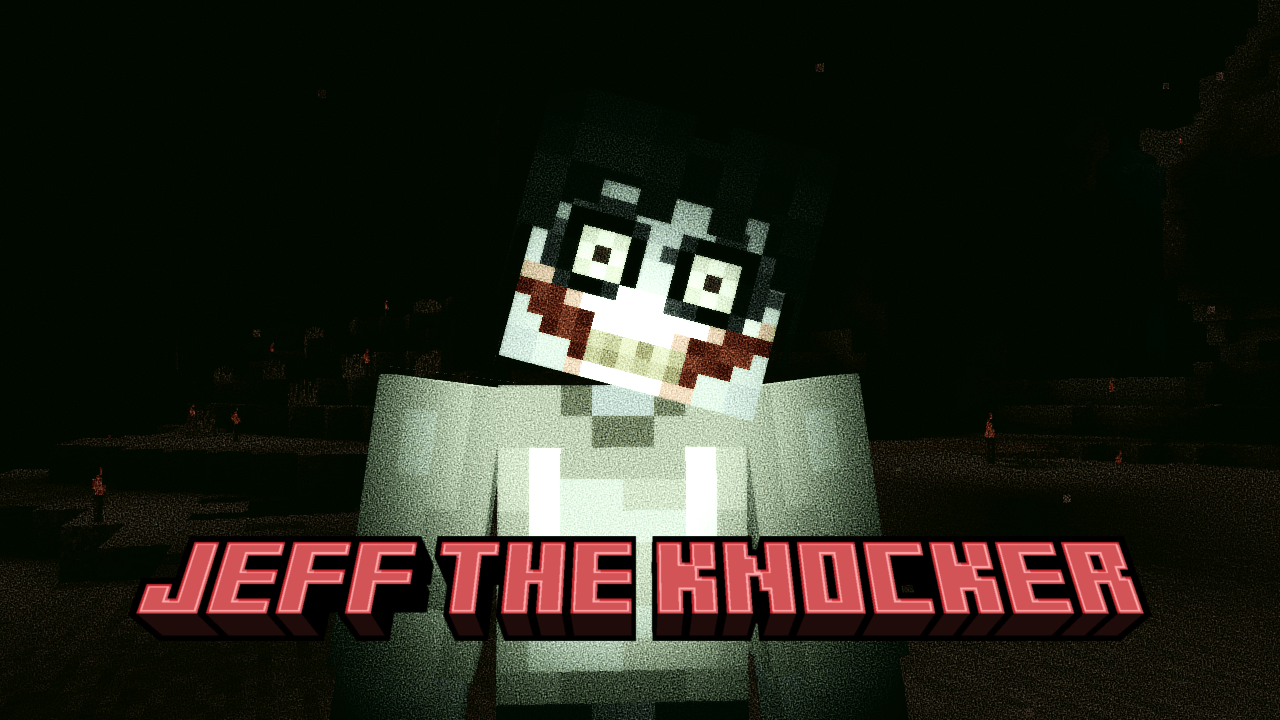
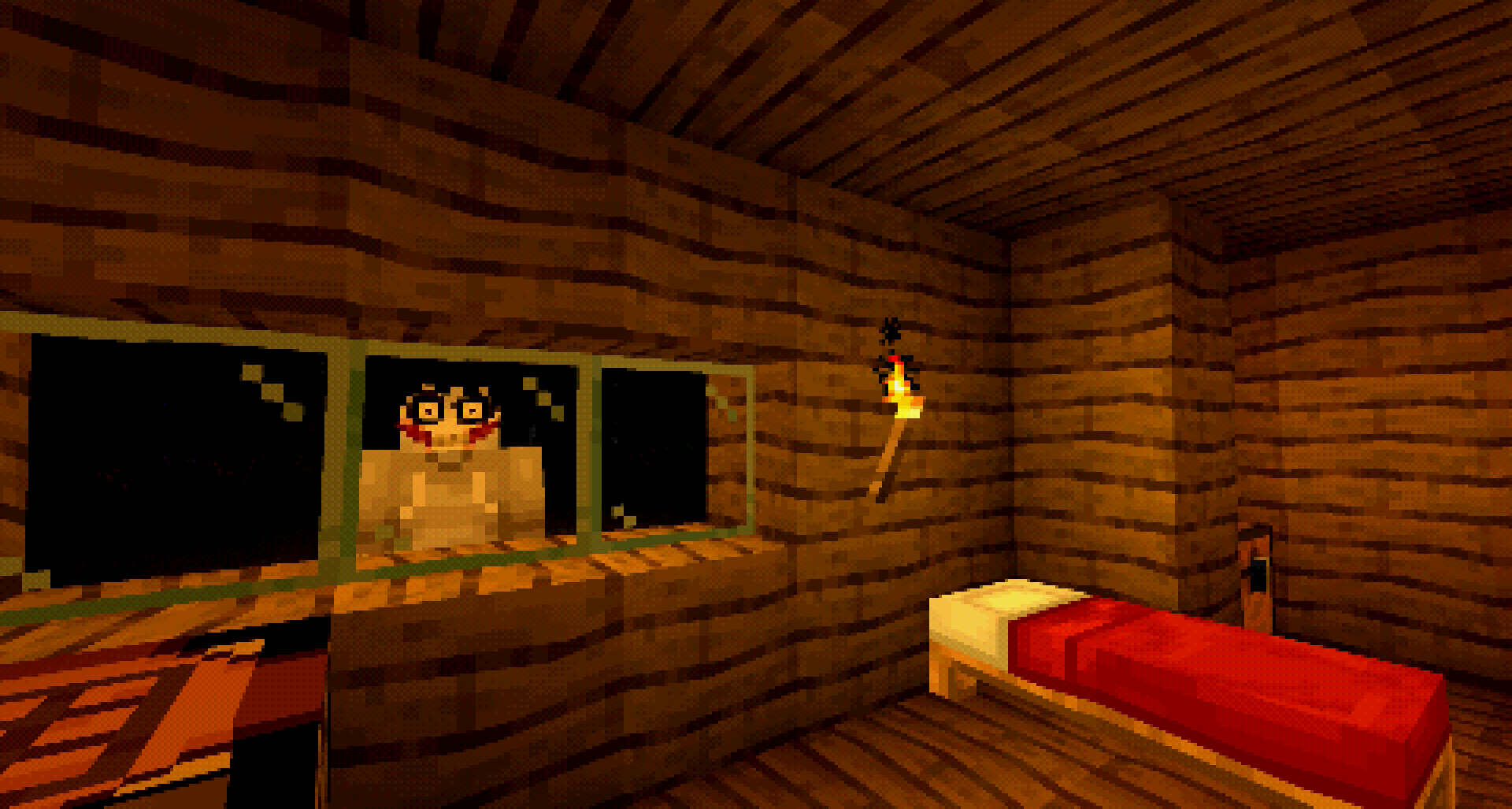
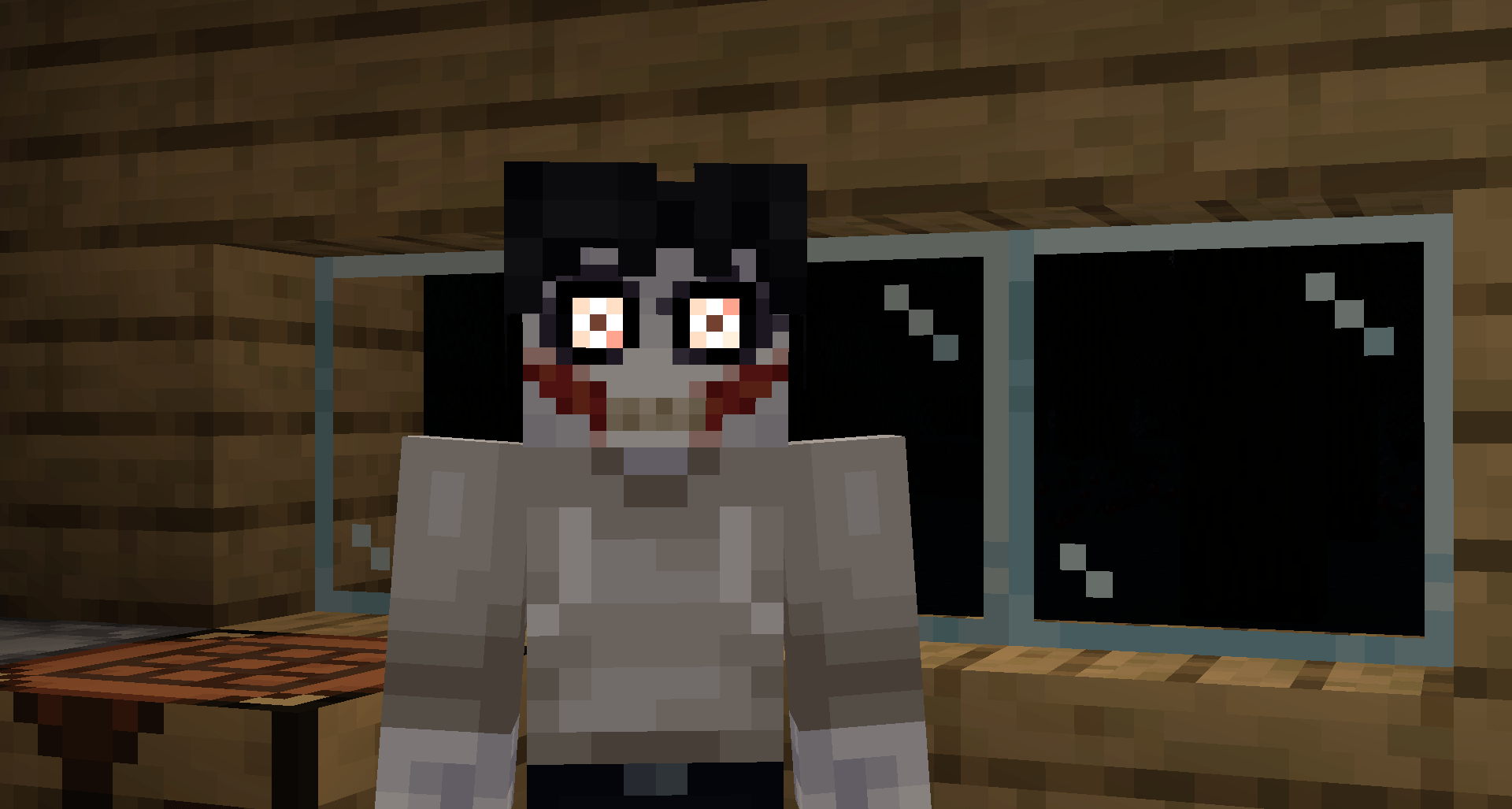
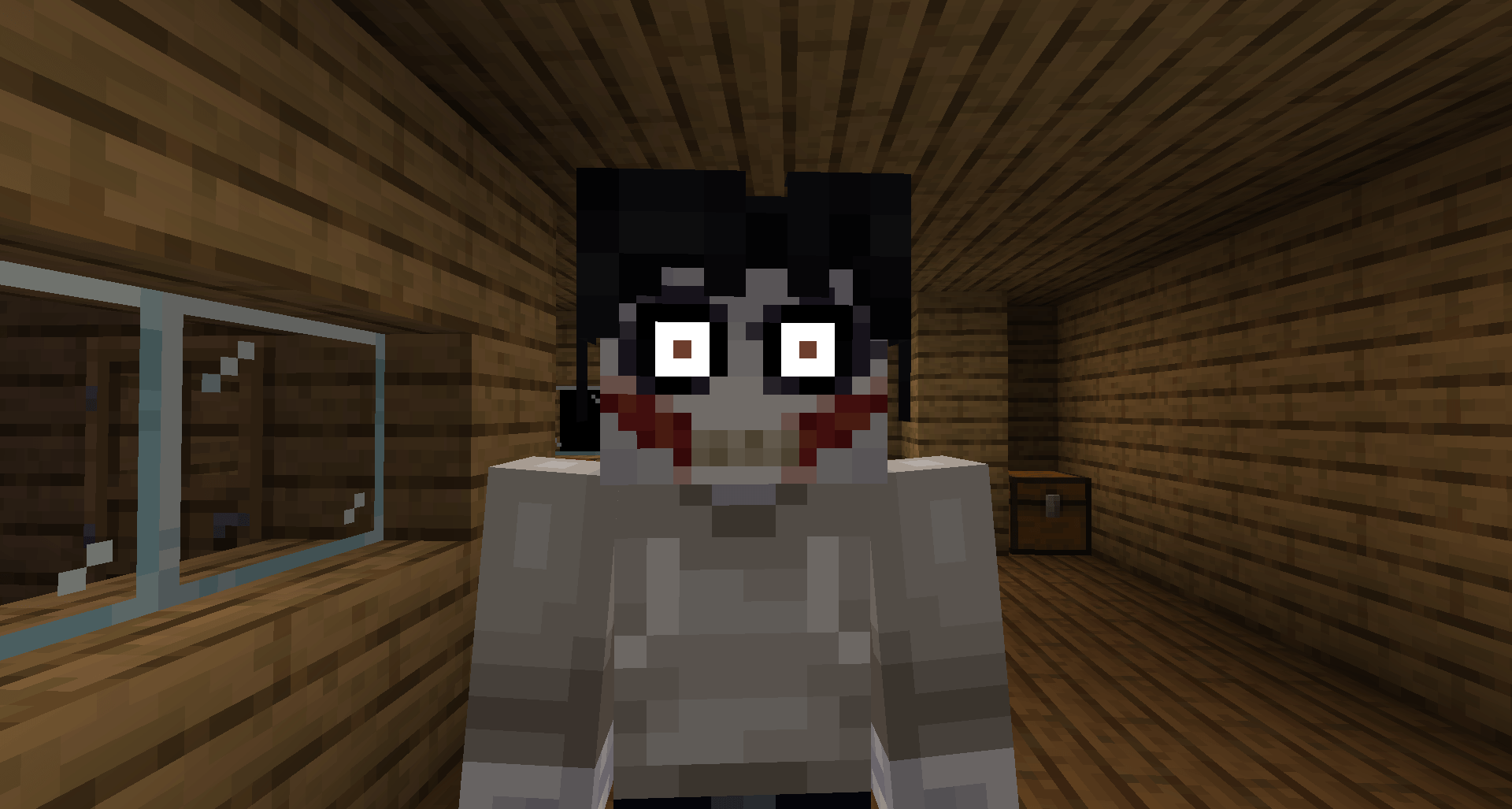
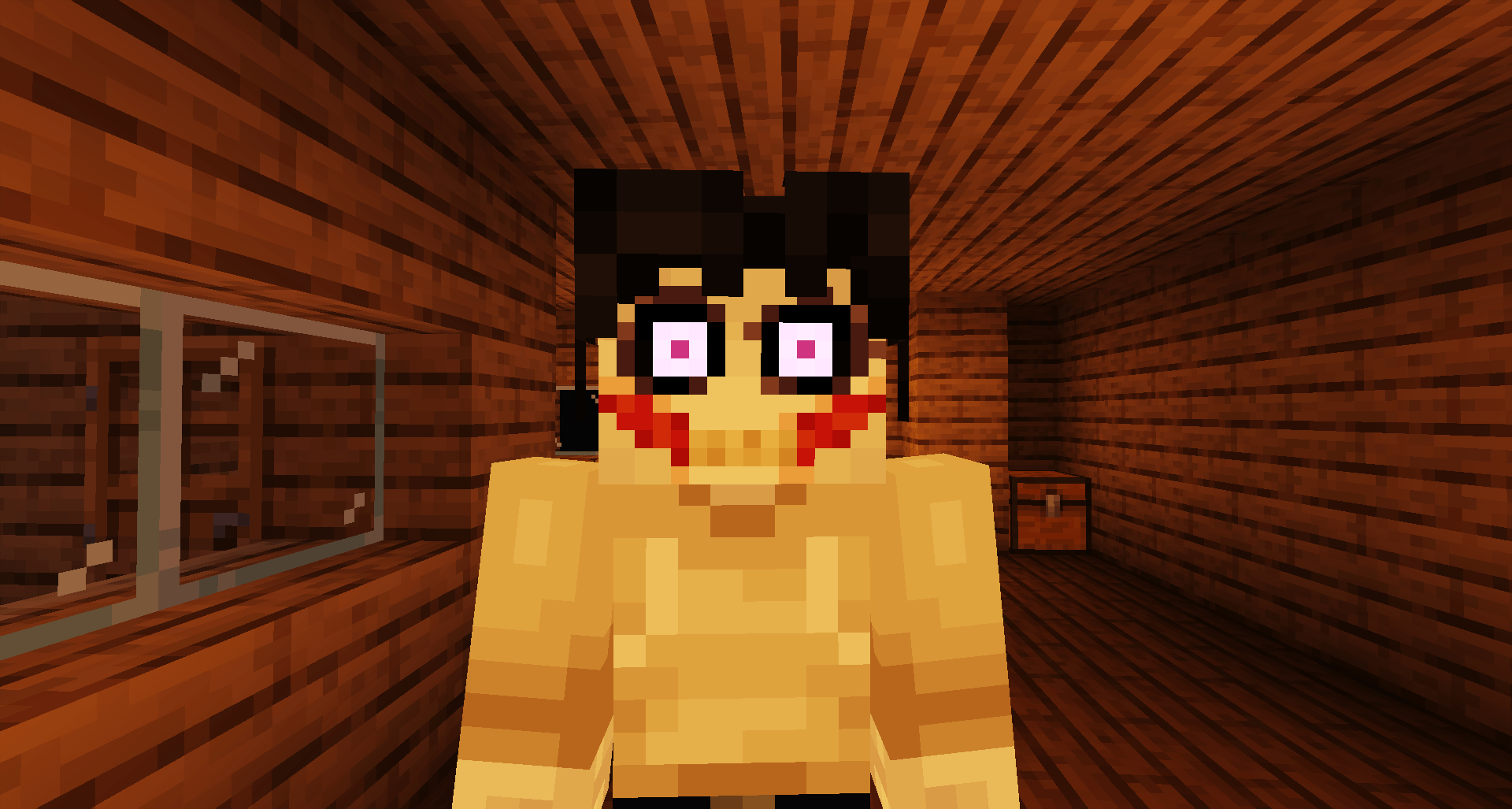
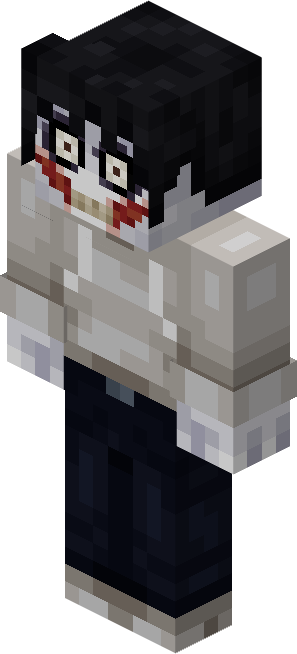
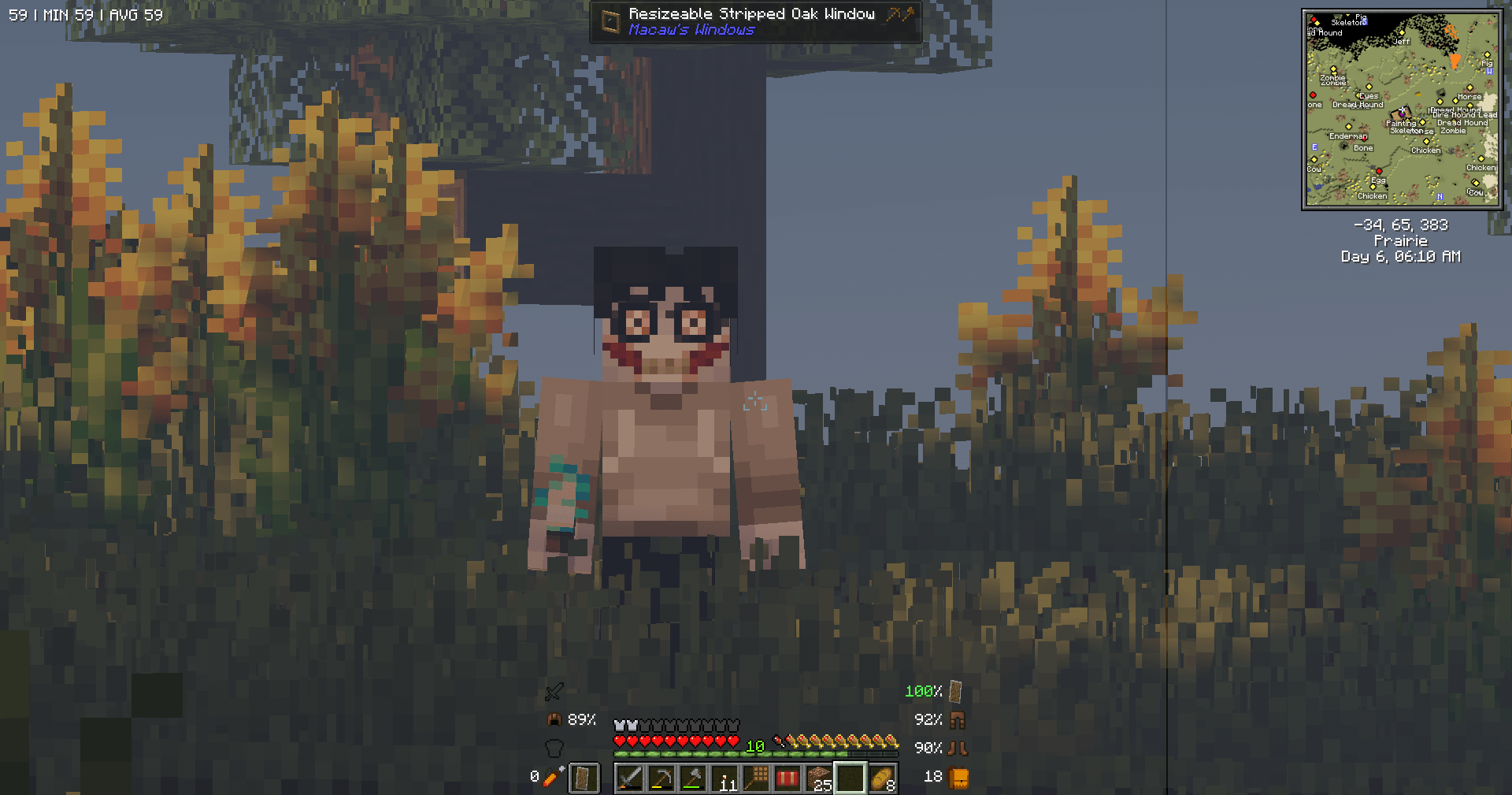
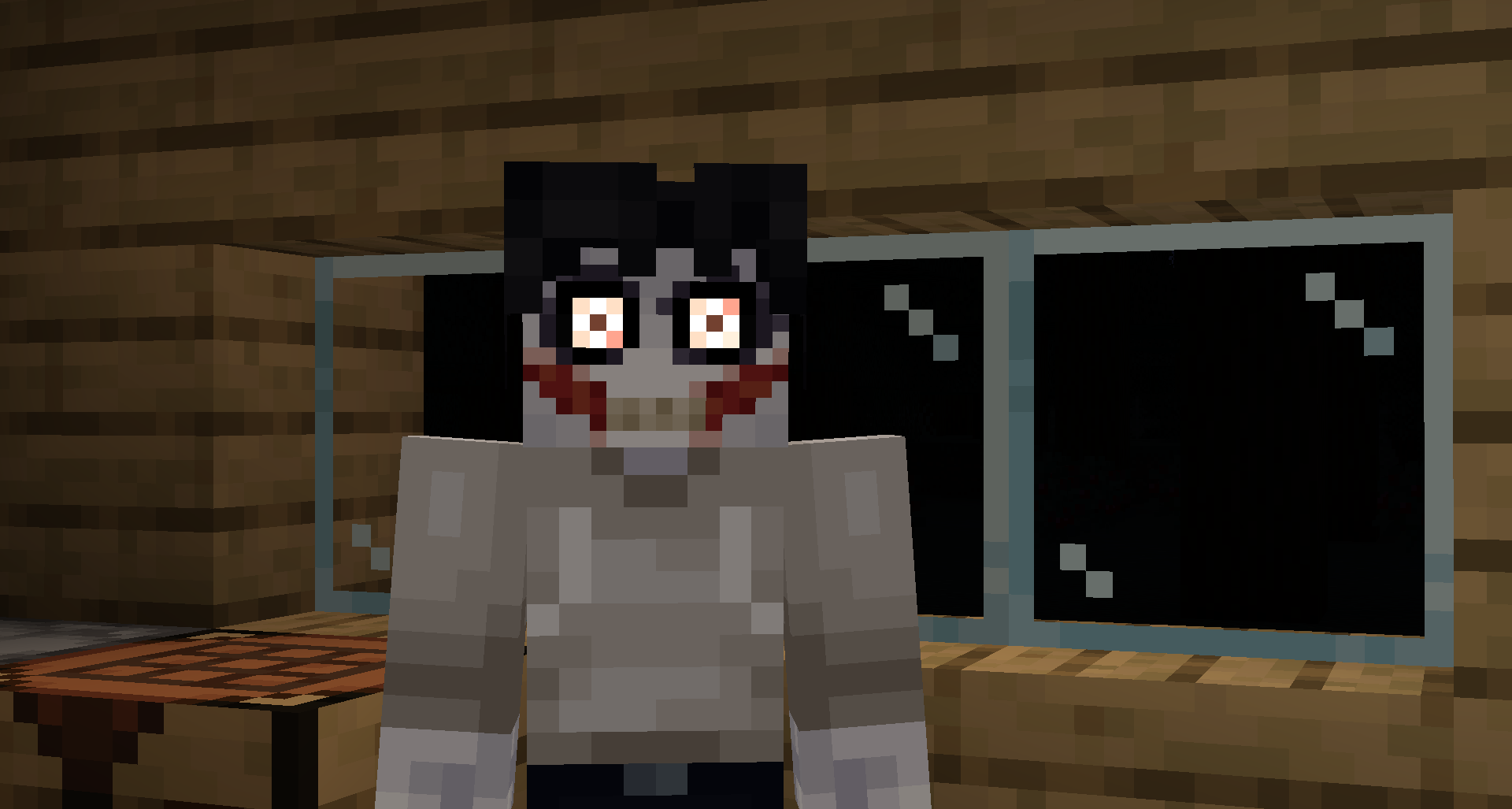
Replaces The Knocker with the old internet Creepypasta "Jeff the Killer".
by WherezMyCar
Download Claim this project
7,174 downloads
0 likes
Updated Oct 14, 2026
0 hypes
16x Miscellaneous Mod Support Modern
Advertisement Remove ads with Premium →

Installation Guide

This resource pack is for The Knocker mod. You will need to have it installed, otherwise this has no effect on the game. And no, you do not need Optifine for this to work (hooray)! The Knocker is also currently only available for 1.19.2, 1.20.1, 1.21.1 and 1.21.8, effectively locking this resource pack to those respective versions.

About

With months of unexplained murders across many villages and rural houses, locals and travelers are advised to keep watch for the possible suspect. He is described to have "cold, crazy eyes with burnt patches around them, black hair, pale skin with a carved smile on his face, and a filthy, white hoodie". Witnesses have reported hearing knocking on their doors and windows at night, finding their doors wide open, and even spotting deceased animals on their property. With the authorities still unable to trace the suspect's whereabouts, it is heavily advised to contact them, rather then to engage in combat with the suspect. Jeff the Killer as The Knocker This resource pack revives the old internet Creepypasta "Jeff the Killer" to Minecraft, using M_Productions (Ma_Do)'s creation "The Knocker" as a vehicle to bring this idea to life.

Terms of Use

You may

  • Use this pack in videos and streams
  • Edit the pack for private use
  • Parody packs, such as Jane the Killer, or Eyeless Jack.

You may not

  • Redistribute the pack on other sites
  • Monetize the pack in any way, including childpacks
  • Claim the pack as your own
Jeff the Knocker 1.2.zip
MC 1.21.8, 1.20.1, 1.21.1
Release 2026-06-25 Get
Jeff the Knocker 1.1
MC 1.21.1
Release 2025-08-11 Get
Jeff the Knocker 1.0
MC 1.19.2, 1.20.1, 1.21.1
Release 2024-07-14 Get

Requirements & install

How to use this resource pack in Minecraft
Resolution
16x
Minecraft
1.19.2 – 1.21.8
Install folder
.minecraft/resourcepacks

How to install resource packs

  1. Download the resource pack .zip file (do not extract it).
  2. In Minecraft open Options → Resource Packs → Open Pack Folder.
  3. Drop the .zip into the resourcepacks folder (.minecraft/resourcepacks).
  4. Move the pack to the Selected column and click Done.
Browse more: 16x resource packs 32x resource packs 64x resource packs 128x resource packs 256x resource packs 512x+ resource packs Resource Packs for 1.21.8 All resource packs

More from WherezMyCar

Advertisement Remove ads with Premium →

You Might Also Like