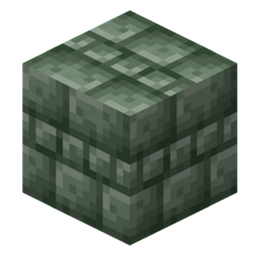
Welcome into the Jappafied Betweenlands Pack!
This pack is made by Aethyus, a pixel artist doing all of this pack for the Betweenlands mod by the Angry Pixel team in the new Minecraft's style (1.14+) vibe.
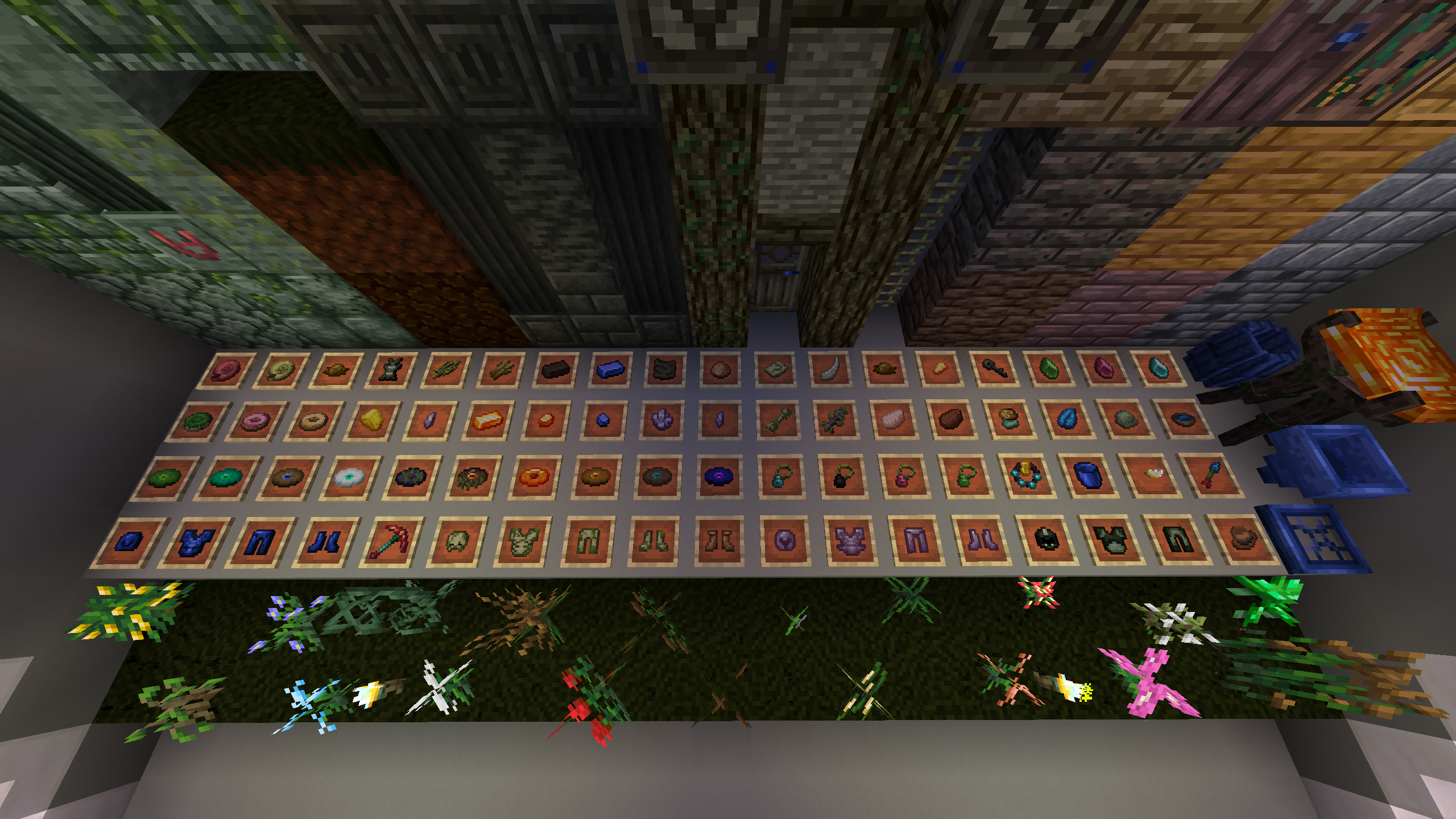
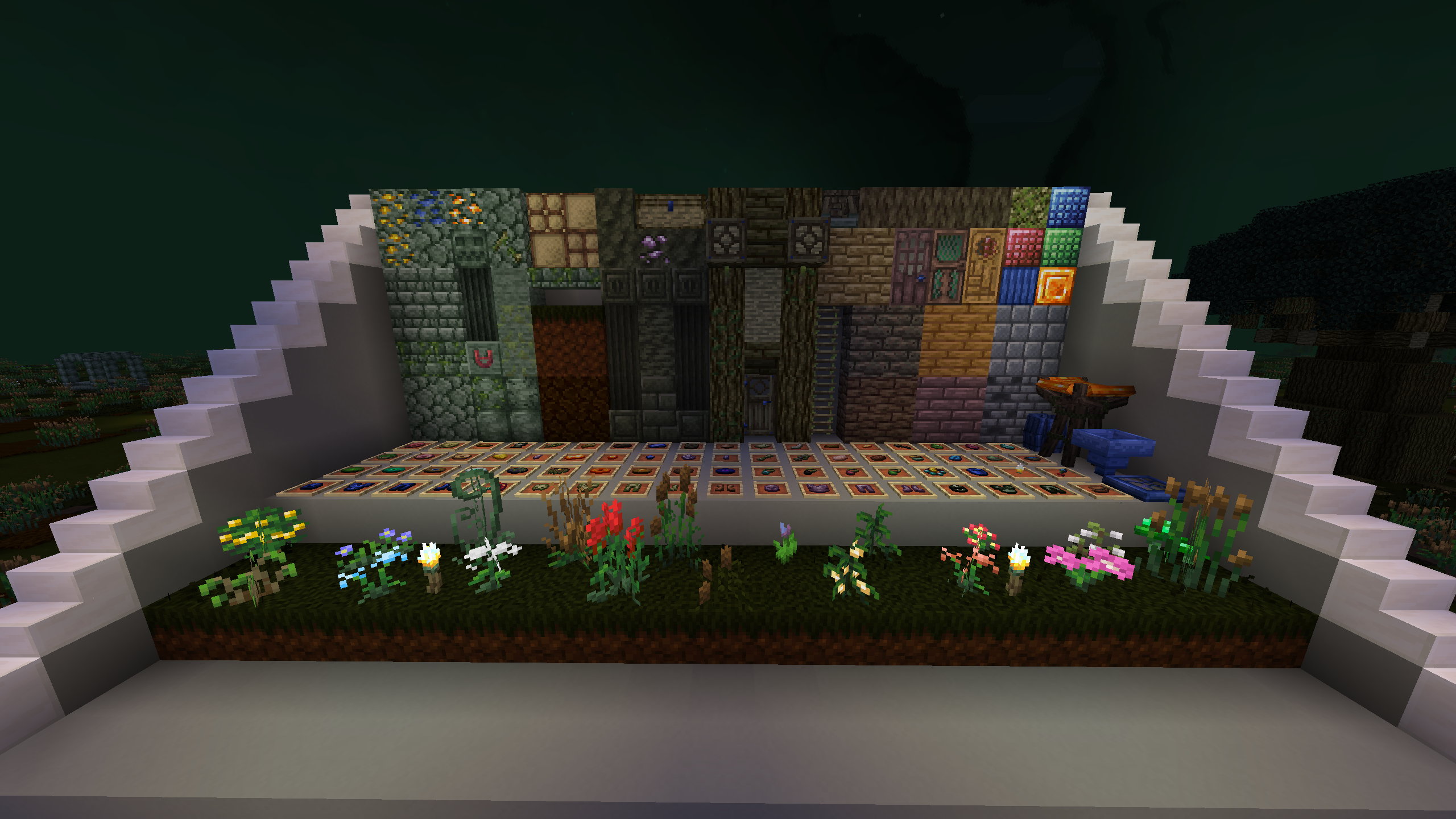
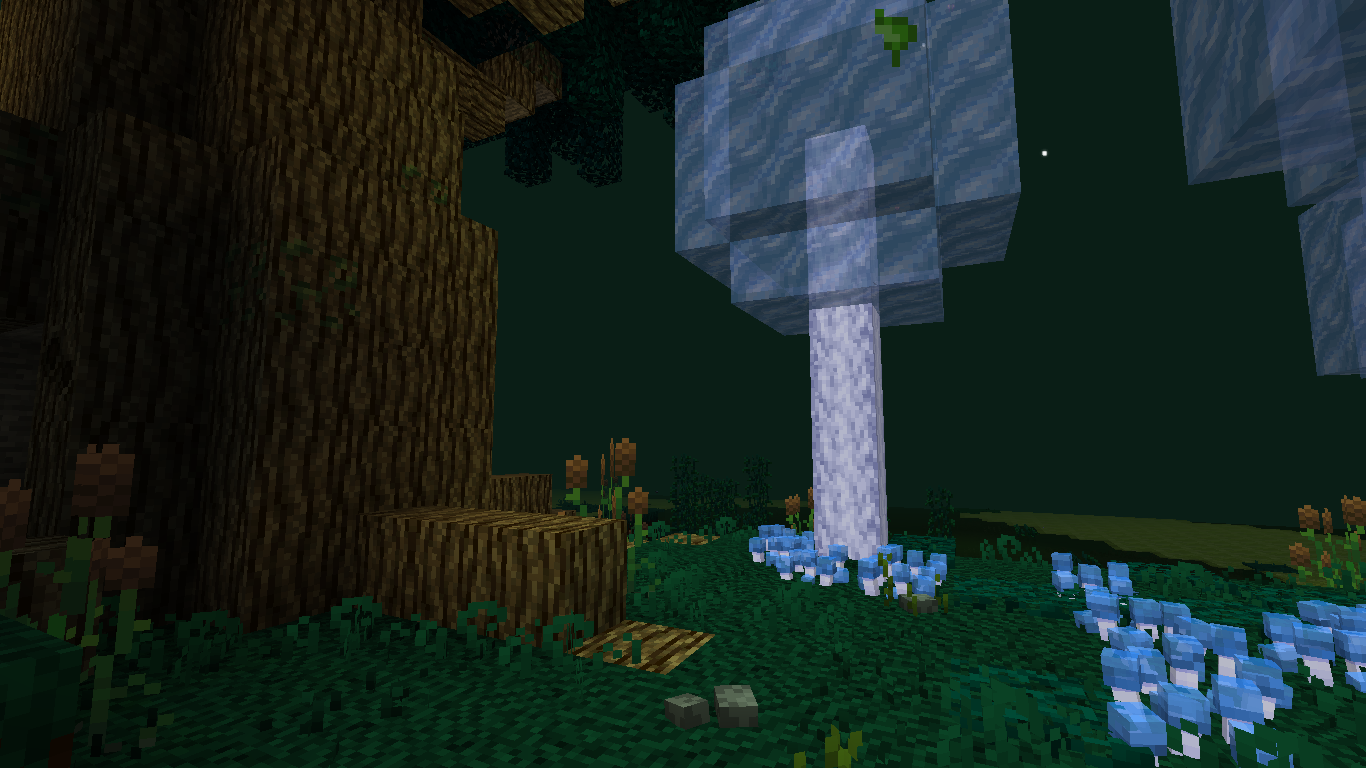
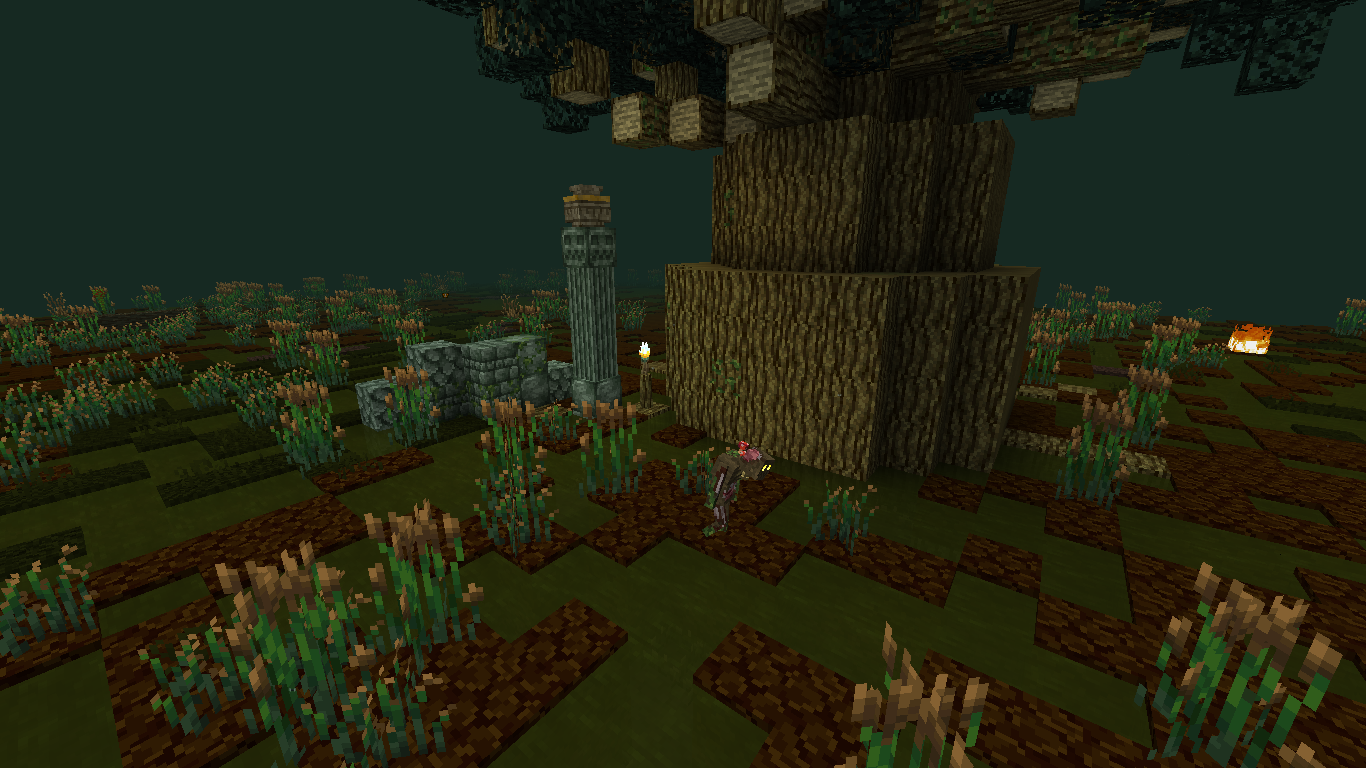
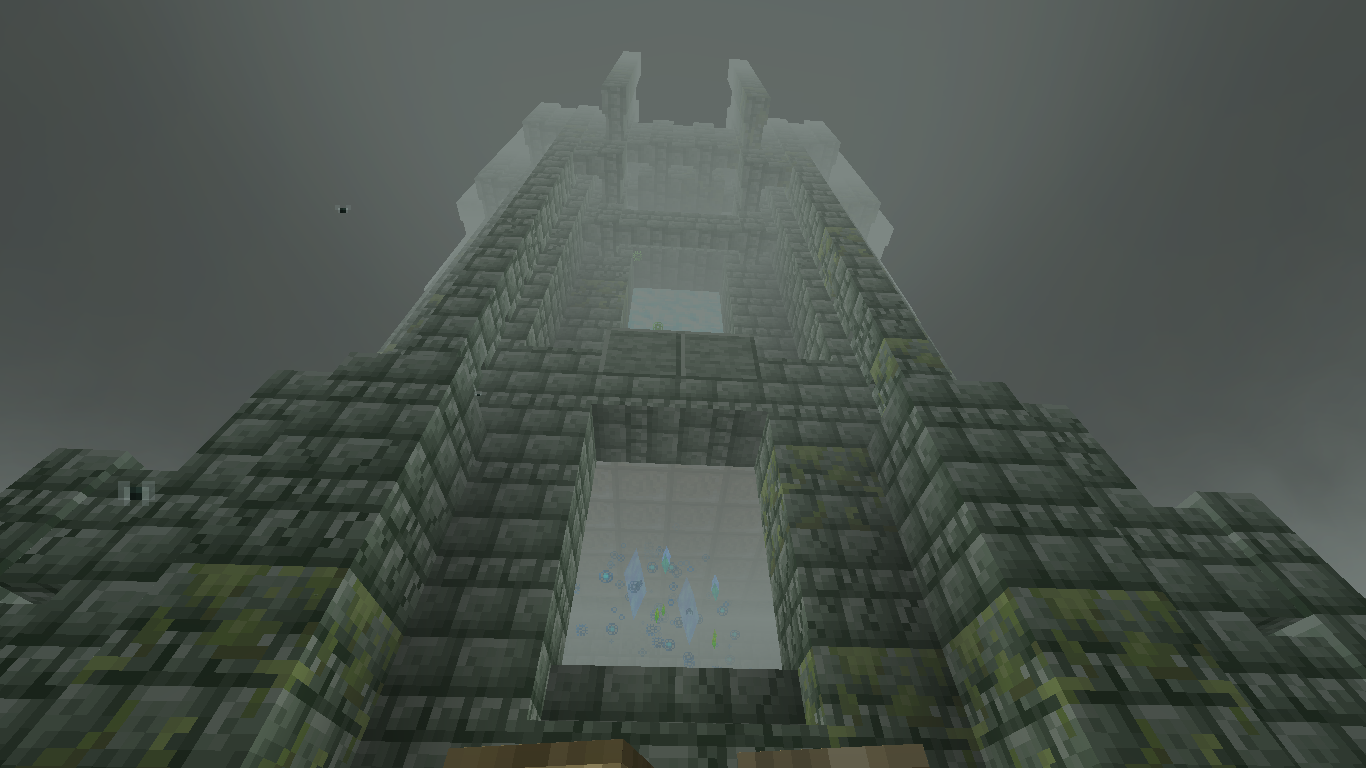
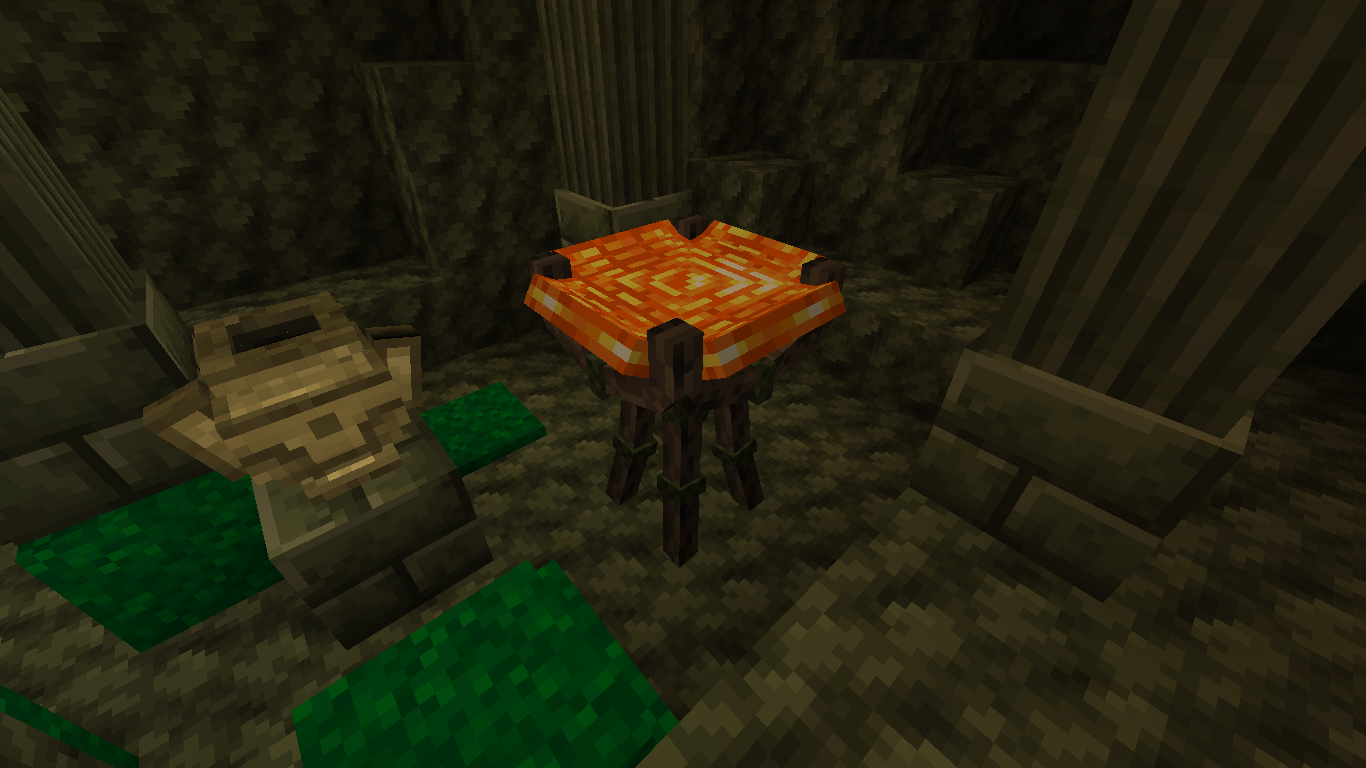
A Quick image of the Pack:

If you have any issues on the pack, you can report it to me, on Discord, I can be easily found on the Betweenlands Mod's Discord Server.
To have the pack working, please download The Betweenlands mod here. The Jappafied Betweenlands pack is also giving support for the Simple Storage Network mod (alas SSN), in the Betweenlands' vibe!
What can I do with this pack?
Can I include this pack into a modpack? Yes, of course, just credit me in the description, with the name of the pack.
Can I use the textures of this pack into my own? No: the textures are prohibited from any use in another pack.
Is the pack done? Mostly not, the Jappafied Betweenlands pack is never done. There will everytime be a little dot to fix!
Credits:
This pack includes the Minecraft Jappa style into the game! If you don't want these, you can easily delete the file called "minecraft" in the pack's assets.
The credits of this pack goes to the Angry Pixel Team (Authors of the Betweenlands mod), Jappa, author of the Minecraft textures, and the pack author, Aethyus.
2023, Jappafied Betweenlands - All Rights Reserved