Mineuniverse
Resource Packs
Jappafied Aethers

Jappafied Aethers

RESOURCE PACK
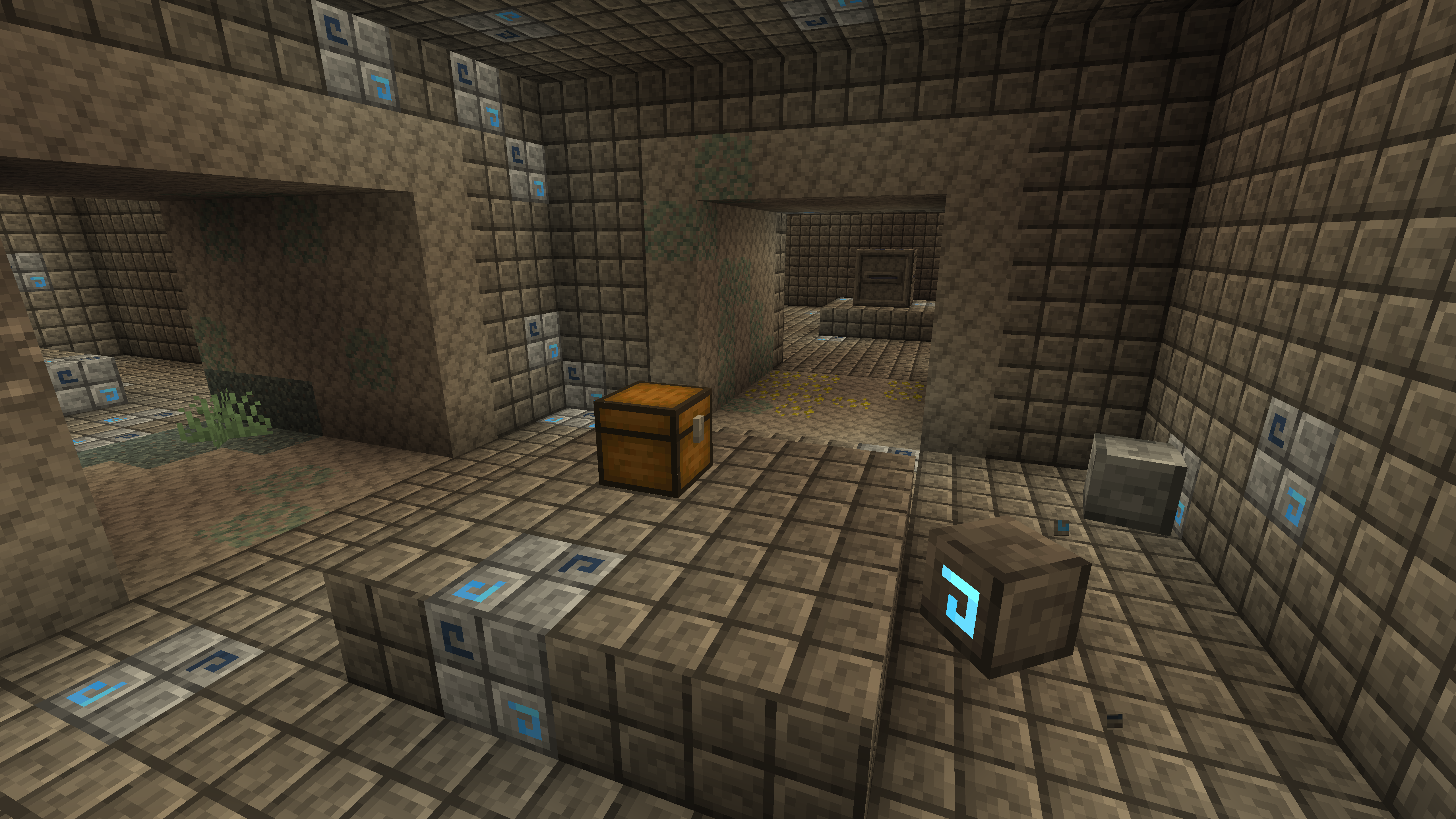
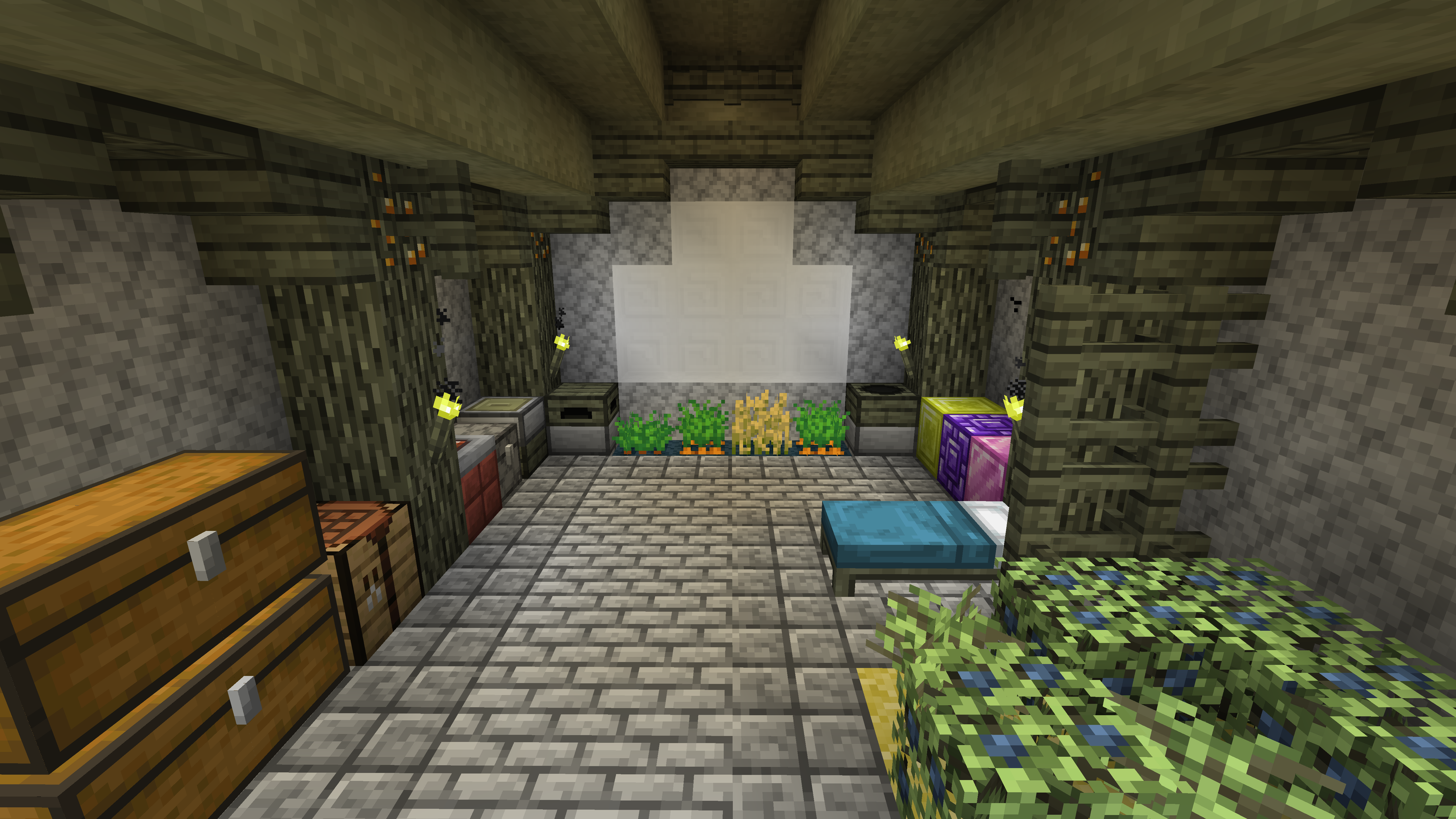
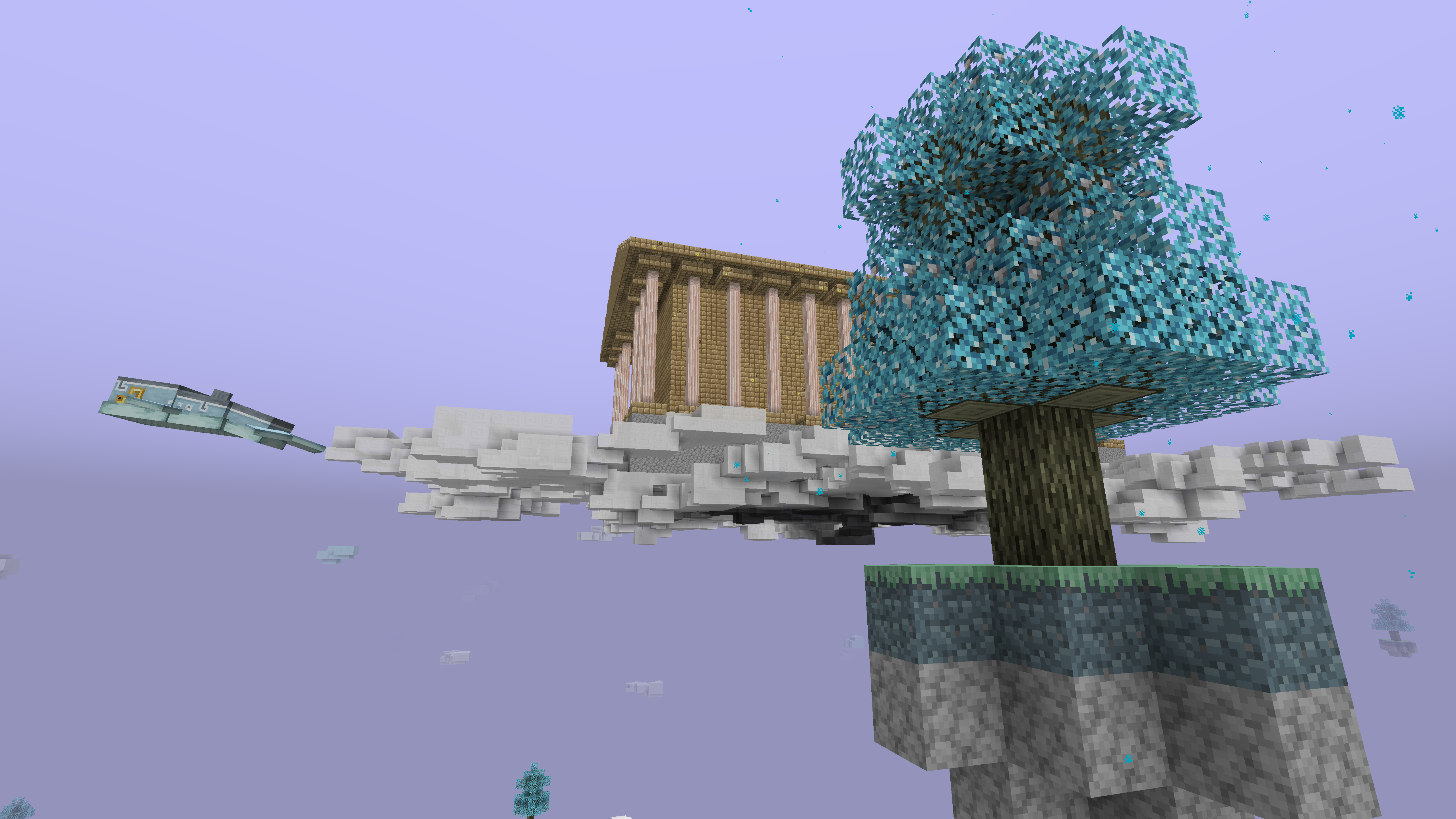
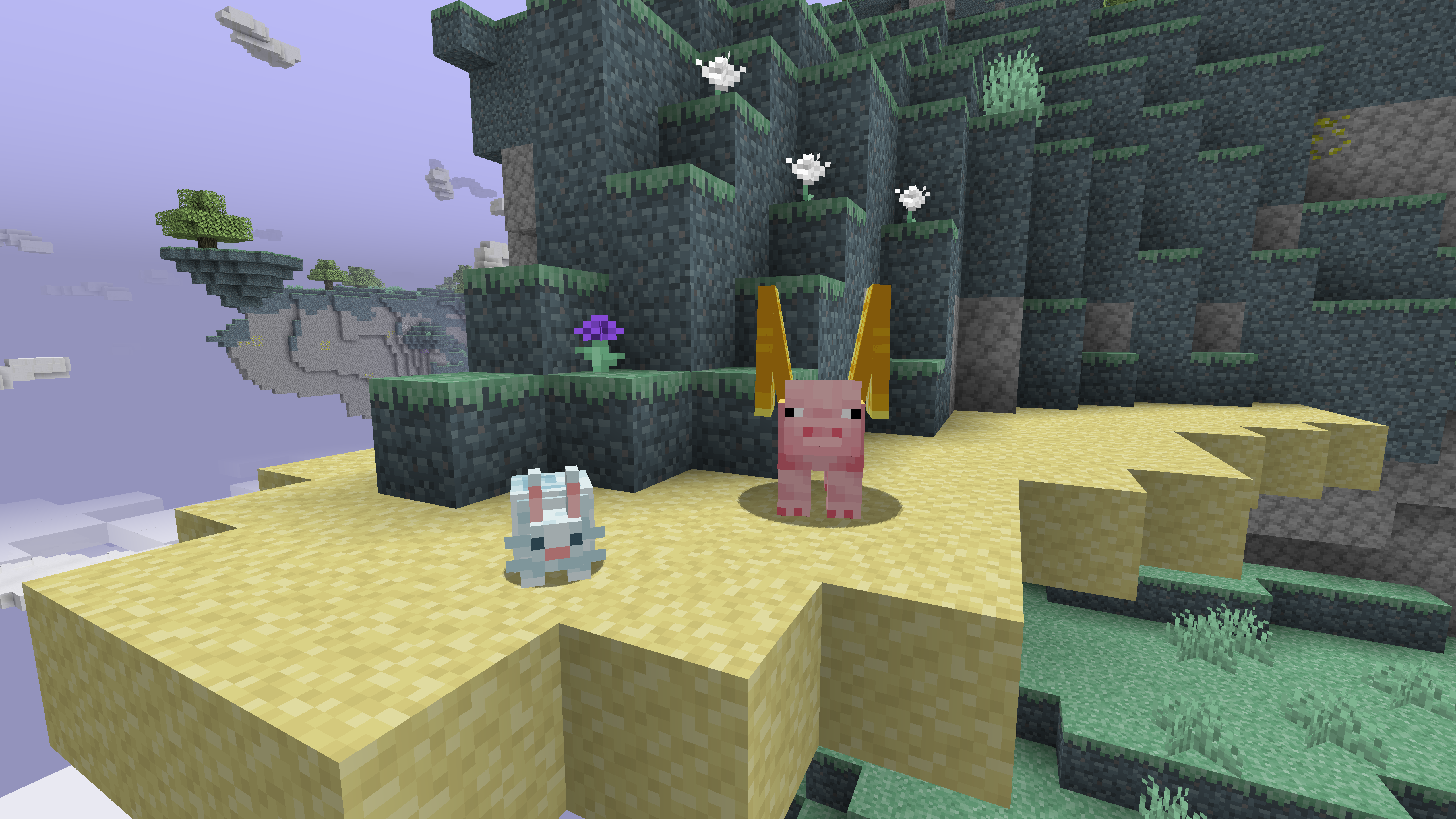
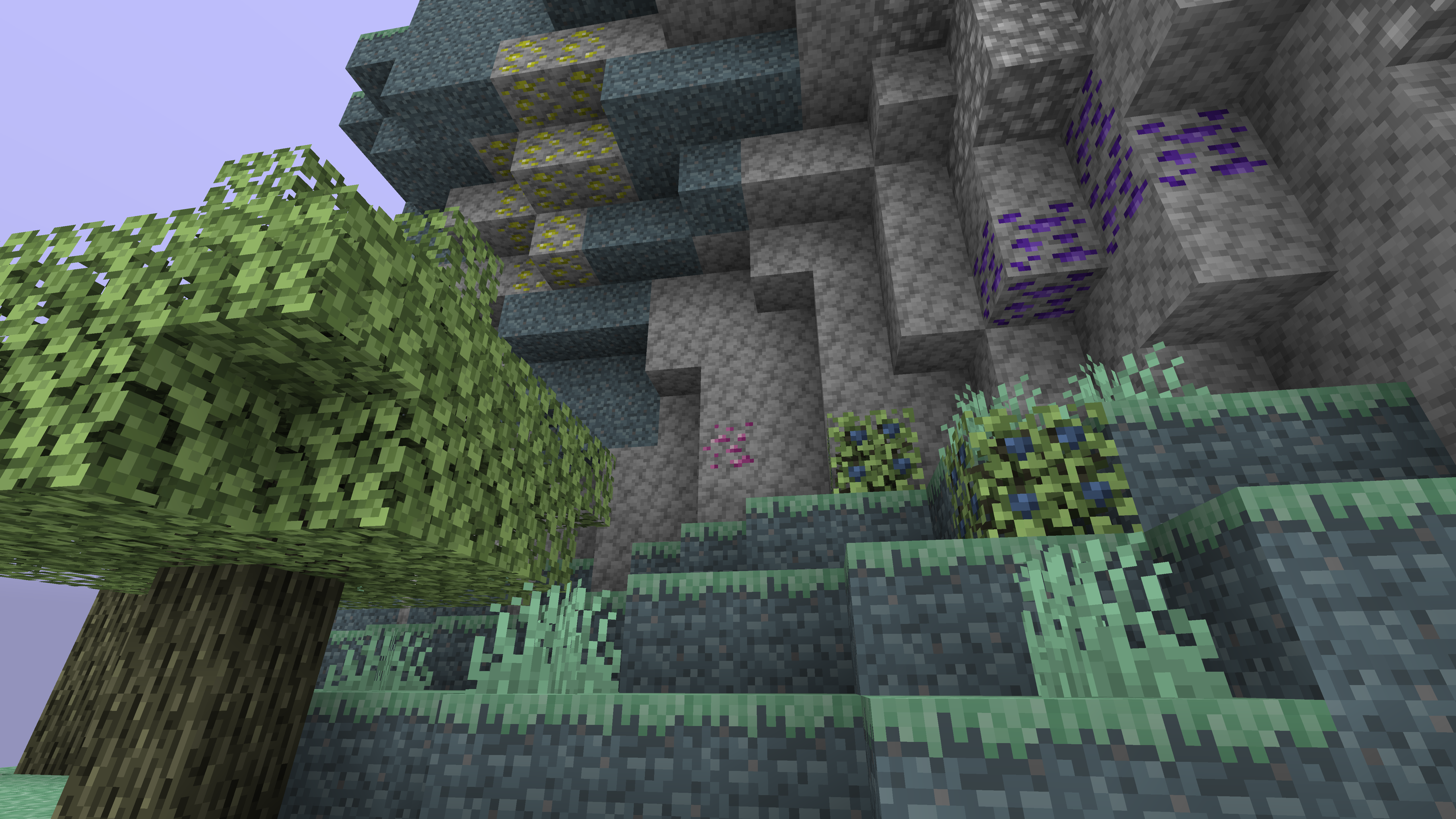
Jappa textures all over the Aether!
by Aerod
Download Claim this project
144,092 downloads
0 likes
Updated Oct 14, 2026
0 hypes
16x Mod Support
Advertisement Remove ads with Premium →

Banner


Overview
Jappafied Aether is a Resource pack that aims to redo the looks of the Aether mods to fit the new style of textures, maintained by Aerod and BrianIsBro. As of now, the pack only takes care of the Aether I textures, while Aether II - Highlands textures are being worked on which you can try out by downloading the beta version from the GitHub page. The pack works as a solid Jappa texture backport, supports all versions of Aether I's textures which you can access by going into the “optional” folder in the pack and also updates the looks of various Aether addons.

GitHub: https://github.com/AerodDev/Jappafied-Aethers
Discord server: https://discord.com/invite/HteEFYfAyx

Terms of Usage

You are more than welcome to use our pack wherever you want, just make sure you’ll credit us somewhere. If you'd like to use our assets in your other projects, make sure to let us know about it. You are also allowed to make your own edit/addon to the pack under these conditions:


  • Your pack must have "Jappafied Aether" in it's name, e.g. "Aerod's Jappafied Aether Edit", or "Jappafied Aether - Sample addon".
  • Your pack must not redistribute any original unedited Jappafied Aether assets in it, so you have to download Jappafied Aether at first to use it as a base for your pack.
  • You have to credit us (Aerod and BrianIsBro) somewhere in the pack.


Jappafied Aethers - Release 1.3 (1.12.2)
MC 1.12.2
Release 2023-08-31 Get
Jappafied Aethers - Release 1.3 (1.20.1)
MC 1.20.1, 1.20
Release 2023-08-31 Get
Jappafied Aethers - Release 1.2 (1.12.2)
MC 1.12.2
Release 2022-11-25 Get
Jappafied Aether - Release 1.2 (1.19.2)
MC 1.19.2
Release 2022-11-25 Get
Jappafied Aether - Release 1.1
MC 1.12.2
Release 2021-08-22 Get
Jappafied Aether - Release 1.0
MC 1.12.2
Release 2021-05-01 Get

Requirements & install

How to use this resource pack in Minecraft
Resolution
16x
Minecraft
1.12.2 – 1.20.1
Install folder
.minecraft/resourcepacks

How to install resource packs

  1. Download the resource pack .zip file (do not extract it).
  2. In Minecraft open Options → Resource Packs → Open Pack Folder.
  3. Drop the .zip into the resourcepacks folder (.minecraft/resourcepacks).
  4. Move the pack to the Selected column and click Done.
Browse more: 16x resource packs 32x resource packs 64x resource packs 128x resource packs 256x resource packs 512x+ resource packs Resource Packs for 1.20.1 All resource packs

More from Aerod

Advertisement Remove ads with Premium →

You Might Also Like