Badges update automatically and link to the resource pack page on MineUniverse.
Not supported!!!
Dark gui for mod - Industrial Upgrade 1.12.2
Description
RU
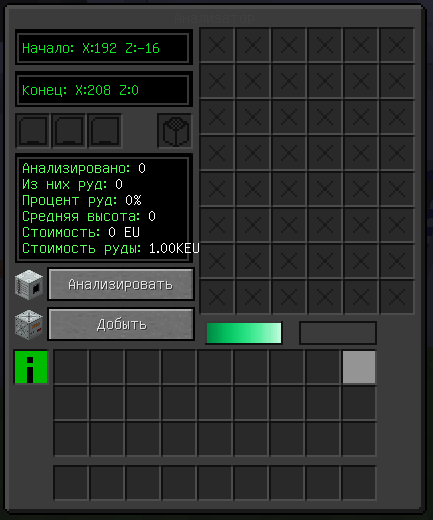
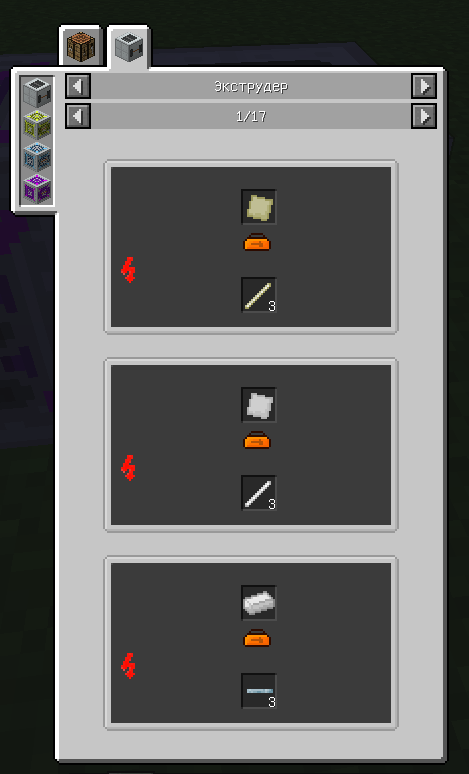
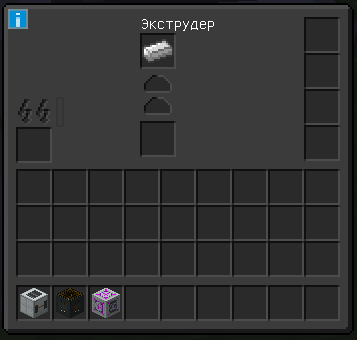
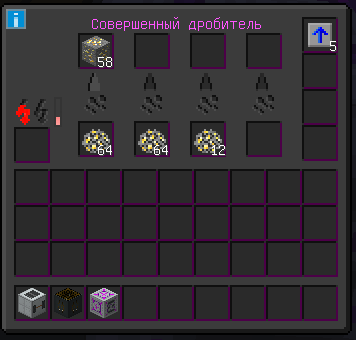
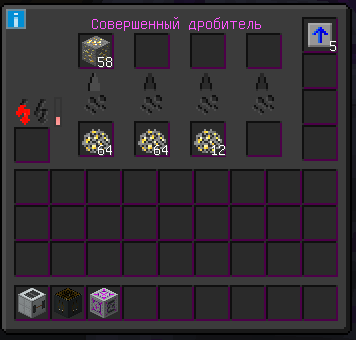
И так я все же доделал игровую версию своего ресурпака на тёмную тему для Industial Upgrade. Если обнаружены какие-то проблемы, недочеты или непонятные текстуры, то применимы ко мне (скриншот + полное название меха "Совершенный утилизатор") Сразу скажу в некоторых интерфейсах не видно названия (я знаю в чем проблема и знаю, как ее решить, но у меня пока нет времени сделать). В некоторых механизмах уже видно (только на местности местности, пока-что), а в некоторых нет. В будущем планирую сделать тёмный интерфейс для Applied Energistics 2, Refined Storage, Industrial Craft 2, а для майна скорее всего не буду, так как их и так достаточно.
EN
And so I did finish the playable version of my resource pack on a dark theme for Industrial Upgrade. If you find any problems, flaws or incomprehensible textures, then let me know (screenshot + full name of the fur "Perfect utilizer" I'll tell you right away in some interfaces the name is not visible (I know what the problem is and I know how to solve it, but I don't have time to do it yet). In some mechanisms it is already visible (only in Russian localization, so far), and in some it is not. In the future, I plan to make a dark interface for: Applied Energistics 2, Refined Storage, Industrial Craft 2, but I probably won't do it for minecraft, since there are enough of them already.
Discord Creator - theBr1z1k #4357