Mineuniverse
Resource Packs
Items on Blocks

Items on Blocks

RESOURCE PACK
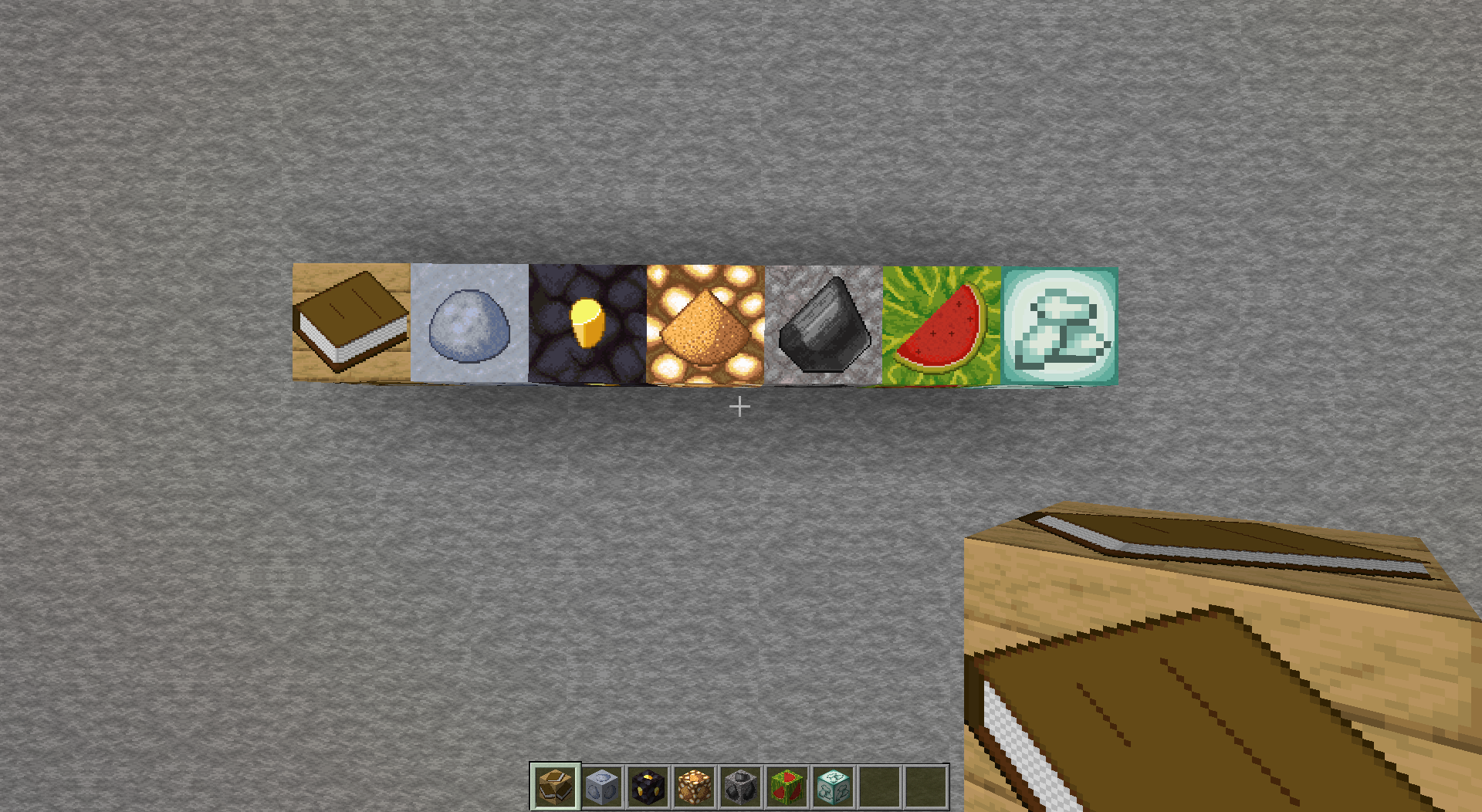
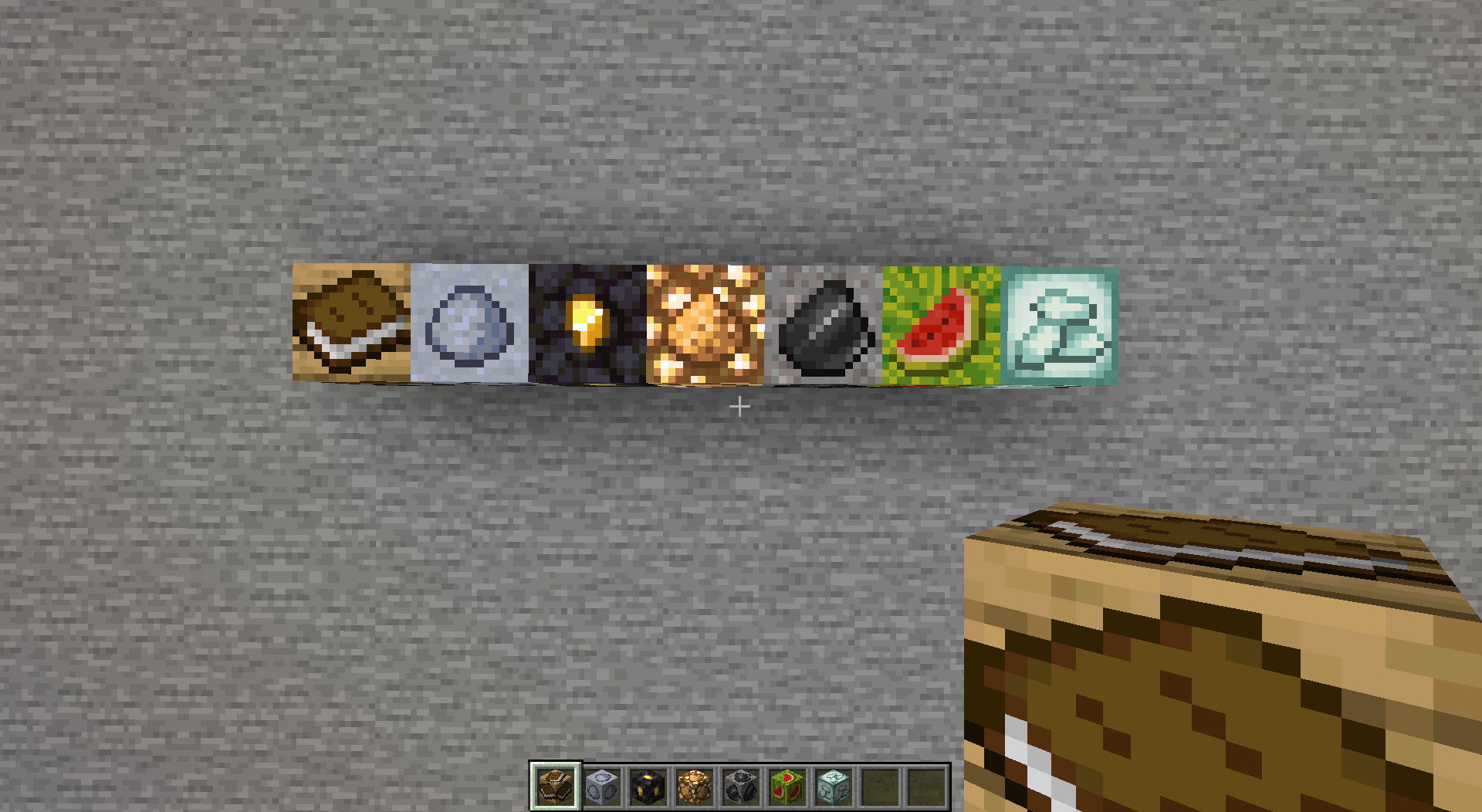
Shows which items blocks drop without Silk Touch. Works with any resource pack!
by robotkoer
Download Claim this project
1,108 downloads
0 likes
Updated Oct 14, 2026
0 hypes
16x Animated Miscellaneous Mod Support
Advertisement Remove ads with Premium →

This resource pack shows, which items do various blocks drop when mined without Silk Touch. Direct drops are preferred, but sometimes smelted item is also considered. It works with any resource pack (set this one as topmost), but you do need Fabulously Optimized, Continuity or OptiFine.

This pack works on

  • Bookshelf
  • Clay
  • Gilded Blackstone
  • Glowstone
  • Gravel
  • Melon
  • Sea Lantern

FAQ:

  • Q: It doesn't work at all!
    • A: You need Fabulously Optimized, Continuity or OptiFine. Make sure it is set as the topmost resource pack. It may not work if any other resource pack changes the block/item models.
  • Q: What about the ores?
  • Q: What about the infested blocks?
    • A: Check my profile.
  • Q: Some blocks are still not supported!
    • A: Yes, I skipped some very common blocks to prevent making the worlds too ugly. These include: stone-like, dirt-like, sand-like, tree-like, mushroom-like, snow, coral and blocks with custom models (e.g. campfire).
  • Q: Please backport to...
    • A: Nah.
  • Q: Bedrock support?
    • A: No, I don't think the block models work the same there...

1.20.6
MC 1.20.5, 1.20.6
Release 2024-06-01 Get
1.20.4
MC 1.20.3, 1.20.4
Release 2023-12-14 Get
1.20.2
MC 1.20.2
Release 2023-10-09 Get
1.20
MC 1.20.1, 1.20, 1.20-Snapshot
Release 2023-05-12 Get
1.19.4
MC 1.19.4
Release 2023-03-19 Get
1.19.3
MC 1.19.3
Release 2023-01-14 Get
Items on Blocks
MC 1.19-Snapshot, 1.19.2, 1.19.1, 1.19
Release 2022-05-28 Get
Items on Blocks
MC 1.18.1, 1.18.2, 1.18, 1.18-Snapshot
Release 2021-12-03 Get
Items on Blocks.zip
MC 1.17.1, 1.17, 1.17-Snapshot
Release 2021-11-20 Get

Requirements & install

How to use this resource pack in Minecraft
Resolution
16x
Minecraft
1.20-Snapshot – 1.20.6
Install folder
.minecraft/resourcepacks

How to install resource packs

  1. Download the resource pack .zip file (do not extract it).
  2. In Minecraft open Options → Resource Packs → Open Pack Folder.
  3. Drop the .zip into the resourcepacks folder (.minecraft/resourcepacks).
  4. Move the pack to the Selected column and click Done.
Browse more: 16x resource packs 32x resource packs 64x resource packs 128x resource packs 256x resource packs 512x+ resource packs Resource Packs for 1.20.6 All resource packs

More from robotkoer

Advertisement Remove ads with Premium →

You Might Also Like