Mineuniverse
Resource Packs
Items in 3D

Items in 3D

RESOURCE PACK
A Resource Pack who adds updated models to many items
by Thep56
Download Claim this project
91 downloads
0 likes
Updated Oct 14, 2026
0 hypes
16x Miscellaneous Photo Realistic
Advertisement Remove ads with Premium →

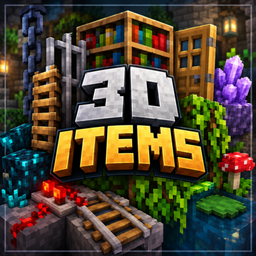
3D Items – A New Dimension of Detail!


Give your Minecraft world a fresh 3D look!


3D Items is a resource pack for Minecraft Java Edition that enhances selected blocks and items with detailed three-dimensional models. Enjoy extra depth and visual detail while preserving Minecraft's iconic vanilla style.


✨ Features


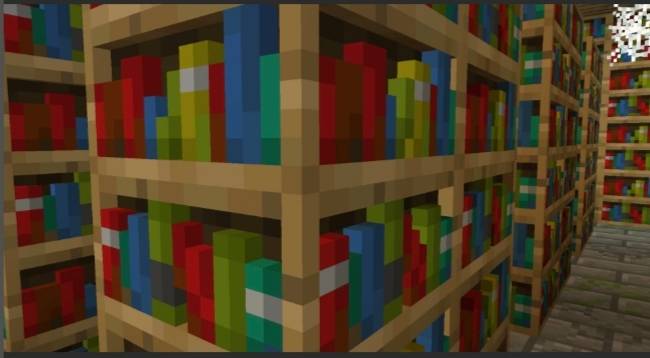
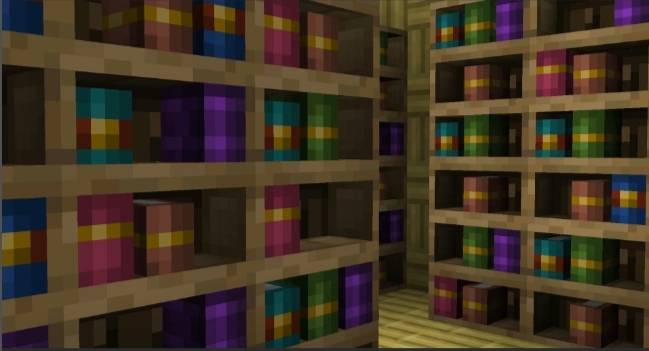
📚 3D Bookshelves: More detailed bookshelves.

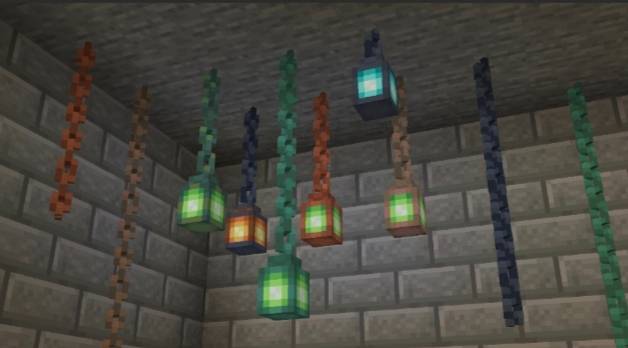
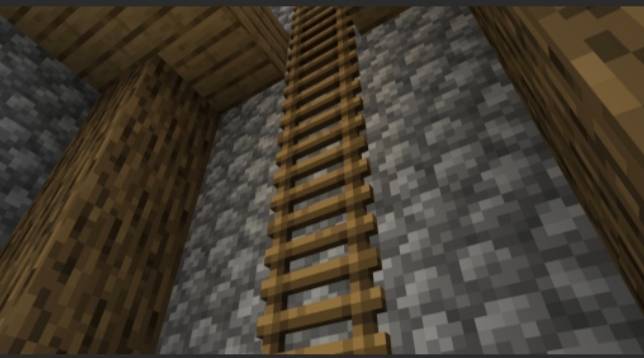
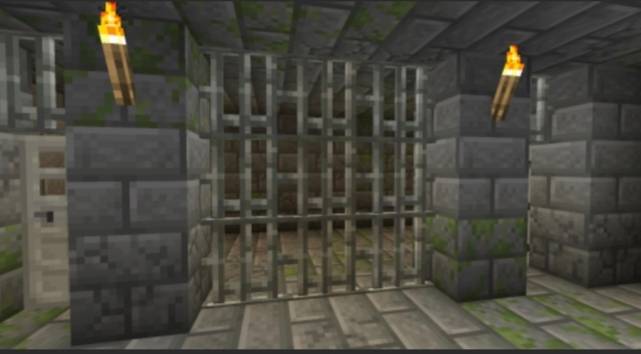
⛓️ Enhanced Blocks: Improved 3D models for chains, iron bars, ladders, and more.

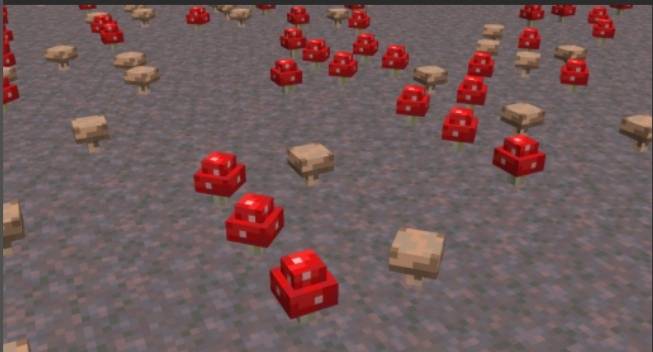
🌿 Nature Details: Extra depth for plants, vines, and mushrooms.

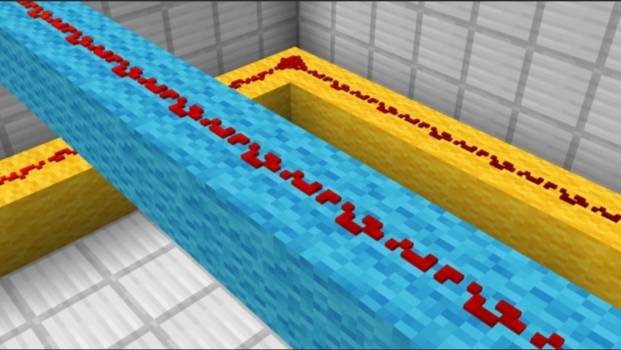
🔴 3D Redstone: A more dimensional look for redstone wire.

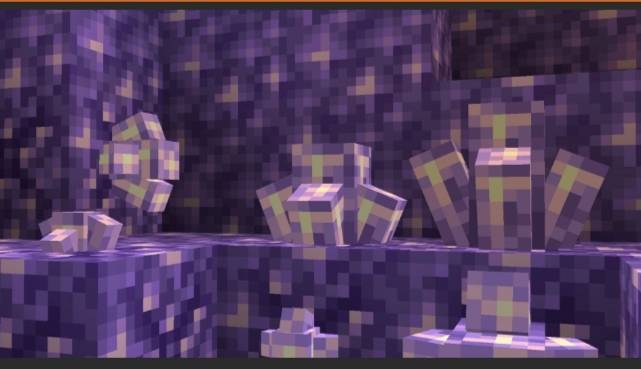
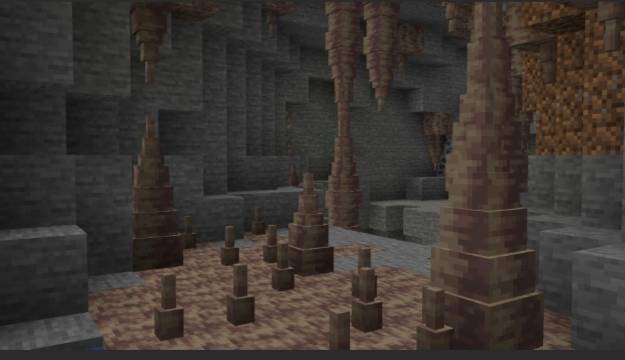
💎 Crystal Details: Enhanced amethyst, pointed dripstone, sculk veins, and more.

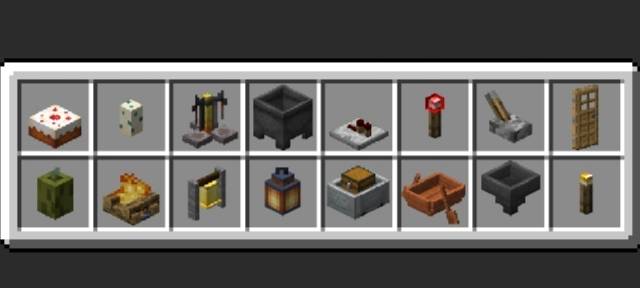
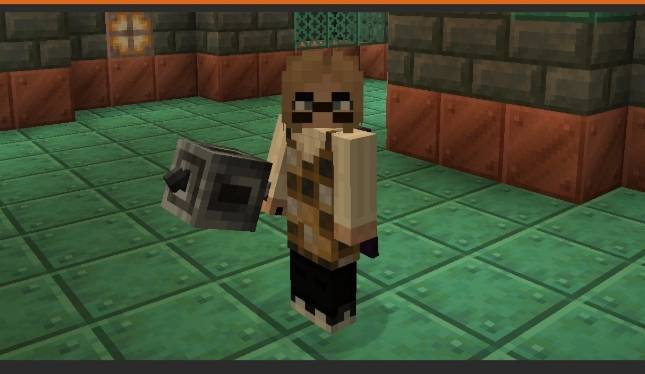
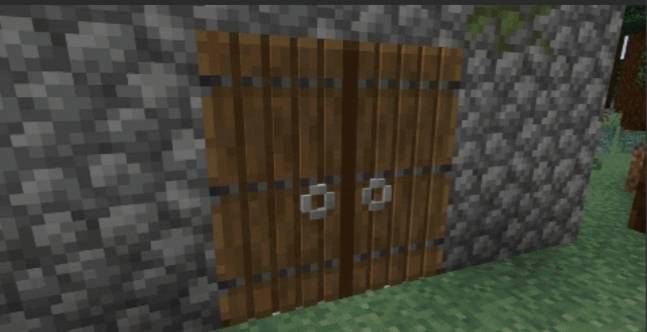
🚪 More 3D Models: Additional details for selected doors, rails, and items.

🎮 Vanilla Style: Keeps Minecraft's original visual identity.


Compatibility

Edition: Minecraft Java Edition

Type: Resource Pack

Base: Vanilla Tweaks 26.3 3D features


Bring more depth to your Minecraft world with 3D Items!

3D_Items.zip
MC 26.1, 26.1.1, 26.1.2, 26.2, 26.3
Release 2026-10-10 Get

Requirements & install

How to use this resource pack in Minecraft
Resolution
16x
Minecraft
26.1 – 26.3
Install folder
.minecraft/resourcepacks

How to install resource packs

  1. Download the resource pack .zip file (do not extract it).
  2. In Minecraft open Options → Resource Packs → Open Pack Folder.
  3. Drop the .zip into the resourcepacks folder (.minecraft/resourcepacks).
  4. Move the pack to the Selected column and click Done.
Browse more: 16x resource packs 32x resource packs 64x resource packs 128x resource packs 256x resource packs 512x+ resource packs Resource Packs for 26.3 All resource packs

More from Thep56

Advertisement Remove ads with Premium →

You Might Also Like