Mineuniverse
Resource Packs
Items 3D

Items 3D

RESOURCE PACK
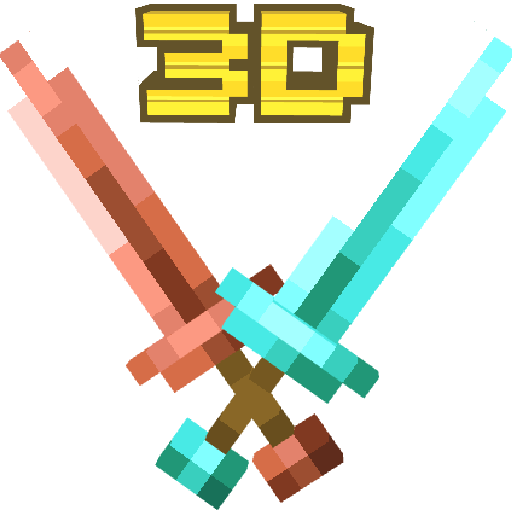
A Minecraft 3D Items resource pack that transforms vanilla 2D items into detailed 3D models with a vanilla-friendly style.
by Zensiyoo
Download Claim this project
52,926 downloads
0 likes
Updated Oct 14, 2026
0 hypes
16x Miscellaneous
Advertisement Remove ads with Premium →

Items 3D

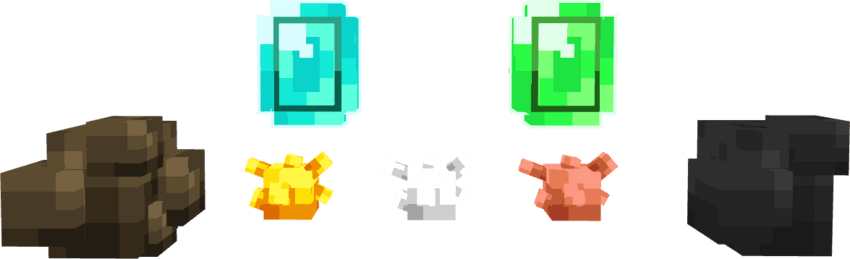
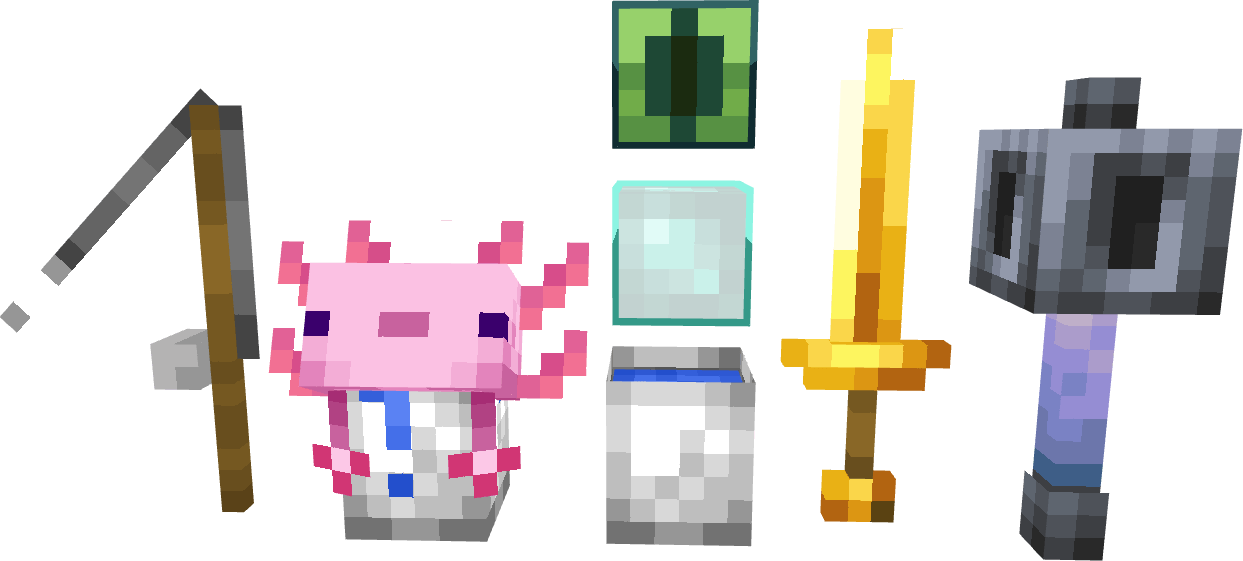
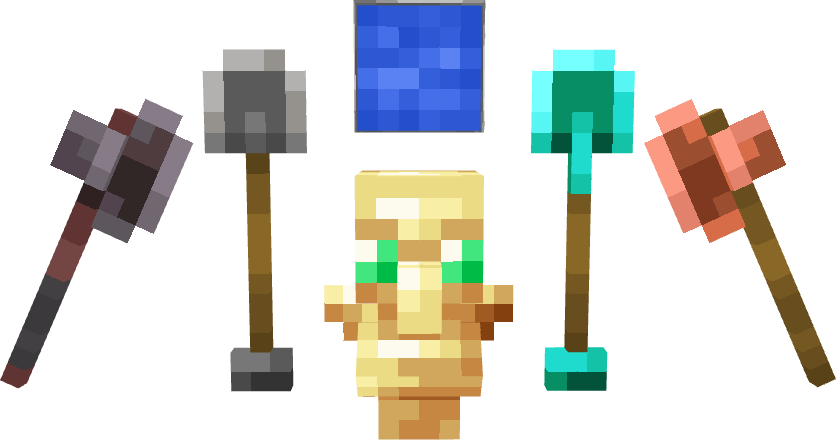
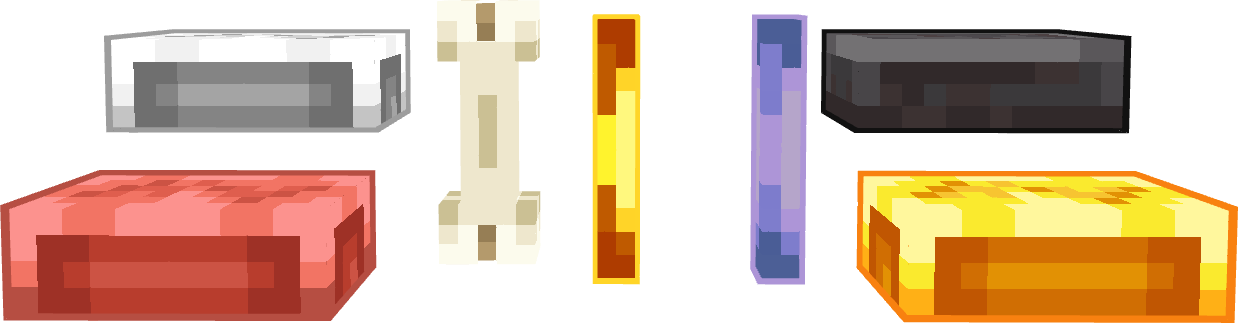
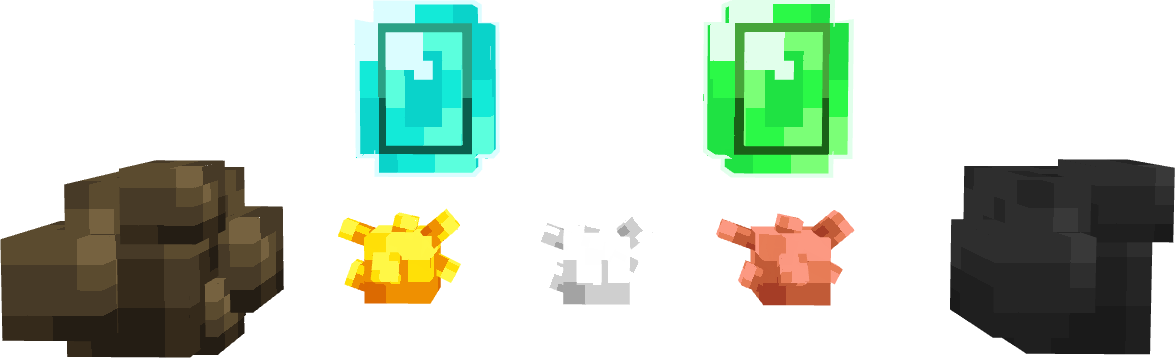
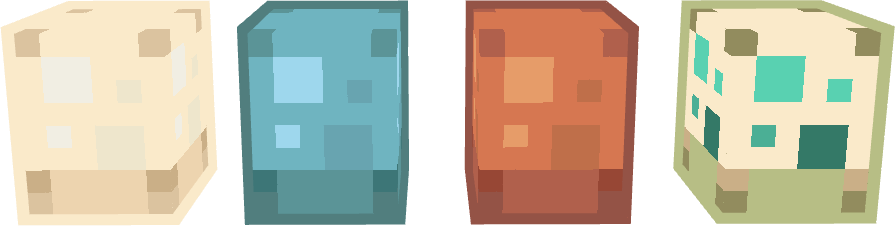
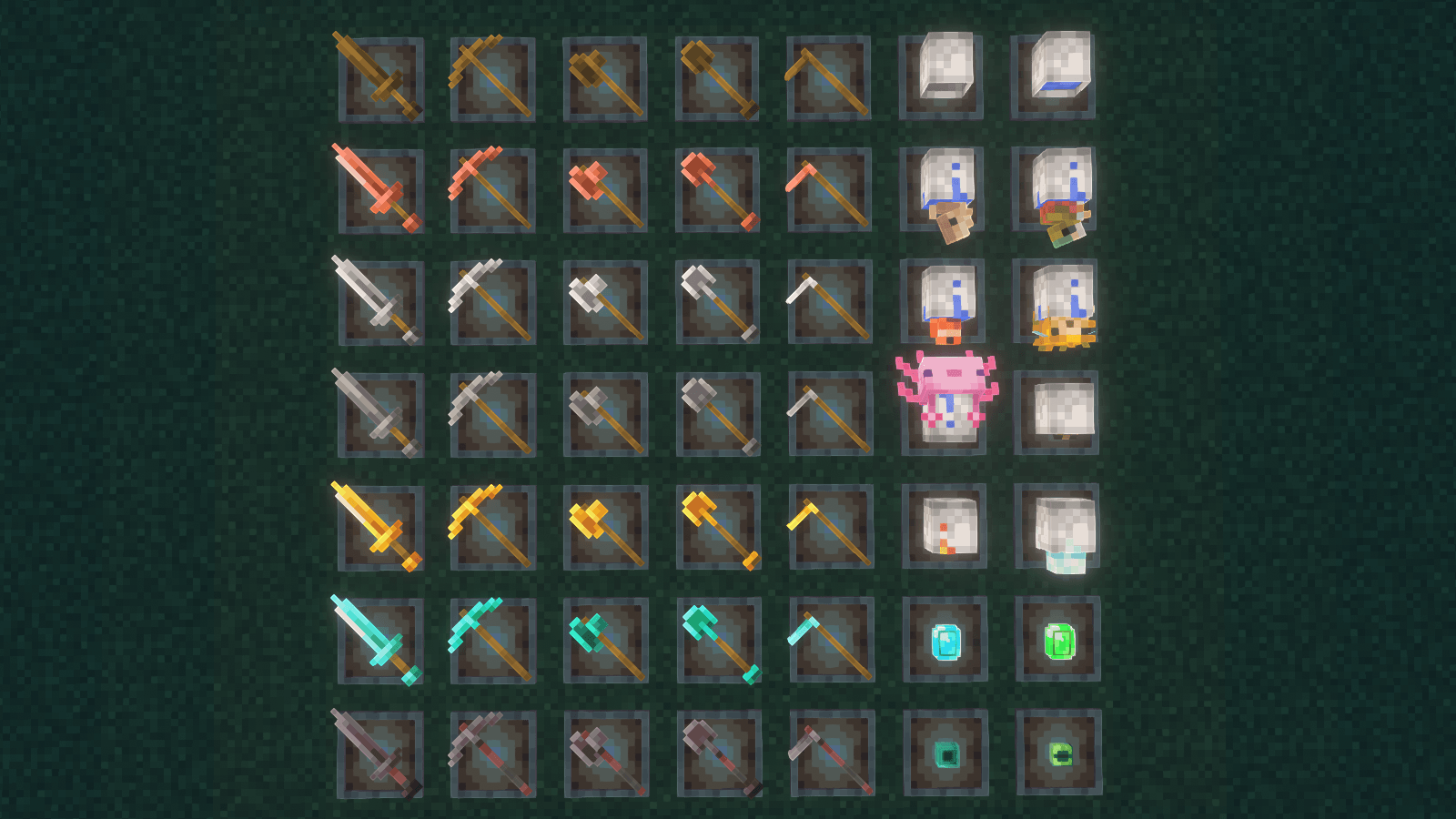
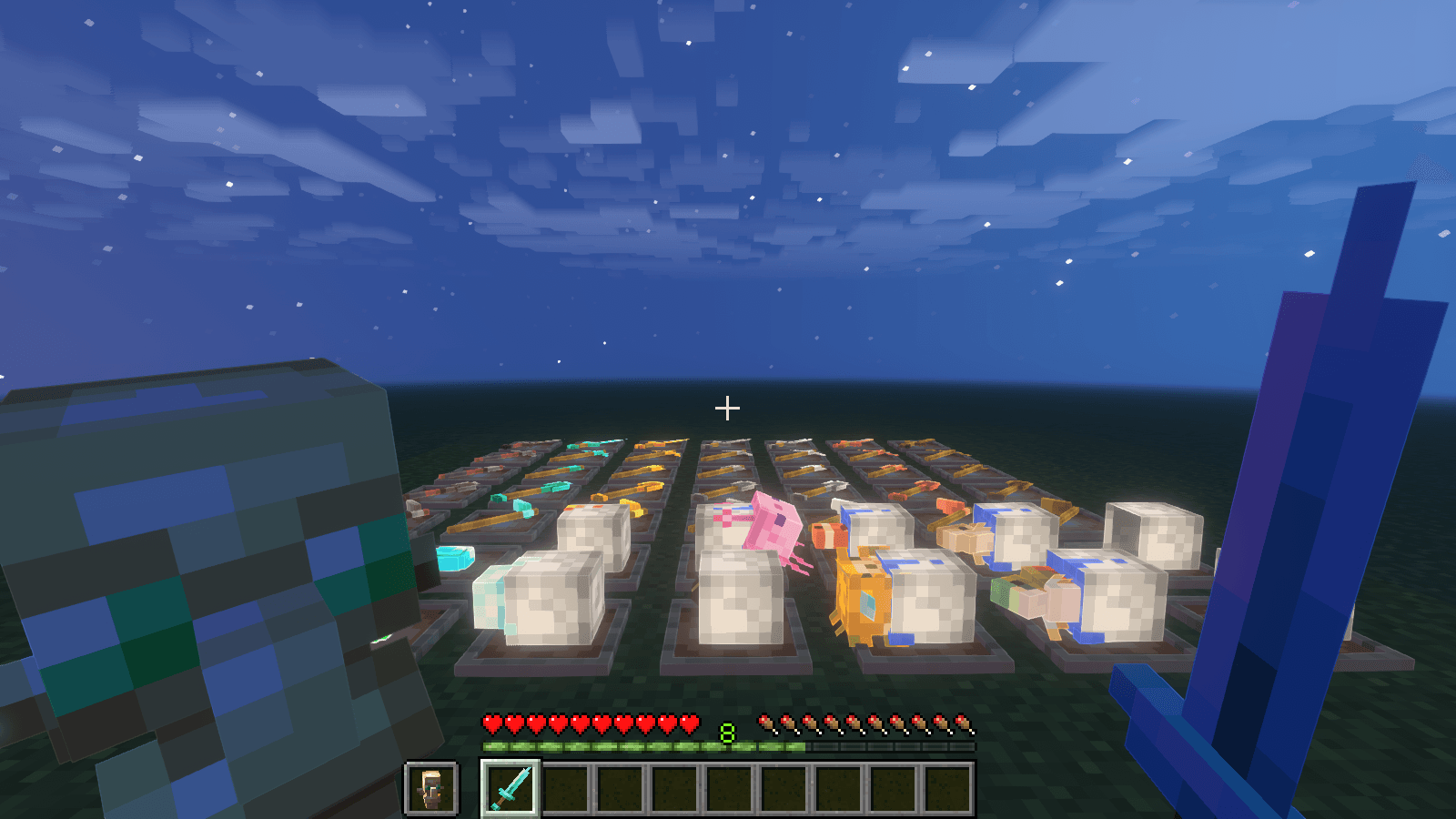
Items 3D is a Minecraft 3D Items Texture Pack that turns vanilla Minecraft items from flat 2D textures into detailed 3D models. Designed to stay close to the vanilla Minecraft style, this resource pack adds depth and detail to items such as ores, ingots, music discs, eggs, rods, bones, and more.

Give your Minecraft items a fresh 3D look while keeping the familiar vanilla aesthetic.
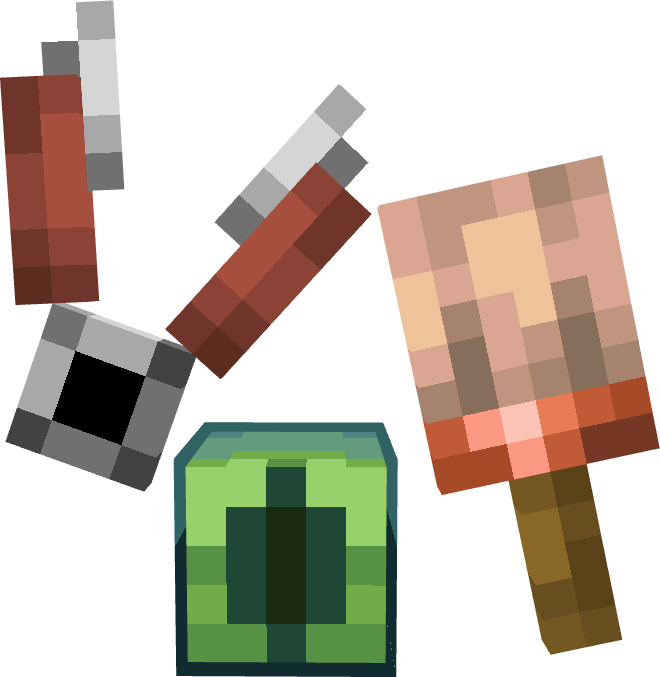


Note: Some assets in this pack are used from [Fractures 3D]. All credits go to the original creators!

⚠️ Important Note: These items will not display as flat, default 2D textures in your inventory. Instead, they will directly show their full custom 3D model textures.

Items 3D v5.0
MC 1.21.11, 26.1, 26.1.1, 26.1.2, 26.2
Release 2026-08-18 Get
Items 3D v4.4
MC 1.21.11, 26.1, 26.1.1, 26.1.2, 26.2
Release 2026-08-01 Get
Items 3D v4.3
MC 1.21.11, 26.1, 26.1.1, 26.1.2, 26.2
Release 2026-07-19 Get
Items 3D v4.2
MC 1.21.11, 26.1, 26.1.1, 26.1.2, 26.2
Release 2026-07-14 Get
3D Items v4.1
MC 1.21.11, 26.1, 26.1.1, 26.1.2, 26.2
Release 2026-07-12 Get
Items 3D v4
MC 1.21.11, 26.1, 26.1.1, 26.1.2, 26.2
Release 2026-07-11 Get
Items 3D v3
MC 1.21.11, 26.1, 26.1.1, 26.1.2, 26.2
Release 2026-07-04 Get
Items 3D v2.zip
MC 1.21.11, 26.1, 26.1.1, 26.1.2, 26.2
Release 2026-07-01 Get
Items 3D v1.zip
MC 1.21.11
Release 2025-12-30 Get

Requirements & install

How to use this resource pack in Minecraft
Resolution
16x
Minecraft
1.21.11 – 26.2
Install folder
.minecraft/resourcepacks

How to install resource packs

  1. Download the resource pack .zip file (do not extract it).
  2. In Minecraft open Options → Resource Packs → Open Pack Folder.
  3. Drop the .zip into the resourcepacks folder (.minecraft/resourcepacks).
  4. Move the pack to the Selected column and click Done.
Browse more: 16x resource packs 32x resource packs 64x resource packs 128x resource packs 256x resource packs 512x+ resource packs Resource Packs for 26.2 All resource packs

More from Zensiyoo

Advertisement Remove ads with Premium →

You Might Also Like