Badges update automatically and link to the resource pack page on MineUniverse.
This resource pack uses Optifine to work, so don't forget to install it
This resourcepack is based on the Zelda: Breath Of the Wild Only and it just adds some of the items from this game to Minecraft
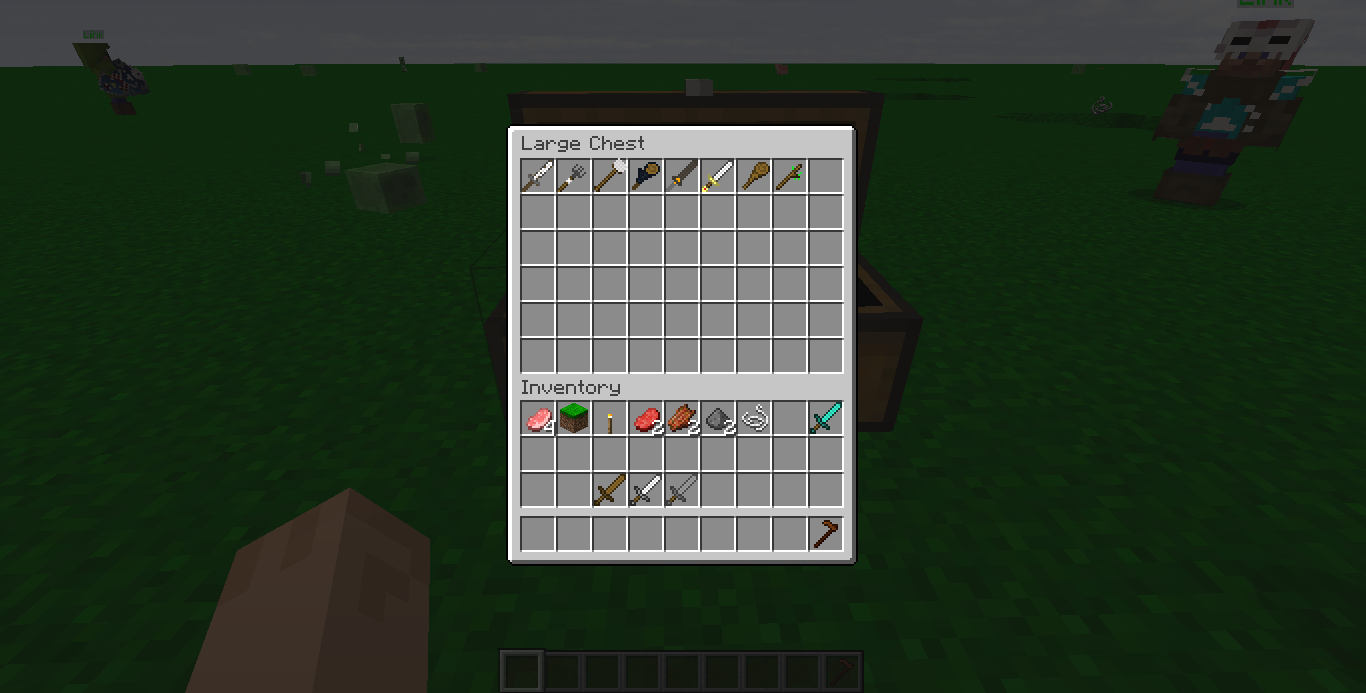
It adds Items to the game without replacing any existing one, just rename with an anvil the items to the name input and enjoy it!
Currently it adds the following items:
[Name Input] = [Item to rename]
Ancient Battleaxe = Diamond Axe
Boko Club = Wooden Sword
Classic Sword = Iron Sword
Edge Of Duality = Stone Sword
Knight Broadsword = Diamond Sword
Moblin Club = Stone Sword
Wooden Mop = Stick
Farmer Pitchfork = Iron Hoe
Roasted Sword = Stone_Sword
Roasted Broadsword = Iron Sword
Soldier Broadsword = Diamond Sword
Biggoron Sword = Diamond Sword
Master Sword = Diamond Sword
Traveler Sword = Iron Sword
Tree Stick = Stick
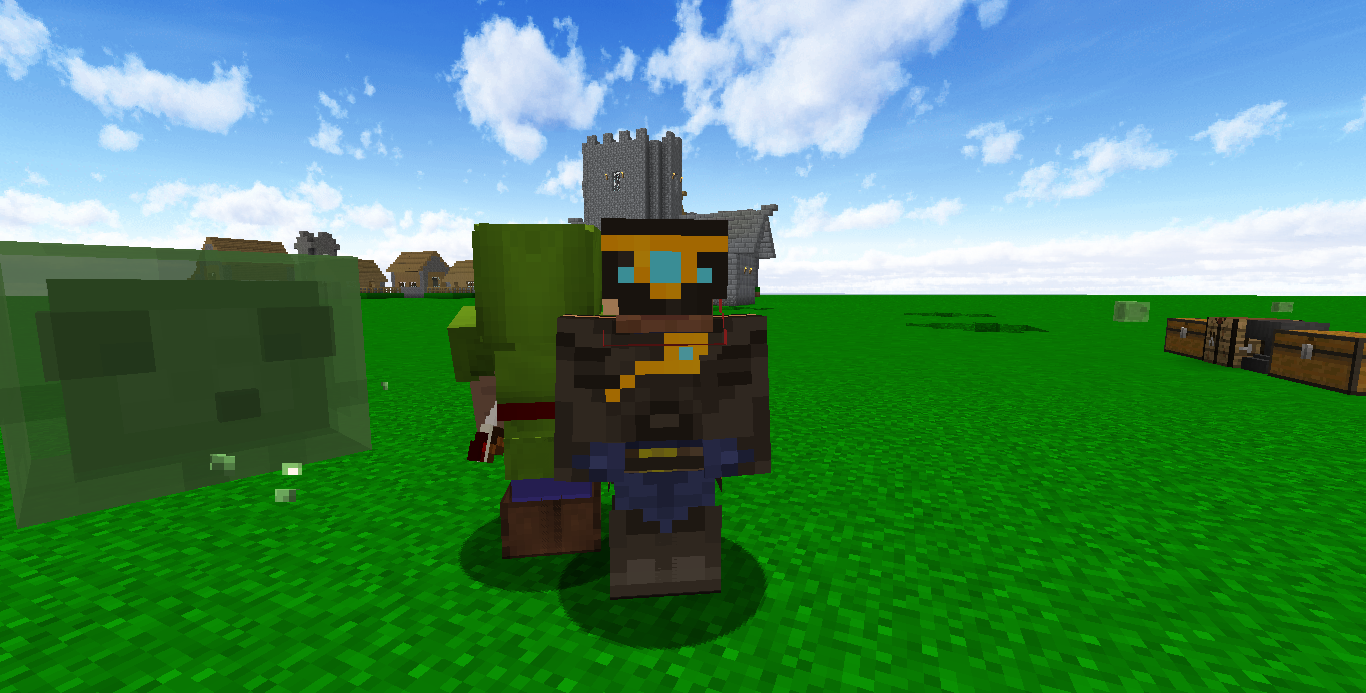
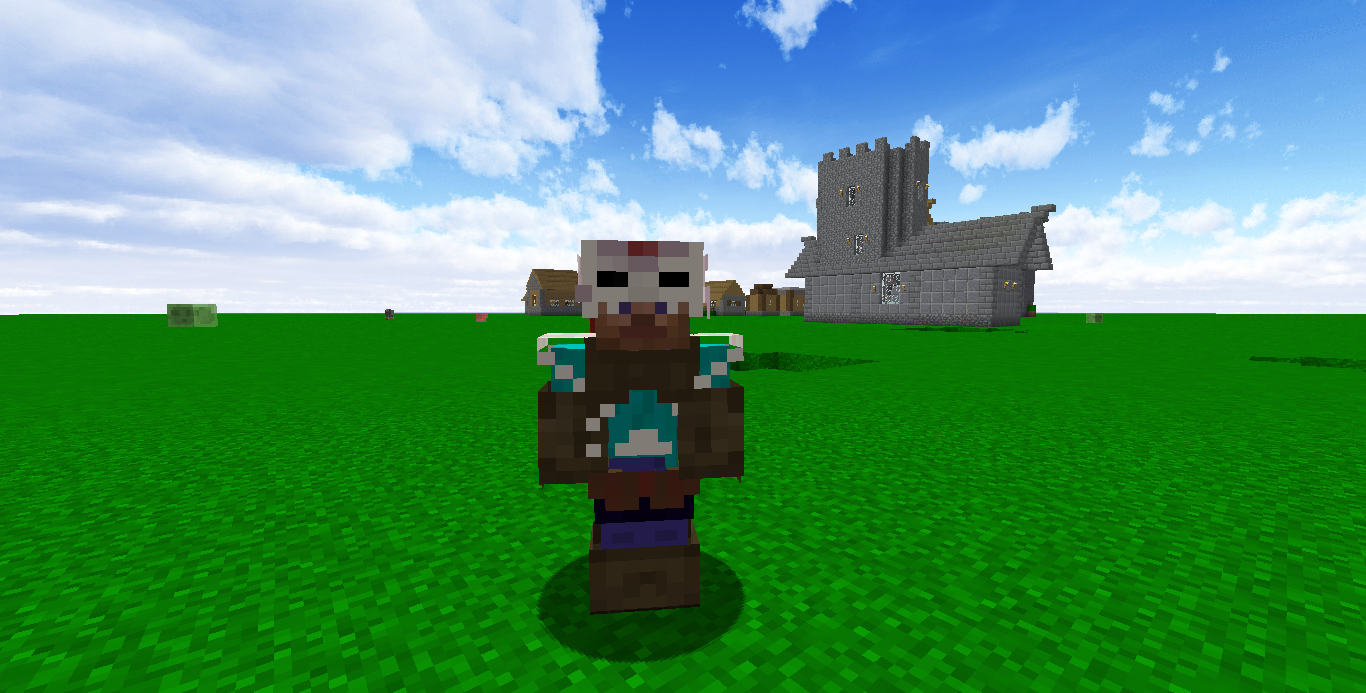
Ancient Set = Iron Armor
Barbarian Set = Iron Armor
Hylian Shield = Shield
This Project is a kind of extension to my previous one which can be found here
It is compatible with almost every resourcepack, but it must be at the top of the resourcepack list to get the shields working.
I'm open to suggestions, and I'll be updating the resource pack to the most recent version of Minecraft and Optifine