Mineuniverse
Resource Packs
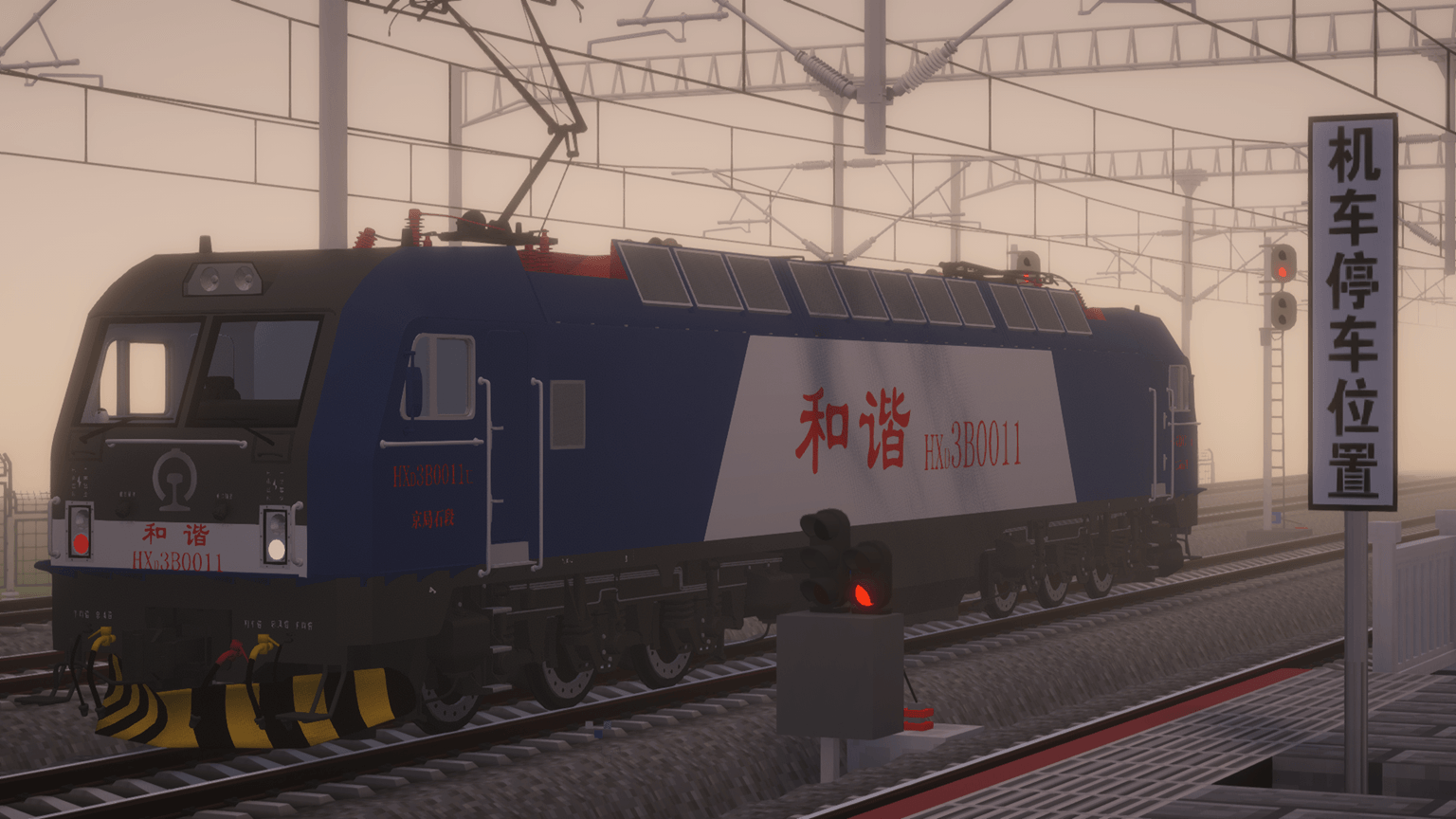
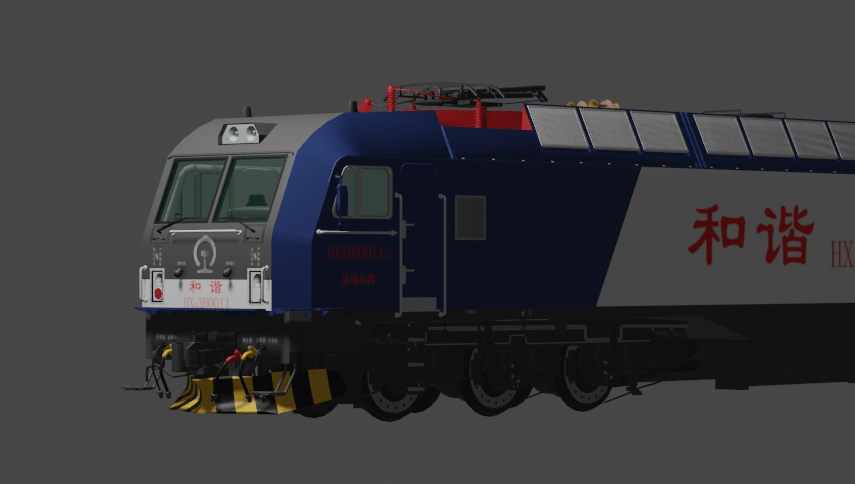
[IR]HXD3B locomotive resource package suitable for Immersive Railroading

[IR]HXD3B locomotive resource package suitable for Immersive Railroading

RESOURCE PACK
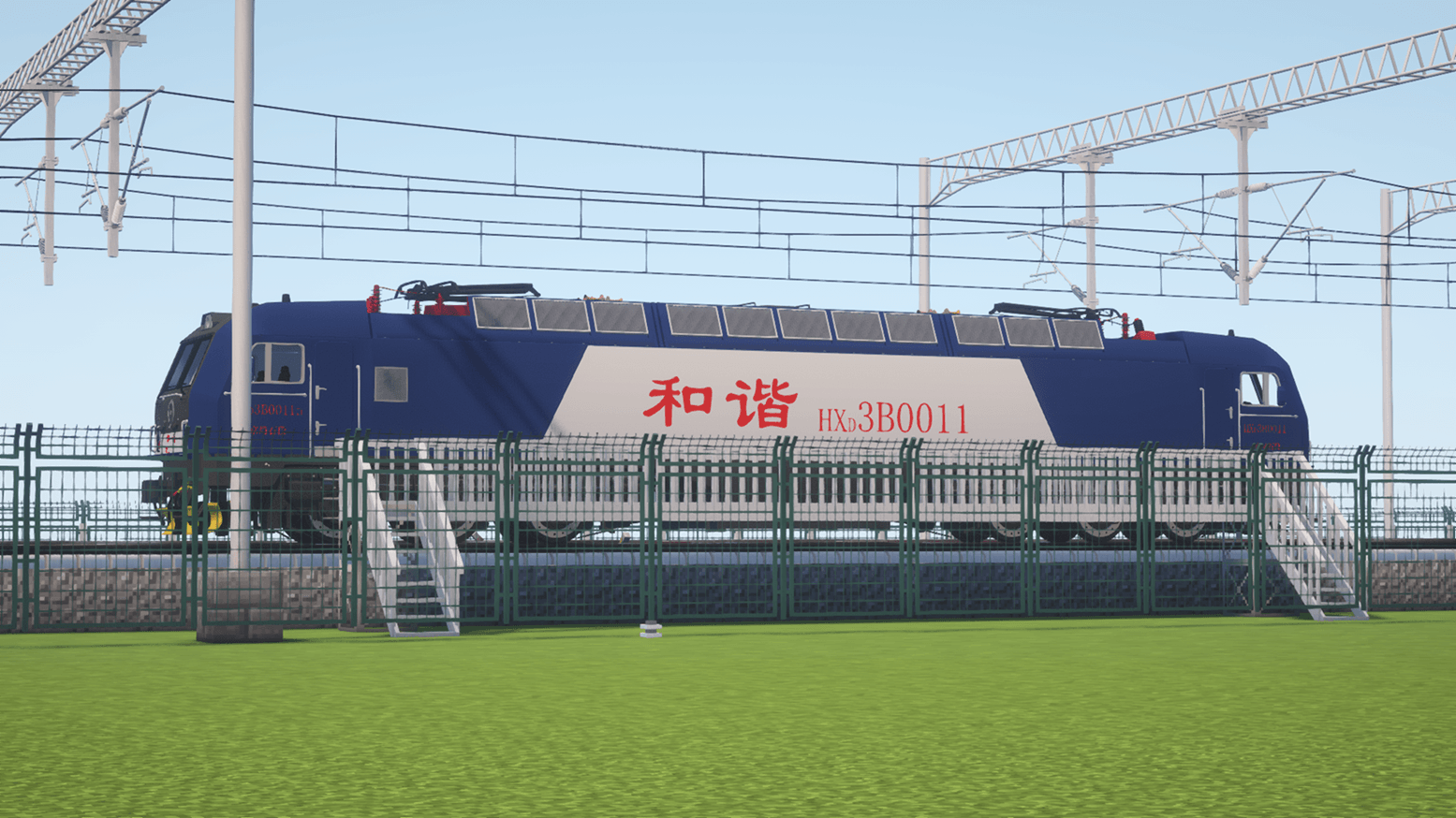
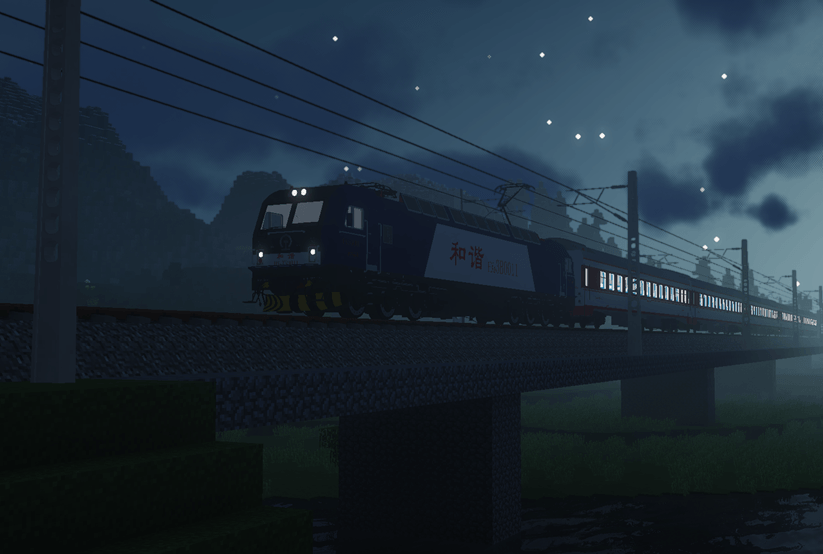
HXD3B freight electric locomotive of China Railway
by AmericanTrainDriver
Download Claim this project
Add a badge to your pageLink to [IR]HXD3B locomotive resource package suitable for Immersive Railroading from a README, website or forum post.
Preview: Badge

Badges update automatically and link to the resource pack page on MineUniverse.

2,392 downloads
0 likes
0 followers
Updated Oct 14, 2026
0 hypes
Follow0
Data Packs Mod Support
Advertisement Remove ads with Premium →


Illustrate:
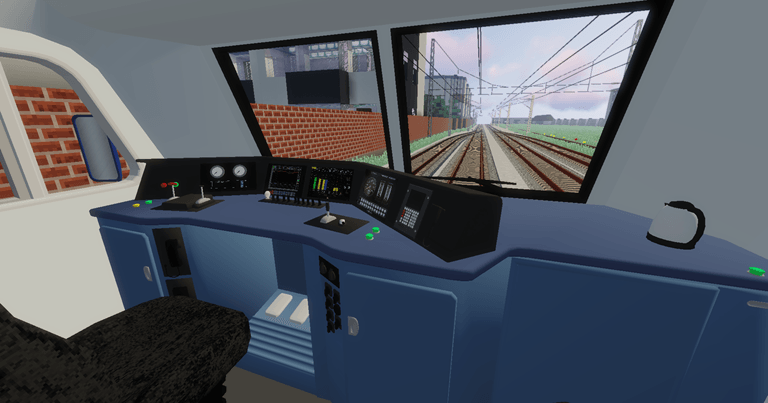
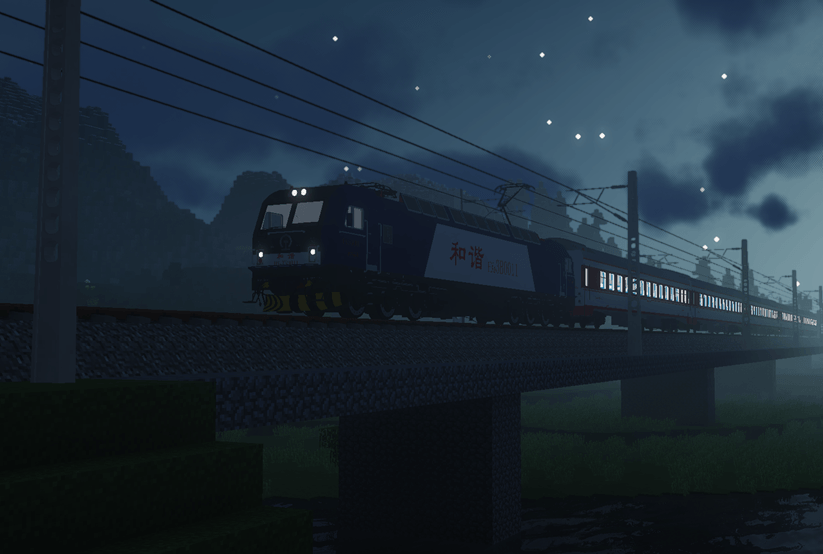
This resource pack includes the HXD3B electric locomotive and a catenary kit (rigging posts and wires) that match the catenary height
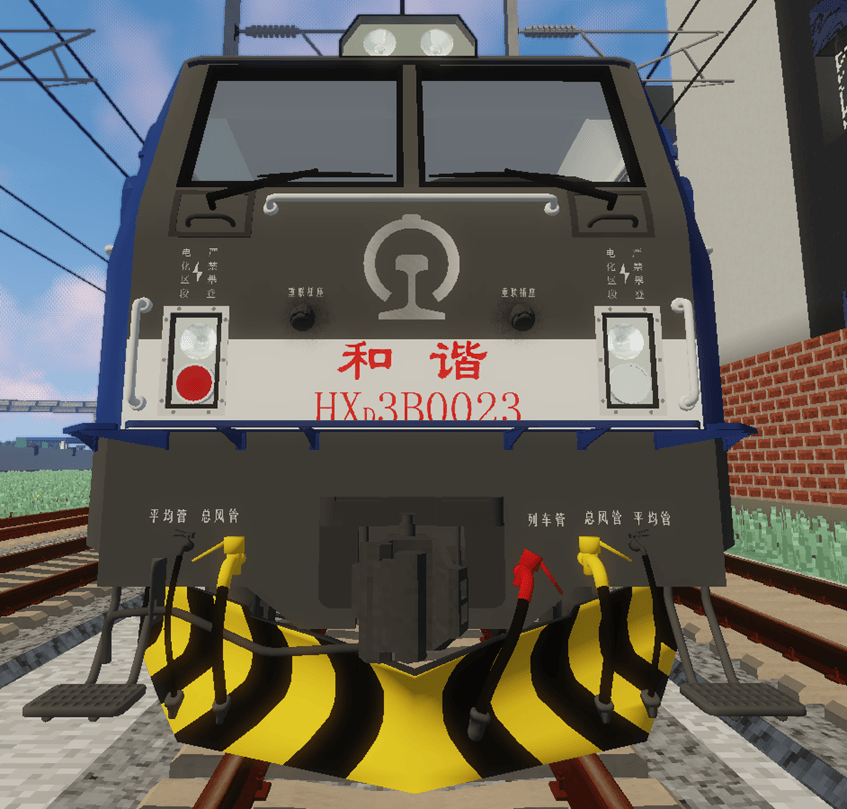
Numbers include 0011 (Jingju Stone Section), 0023 (Jingju Feng Section)
========================================================================
The content that has already been realized:
1. All movable components are controlled by the driver, including the rearview mirror (of course, you can also sit in the chair);
2. Doors and windows can be opened;
3. Interior and exterior lights can be turned on and controlled via switches;
4. Realistic sound effects;
5. All four wipers can be controlled individually.
========================================================================
Usage Instructions:
Please do not place this zip file in the mods folder. The correct installation path is:
. minecraft \ resourcepacks or minecraft \ config \ mmersiveraildriving
========================================================================
Attention!!!

It must be used in Minecraft version 1.12.2 and supports MOD version 1.10.0 and above.
========================================================================
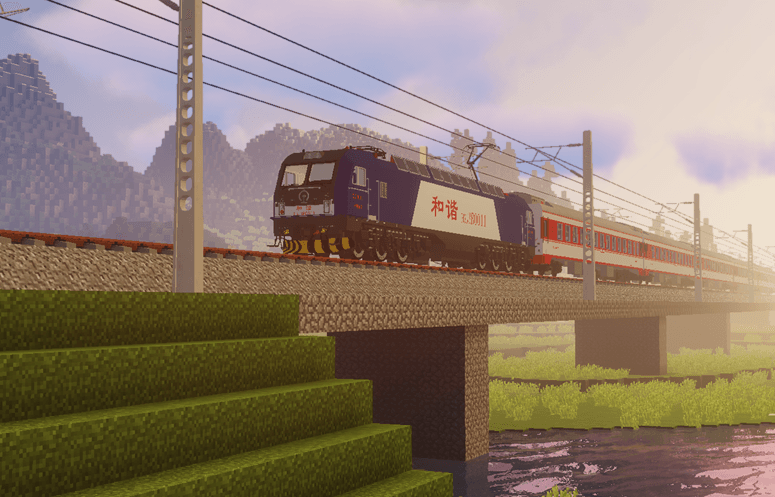
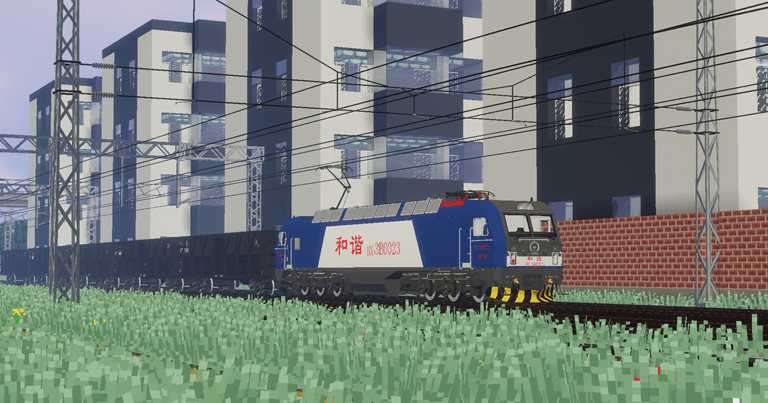
 
 
picture:
[IR]HXD3B
MC 1.12.2
Release 2025-01-27 Get

Requirements & install

How to use this resource pack in Minecraft
Resolution
Not specified
Minecraft
1.12.2
Install folder
.minecraft/resourcepacks

How to install resource packs

  1. Download the resource pack .zip file (do not extract it).
  2. In Minecraft open Options → Resource Packs → Open Pack Folder.
  3. Drop the .zip into the resourcepacks folder (.minecraft/resourcepacks).
  4. Move the pack to the Selected column and click Done.
Browse more: 16x resource packs 32x resource packs 64x resource packs 128x resource packs 256x resource packs 512x+ resource packs Resource Packs for 1.12.2 All resource packs
Advertisement Remove ads with Premium →

You Might Also Like