Mineuniverse
Resource Packs
Invisible Totem Plus

Invisible Totem Plus

RESOURCE PACK
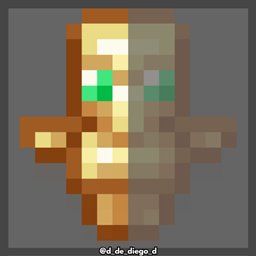
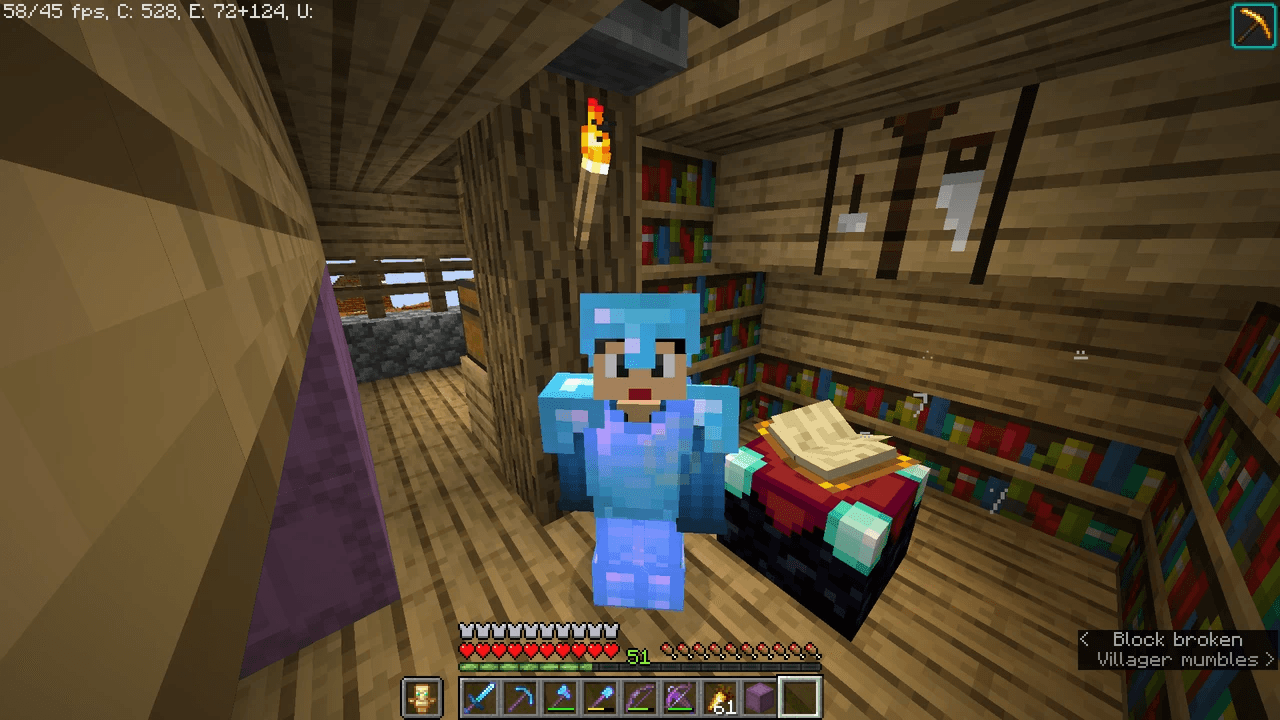
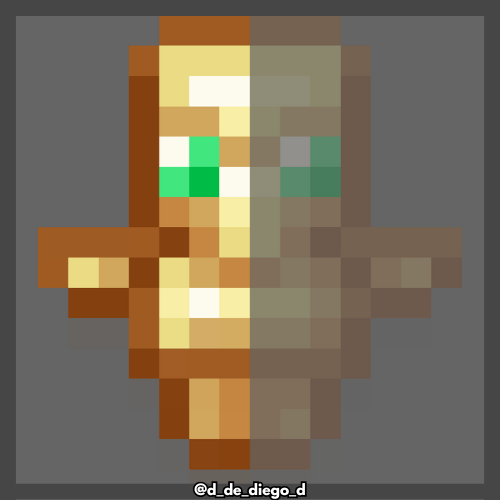
This texture pack makes the totem invisible so it doesn't get in your way visually.
by d_de_diego_d
Download Claim this project
1,624 downloads
0 likes
Updated Oct 14, 2026
0 hypes
16x Animated Miscellaneous Modern
Advertisement Remove ads with Premium →

INVISIBLE TOTEM

ENGLISH

👁️‍🗨️ Invisible Totem visually removes the Totem of Immortality when held in one hand or the other, maintaining its effect without obstructing your screen. Perfect for PvP, exploration, or recording, where every pixel of visibility counts. Less distraction, same protection! ✨🛡️

  By @d_de_diego_d

ESPAÑOL

👁️‍🗨️ Invisible Totem  elimina visualmente el tótem de inmortalidad cuando lo llevas en la mano o en la otra mano, manteniendo su efecto sin que te estorbe en pantalla. Perfecto para PvP, exploración o grabaciones, donde cada pixel de visibilidad cuenta. ¡Menos distracción, misma protección! ✨🛡️


By @d_de_diego_d

❤️ Support Me ❤️

Supplementaries Discord Support me on Patreon  Youtube Channel


                                                ⭐ Our Projects⭐

Haunted HarvestSnowy SpiritStorage LabelsGoatedMysyical Oak TreeCarpeted StairsMmmMmmMmmMmmMoyaiJeedBetter Lily PadsAdvancement FramesRandomiumSleep TightPolytoneHeartstoneMap AtlasesUniversal SawmillAmendments


© TRIDEX 2025 - All Rights Reserved

Invisible Totem Plus
MC 1.16.3, 1.13.1, 1.9.3, 1.8.7, 1.17.1, 1.9.1, 1.21, 1.16.1, 1.18.1, 1.14.3, 1.15, 1.16, 1.13, 1.16.5, 1.10.2, 1.19.3, 1.20.2, 1.19.4, 1.21.8, 1.8.8, 1.9.4, 1.9.2, 1.8.4
Release 2026-03-18 Get
Invisible Totem Plus
MC 1.17.1, 1.9.1, 1.16.3, 1.13.1, 1.9.3, 1.8.7, 1.19.3, 1.20.2, 1.21, 1.16.1, 1.18.1, 1.20.5, 1.21.5, 1.9.4, 1.9.2, 1.8.4, 1.14.4, 1.14.1, 1.12.1, 1.17, 1.12, 1.14.3, 1.15
Release 2025-08-04 Get

Requirements & install

How to use this resource pack in Minecraft
Resolution
16x
Minecraft
1.18.1 – 1.21.8
Install folder
.minecraft/resourcepacks

How to install resource packs

  1. Download the resource pack .zip file (do not extract it).
  2. In Minecraft open Options → Resource Packs → Open Pack Folder.
  3. Drop the .zip into the resourcepacks folder (.minecraft/resourcepacks).
  4. Move the pack to the Selected column and click Done.
Browse more: 16x resource packs 32x resource packs 64x resource packs 128x resource packs 256x resource packs 512x+ resource packs Resource Packs for 1.21.8 All resource packs

More from d_de_diego_d

Advertisement Remove ads with Premium →

You Might Also Like