Mineuniverse
Resource Packs
Invisible Item Frames

Invisible Item Frames

RESOURCE PACK
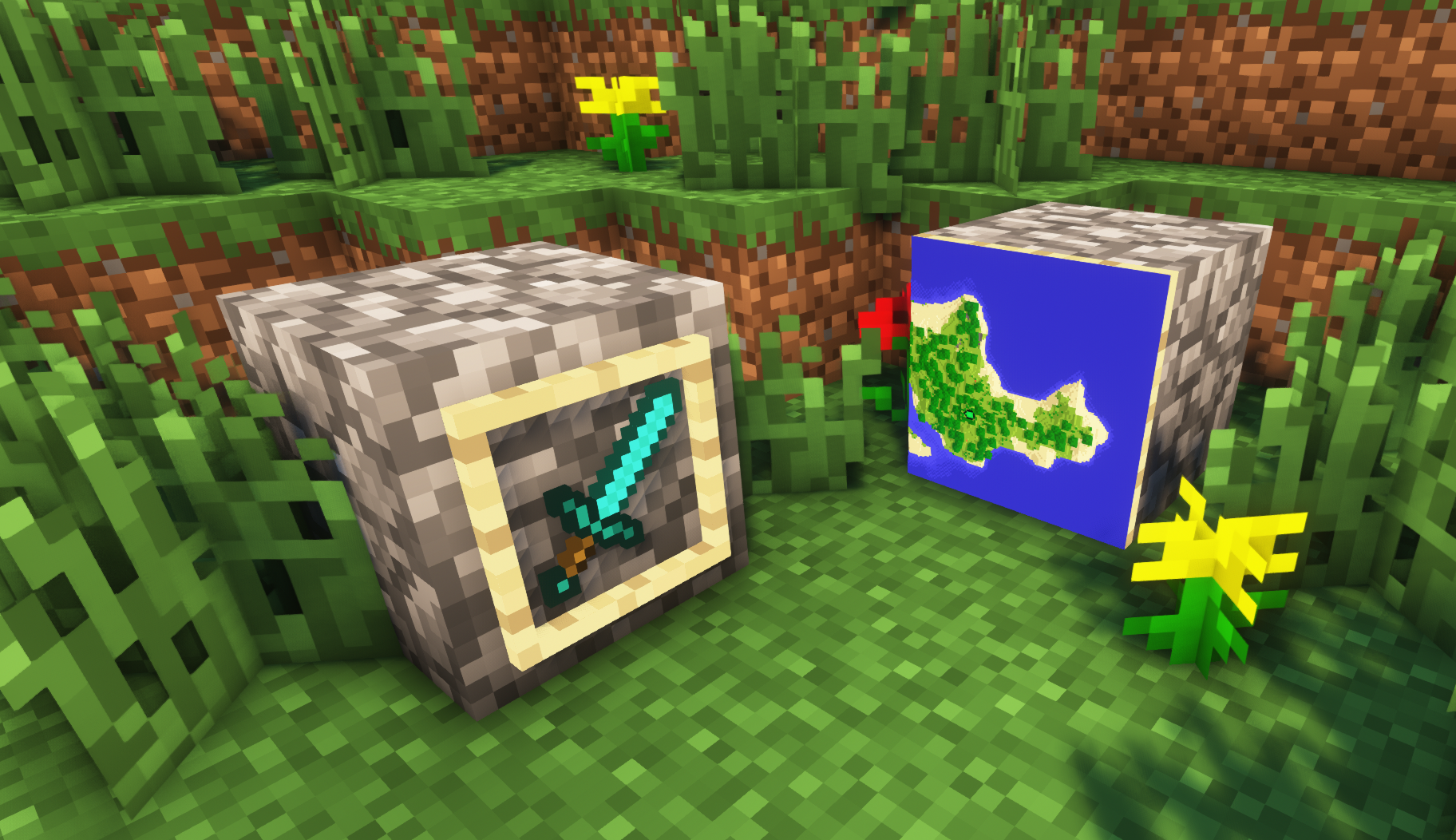
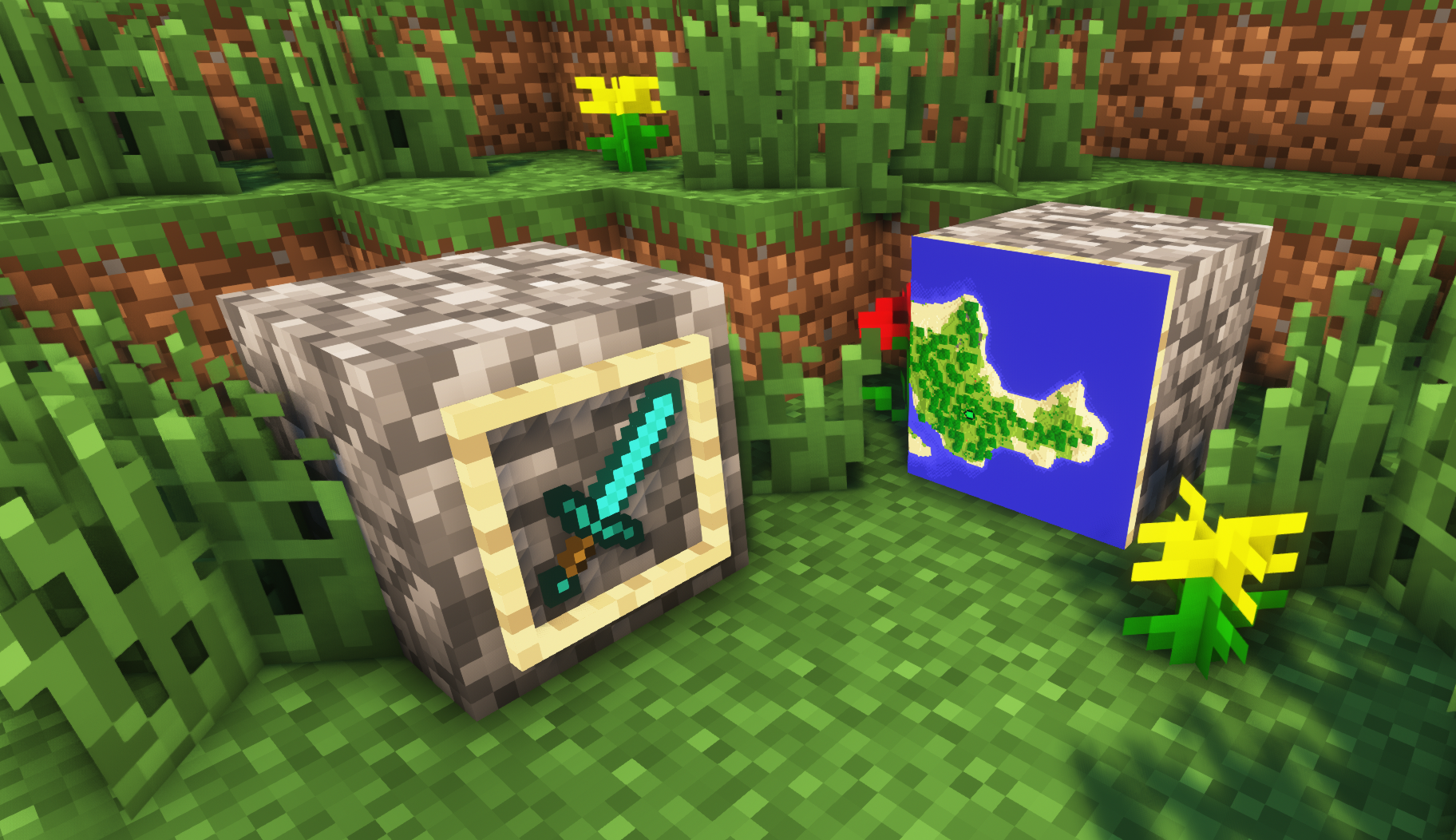
Makes item frames invisible.
by MattyWalker
Download Claim this project
1,863,001 downloads
0 likes
Updated Oct 14, 2026
0 hypes
16x Miscellaneous
Advertisement Remove ads with Premium →

Invisible Item Frames

A simple resource pack that makes item frames invisible.


Need a Minecraft Server? (Sponsor)

Sparked Host Minecraft server hosting – 25% off first month Get 25% off your first month with Sparked Host.


Quick info

  • Versions: 1.4+ (full invisibility from 1.8+)
  • Works with almost all mods (Sodium/Iris and OptiFine too)
  • No mods or commands required
  • Additional files for invisible glow item frames and invisible map frames
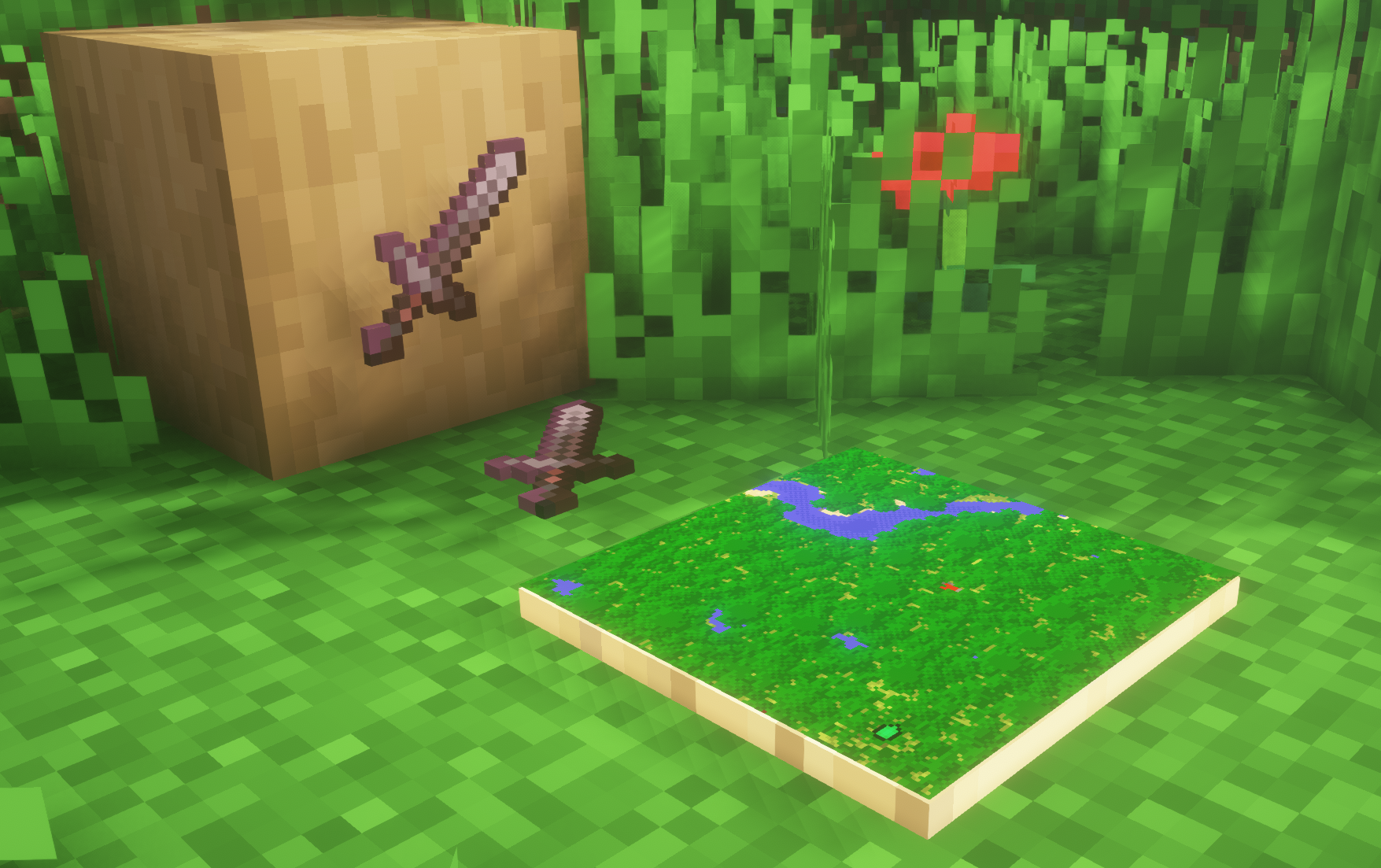
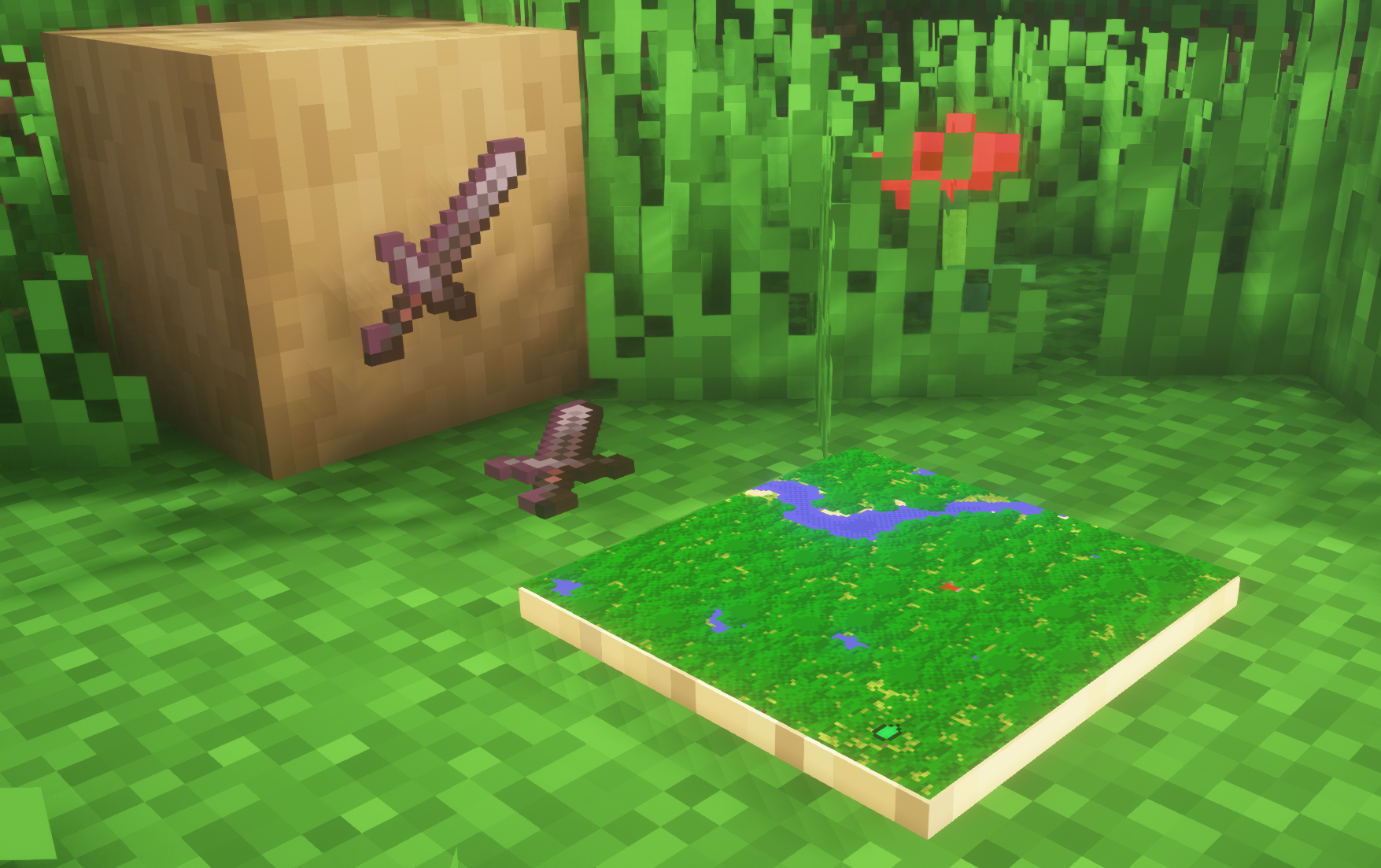
  • Versions below 1.8 will only have the center of the frame invisible (view images below for more info)

Showcase

1.8+
(1.8+)

1.4-1.7.10
(1.4-1.7.10)


FAQ

Can I use this with other packs?

Yes, but place this pack in a higher priority (above other packs).

How do I remove item frames?

Enable debug hitboxes using F3 + B and break the frame.

Can I use this pack in my modpack or server?

Yes you are free to use it, as long as you don't claim this pack as your own.

Why is my map/glow item frame not invisible?

You have to install those separately. They are available under additional files or the buttons near the top of this page.

Does this make the game slower?

This pack actually slightly improves the client-side framerate in scenes with lots of item frames.


Additional Files


Need a Minecraft Server? (Sponsor)

Sparked Host Minecraft server hosting – 25% off first month

Use code MattyWalker for 25% off your first month.

Invisible Item Frames V6 1.4+
MC 1.5.3, 1.16.3, 1.13.1, 1.9.3, 1.8.7, 1.7.4, 1.7.7, 1.7.6, 1.16-Snapshot, 1.17.1, 1.9.1, 1.21.2-Snapshot, 1.21, 1.21.6-snapshot, 1.15-Snapshot, 1.7.5, 1.4.6, 1.6.1, 1.16.1
Release 2025-05-07 Get

Requirements & install

How to use this resource pack in Minecraft
Resolution
16x
Minecraft
1.15-Snapshot – 1.21.6-snapshot
Install folder
.minecraft/resourcepacks

How to install resource packs

  1. Download the resource pack .zip file (do not extract it).
  2. In Minecraft open Options → Resource Packs → Open Pack Folder.
  3. Drop the .zip into the resourcepacks folder (.minecraft/resourcepacks).
  4. Move the pack to the Selected column and click Done.
Browse more: 16x resource packs 32x resource packs 64x resource packs 128x resource packs 256x resource packs 512x+ resource packs Resource Packs for 1.21.6-snapshot All resource packs
Advertisement Remove ads with Premium →

You Might Also Like