Mineuniverse
Resource Packs
Interface Update

Interface Update

RESOURCE PACK
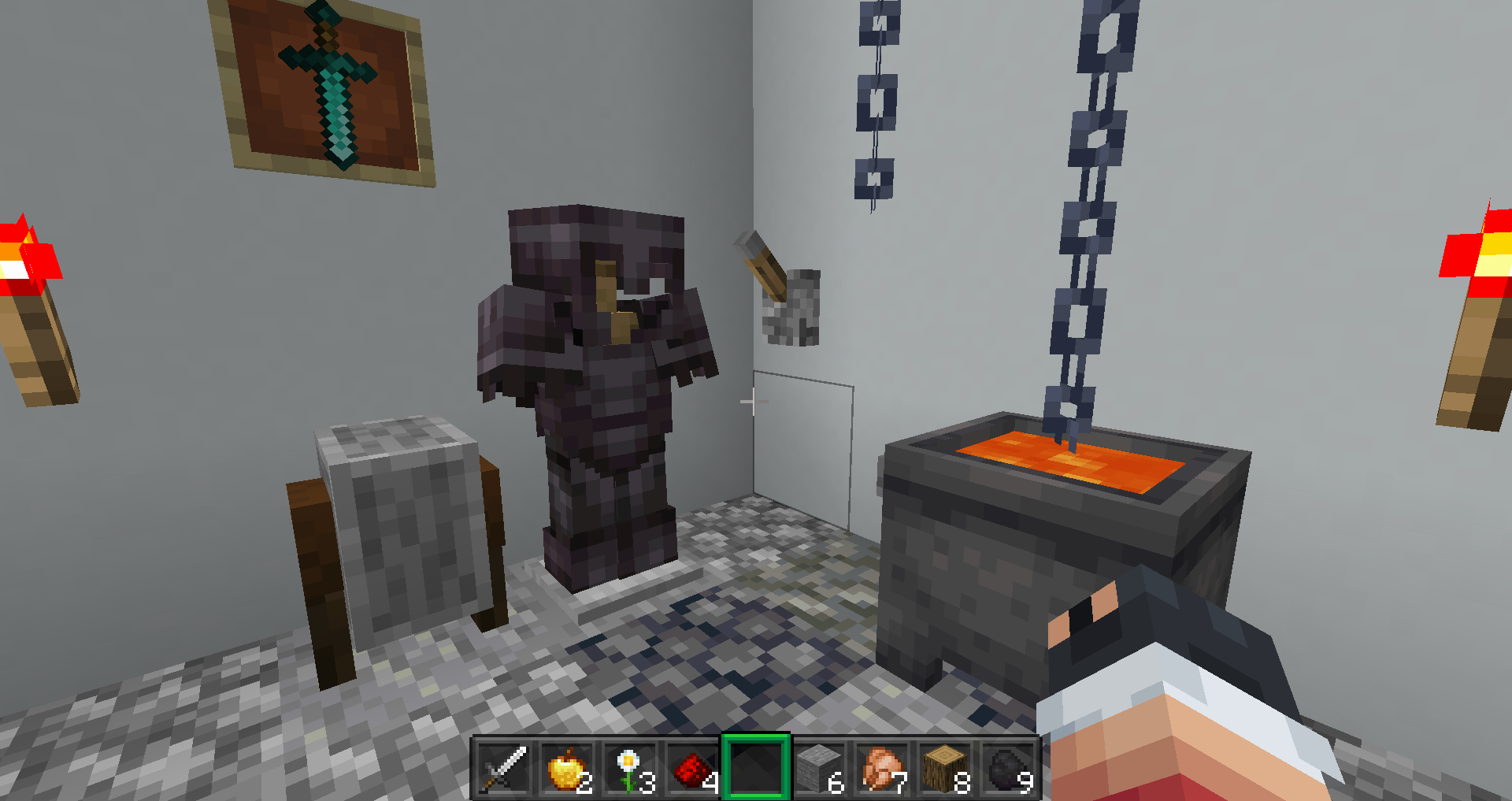
This pack only changes the interface of minecraft.
by teusmalte
Download Claim this project
Add a badge to your pageLink to Interface Update from a README, website or forum post.
Preview: Badge

Badges update automatically and link to the resource pack page on MineUniverse.

1,428 downloads
0 likes
0 followers
Updated Oct 14, 2026
0 hypes
Follow0
16x Miscellaneous Modern
Advertisement Remove ads with Premium →

Banner Vitrine GUIBanner Interface Update


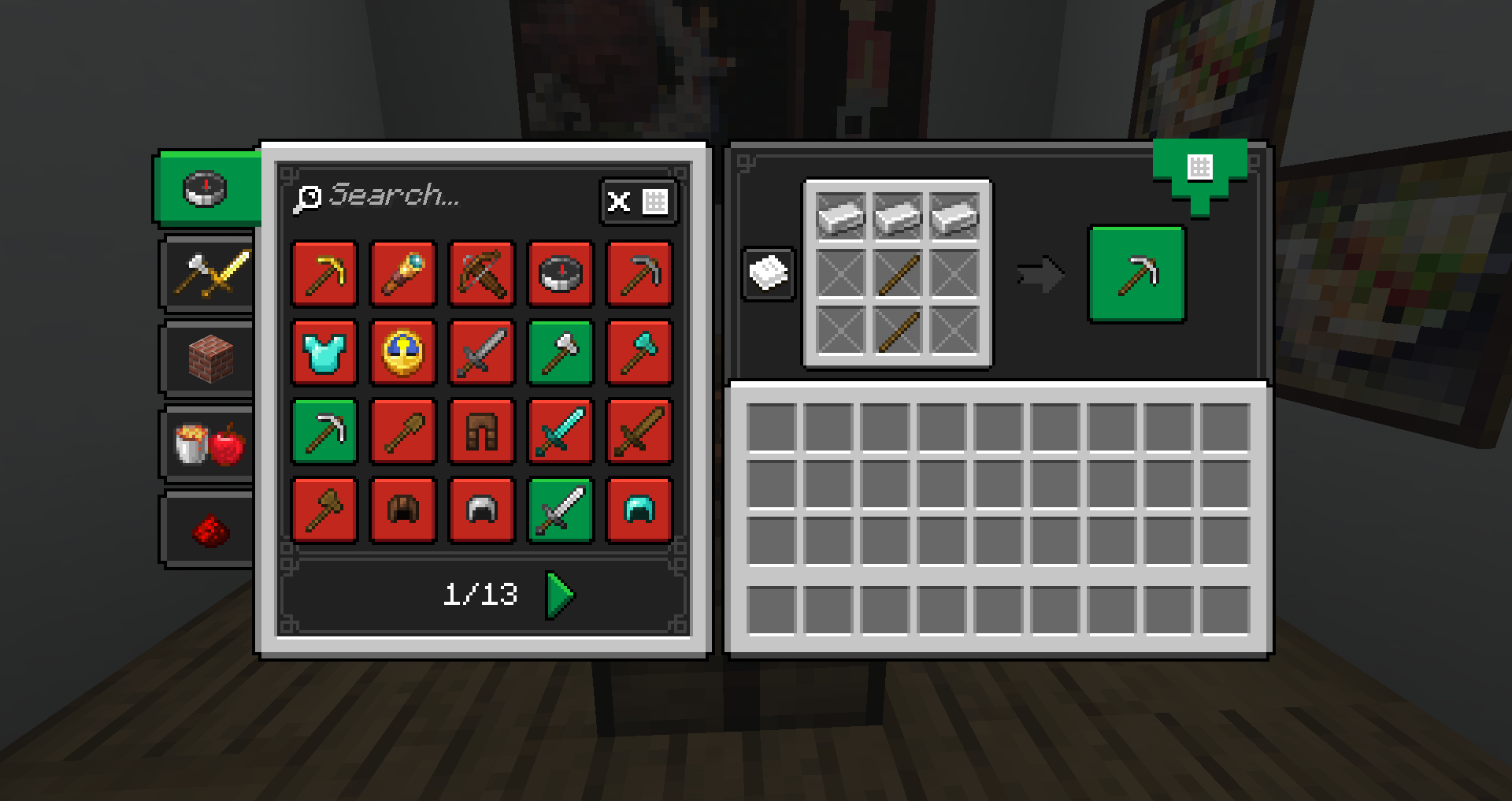
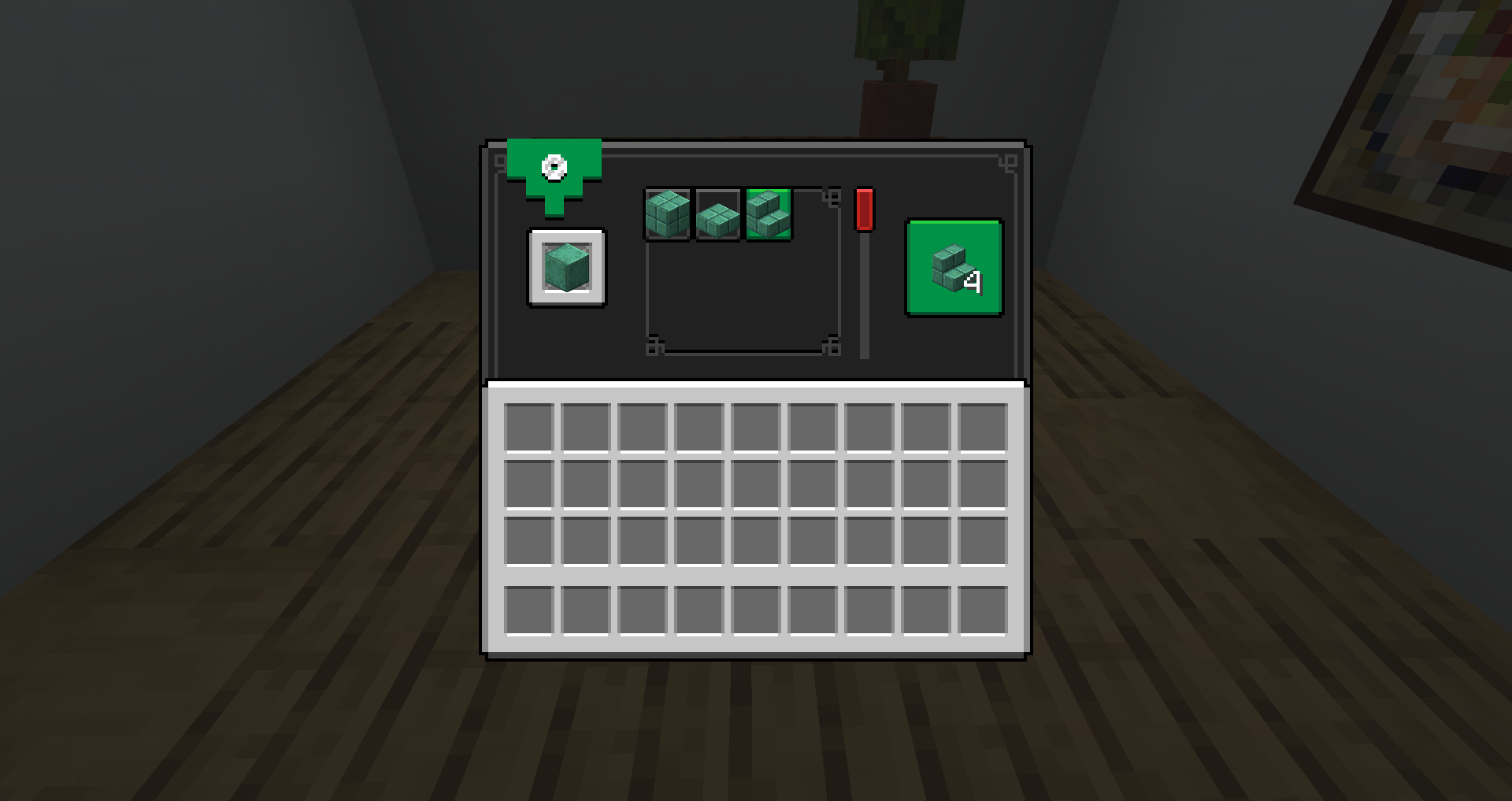
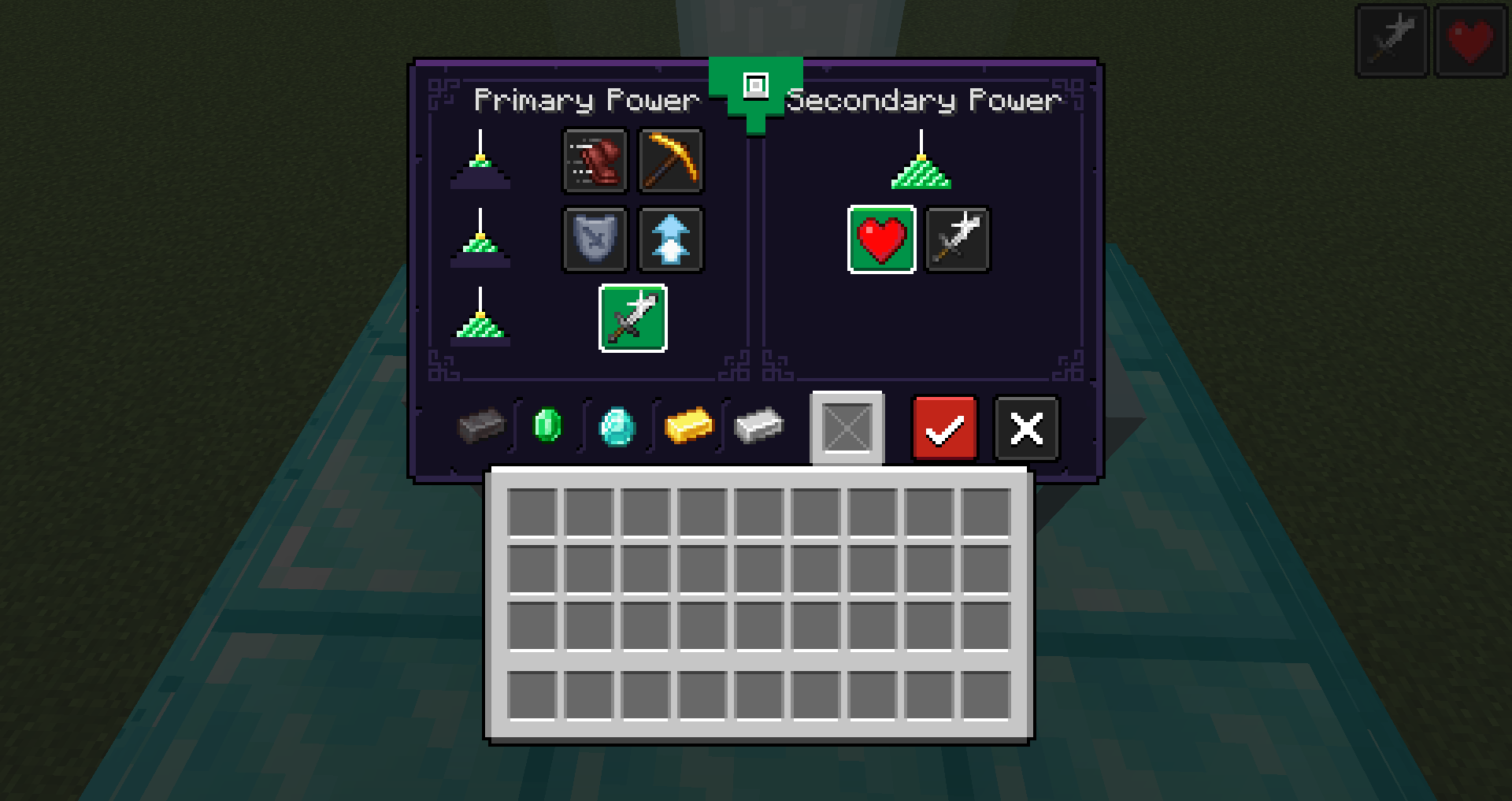
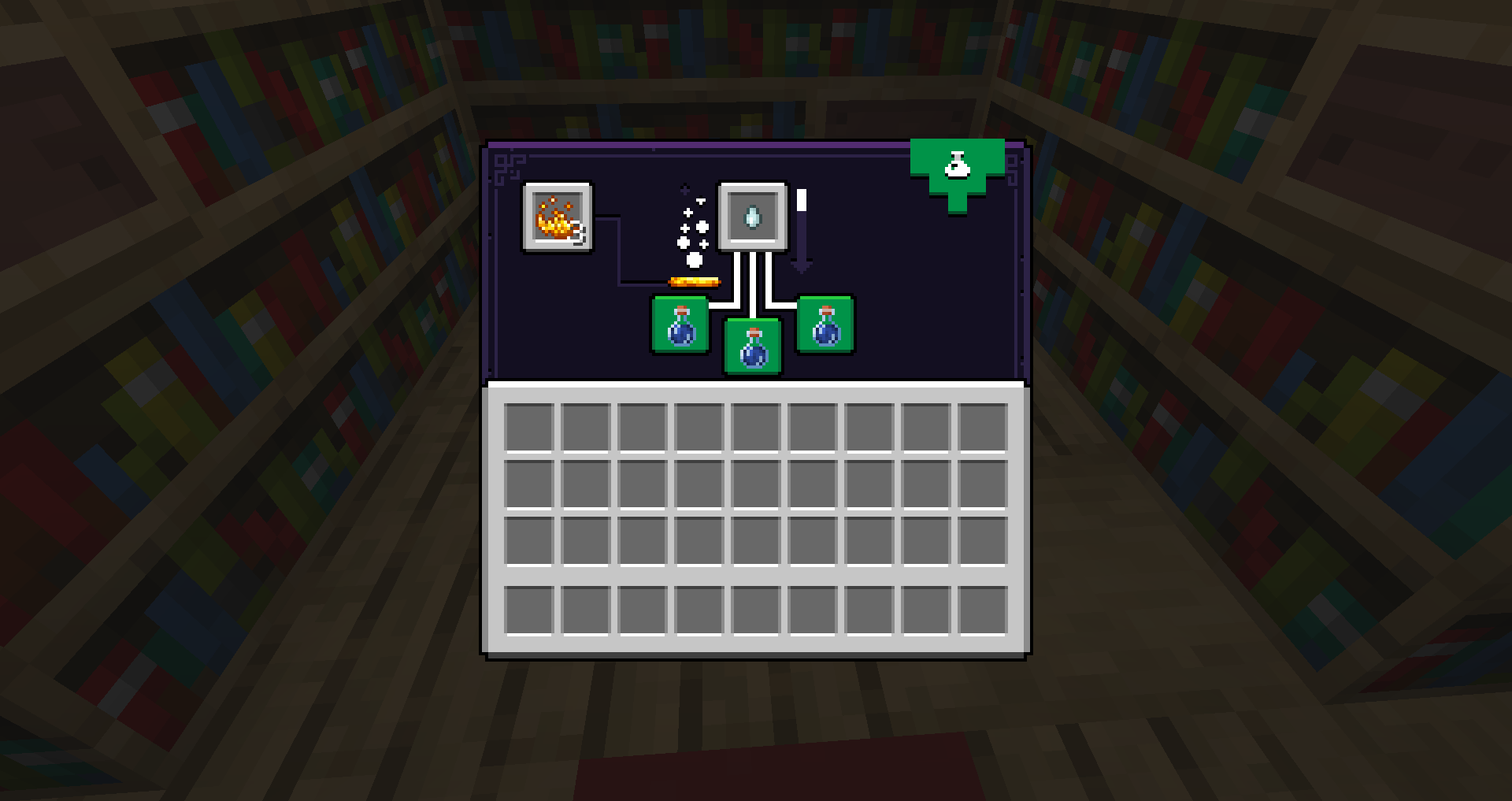
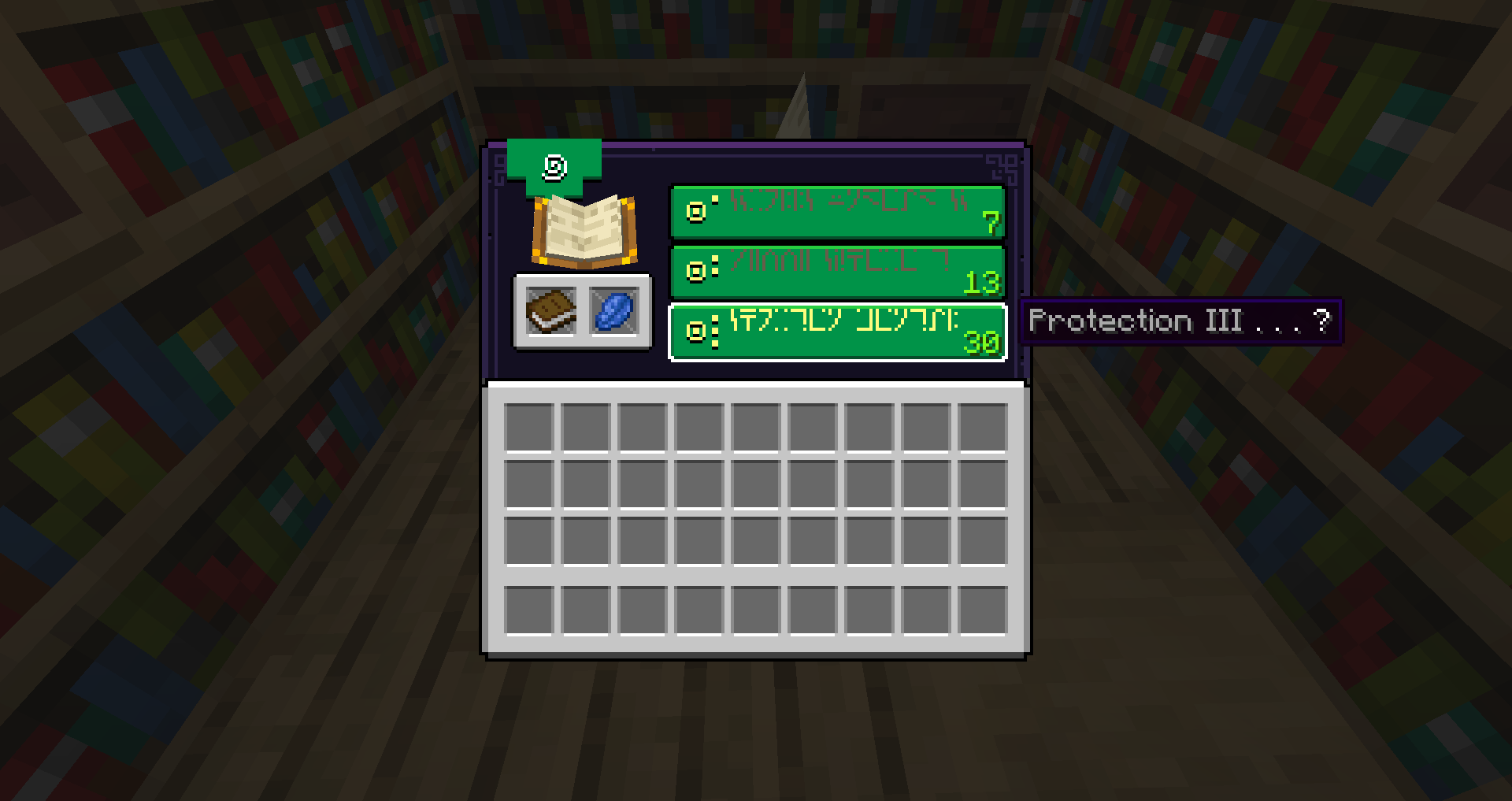
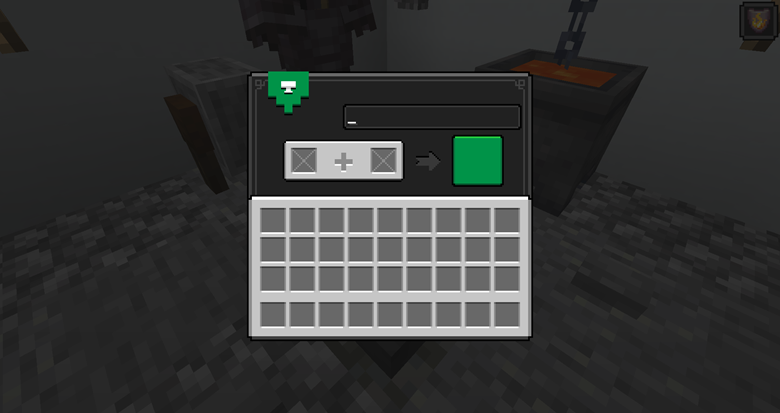
Interface Update is a resouces pack that tries to renew minecraft interfaces.
Inspired by Minecraft: Dungeons and other game interfaces.


Banner Bars


❗ This package has an extra font pack that can be download here, only available in English language.


Banner how to use


1.To install this resource pack, you need Optifine.
2.Open your game and click on option > Resource pack > Open pack Folder.
3.Place the file in this folder.


Banner Bars


This resouces pack include:

+ All interfaces

+ Icons for GUIs

+ All bars (XP, boss bar, hotbar...)

+ Hardcore and normal hearts 

+ Hungry icon and armor

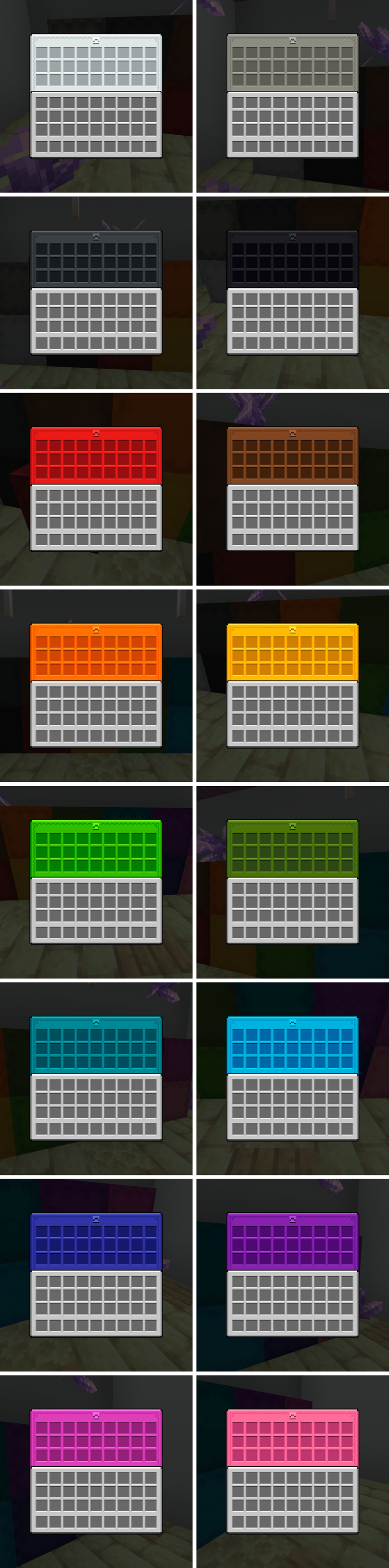
+ New interface for shulker and ender chest

+ New font pack (avaliable here)


Banner Support e Feedback


 Did you like the content and want to support or noticed a problem, here are my networks.


Button DonateButton Twitter


 Feel free to share, modify or add in your mod pack or server, just credit with the original link in CurseForge.
If you can support my work with a coffee, I appreciate it!


Banner icons

Interface Update 1.19.3
MC 1.19.3
Release 2023-01-29 Get
Interface Update 1.17 (1.1)
MC 1.17.1, 1.17
Release 2023-01-29 Get
Interface Update 1.18 (1.1)
MC 1.18.1, 1.18.2, 1.18
Release 2023-01-29 Get
Interface Update 1.19 (1.1)
MC 1.19.2, 1.19.1, 1.19
Release 2023-01-29 Get

Requirements & install

How to use this resource pack in Minecraft
Resolution
16x
Minecraft
1.17.1 – 1.19.3
Install folder
.minecraft/resourcepacks

How to install resource packs

  1. Download the resource pack .zip file (do not extract it).
  2. In Minecraft open Options → Resource Packs → Open Pack Folder.
  3. Drop the .zip into the resourcepacks folder (.minecraft/resourcepacks).
  4. Move the pack to the Selected column and click Done.
Browse more: 16x resource packs 32x resource packs 64x resource packs 128x resource packs 256x resource packs 512x+ resource packs Resource Packs for 1.19.3 All resource packs

More from teusmalte

Advertisement Remove ads with Premium →

You Might Also Like