Mineuniverse
Resource Packs
Instant blue Diamonds

Instant blue Diamonds

RESOURCE PACK
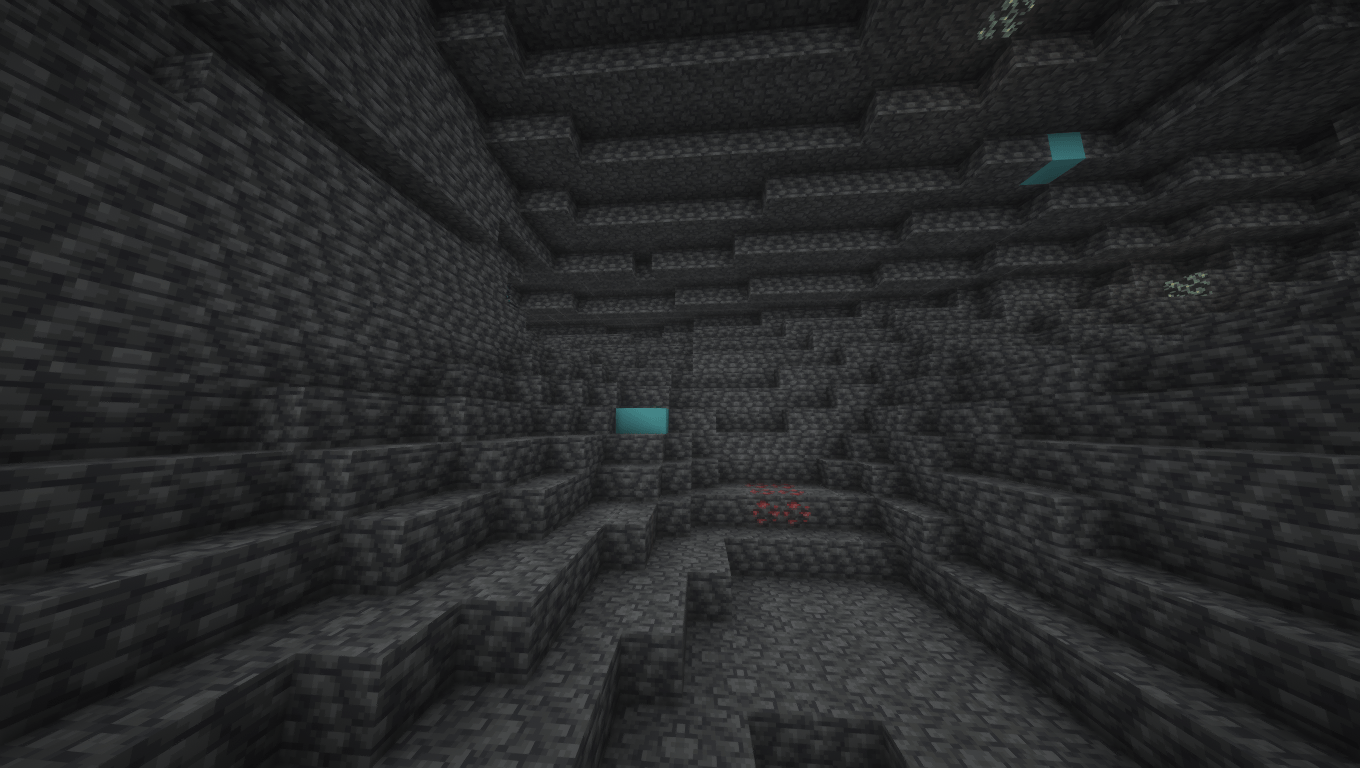
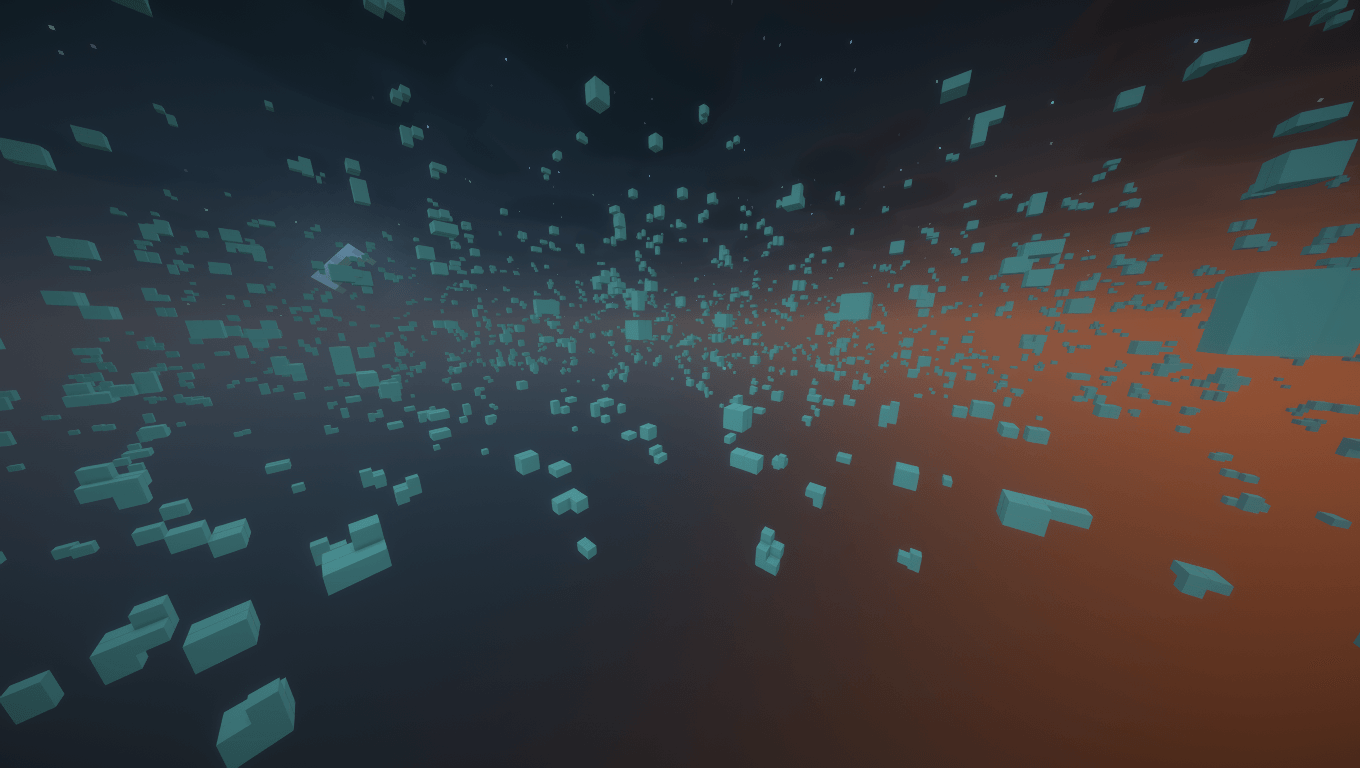
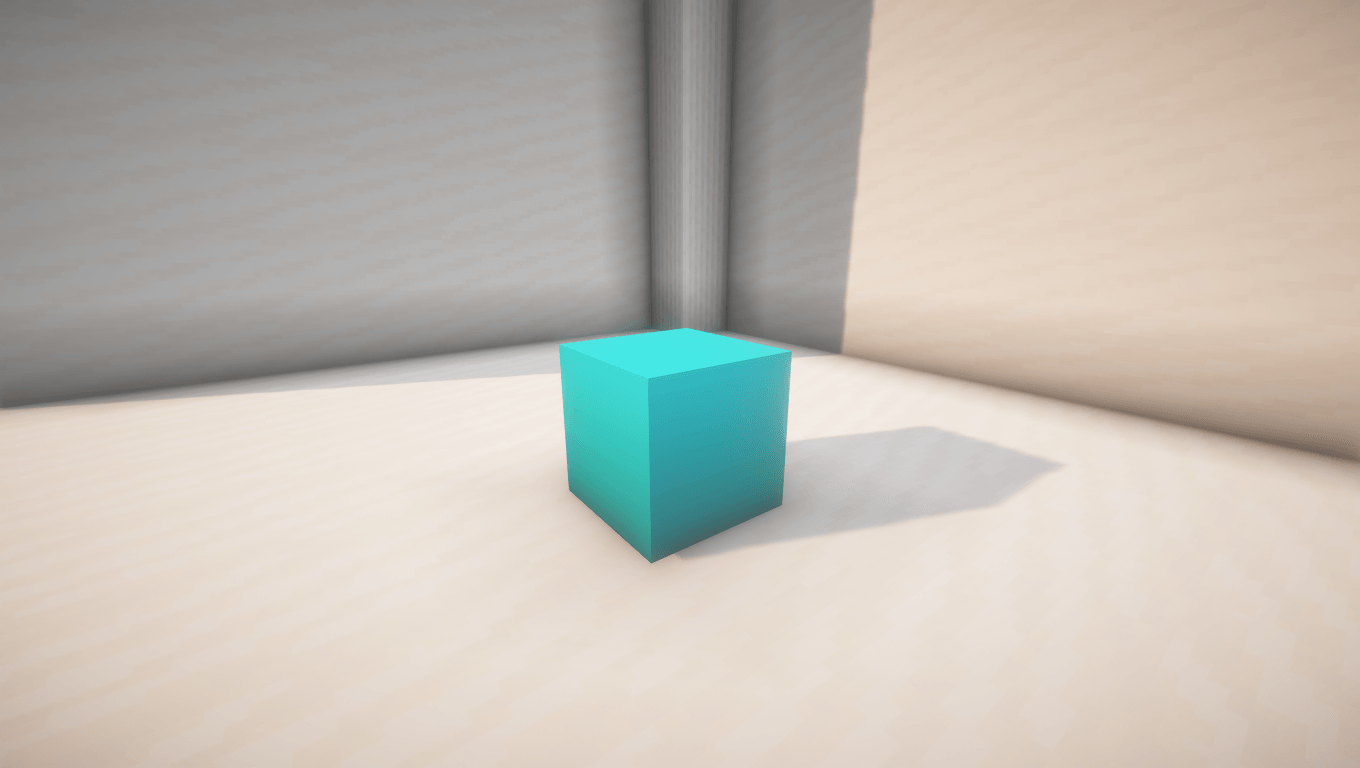
Full Blue Diamonds πŸ’ŽMakes diamond ore completely blue for instant visibility. Spot them easily in dark caves and never miss a diamond again!
by kapsrena
Download Claim this project
305 downloads
0 likes
0 followers
Updated Oct 14, 2026
0 hypes
Follow0
16x Traditional
Advertisement Remove ads with Premium →
Ultimate Diamond Vision πŸ’Ž
Overview
Finding diamonds in dark, sprawling caves can be a tedious task. This lightweight and performance-friendly texture pack solves that problem by making all diamond ore blocks completely, vibrantly blue. By removing the distracting stone background from the ore texture, it ensures maximum visibility and contrast in any environment.
Key Features
  • Full-Block Glow Effect: Replaces the standard stone texture of diamond ores with a solid, bright blue color.
  • Instant Detection: Spot valuable resources from a distance, even in pitch-black caves or ravines.
  • Deepslate Support: Works perfectly on both regular stone and deepslate diamond variants.
  • Performance Friendly: Low-resolution, clean textures that guarantee zero frame drops or lag.
  • PvP & Survival Ready: Perfect for competitive UHC matches, speedruns, or casual survival worlds.
Why Choose This Pack?
Standard ore textures can easily blend into the shadows or deepslate blocks. With this pack, diamond veins stand out immediately against the dark surroundings. Save time, conserve your torches, and optimize your mining efficiency on every trip.


 
Instant Blue Diamonds
MC 1.17.1, 1.21, 1.18.1, 1.19.3, 1.20.2, 1.19.4, 1.21.8, 1.17, 1.20.5, 1.21.5, 1.18, 1.21.4, 1.20.1, 1.20, 1.20.6, 1.21.1, 1.21.6, 1.21.3, 1.21.7, 1.19.1, 1.20.4, 1.18.2, 1.19.2
Release 2026-06-17 Get

Requirements & install

How to use this resource pack in Minecraft
Resolution
16x
Minecraft
1.21 – 1.21.8
Install folder
.minecraft/resourcepacks

How to install resource packs

  1. Download the resource pack .zip file (do not extract it).
  2. In Minecraft open Options β†’ Resource Packs β†’ Open Pack Folder.
  3. Drop the .zip into the resourcepacks folder (.minecraft/resourcepacks).
  4. Move the pack to the Selected column and click Done.
Browse more: 16x resource packs 32x resource packs 64x resource packs 128x resource packs 256x resource packs 512x+ resource packs Resource Packs for 1.21.8 All resource packs

More from kapsrena

Advertisement Remove ads with Premium →

You Might Also Like