Mineuniverse
Resource Packs
In Future

In Future

RESOURCE PACK
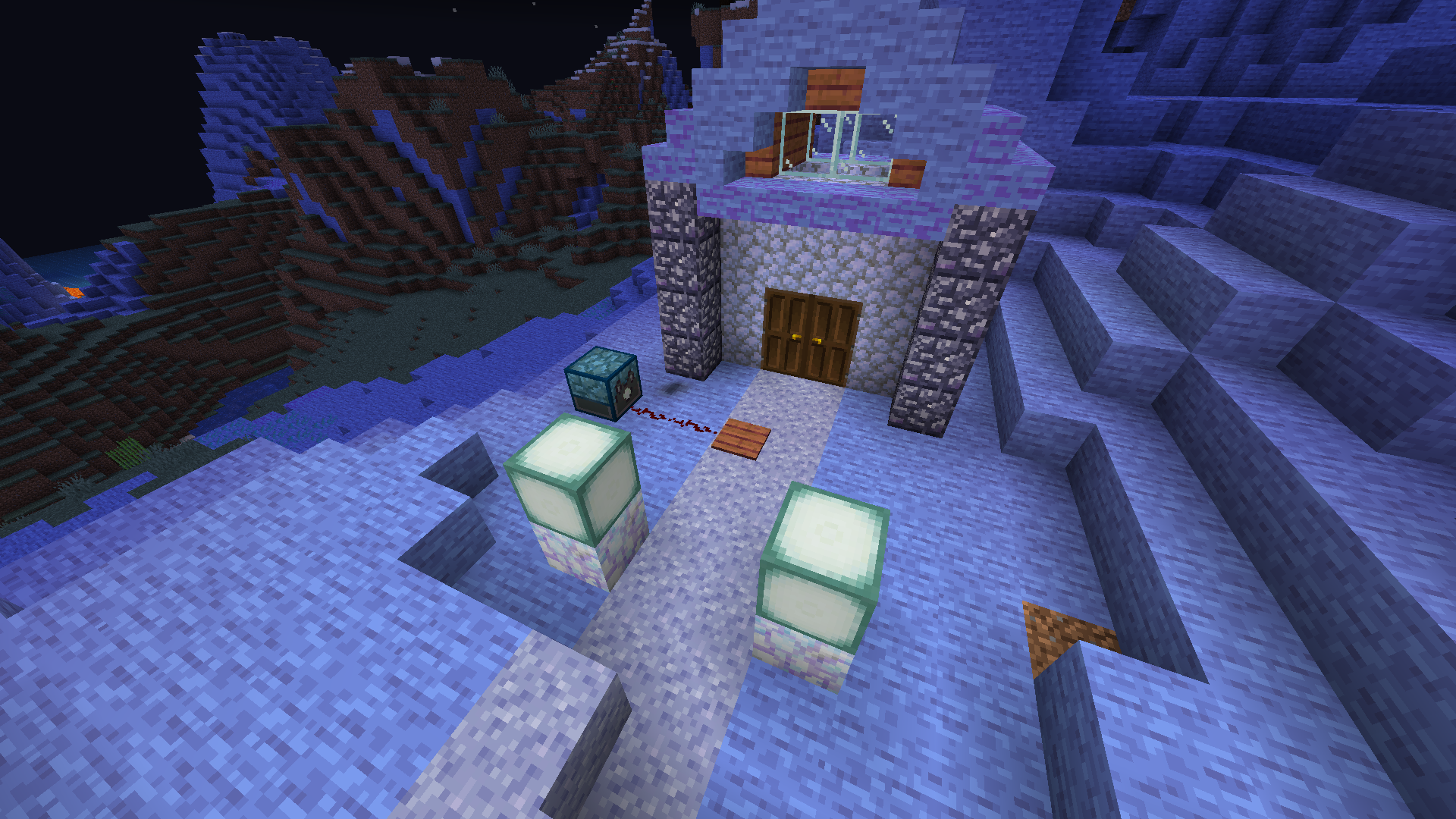
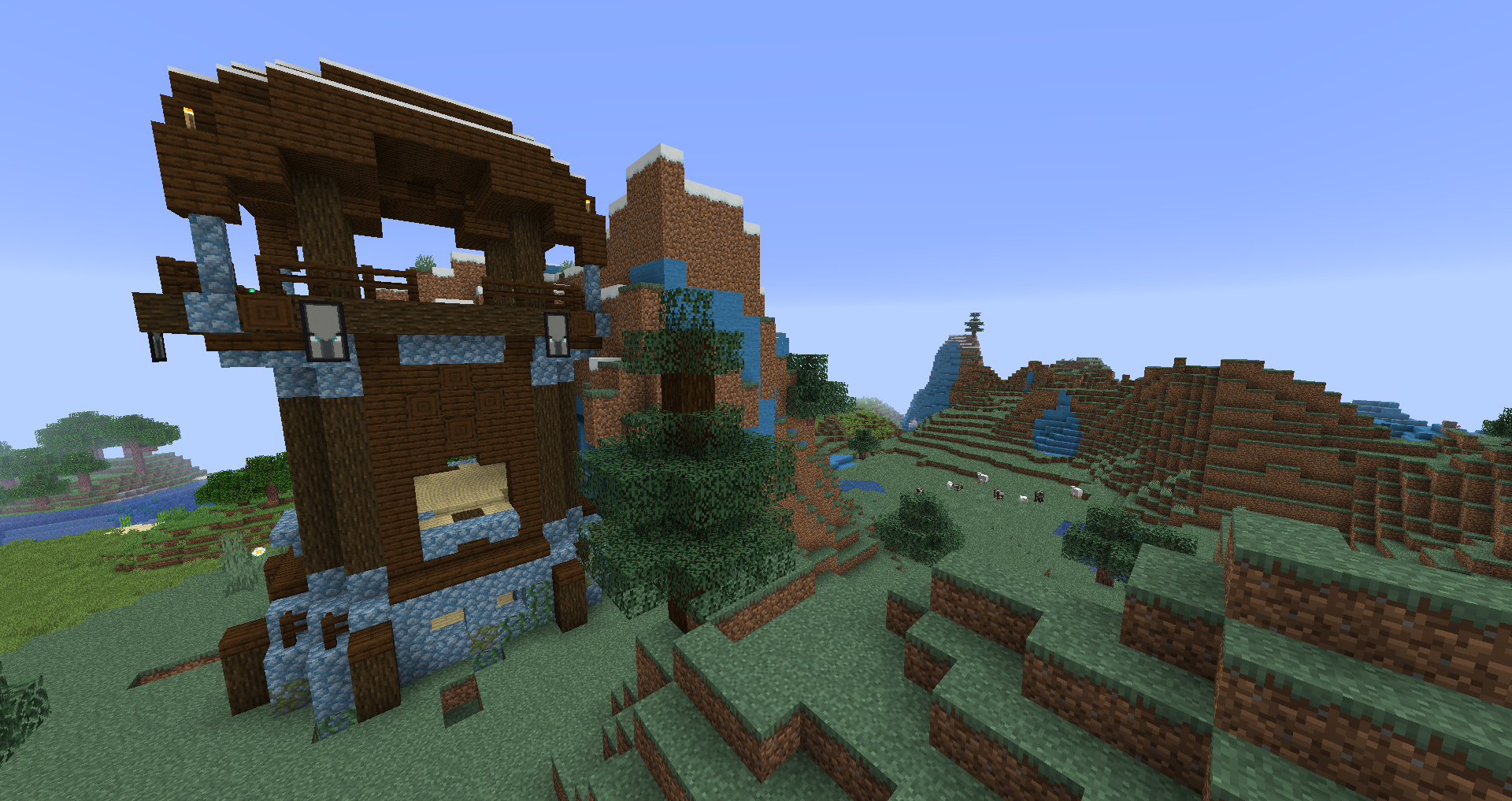
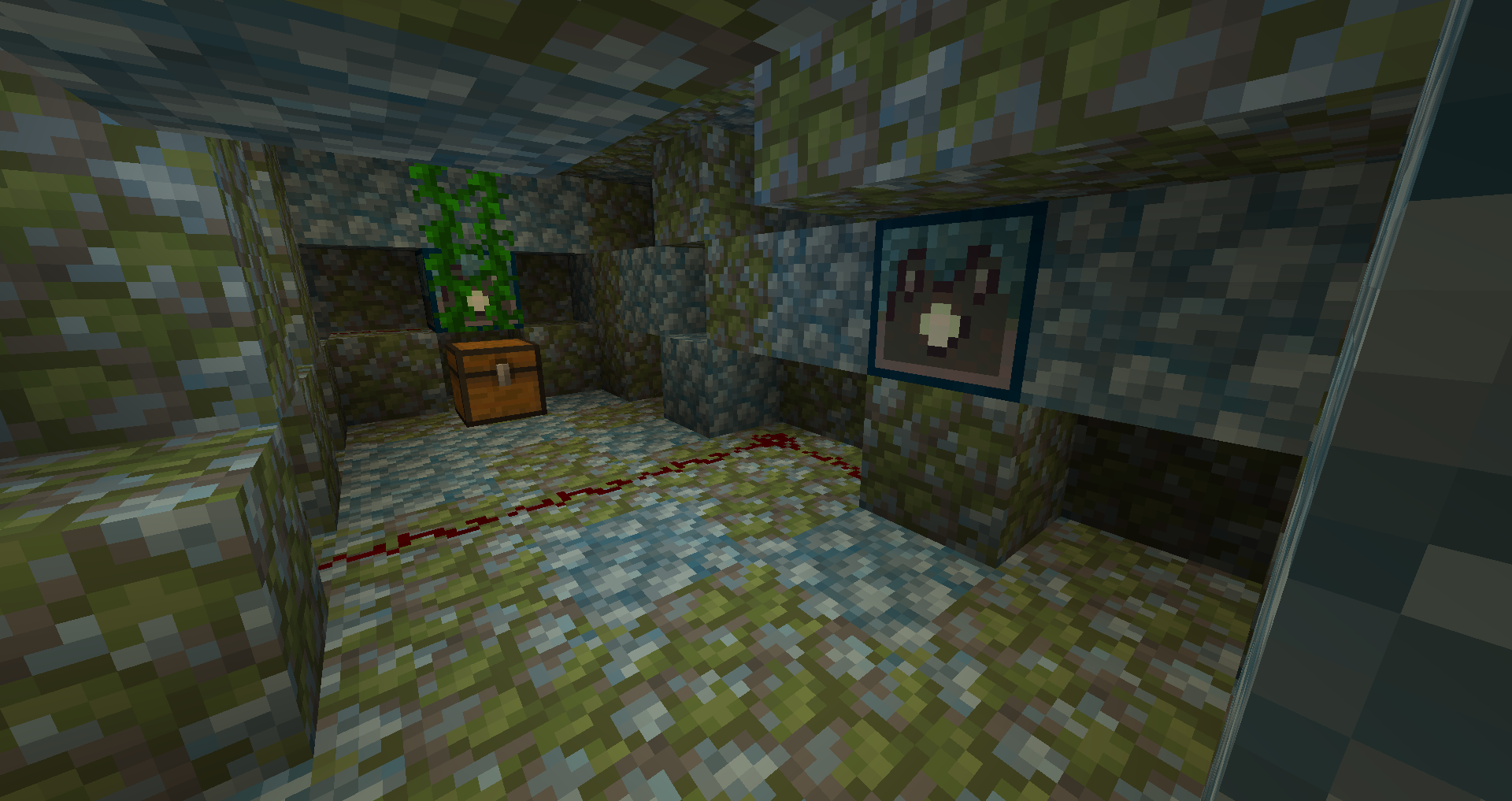
Blue stone. Not really future though...
by greenuxxx
Download Claim this project
5,227 downloads
0 likes
Updated Oct 14, 2026
0 hypes
16x Animated Miscellaneous Modern
Advertisement Remove ads with Premium →

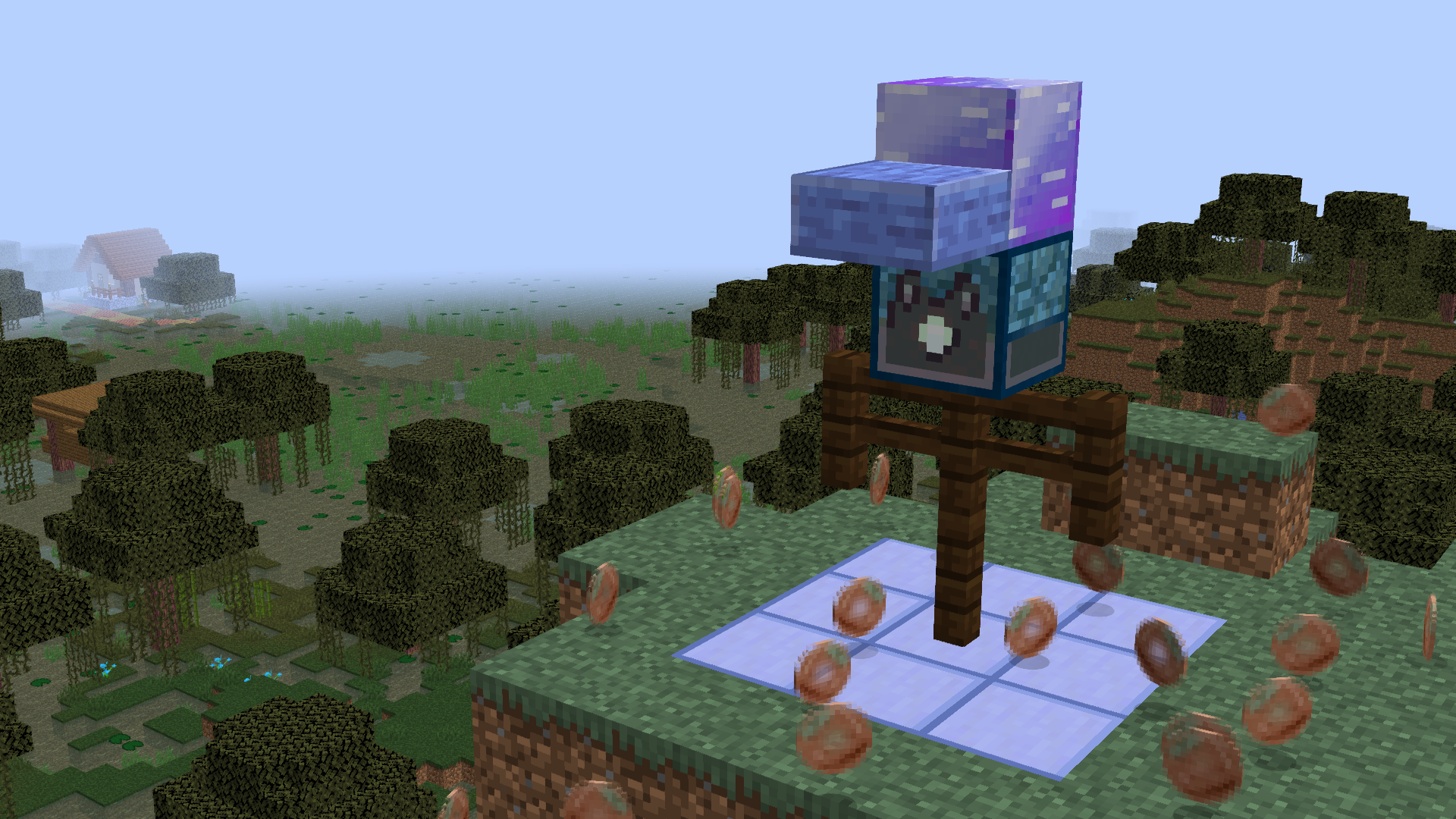
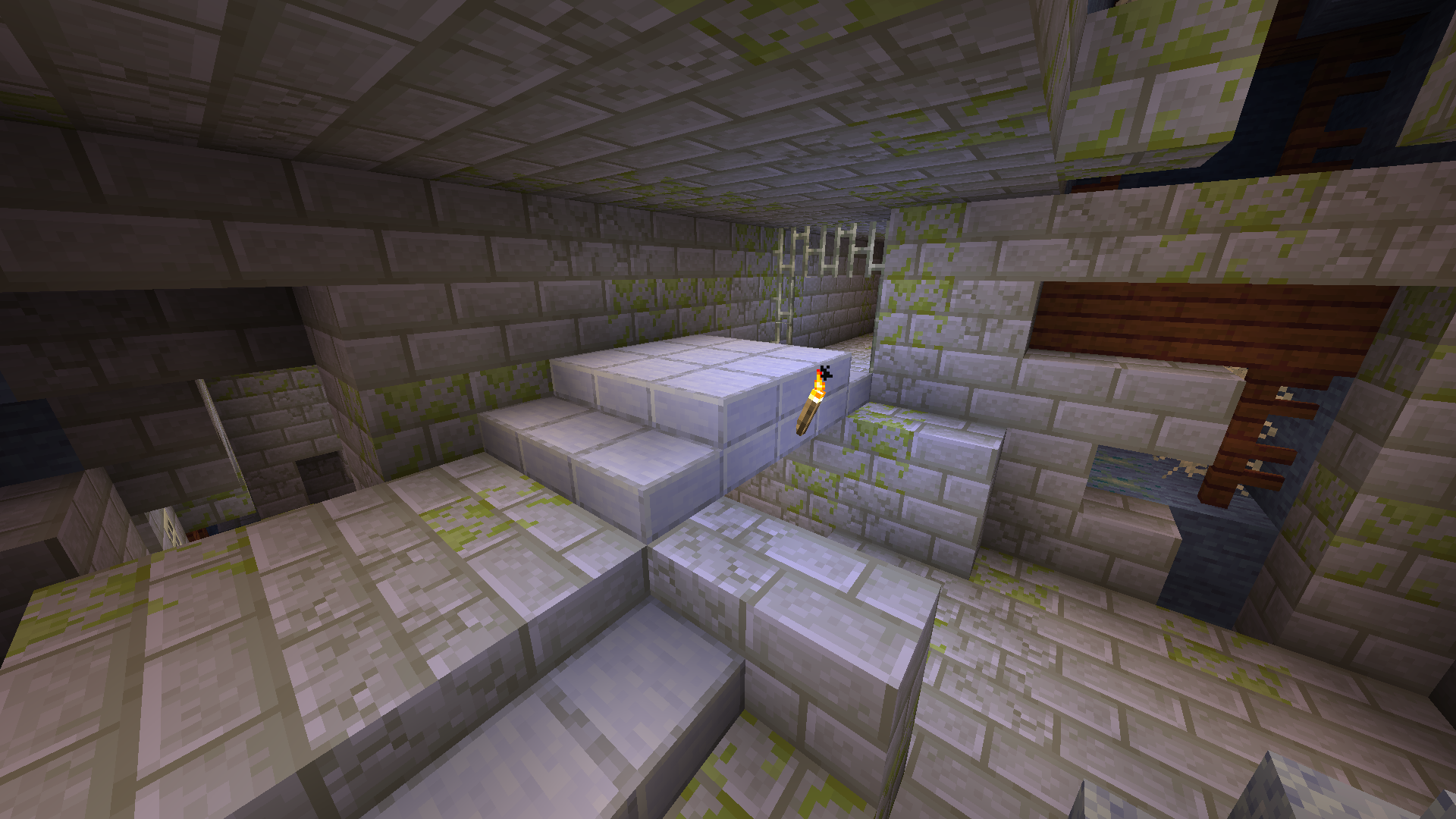
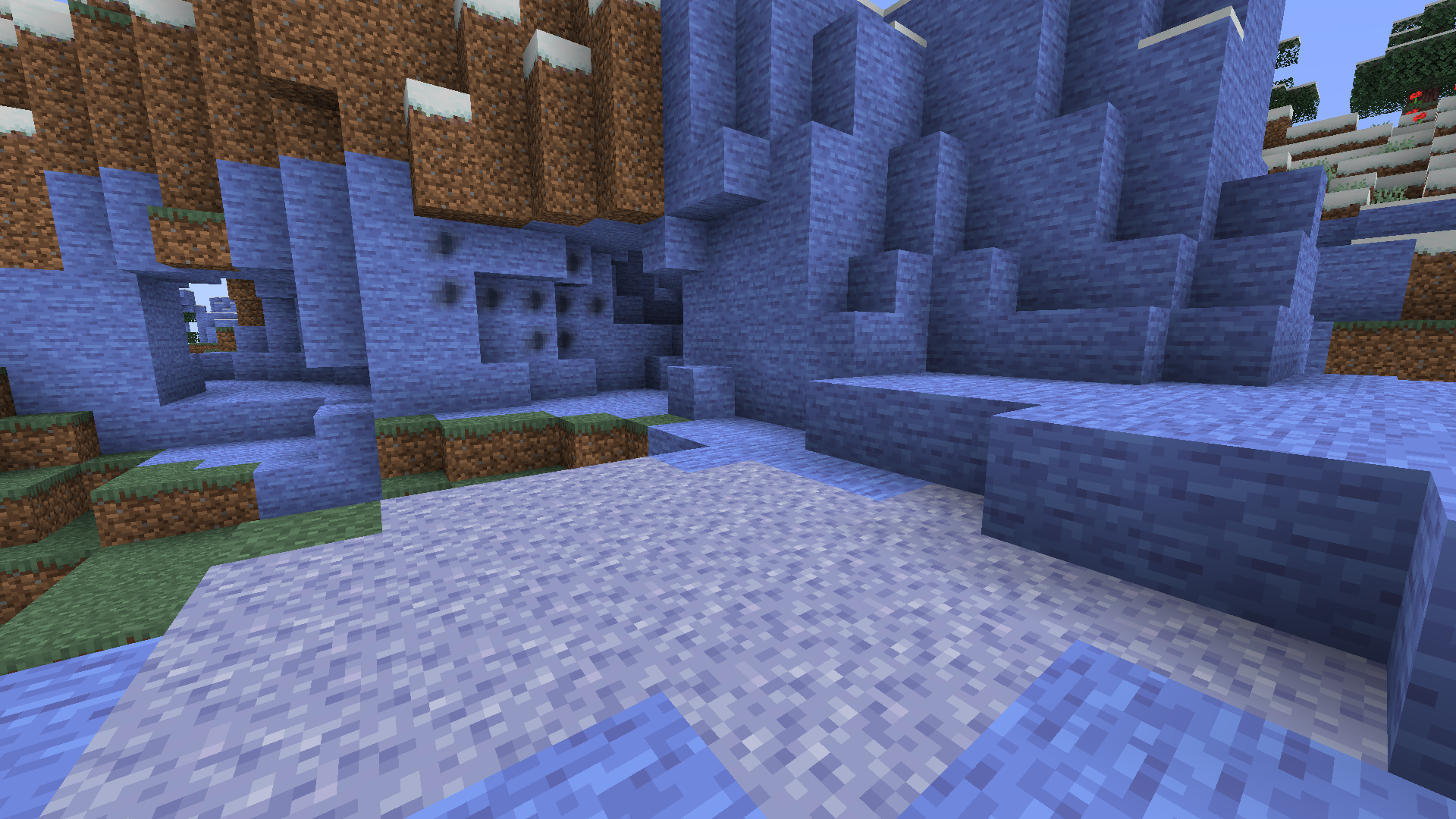
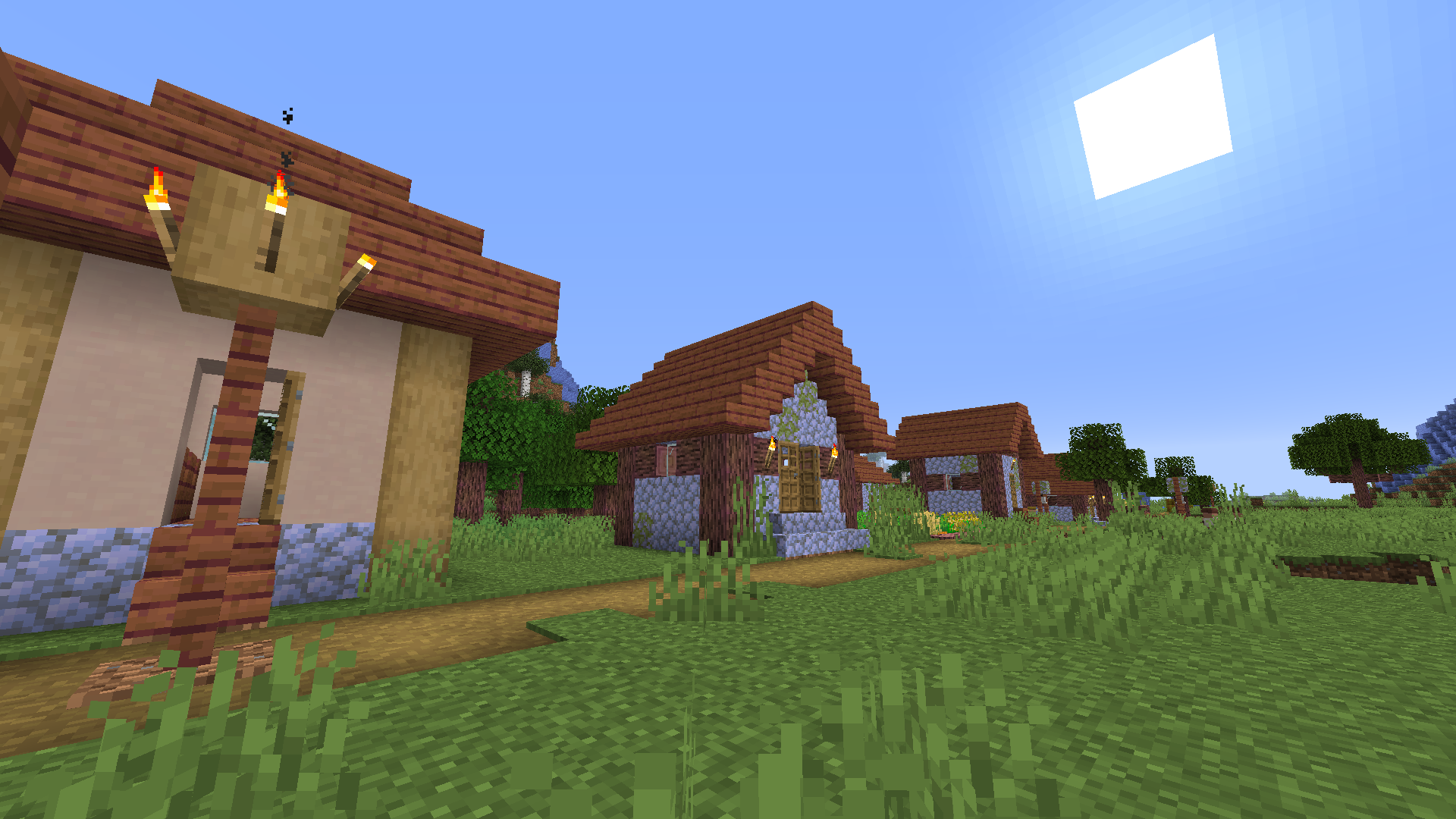
Probably one of the most random resource packs you will ever download.

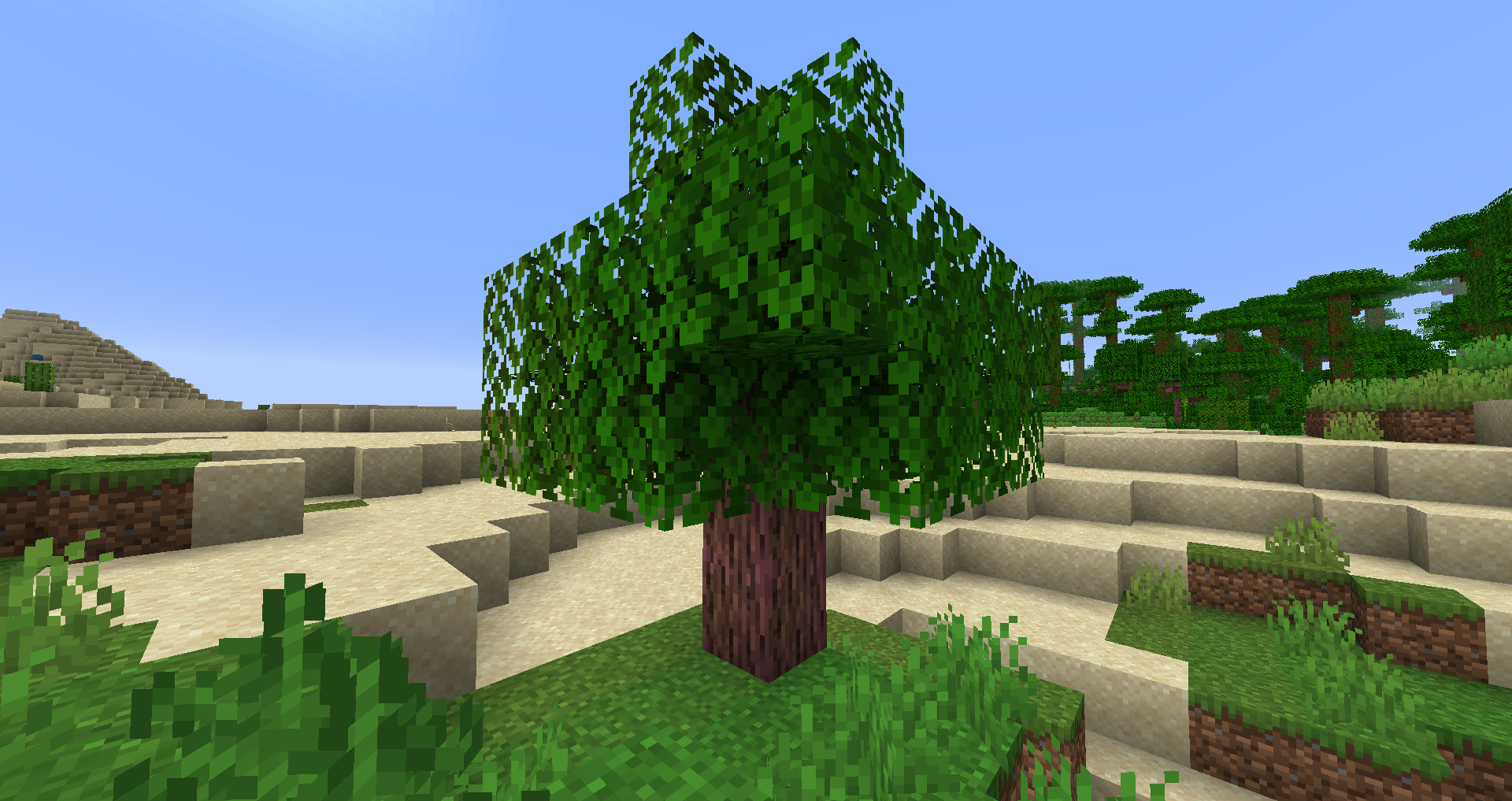
Years ago, I created a texture pack called "Future pack" where every stone object was blue. And now here I am with the official and public sequel. I also changed several items names and textures such as Diorite that was changed to Almandine. This resource pack will probably destroy your buildings and I highly recommend to use this pack when you start a brand new world, because your buildings you built before downloading this pack will probably look awful now or they could be still really great, who knows.


VIDEO ON IT (FROM 2:00 to 3:25 !!!):

Future v4.1
MC 1.16-Snapshot, 1.17.1, 1.16.3, 1.13.1, 1.15-Snapshot, 1.16.1, 1.14.4, 1.14.1, 1.12.1, 1.17, 1.12, 1.14.3, 1.15, 1.16, 1.13, 1.16.5, 1.15.2, 1.14, 1.17-Snapshot, 1.16.4, 1.14.2
Release 2021-11-18 Get
Future v4
MC 1.7.6, 1.16-Snapshot, 1.17.1, 1.9.1, 1.16.3, 1.13.1, 1.9.3, 1.8.7, 1.7.4, 1.7.7, 1.15-Snapshot, 1.7.5, 1.16.1, 1.10-Snapshot, 1.9.4, 1.9.2, 1.8.4, 1.7.9, 1.14.4, 1.14.1, 1.12.1
Release 2021-11-14 Get
Future v2 (EASTER)
MC 1.9.1, 1.13.1, 1.9.3, 1.10-Snapshot, 1.9.4, 1.9.2, 1.12.1, 1.12, 1.13, 1.10.2, 1.11, 1.10, 1.10.1, 1.9-Snapshot, 1.11.1, 1.11.2, 1.9, 1.11-Snapshot, 1.12.2, 1.13-Snapshot
Release 2019-04-28 Get
Future v2.1 (Easter)
MC 1.13.1, 1.12.1, 1.12, 1.13, 1.11, 1.11.1, 1.11.2, 1.11-Snapshot, 1.12.2, 1.13-Snapshot, 1.14-Snapshot, 1.12-Snapshot, 1.13.2
Release 2019-04-28 Get
Future v3
MC 1.13.1, 1.10-Snapshot, 1.12.1, 1.12, 1.13, 1.10.2, 1.11, 1.10, 1.10.1, 1.11.1, 1.11.2, 1.11-Snapshot, 1.12.2, 1.13-Snapshot, 1.14-Snapshot, 1.12-Snapshot, 1.13.2
Release 2019-04-28 Get
Future Resource Pack v.1
MC 1.13, 1.13-Snapshot
Release 2018-08-18 Get

Requirements & install

How to use this resource pack in Minecraft
Resolution
16x
Minecraft
1.16 – 1.17.1
Install folder
.minecraft/resourcepacks

How to install resource packs

  1. Download the resource pack .zip file (do not extract it).
  2. In Minecraft open Options → Resource Packs → Open Pack Folder.
  3. Drop the .zip into the resourcepacks folder (.minecraft/resourcepacks).
  4. Move the pack to the Selected column and click Done.
Browse more: 16x resource packs 32x resource packs 64x resource packs 128x resource packs 256x resource packs 512x+ resource packs Resource Packs for 1.17.1 All resource packs
Advertisement Remove ads with Premium →

You Might Also Like