Mineuniverse
Resource Packs
Imperial Railworks - Immersive Railroading

Imperial Railworks - Immersive Railroading

RESOURCE PACK
The official Imperial Railworks content pack
by dunkledoug
Download Claim this project
Add a badge to your pageLink to Imperial Railworks - Immersive Railroading from a README, website or forum post.
Preview: Badge

Badges update automatically and link to the resource pack page on MineUniverse.

2,336 downloads
0 likes
0 followers
Updated Oct 14, 2026
0 hypes
Follow0
16x Mod Support
Advertisement Remove ads with Premium →

THIS IS AN ADDON PACK FOR THE IMMERSIVE RAILROADING MOD. IT DOES NOT CHANGE STOCK TEXTURES.


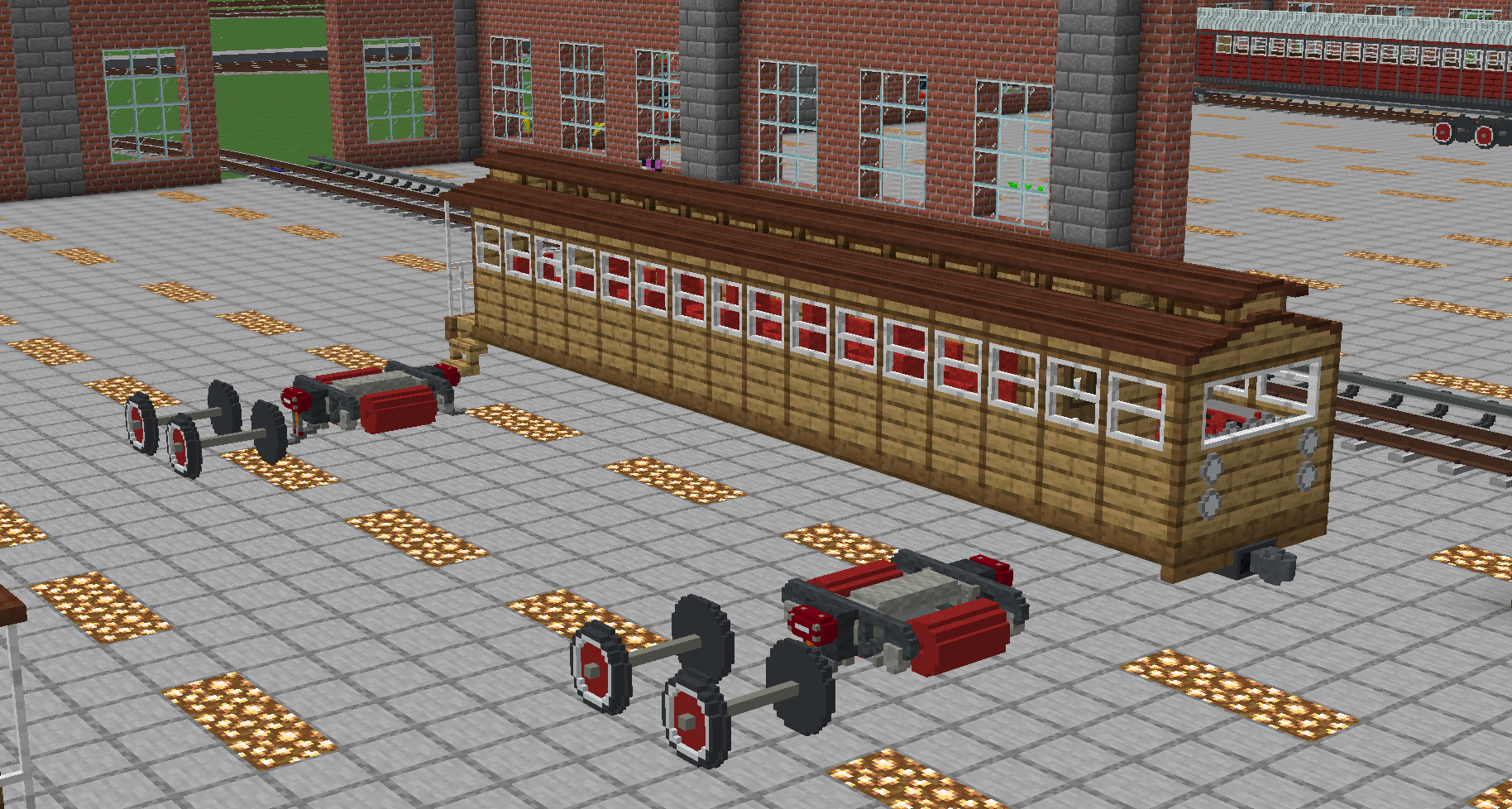
Models were mostly constructed in game with Little Tiles


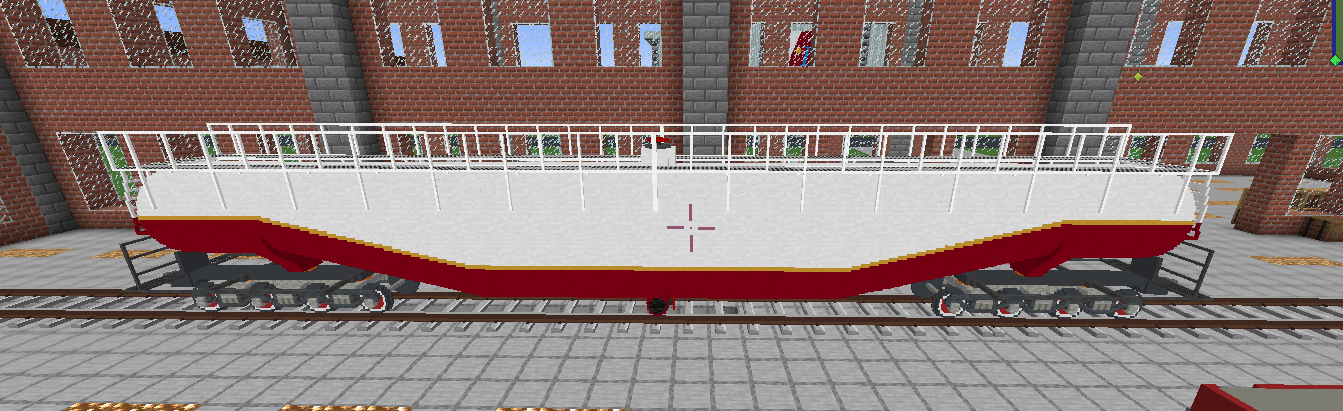
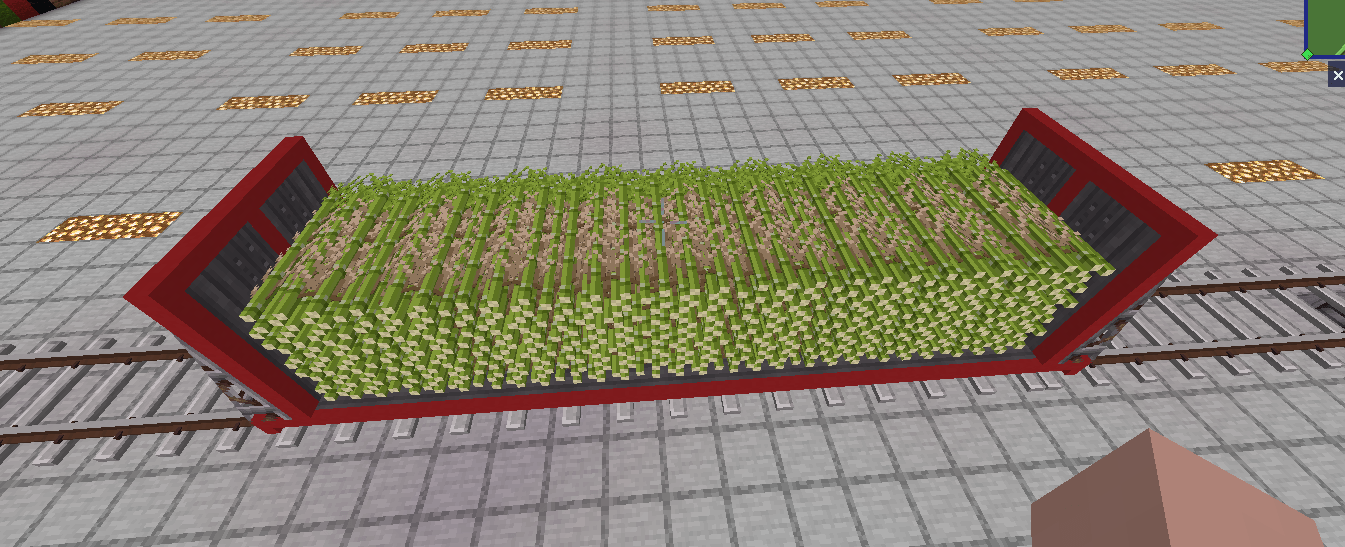
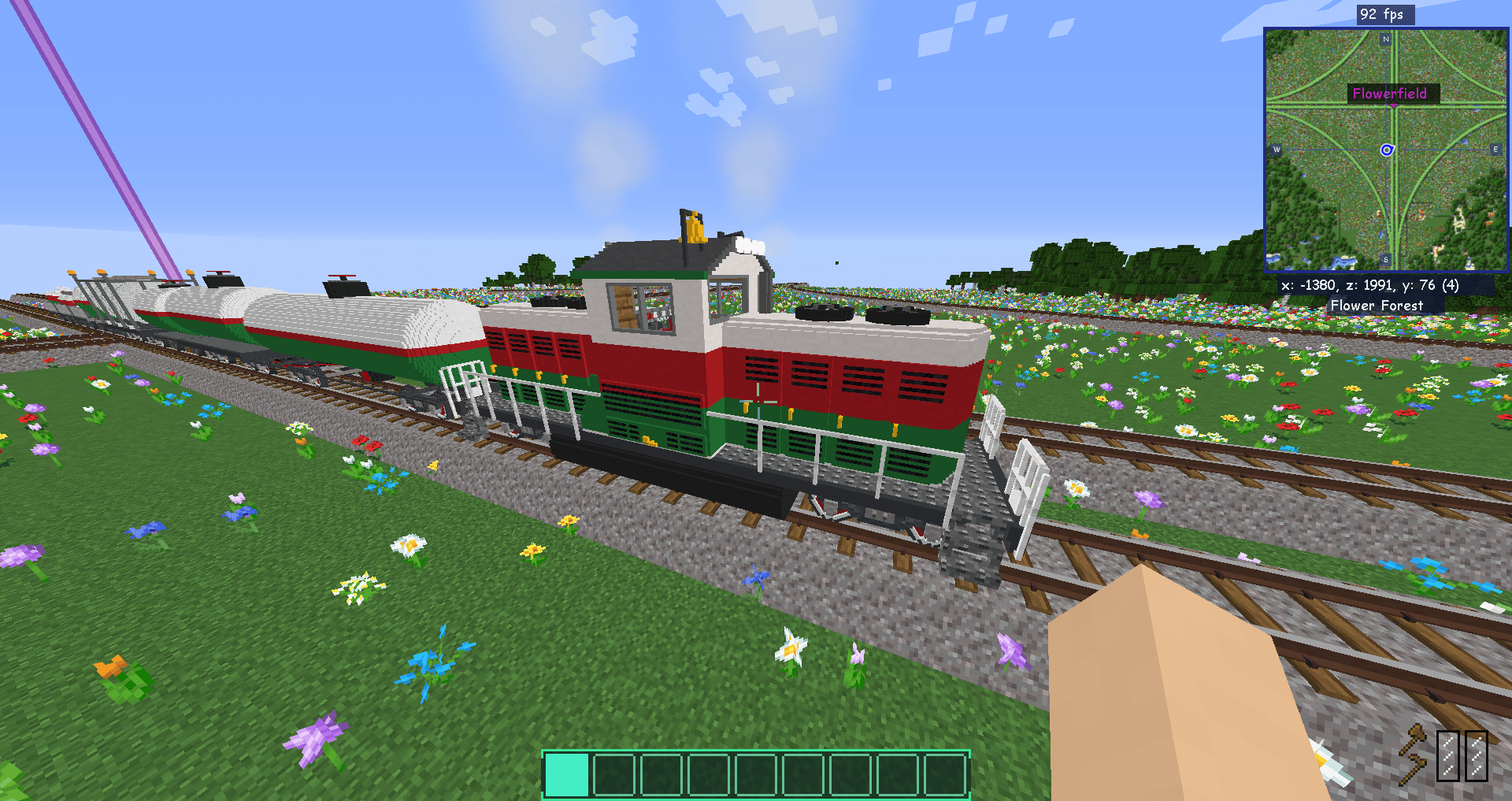
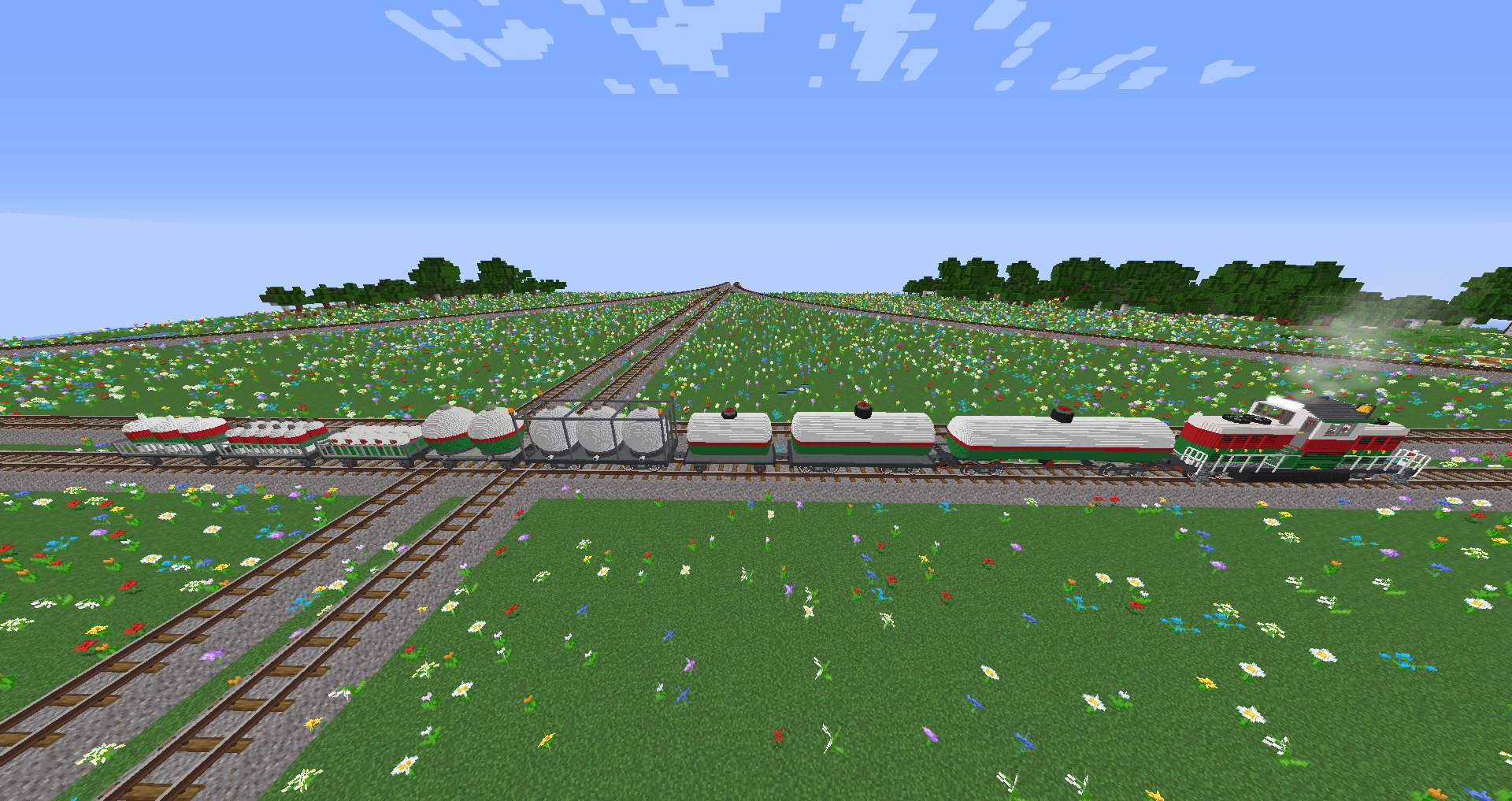
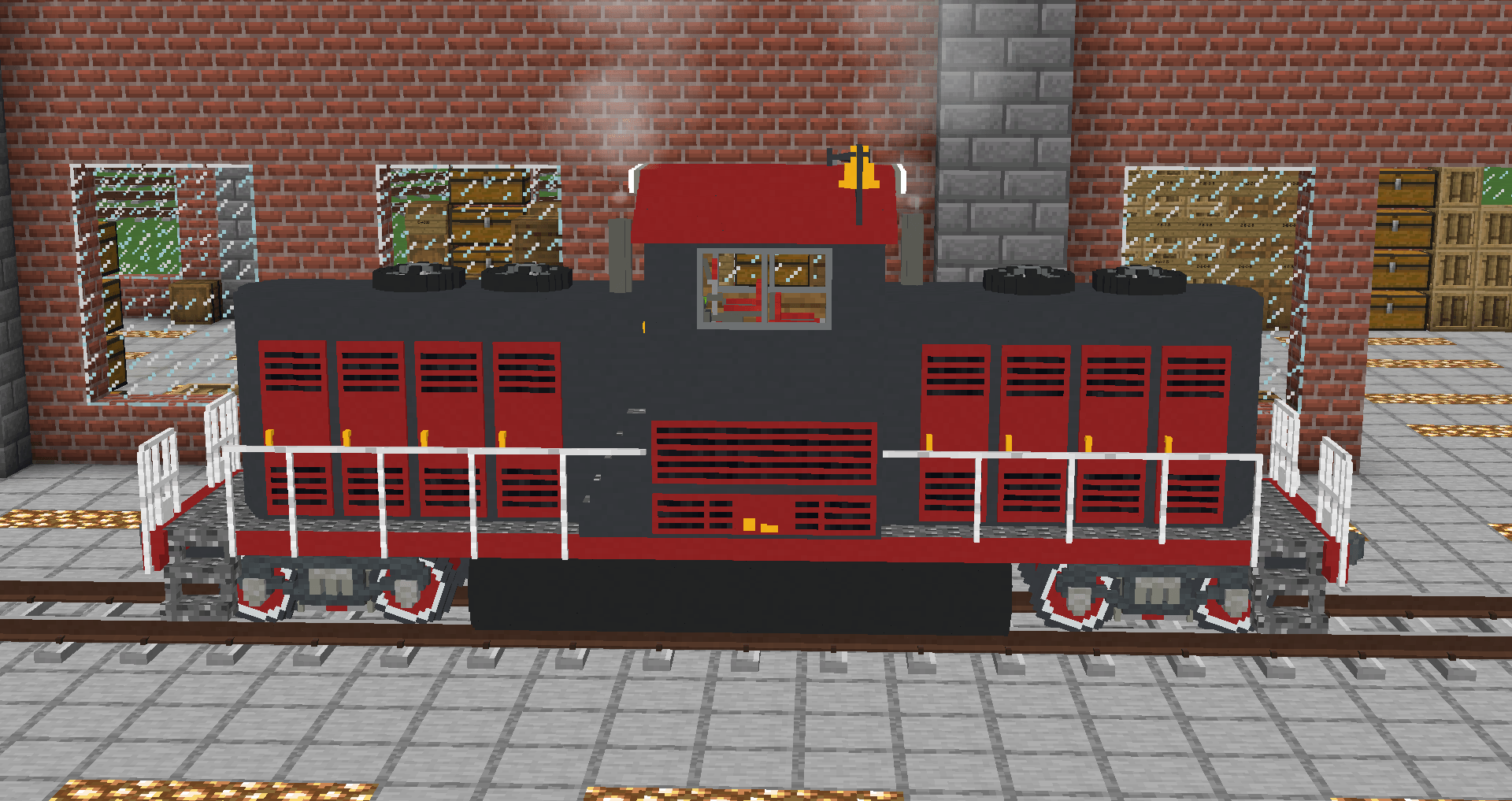
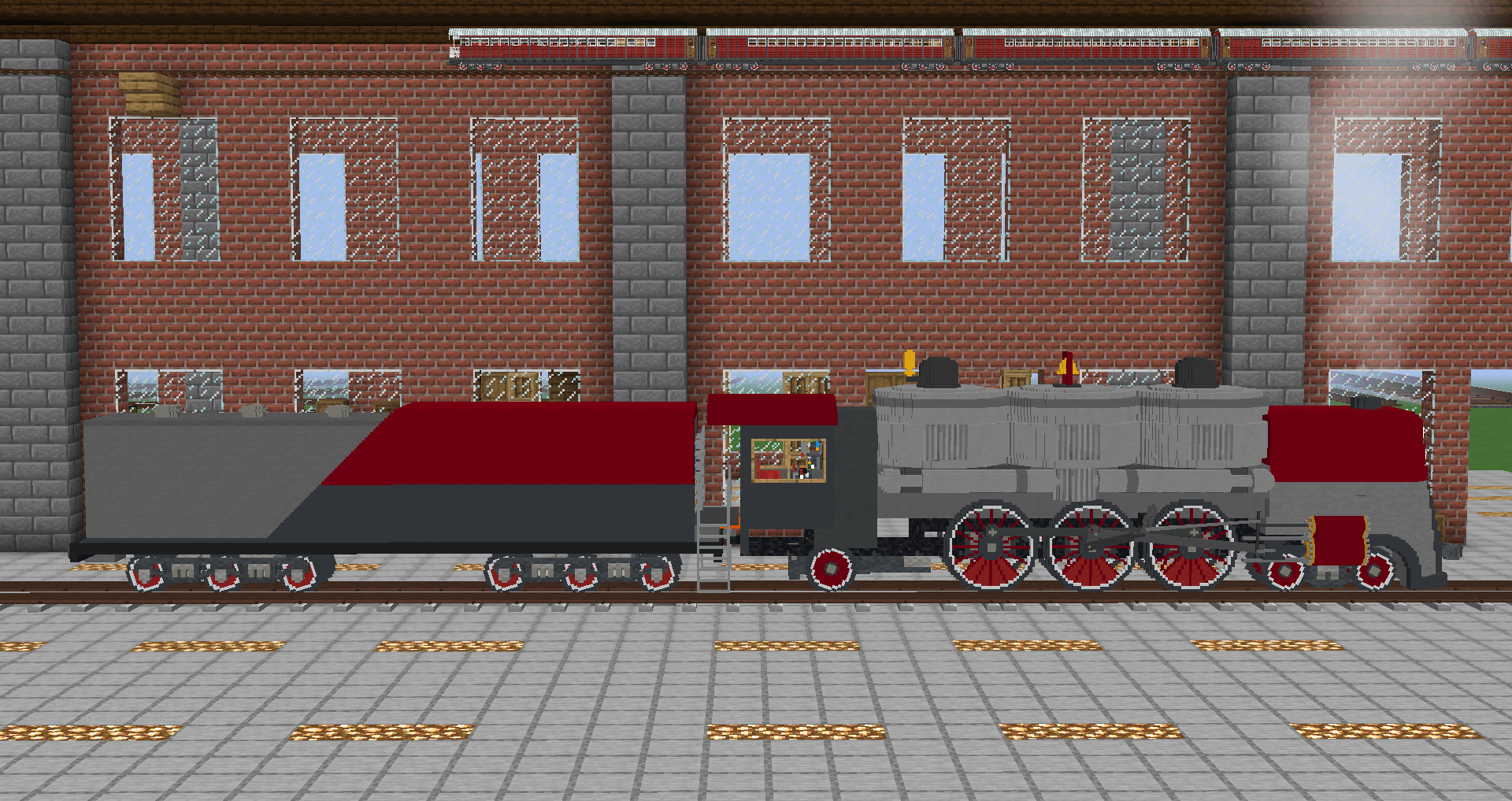
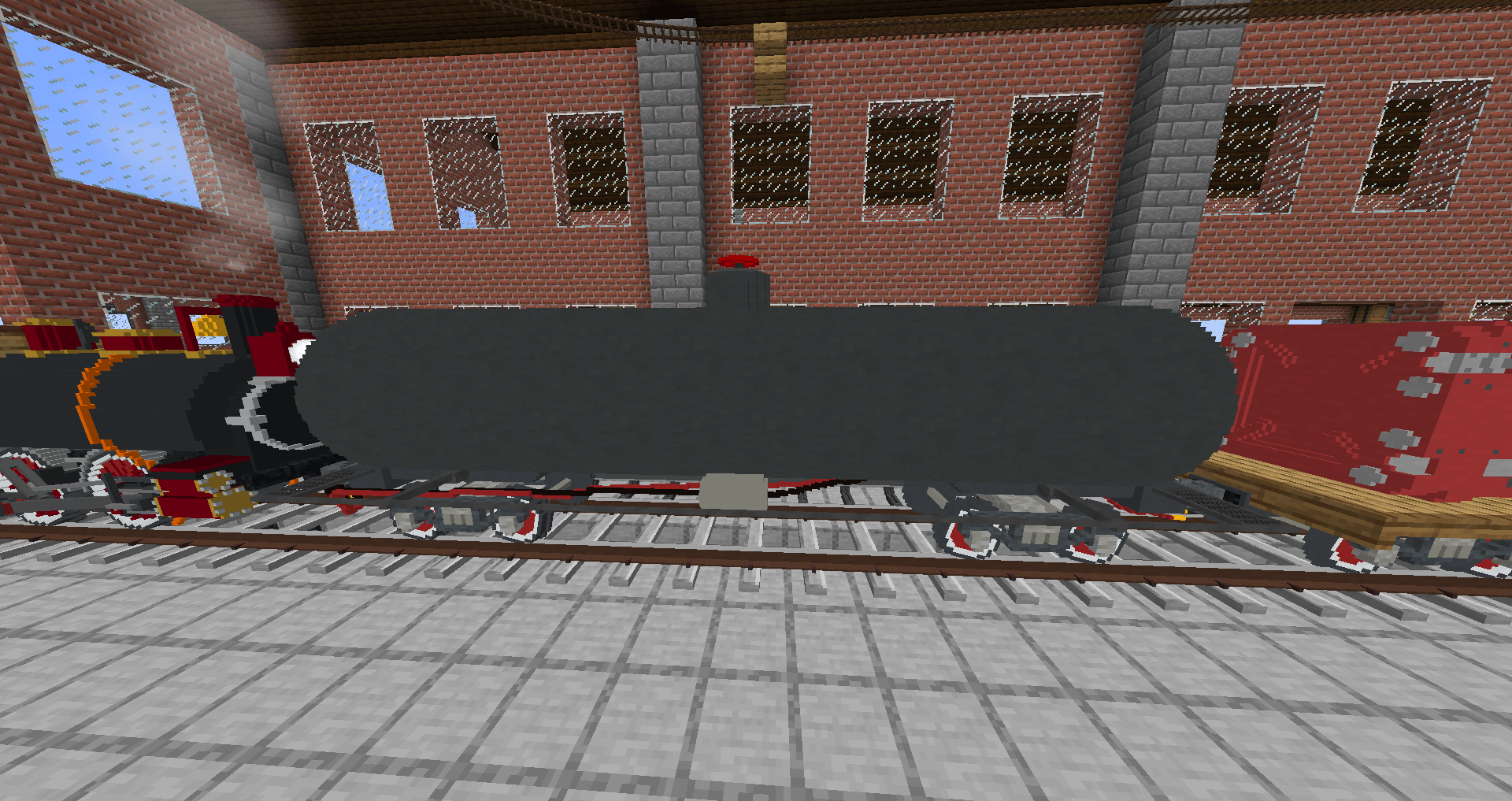
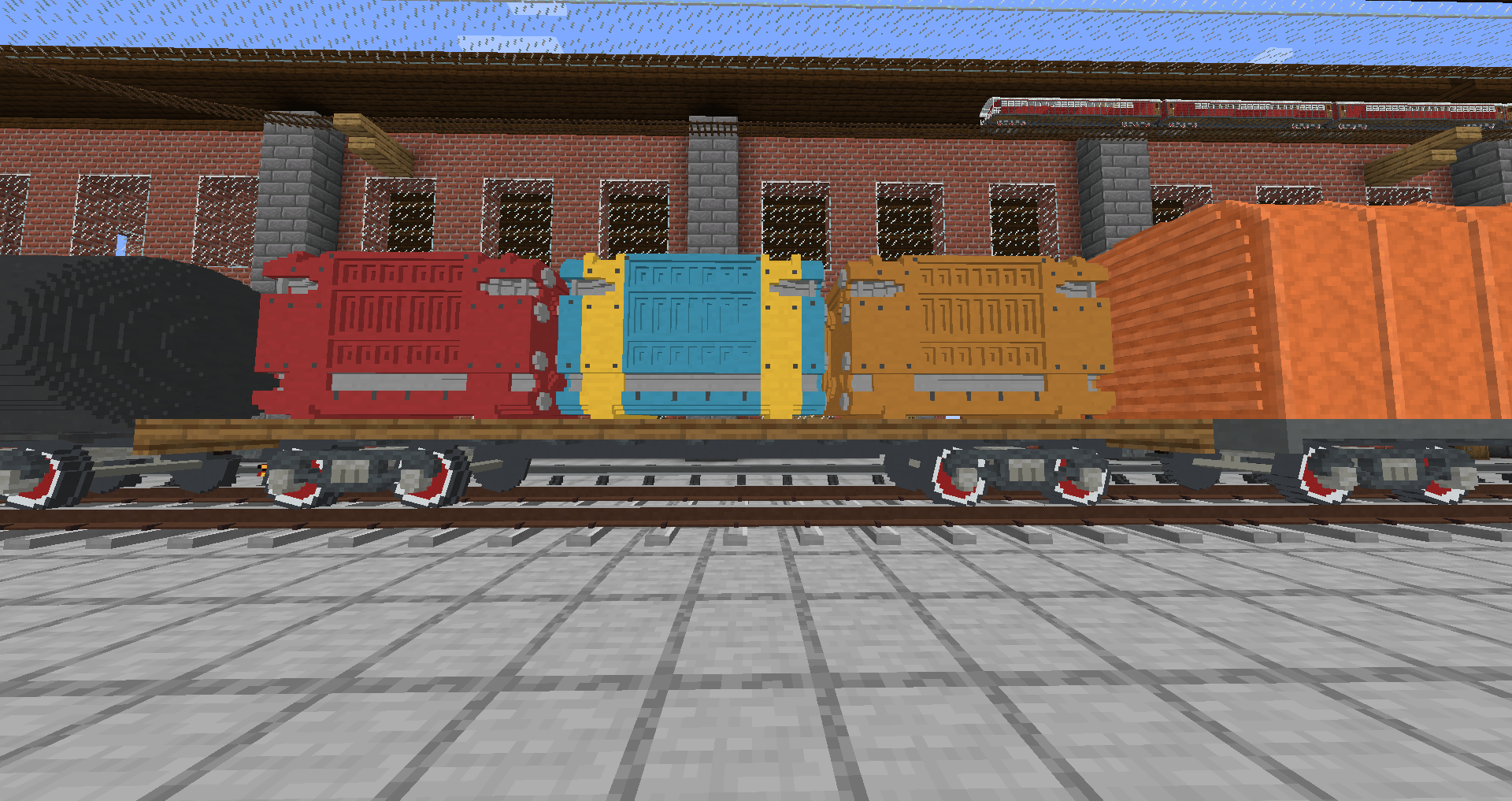
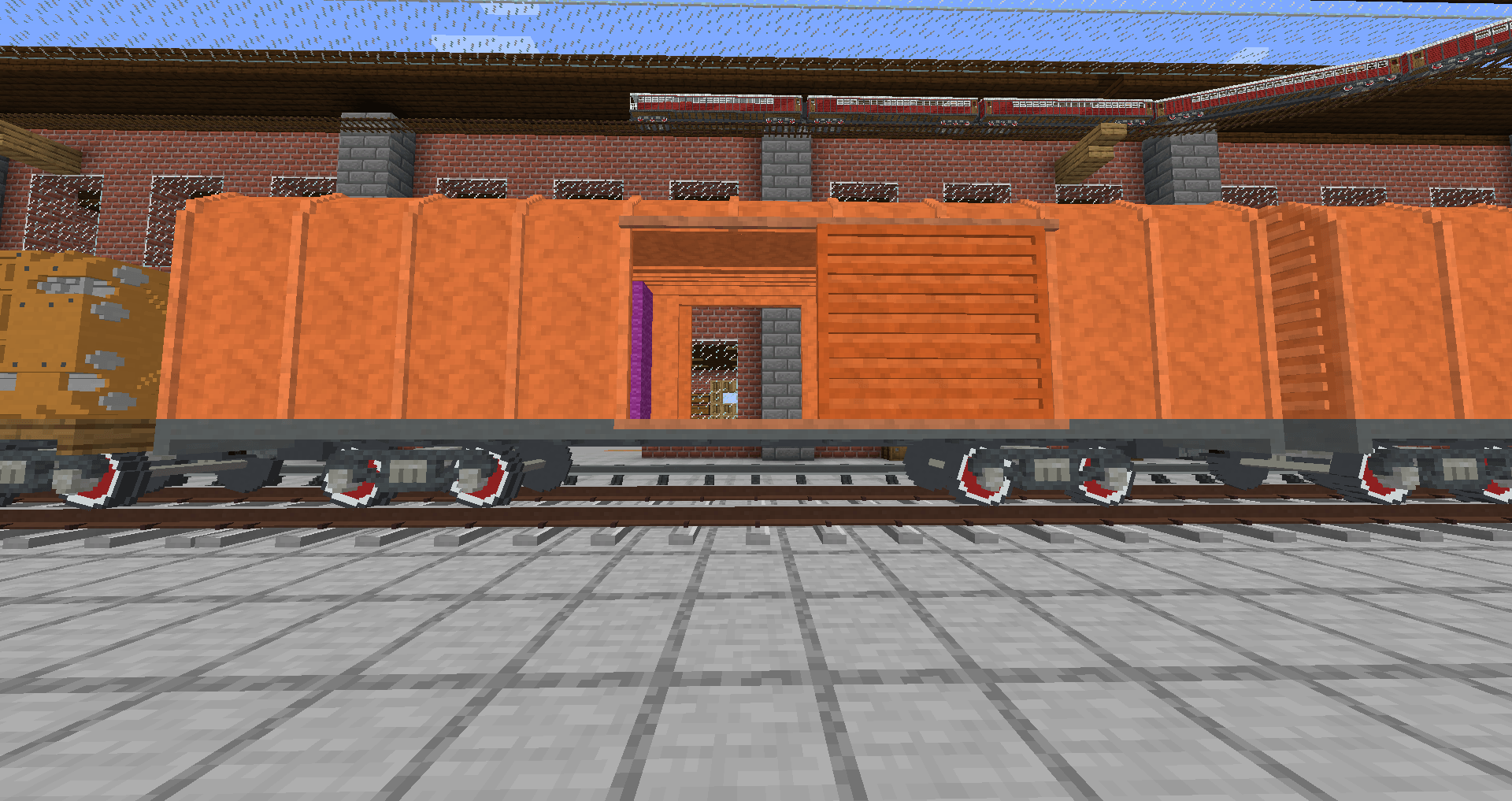
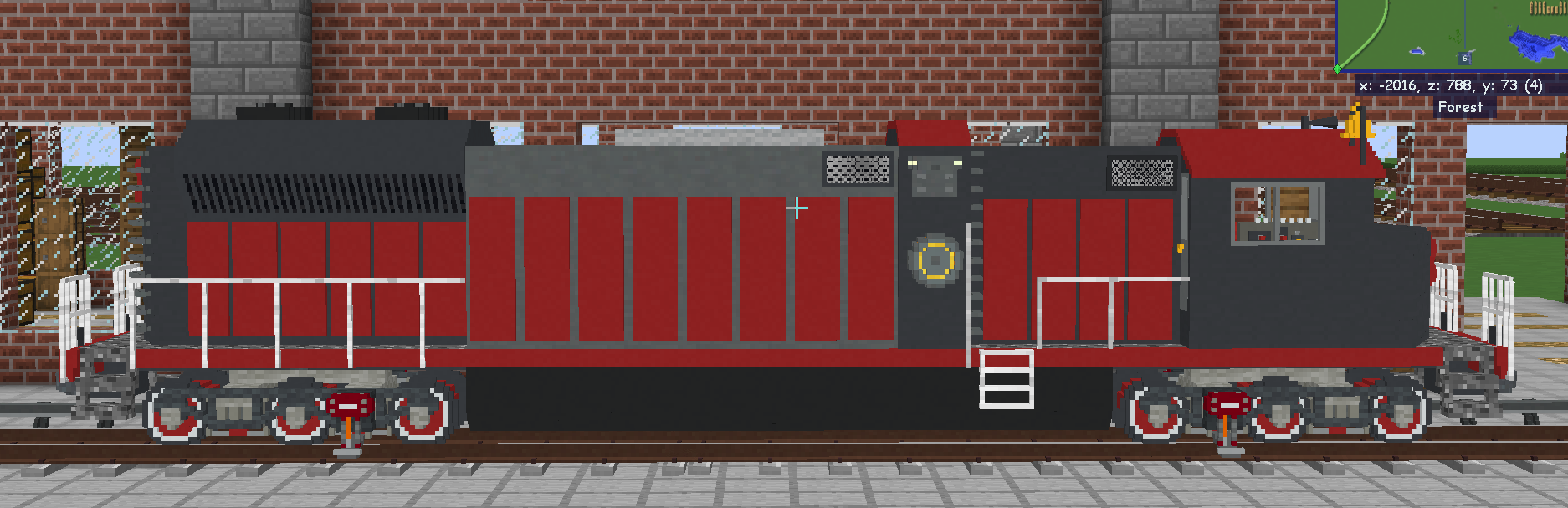
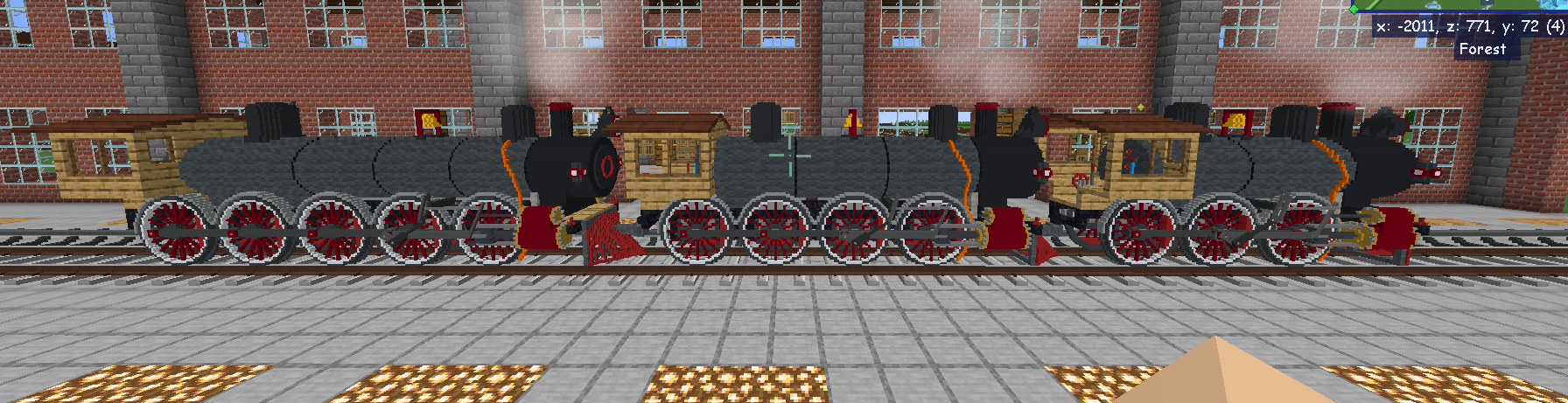
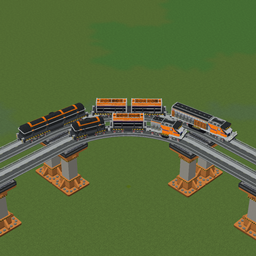
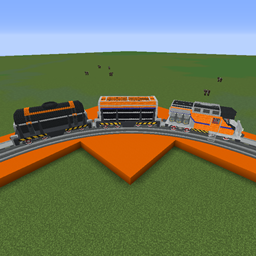
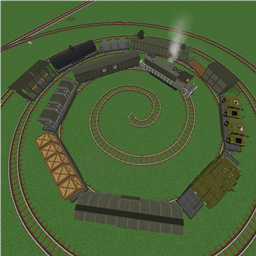
This is a large IR pack built with both practicality and the occasional silliness in mind. It features over 80 pieces of rolling stock including over a dozen locomotives, a wide selection of freight stock, and a reasonable collection of passenger cars to boot. 

Most rolling stock is on standard gauge, but this also includes some minecraft gauge stock, as well as a set of trackage

It is not recommended to use the Imperial Industries Track Pack in combination with this pack. It's just redundant.


As I have a personal vendetta against copyright as a general rule, you can freely consider this whole thing (outside of the Imperial Railworks name) open source.
Use this elsewhere, modify and expand upon it if you like, Just don't do anything your mother would disapprove of, and share what you make with the world.



Imperial Railworks V1.6
MC 1.12.2
Release 2024-04-30 Get
Imperial Railworks V1.5
MC 1.12.2
Release 2024-04-08 Get
Imperial Railworks V1.4
MC 1.12.2
Release 2023-12-23 Get
IMPERIAL RAIL WORKS V1.3.zip
MC 1.12.2
Release 2023-12-03 Get
Imperial Railworks V1.2
MC 1.12.2
Release 2023-11-25 Get
IMPERIAL RAIL WORKS V1.1b
MC 1.12.2
Release 2023-11-20 Get
Imperial Railworks V1.1
MC 1.12.2
Release 2023-11-18 Get
IMPERIAL RAIL WORKS.zip
MC 1.12.2
Release 2023-11-10 Get

Requirements & install

How to use this resource pack in Minecraft
Resolution
16x
Minecraft
1.12.2
Install folder
.minecraft/resourcepacks

How to install resource packs

  1. Download the resource pack .zip file (do not extract it).
  2. In Minecraft open Options → Resource Packs → Open Pack Folder.
  3. Drop the .zip into the resourcepacks folder (.minecraft/resourcepacks).
  4. Move the pack to the Selected column and click Done.
Browse more: 16x resource packs 32x resource packs 64x resource packs 128x resource packs 256x resource packs 512x+ resource packs Resource Packs for 1.12.2 All resource packs

More from dunkledoug

Advertisement Remove ads with Premium →

You Might Also Like