Mineuniverse
Resource Packs
Immersive Railroading - Emeralds British - Modern diesels

Immersive Railroading - Emeralds British - Modern diesels

RESOURCE PACK
A compilation of modern british stock for the Immersive Railroading mod
by Emerald_Dragon__
Download Claim this project
Add a badge to your pageLink to Immersive Railroading - Emeralds British - Modern diesels from a README, website or forum post.
Preview: Badge

Badges update automatically and link to the resource pack page on MineUniverse.

28,055 downloads
0 likes
0 followers
Updated Oct 14, 2026
0 hypes
Follow0
128x Mod Support
Advertisement Remove ads with Premium →

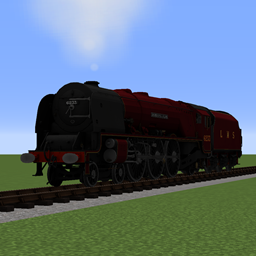
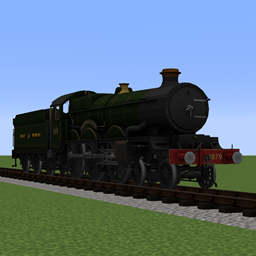
A pack containing various british Diesels, Electrics, DMU, EMU & rolling stock designed for the Immersive Railroading mod


This pack contains:


Locomotives:

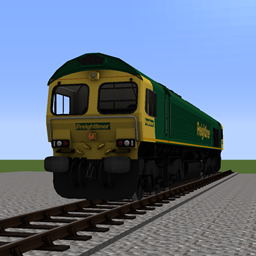
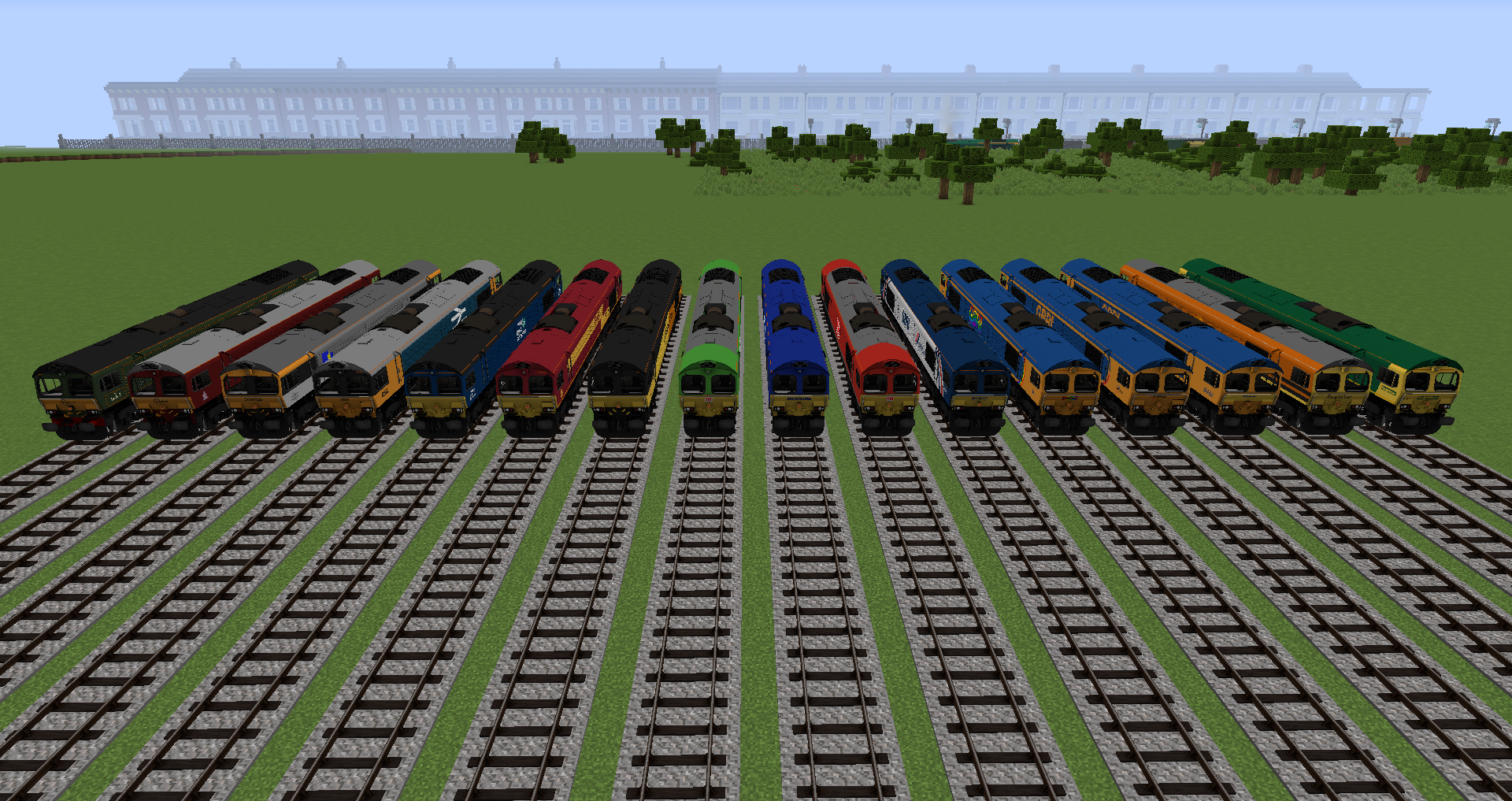
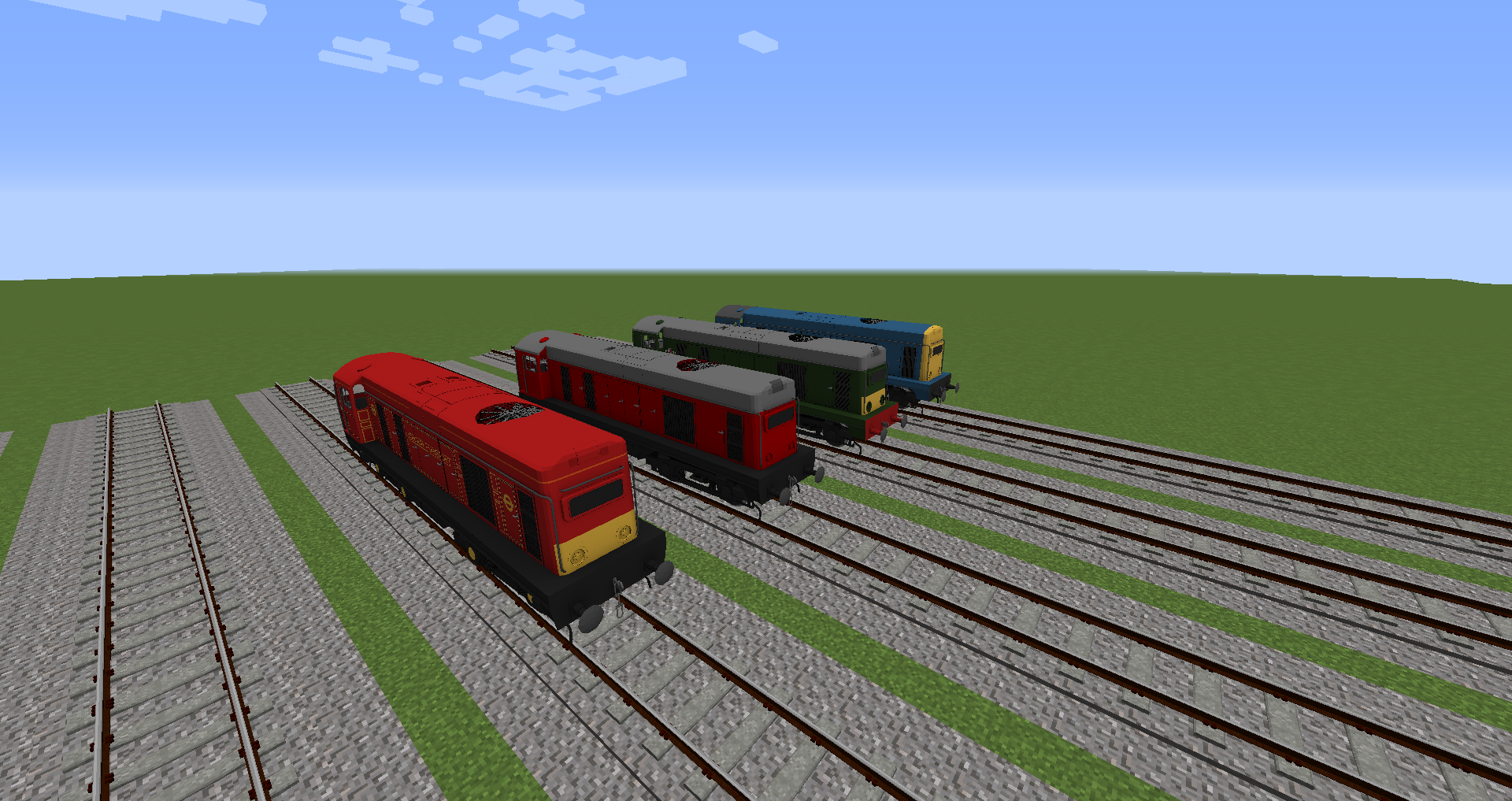
-Class 66 Diesel

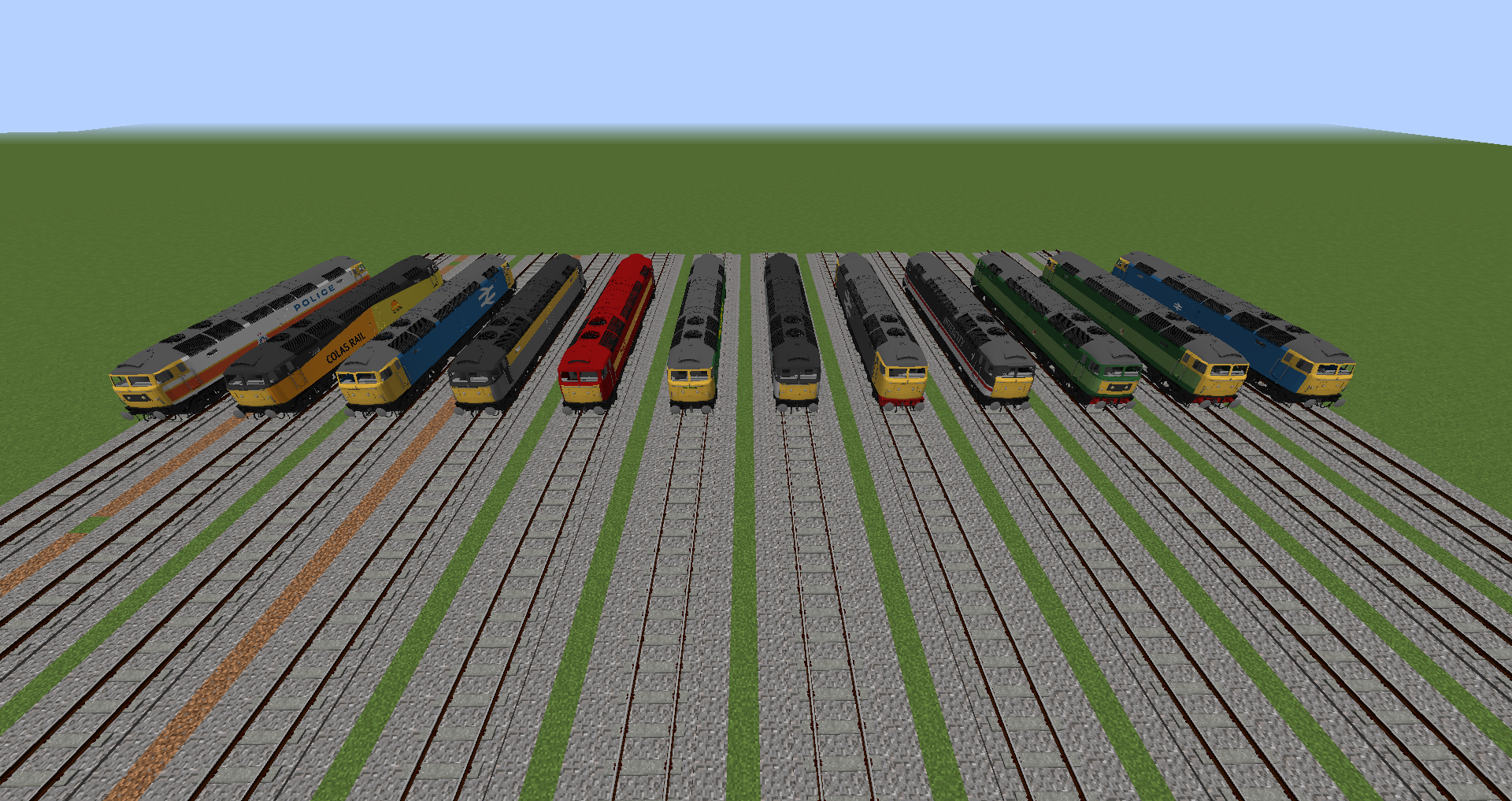
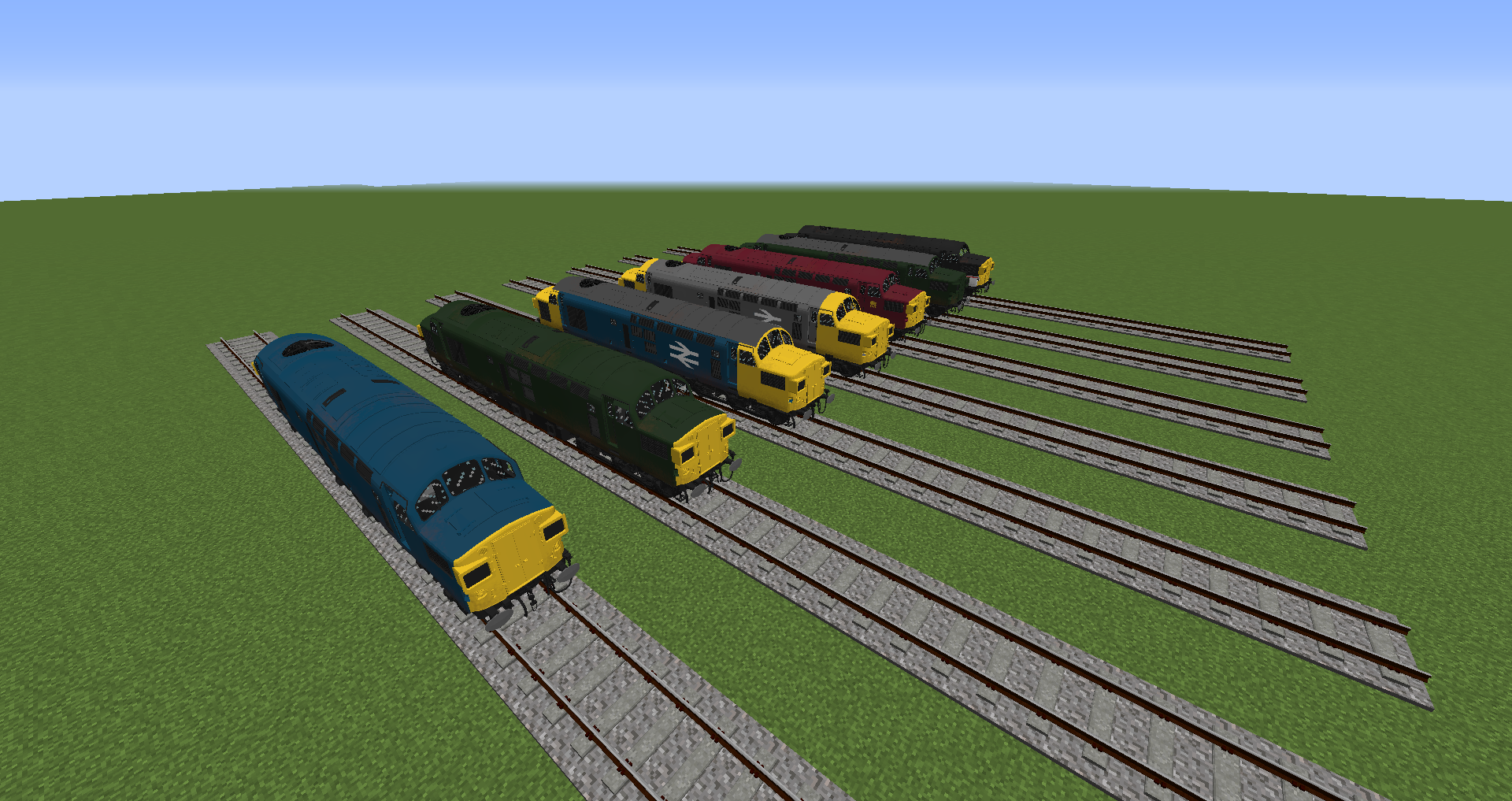
-Class 37 Diesel (huge credit to Xyvoracle for the amazing model)

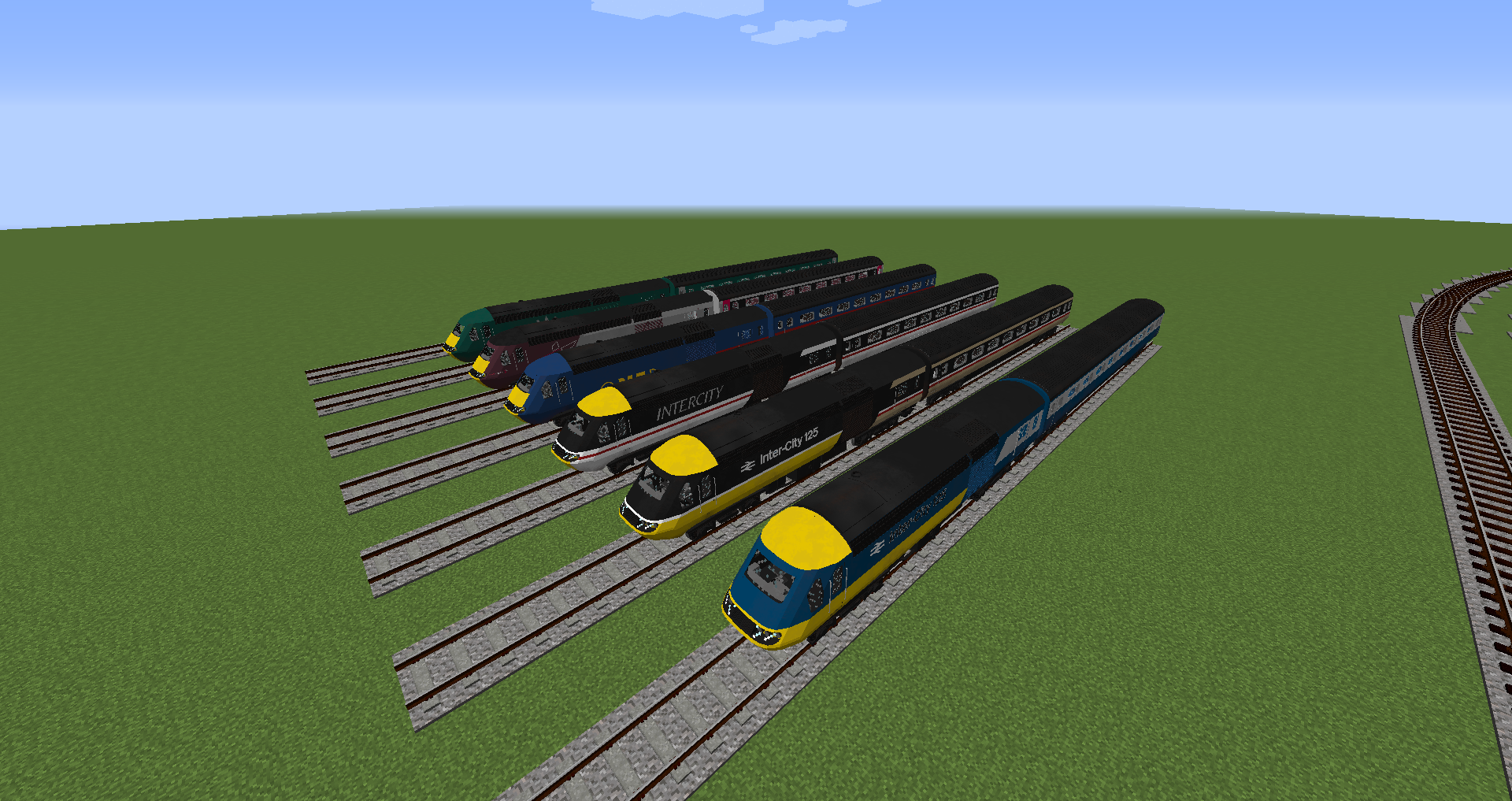
-Class 43 HST

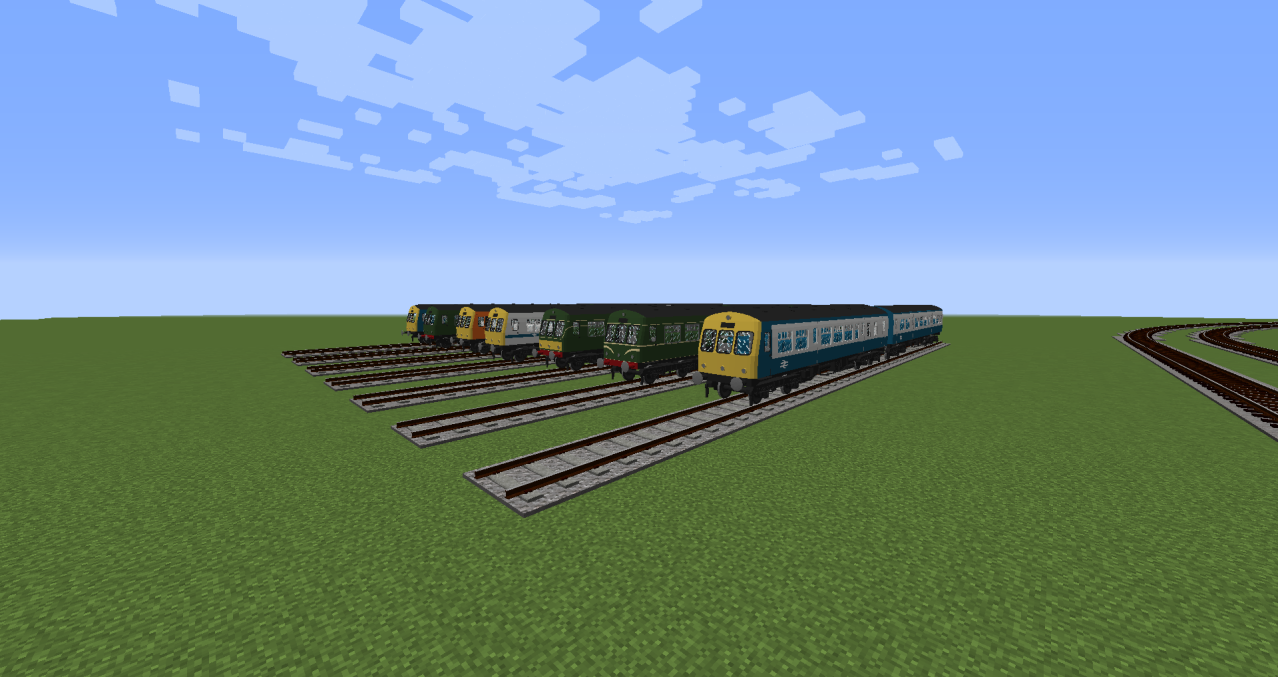
-Class 101 DMU

-Class 20

-Class 47


Rolling stock:

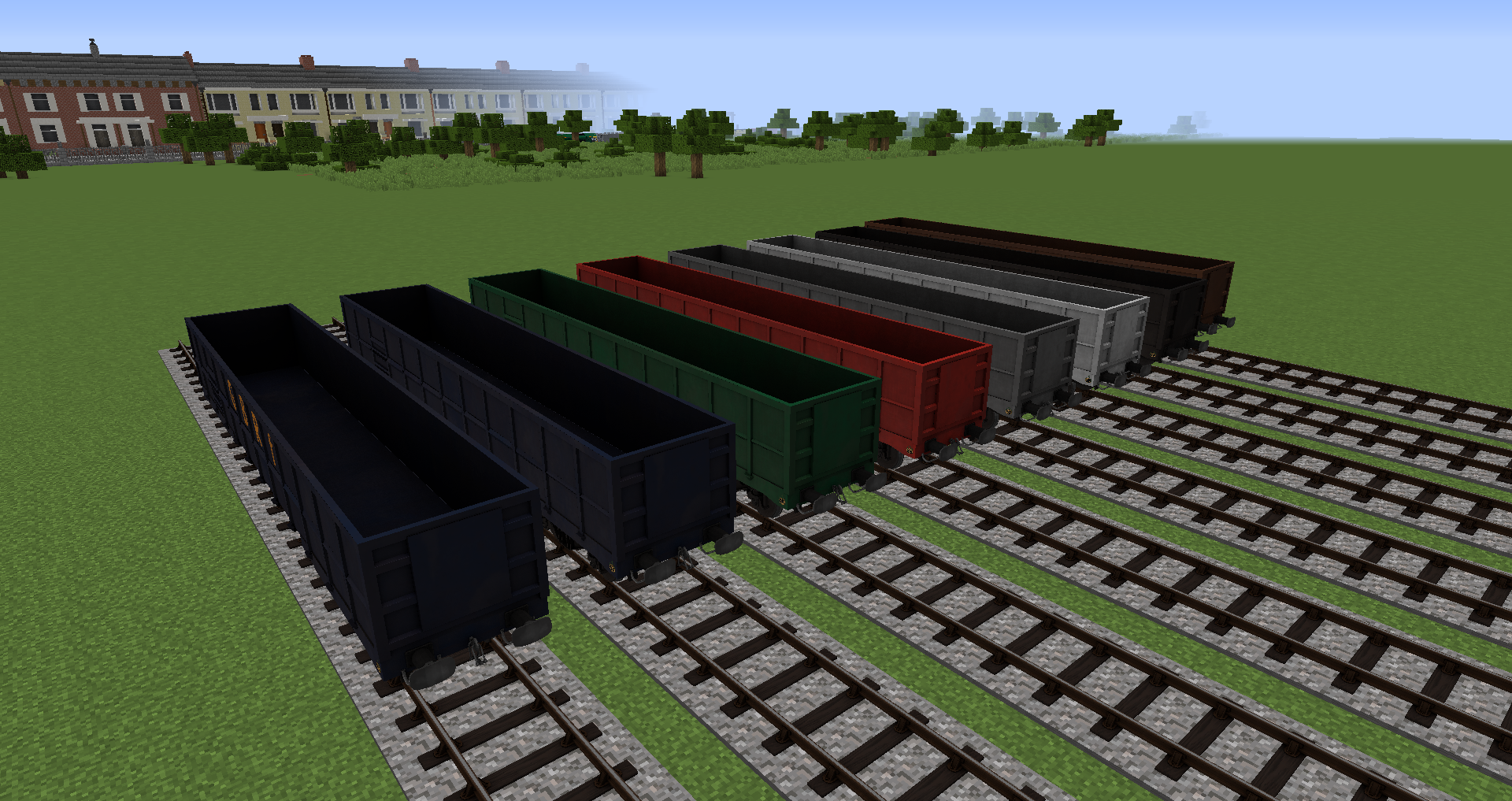
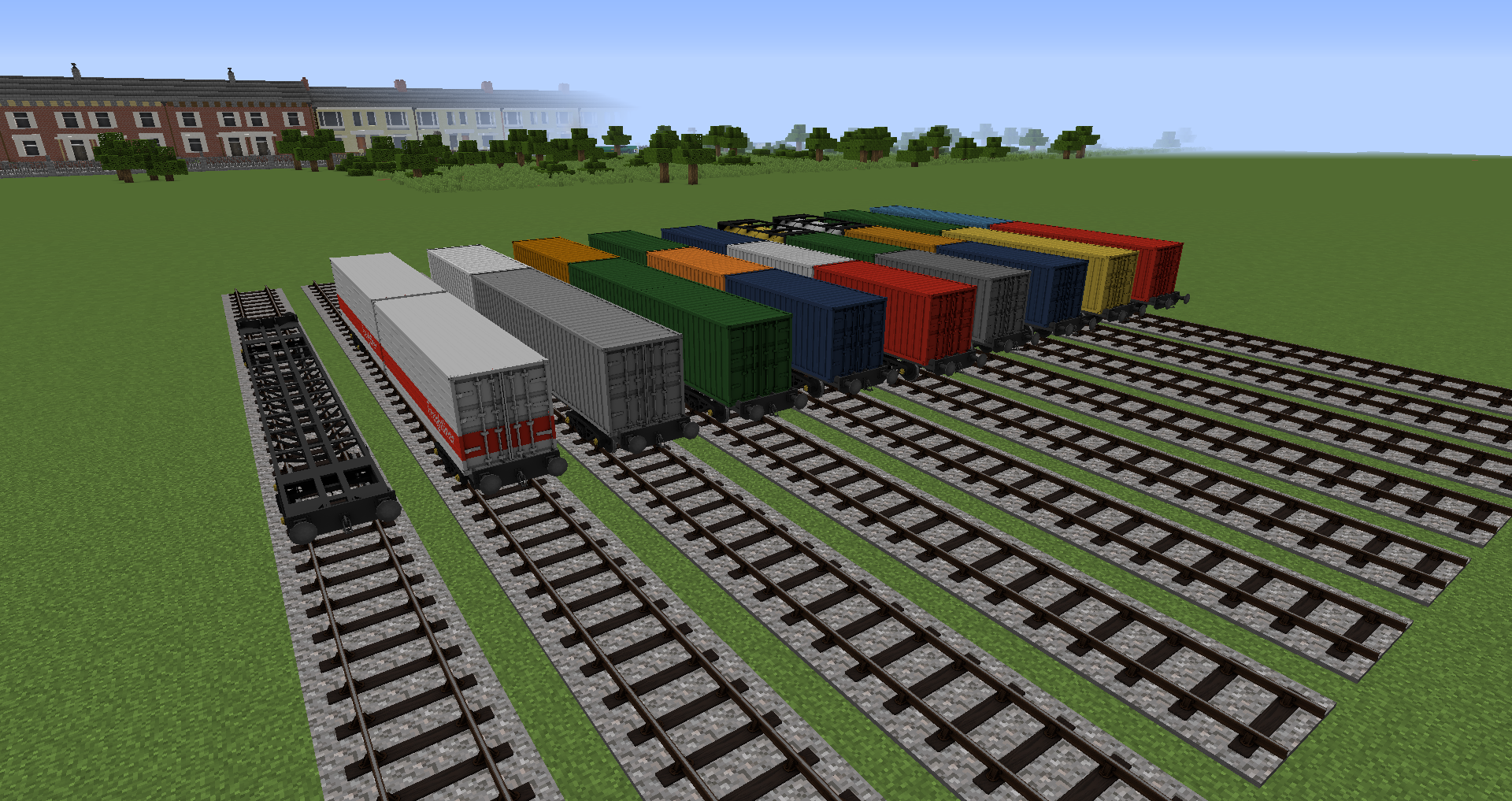
JNA agregate wagon

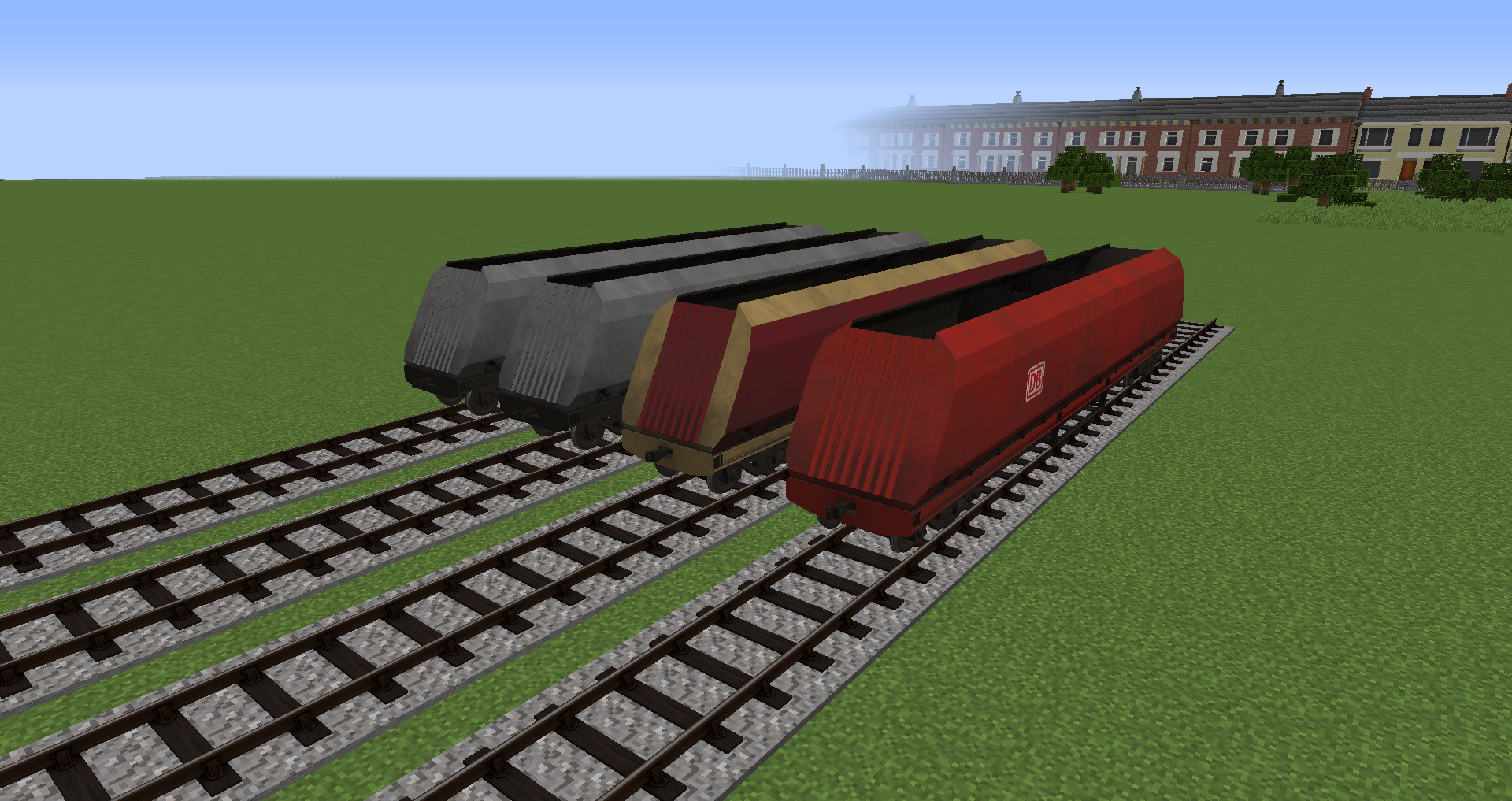
HTA Hopper wagon

FFA Container flatbed

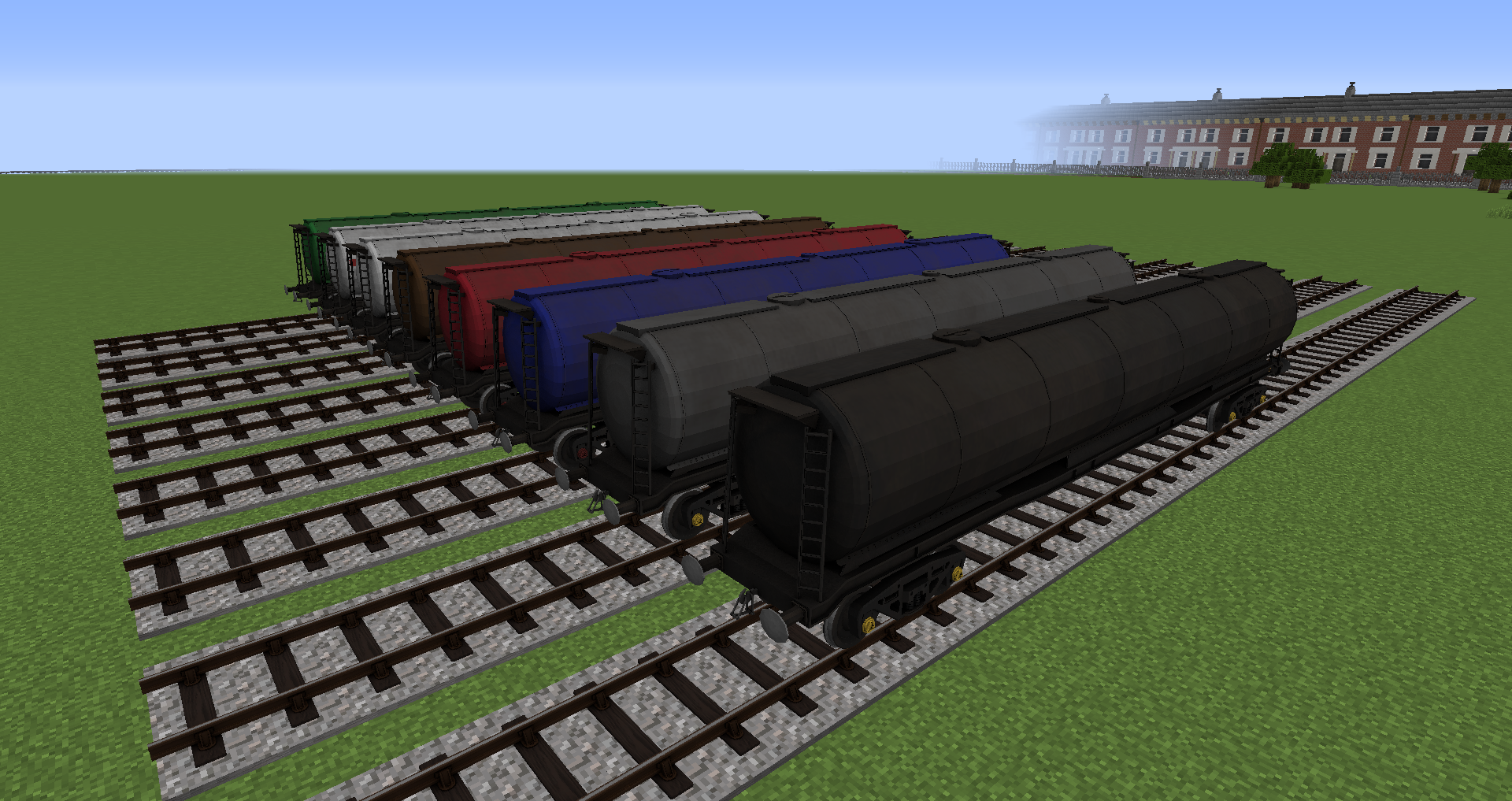
TDA Tank wagon


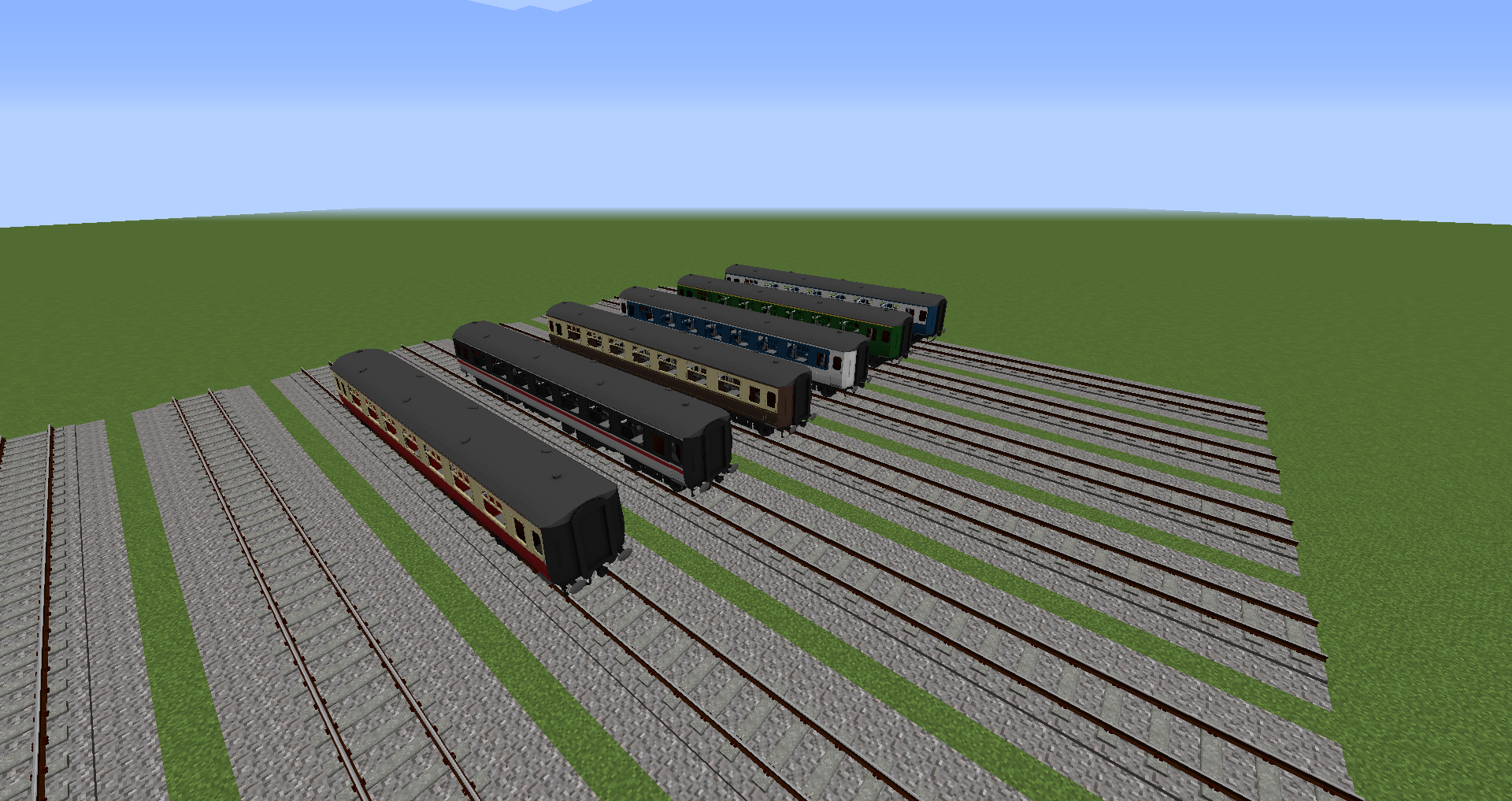
Mark 3 passenger

Class 101 Coach

MK2 Passenger

 
 Do not copy or modify any models within this pack without direct permission from myself. no exceptions


If you want more information on what's currently being worked on, and to have a a more direct input on my packs- Join my discord! 
or if you like my work and wish to support me- join my Patreon!

Dragons Modern British V 1.4.1
MC 1.14.4, 1.16.5, 1.10.2, 1.15.2, 1.7.10, 1.11.2, 1.12.2
Release 2021-12-05 Get
Dragons Modern British V1.4
MC 1.14.4, 1.16.5, 1.10.2, 1.15.2, 1.7.10, 1.11.2, 1.12.2
Release 2021-11-06 Get
Dragons Modern British V1.3
MC 1.14.4, 1.7.10, 1.12.2
Release 2020-07-27 Get
Dragons Modern British V 1.2
MC 1.14.4, 1.7.10, 1.12.2
Release 2020-04-01 Get
Dragons Modern British V1.1
MC 1.14.4, 1.7.10, 1.12.2
Release 2020-03-26 Get
Dragons Modern British V1
MC 1.14.4, 1.7.10, 1.12.2
Beta 2020-03-17 Get

Requirements & install

How to use this resource pack in Minecraft
Resolution
128x
Minecraft
1.7.10 – 1.16.5
Install folder
.minecraft/resourcepacks

How to install resource packs

  1. Download the resource pack .zip file (do not extract it).
  2. In Minecraft open Options → Resource Packs → Open Pack Folder.
  3. Drop the .zip into the resourcepacks folder (.minecraft/resourcepacks).
  4. Move the pack to the Selected column and click Done.

Packs from 128x upwards need more video memory: install a performance mod such as Sodium for smooth frame rates.

Browse more: 16x resource packs 32x resource packs 64x resource packs 128x resource packs 256x resource packs 512x+ resource packs Resource Packs for 1.16.5 All resource packs

More from Emerald_Dragon__

Advertisement Remove ads with Premium →

You Might Also Like