Basic informations
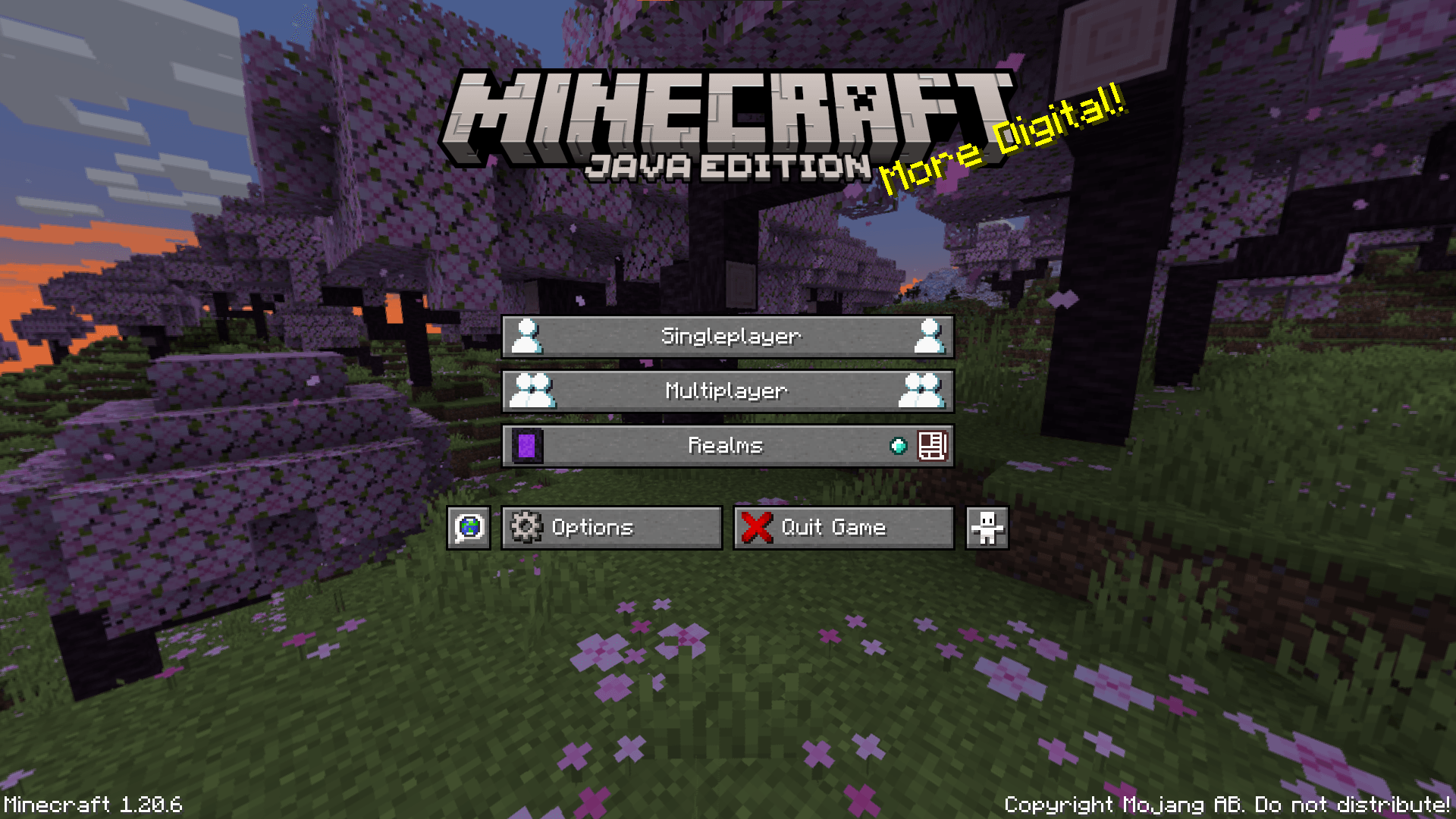
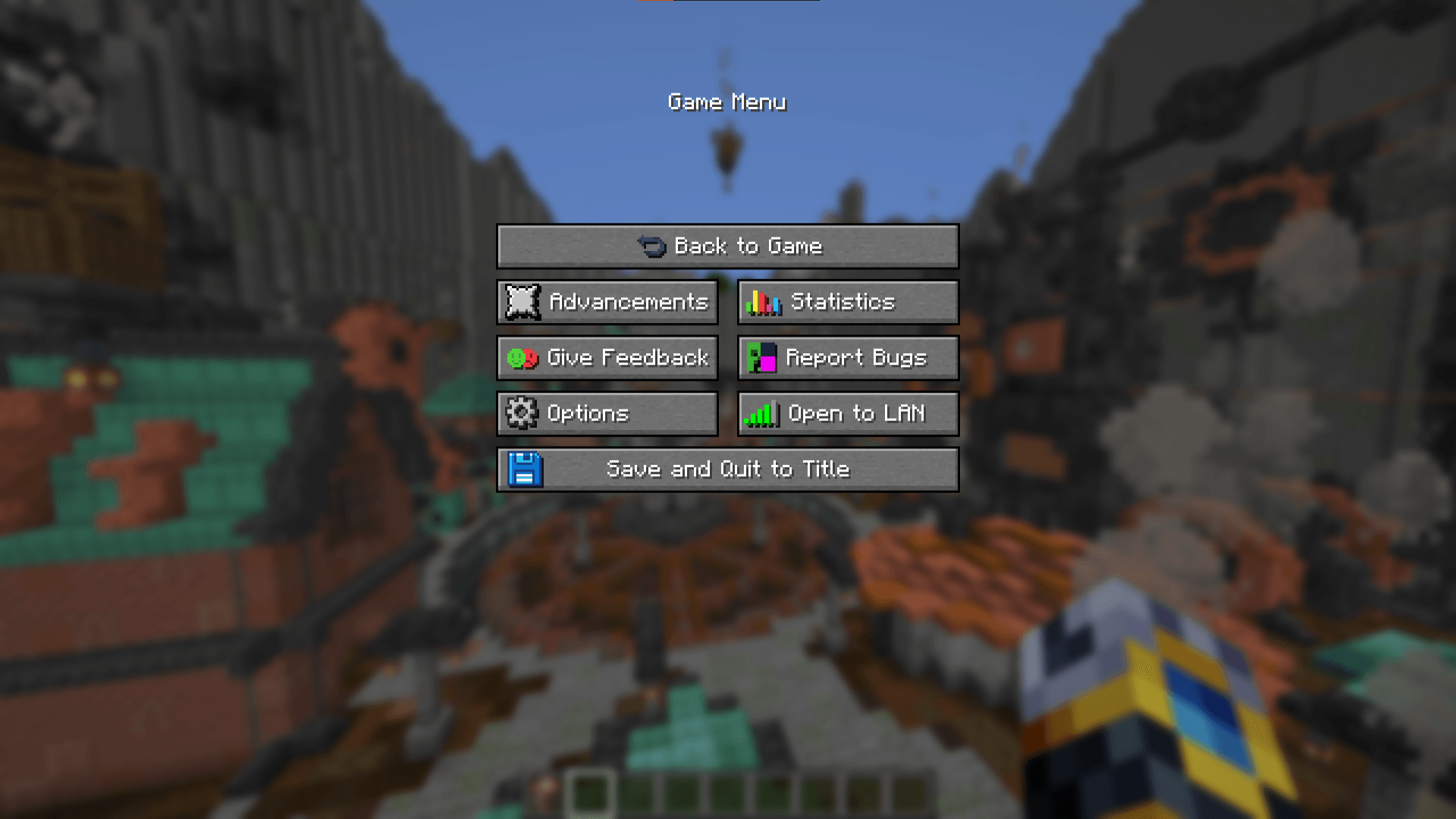
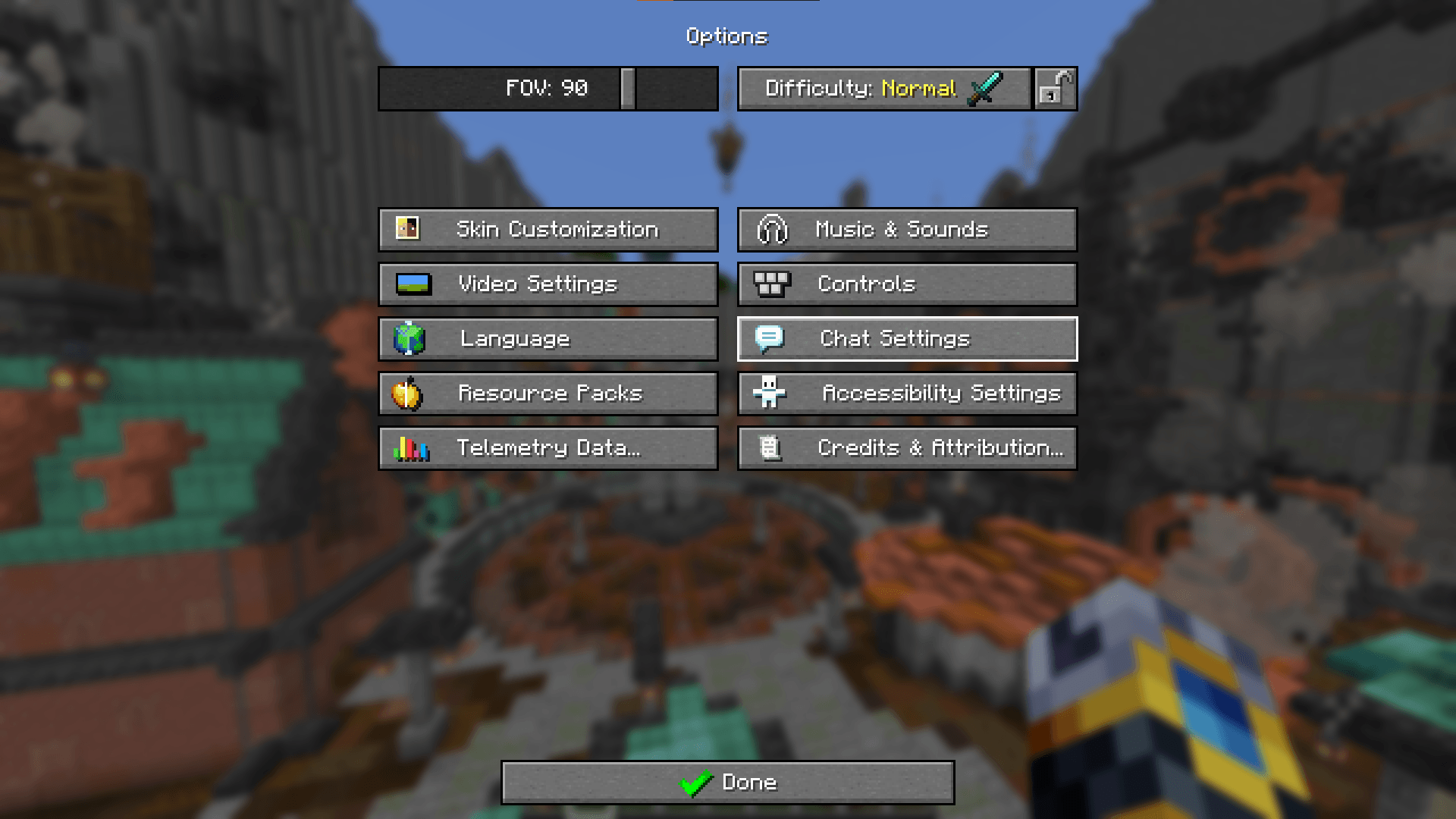
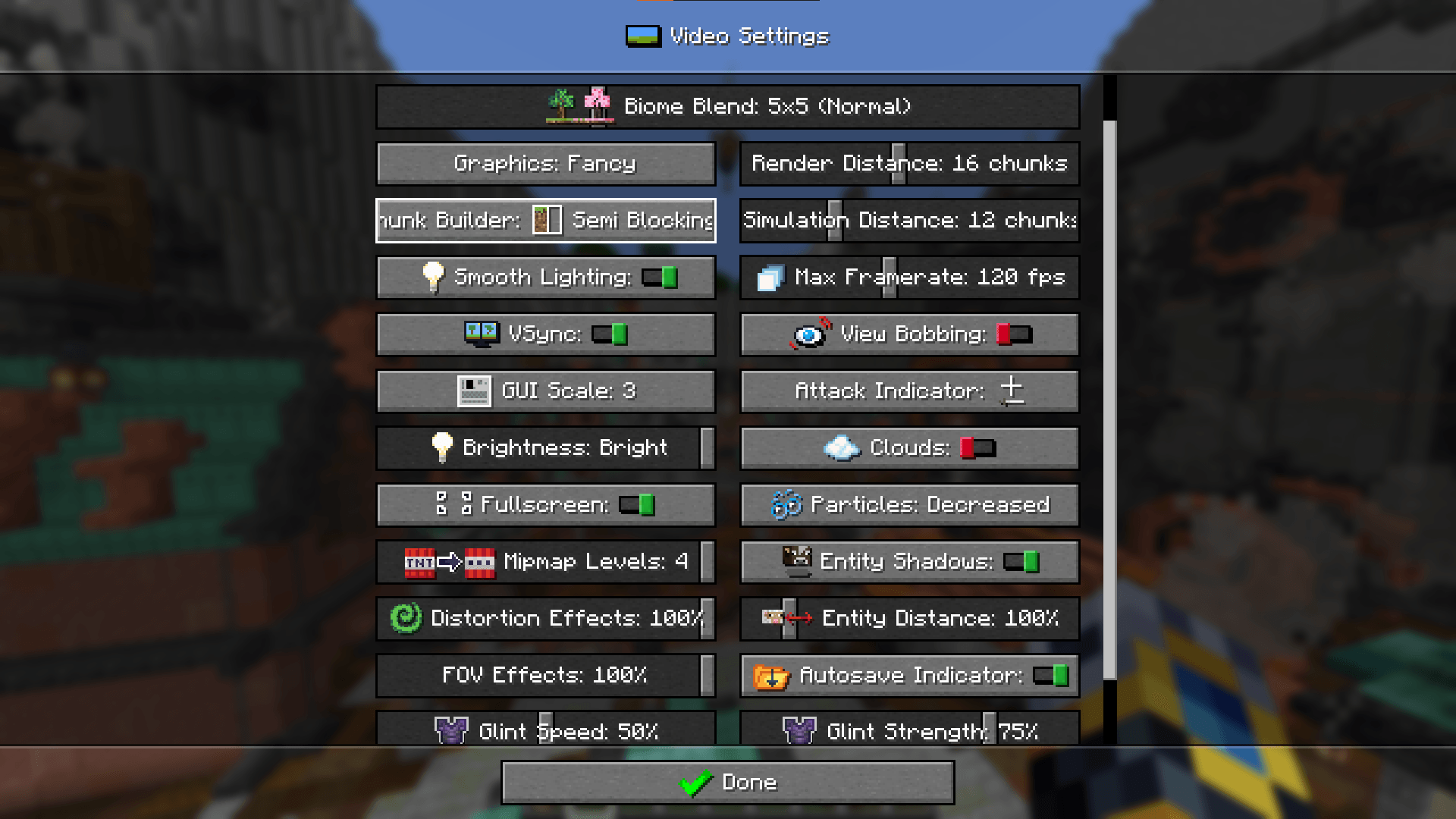
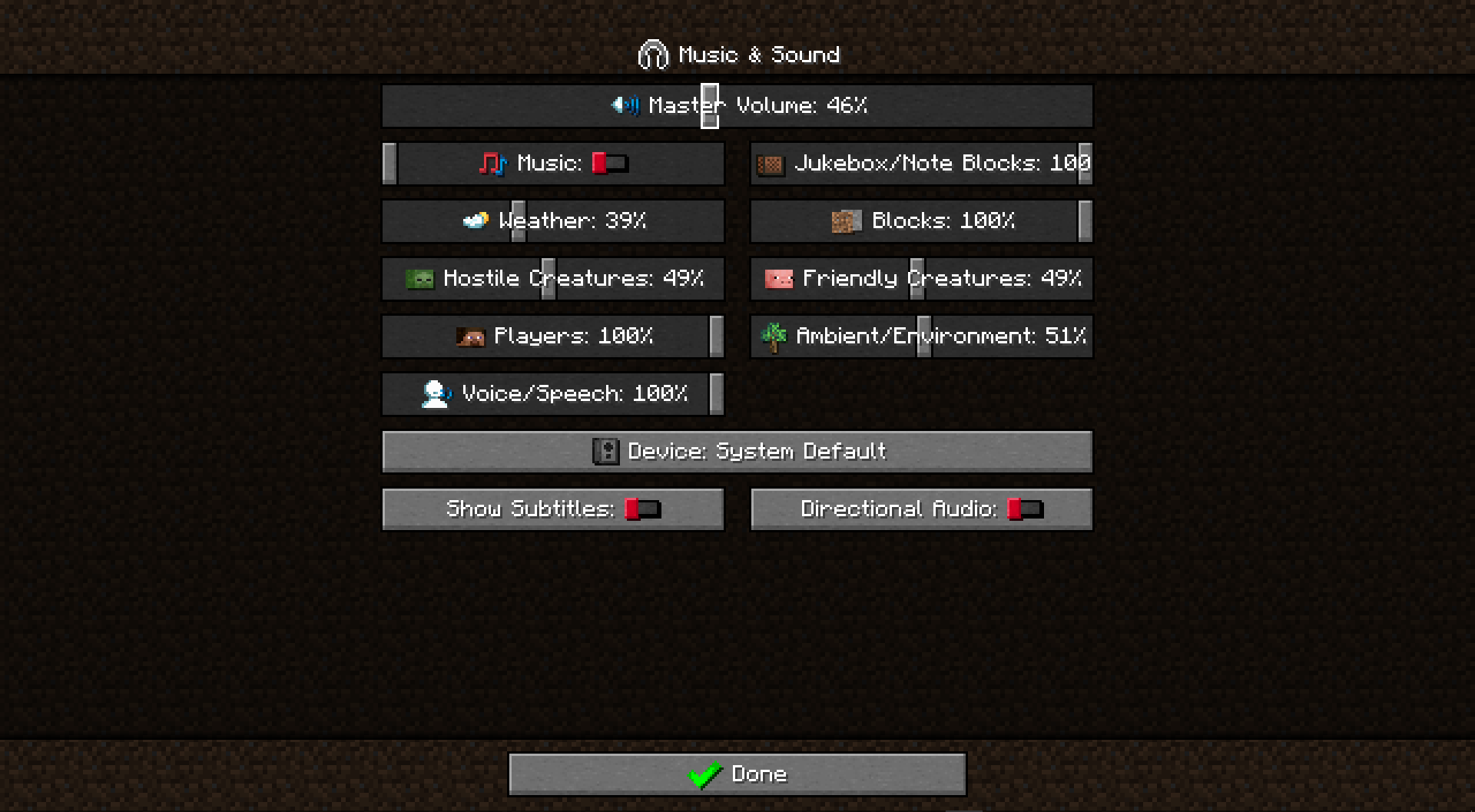
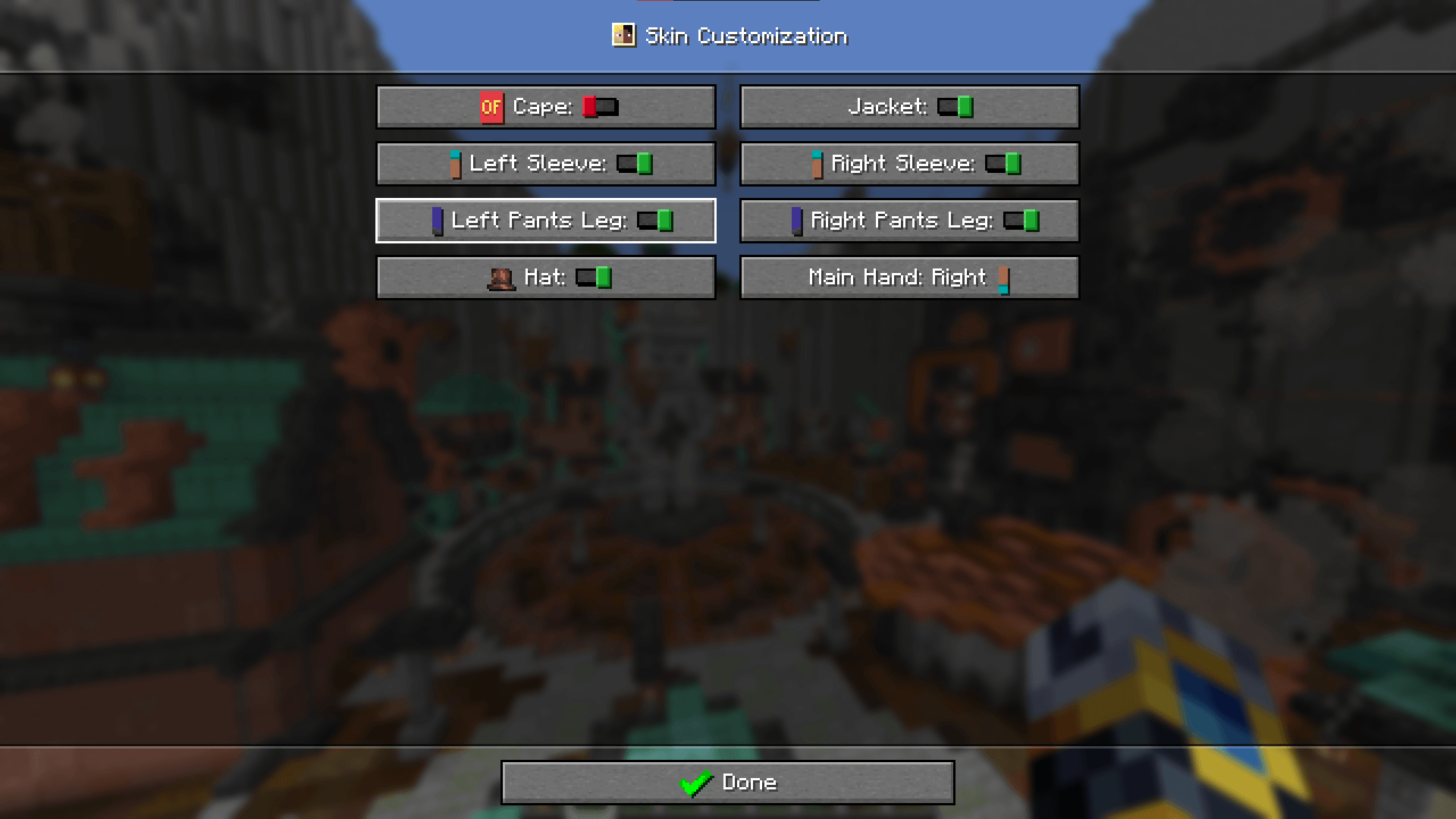
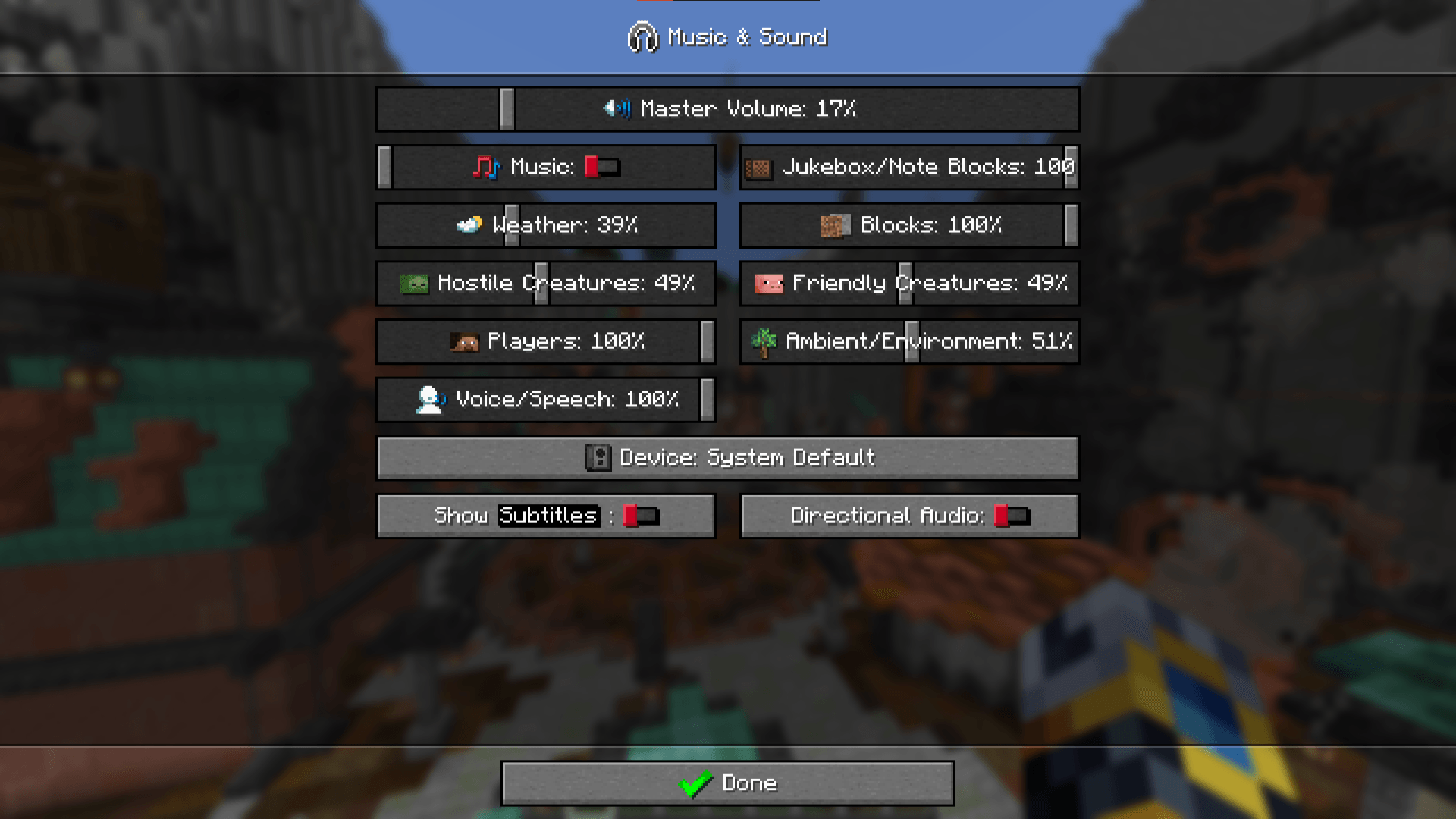
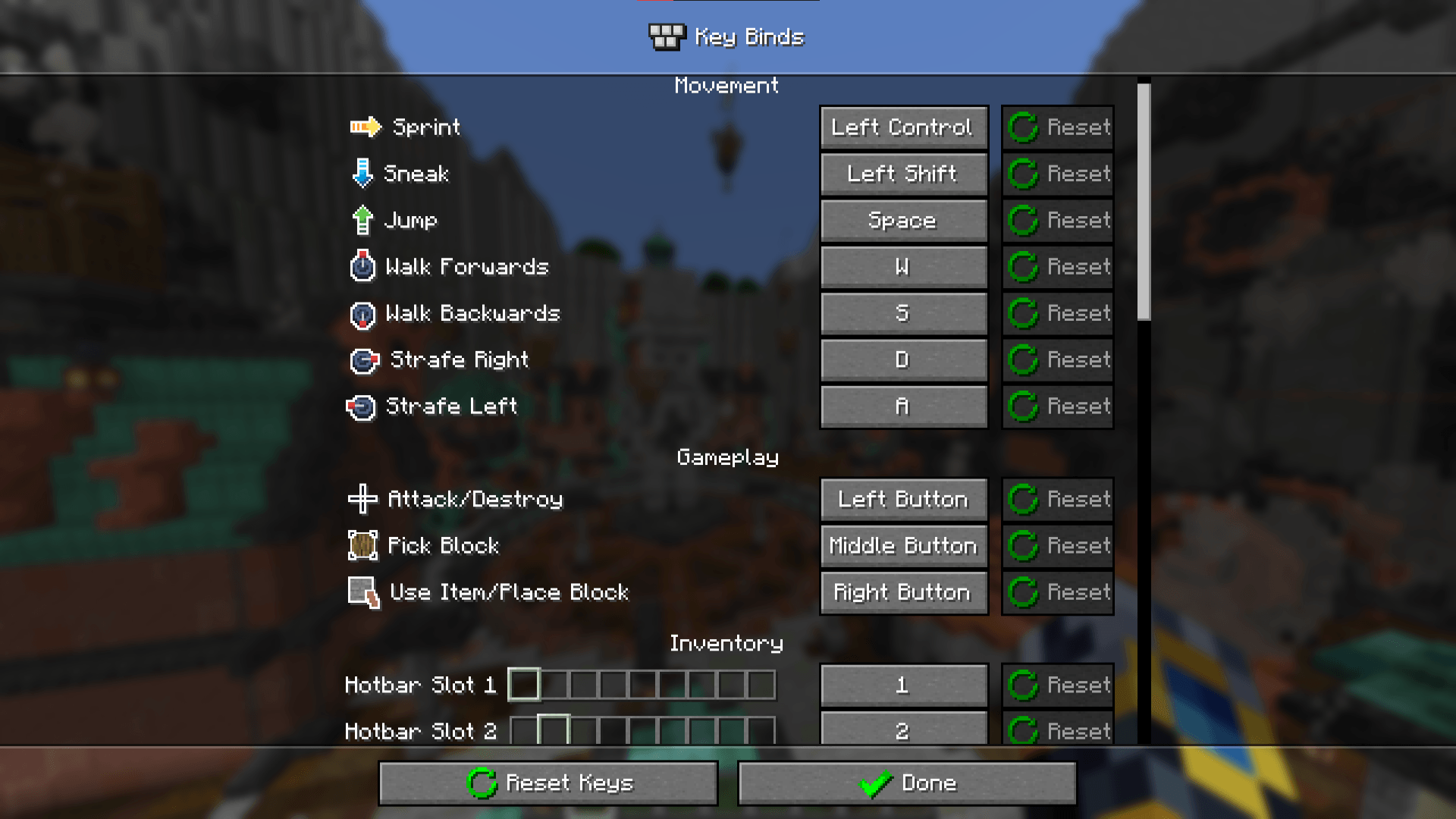
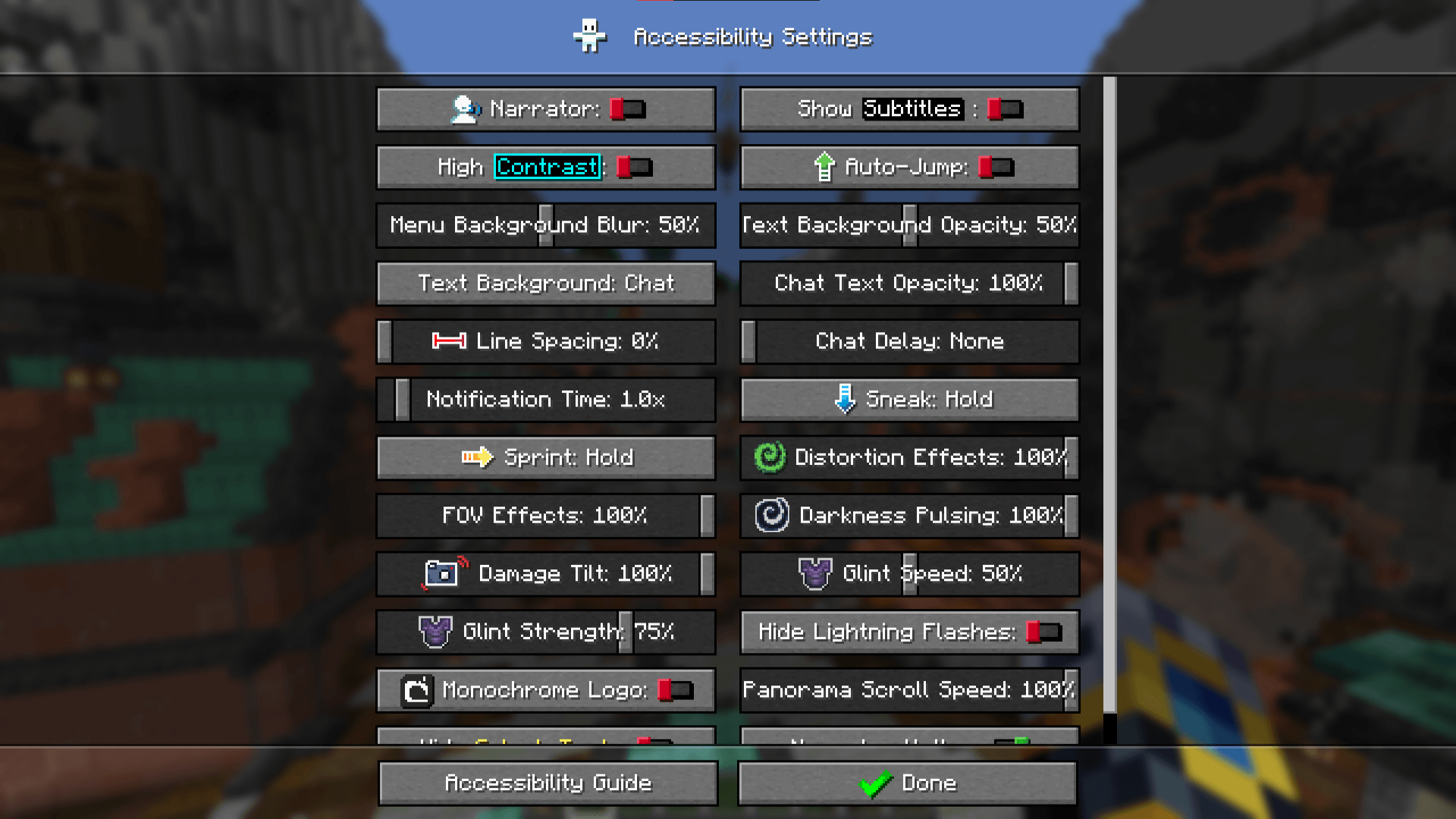
Iconic is a texture pack which adds graphic icons in many game interactions: most of the menus are full of colorful icons which help the player better understand the category and give a better look to the old boring classic menus. The changes the resource pack makes are specific to only texts and menus, without making the gameplay different. They just make browsing interactivity more enjoyable.
IMPORTANT
As already written in the basic informations, the resource pack is still under development: therefore, if not all the game menus are complete you may wait for a future update.
NO OPTIFINE REQUIRED
SUPPORTED LANGUAGES
English 🇬🇧
Q/A
Why does the pack not work?
Make sure you have a version of Minecraft that is 1.13.1 onwards. If you have an optifine version, go to the options menu, video settings, quality settings and then check that you have the custom fonts set on "ON".
Why don't all menus have icons?
You probably don't have the latest version of the package or maybe that section hasn't been updated yet.
Does it also work with other resource packs?
Yes it does. Just make sure you don't have any other font resource pack installed, or they will collide and not work.
Does it work with all languages?
Only with those specified in the description section "SUPPORTED LANGUAGES" and in all related regions. If your native language isn't there yet, don't be afraid as it may come soon.
Does it also work on servers?
If the server doesn't have predefined resource packs, yes.
Does it also work with mods?
If the mod doesn't change the font or the writings in any way, yes.