Mineuniverse
Resource Packs
HyperPvp Pixelmon Pack

HyperPvp Pixelmon Pack

RESOURCE PACK
HyperPvPPack with compatibility for pixelmon
by hyper4venom
Download Claim this project
2,045 downloads
0 likes
Updated Oct 14, 2026
0 hypes
32x Miscellaneous Mod Support Photo Realistic Traditional
Advertisement Remove ads with Premium →

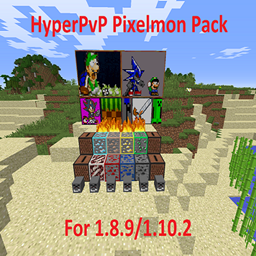
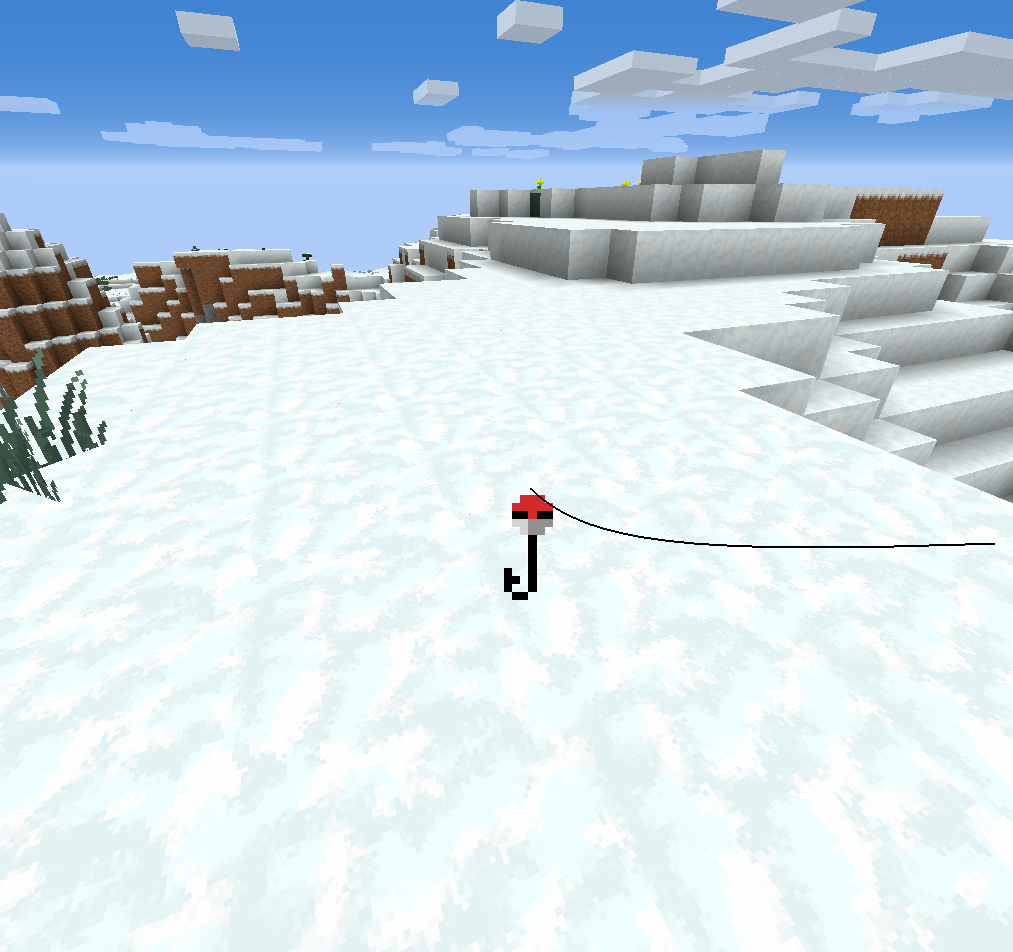
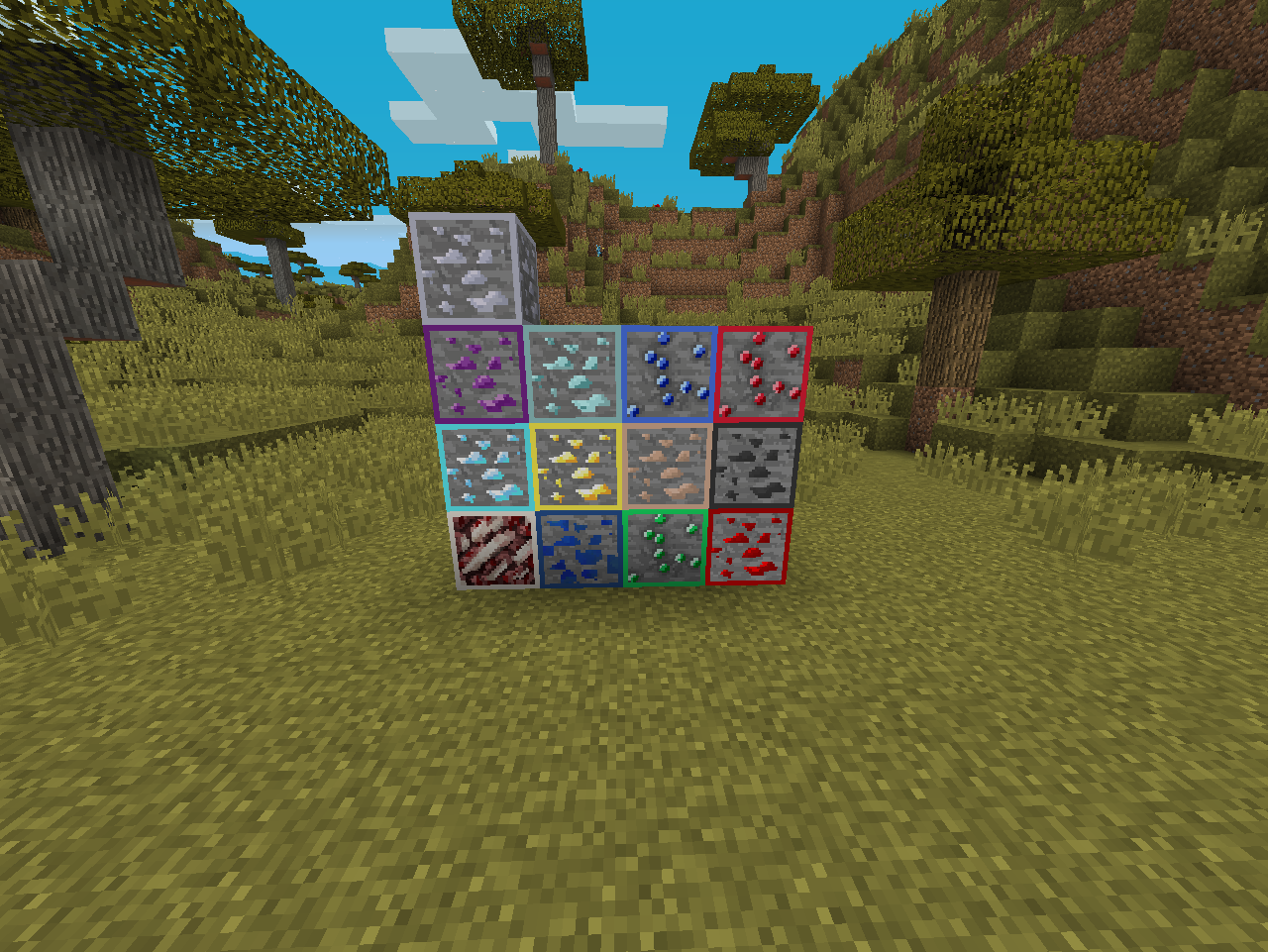
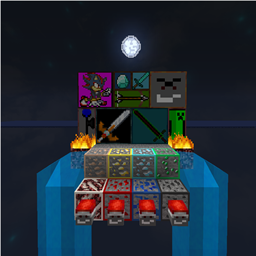
Most Packs concentrate on Swords, particles, and GUI color, this Pack concentrates on fire, ores, LANG files, paintings, Icons, and much more. along with being compatible with Pixelmon, it gives the game a better look, and being a small pack, it can be applied over your favorite texturepacks, whether they be PvP, realistic, Themed, Or any other kind, this is a pack that is small, yet very fun to have.

This pack includes:


  • New Steve and Alex skins!
  • Better record music!
  • Better death, achievement, and command messages!
  • Added 120 new splashes!
  • All painting have been updated!
  • All ores have been outlined so they are more visible over a distance!
  • Screenshots no longer have an underline!
  • Fire height has been reduced for visibility!
  • New sun and moon phases textures!
  • New Particles!
  • Custom sky! (For both night and day)
  • Credits and win texts!
  • And more!!!

Hope you enjoy this Pixelmon resourcepack, Thanks!


note: I do not own the rights any of the songs

HyperPack V3.3 Pixelmon
MC 1.10.2, 1.8, 1.8.9
Release 2017-02-07 Get
HyperPack V3.2
MC 1.9.1, 1.9.3, 1.8.7, 1.9.4, 1.9.2, 1.8.4, 1.8.8, 1.10.2, 1.8.3, 1.11, 1.8.6, 1.10, 1.10.1, 1.8, 1.8.2, 1.11.1, 1.11.2, 1.9, 1.8.5, 1.8.9, 1.8.1
Release 2017-01-21 Get
HyperPack V3.1 Pixelmon
MC 1.10.2, 1.8.9
Release 2017-01-17 Get

Requirements & install

How to use this resource pack in Minecraft
Resolution
32x
Minecraft
1.9.3 – 1.11.2
Install folder
.minecraft/resourcepacks

How to install resource packs

  1. Download the resource pack .zip file (do not extract it).
  2. In Minecraft open Options → Resource Packs → Open Pack Folder.
  3. Drop the .zip into the resourcepacks folder (.minecraft/resourcepacks).
  4. Move the pack to the Selected column and click Done.
Browse more: 16x resource packs 32x resource packs 64x resource packs 128x resource packs 256x resource packs 512x+ resource packs Resource Packs for 1.11.2 All resource packs

More from hyper4venom

Advertisement Remove ads with Premium →

You Might Also Like