Mineuniverse
Resource Packs
HyperFullbright+

HyperFullbright+

RESOURCE PACK
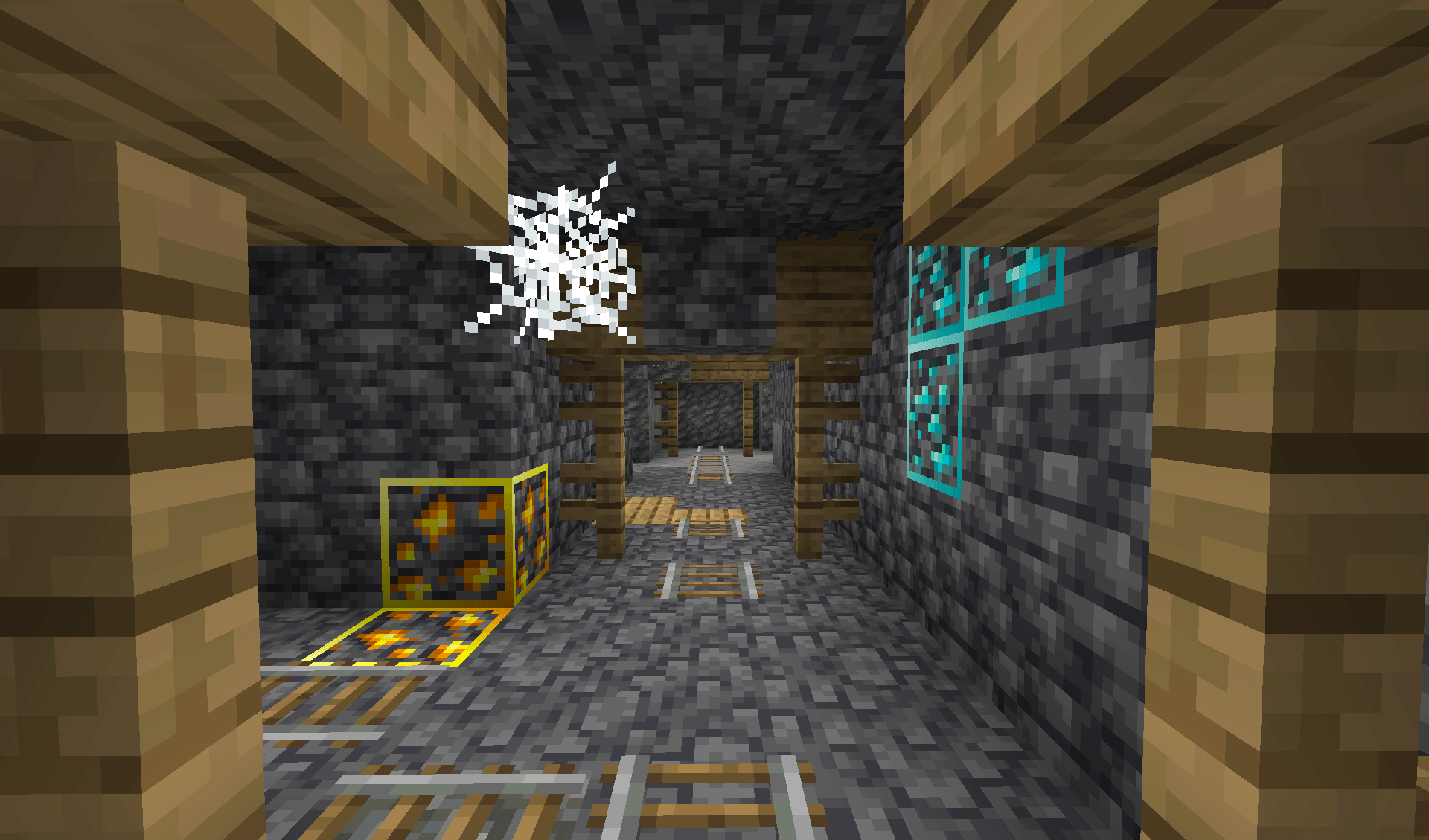
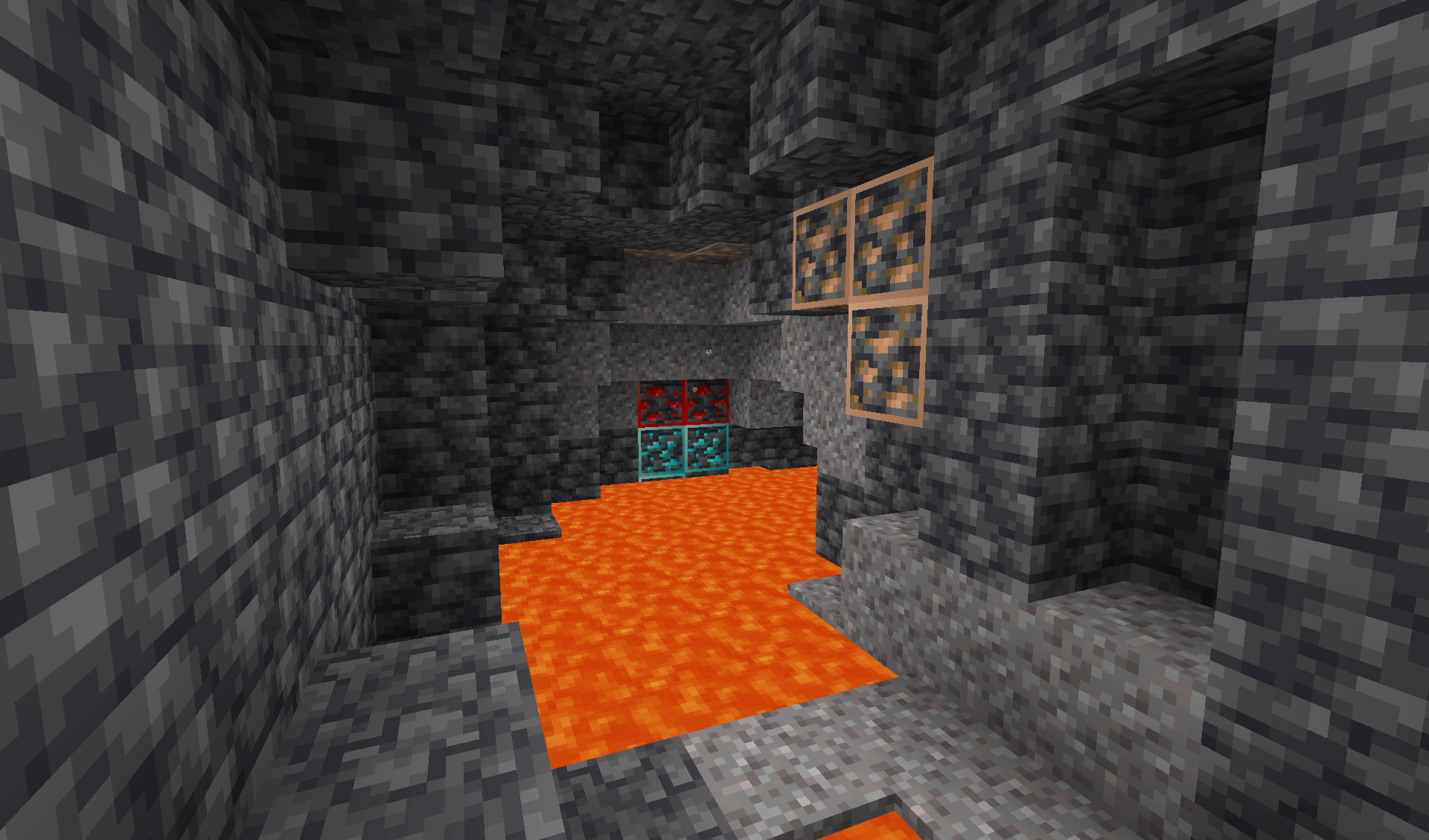
HyperFullbright+ – Make mining effortless! Light up the dark and outline every ore so you can spot them from a distance.
by pinou007
Download Claim this project
2,946 downloads
0 likes
0 followers
Updated Oct 14, 2026
0 hypes
Follow0
16x Miscellaneous
Advertisement Remove ads with Premium →

HyperFullBright

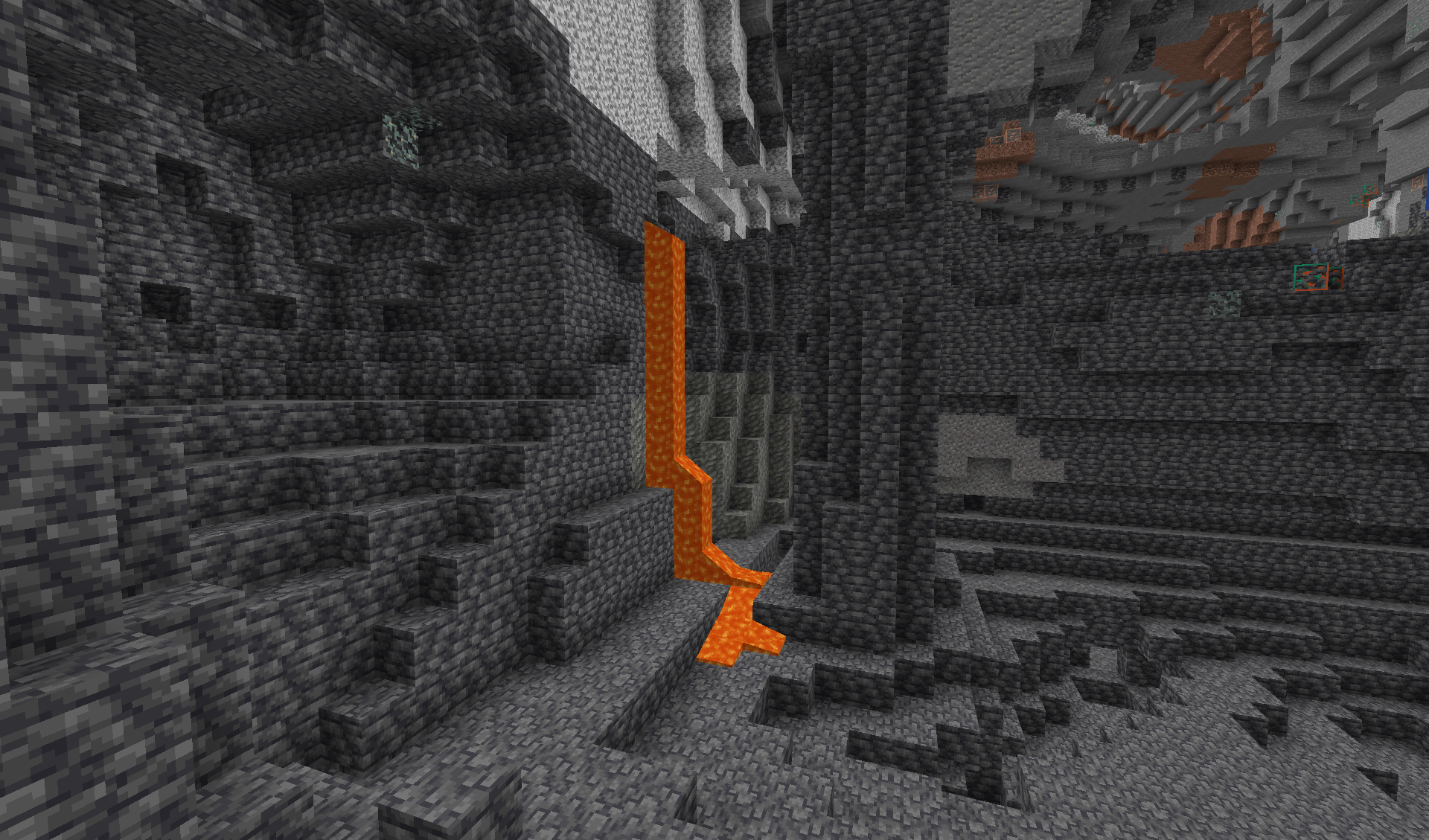
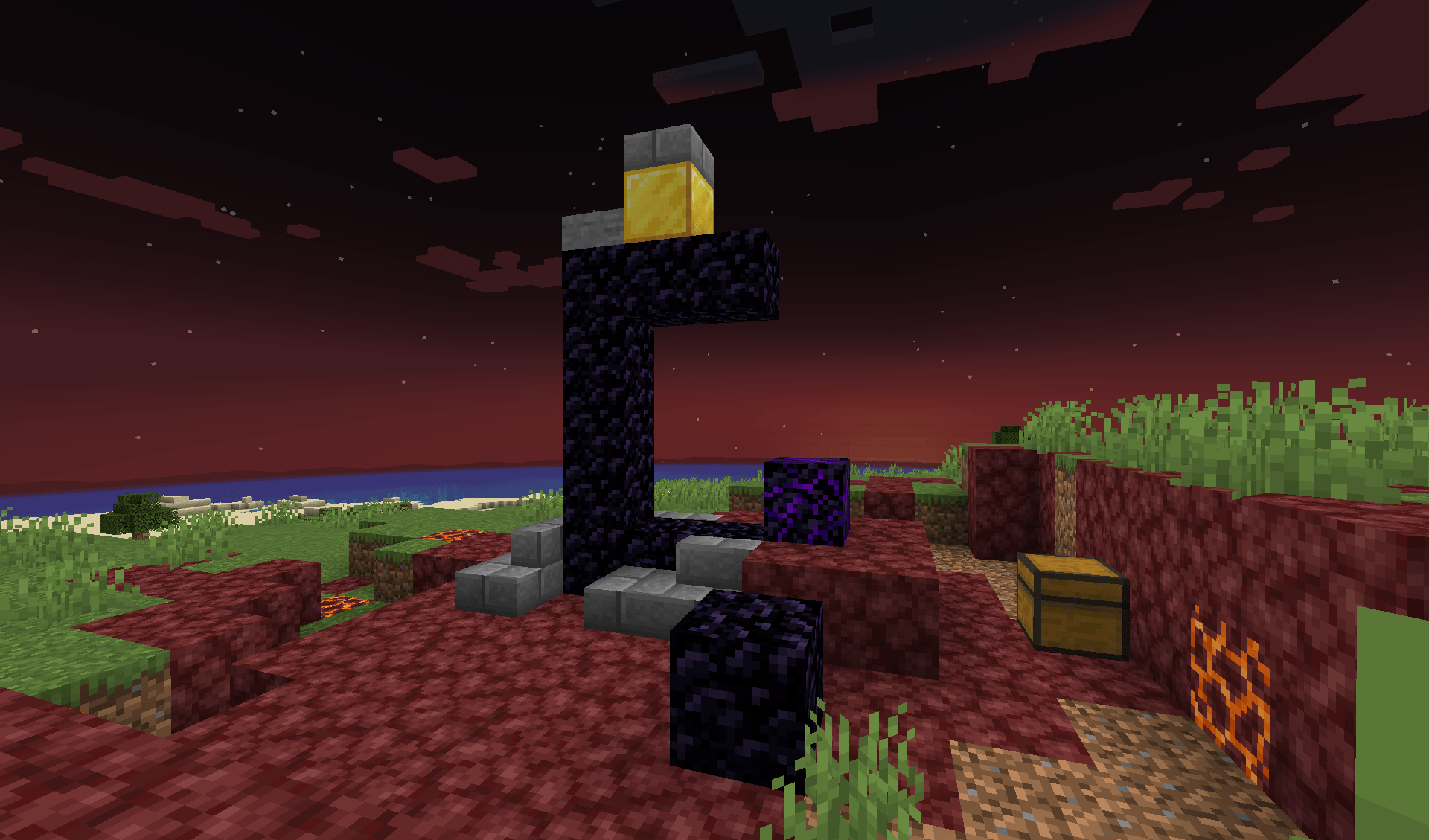
🌟 The Ultimate Fullbright Texture Pack No more dark caves or hidden ores! HyperFullbright+ transforms your Minecraft world into a bright and clear environment. Whether you’re a seasoned miner or an adventurous explorer, spot every ore and enjoy perfect visibility everywhere.


✨ Why Choose HyperFullbright+?

  • Easily spot ores – every valuable block is outlined for maximum visibility.
  • Daylight-like vision – navigate caves and nighttime areas with total clarity.
  • Readable interface and text – menus and fonts stay perfectly clear.
  • Up-to-date textures – fully compatible with the latest Minecraft versions.
  • Performance optimized – works smoothly even with light mods and shaders.

📥 Installation

  1. Download the .zip file from the official source.
  2. Place it in your Minecraft resourcepacks folder:
    C:\Users\YourName\AppData\Roaming\.minecraft\resourcepacks
    
  3. Open Minecraft → Options → Resource Packs.
  4. Activate HyperFullbright+ and move it to the top of your list.
  5. Tip: Disable any other packs or shaders that affect lighting for the best experience.

🔧 Compatibility

  • ✅ Minecraft 1.21.2 and newer
  • ✅ Works in Vanilla (no mods required)
  • ✅ Compatible with OptiFine, Fabric, Iris, Sodium, Lunar

🎮 Who Is HyperFullbright+ For?

  • Miners who want to find every ore with ease
  • Explorers venturing into deep caves or dark dungeons
  • Players seeking a bright and clear Minecraft experience
  • Streamers or content creators who want clean, readable visuals

💡 Pro Tip: Combine HyperFullbright+ with your favorite mods for an even more stunning Minecraft experience without sacrificing visibility or performance.


§lHyper§e§lFullbright§l§g+§r§8 - v1.zip
MC 1.21.2-Snapshot, 1.21.6-snapshot, 1.20.2-Snapshot, 1.20.5-Snapshot, 1.20.2, 1.20.5, 1.21.5, 1.21.4, 1.21.5-Snapshot, 1.20.1, 1.20.6, 1.21.1, 1.21.6, 1.21.3, 1.20.4, 1.20.3-Snapshot
Release 2026-02-21 Get

Requirements & install

How to use this resource pack in Minecraft
Resolution
16x
Minecraft
1.21.1 – 1.21.6
Install folder
.minecraft/resourcepacks

How to install resource packs

  1. Download the resource pack .zip file (do not extract it).
  2. In Minecraft open Options → Resource Packs → Open Pack Folder.
  3. Drop the .zip into the resourcepacks folder (.minecraft/resourcepacks).
  4. Move the pack to the Selected column and click Done.
Browse more: 16x resource packs 32x resource packs 64x resource packs 128x resource packs 256x resource packs 512x+ resource packs Resource Packs for 1.21.6 All resource packs

More from pinou007

Advertisement Remove ads with Premium →

You Might Also Like