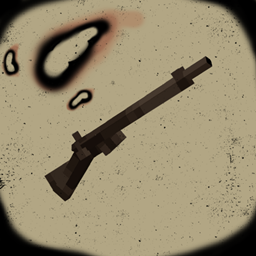
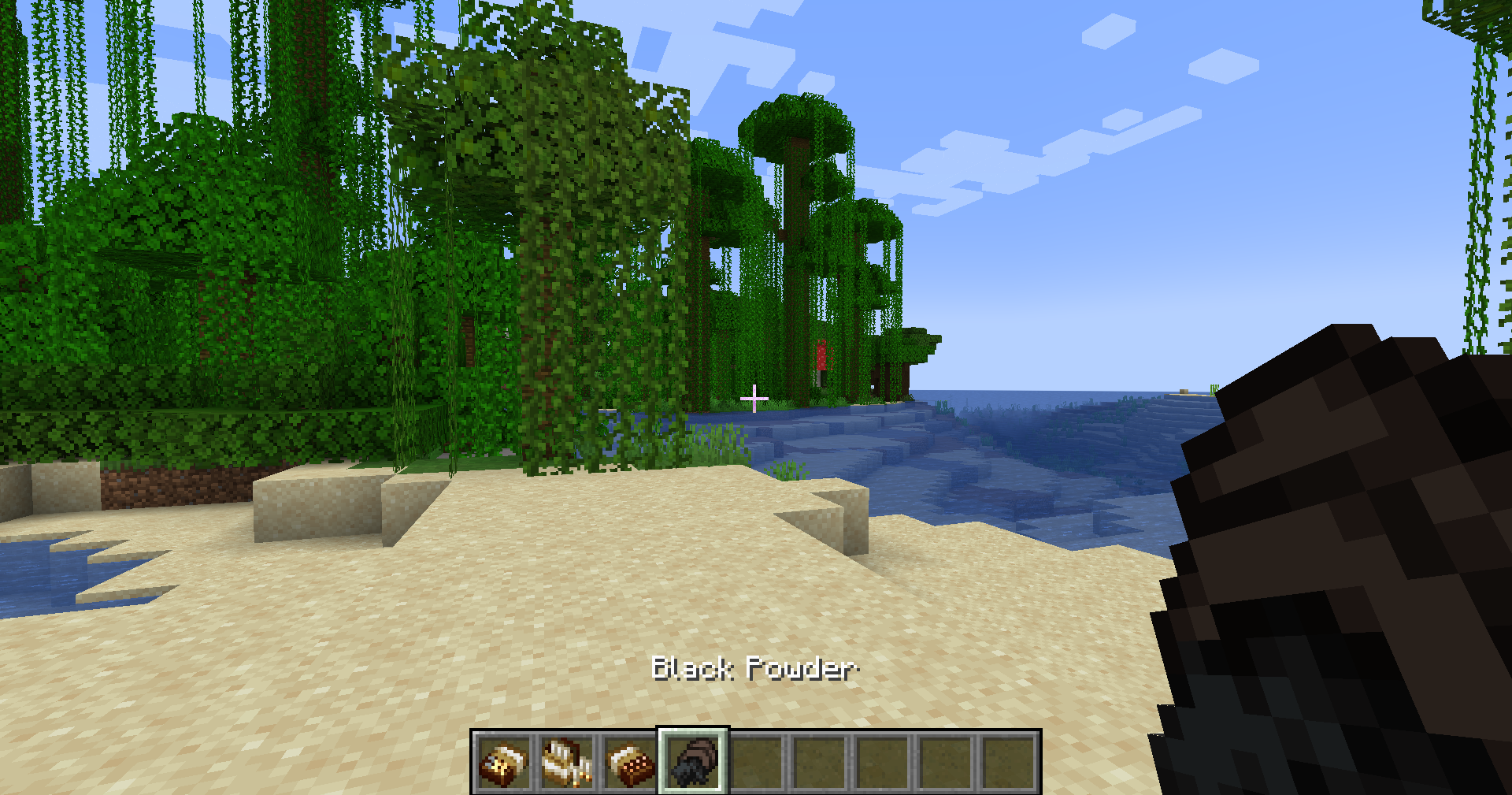
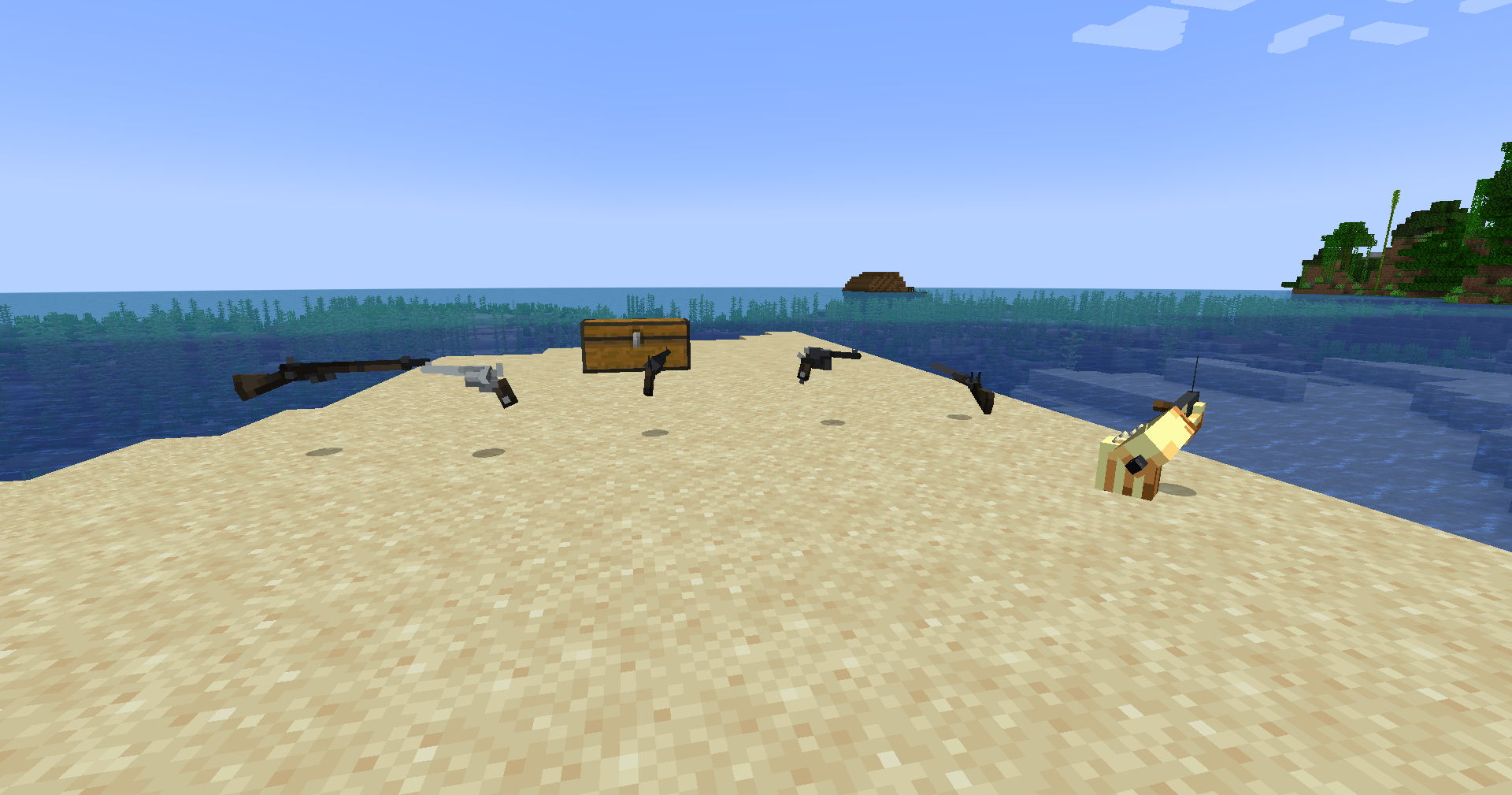
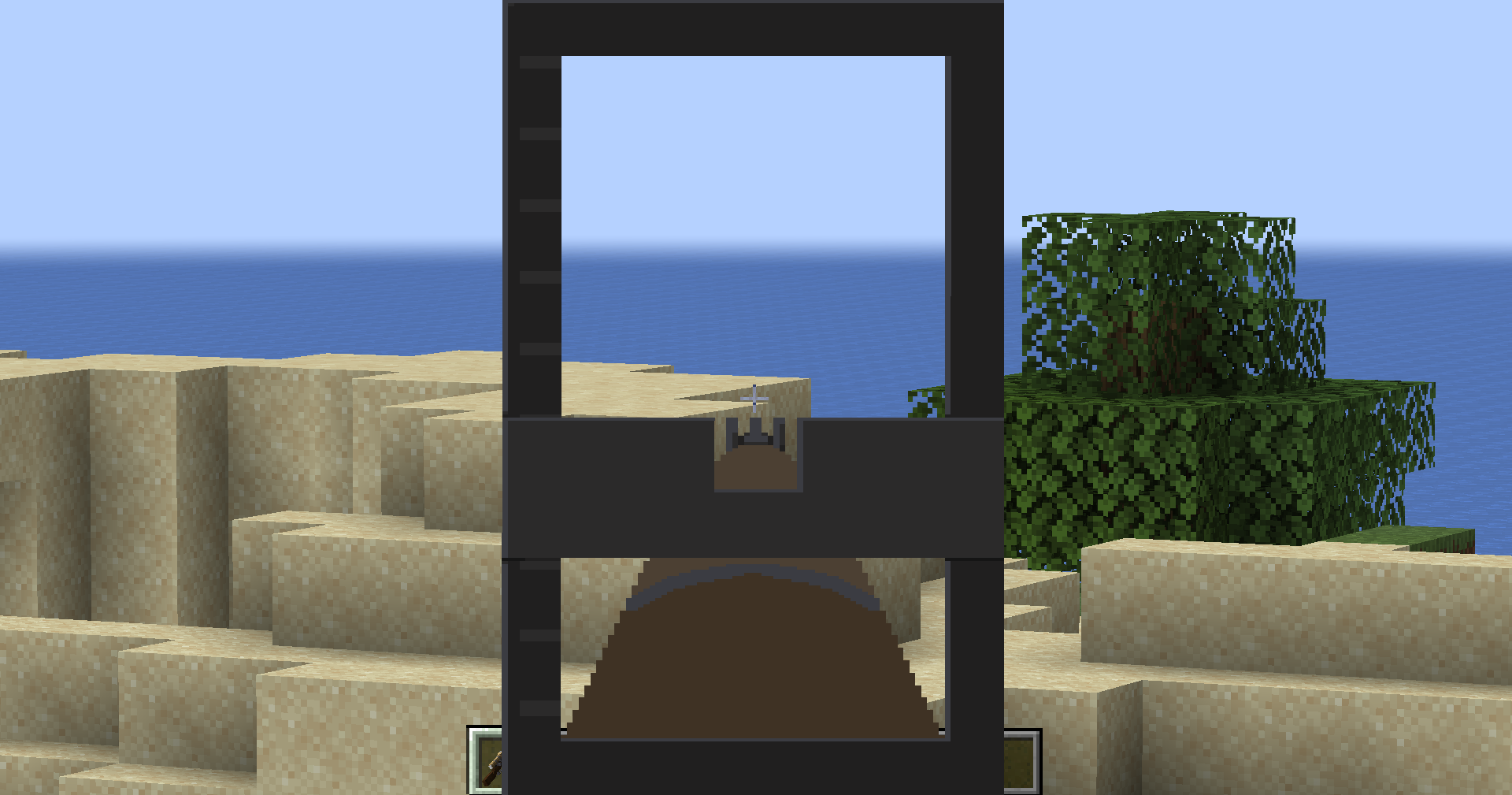
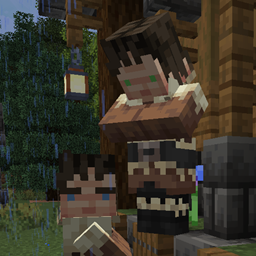
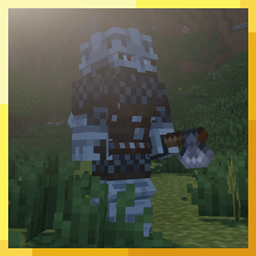
Hello ladies and gentlemen and all in between! There is this mod that added firearms to Minecraft with the main inspirations of TF2 and Techguns called Happiness (is a) Warm Gun. Someone brought up the idea in a discord server of changing the appearance to make them look more like guns from the late 1800s/late 19th Century, however you look at it. So I made a resource pack which does exactly that!
Disclaimer: Not all guns have been changed, primarily because models haven't been made but also I'm unsure what counterpart would fit such guns so I intentionally left them out.
As of 1.1.0, there has been a lot of changes. Guns being replaced as well as mobs, blocks and vanilla assets. For the guns to work properly and as intended, you must:
1. Download the resource pack.
2. Open the resource pack.
3. Take the 'hwg.json' file out and put it into the configs folder in your .minecraft/configs or the configs folder in your profile/launcher instance.
4. It may prompt you to replace the file, do so as this'll replace the default configs with the custom configs designed to make the guns work properly.
5. If your game is open already, close it and launch the game back up again. On a server, restart the server. This is so the config changes will then now be in effect.
6. Enjoy your new western life!
P.S. It will require the version 1.4.23 or higher of the HWG mod for 1.20.1. It won't work on previous versions.
The mod link: https://www.curseforge.com/minecraft/mc-mods/happiness-is-a-warm-gun
Sound Credits, Boom Library: https://www.boomlibrary.com/shop