Mineuniverse
Resource Packs
Hurkledurkle's Animated Items

Hurkledurkle's Animated Items

RESOURCE PACK
Animations for a ton of items!
by Hurkledurkle
Download Claim this project
20,526 downloads
0 likes
0 followers
Updated Oct 14, 2026
0 hypes
Follow0
16x Animated
Advertisement Remove ads with Premium →

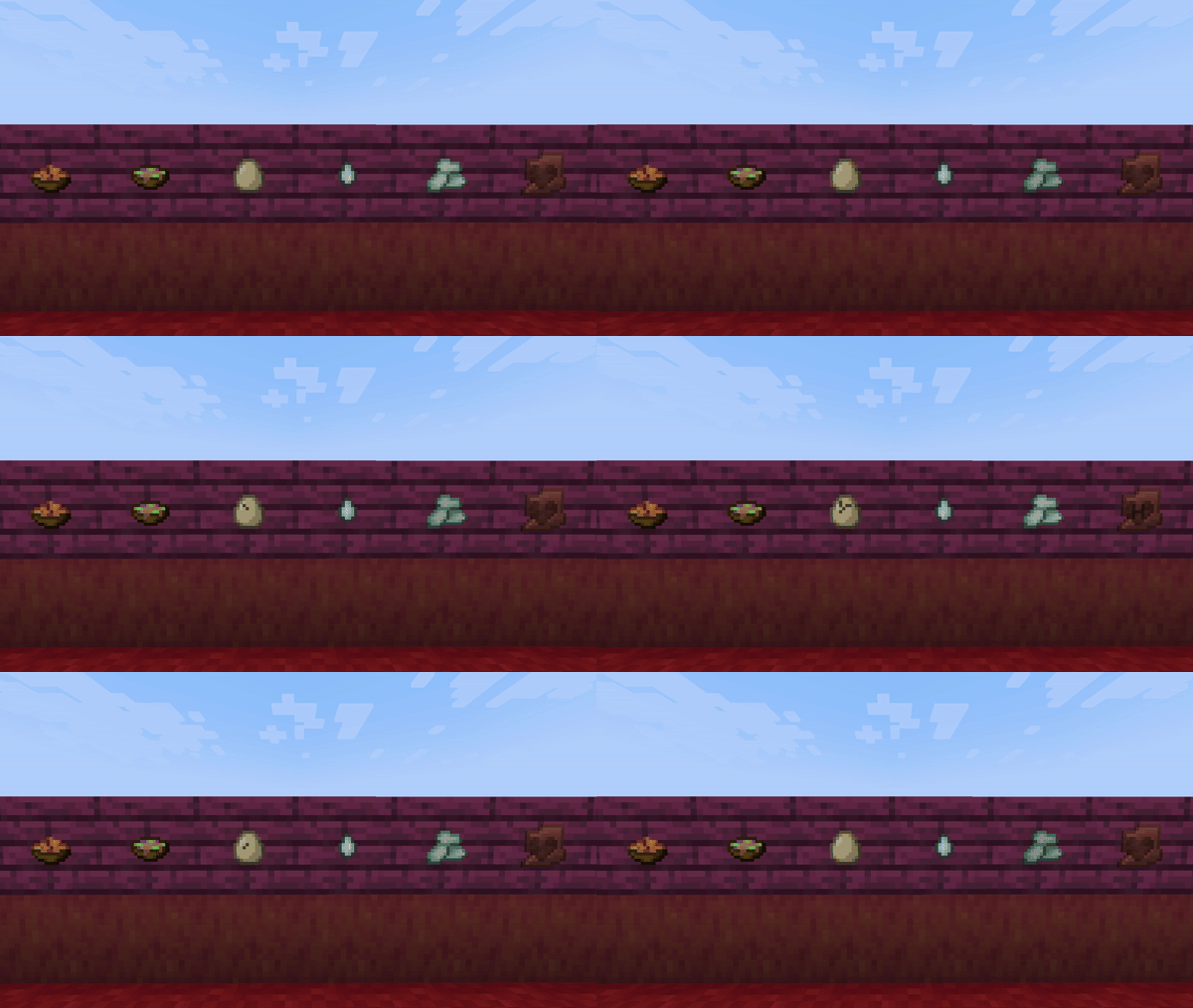
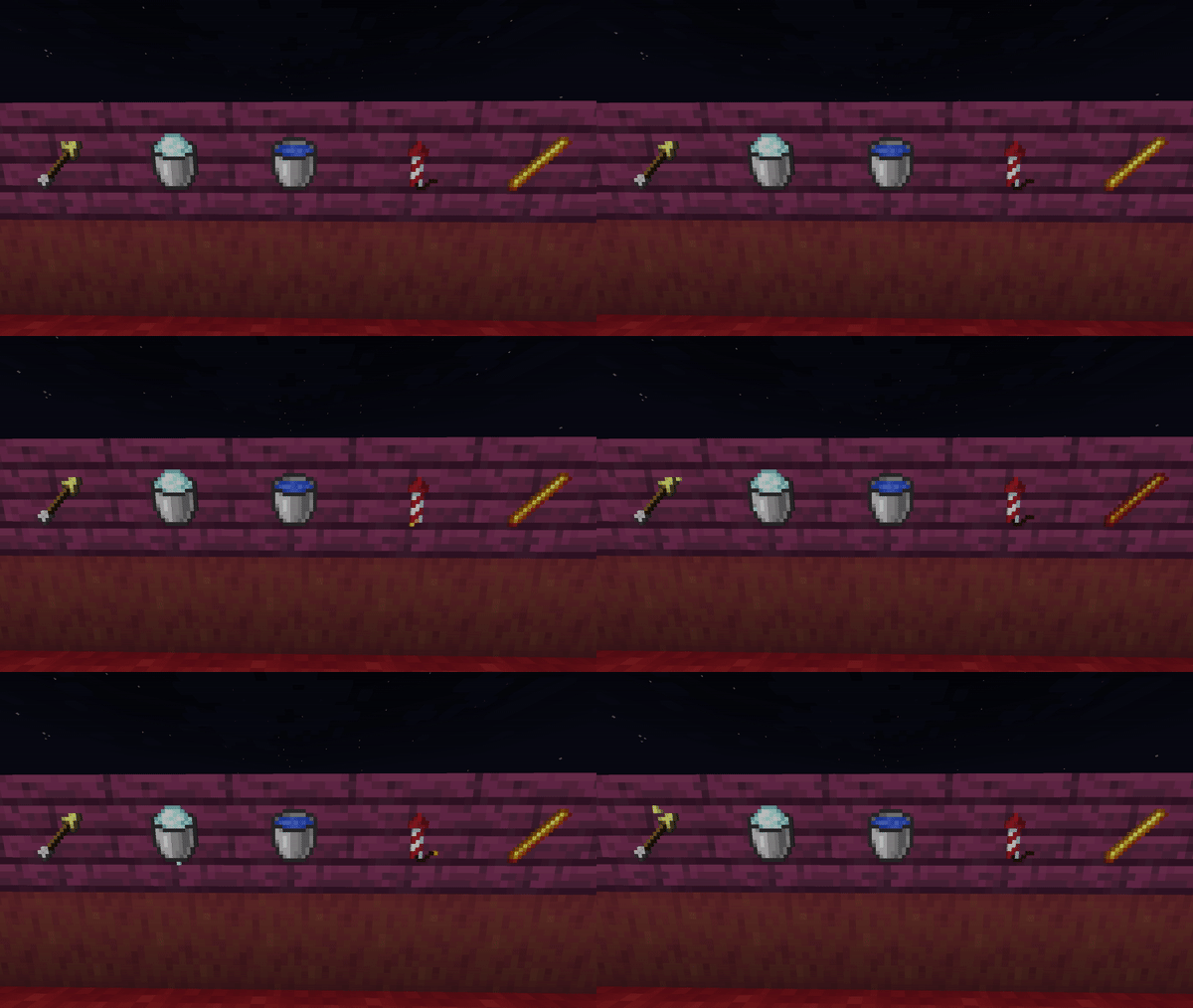
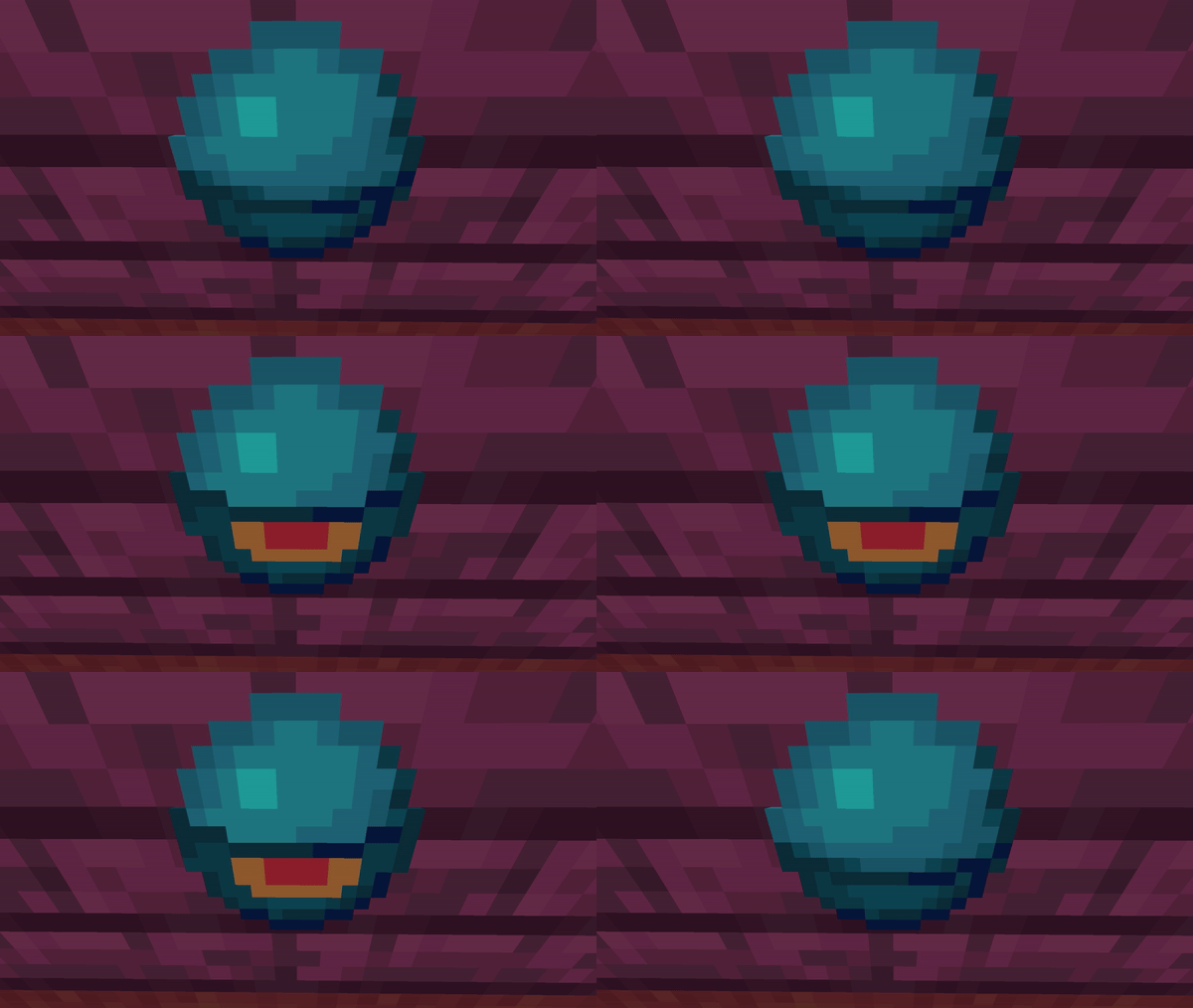
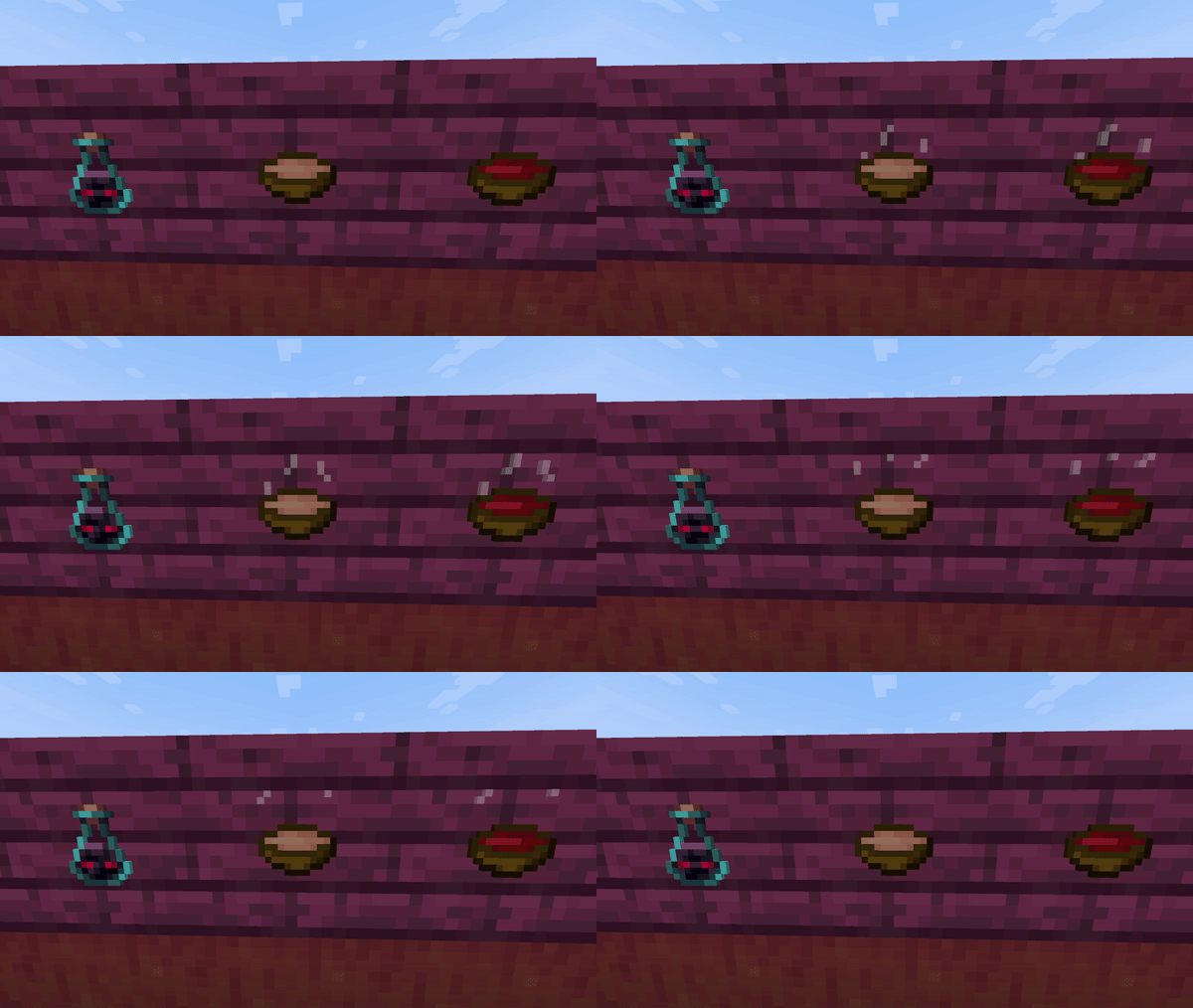
Animates a ton of inventory items.
Animated by me Hurkledurkle!! :)

You can join my discord to provide feedback and take part in voting for what is to come next!!!
https://discord.gg/4dg5TP3eCn

List of what is done (so far):
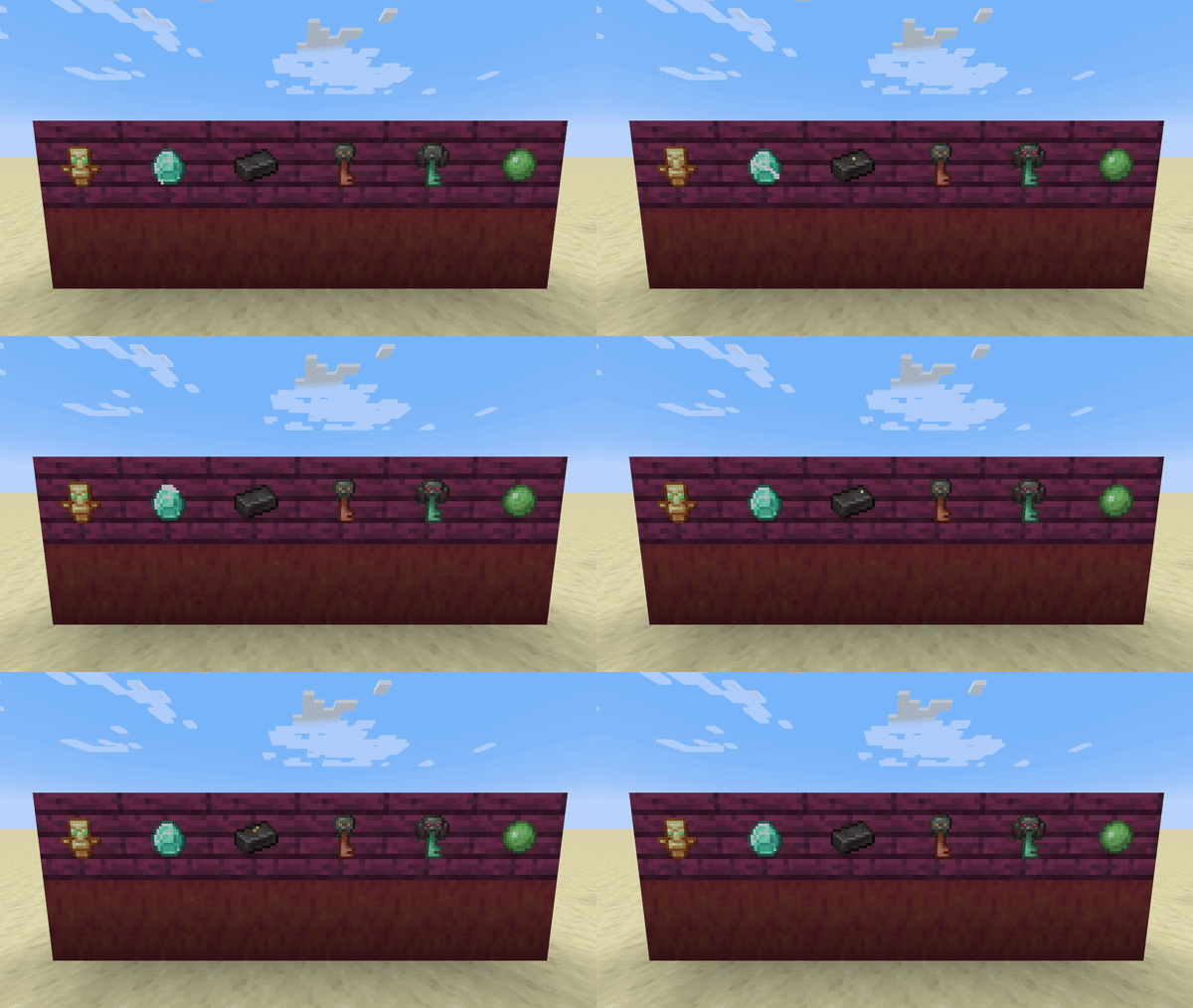
Diamond
Totem of undying
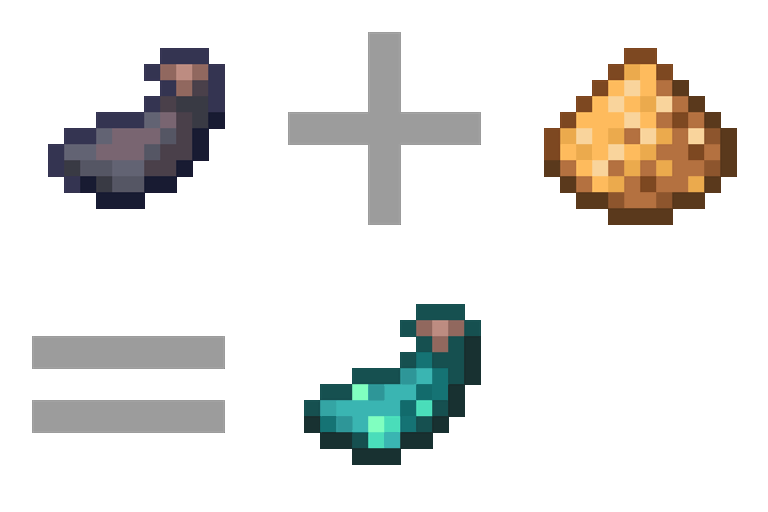
Netherite ingot
Slimeball
Trial key
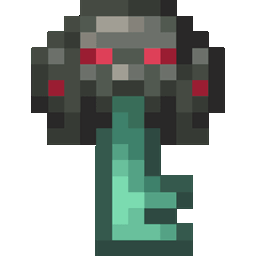
Ominous trial key
Ominous bottle
Ender pearl
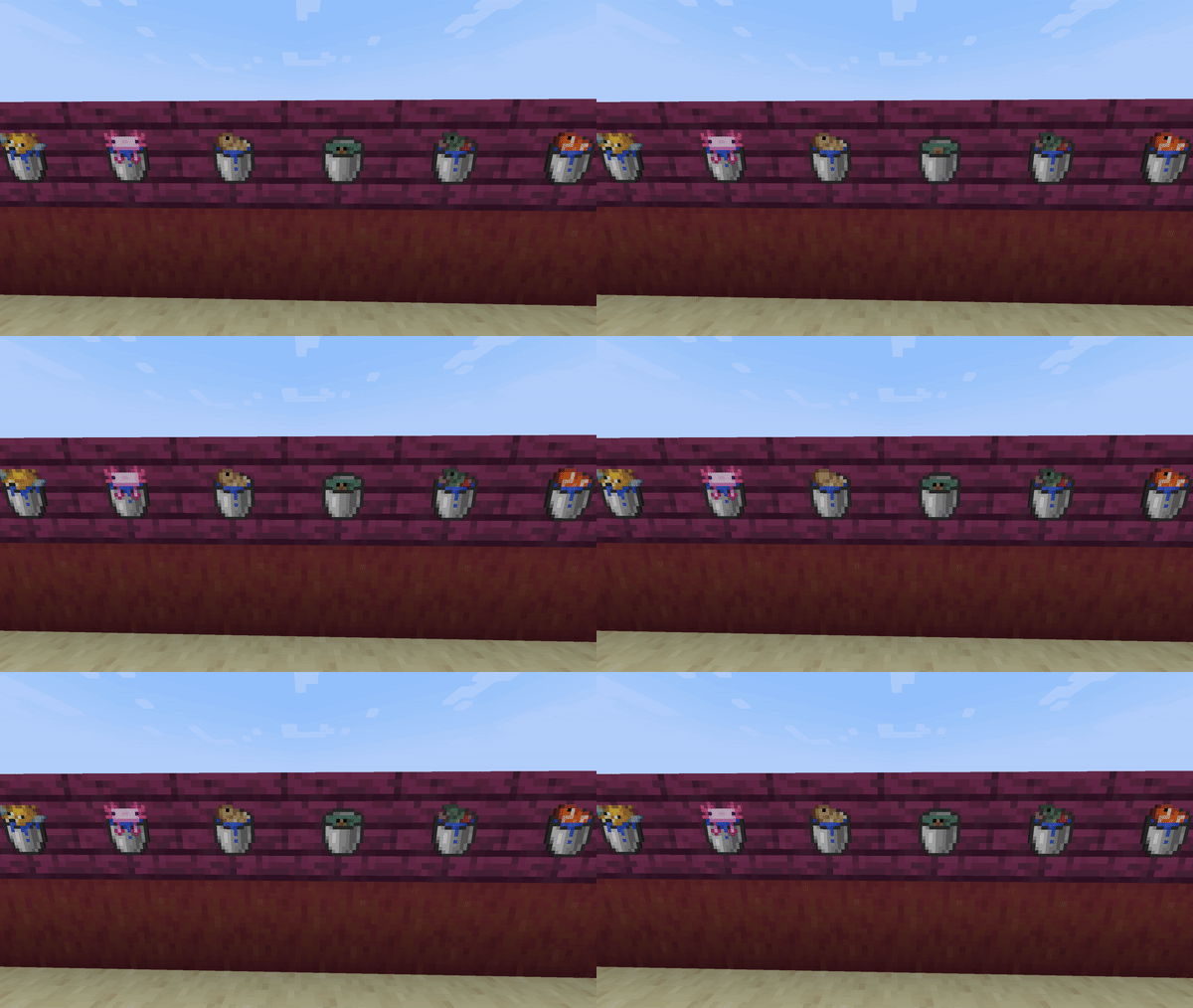
Buckets of fish
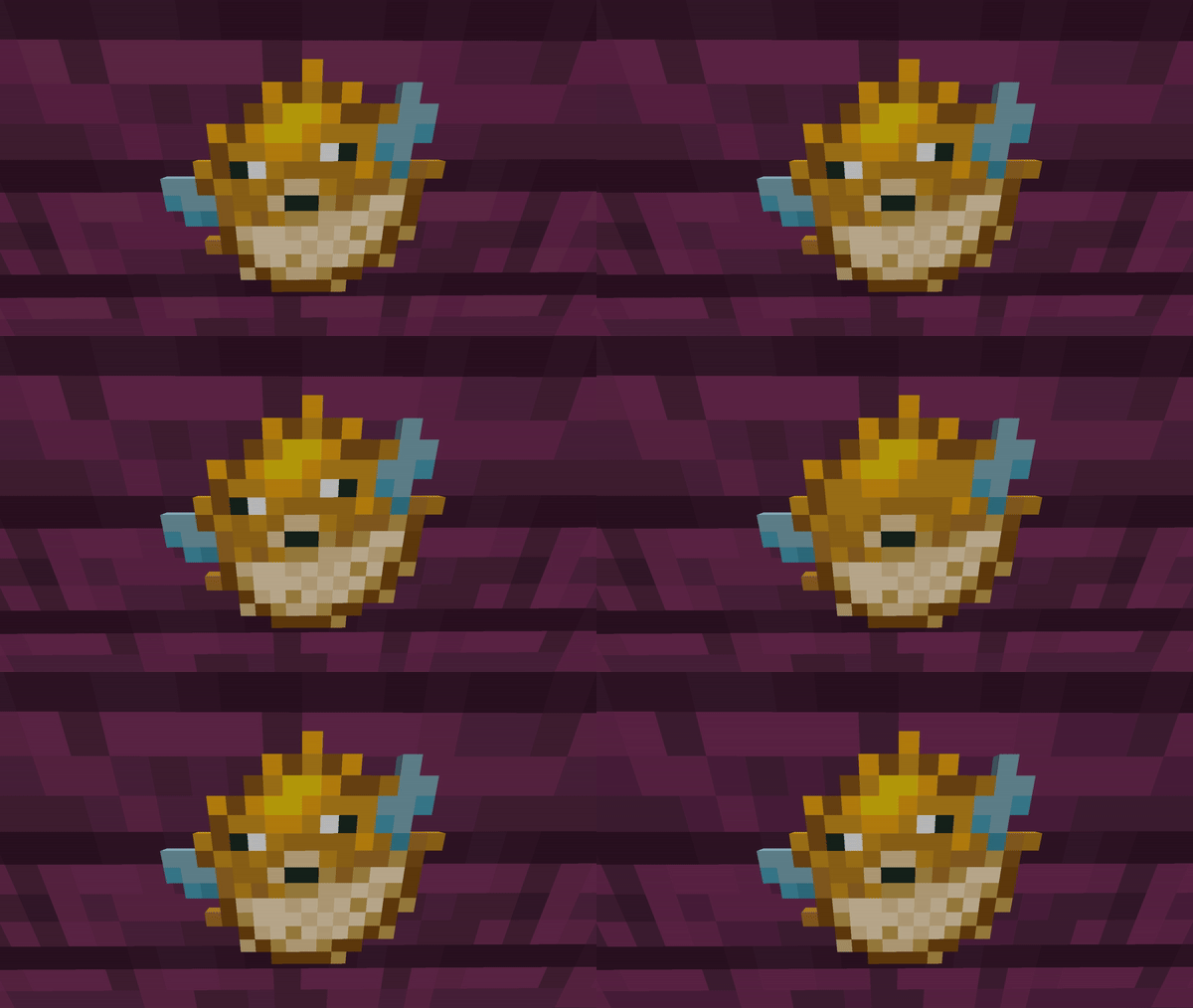
Pufferfish
Stews and soups
Emerald
Echo shard
Eye of ender
Lava bucket
Glow ink sac
All buckets
Tipped arrows
Blaze rod
Ghats tear
Egg
Prismarine crystals
Secret animation you Sherd see quickly

To do:
Gold ingot
Copper ingot
Iron ingot
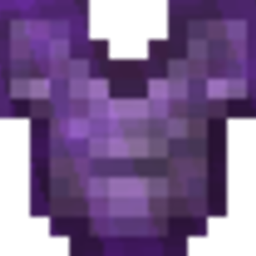
Amethyst shard
Breeze rod
Blaze powder
Dragons breath
Fire charge
Nether star
Many Many more

Animated Items By Hurkledurkle
MC 1.21.11
Release 2025-12-09 Get
Animated Items By Hurkledurkle
MC 1.21.9
Release 2025-09-30 Get
Animated Items By Hurkledurkle
MC 1.21.9, 1.21.10
Release 2025-09-30 Get
Animated Items By Hurkledurkle
MC 1.21.8
Release 2025-08-22 Get
Animated Items By Hurkledurkle
MC 1.21.8, 1.21.7
Release 2025-07-03 Get
Animated Items By Hurkledurkle
MC 1.21.6
Release 2025-06-17 Get
Animated Items By Hurkledurkle.zip
MC 1.21.5
Release 2025-03-25 Get
Animated Items By Hurkledurkle.zip
MC 1.21.3
Release 2024-12-03 Get
Animated Items By Hurkledurkle.zip
MC 1.21.4
Release 2024-12-03 Get
Animated Items By Hurkledurkle.zip
MC 1.21.3
Release 2024-11-27 Get
Animated Items By Hurkledurkle.zip
MC 1.21.3
Release 2024-11-23 Get
Animated Items By Hurkledurkle
MC 1.21.3
Release 2024-11-22 Get
Animated Items By Hurkledurkle.zip
MC 1.21.3
Release 2024-11-21 Get

Requirements & install

How to use this resource pack in Minecraft
Resolution
16x
Minecraft
1.21.4 – 1.21.11
Install folder
.minecraft/resourcepacks

How to install resource packs

  1. Download the resource pack .zip file (do not extract it).
  2. In Minecraft open Options → Resource Packs → Open Pack Folder.
  3. Drop the .zip into the resourcepacks folder (.minecraft/resourcepacks).
  4. Move the pack to the Selected column and click Done.
Browse more: 16x resource packs 32x resource packs 64x resource packs 128x resource packs 256x resource packs 512x+ resource packs Resource Packs for 1.21.11 All resource packs

More from Hurkledurkle

Advertisement Remove ads with Premium →

You Might Also Like