Mineuniverse
Resource Packs
Hunting Rifle to Heavy LMG (NineZero's Gun Expansion resource/data pack)

Hunting Rifle to Heavy LMG (NineZero's Gun Expansion resource/data pack)

RESOURCE PACK
Replaces the Hunting Rifle from NZGE
by lessthancasual
Download Claim this project
Add a badge to your pageLink to Hunting Rifle to Heavy LMG (NineZero's Gun Expansion resource/data pack) from a README, website or forum post.
Preview: Badge

Badges update automatically and link to the resource pack page on MineUniverse.

3,332 downloads
0 likes
0 followers
Updated Oct 14, 2026
0 hypes
Follow0
16x Mod Support
Advertisement Remove ads with Premium →

This is also a data pack, so in order for this to function correctly you must put this in your datapack folder!!!!!!!!!!!(just like Create Guns)


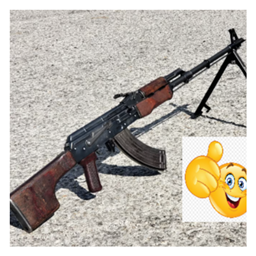
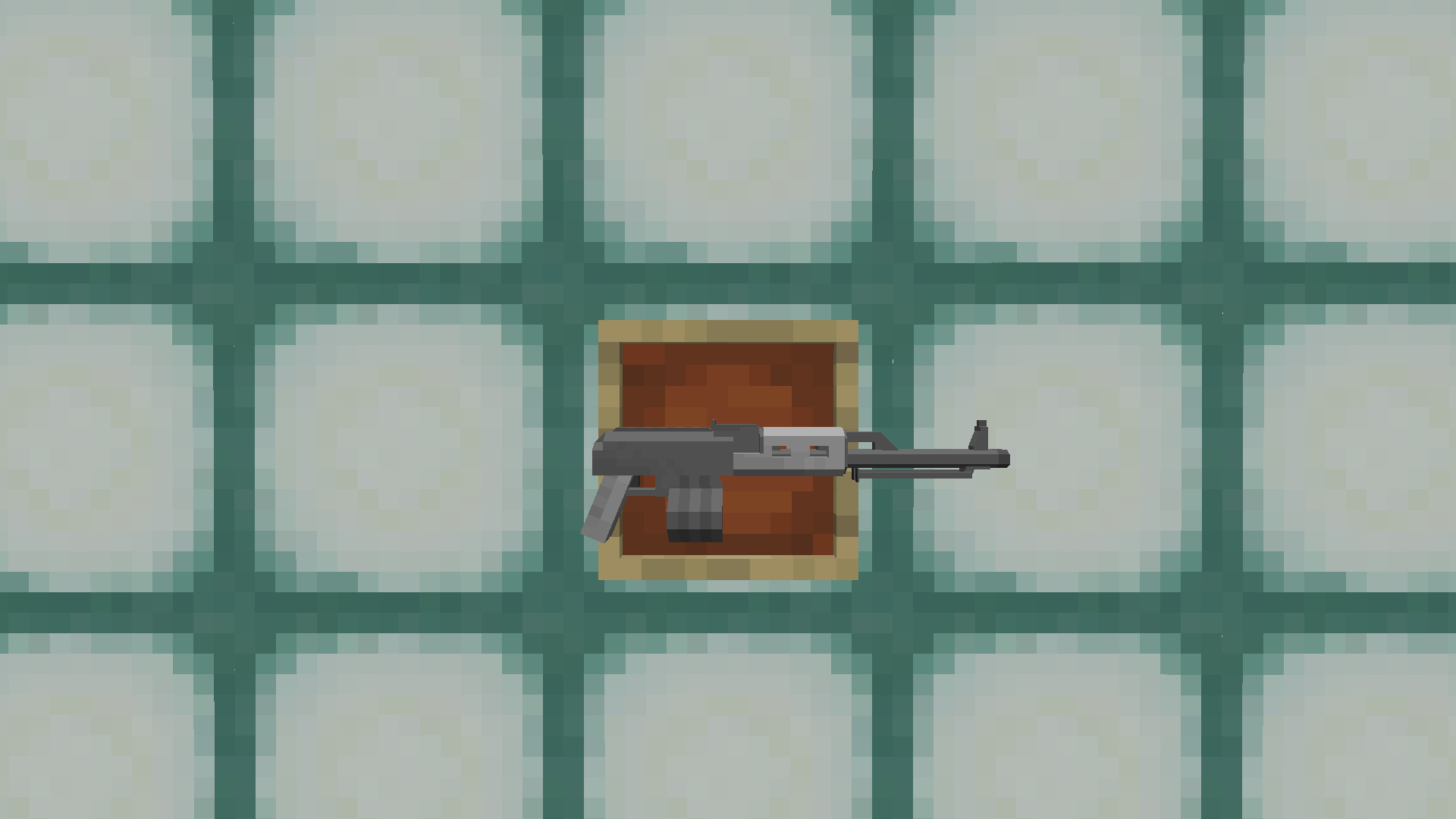
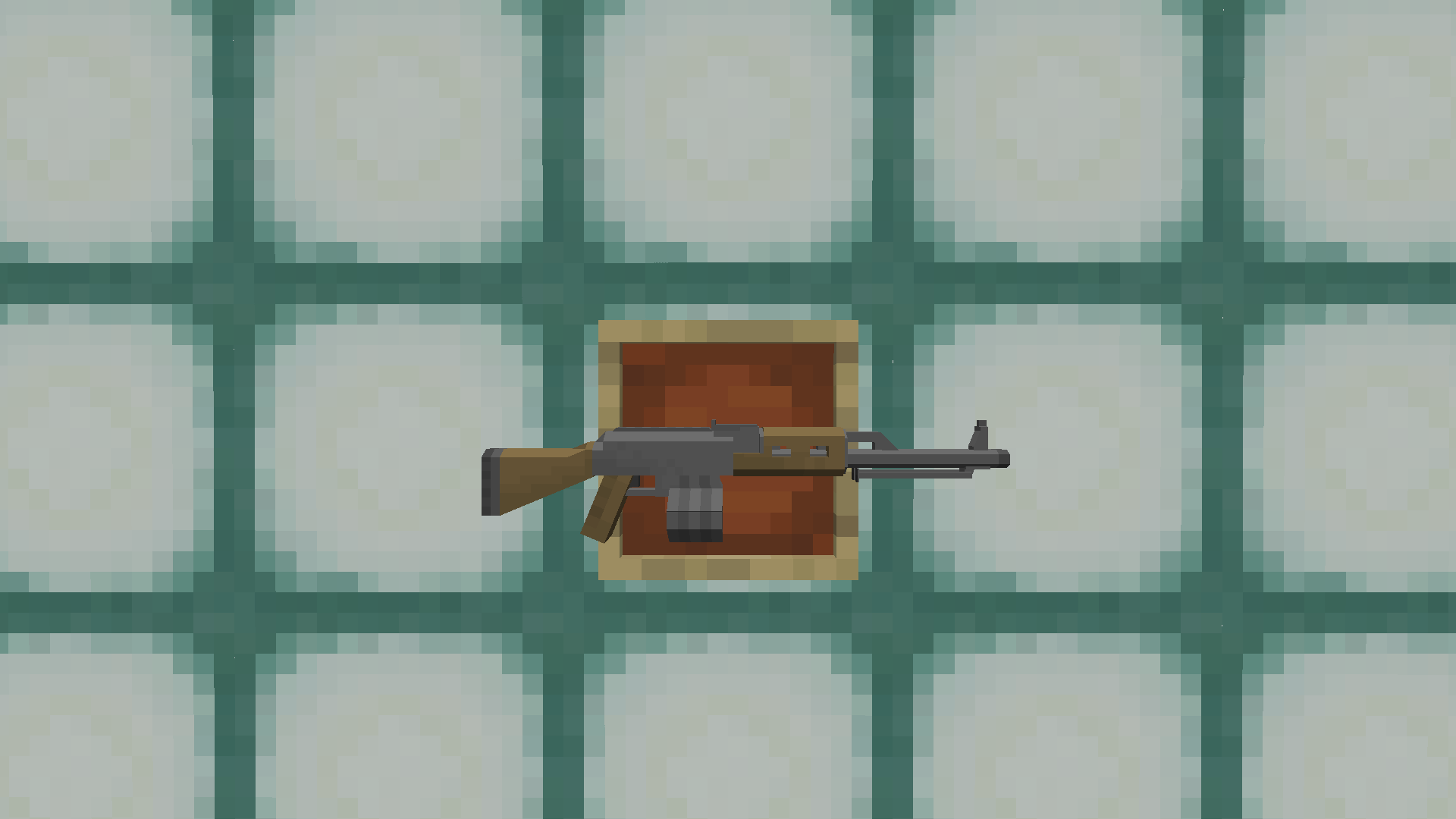
Since I feel the Hunting rifle doesn't fit in with the rest of the guns in NZGE, I replaced it with the Heavy LMG, which is a alternative to the Machine Gun with less ammo capacity but more damage per shot among other stuff and renamed the Machine Gun into the LMG for consistency purposes (yes the heavy light machine gun)


Credit to zaeonNineZero for the the Heavy AR model and its corresponding texture, so download his mod(even though you need the mod in order to use this lol)

NZGMaddonHeavyLMG-3.0
MC 1.16.5, 1.19.3, 1.19.4, 1.18.2, 1.19.2
Release 2024-08-08 Get
NZGMaddonHeavyLMG-2.2
MC 1.19.3, 1.19.4, 1.16.5, 1.18.2, 1.19.2
Release 2024-08-07 Get
NZGMaddonHeavyLMG-2.1
MC 1.19.3, 1.19.4, 1.16.5, 1.18.2, 1.19.2
Release 2024-08-06 Get
NZGMaddonHeavyLMG-2.0
MC 1.19.3, 1.19.4, 1.16.5, 1.18.2, 1.19.2
Release 2024-08-01 Get
NZGMaddonHeavyLMG-1.0
MC 1.19.3, 1.19.4, 1.16.5, 1.18.2, 1.19.2
Release 2024-07-31 Get

Requirements & install

How to use this resource pack in Minecraft
Resolution
16x
Minecraft
1.16.5 – 1.19.4
Install folder
.minecraft/resourcepacks

How to install resource packs

  1. Download the resource pack .zip file (do not extract it).
  2. In Minecraft open Options → Resource Packs → Open Pack Folder.
  3. Drop the .zip into the resourcepacks folder (.minecraft/resourcepacks).
  4. Move the pack to the Selected column and click Done.
Browse more: 16x resource packs 32x resource packs 64x resource packs 128x resource packs 256x resource packs 512x+ resource packs Resource Packs for 1.19.4 All resource packs

More from lessthancasual

Advertisement Remove ads with Premium →

You Might Also Like