Badges update automatically and link to the resource pack page on MineUniverse.
Well well. You around here? A beautiful coincidence, what a small world, isn't it?
Look, don't be lazy, read the description. I want to talk to you, ok?
Human Guard Villagers Update
How to put this in your game:
Go in \.minecraft\config and open the guardvillagers-client file with a text editor. Change the setting "false" to "true".
I would like to extend my thanks to the entire Guard Villagers team, especially Tallestred, for providing us with this opportunity.
Therefore, you need version 1.2.1 of the mod or newer. Which can be found here: Guard Villagers
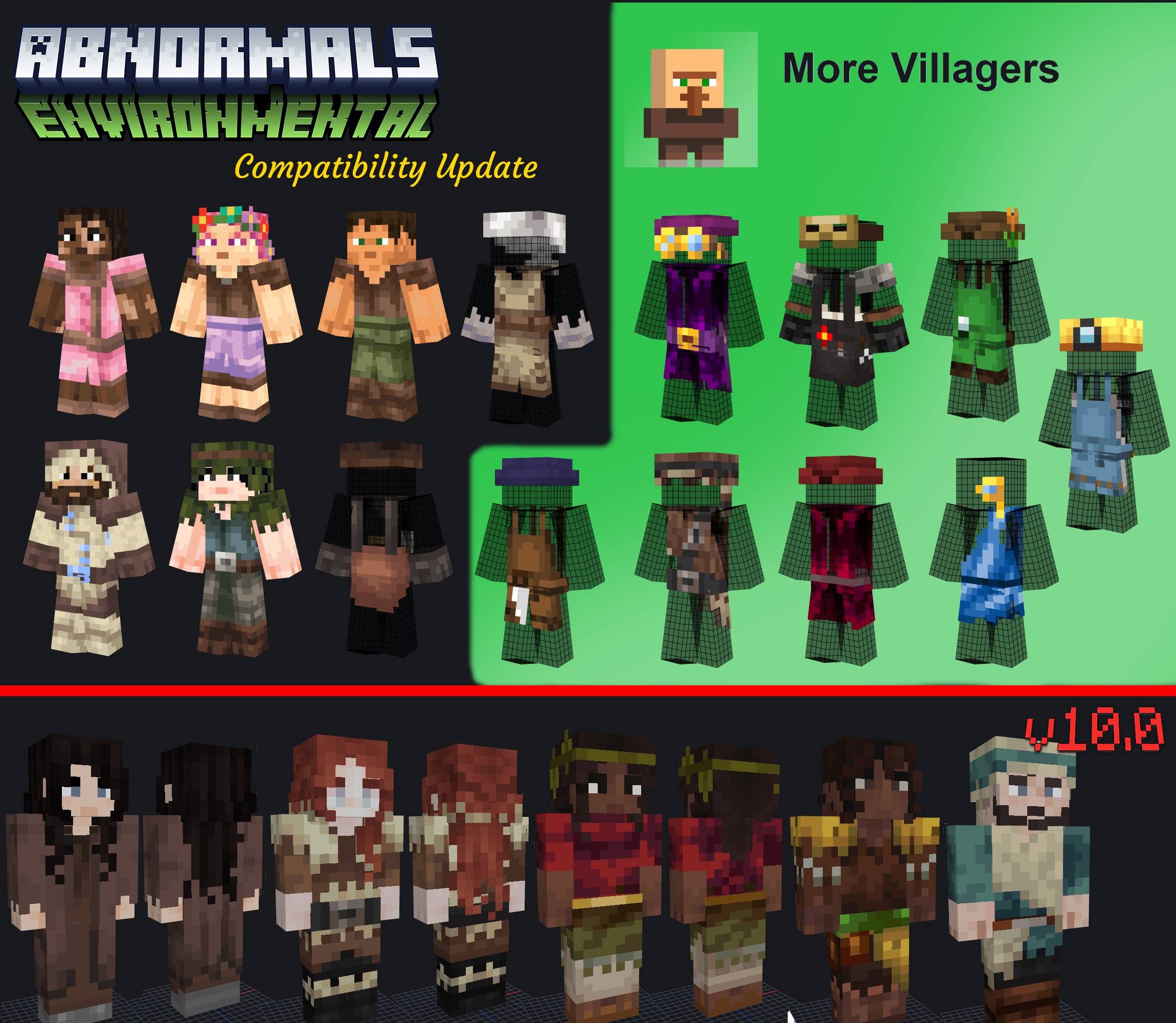
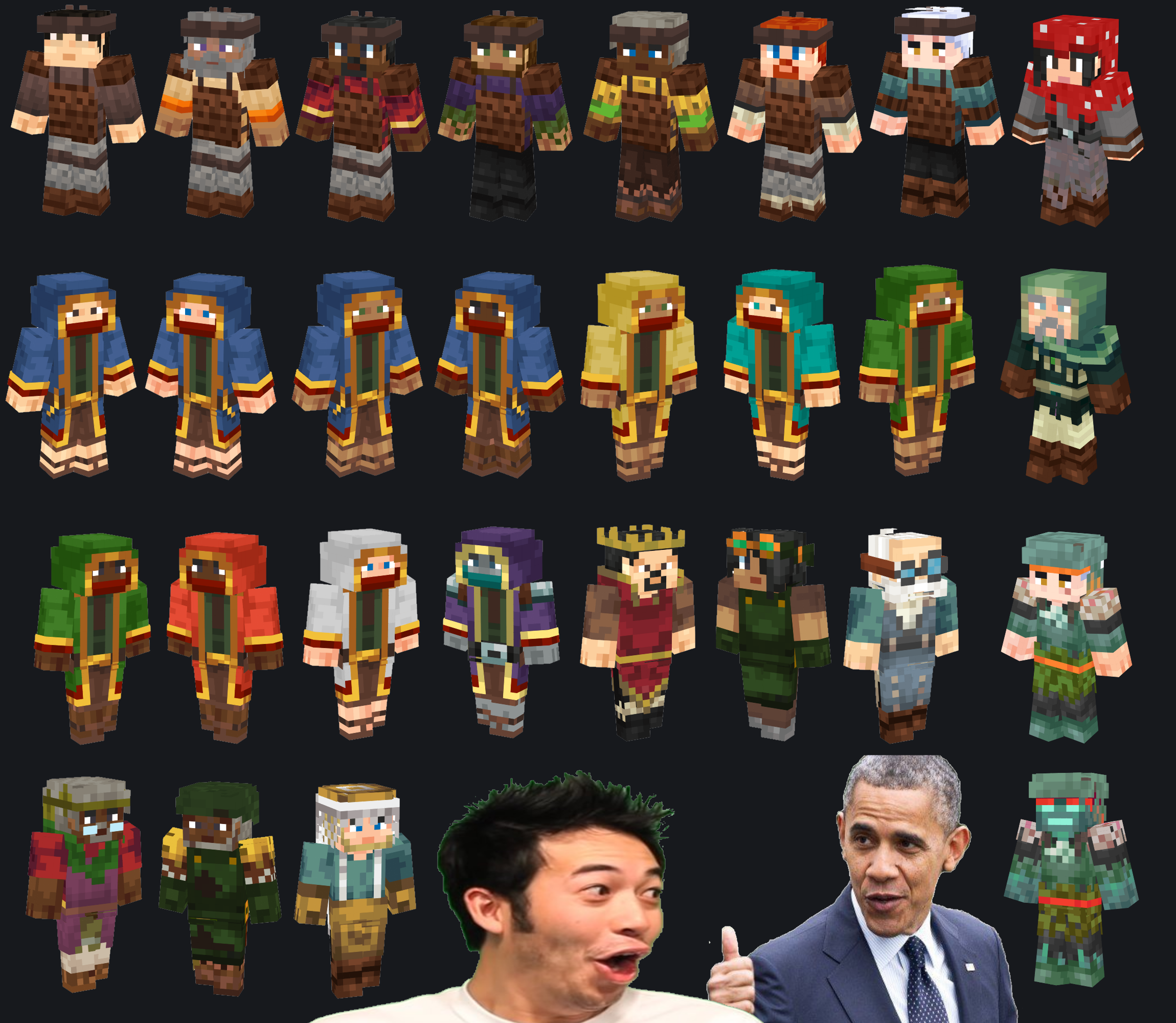
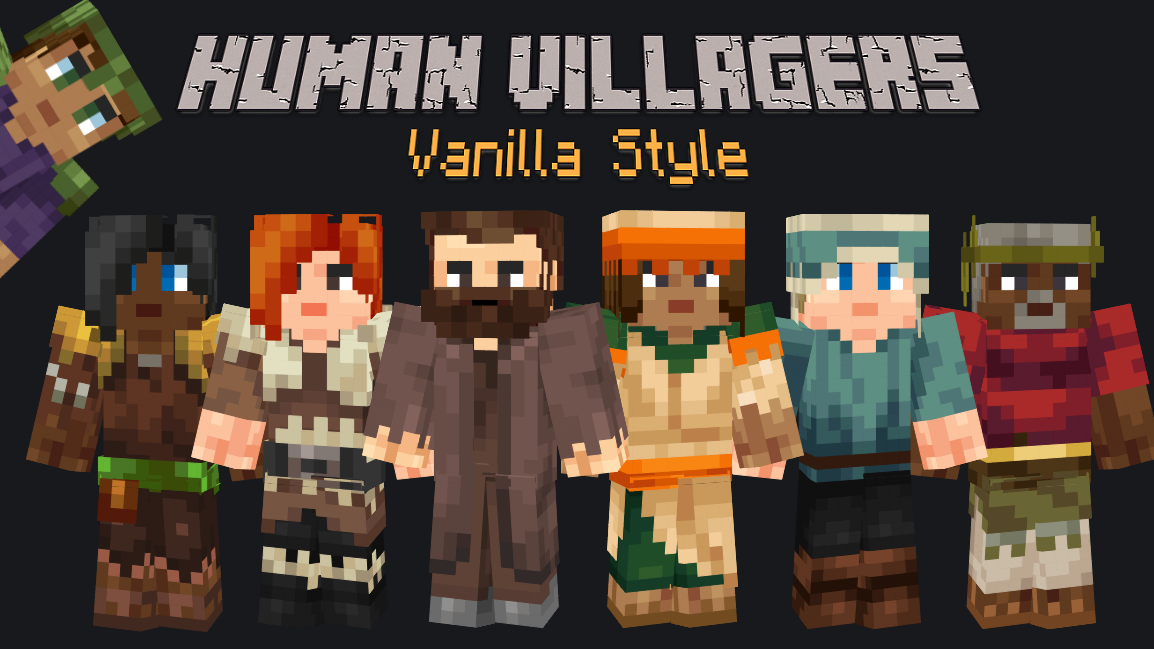
Well, this is what you are seeing. A texture pack that changes villagers' models to the 1.8 "steve" skin format.
I would like to make it clear here all the credits to SixFootBlue for having made the models and the base textures.
I just took his work and changed the textures. So, you can find the original work here: Player Villager Models.
The new models and many skins were based on the texture pack from CmdrMcNuggets (or ZendraKyn), Player Mob Models. So thanks CmdrMcNuggets!
All textures were made using the minecraft 1.16.5 native textures and converting to the "steve" format through paint.net and online editors.
I did my best to maintain the maximum fidelity to the original textures. So I hope it looks like an "unofficial version".
Plans for the future:
*More skins varieties and ethnicities
*Exclusive professions skins for each culture
*A new separate pack with skins from real cultures, like Arabs, Europeans and Africans, always with 16x16 resolution and without losing the native essence.
*A new separate pack with fantasy skins, like elves, orcs and etc. Just like the previous one, without losing the native essence.
*Compatibility with mods (9/∞)
*Custom sounds (Cancelled)
These plans may or may not happen. It will depend on:
Time: maybe college will start this month, and I don't know how it will be
Disposition: I procrastinate a lot and get discouraged easily with everything, so at any moment I can throw it all away and get out.
Reception/Feedback: Well, if nobody likes it, there's no reason to keep doing it, there is?
I will see if it is worthwhile to continue according to the downloads and comments.
My pc does not catch fire: who will know.
(Addendum: probably my writing is all wrong, so if you understand; yeeh nice. If not; sorry bro)
I recommend using with
Nature X
Thanks RalTU for your Mushroom and End City villager textures.
Thanks iHopeICanChangeThis for your Ocean Villager texture.
Thanks Maerck for your face textures from Maerck's Medieval Skin Pack.
Thanks Astrune for your colorful Wandering Traders textures from Alternate Wandering Traders.
Thanks emeraldgreen90 for your Ex-Pillager Wandering Trader texture from Ex-Pillager Wandering Trader.
Thanks Kemiu for your Vindicator texture from Illagers Reborn.
Thanks TazerLinx for your Bloody Evoker texture.
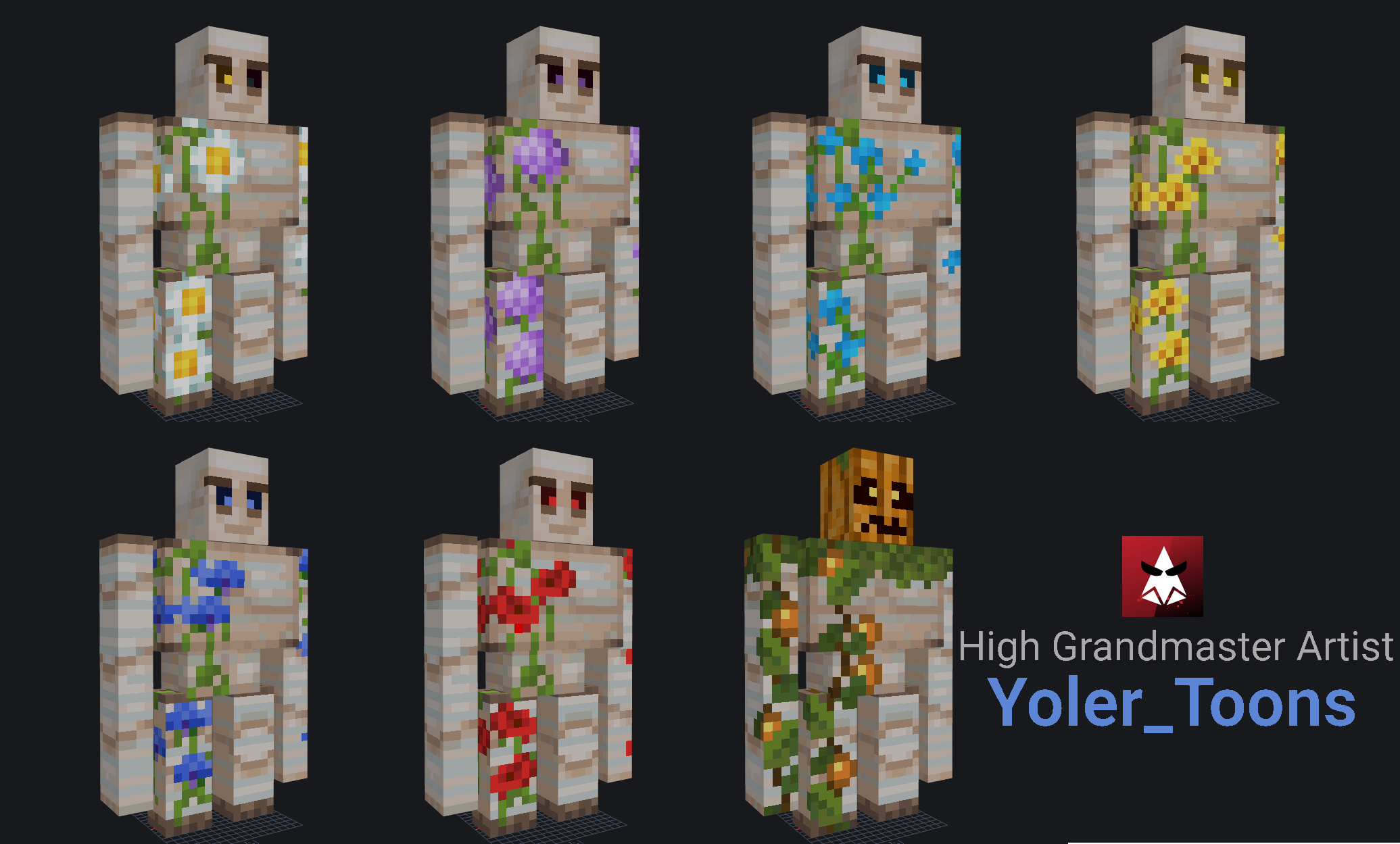
Thanks Yoler_Toons for your Flower Golems textures.
Mod compatibility
#Buzzier Bees
#Charm
#Immersive Engineering
#The King of the Villagers
#Ice and Fire
#Guard Villagers
#Environmental
#Atmospheric
#More Villagers
This pack requires optifine.
Wandering traders requires optifine OptiFine HD U G8 or newer.