Mineuniverse
Resource Packs
HUD Reignited

HUD Reignited

RESOURCE PACK
This resource pack changes the boring to HUD to something great
by CreepyWe
Download Claim this project
1,957 downloads
0 likes
Updated Oct 14, 2026
0 hypes
16x
Advertisement Remove ads with Premium →

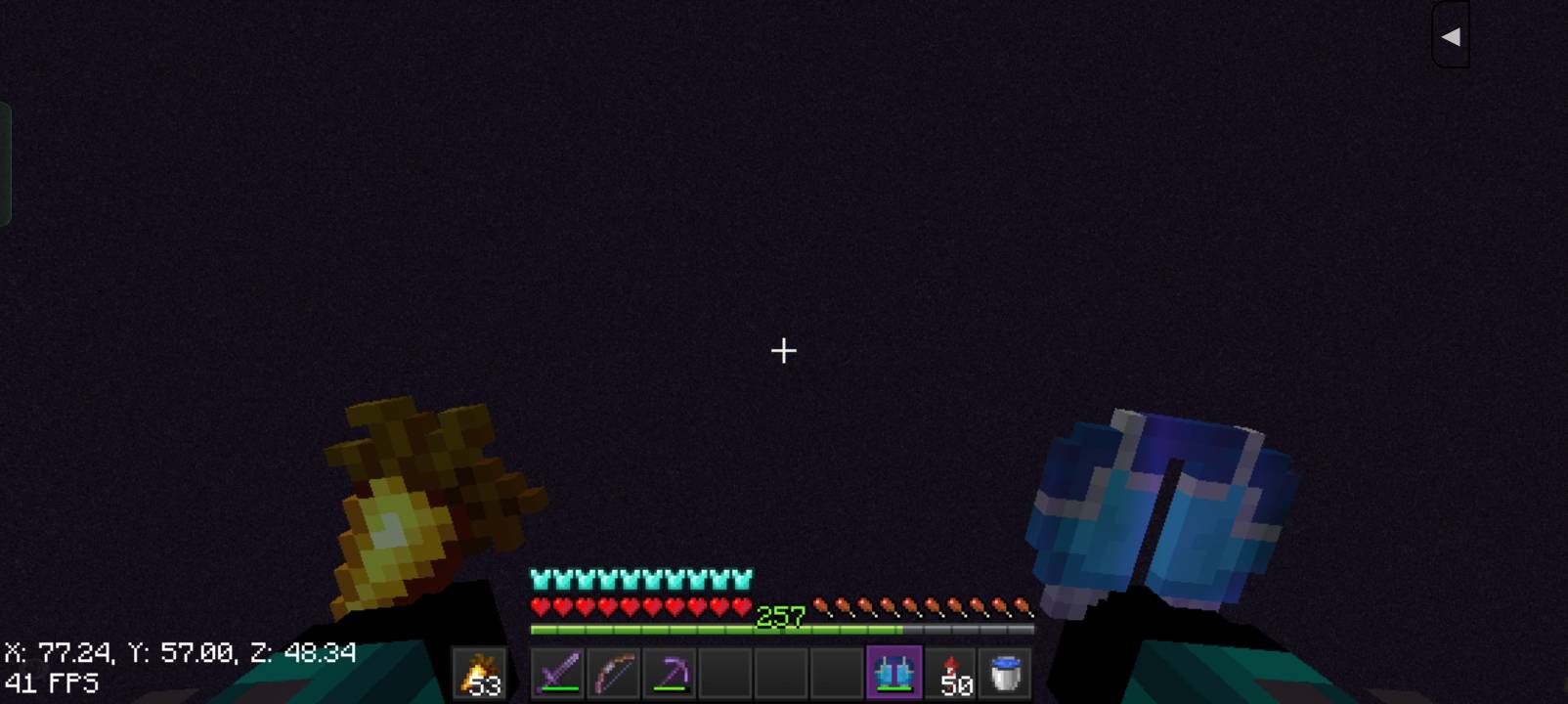
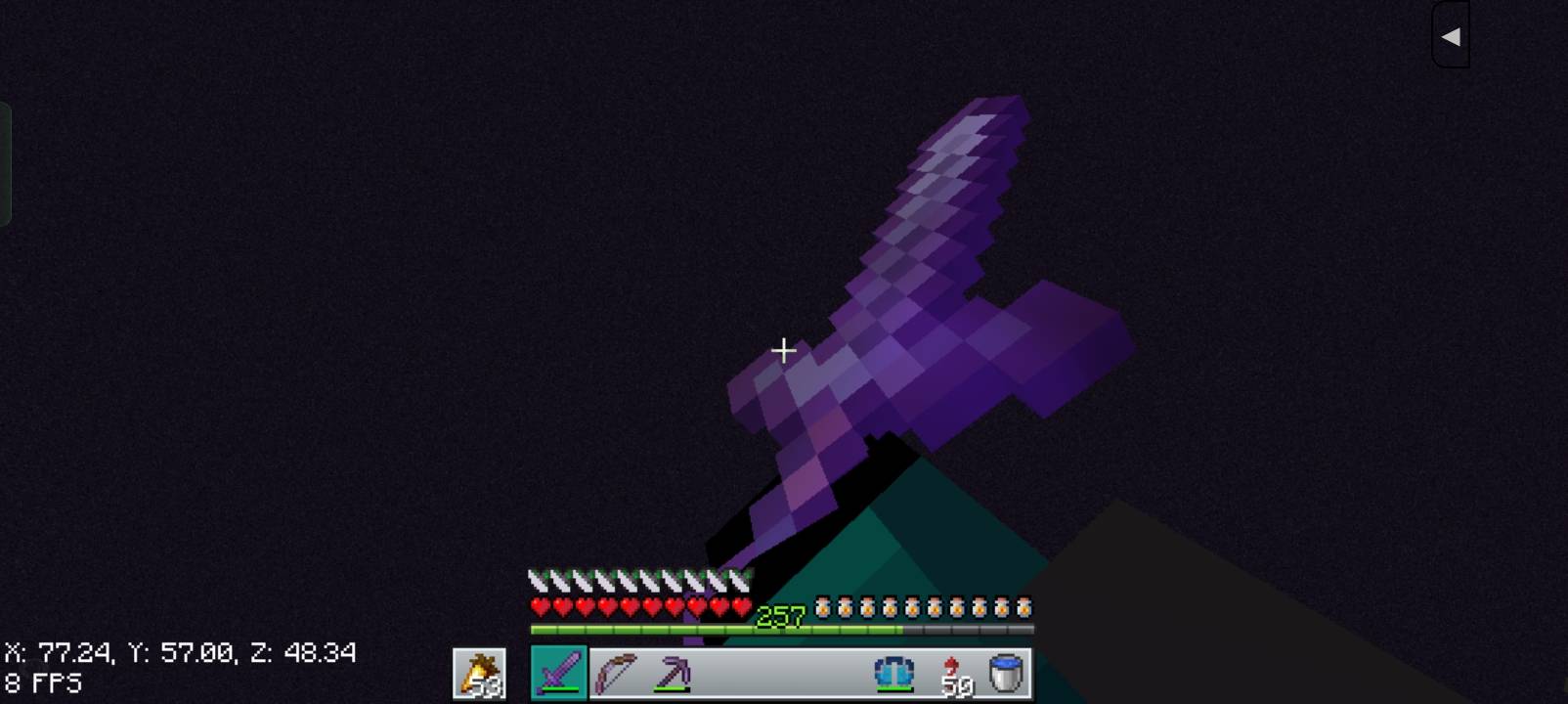
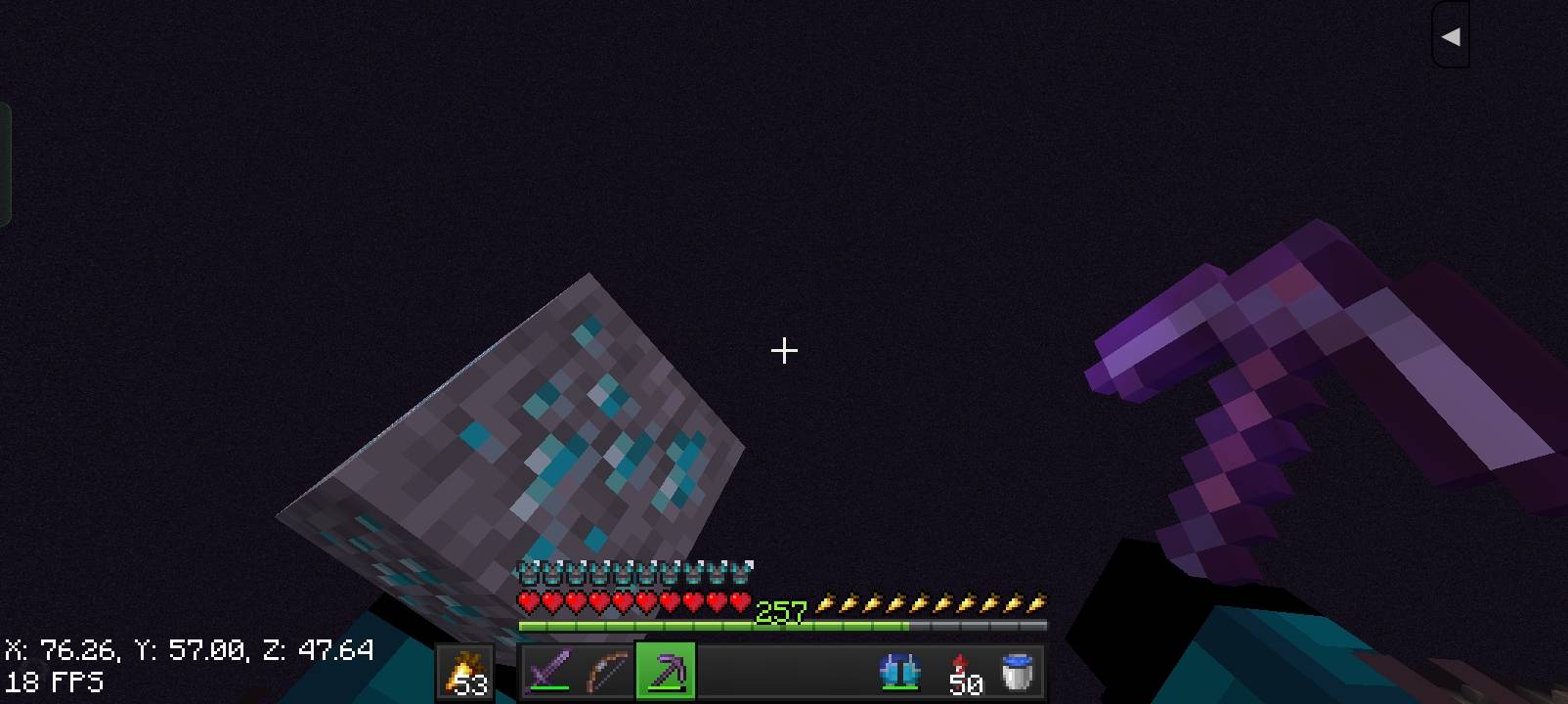
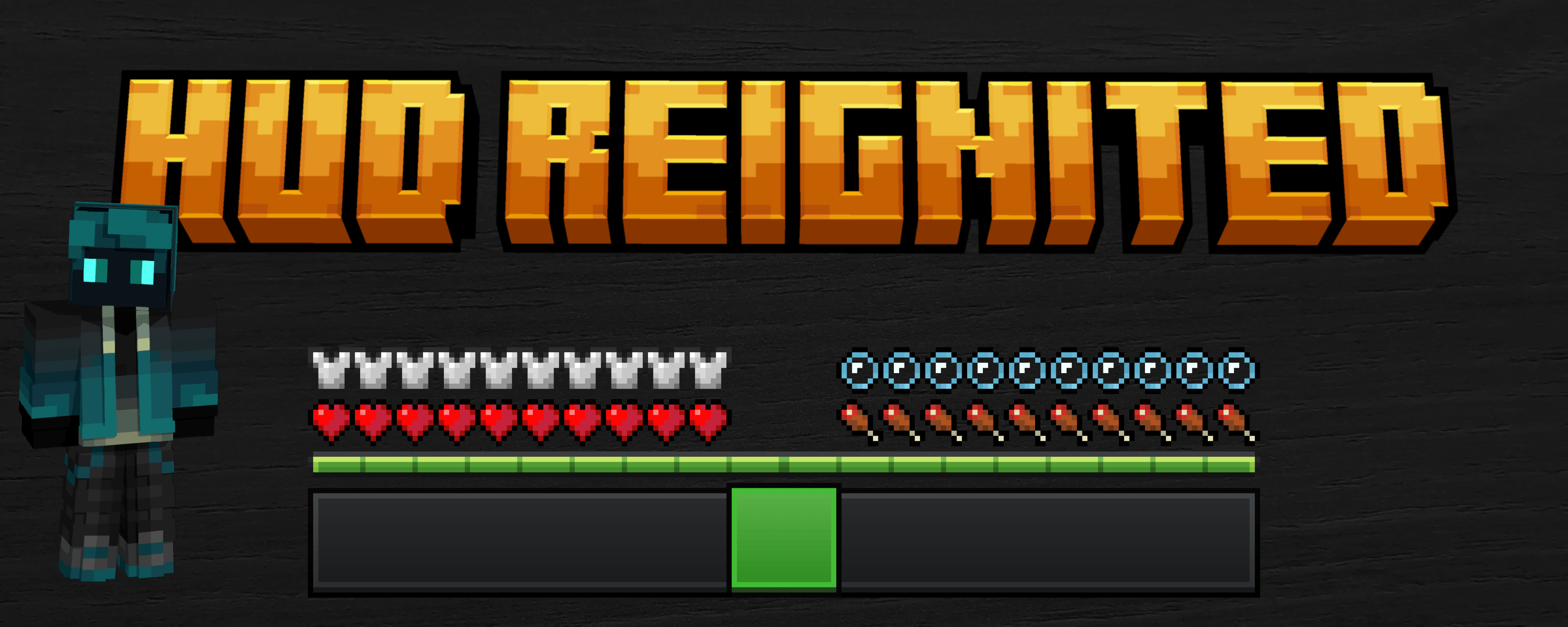
HUD Reignited completely refreshes the default Minecraft HUD with a cleaner, sharper, and more modern design — while still keeping the vanilla feel.


This pack is made for players who love Minecraft’s original style but want something that looks more polished and satisfying during gameplay. Whether you're building, PvPing, or surviving hardcore nights, the new HUD makes everything feel smoother and more immersive.


What This Pack Does


  •  Revamps the in-game HUD
  •  Cleaner spacing and improved visual clarity
  •  Modernized textures without breaking the vanilla vibe

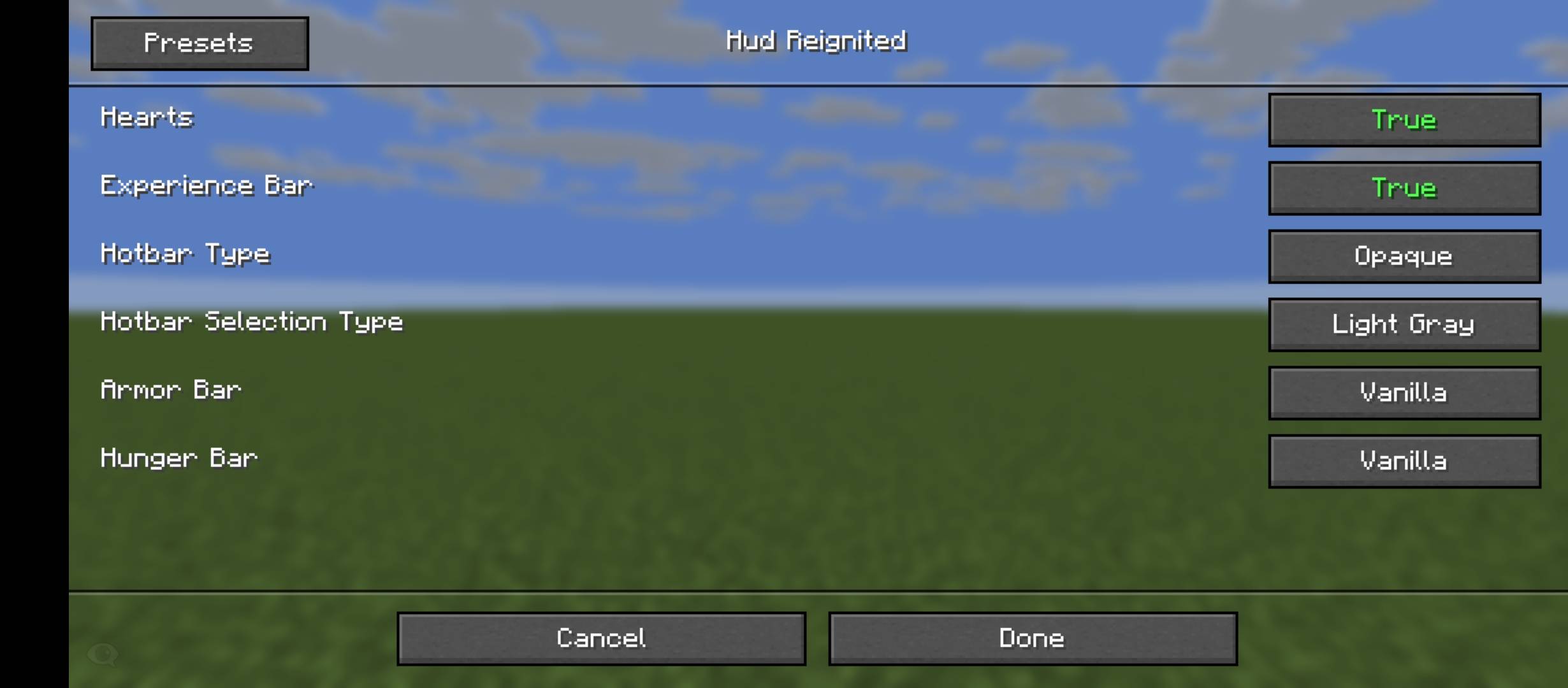
Customize this pack as you want with Respackopts

You can customize

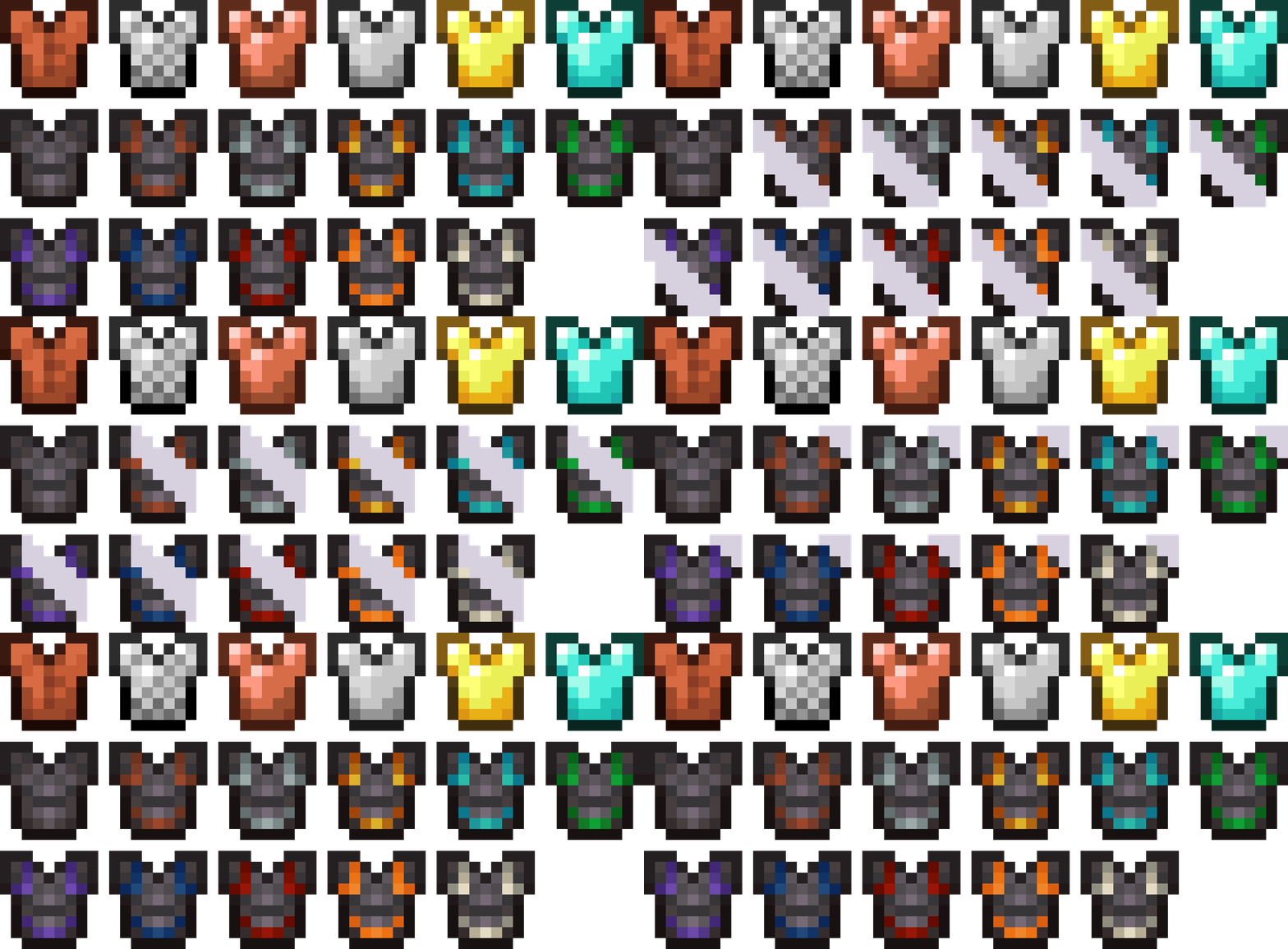
  • Armor bar
  • Hunger bar
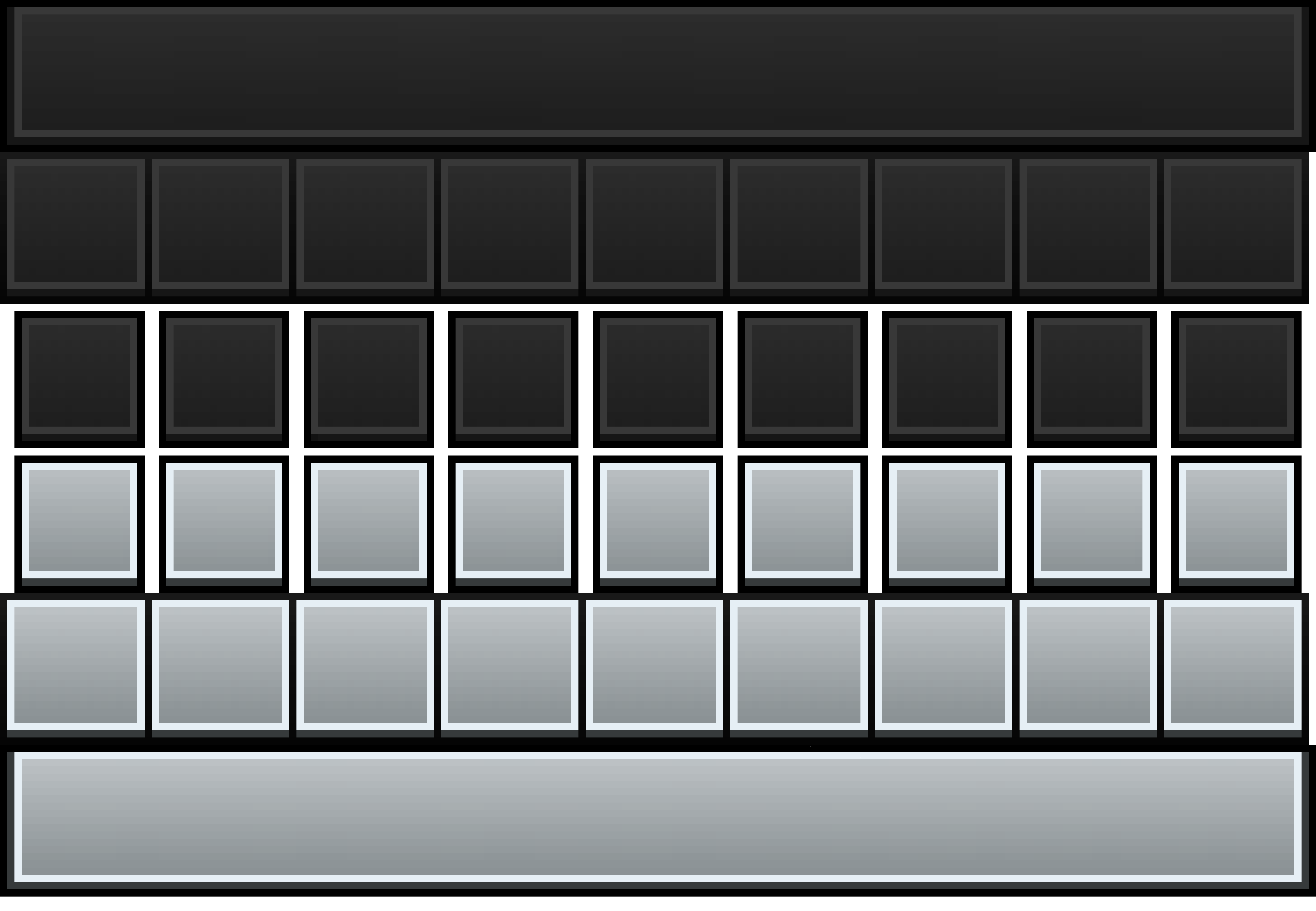
  • Hotbar
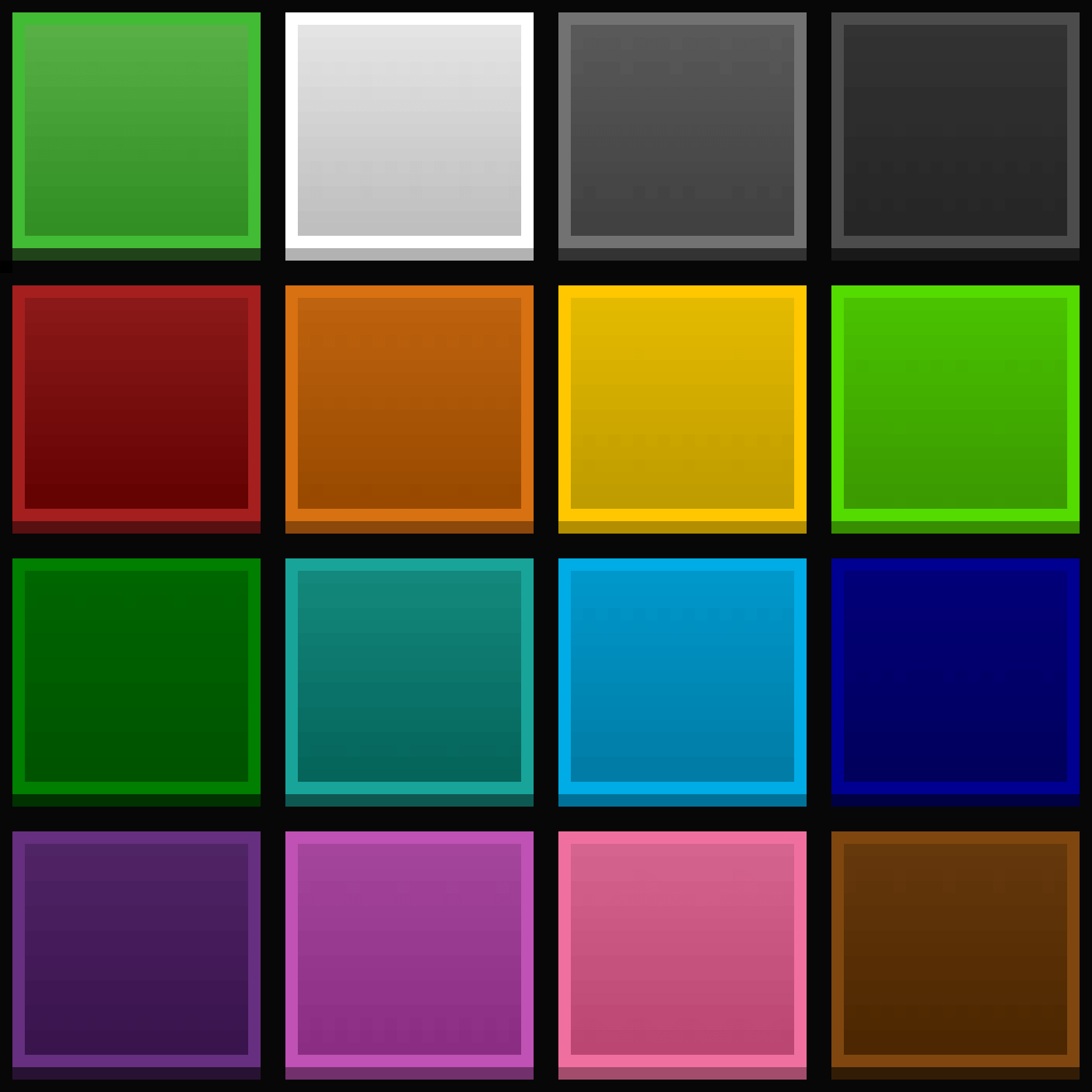
  • hotbar selection

Heart textures are by Recolourful container.

Hungerbar textures are by Vanilla Tweaks.

hotbar textures are by Unique dark with slightly modifications.

Respackopts Support


HUD Reignited supports Respackopts, allowing better compatibility and customization options.

If you use Respackopts, the pack will integrate smoothly with your setup.

v4.1
MC 1.21, 1.20.2, 1.21.8, 1.20.5, 1.21.5, 1.21.4, 1.20.1, 1.20, 1.20.6, 1.21.1, 1.21.6, 1.21.3, 1.21.7, 1.20.4, 1.20.3, 1.21.2, 1.21.9, 1.21.10, 1.21.11, 26.1, 26.1.1, 26.1.2
Release 2026-06-12 Get
v4.0.3(1.20x,1.21x,26x)
MC 1.21, 1.20.2, 1.21.8, 1.20.5, 1.21.5, 1.21.4, 1.20.1, 1.20, 1.20.6, 1.21.1, 1.21.6, 1.21.3, 1.21.7, 1.20.4, 1.20.3, 1.21.2, 1.21.9, 1.21.10, 1.21.11, 26.1, 26.1.1, 26.1.2
Release 2026-05-18 Get
v4.0.3(1.21.9onwards)
MC 1.21.9, 1.21.10, 1.21.11, 26.1, 26.1.1, 26.1.2
Release 2026-05-18 Get
v4.0.2(1.20x,1.21x,26x)
MC 1.21, 1.20.2, 1.21.8, 1.20.5, 1.21.5, 1.21.4, 1.20.1, 1.20, 1.20.6, 1.21.1, 1.21.6, 1.21.3, 1.21.7, 1.20.4, 1.20.3, 1.21.2, 1.21.9, 1.21.10, 1.21.11, 26.1, 26.1.1, 26.1.2
Release 2026-05-17 Get
v4.0.2(1.21.9onwards)
MC 1.21.9, 1.21.10, 1.21.11, 26.1, 26.1.1, 26.1.2
Release 2026-05-17 Get
v4.0.1(1.20x,1.21x,26x)
MC 1.21, 1.20.2, 1.21.8, 1.20.5, 1.21.5, 1.21.4, 1.20.1, 1.20, 1.20.6, 1.21.1, 1.21.6, 1.21.3, 1.21.7, 1.20.4, 1.20.3, 1.21.2, 1.21.9, 1.21.10, 1.21.11, 26.1, 26.1.1, 26.1.2
Release 2026-05-07 Get
v4.0.1(1.21.9onwards)
MC 1.21.9, 1.21.10, 1.21.11, 26.1, 26.1.1, 26.1.2
Release 2026-05-07 Get
v4.0(1.20x,1.21x,26x)
MC 1.21, 1.20.2, 1.21.8, 1.20.5, 1.21.5, 1.21.4, 1.20.1, 1.20, 1.20.6, 1.21.1, 1.21.6, 1.21.3, 1.21.7, 1.20.4, 1.20.3, 1.21.2, 1.21.9, 1.21.10, 1.21.11, 26.1, 26.1.1, 26.1.2
Release 2026-05-04 Get
v4.0(1.21.9onwards)
MC 1.21.9, 1.21.10, 1.21.11, 26.1, 26.1.1, 26.1.2
Release 2026-05-04 Get
3.3(1.20x,1.21x)
MC 1.21, 1.20.2, 1.21.8, 1.20.5, 1.21.5, 1.21.4, 1.20.1, 1.20, 1.20.6, 1.21.1, 1.21.6, 1.21.3, 1.21.7, 1.20.4, 1.20.3, 1.21.2, 1.21.9, 1.21.10, 1.21.11
Release 2026-03-05 Get
3.3(1.21.9onwards)
MC 1.21.9, 1.21.10, 1.21.11
Release 2026-03-05 Get
3.1(1.20x,1.21x)
MC 1.21, 1.20.2, 1.21.8, 1.20.5, 1.21.5, 1.21.4, 1.20.1, 1.20, 1.20.6, 1.21.1, 1.21.6, 1.21.3, 1.21.7, 1.20.4, 1.20.3, 1.21.2, 1.21.9, 1.21.10, 1.21.11
Release 2026-03-02 Get
3.1(1.21.9onwards)
MC 1.21.9, 1.21.10, 1.21.11
Release 2026-03-02 Get
3.0(1.20x,1.21x)
MC 1.21, 1.20.2, 1.21.8, 1.20.5, 1.21.5, 1.21.4, 1.20.1, 1.20, 1.20.6, 1.21.1, 1.21.6, 1.21.3, 1.21.7, 1.20.4, 1.20.3, 1.21.2, 1.21.9, 1.21.10, 1.21.11
Release 2026-03-01 Get
3.0(1.21.9onwards)
MC 1.21.9, 1.21.10, 1.21.11
Release 2026-02-28 Get
2.1
MC 1.21, 1.21.8, 1.21.5, 1.21.4, 1.21.1, 1.21.6, 1.21.3, 1.21.7, 1.21.2, 1.21.9, 1.21.10, 1.21.11
Release 2026-02-16 Get
2.1
MC 1.21.9, 1.21.10, 1.21.11
Release 2026-02-16 Get
2.0
MC 1.21, 1.21.8, 1.21.5, 1.21.4, 1.21.1, 1.21.6, 1.21.3, 1.21.7, 1.21.2, 1.21.9, 1.21.10, 1.21.11
Release 2026-02-15 Get
2.0
MC 1.21.9, 1.21.10, 1.21.11
Release 2026-02-15 Get
1.0
MC 1.21, 1.21.8, 1.21.5, 1.21.4, 1.21.1, 1.21.6, 1.21.3, 1.21.7, 1.21.2, 1.21.9, 1.21.10, 1.21.11
Release 2026-02-14 Get
1.0
MC 1.21.9, 1.21.10, 1.21.11
Release 2026-02-14 Get

Requirements & install

How to use this resource pack in Minecraft
Resolution
16x
Minecraft
1.21.7 – 26.1.2
Install folder
.minecraft/resourcepacks

How to install resource packs

  1. Download the resource pack .zip file (do not extract it).
  2. In Minecraft open Options → Resource Packs → Open Pack Folder.
  3. Drop the .zip into the resourcepacks folder (.minecraft/resourcepacks).
  4. Move the pack to the Selected column and click Done.
Browse more: 16x resource packs 32x resource packs 64x resource packs 128x resource packs 256x resource packs 512x+ resource packs Resource Packs for 26.1.2 All resource packs

More from CreepyWe

Advertisement Remove ads with Premium →

You Might Also Like